Geteilte Anleitung

How to mark deals as won or lost

In this concise guide, you'll learn how to efficiently mark deals as won or lost within the BMX platform.

victoriaworkflowsvictoriaworkflows
·7 Schritte·71 Aufrufe·Veröffentlicht

In this concise guide, you'll learn how to efficiently mark deals as won or lost within the BMX platform. Follow step-by-step instructions to update deal statuses and provide reasons for losses, ensuring your pipeline stays organized and up-to-date.

Step-by-step Guide7 Schritte
  1. Click BMX dealBMX, Anna Davies
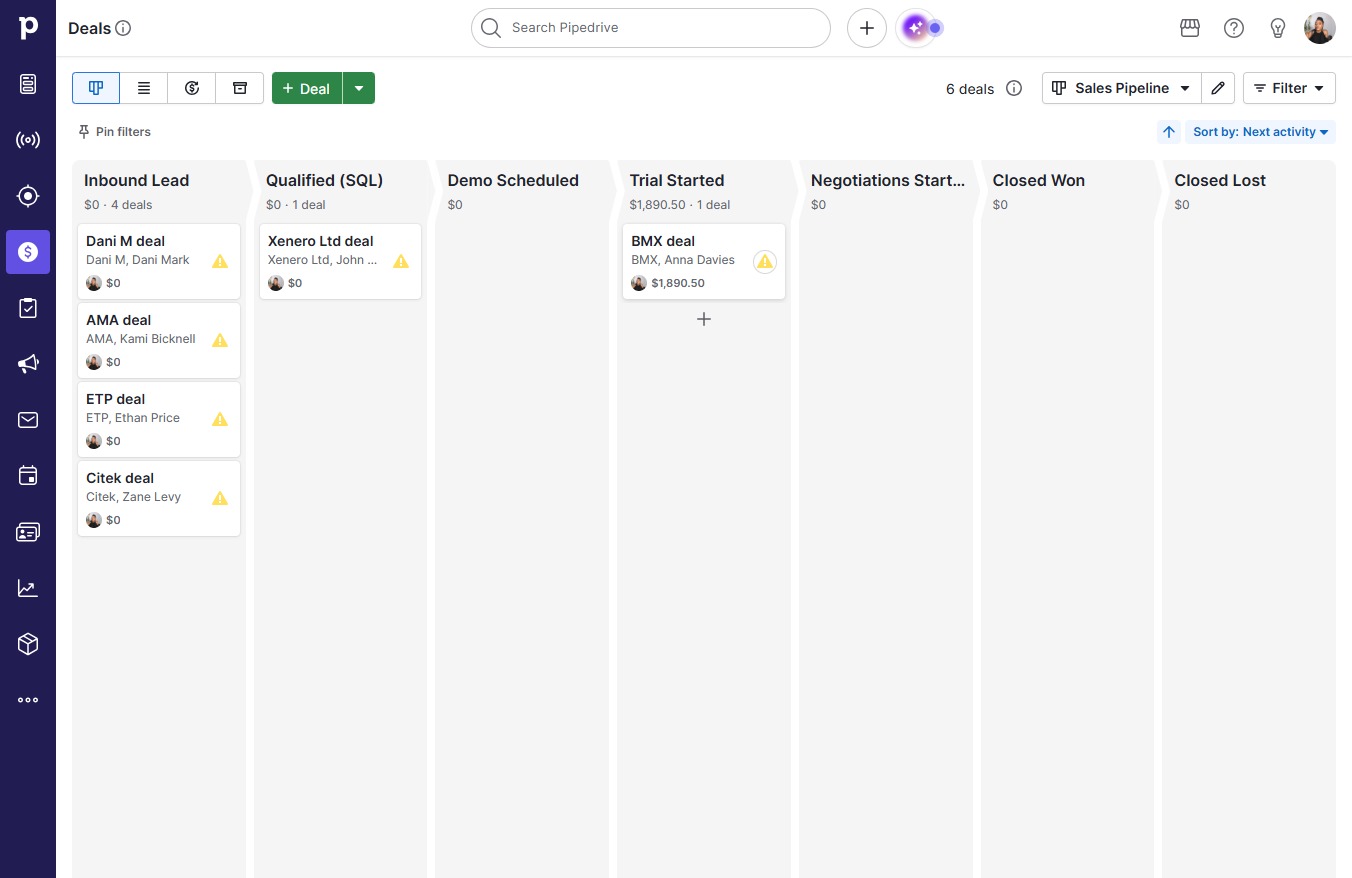
    Click BMX dealBMX, Anna Davies
    Loading screenshot…
    100%
  2. Click Won

    Click Won
    Loading screenshot…
    100%
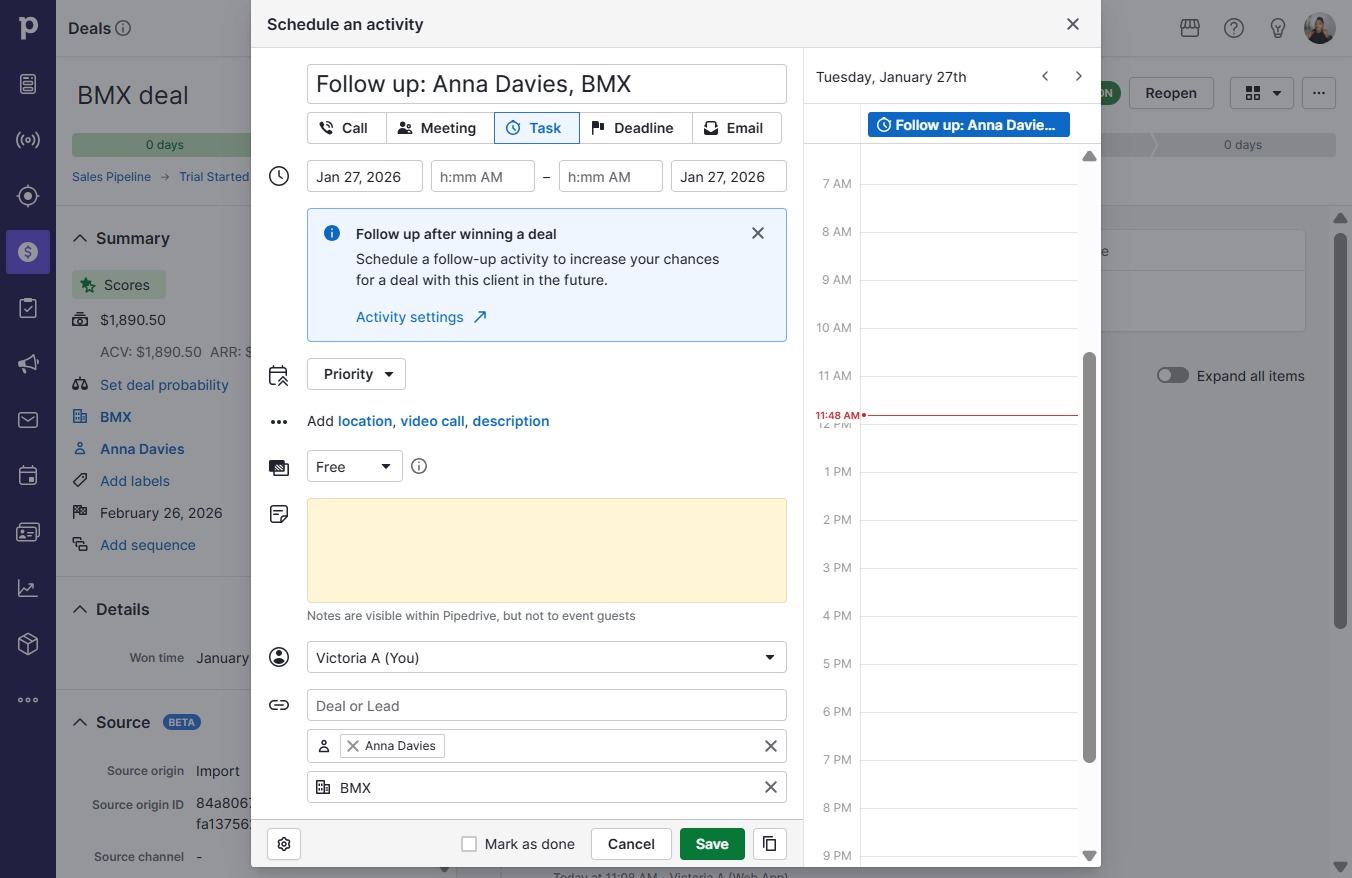
  3. Click Save

    Click Save
    Loading screenshot…
    100%
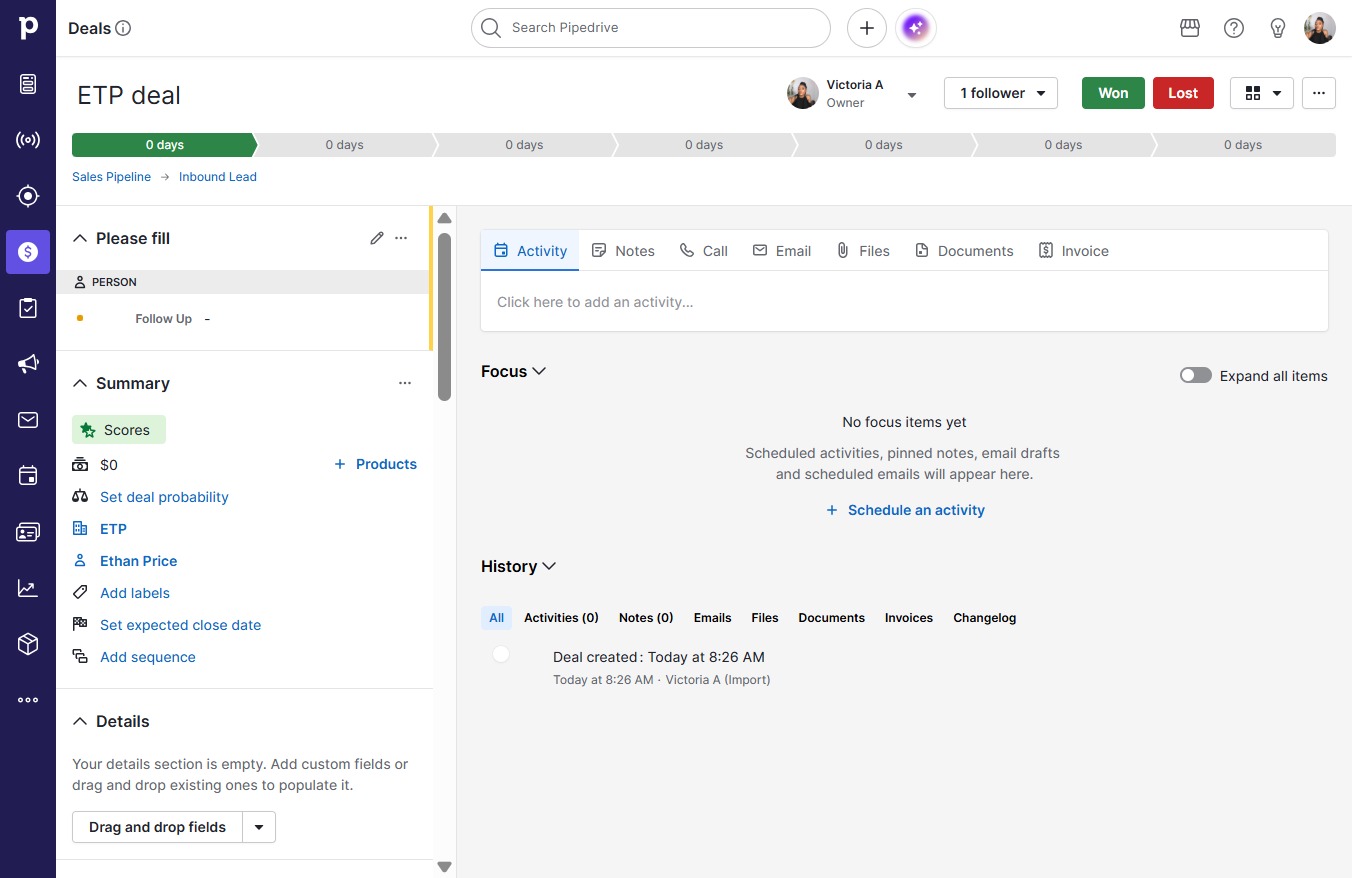
  4. Click ETP deal

    Click ETP deal
    Loading screenshot…
    100%
  5. Click Lost

    Click Lost
    Loading screenshot…
    100%
  6. Type "Went with another service"

  7. Click Mark as lost

    Click Mark as lost
    Loading screenshot…
    100%