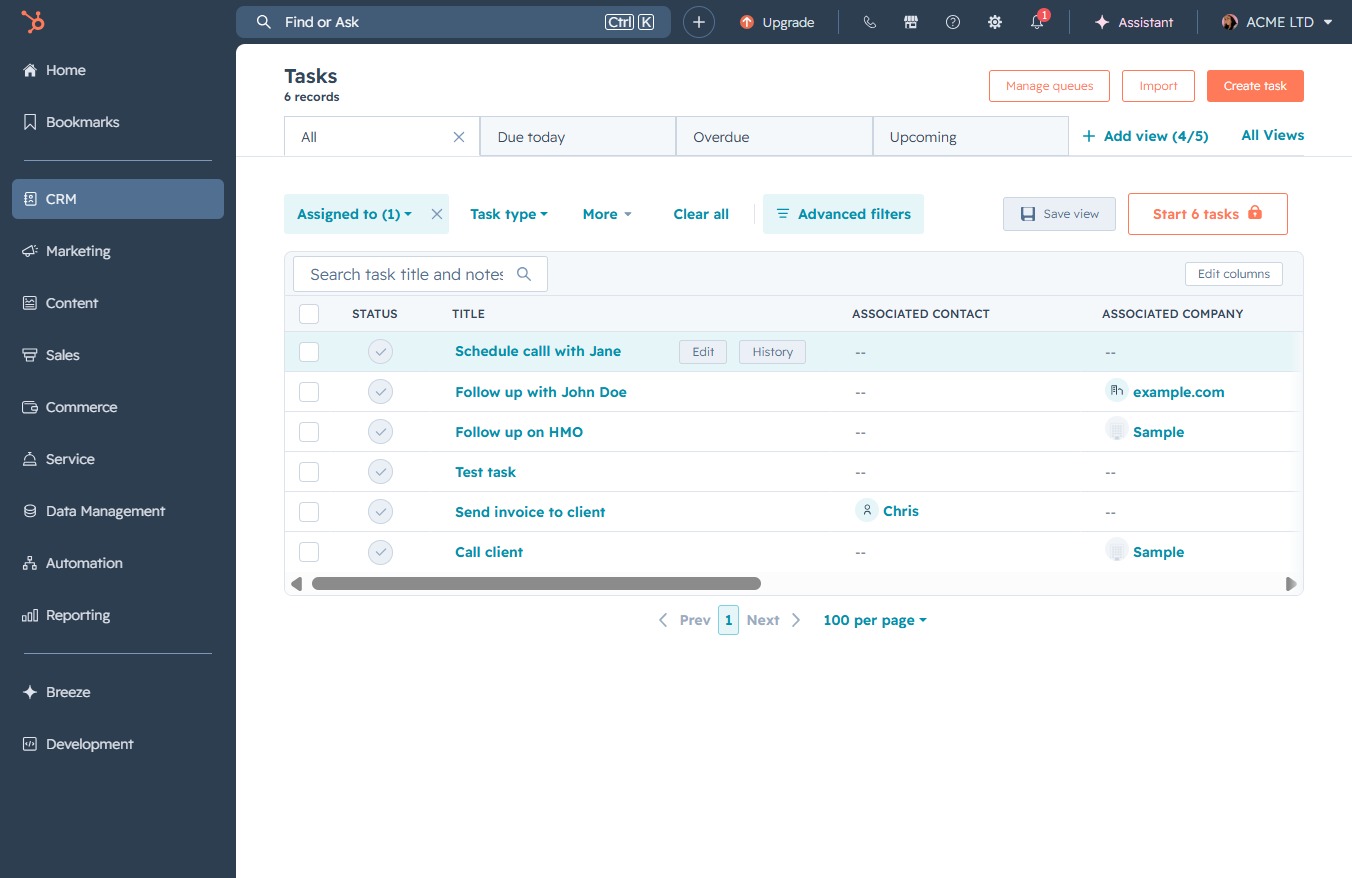
Click the CRM link
This action will navigate you to the CRM section, where you can manage customer relationships and access related features.
Loading screenshot…
100%
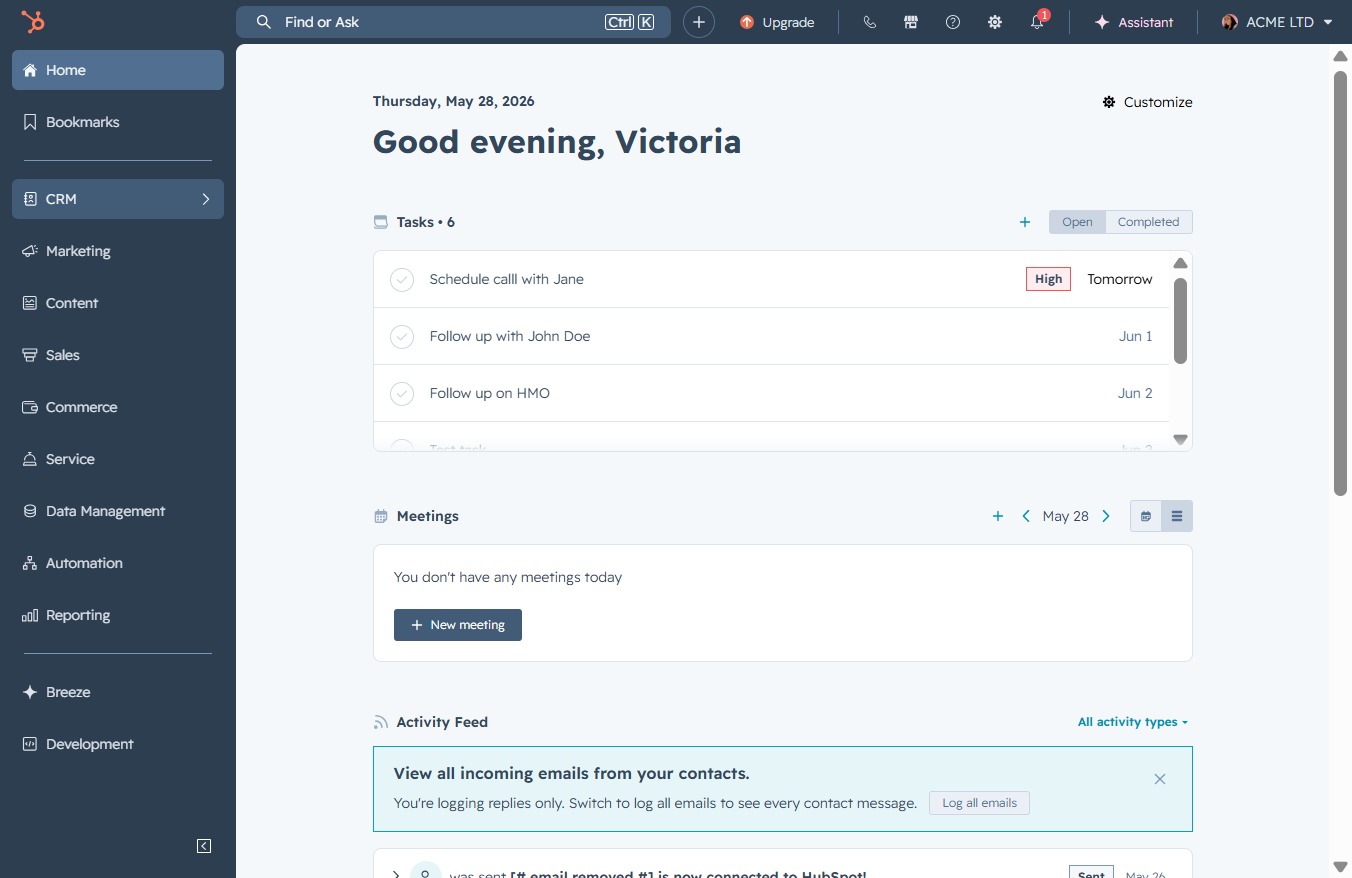
Navigate to the CRM section to view and manage your tasks; complete tasks by clicking the complete button to update their status and track your progress effectively.
 viktoria
Navigate to the CRM section to view and manage your tasks; complete tasks by clicking the complete button to update their status and track your progress effectively.
This action will navigate you to the CRM section, where you can manage customer relationships and access related features.
This will redirect you to the Tasks section, where you can view and manage your assigned tasks and their statuses.
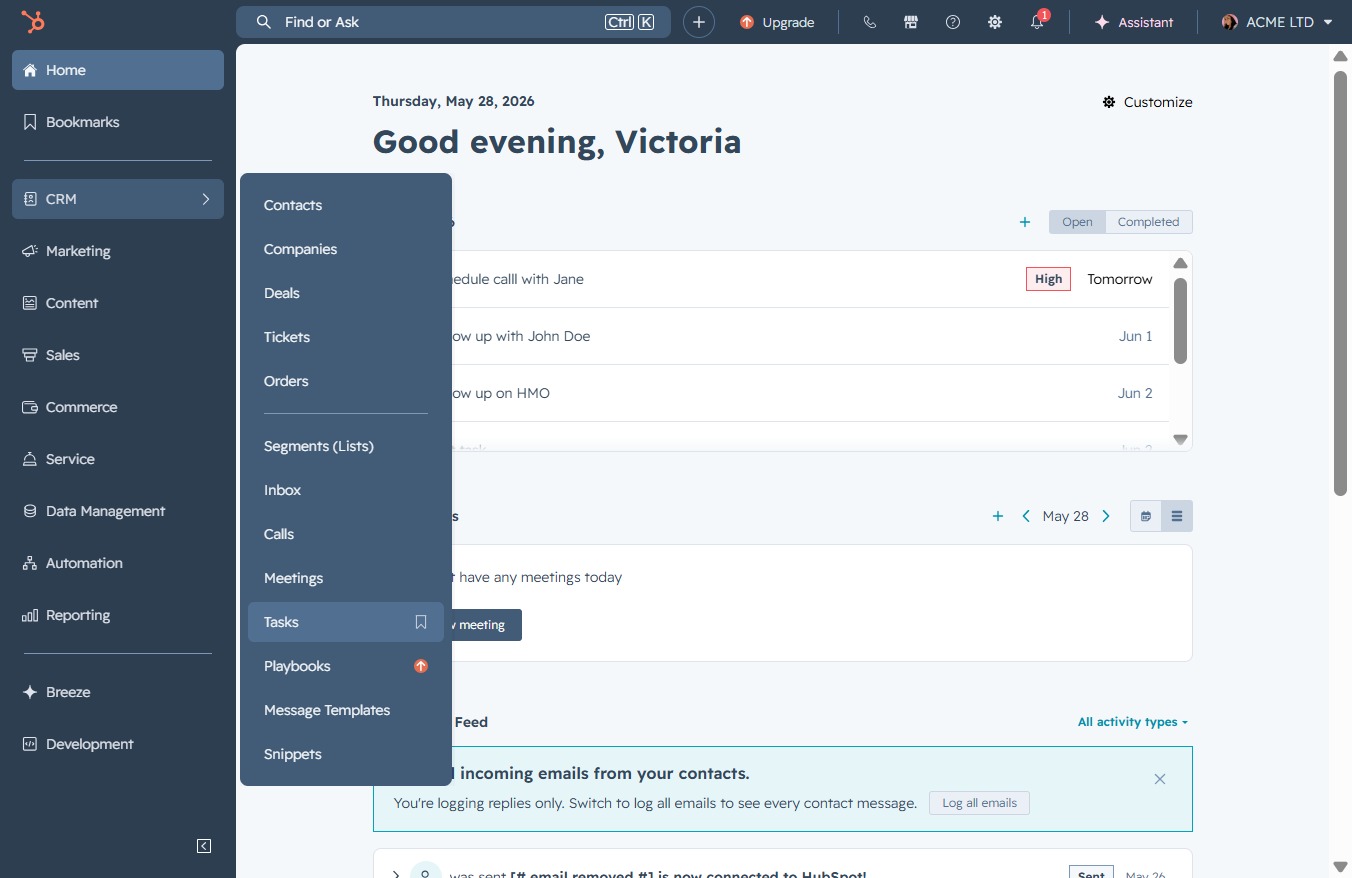
Clicking the complete button will indicate that the task has been successfully completed.