Click the CRM link
This action will direct you to the Customer Relationship Management section, where you can manage customer interactions and data effectively.

Loading screenshot…
100%
Update the status of a deal to 'Closed Lost' in the CRM's Deals section to indicate that it is no longer active and manage your sales pipeline effectively.
 viktoria
Update the status of a deal to 'Closed Lost' in the CRM's Deals section to indicate that it is no longer active and manage your sales pipeline effectively.
This action will direct you to the Customer Relationship Management section, where you can manage customer interactions and data effectively.
This action will navigate you to the Deals section, where you can view, manage, and create sales opportunities within your account.

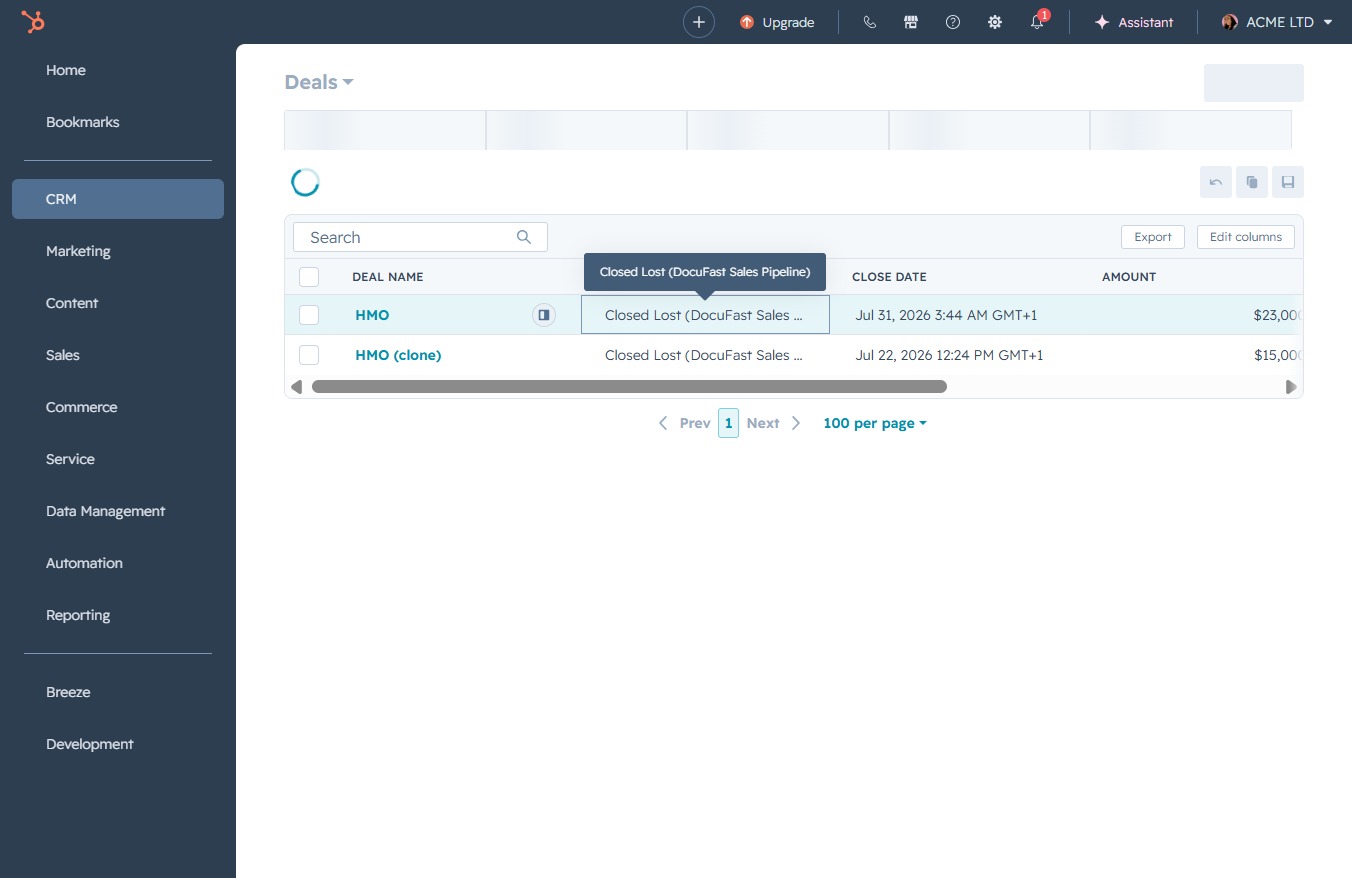
This action opens the details for the selected deal marked as 'Closed Lost' within the DocuFast Sales Pipeline, allowing you to view or manage related information.
Select 'Closed Lost' from the deal stage dropdown to update the status of a deal. This action indicates that the deal is no longer active and has been marked as lost.
