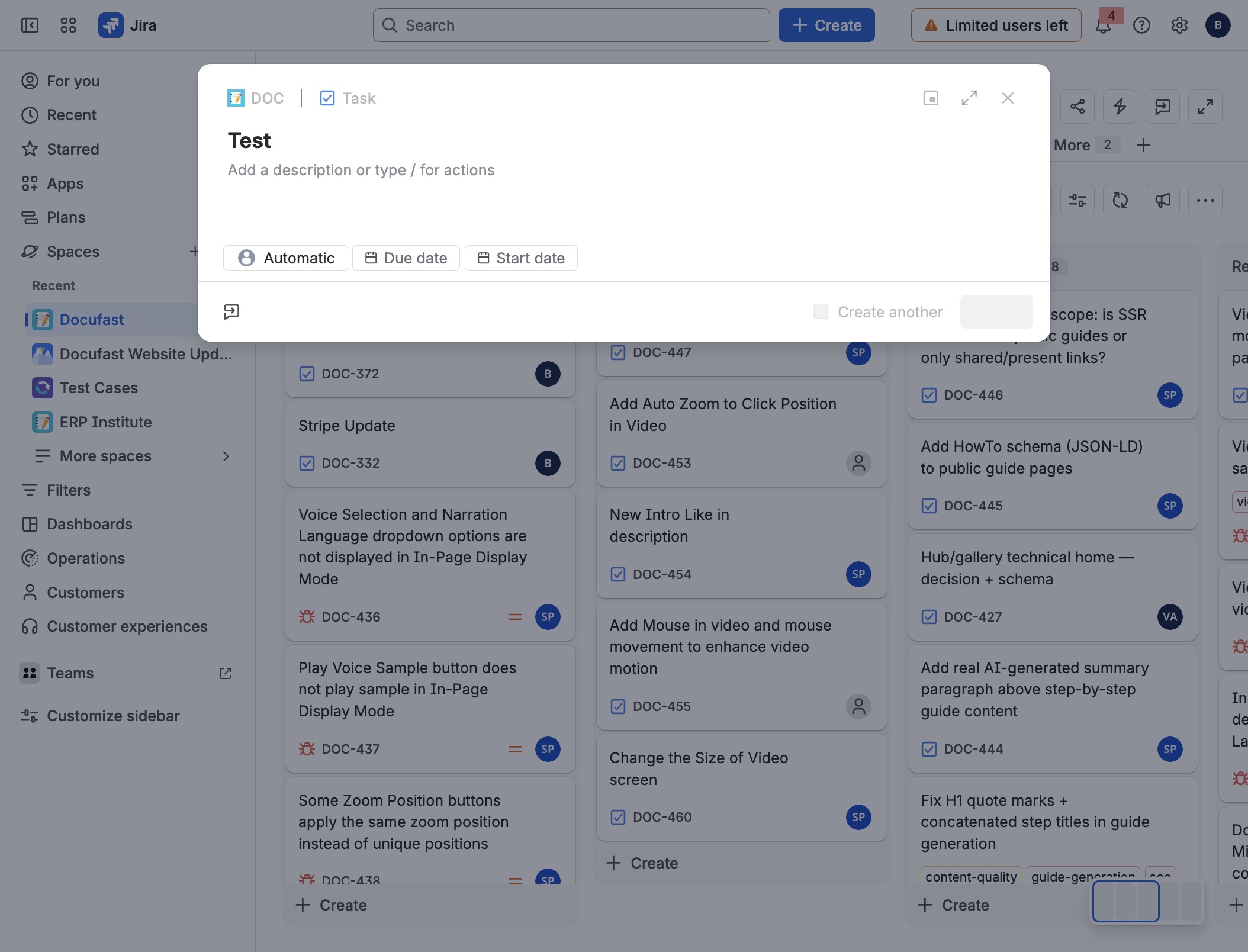
Click Docufast
Selects the Docufast space to view its contents and tasks.
Loading screenshot…
100%
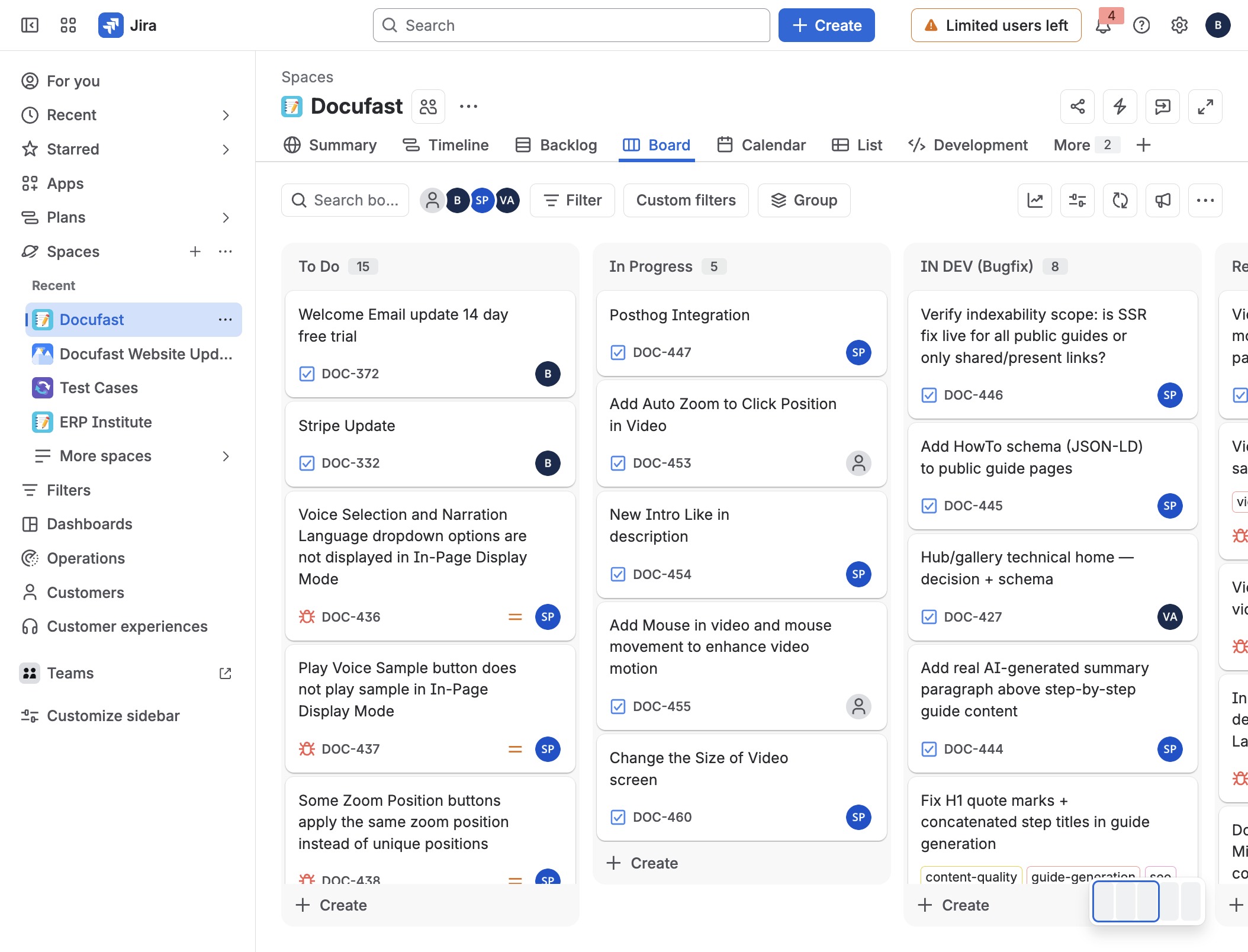
Manage the DOC board in Jira by selecting the Docufast space, creating a new item, entering "Test" in the Summary field, and finalizing the task creation.
 brian.annan
Manage the DOC board in Jira by selecting the Docufast space, creating a new item, entering "Test" in the Summary field, and finalizing the task creation.
Selects the Docufast space to view its contents and tasks.
Initiates the creation of a new item in the current workspace.
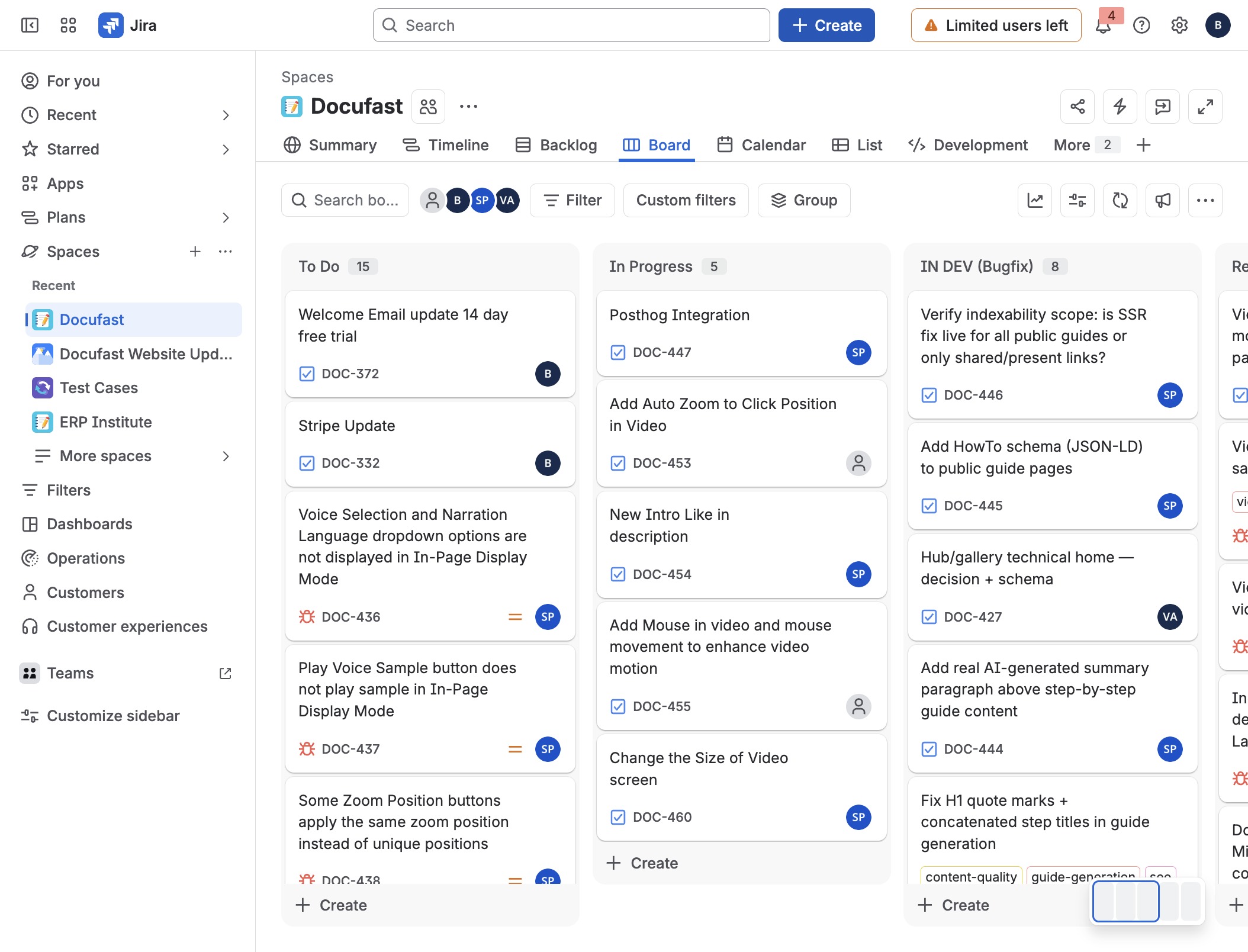
Activates the input field to allow for entering a summary for the task.
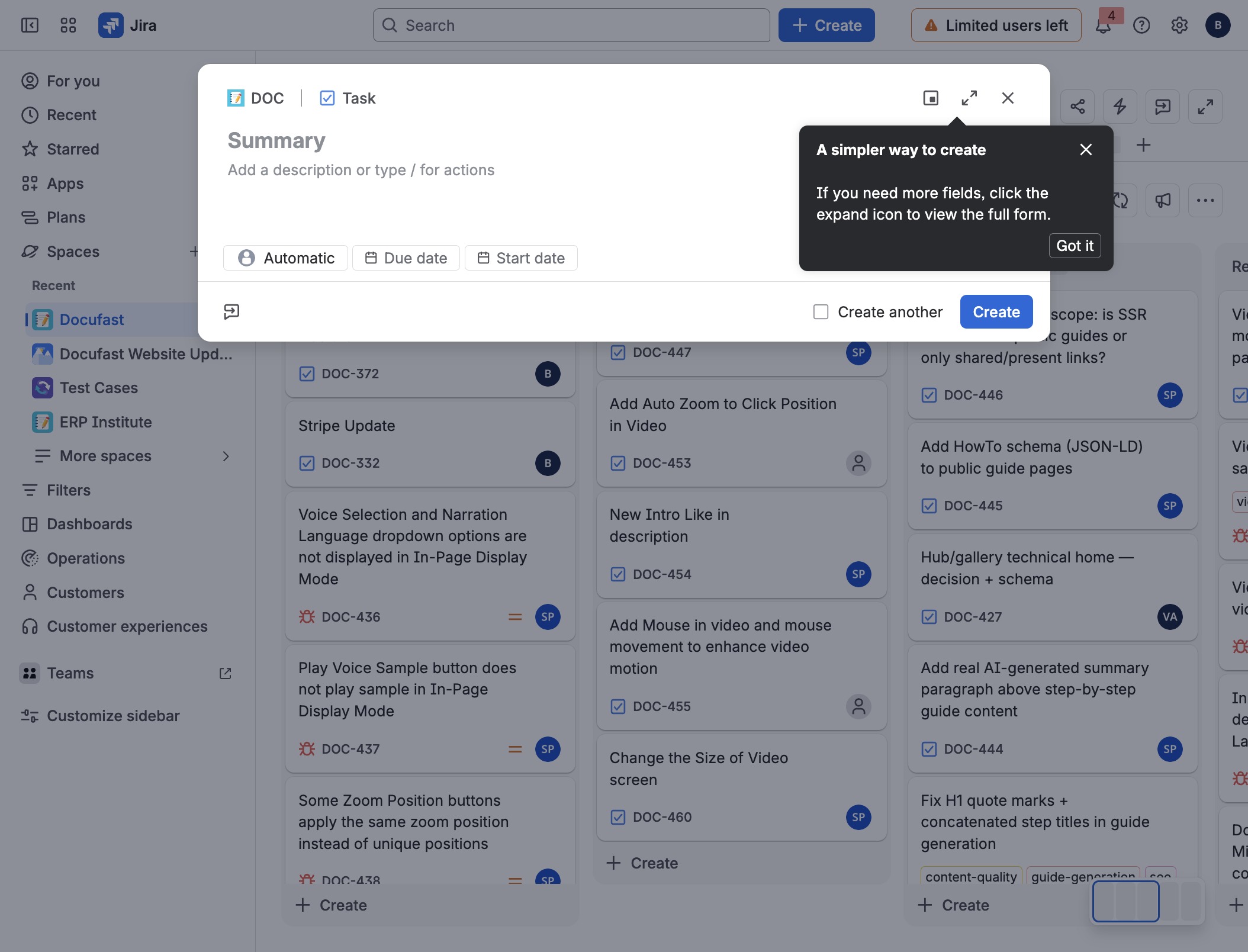
Enters the text "Test" into the Summary field.
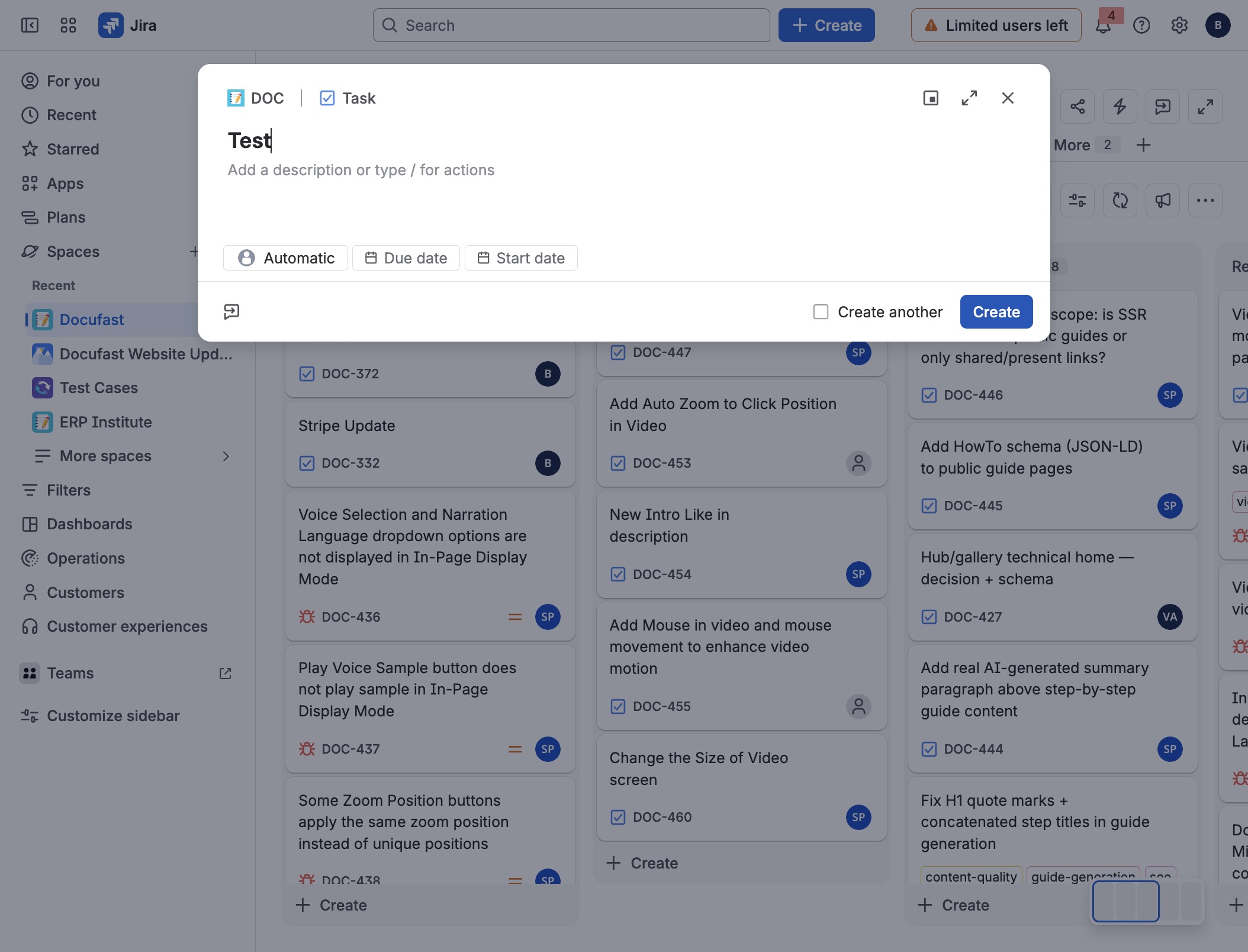
Initiates the creation of a new task in the application.