Click the email address for notifications
Clicking on 'victoria@docufast.ai' will allow you to manage your email notification settings and preferences within the Confluence application.

Loading screenshot…
100%
This how-to guide walks you through managing your personal settings in Confluence, covering email notification preferences, user visibility, and password security.
 viktoria
This how-to guide walks you through managing your personal settings in Confluence, covering email notification preferences, user visibility, and password security. Follow the steps to customize your profile settings, ensuring you effectively manage how you appear to others and stay informed through tailored notifications.
Clicking on 'victoria@docufast.ai' will allow you to manage your email notification settings and preferences within the Confluence application.
This will open the Personal settings menu where you can adjust your user preferences, notifications, and other account-specific configurations.
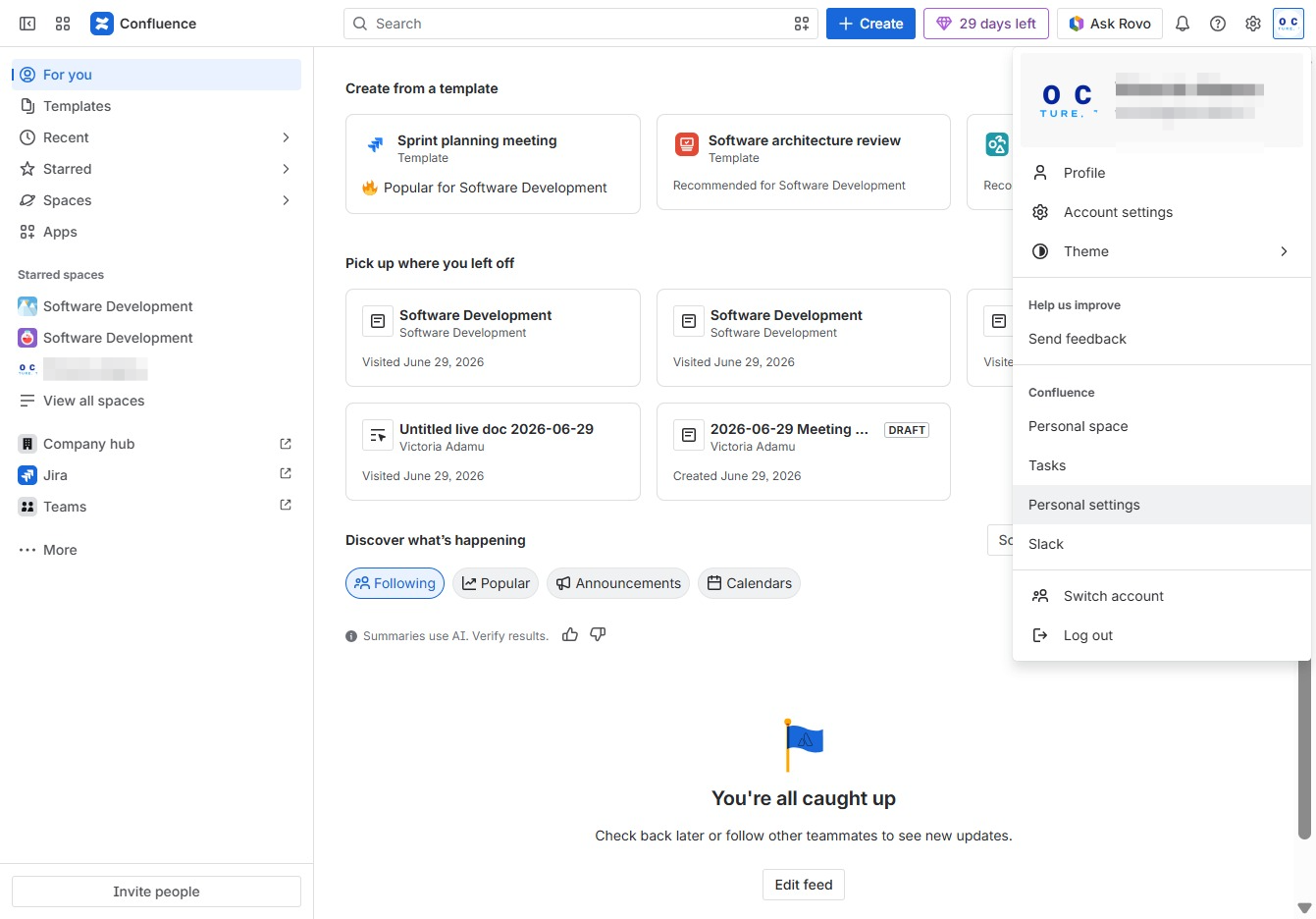
Clicking the Edit button will allow you to modify the information regarding how items are displayed in the space sidebar.
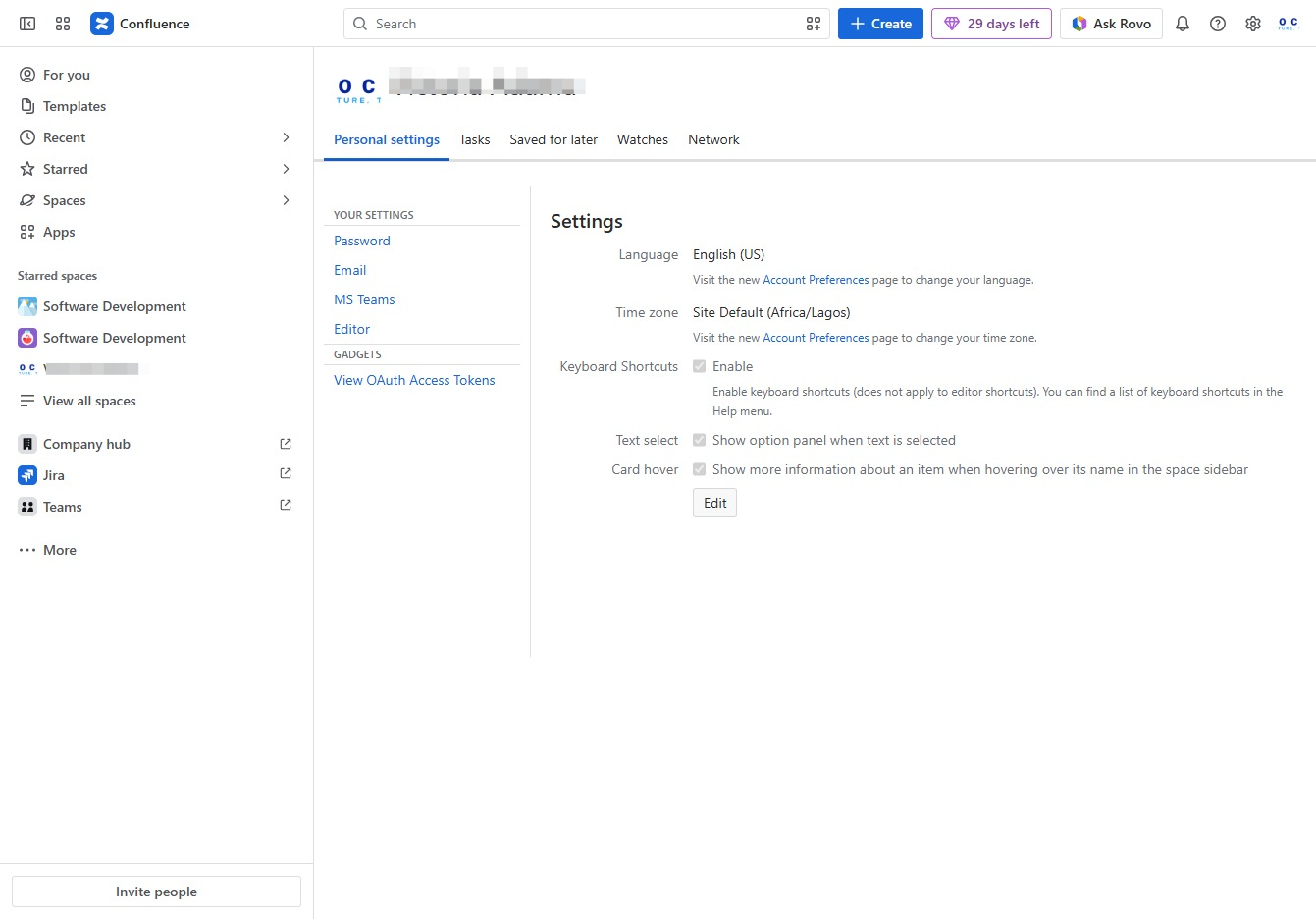
This allows you to enter your desired password for account security. Ensure your password meets the specified requirements for strength and complexity.

Clicking the Public name field allows you to edit the display name that will be visible to others. Make your desired changes and save to update your profile visibility.
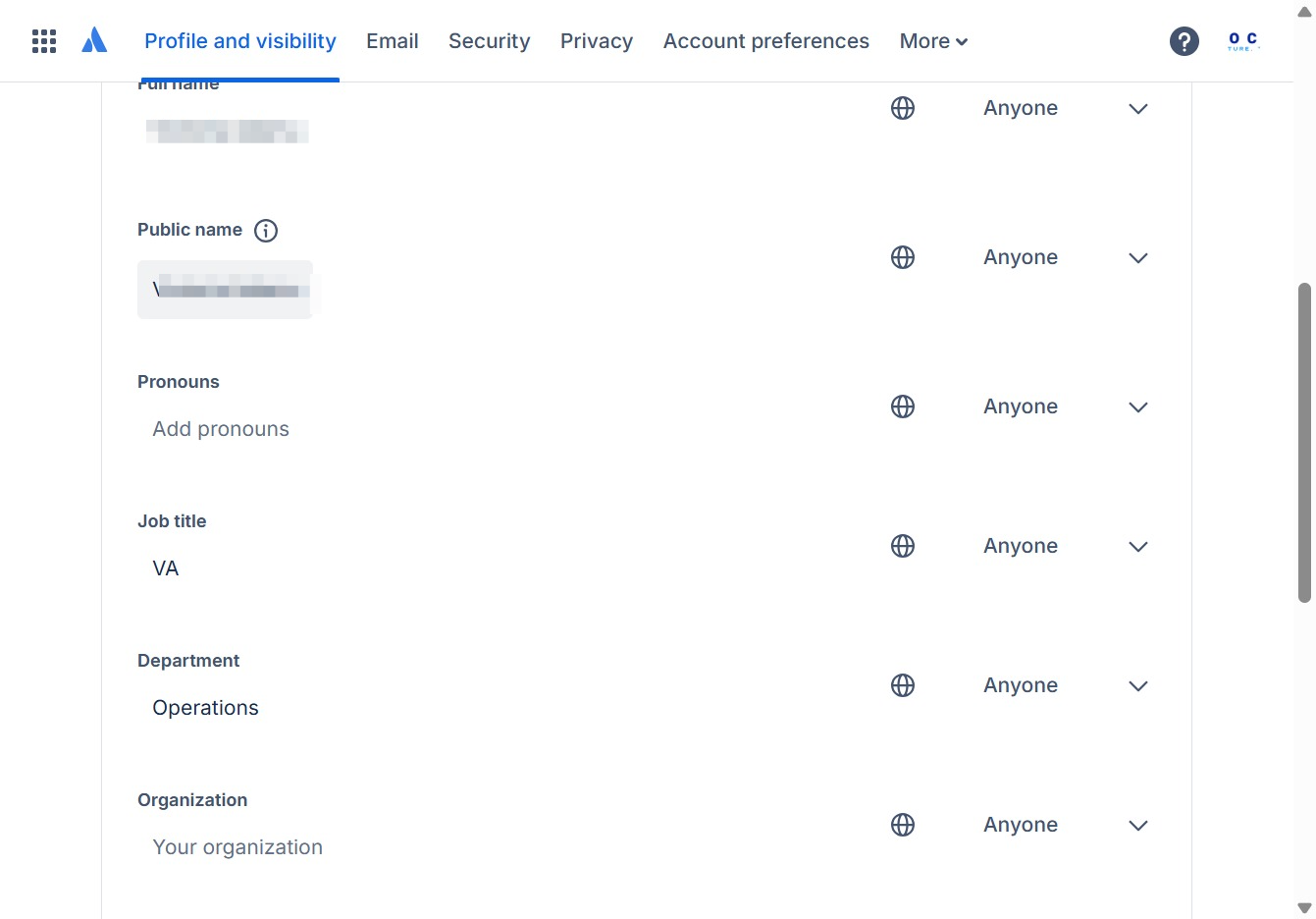
Enter 'Victoria A' in the Public name field to specify how your name will be displayed to others. This name will be visible in your profile and shared with other users.
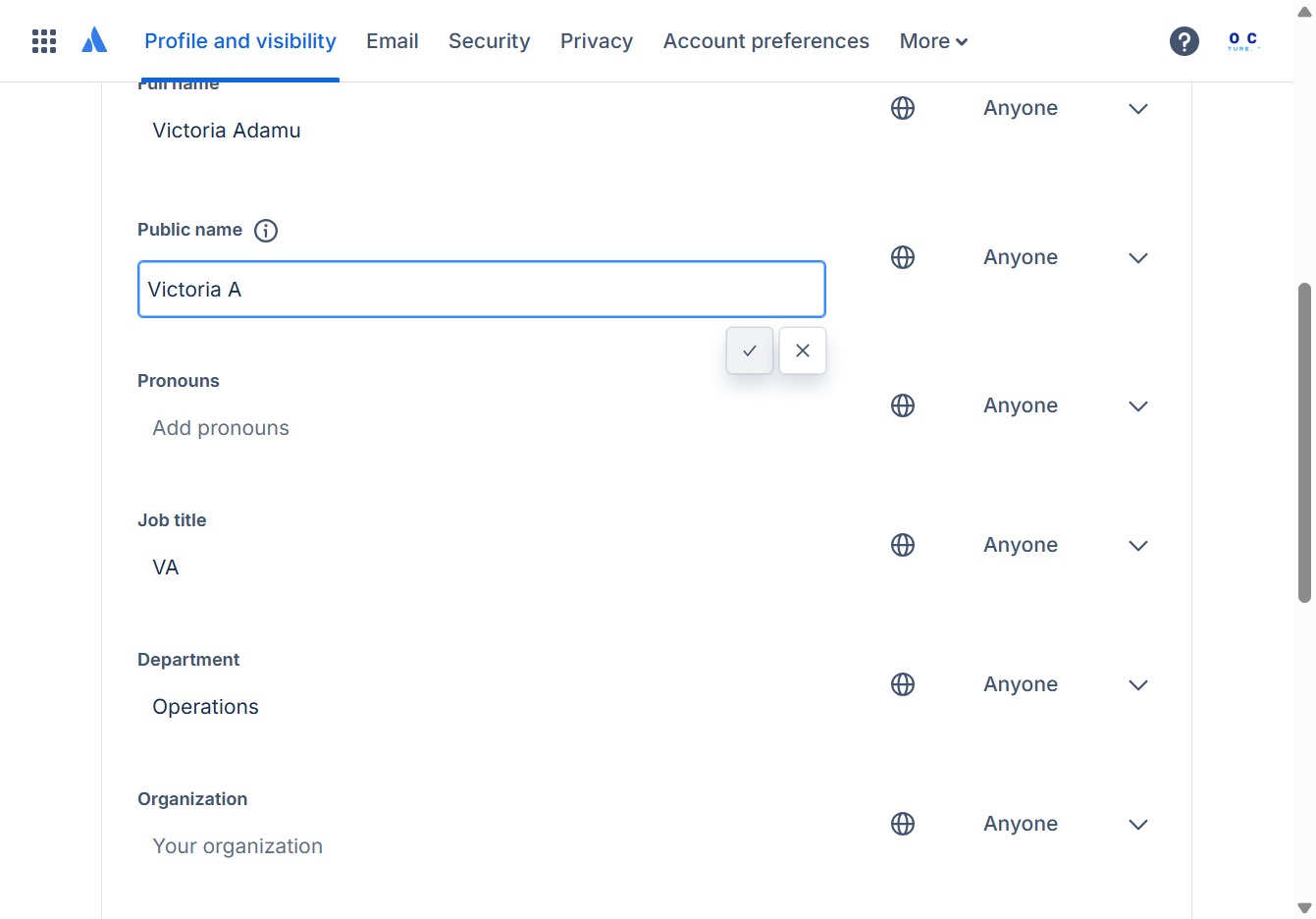
By clicking this button, you will save the changes made to your public name in your profile settings.

Clicking the Email link will allow you to view and update your email preferences and notifications related to your account.

By clicking here, you will enter the email settings section where you can customize your notification preferences and subscription options.

After clicking the 'Click here' link, you will be directed to further options related to your email settings in Confluence.
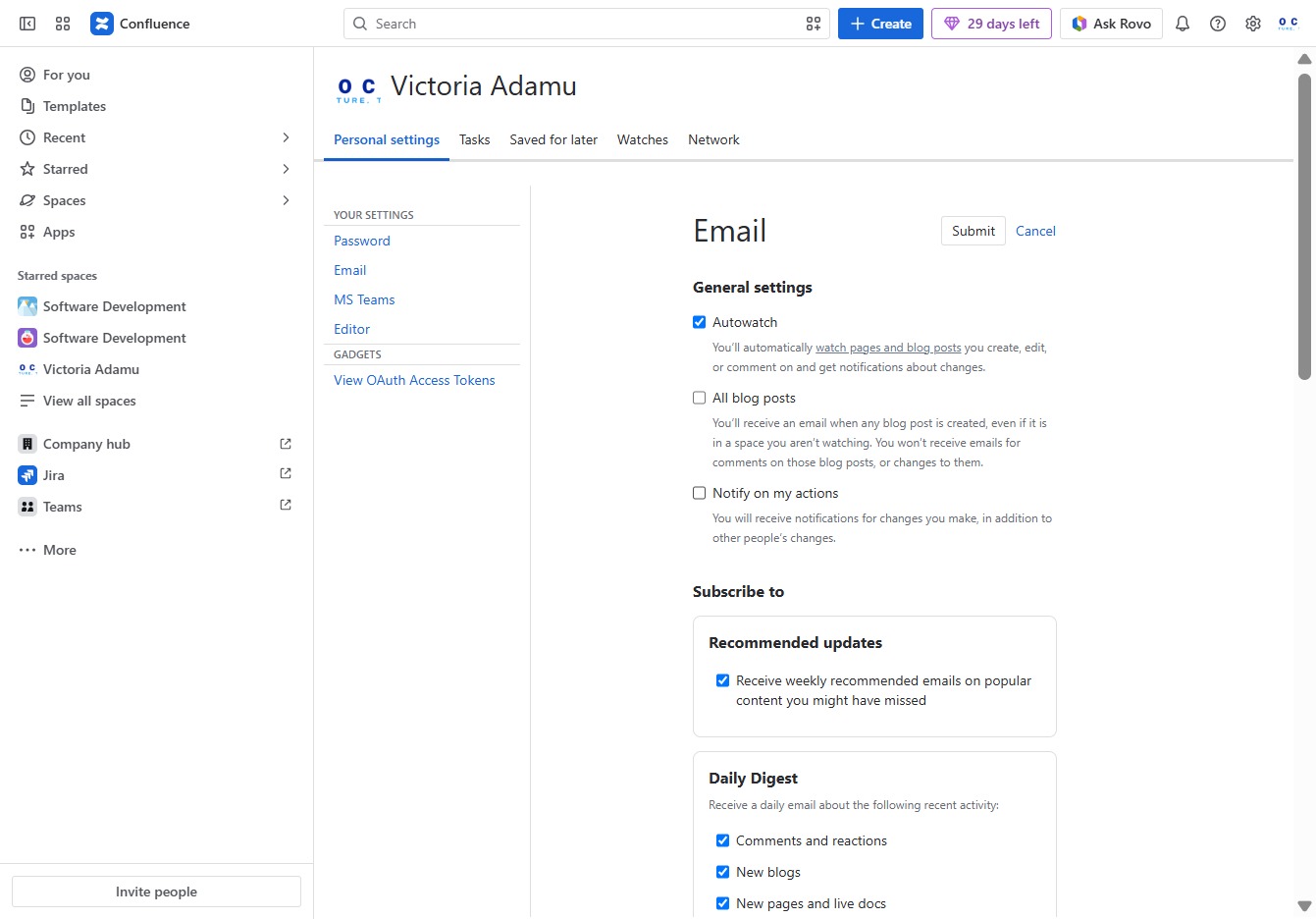
Clicking this link will direct you to the Email settings section, where you can modify options related to email notifications and subscriptions.
