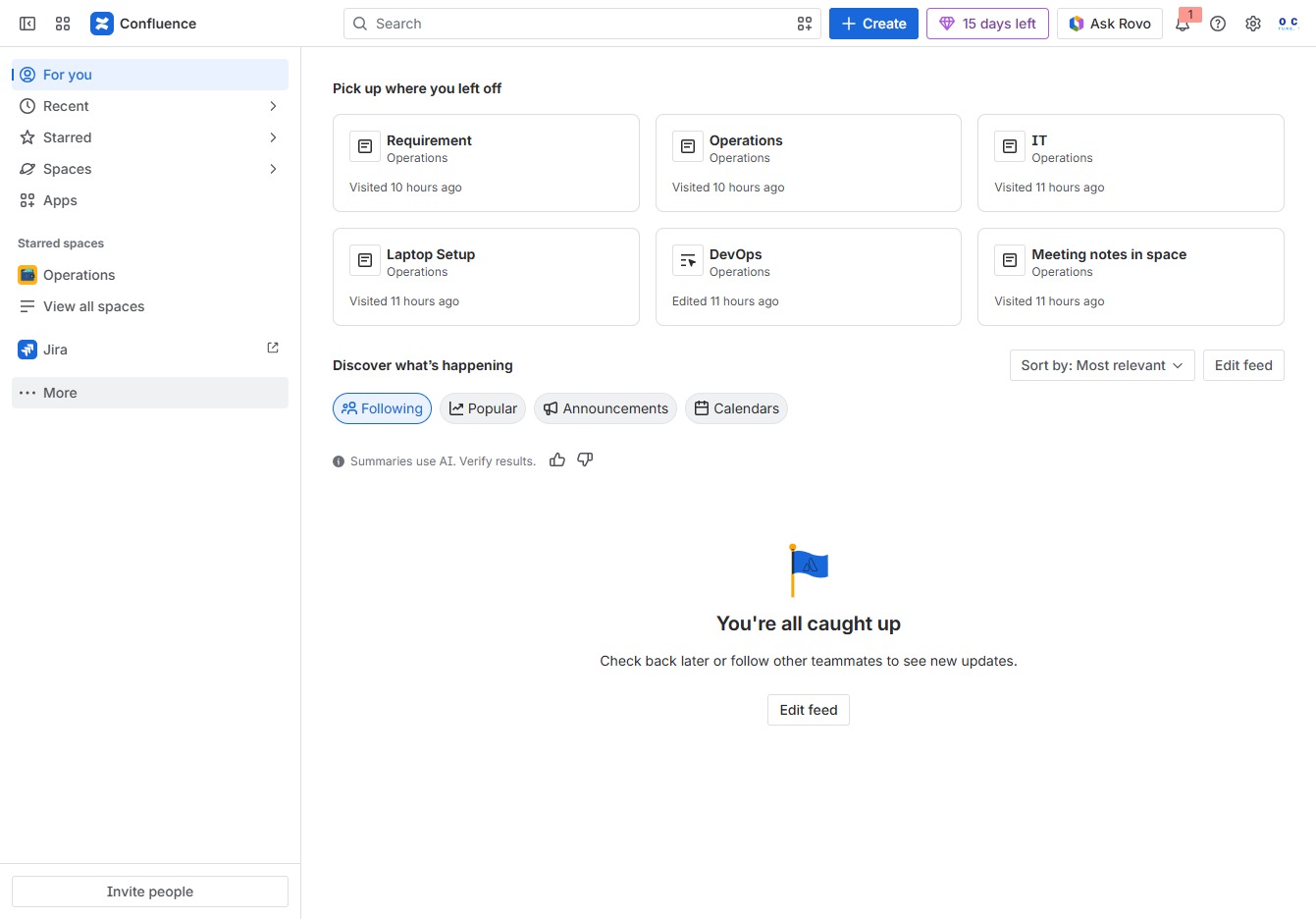
Click the More option
Selecting the 'More' option opens additional navigation choices in the Confluence interface, allowing you to access more features and functionalities.
Loading screenshot…
100%
This how-to guide illustrates the process of managing page templates in Confluence, from selecting the appropriate options to creating, modifying, or deleting templates.
 viktoria
This how-to guide illustrates the process of managing page templates in Confluence, from selecting the appropriate options to creating, modifying, or deleting templates. By following these steps, you'll learn how to effectively organize and customize your document templates for various projects and spaces.
Selecting the 'More' option opens additional navigation choices in the Confluence interface, allowing you to access more features and functionalities.
This will open a section where you can view and manage available templates for your documents and projects in Confluence.

Selecting 'Custom1' allows you to access and utilize the specific template or settings associated with this custom configuration within the Operations section.
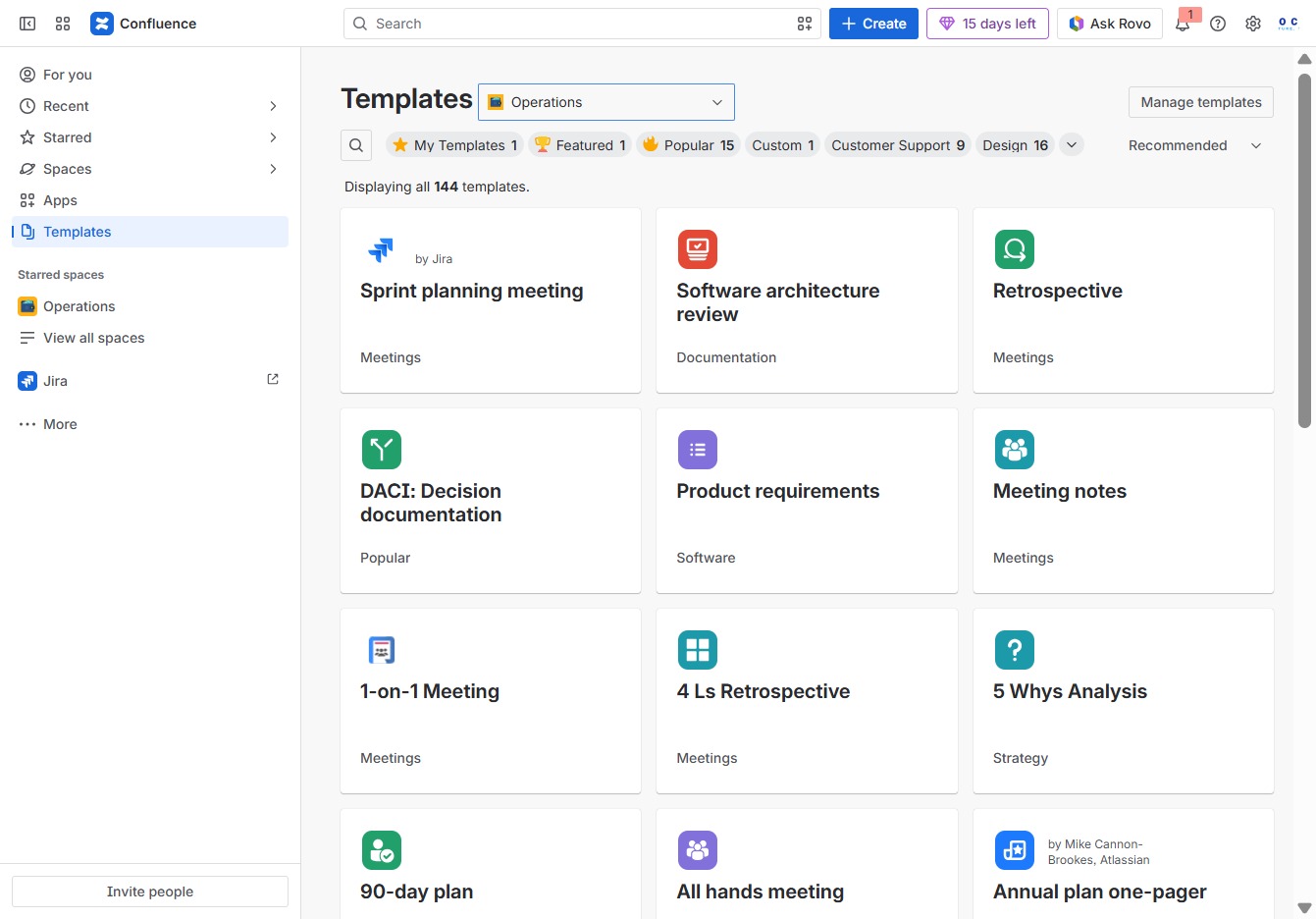
This action opens the template management interface, allowing you to create, modify, or delete templates for your projects.
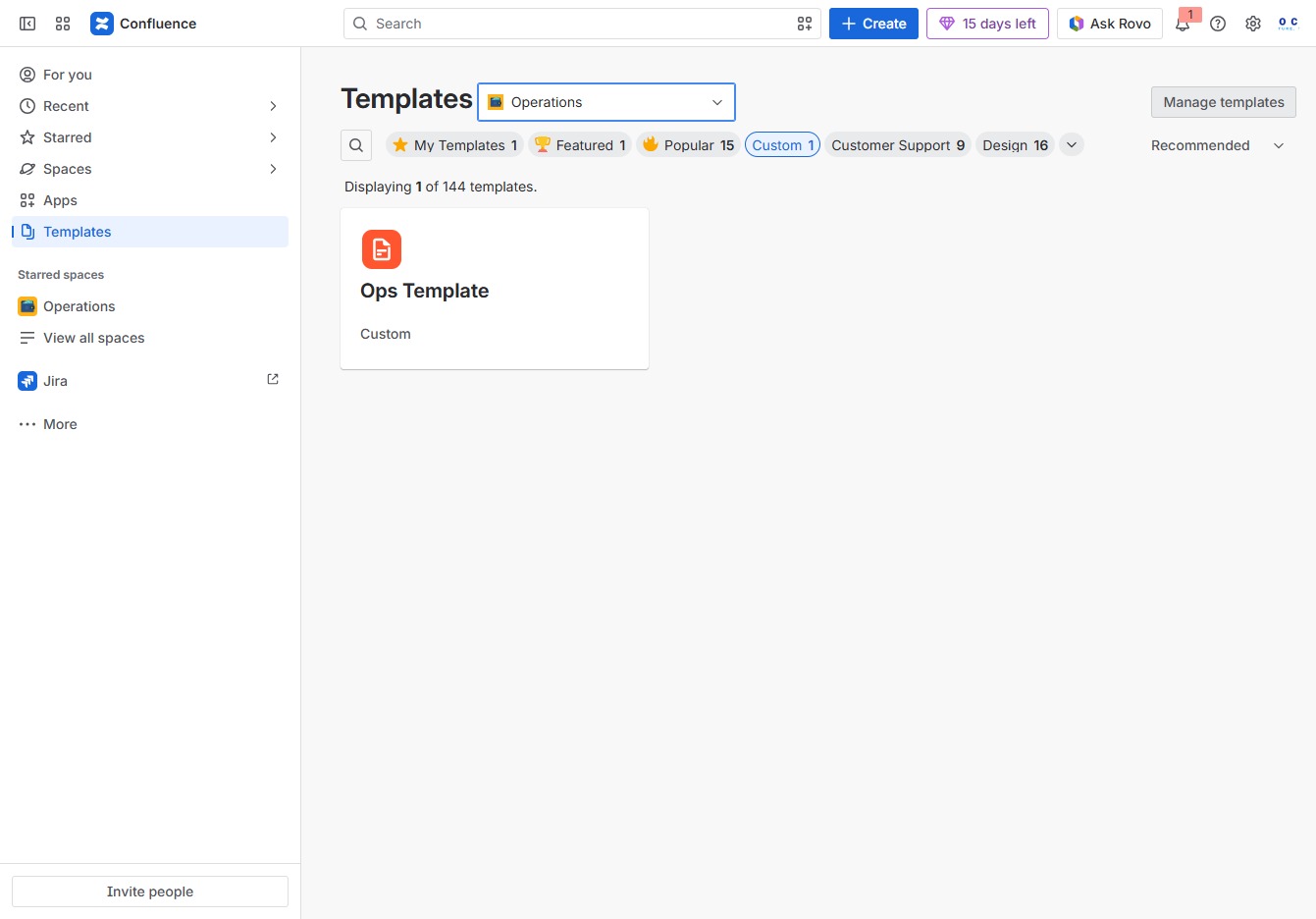
This action will take you to the template creation interface where you can start building a new template from scratch or select from existing options.

Confirm the removal of the selected template by clicking 'Delete template'. This action will send the template to the trash, making it no longer available in the user-created templates list.
