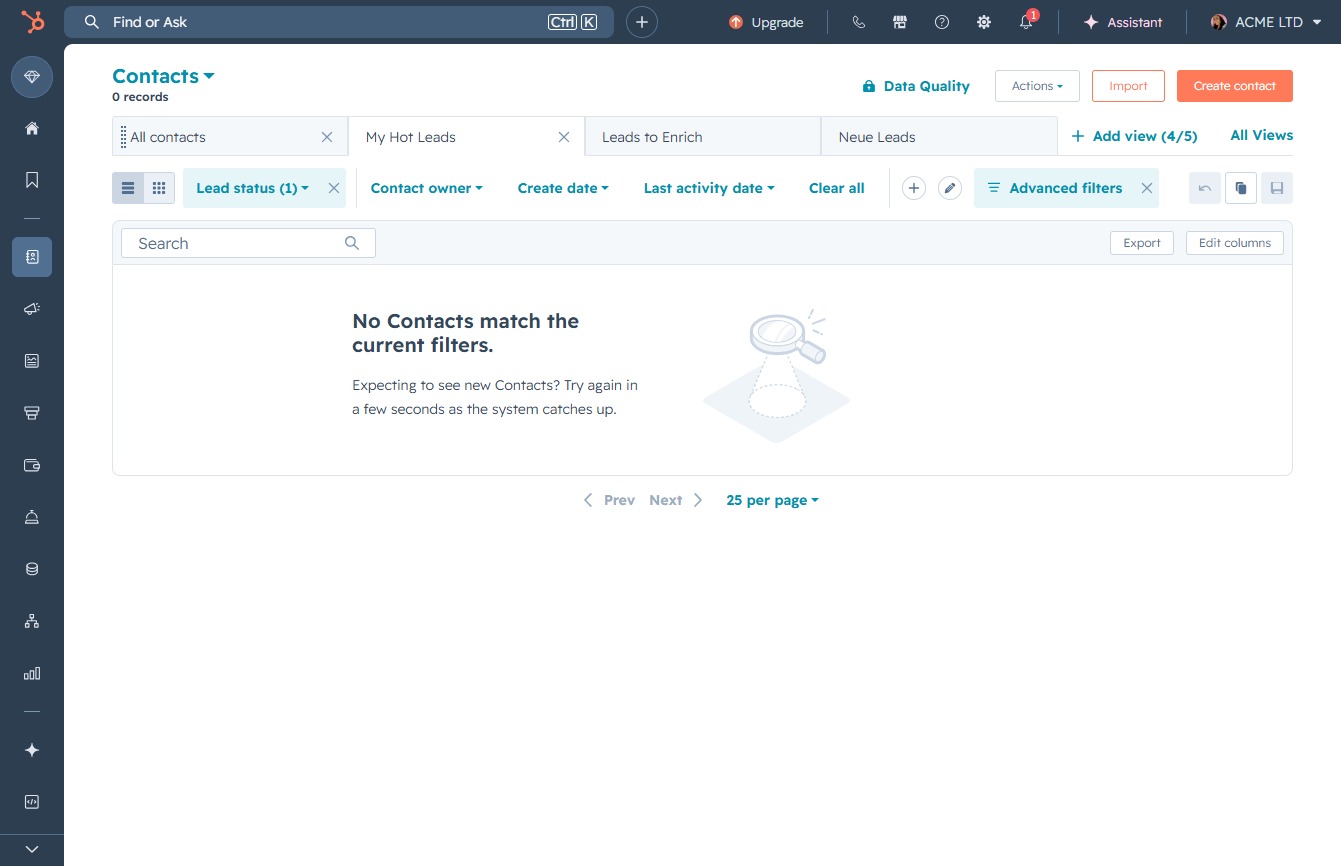
Click the Contacts link
This will navigate you to the Contacts section of your CRM, where you can view and manage your contacts effectively.

Loading screenshot…
100%
Add and enrich leads in HubSpot by navigating through the Contacts section, creating custom views, and enhancing lead data for more efficient management of your contact list.
 viktoria
Add and enrich leads in HubSpot by navigating through the Contacts section, creating custom views, and enhancing lead data for more efficient management of your contact list.
This will navigate you to the Contacts section of your CRM, where you can view and manage your contacts effectively.
This action allows you to create a new custom view for your contacts, helping you filter and manage your leads more effectively.

This action will display your newly added leads, allowing you to manage and interact with them in the contacts section.

This action will direct you to the 'Enrich' feature, where you can enhance your lead data with additional information and insights.
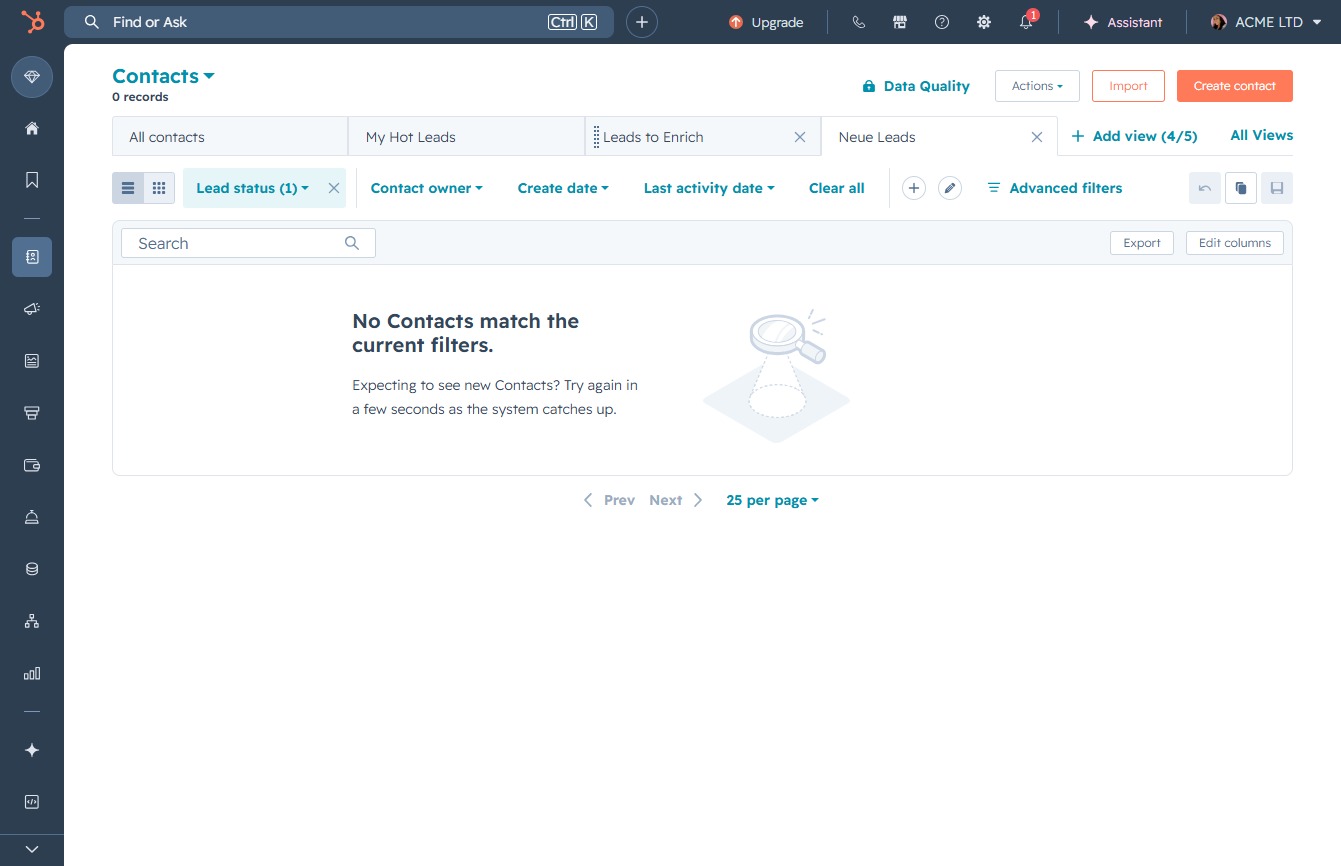
This action opens the 'My Hot Leads' section, allowing you to view and manage your prioritized contacts.
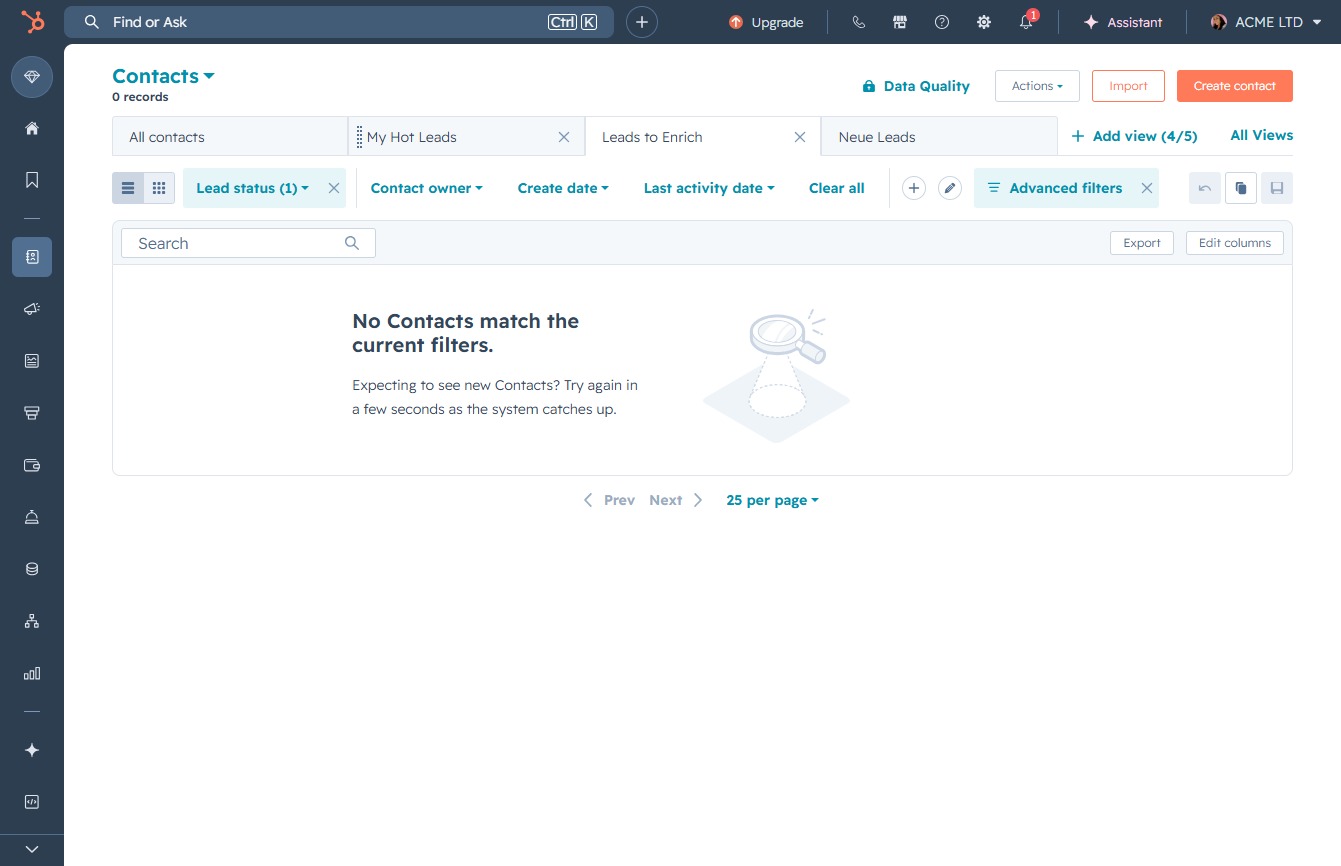
Selecting 'All contacts' will display all available contacts in your system, allowing you to view and manage your contact list.