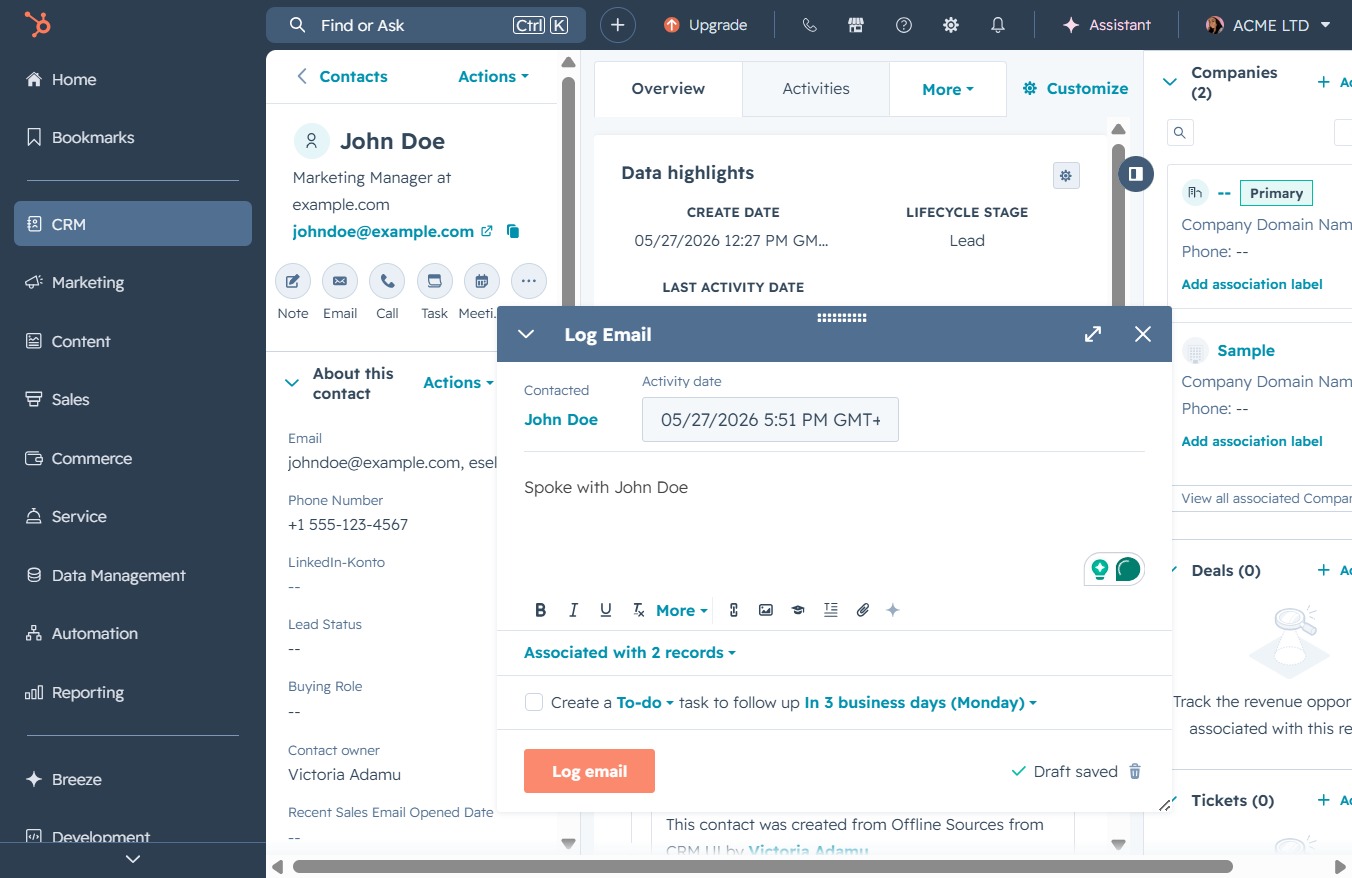
Click the CRM menu
Selecting the CRM option opens up the Customer Relationship Management section, where you can manage your contacts, track interactions, and oversee sales activities.

Loading screenshot…
100%
Record an email for a contact in the CRM by navigating to their details and entering a note in the Create a Logged Email section to enhance their activity history.
 viktoria
Record an email for a contact in the CRM by navigating to their details and entering a note in the Create a Logged Email section to enhance their activity history.
Selecting the CRM option opens up the Customer Relationship Management section, where you can manage your contacts, track interactions, and oversee sales activities.
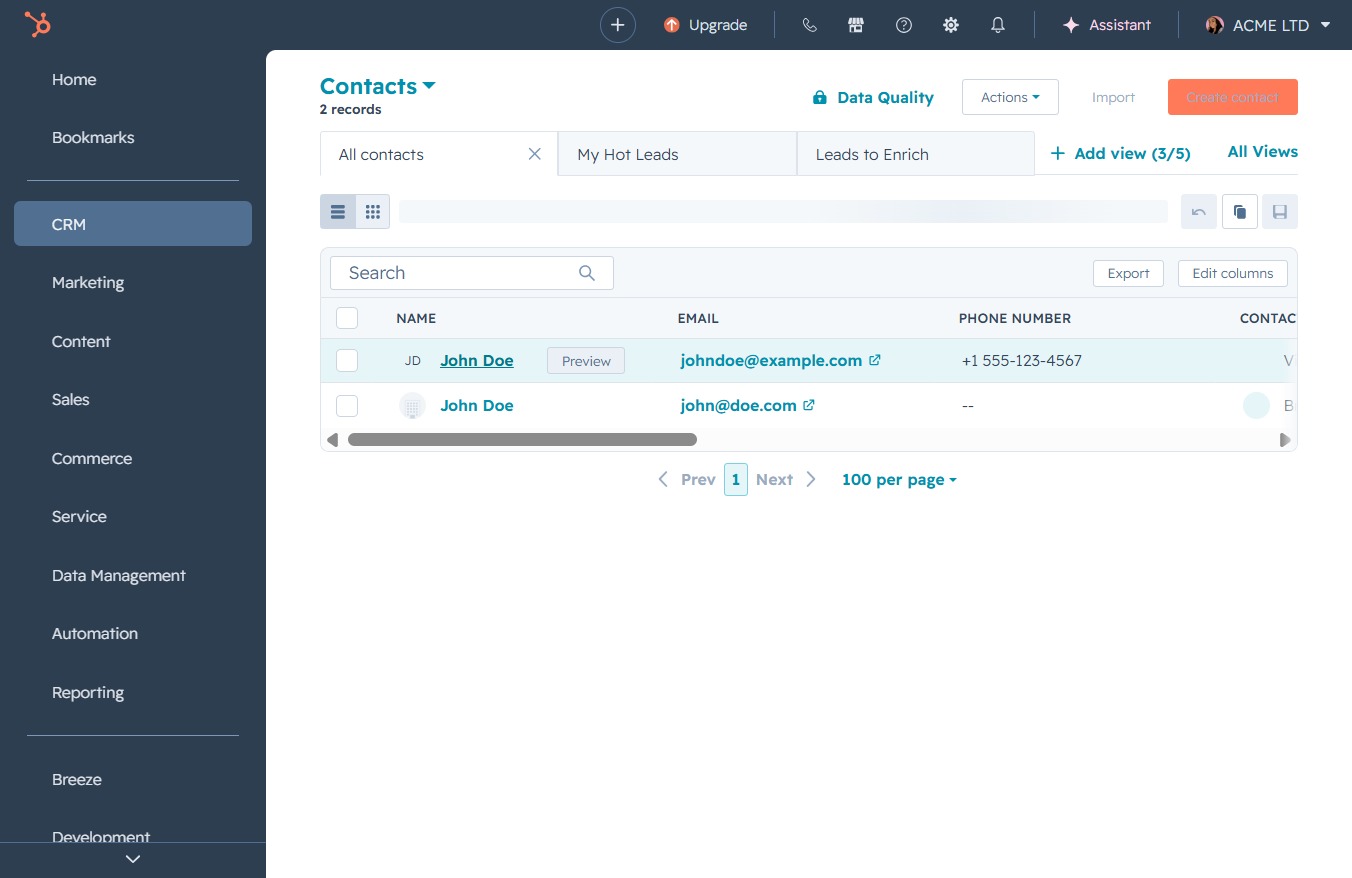
This will take you to the Contacts section, where you can view, manage, and add new contacts associated with your account.

Clicking on 'John Doe' will open the contact details where you can view and edit information associated with this contact in the CRM system.
This action will provide you with more information about the current contact, including their recent activities and lifecycle stage.
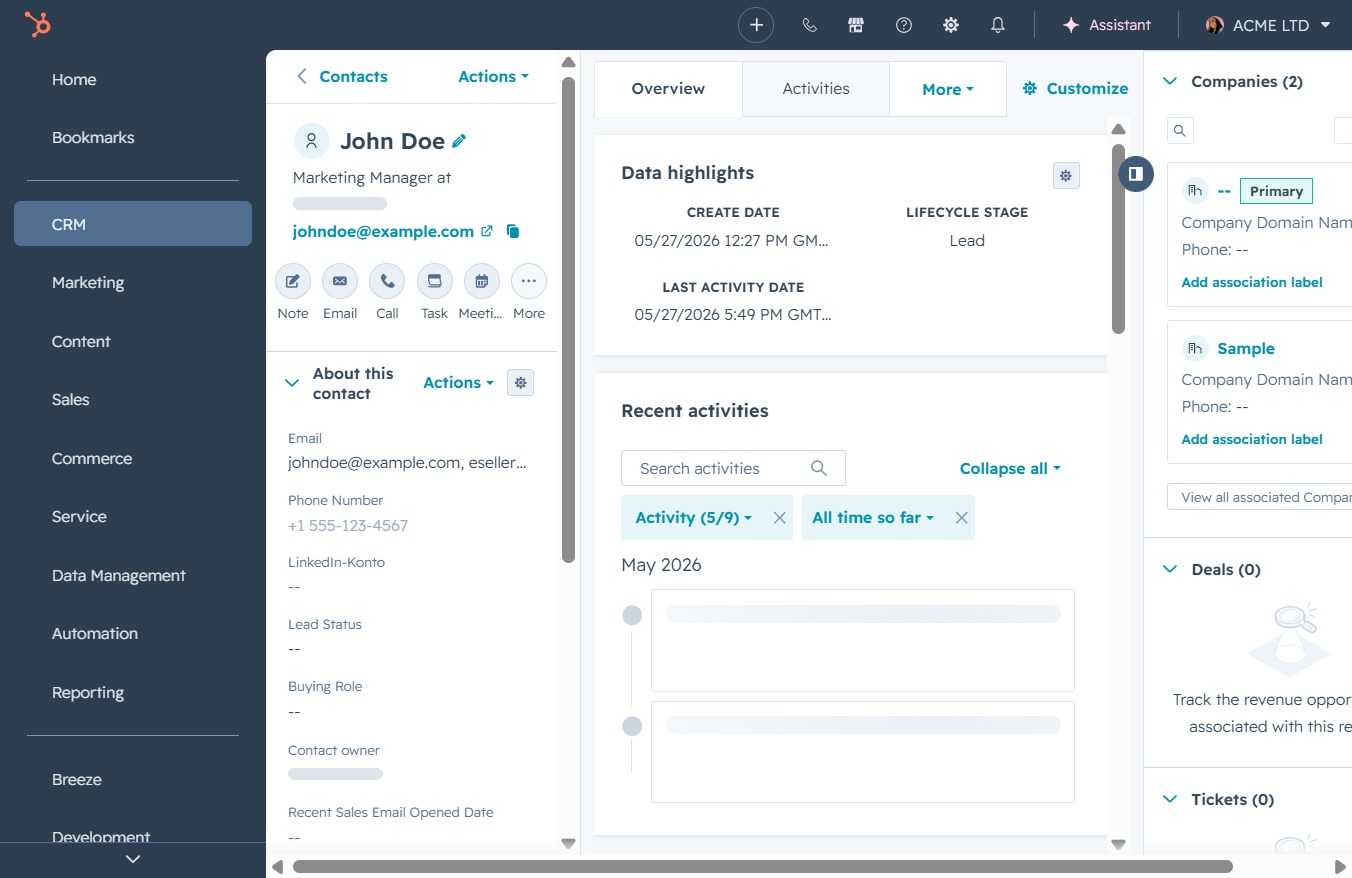
This action allows you to record an email correspondence with the contact, adding it to their activity history in the CRM system.
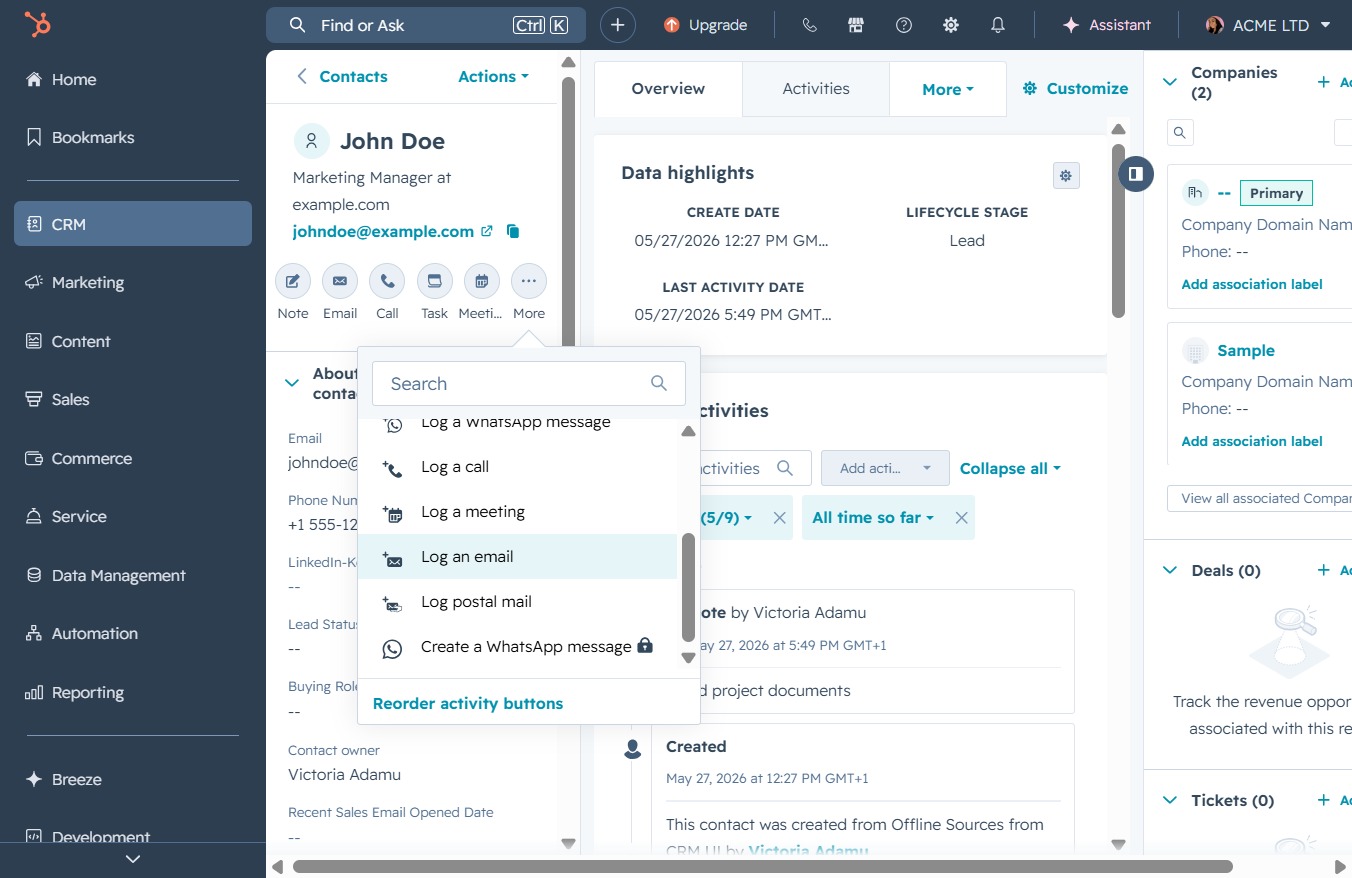
Clicking this link will open the email logging interface, allowing you to record details about your communication with the contact.
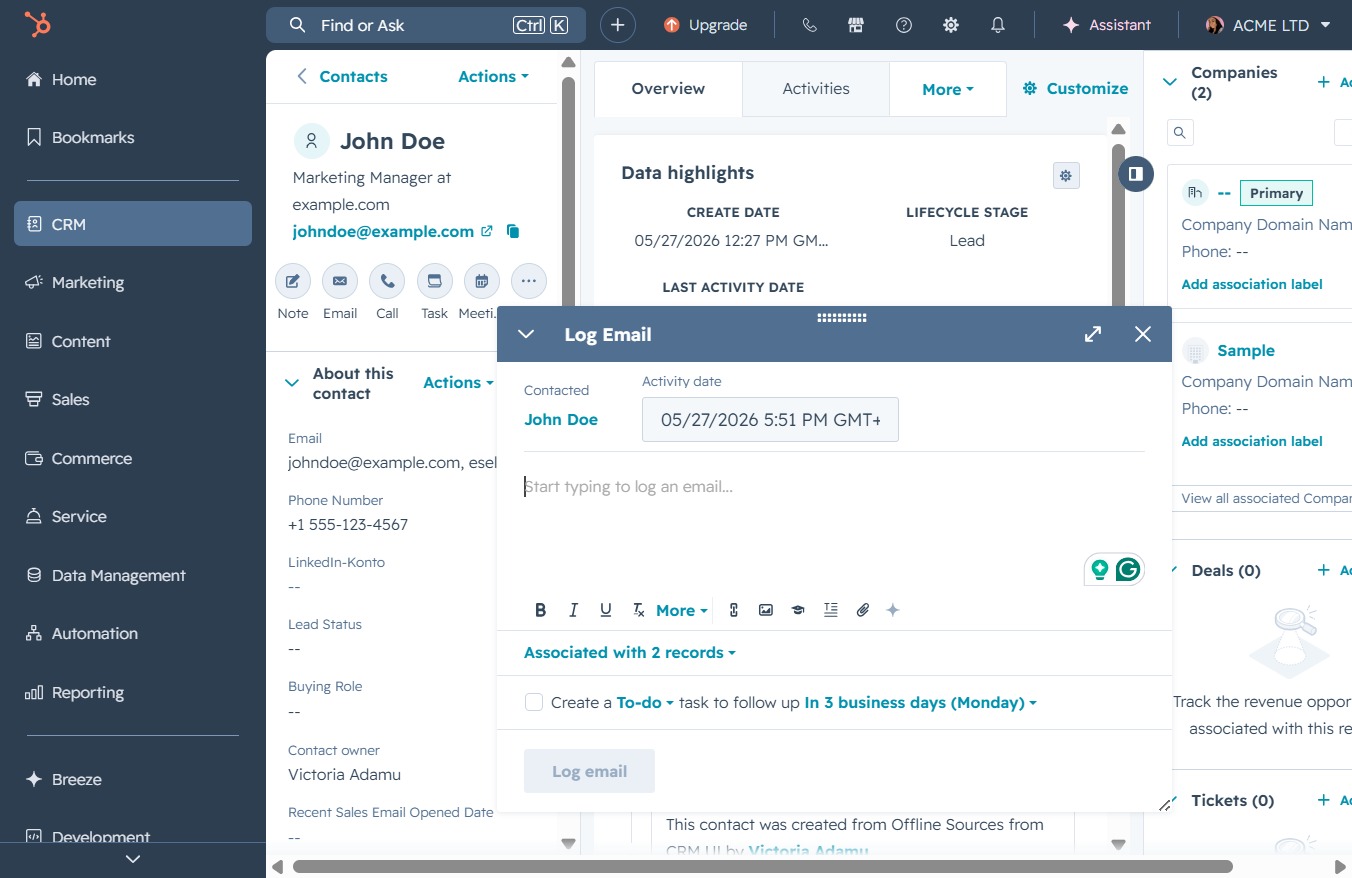
Enter the note 'Spoke with John Doe' in the Create a Logged Email section to document your interaction with the contact. This information will be saved and associated with the contact's history.
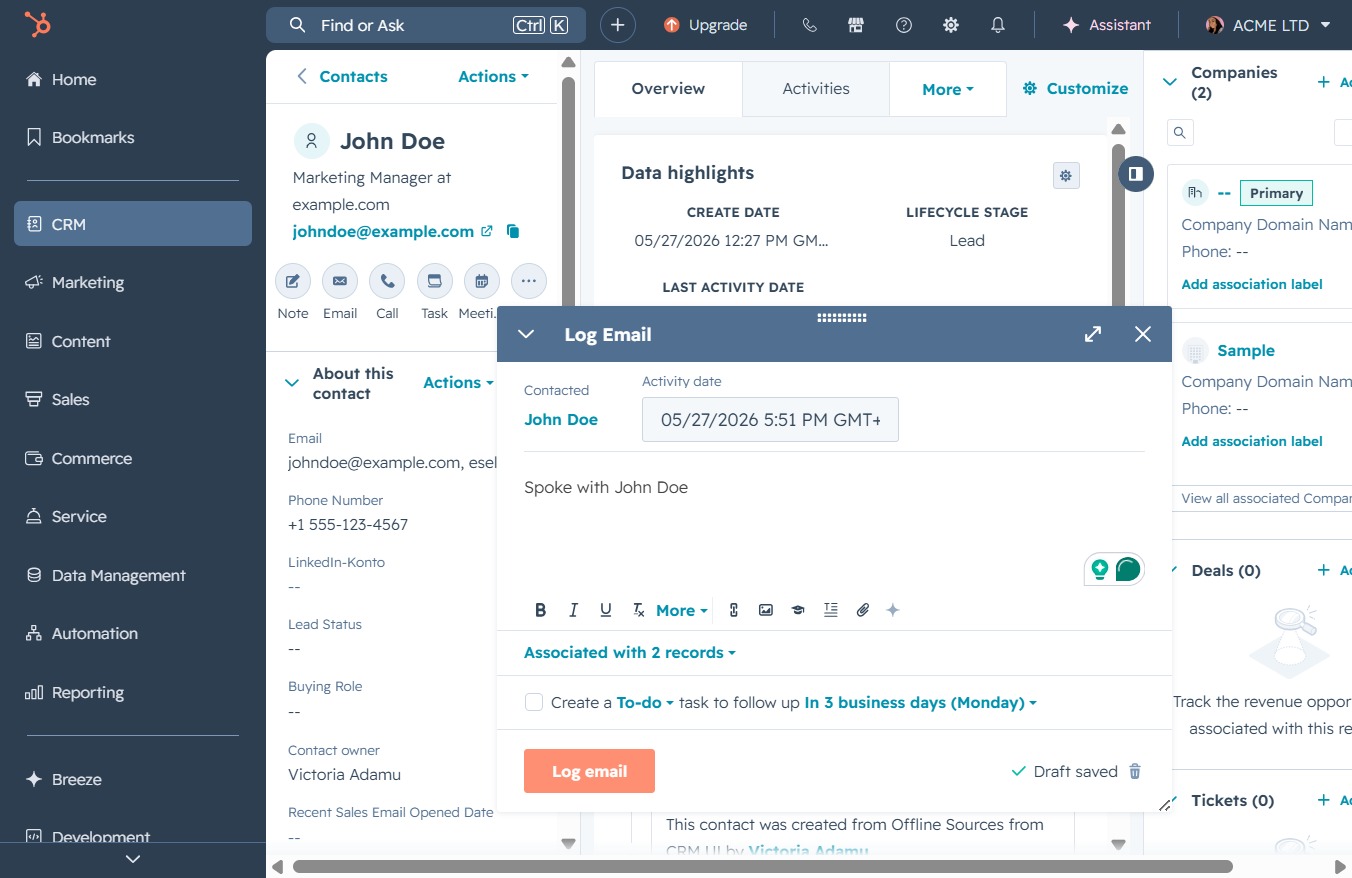
This action opens a window to log email correspondence with the selected contact, allowing you to record important details and associate the log with existing records.