Shared guide

How to invite participants to meetings

Learn the simple steps to invite participants to your meetings seamlessly.

victoriaworkflowsvictoriaworkflows
·6 steps·81 views·Published

Learn the simple steps to invite participants to your meetings seamlessly. This guide walks you through the process of joining and requesting access for attendees, ensuring everyone is included effortlessly.
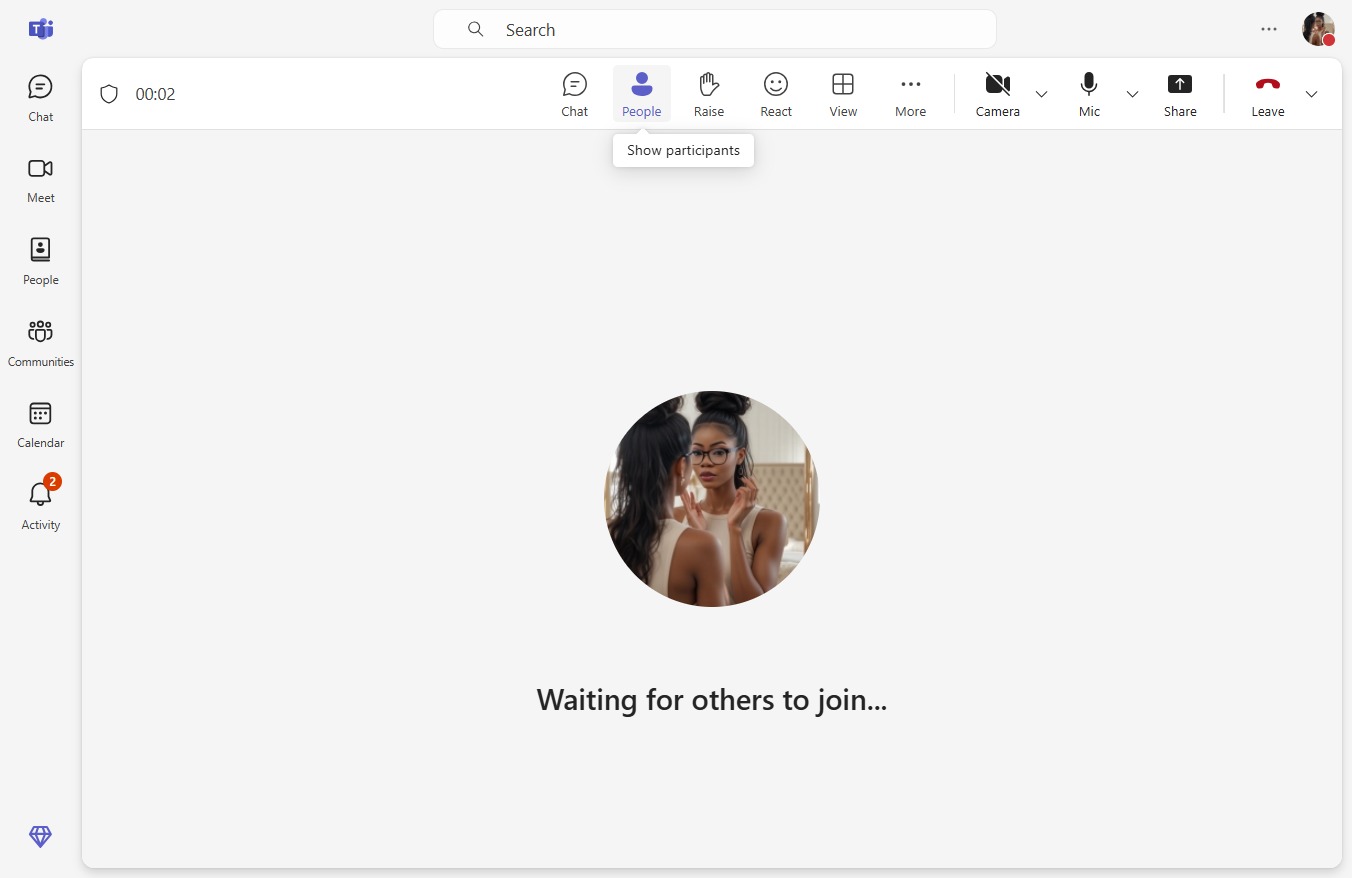
Step-by-step Guide6 steps
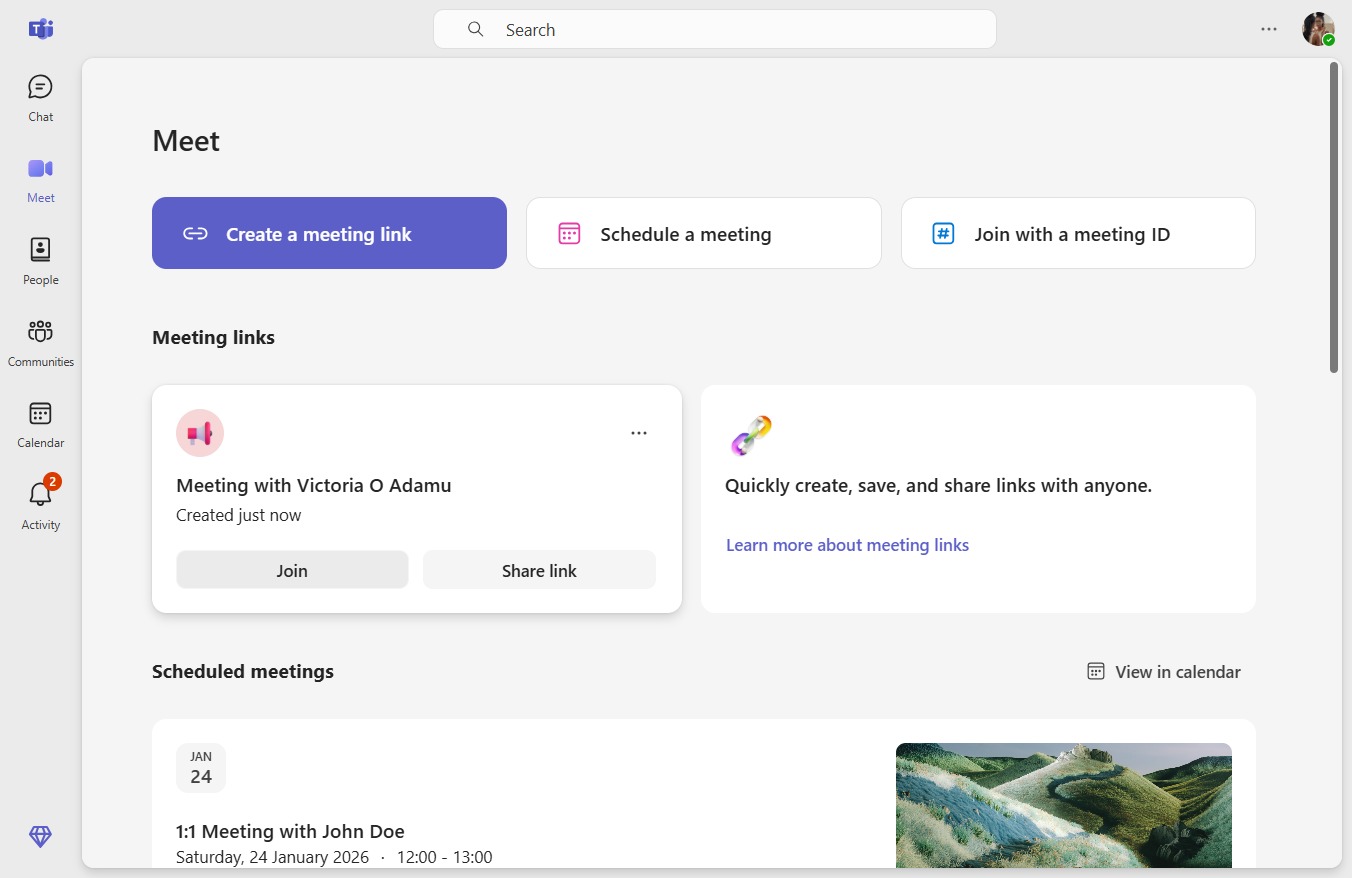
  1. Click Join

    Click Join
    Loading screenshot…
    100%
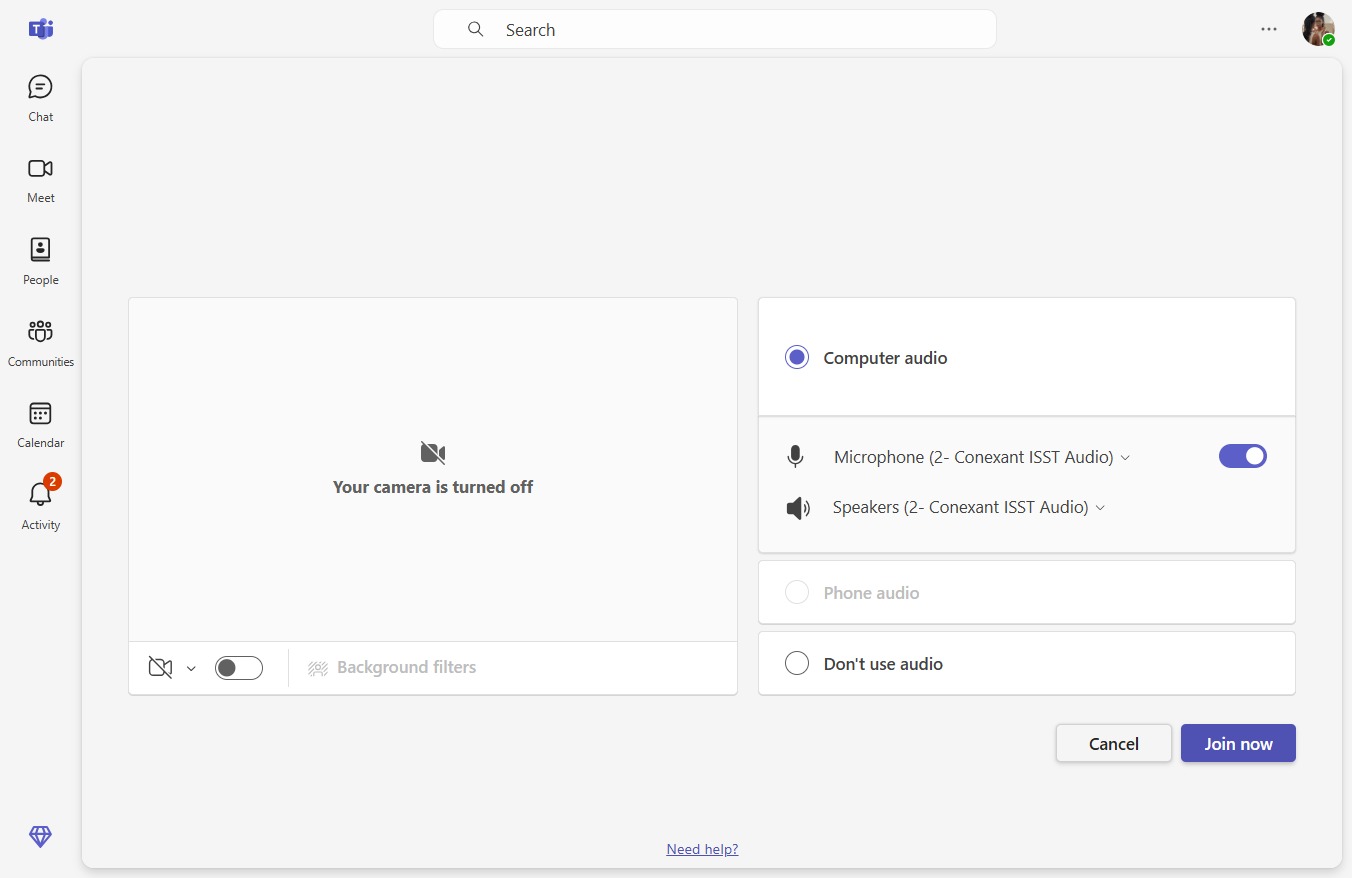
  2. Click Join now

    Click Join now
    Loading screenshot…
    100%
  3. Click on "Click here."

    Click on "Click here."
    Loading screenshot…
    100%
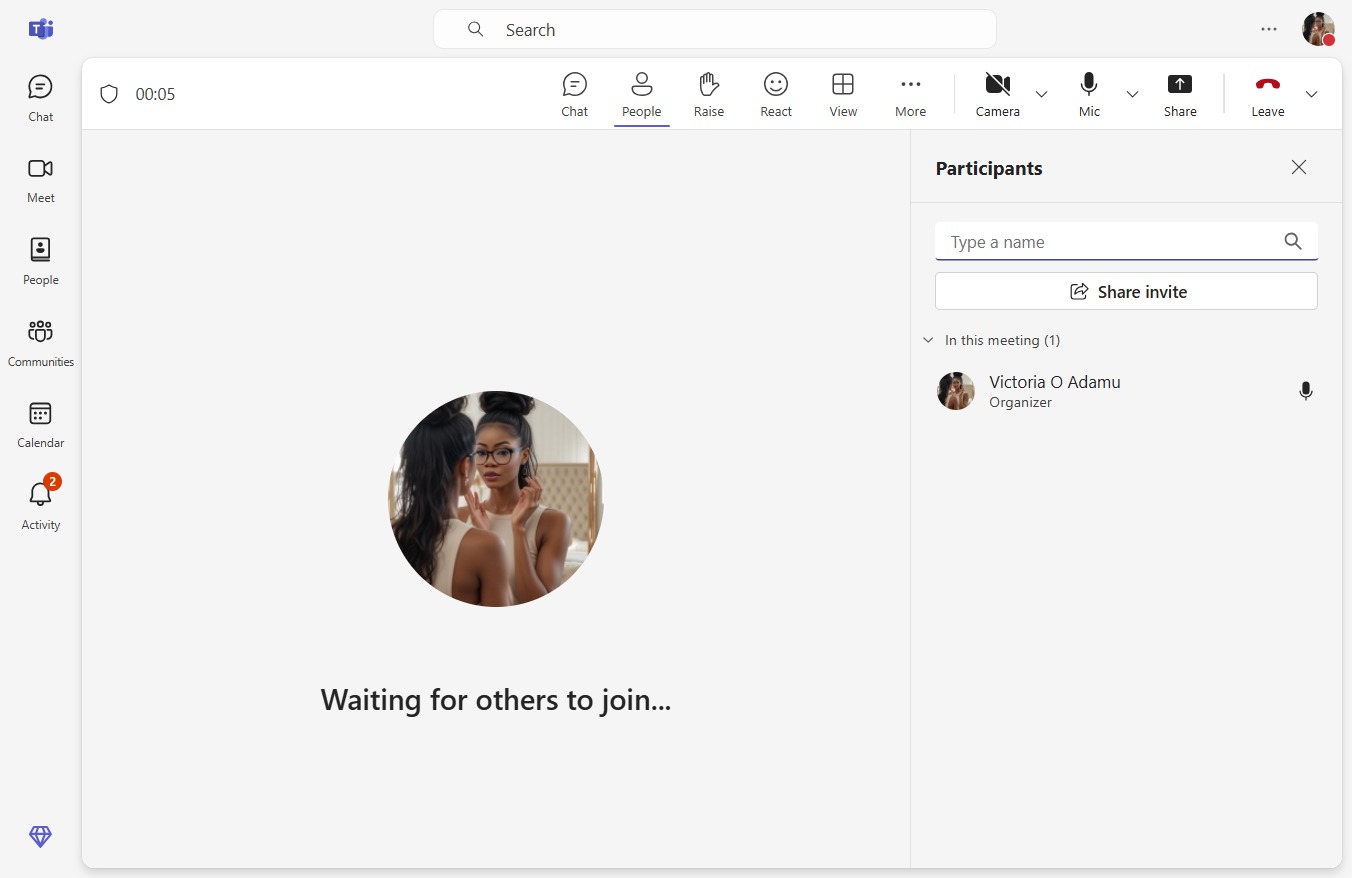
  4. Click Type a name

    Click Type a name
    Loading screenshot…
    100%
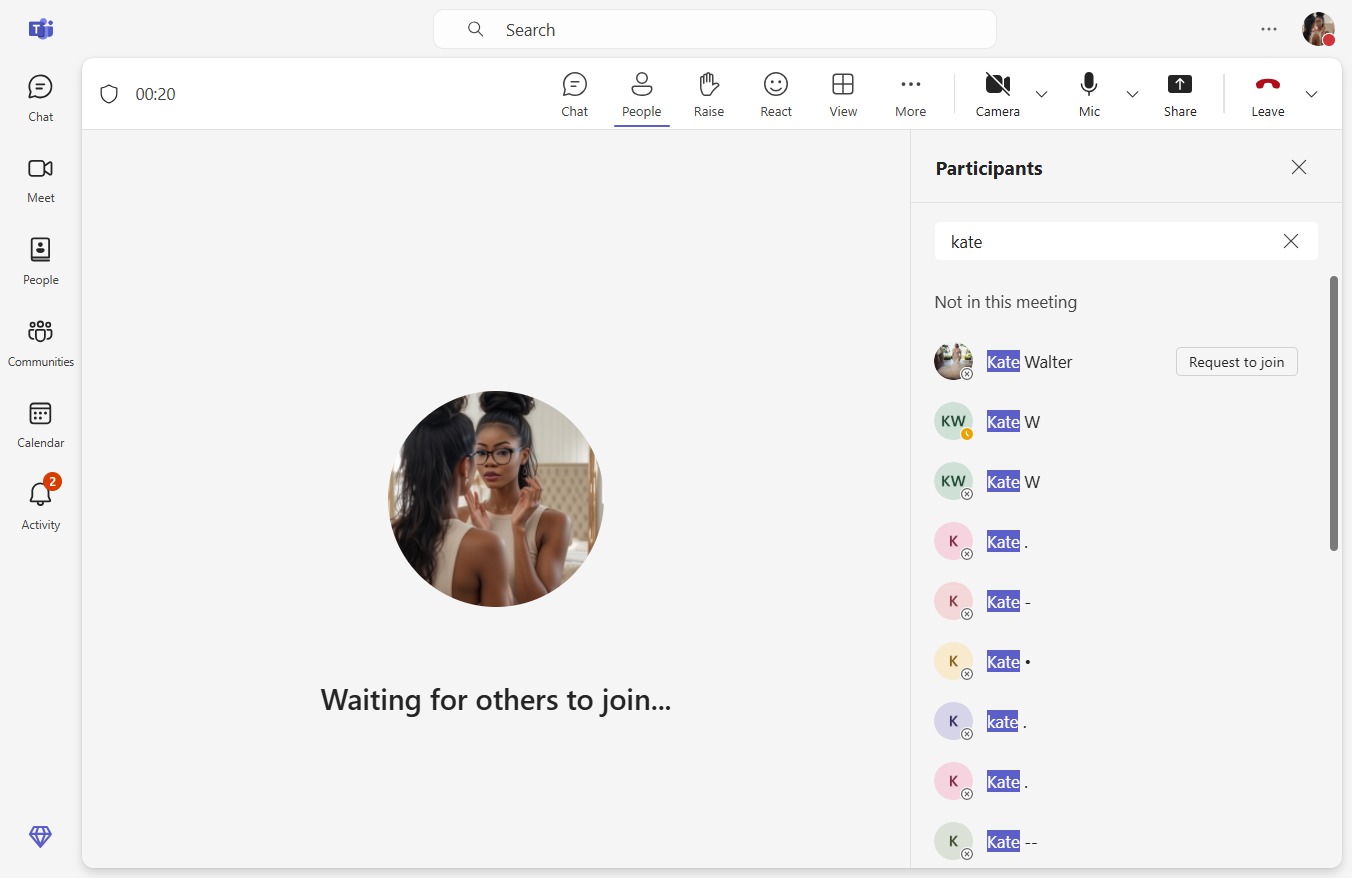
  5. Type "kate" in Type a name

  6. Click Request to join

    Click Request to join
    Loading screenshot…
    100%