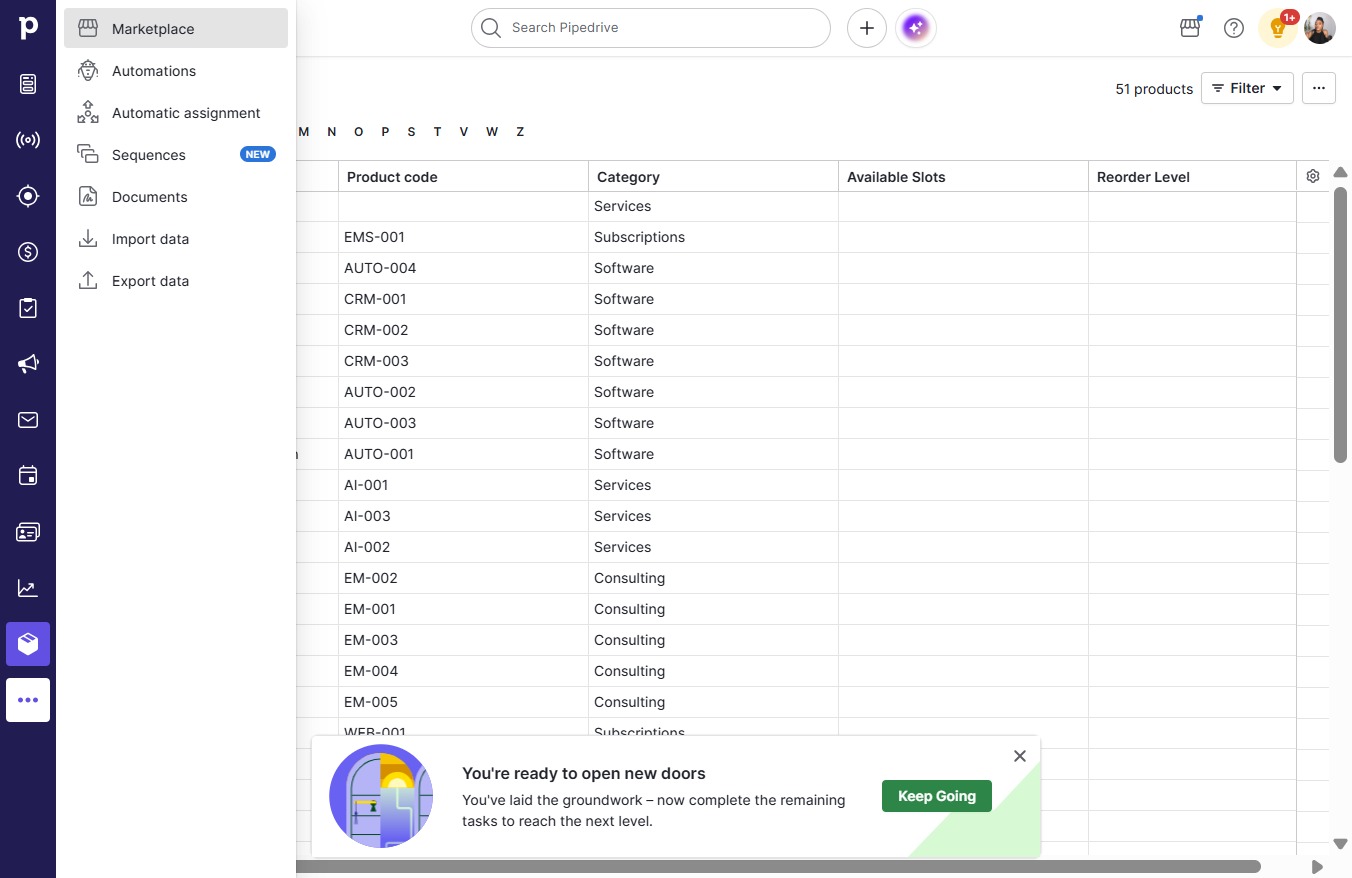
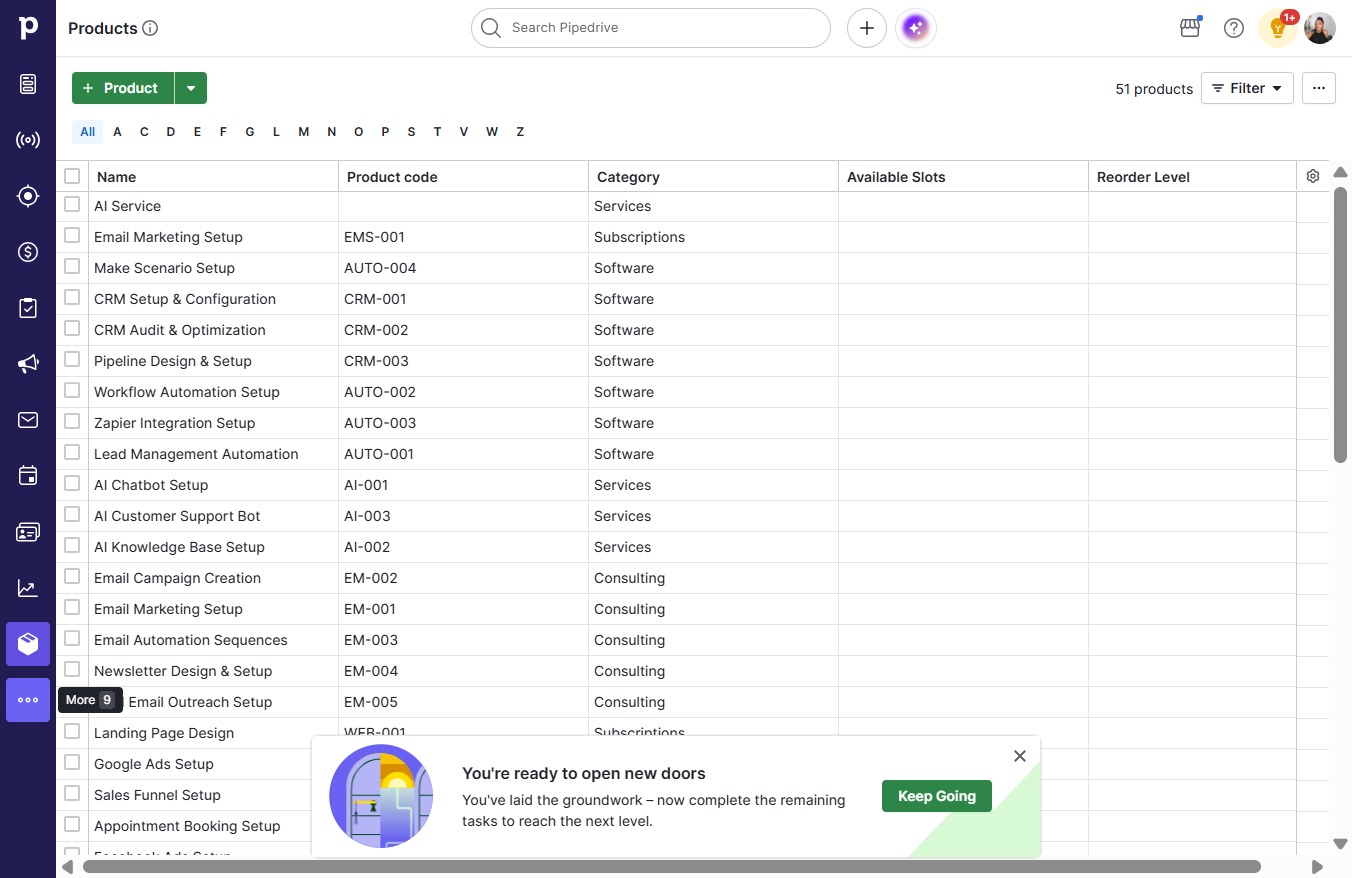
Click More
Loading screenshot…
100%
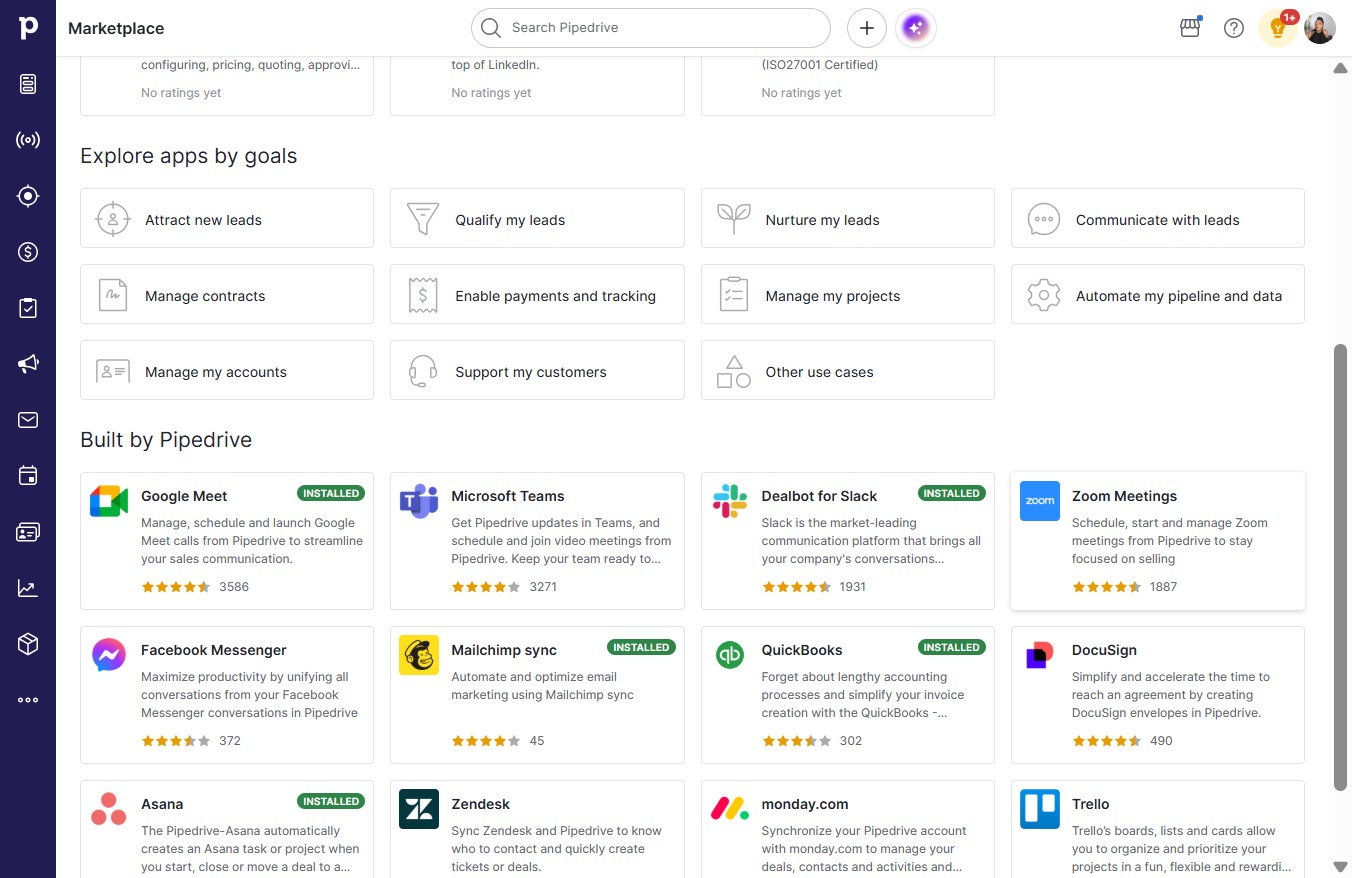
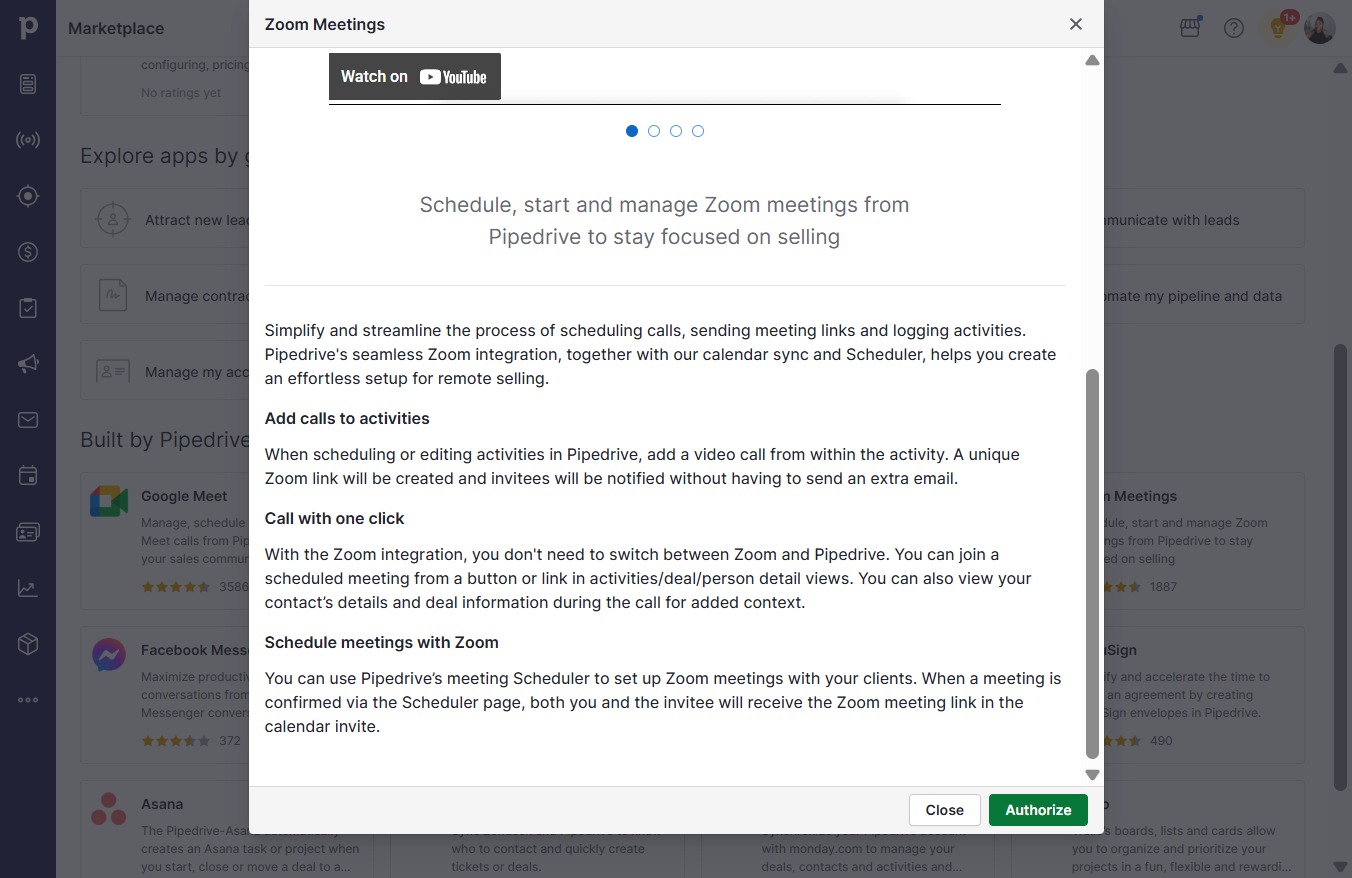
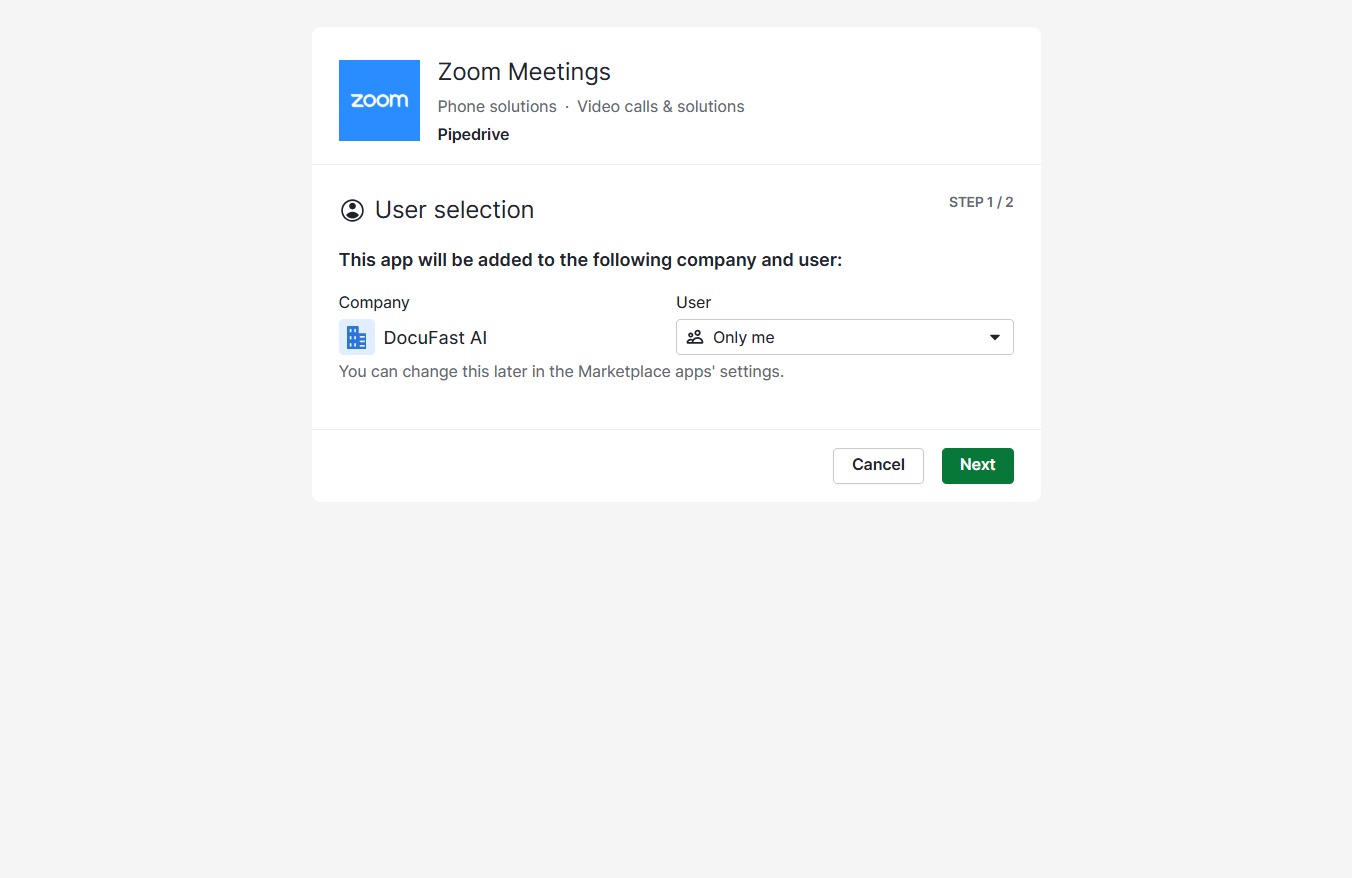
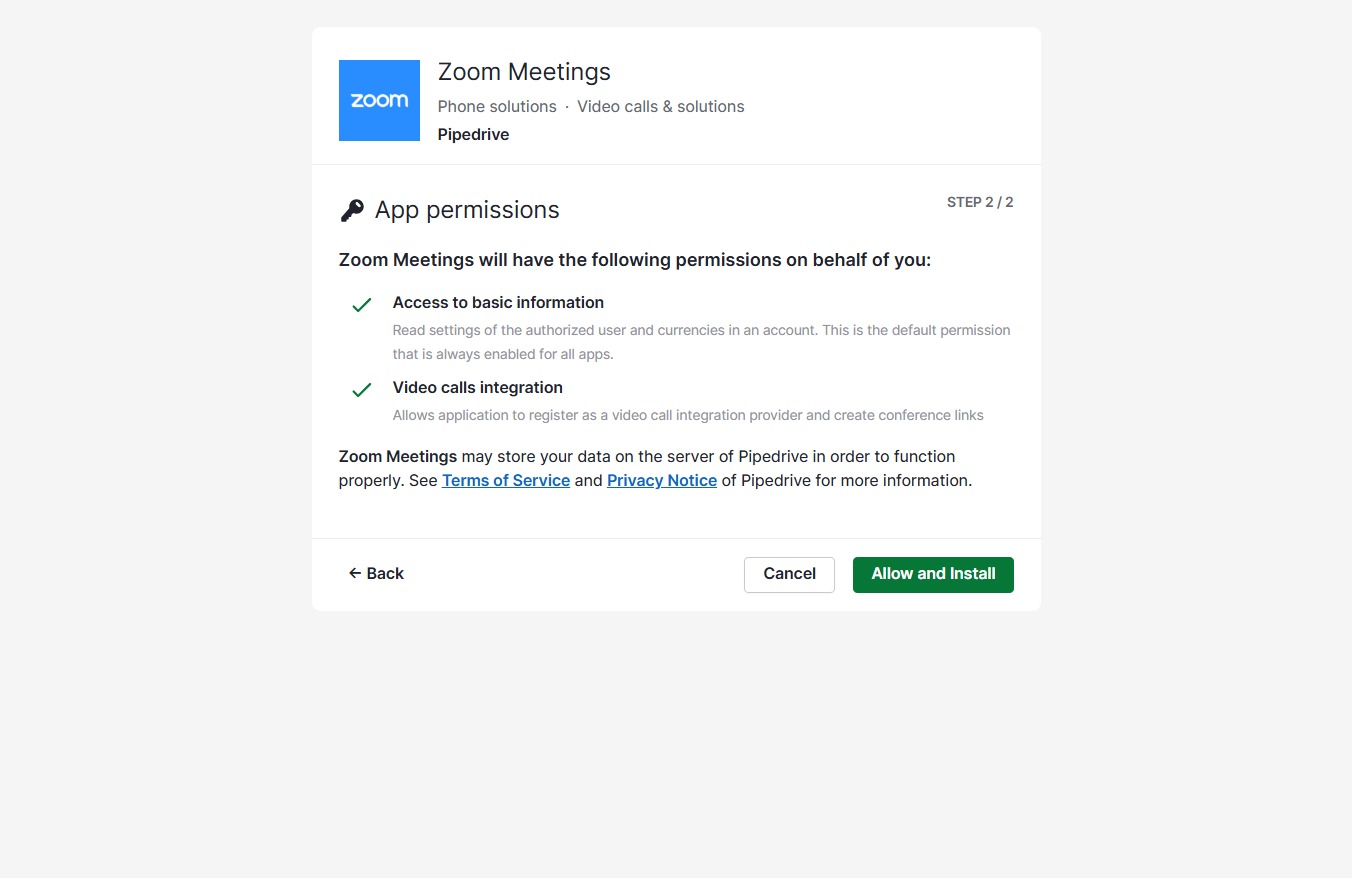
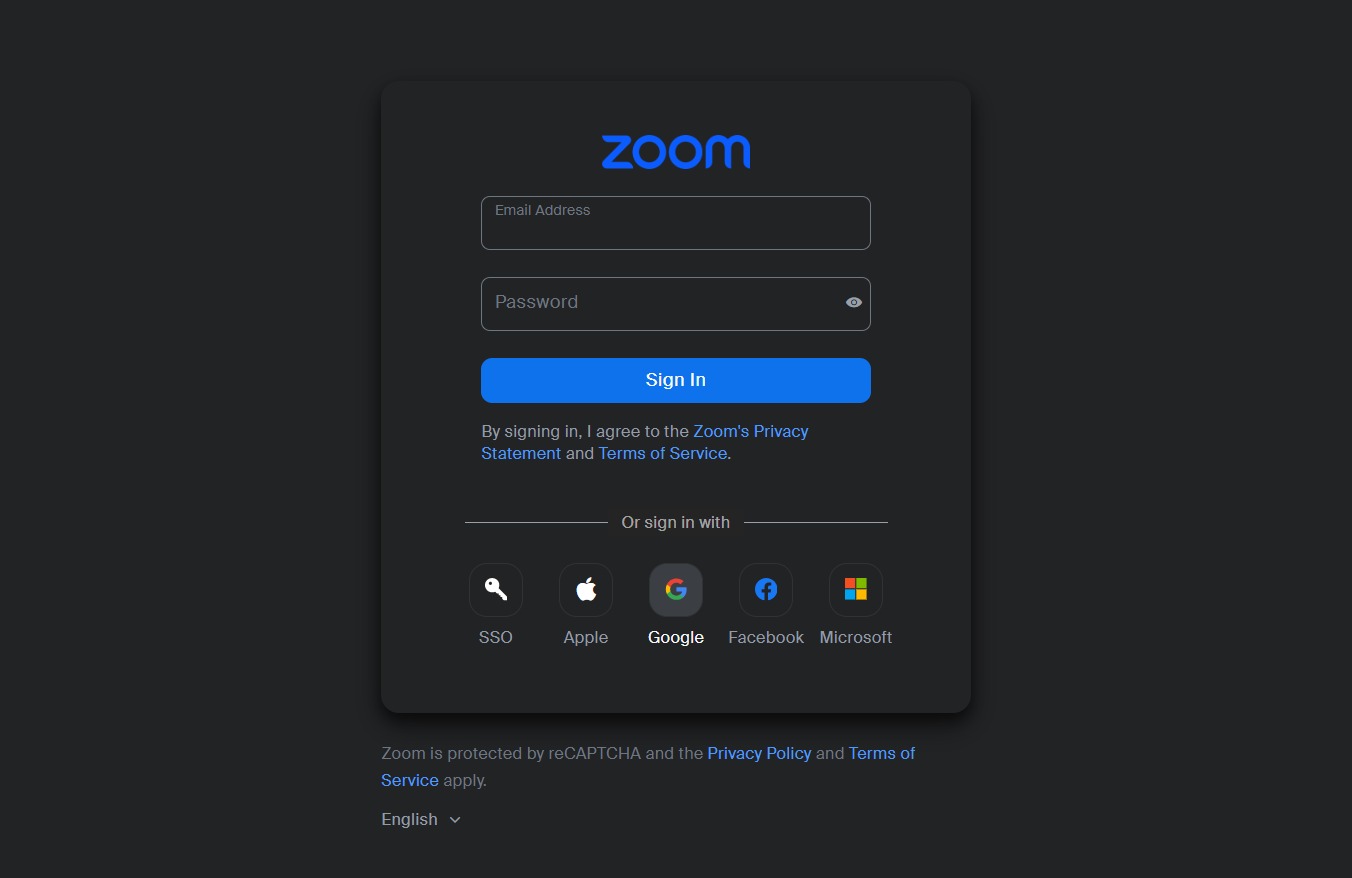
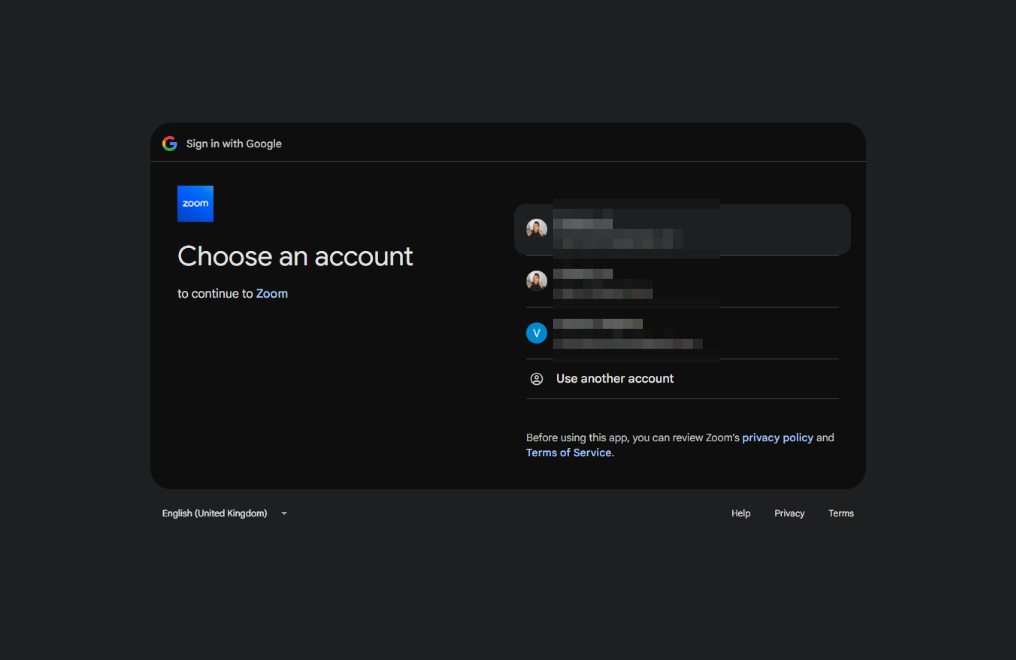
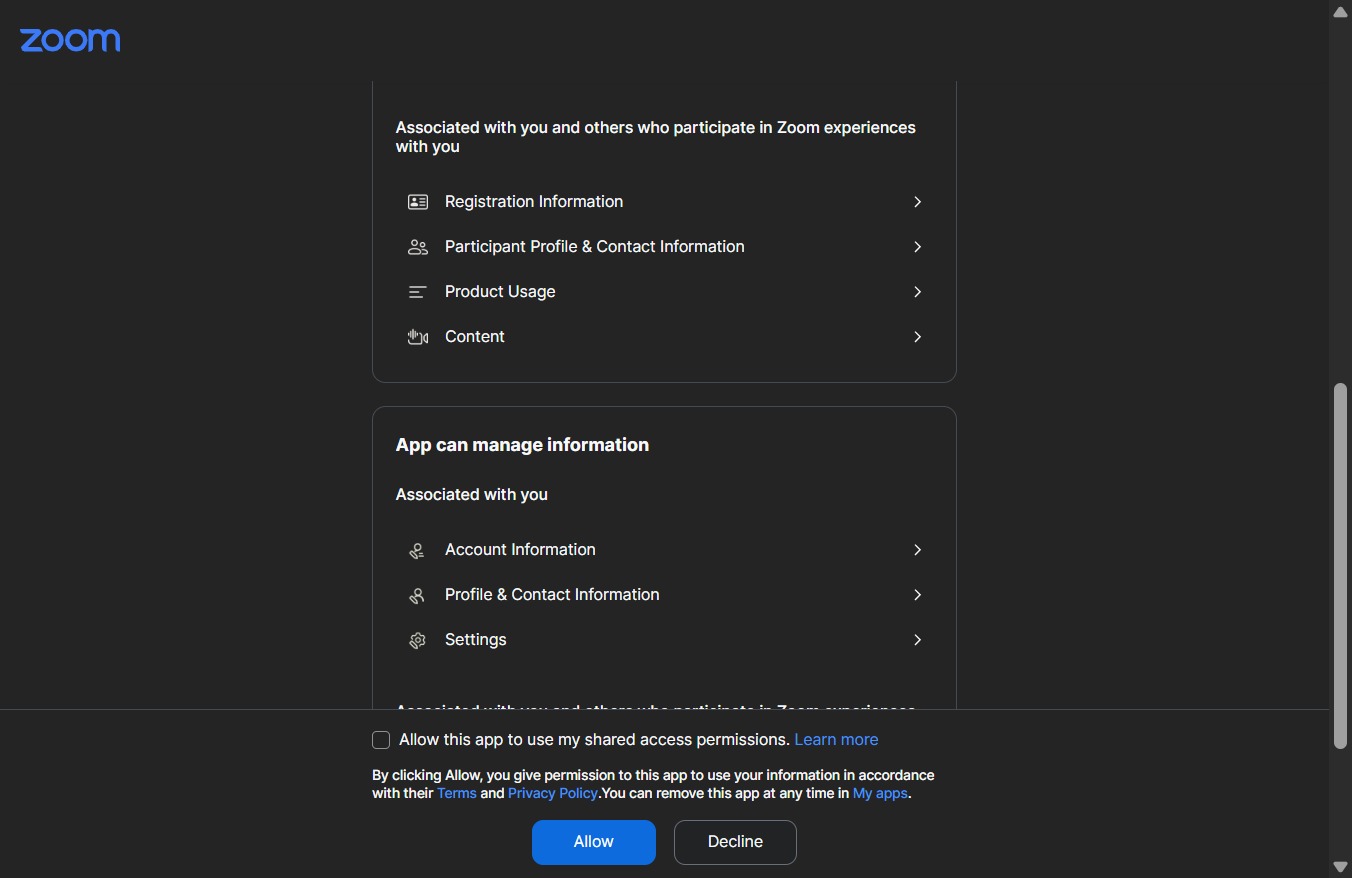
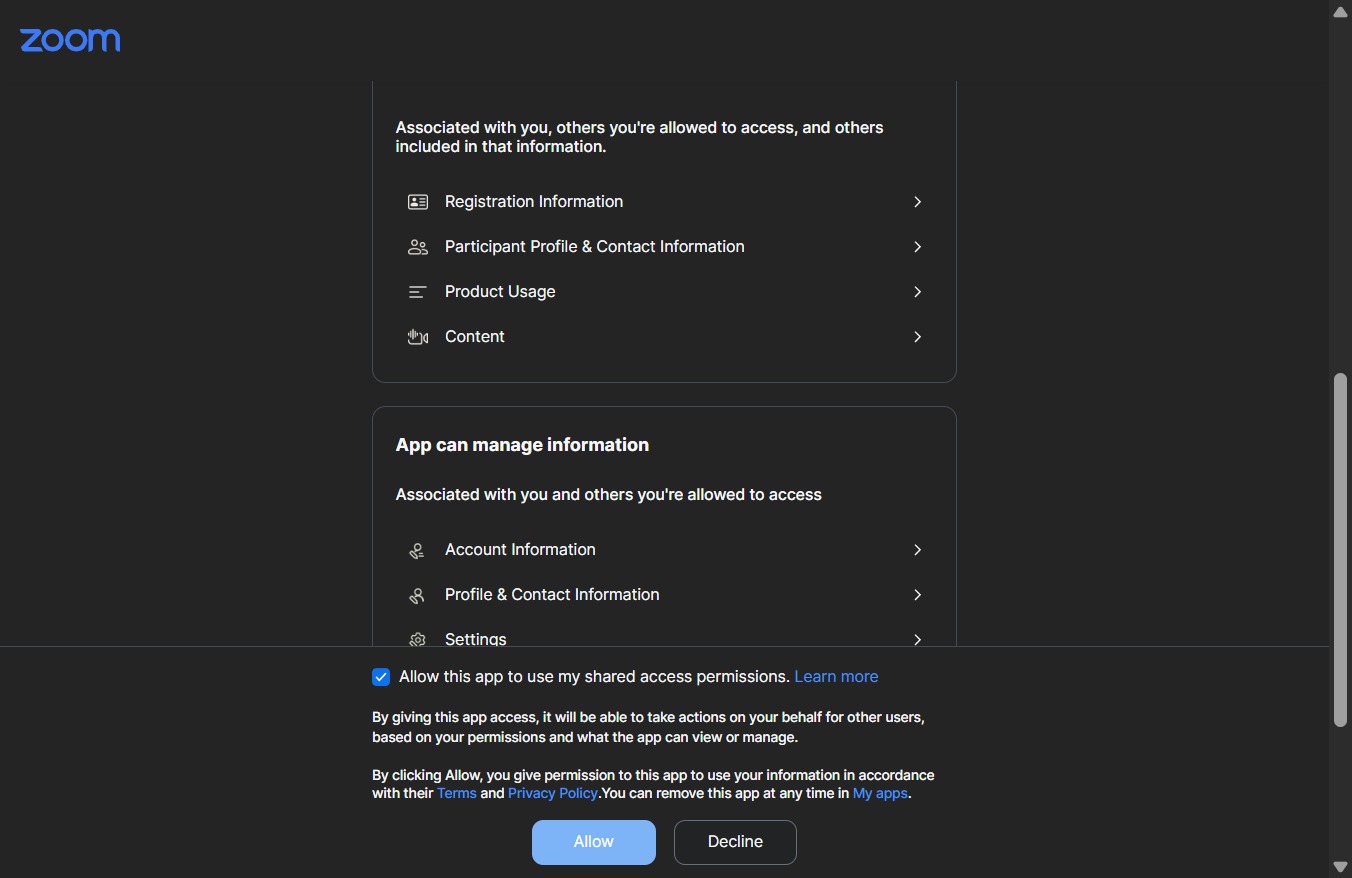
This how-to guide walks you through the steps to integrate Zoom and Teams with your system, enabling seamless video calls.
 victoriaworkflows
This how-to guide walks you through the steps to integrate Zoom and Teams with your system, enabling seamless video calls. Follow the simple process outlined to authorize and install the necessary applications, ensuring you're ready for any virtual meeting.