Geteilte Anleitung

How to integrate with Outlook/Microsoft 365

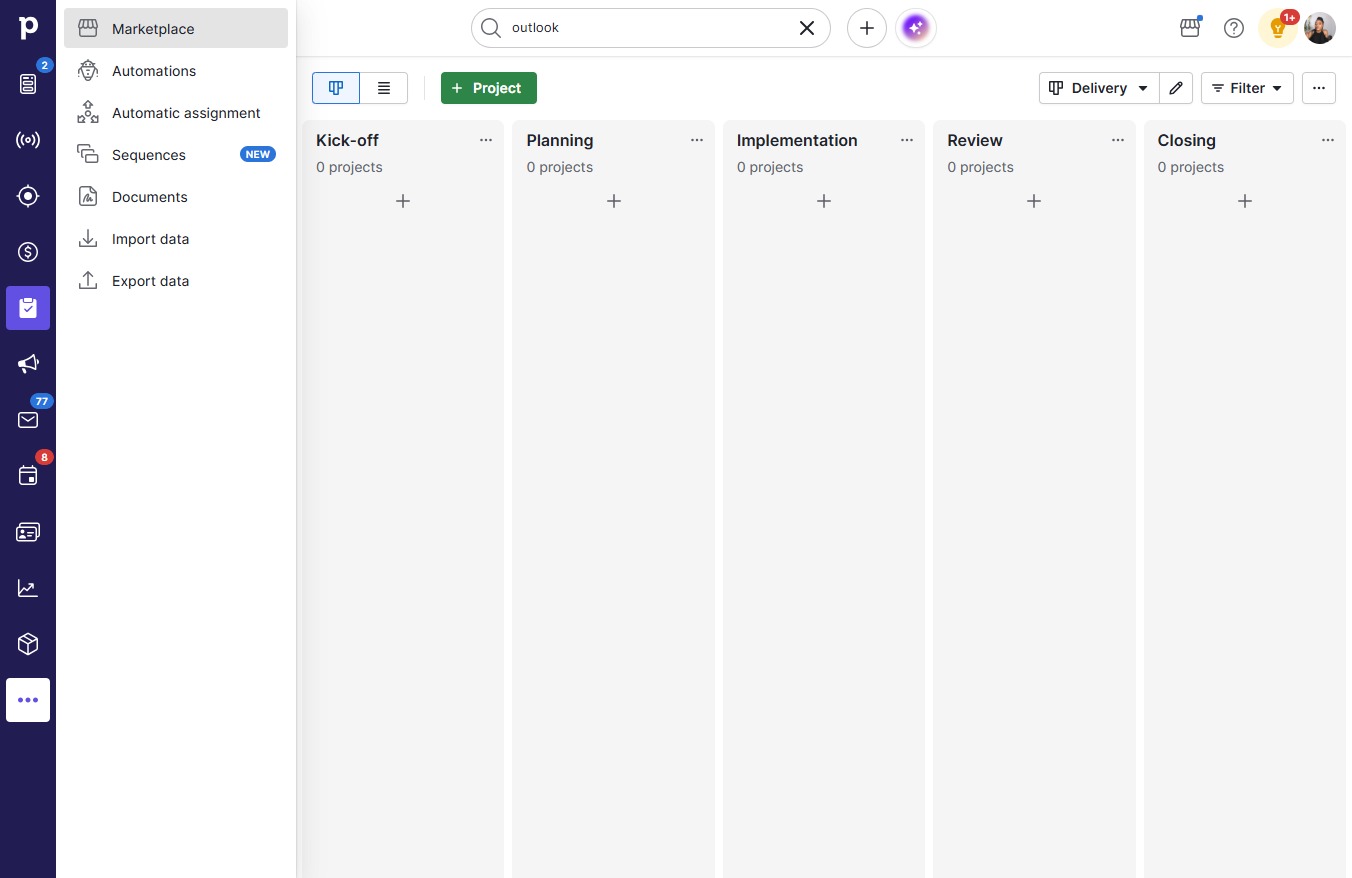
Step-by-step guide covering: Click on "Click here."; Click Marketplace; Click on "Click here."; Type "outloo" in Search Pipedrive.

victoriaworkflowsvictoriaworkflows
·16 Schritte·6 Aufrufe·Veröffentlicht
Step-by-step Guide16 Schritte
  1. Click on "Click here."
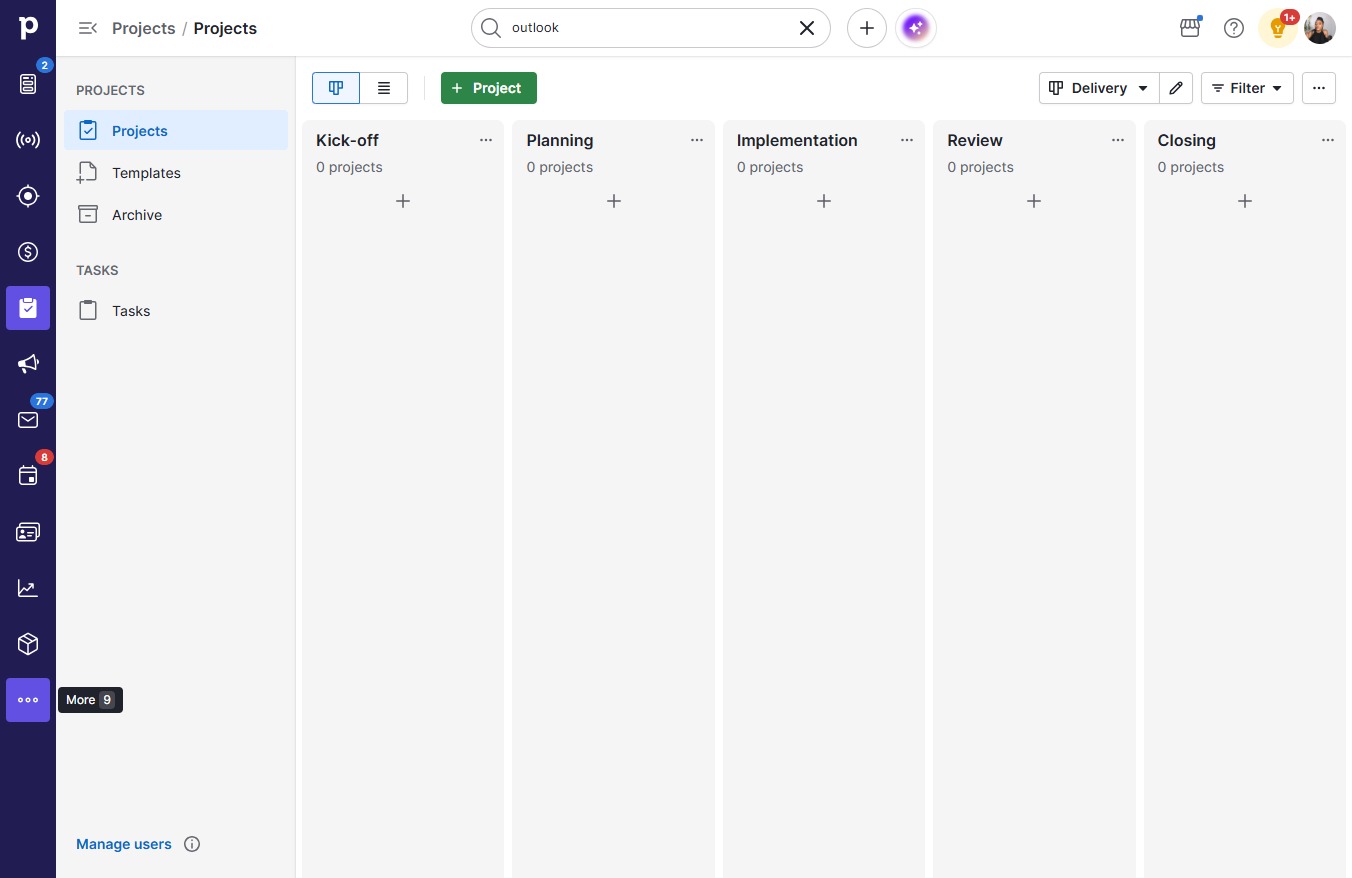
    Click on "Click here."
    Loading screenshot…
    100%
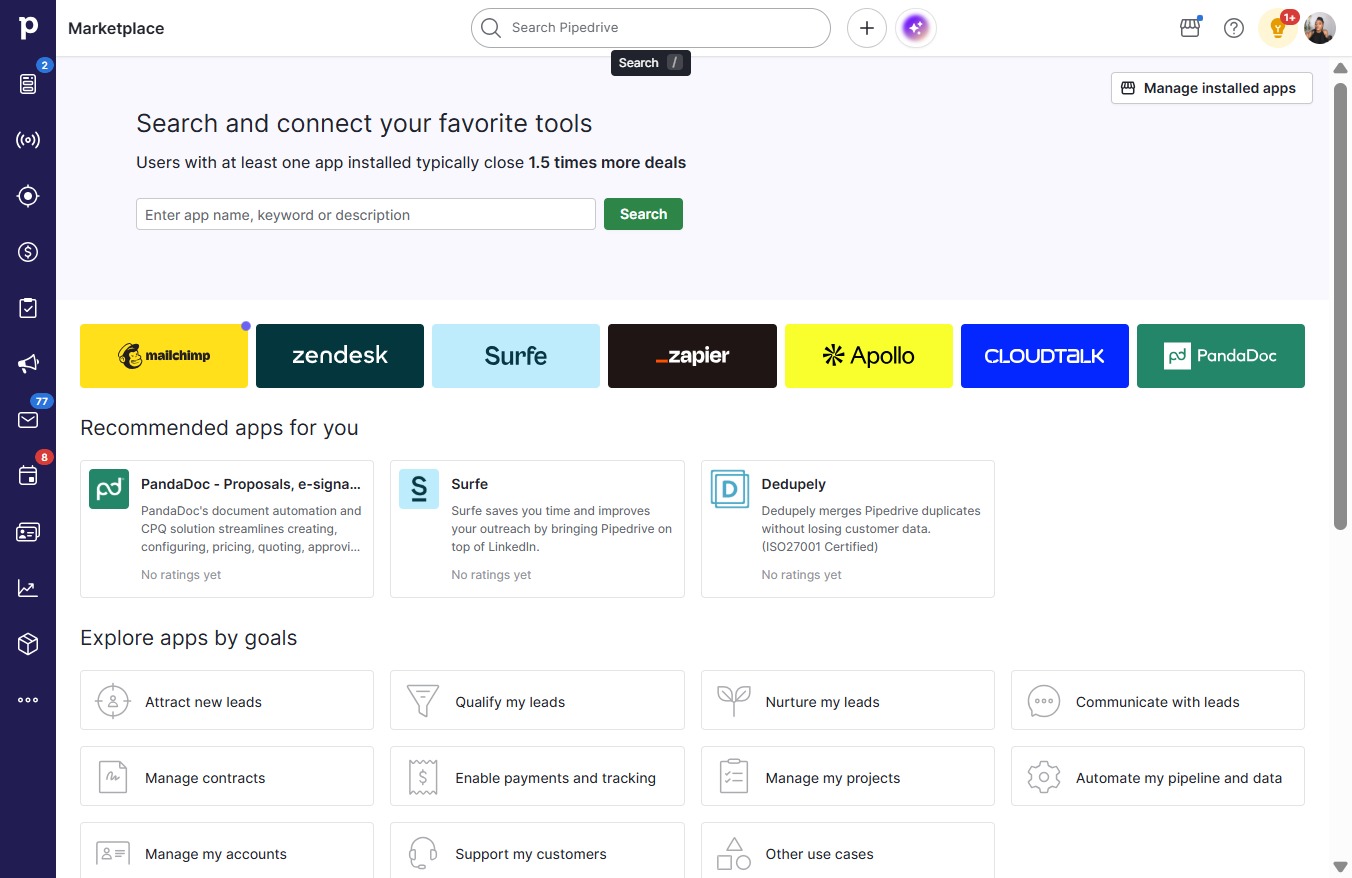
  2. Click Marketplace

    Click Marketplace
    Loading screenshot…
    100%
  3. Click on "Click here."

    Click on "Click here."
    Loading screenshot…
    100%
  4. Type "outloo" in Search Pipedrive

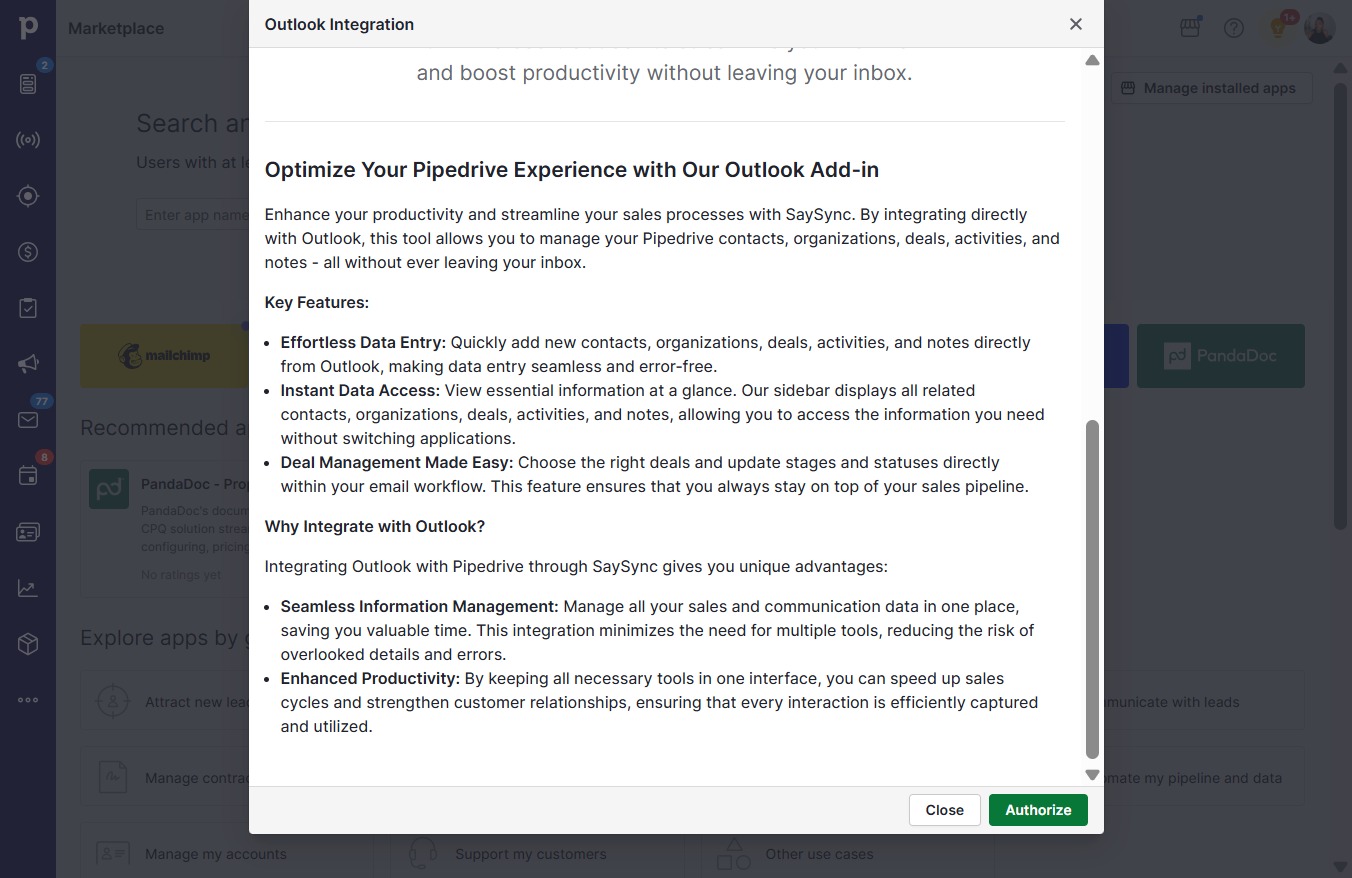
  5. Click Outlook Integration

    Click Outlook Integration
    Loading screenshot…
    100%
  6. Click Authorize

    Click Authorize
    Loading screenshot…
    100%
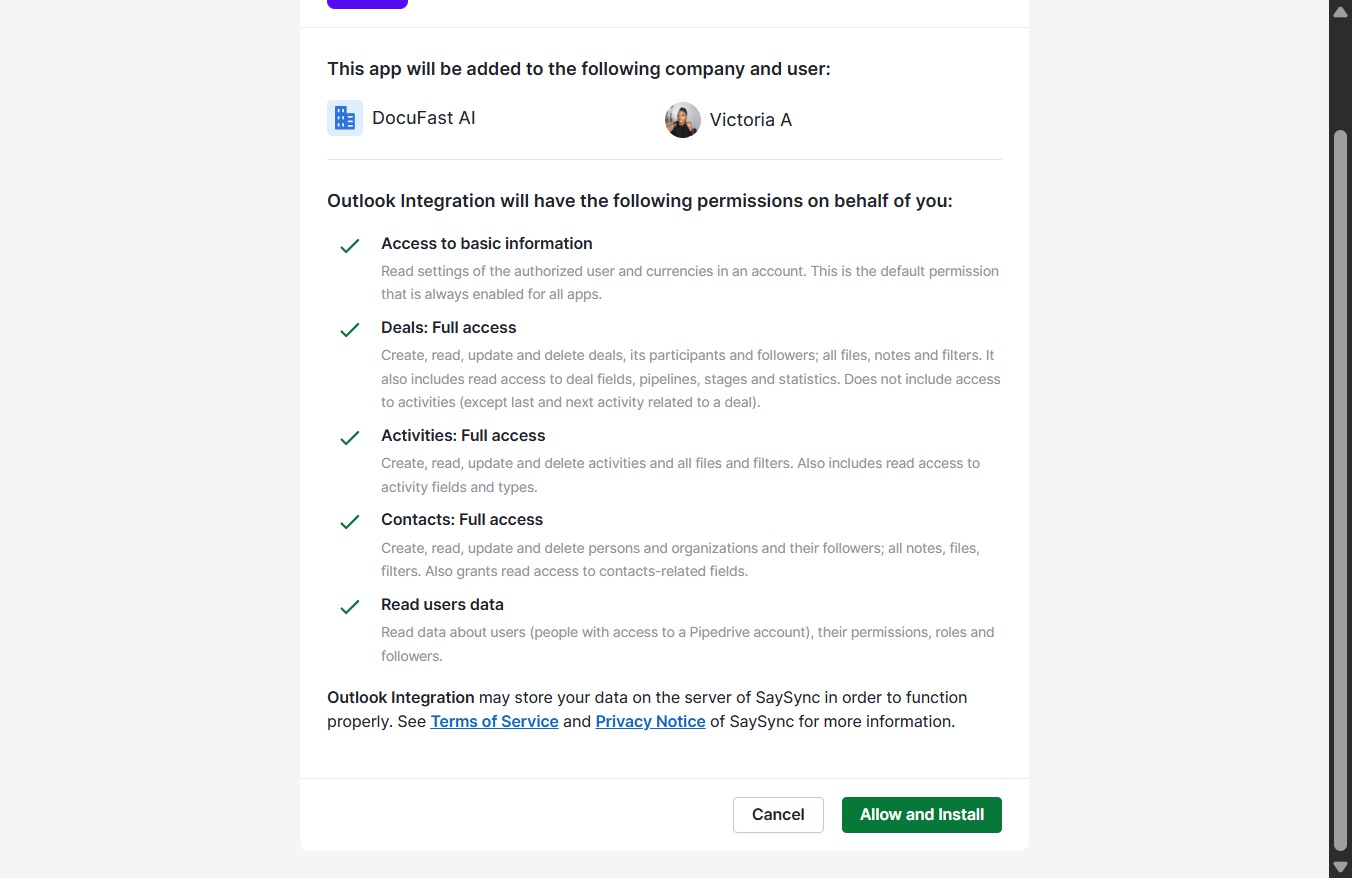
  7. Click Allow and Install

    Click Allow and Install
    Loading screenshot…
    100%
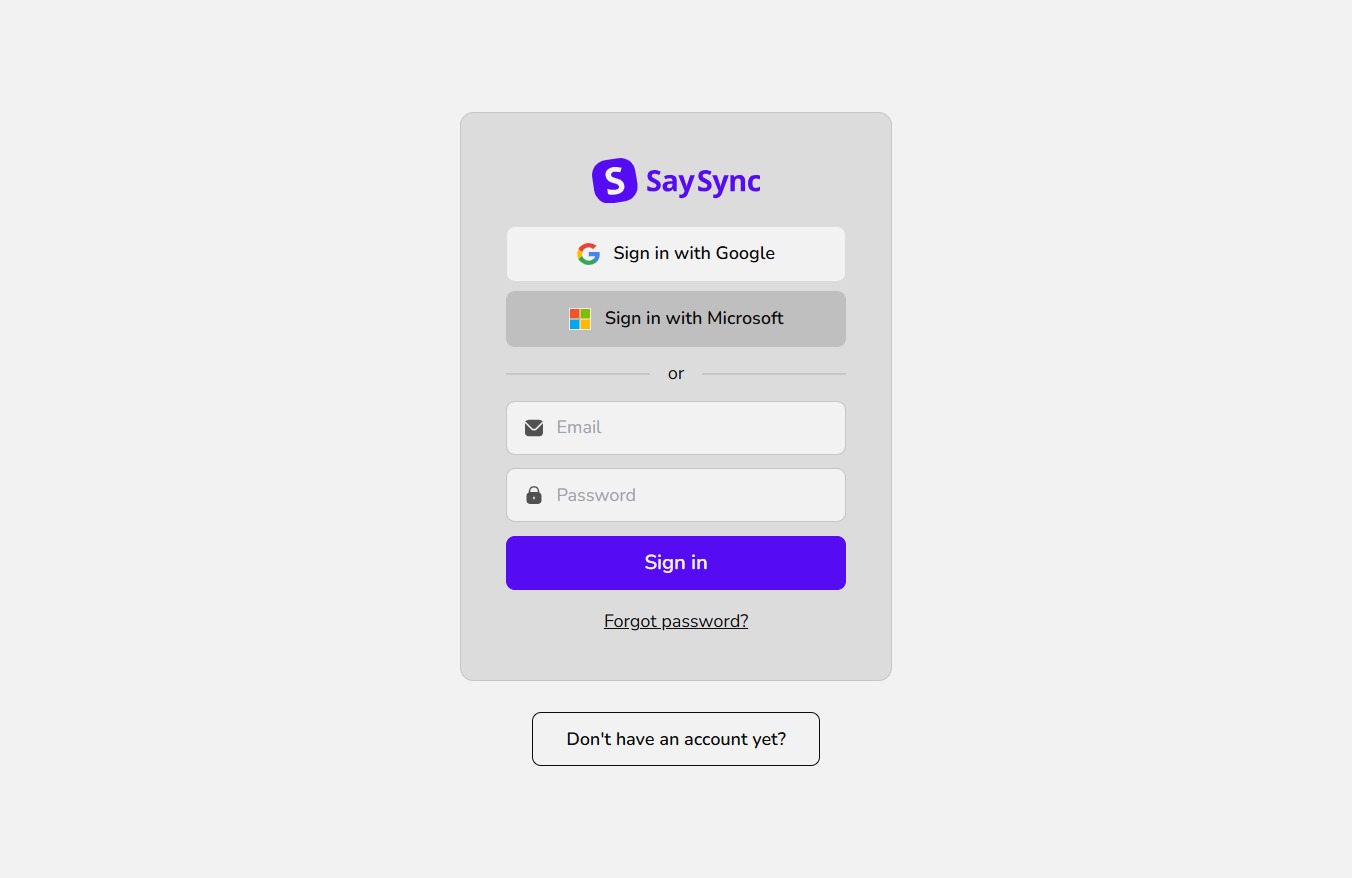
  8. Click Sign in with Microsoft

    Click Sign in with Microsoft
    Loading screenshot…
    100%
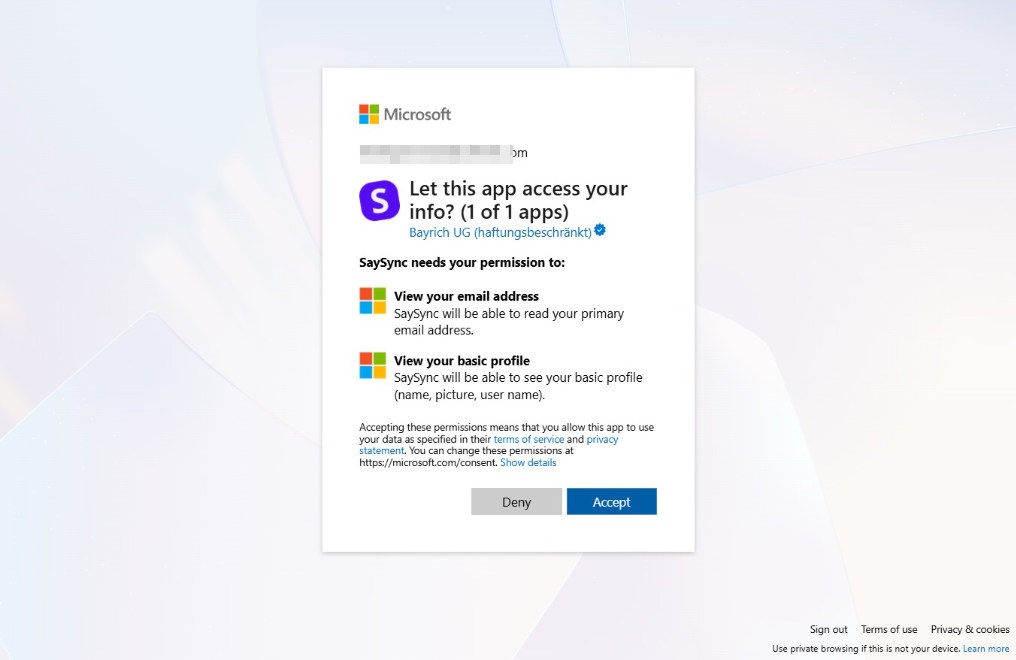
  9. Click Accept

    Click Accept
    Loading screenshot…
    100%
  10. Click on "Click here."

    Click on "Click here."
    Loading screenshot…
    100%
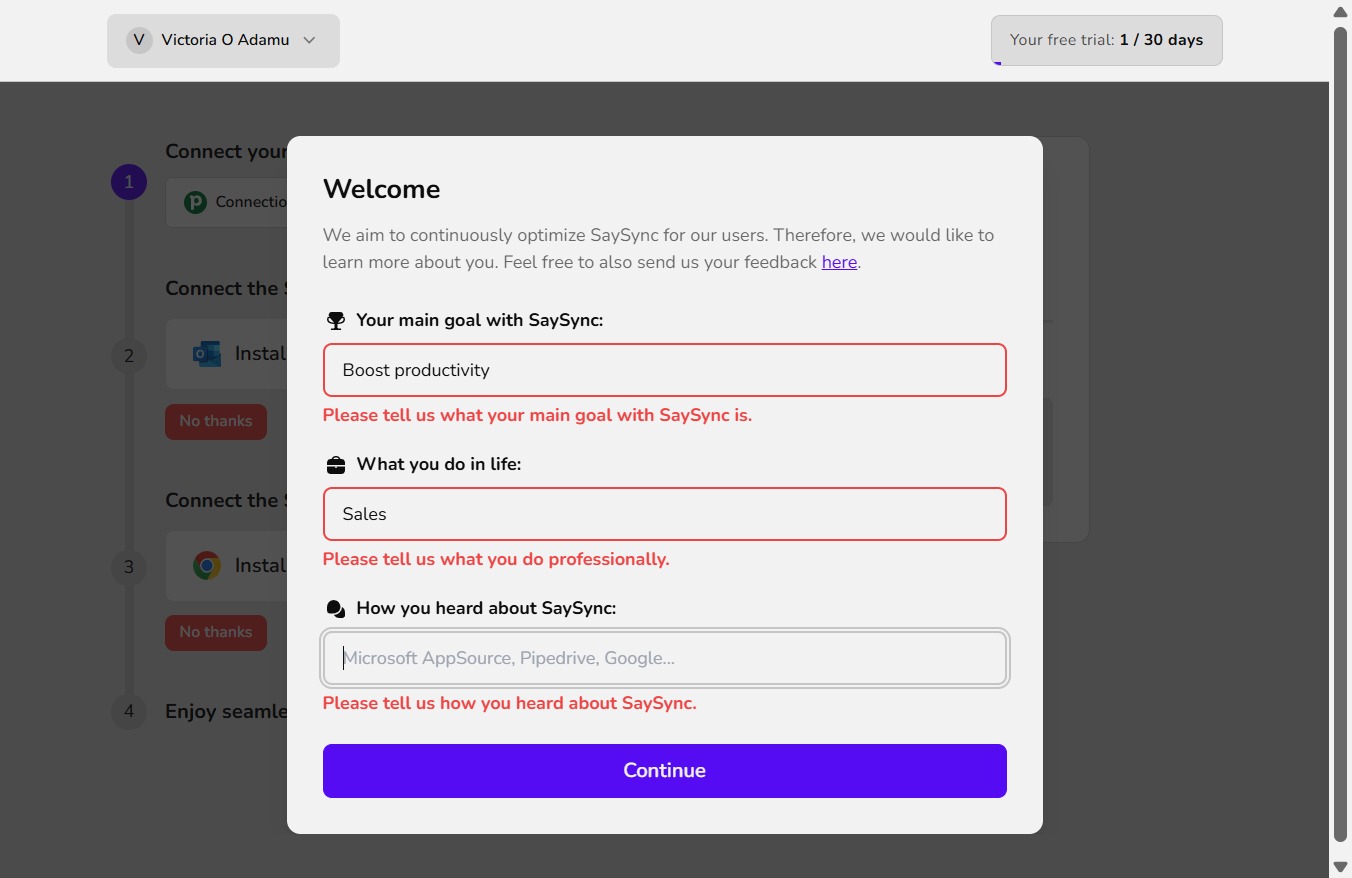
  11. Type "Boost productivity" in Prevent errors, boost productivity...

  12. Click on "Click here."

    Click on "Click here."
    Loading screenshot…
    100%
  13. Type "Sales" in Sales, Business Development, Real Estate...

  14. Click on "Click here."

    Click on "Click here."
    Loading screenshot…
    100%
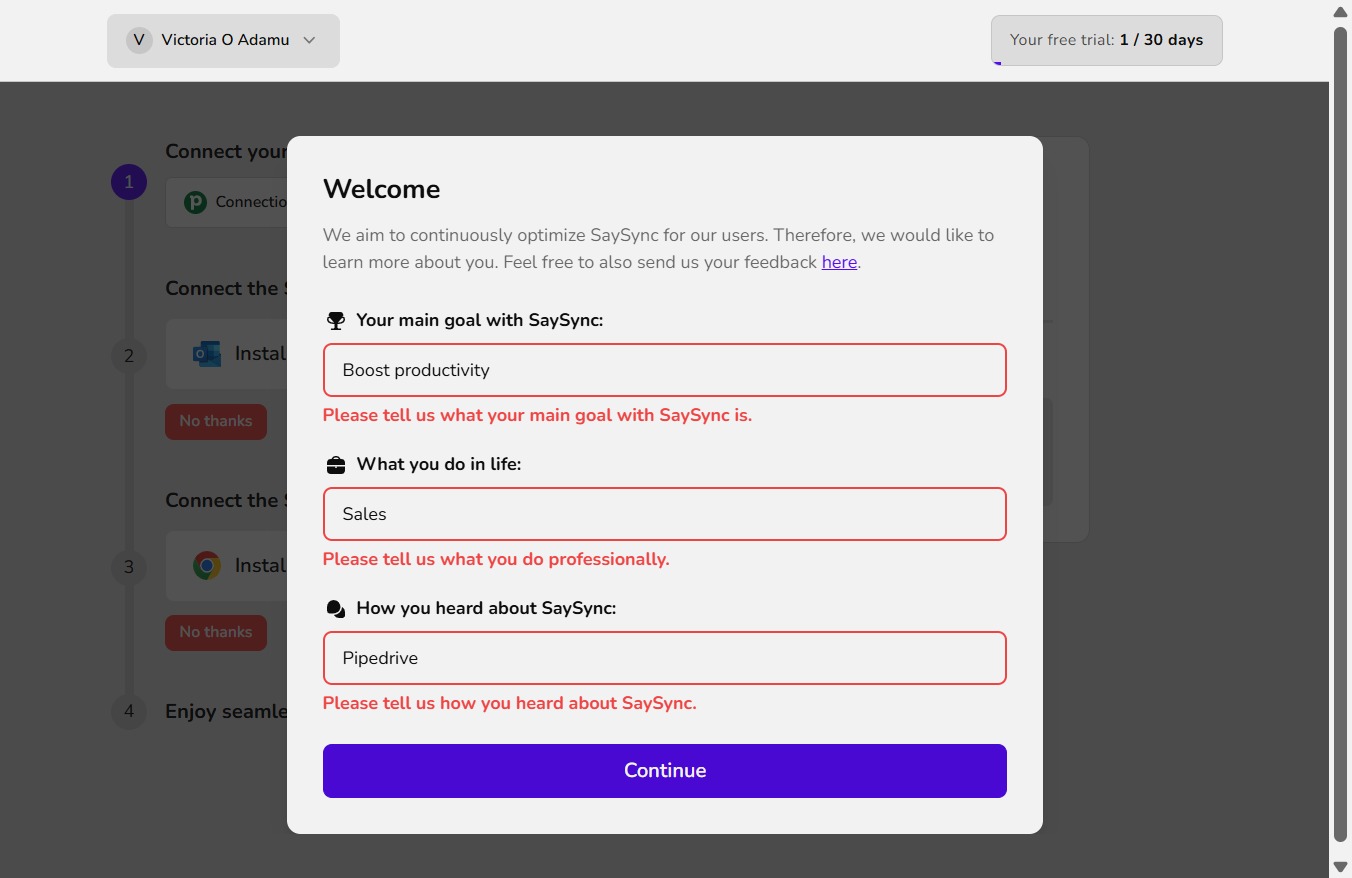
  15. Type "Pipedrive" in Microsoft AppSource, Pipedrive, Google...

  16. Click Continue

    Click Continue
    Loading screenshot…
    100%