Geteilte Anleitung

How to integrate with marketing tools (Mailchimp, HubSpot)

In this how-to guide, you'll learn how to seamlessly integrate Mailchimp with Pipedrive by following a series of simple steps.

victoriaworkflowsvictoriaworkflows
·8 Schritte·50 Aufrufe·Veröffentlicht

In this how-to guide, you'll learn how to seamlessly integrate Mailchimp with Pipedrive by following a series of simple steps. From accessing the marketplace to authorizing and installing the Mailchimp sync, this tutorial ensures you can efficiently connect your marketing tools for enhanced productivity.
Step-by-step Guide8 Schritte
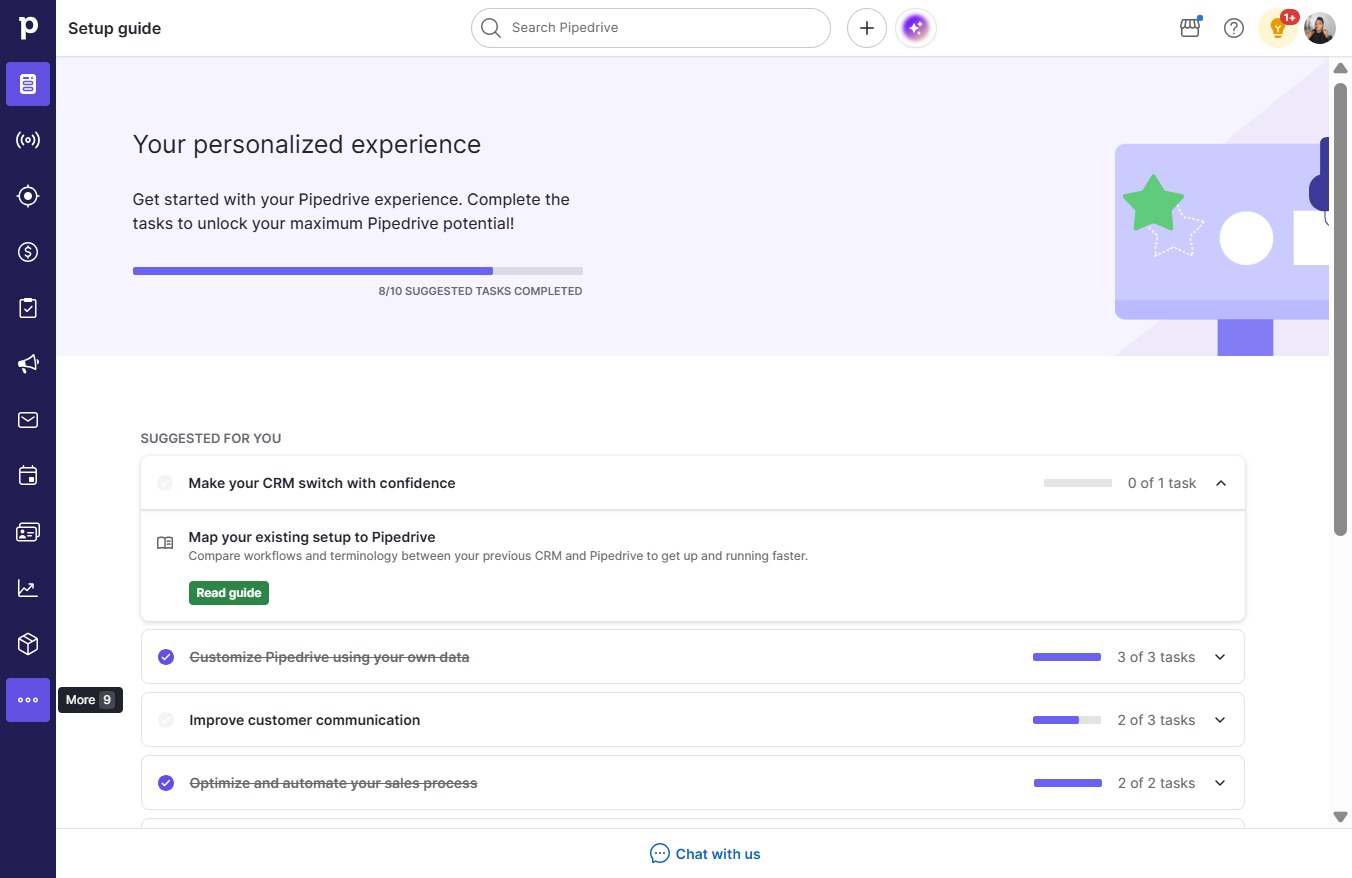
  1. Click More

    Click More
    Loading screenshot…
    100%
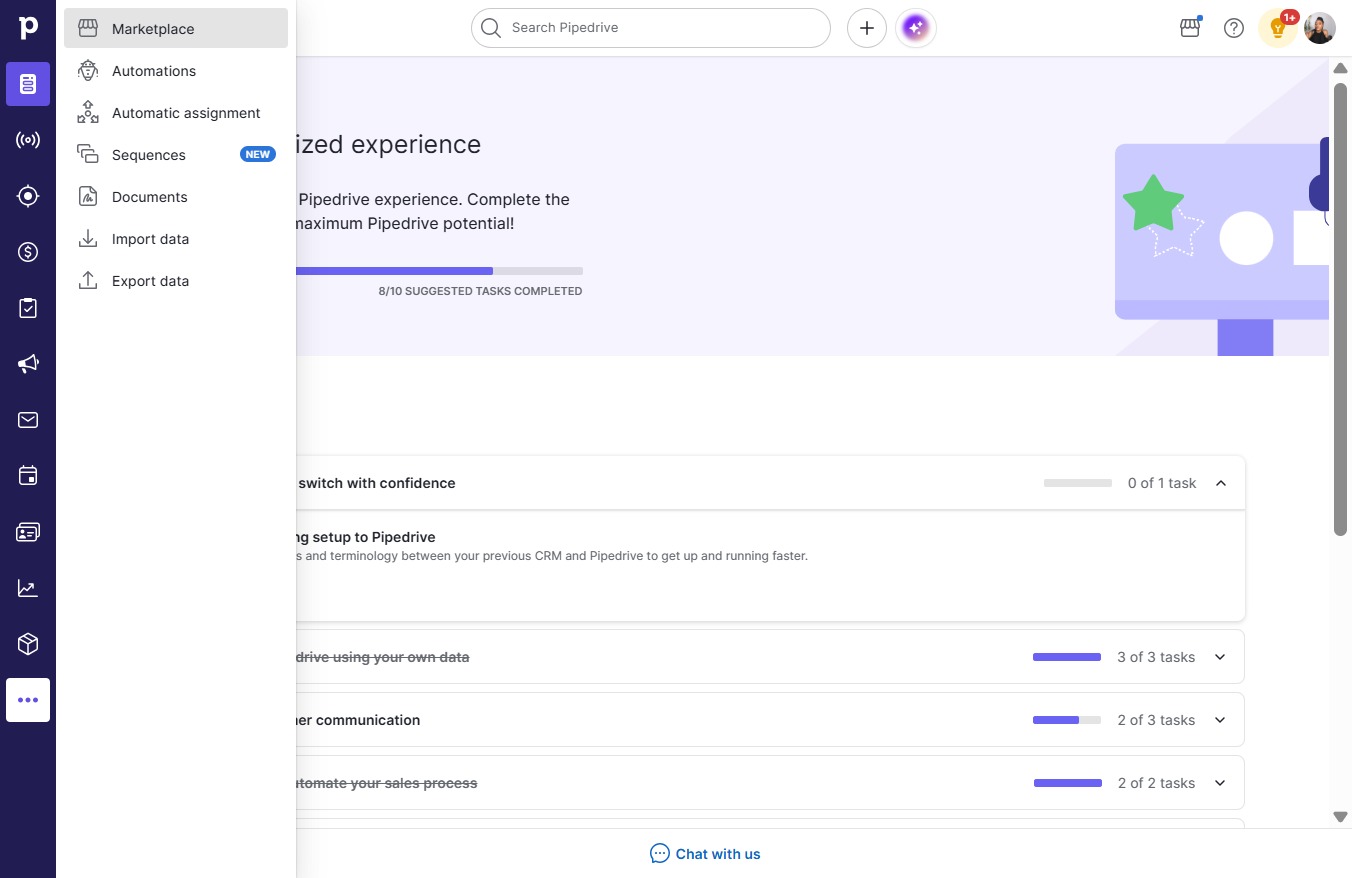
  2. Click Marketplace

    Click Marketplace
    Loading screenshot…
    100%
  3. Click on "Click here."

    Click on "Click here."
    Loading screenshot…
    100%
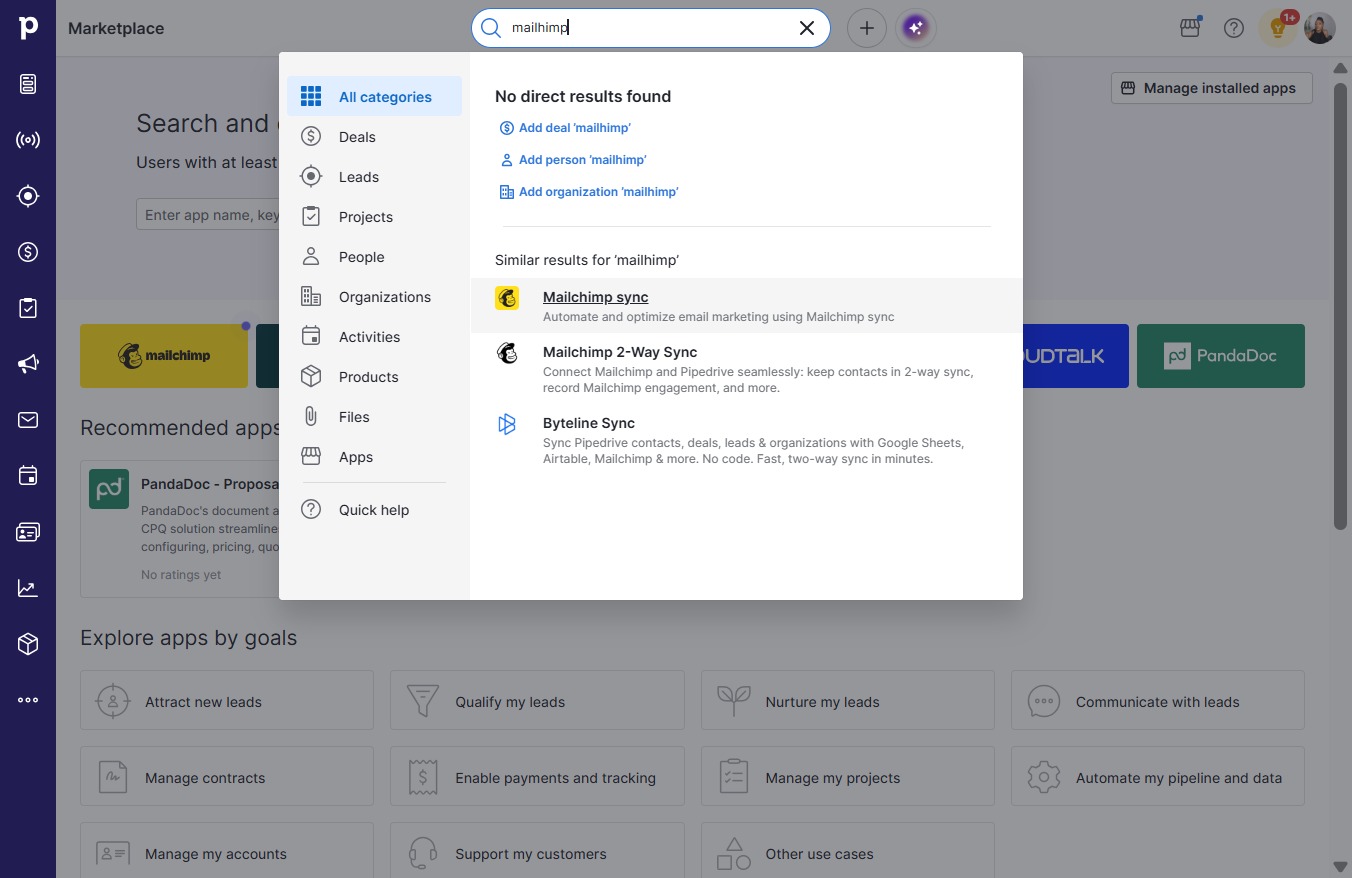
  4. Type "mailchimp" in Search Pipedrive

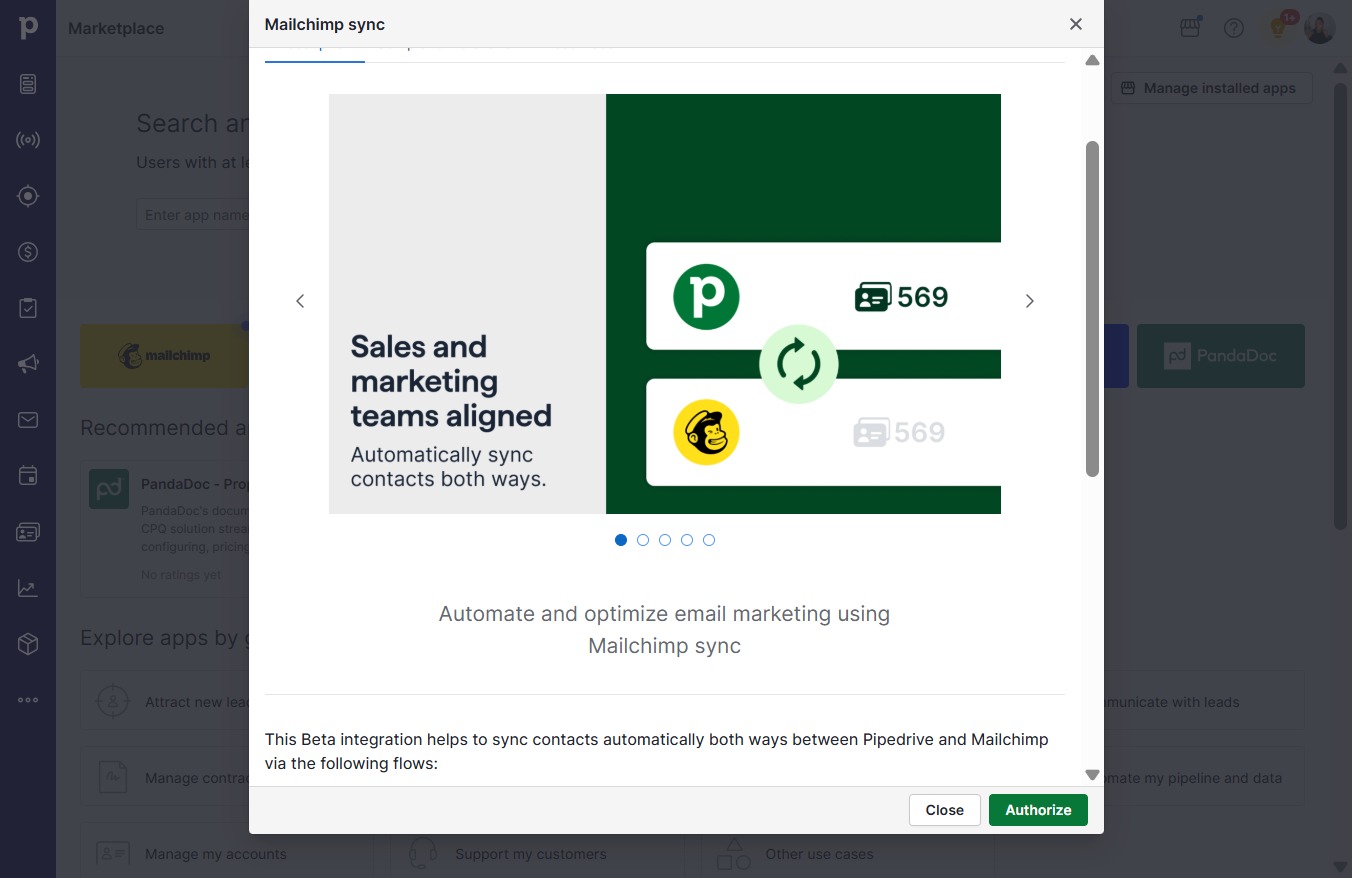
  5. Click Mailchimp sync

    Click Mailchimp sync
    Loading screenshot…
    100%
  6. Click Authorize

    Click Authorize
    Loading screenshot…
    100%
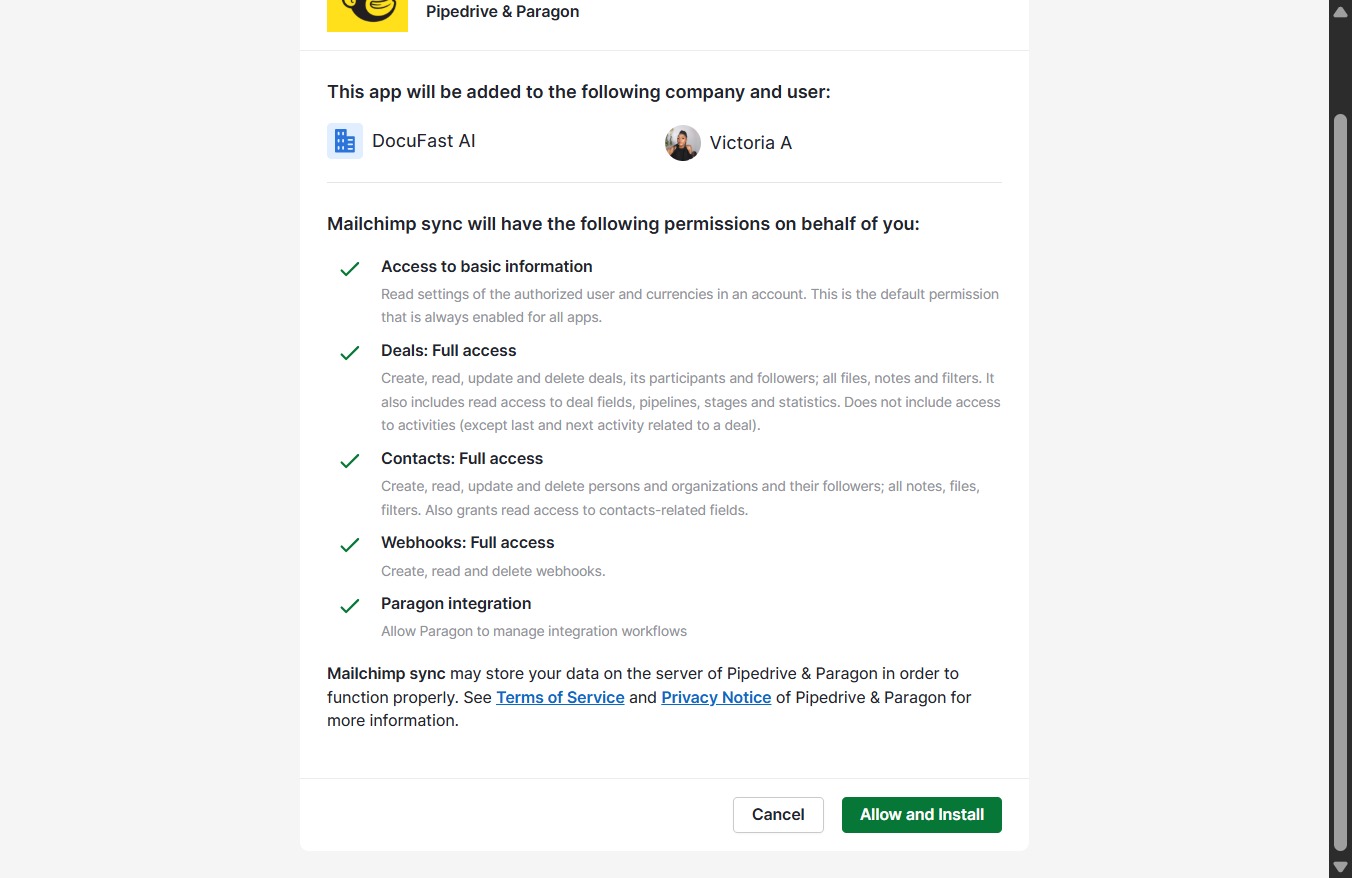
  7. Click Allow and Install

    Click Allow and Install
    Loading screenshot…
    100%
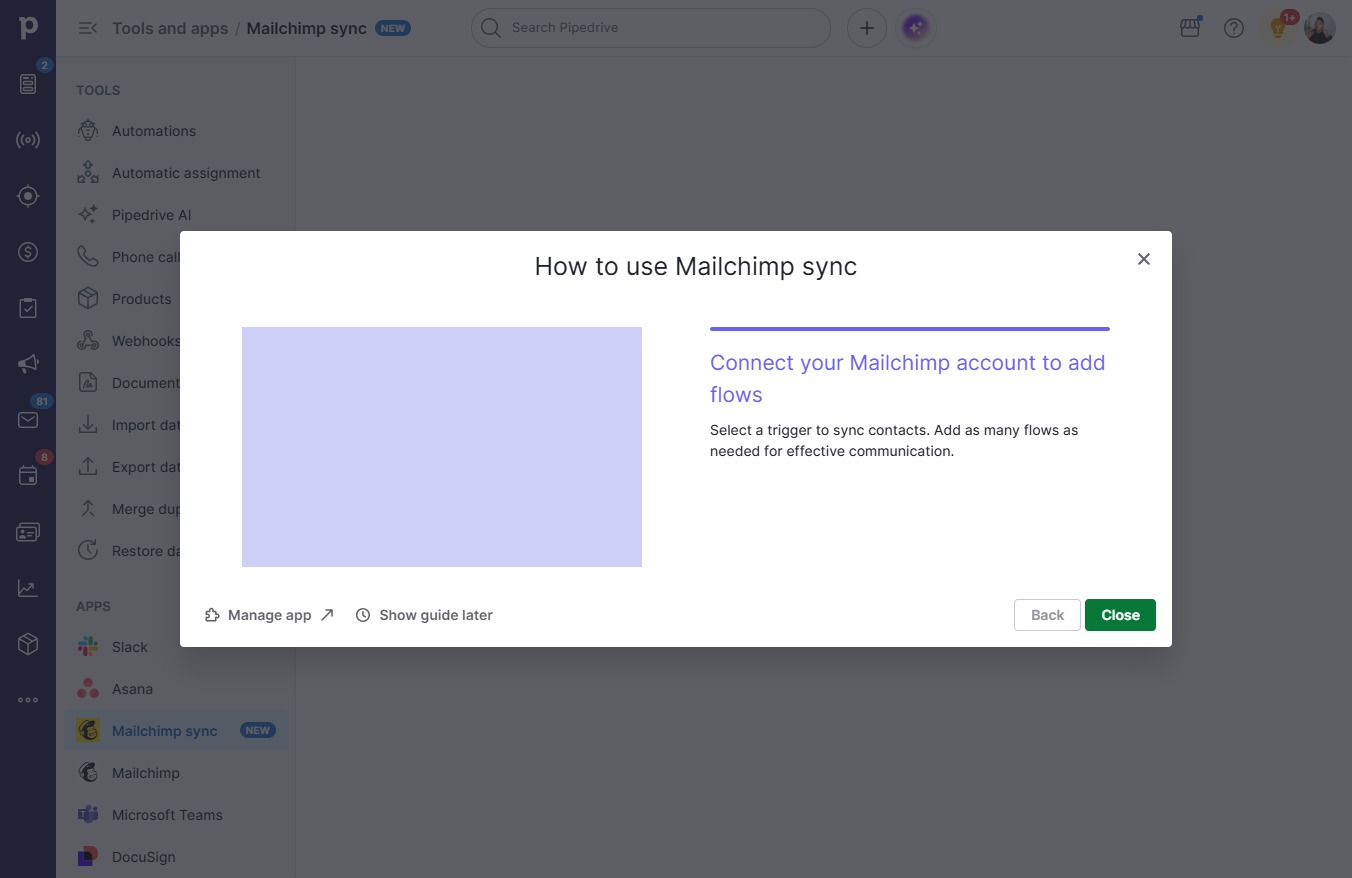
  8. Click Close

    Click Close
    Loading screenshot…
    100%