Geteilte Anleitung

How to import leads from web forms

In this tutorial, you'll learn how to efficiently import leads from web forms by creating a new form, saving it, and sharing it with ease.

victoriaworkflowsvictoriaworkflows
·7 Schritte·62 Aufrufe·Veröffentlicht

In this tutorial, you'll learn how to efficiently import leads from web forms by creating a new form, saving it, and sharing it with ease. Follow our step-by-step guide to streamline your lead generation process and ensure you capture valuable customer information.
Step-by-step Guide7 Schritte
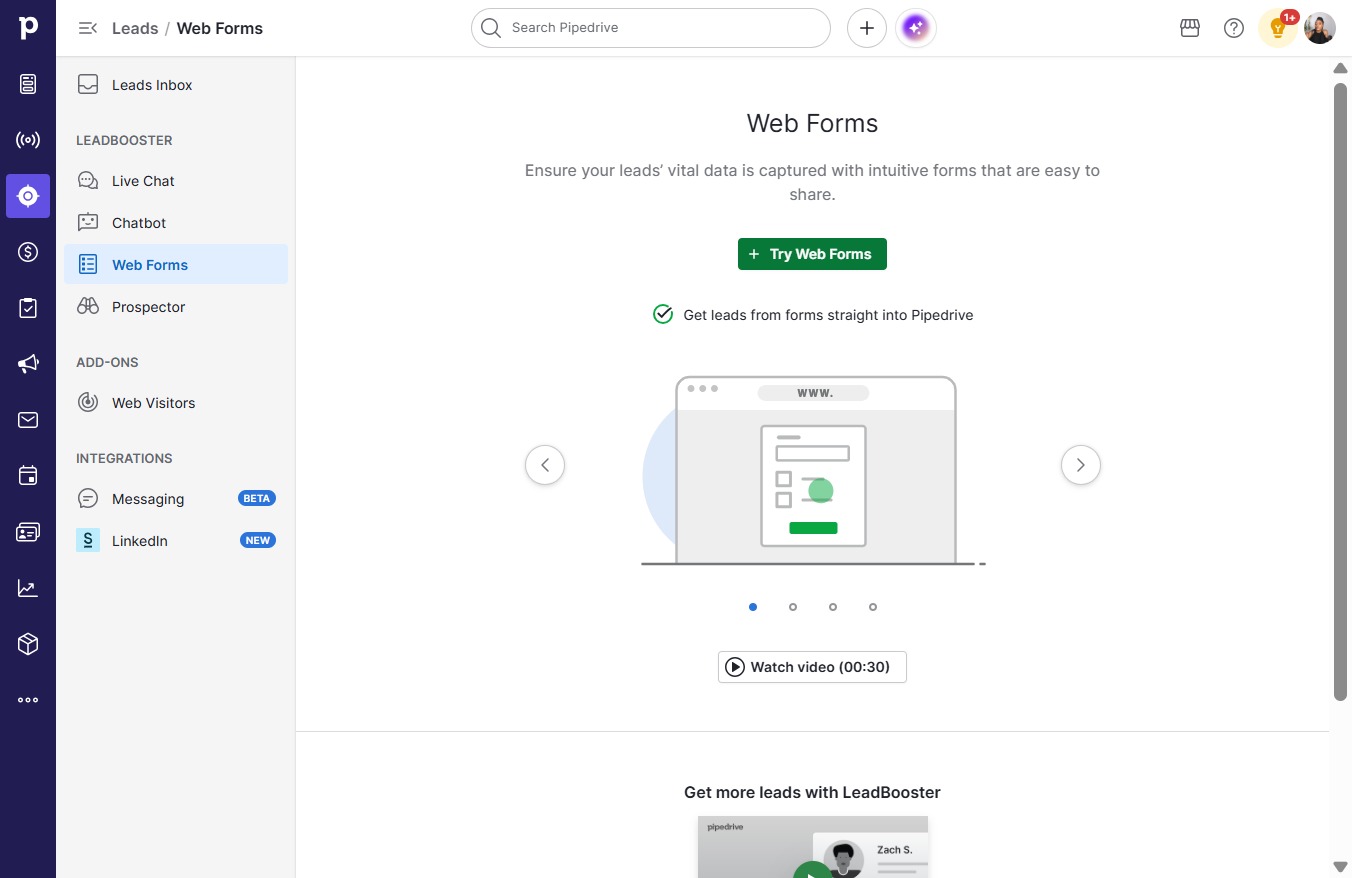
  1. Click Web Forms

    Click Web Forms
    Loading screenshot…
    100%
  2. Click Try Web Forms

    Click Try Web Forms
    Loading screenshot…
    100%
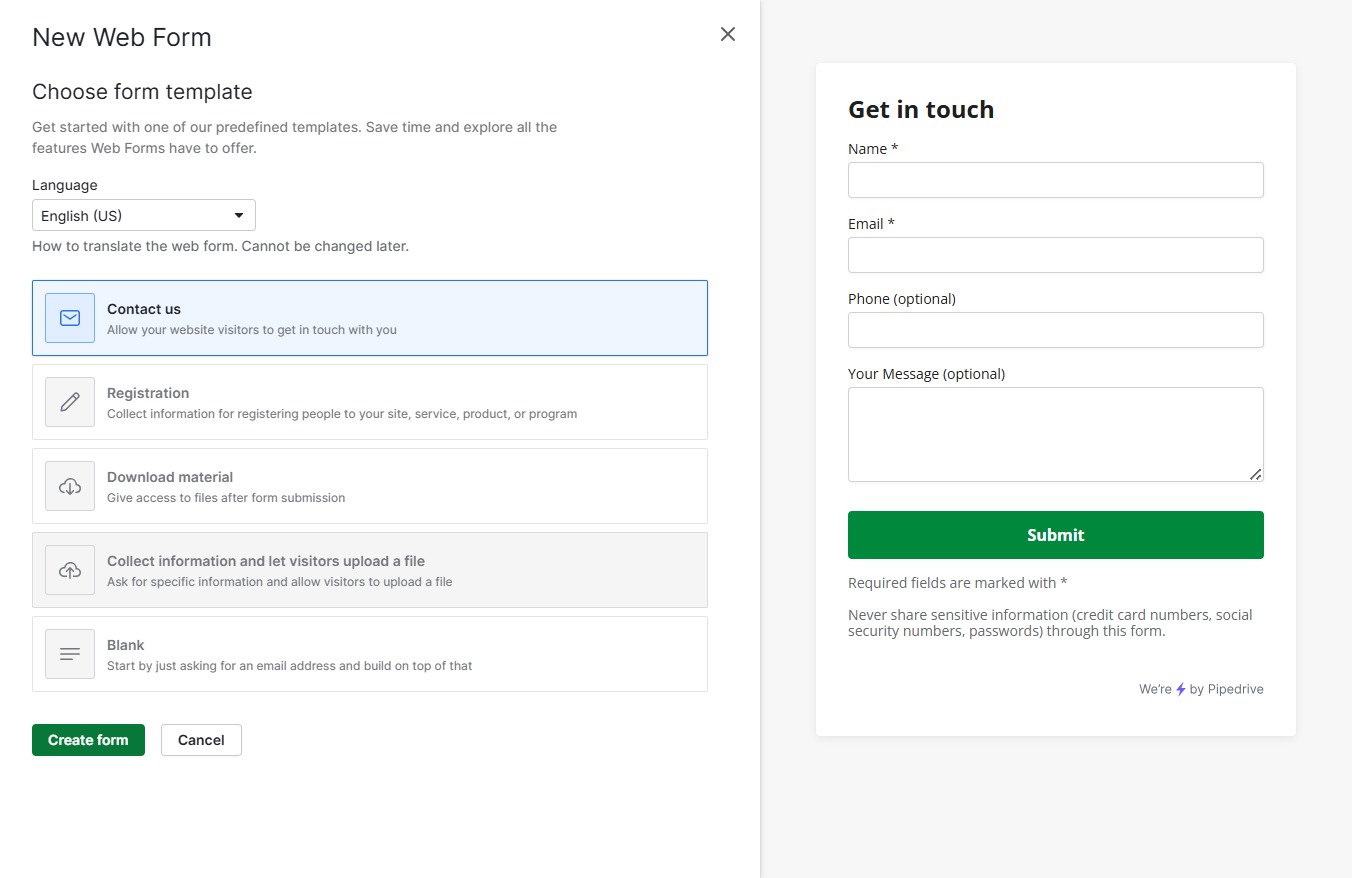
  3. Click Create form

    Click Create form
    Loading screenshot…
    100%
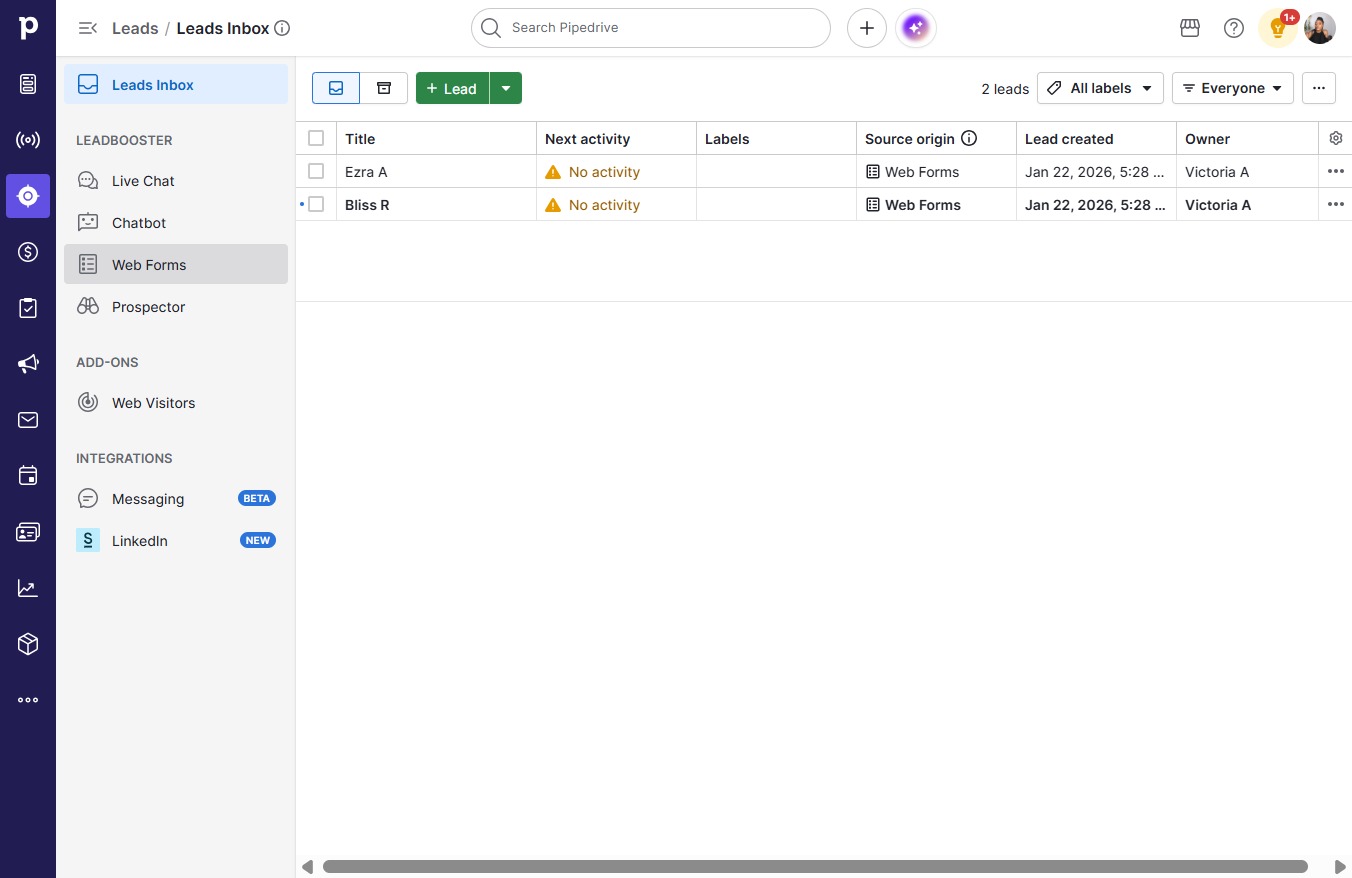
  4. Click Save

    Click Save
    Loading screenshot…
    100%
  5. Click on "Click here."

    Click on "Click here."
    Loading screenshot…
    100%
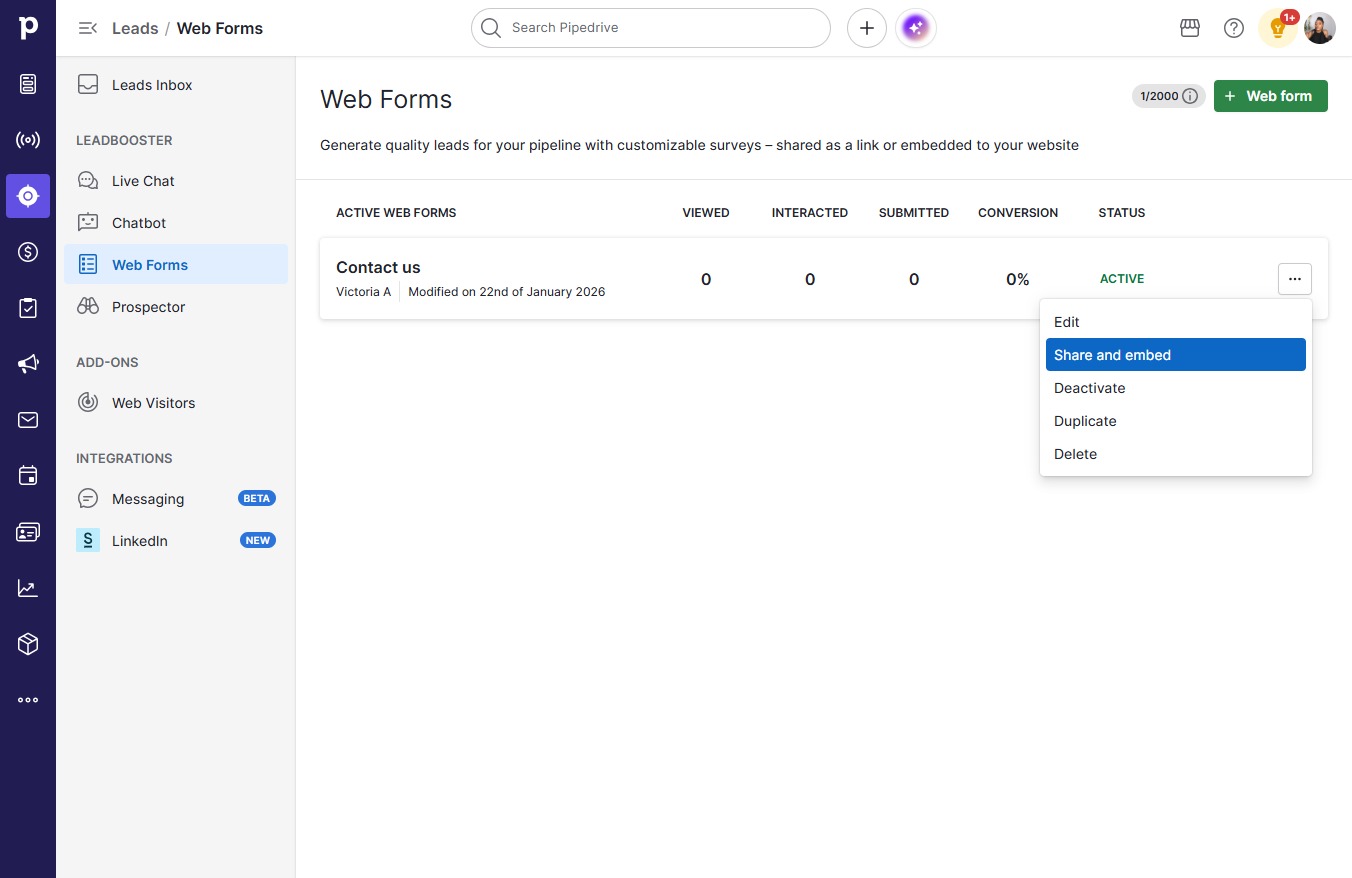
  6. Click Share and embed

    Click Share and embed
    Loading screenshot…
    100%
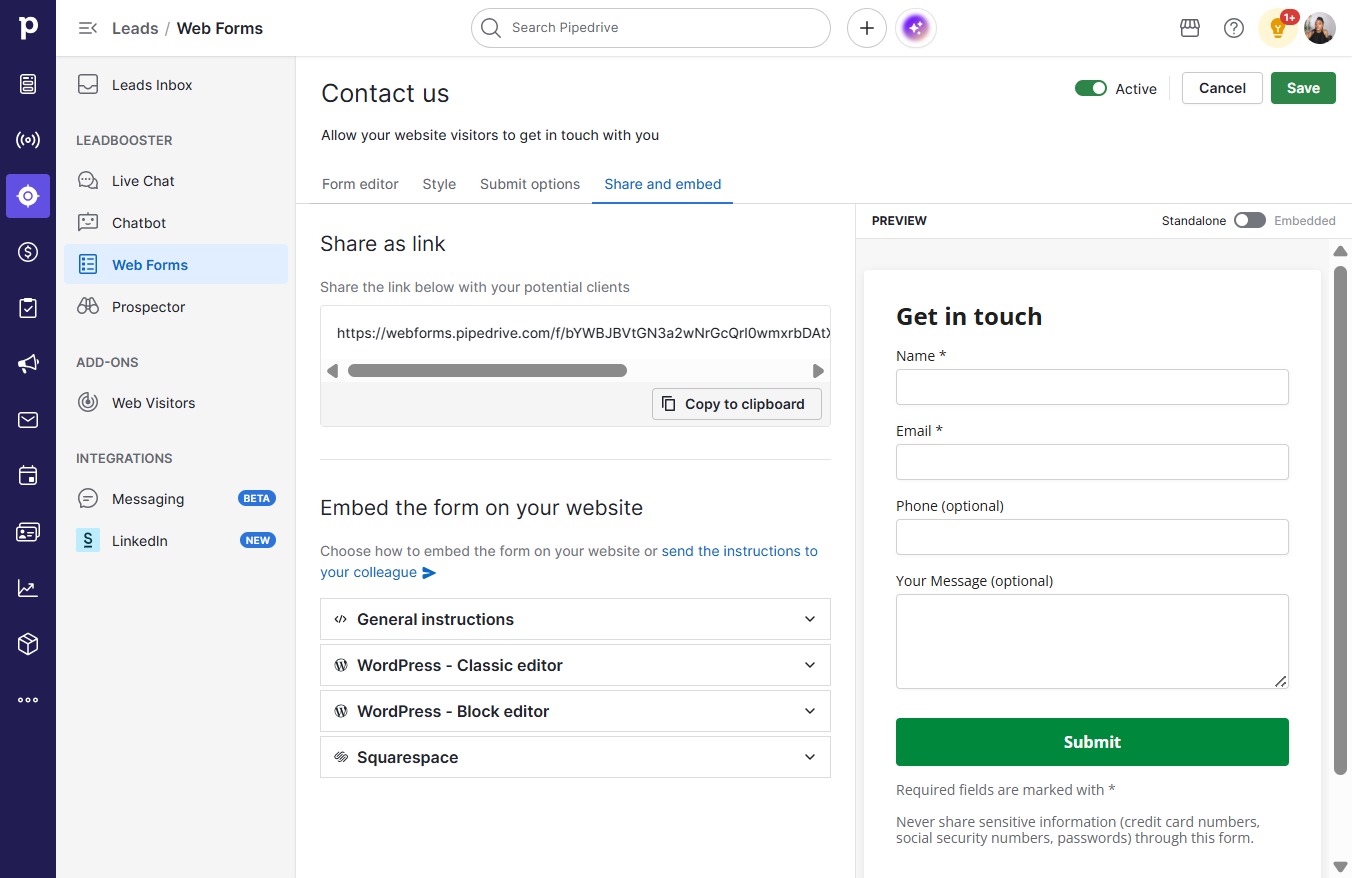
  7. Click Copy to clipboard

    Click Copy to clipboard
    Loading screenshot…
    100%