Shared guide

How to import contacts and deals from CSV

This how-to guide provides a step-by-step process for importing contacts and deals from a CSV file, ensuring that your data transfer is smooth and efficient.

victoriaworkflowsvictoriaworkflows
·17 steps·78 views·Published

This how-to guide provides a step-by-step process for importing contacts and deals from a CSV file, ensuring that your data transfer is smooth and efficient. Follow the outlined steps to easily upload your spreadsheets and complete the import.

Step-by-step Guide17 steps
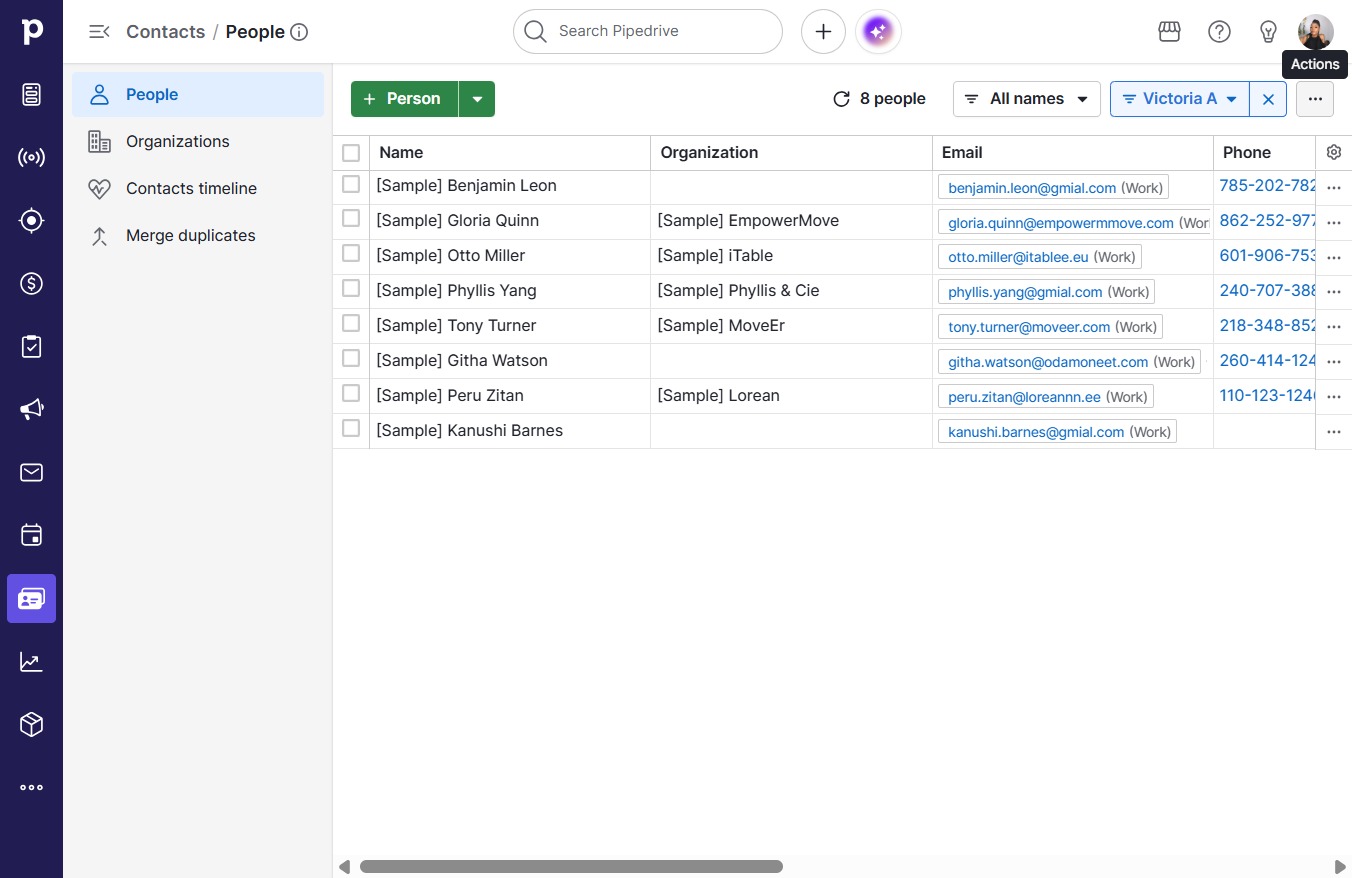
  1. Click on "Click here."

    Click on "Click here."
    Loading screenshot…
    100%
  2. Click on "Click here."

    Click on "Click here."
    Loading screenshot…
    100%
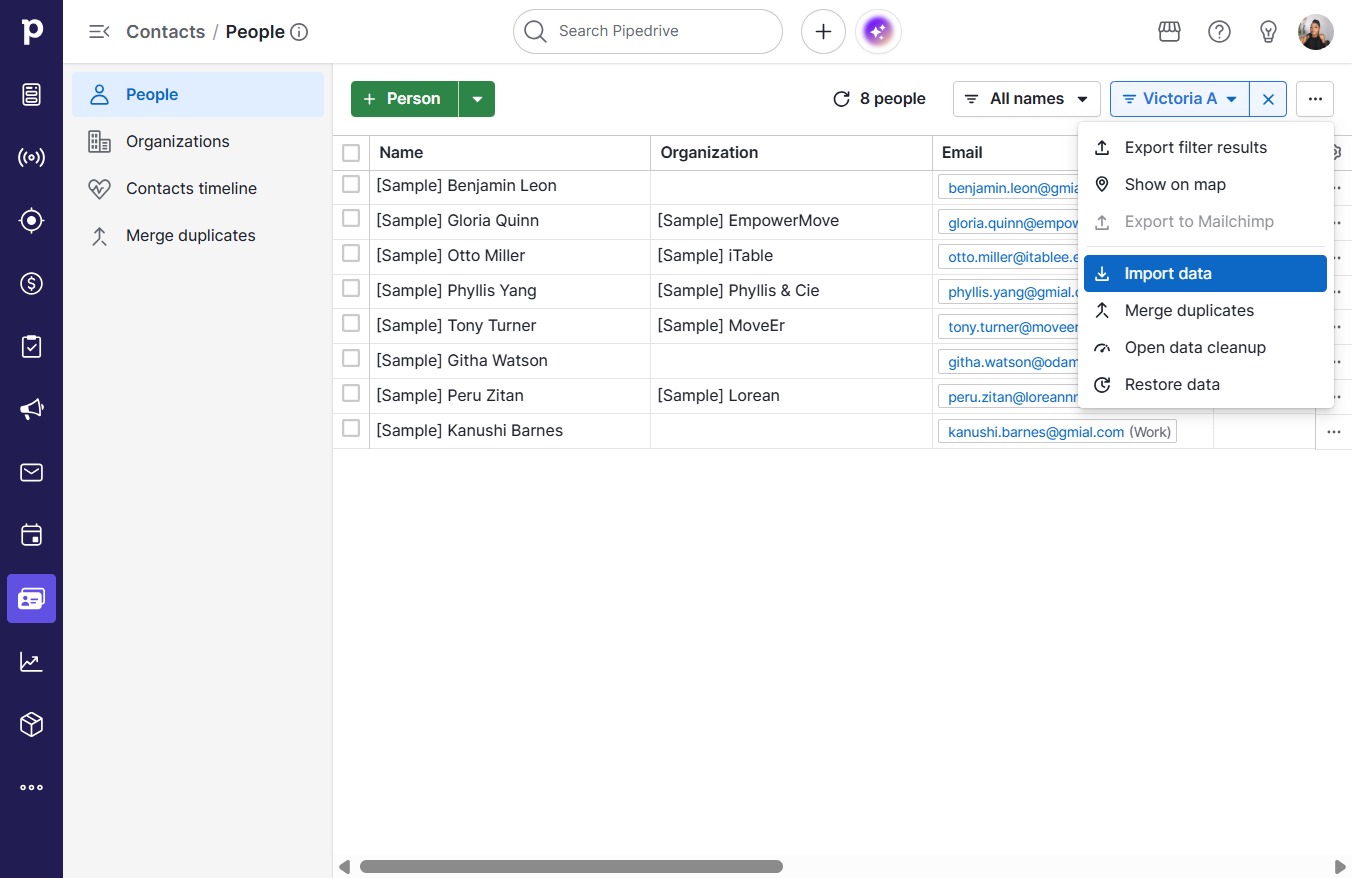
  3. Click Import data

    Click Import data
    Loading screenshot…
    100%
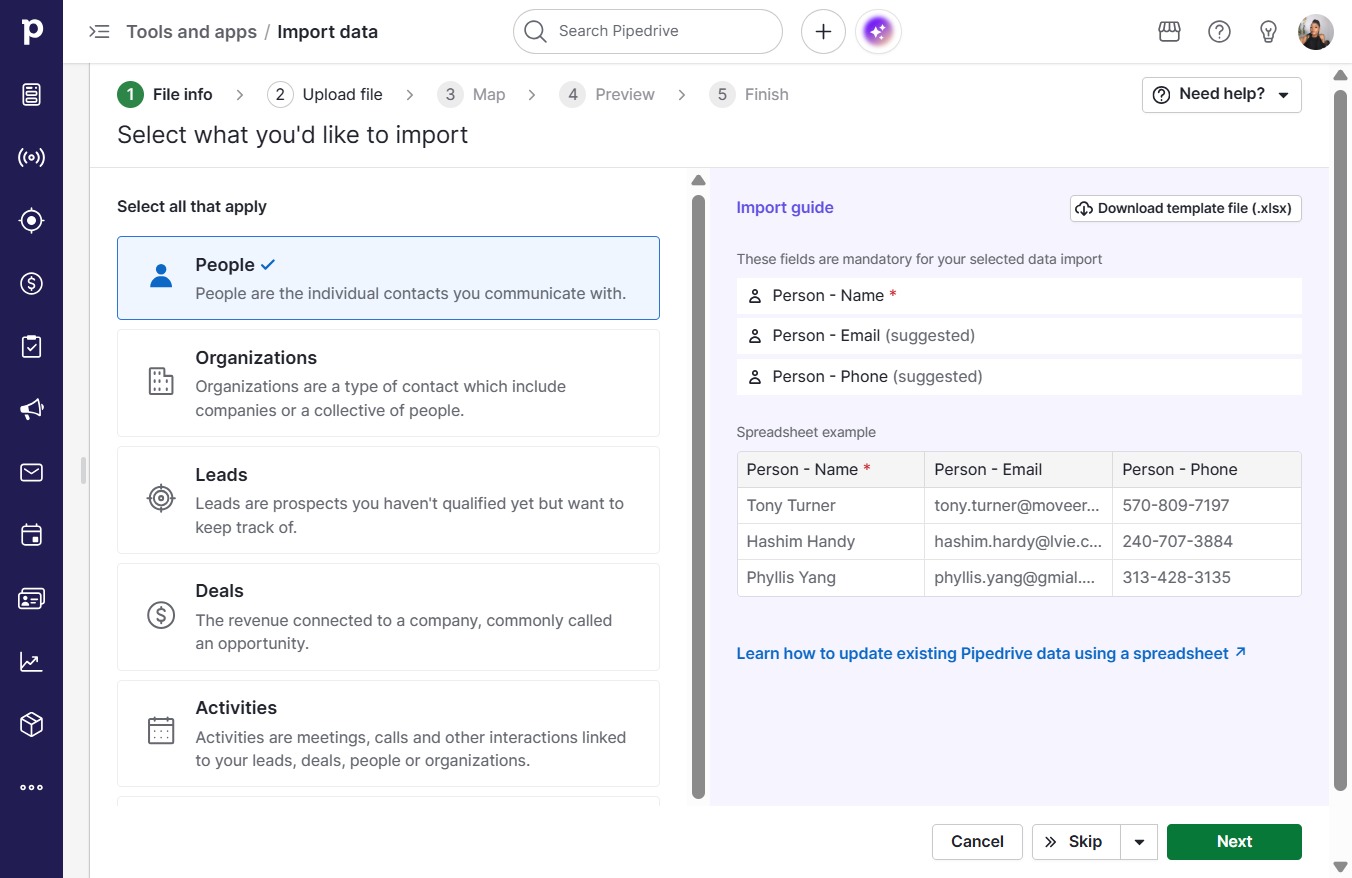
  4. Click Next

    Click Next
    Loading screenshot…
    100%
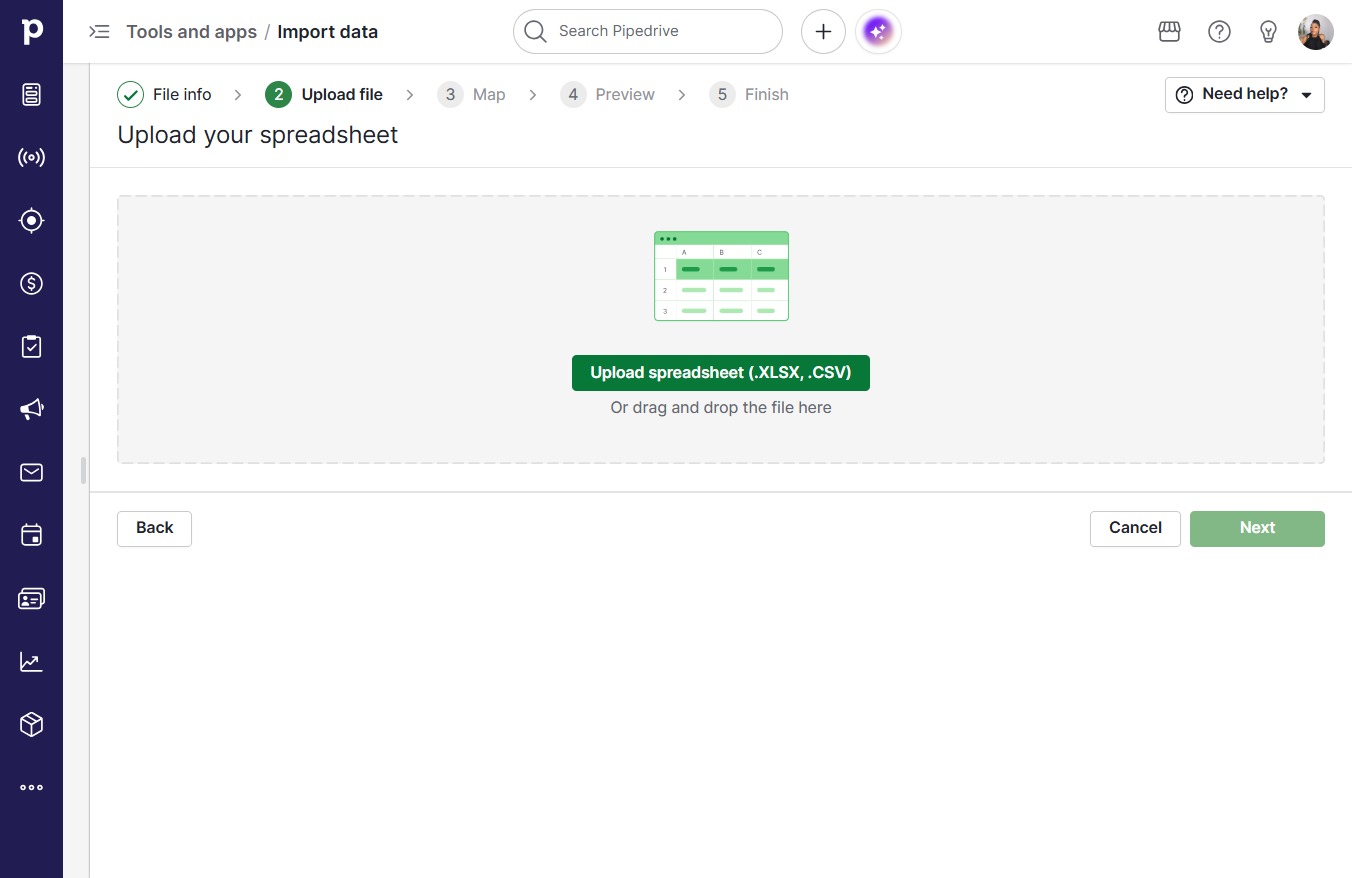
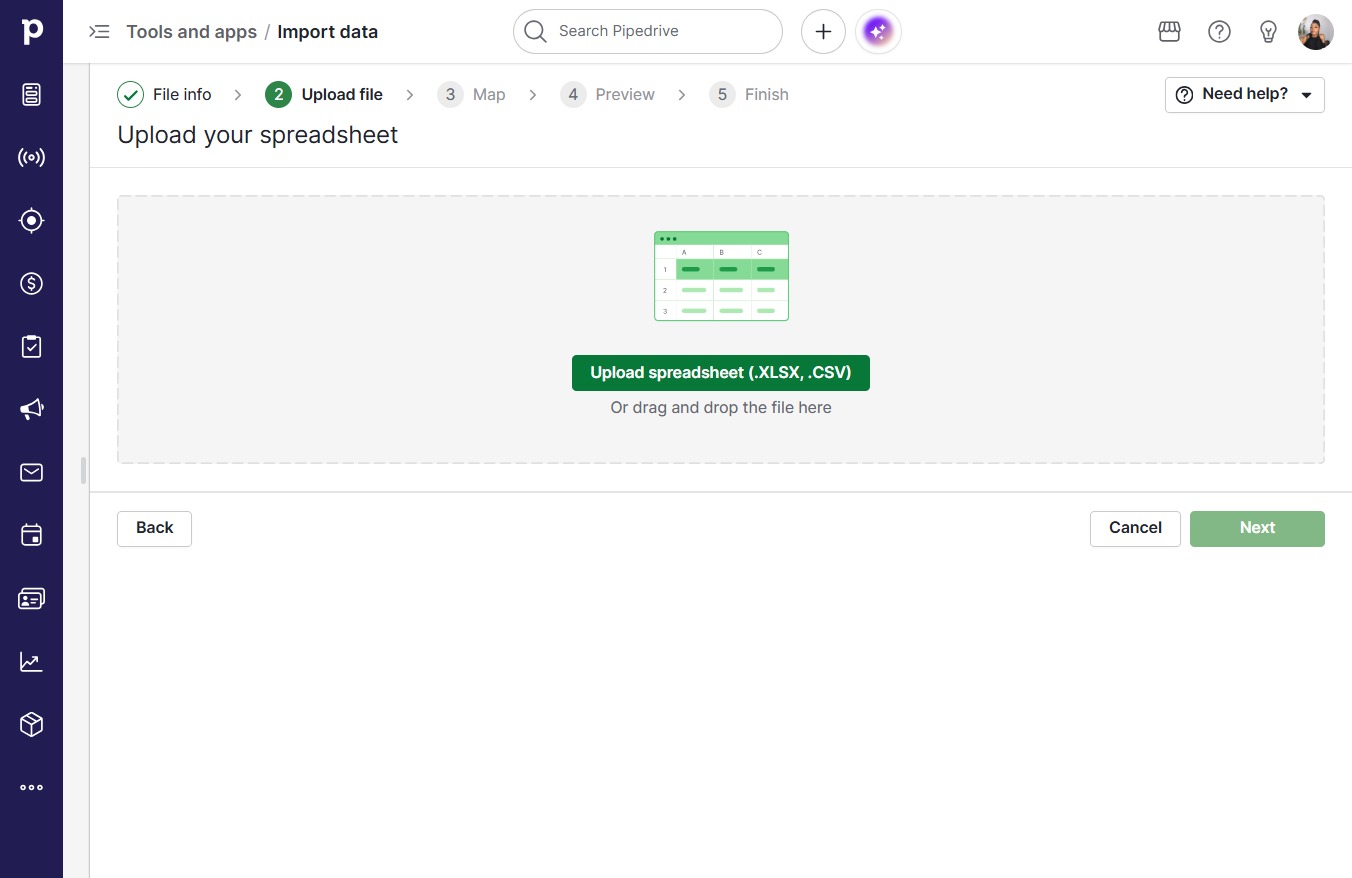
  5. Click Upload spreadsheet (.XLSX, .CSV)

    Click Upload spreadsheet (.XLSX, .CSV)
    Loading screenshot…
    100%
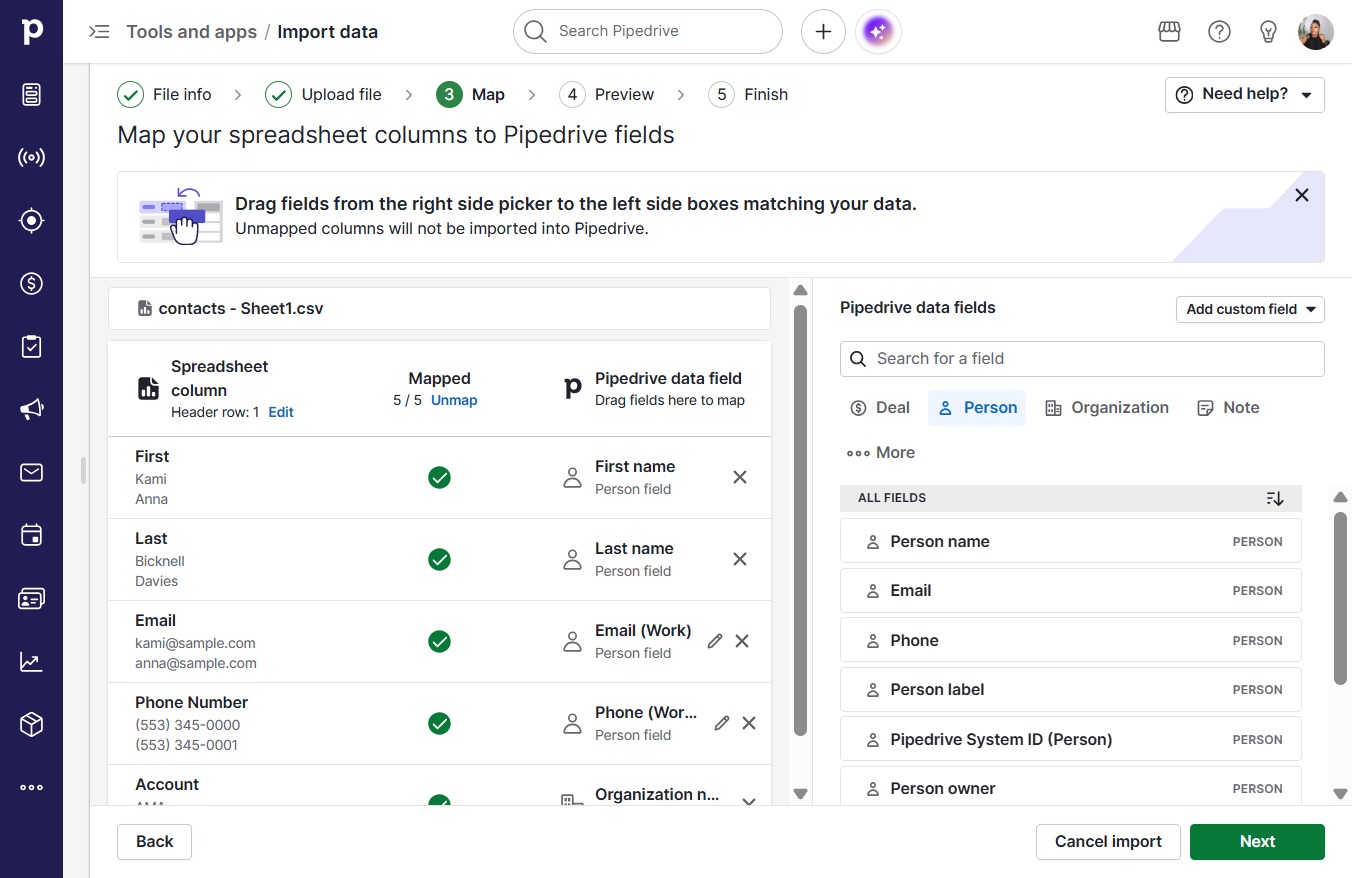
  6. Click Next

    Click Next
    Loading screenshot…
    100%
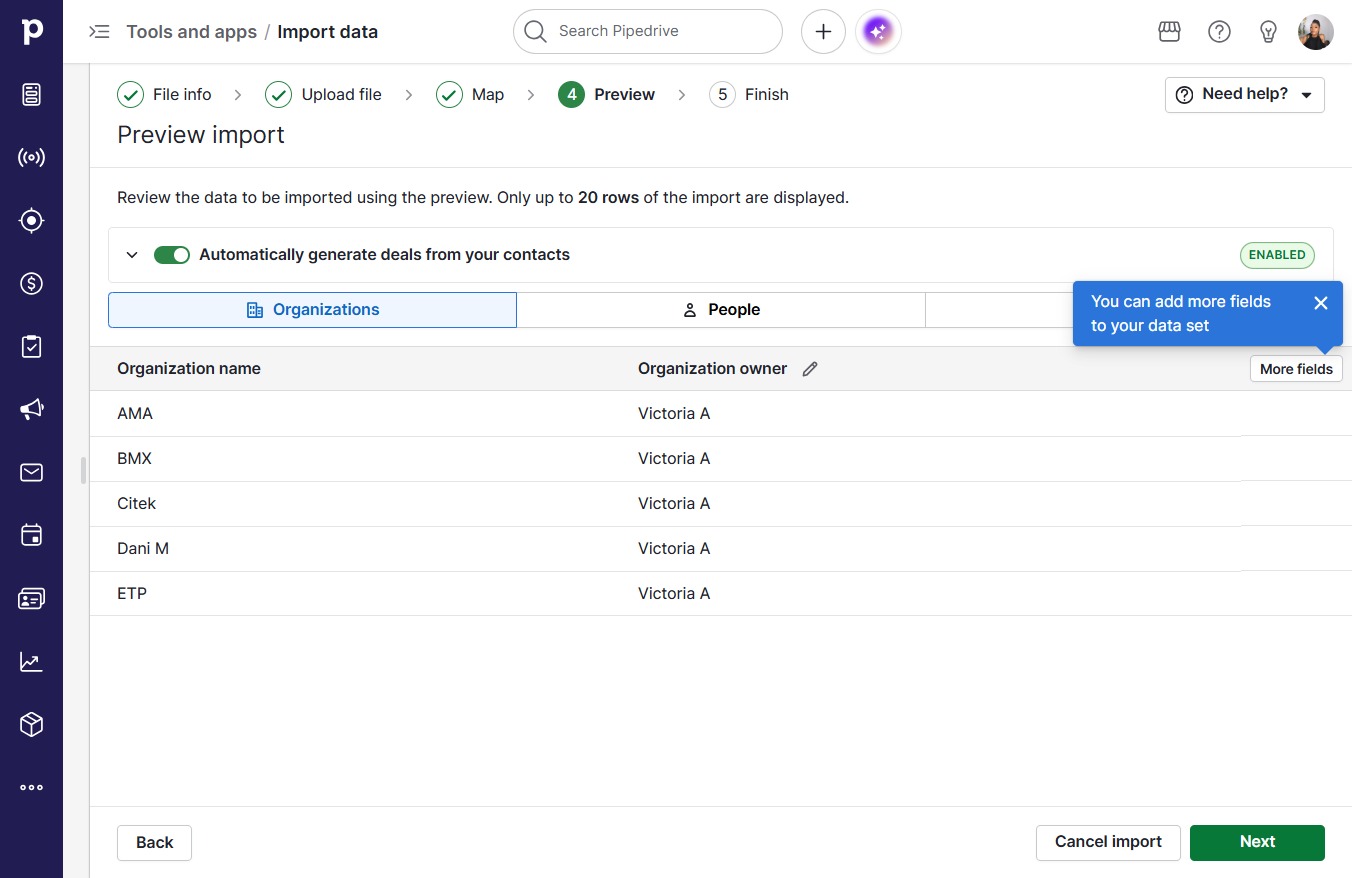
  7. Click Next

    Click Next
    Loading screenshot…
    100%
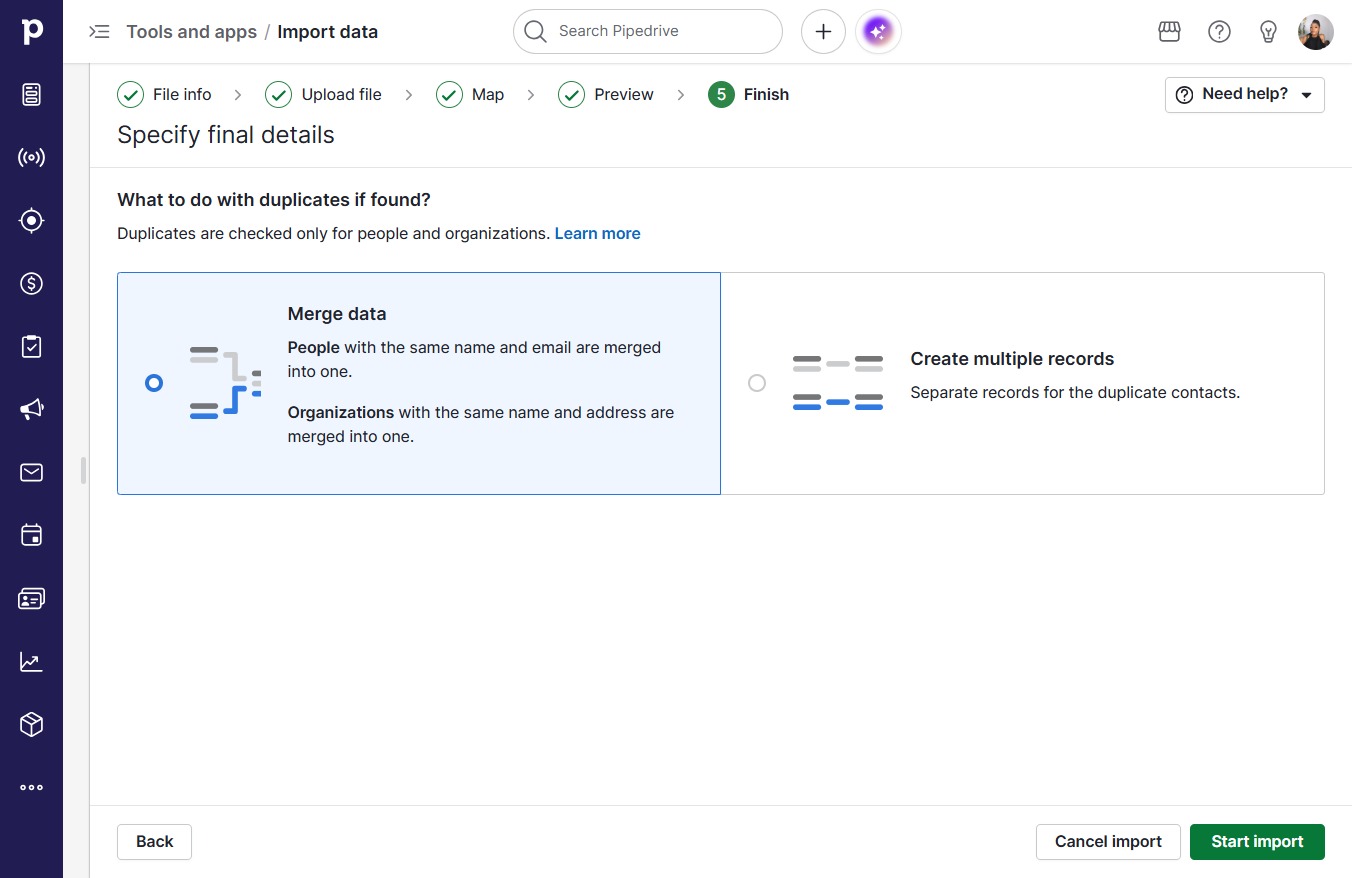
  8. Click Start import

    Click Start import
    Loading screenshot…
    100%
  9. Click on "Click here."

    Click on "Click here."
    Loading screenshot…
    100%
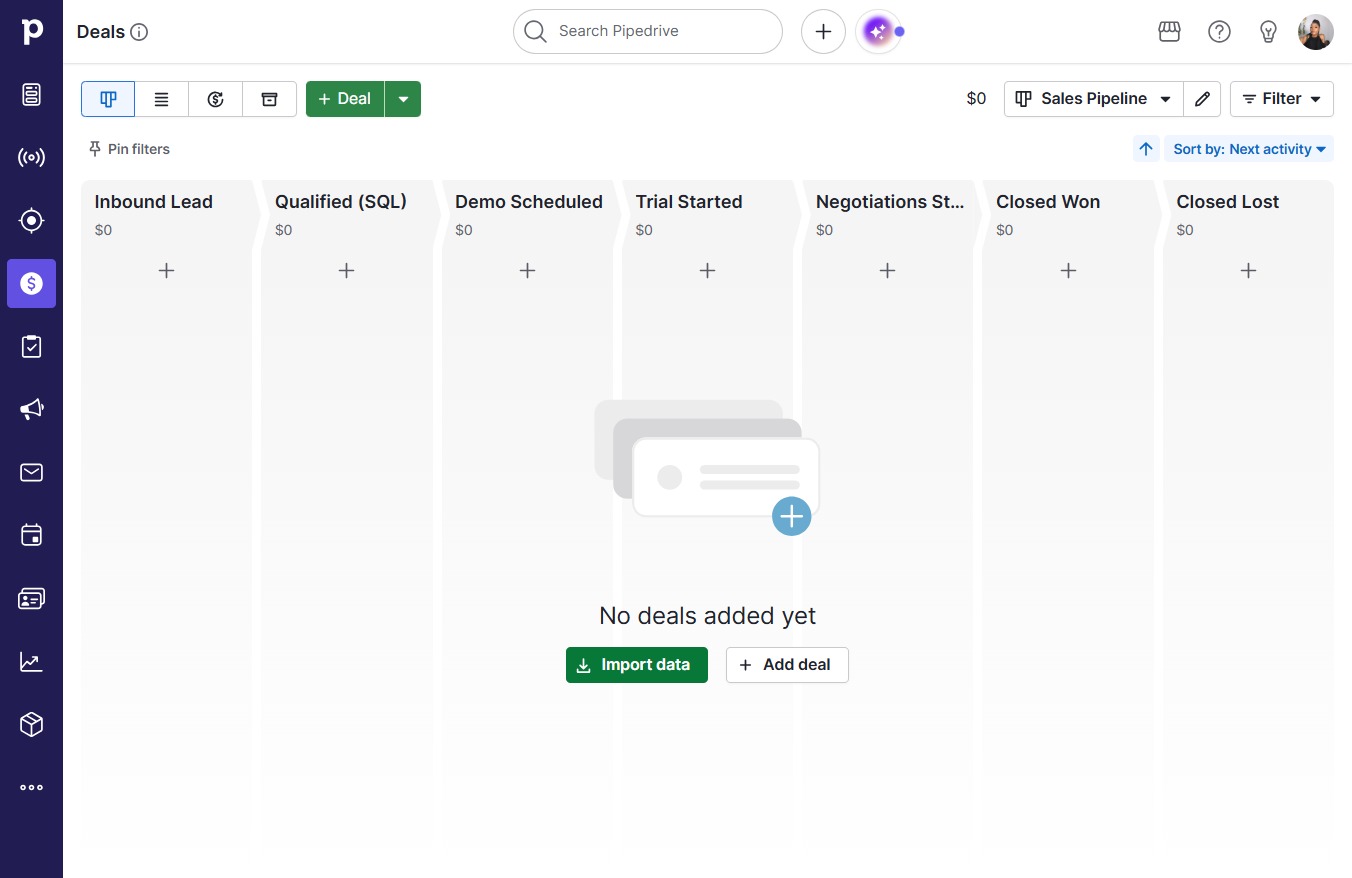
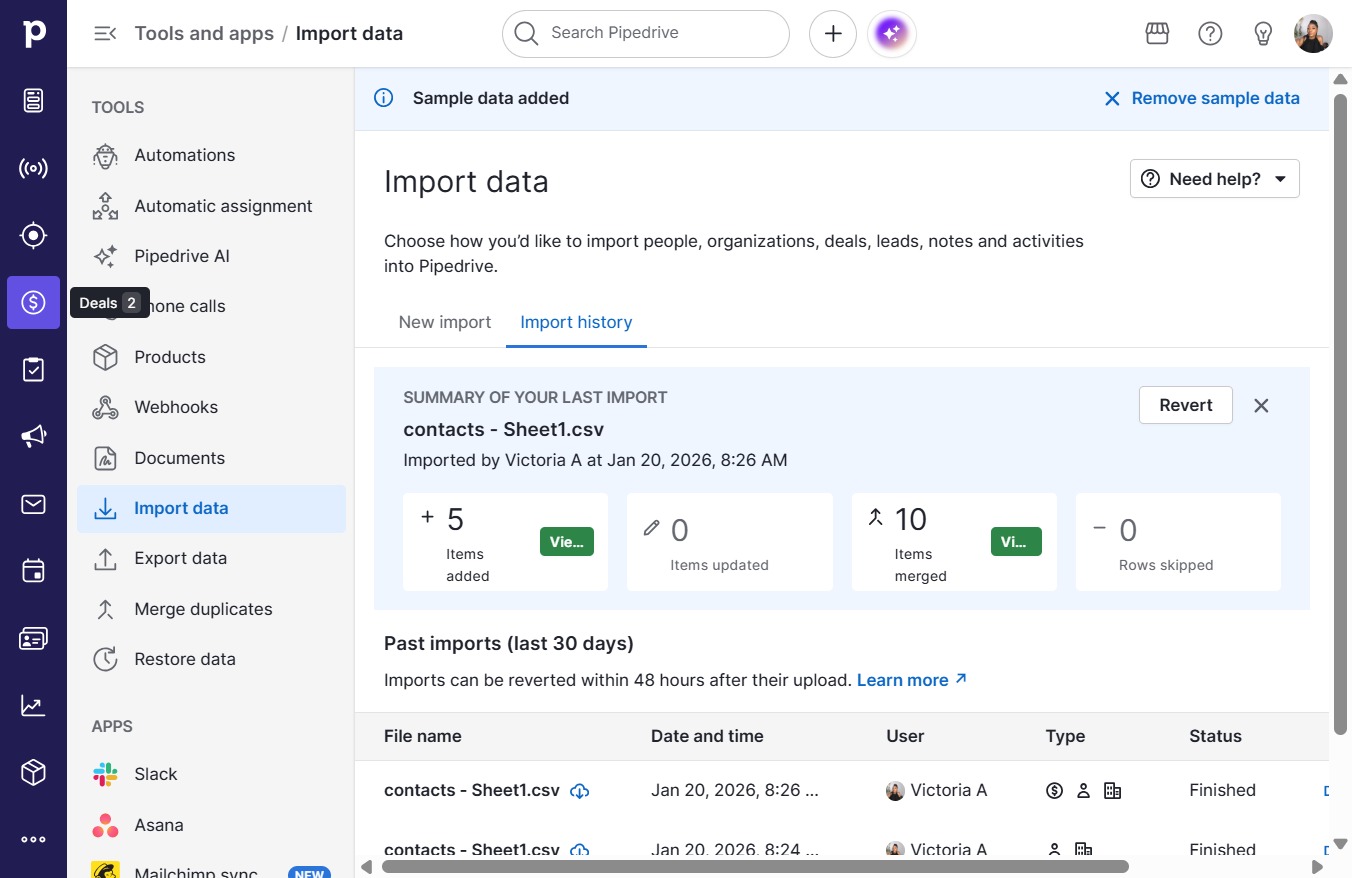
  10. Click Import data

    Click Import data
    Loading screenshot…
    100%
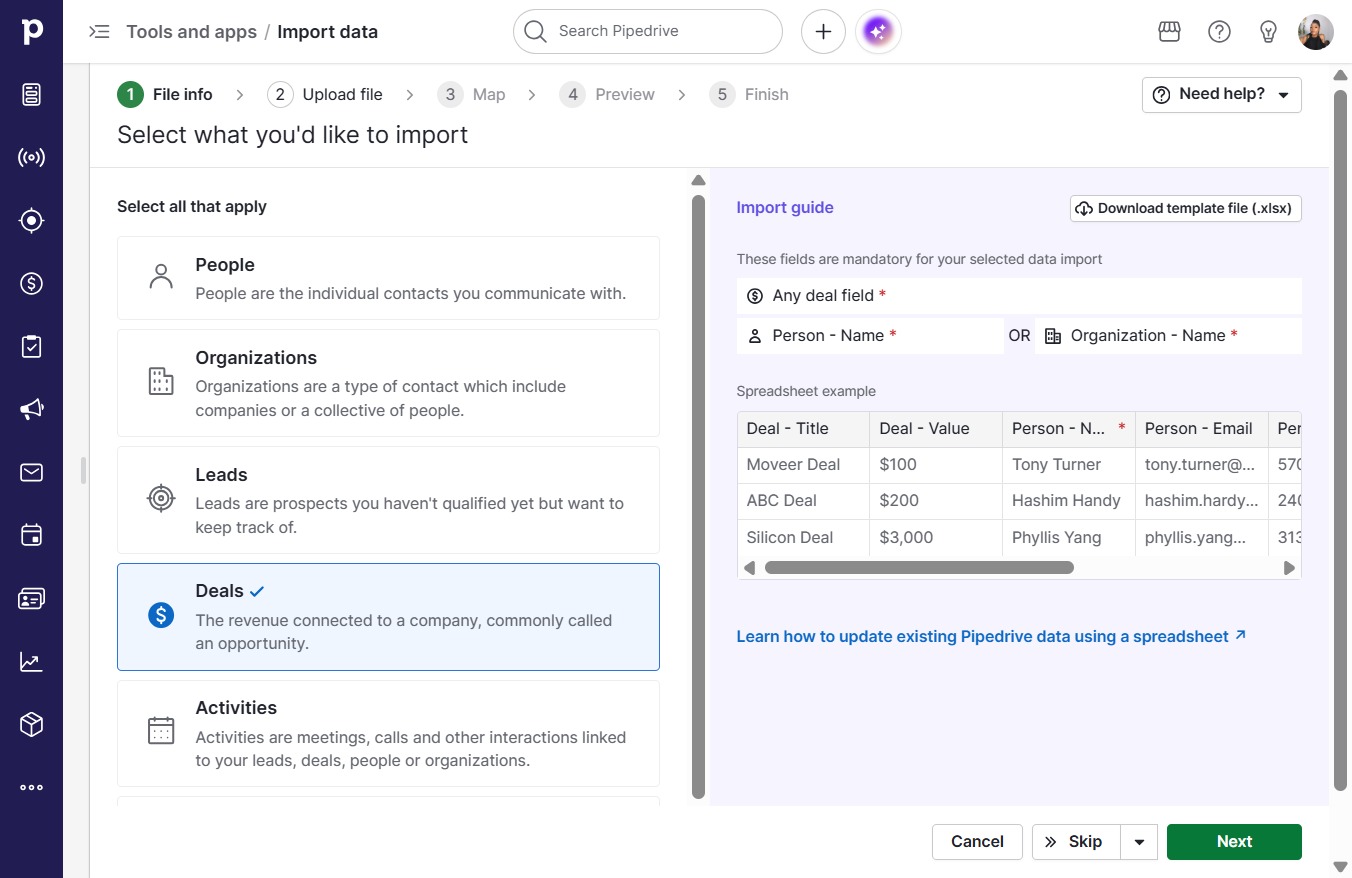
  11. Click Next

    Click Next
    Loading screenshot…
    100%
  12. Click Upload spreadsheet (.XLSX, .CSV)

    Click Upload spreadsheet (.XLSX, .CSV)
    Loading screenshot…
    100%
  13. Click Next

    Click Next
    Loading screenshot…
    100%
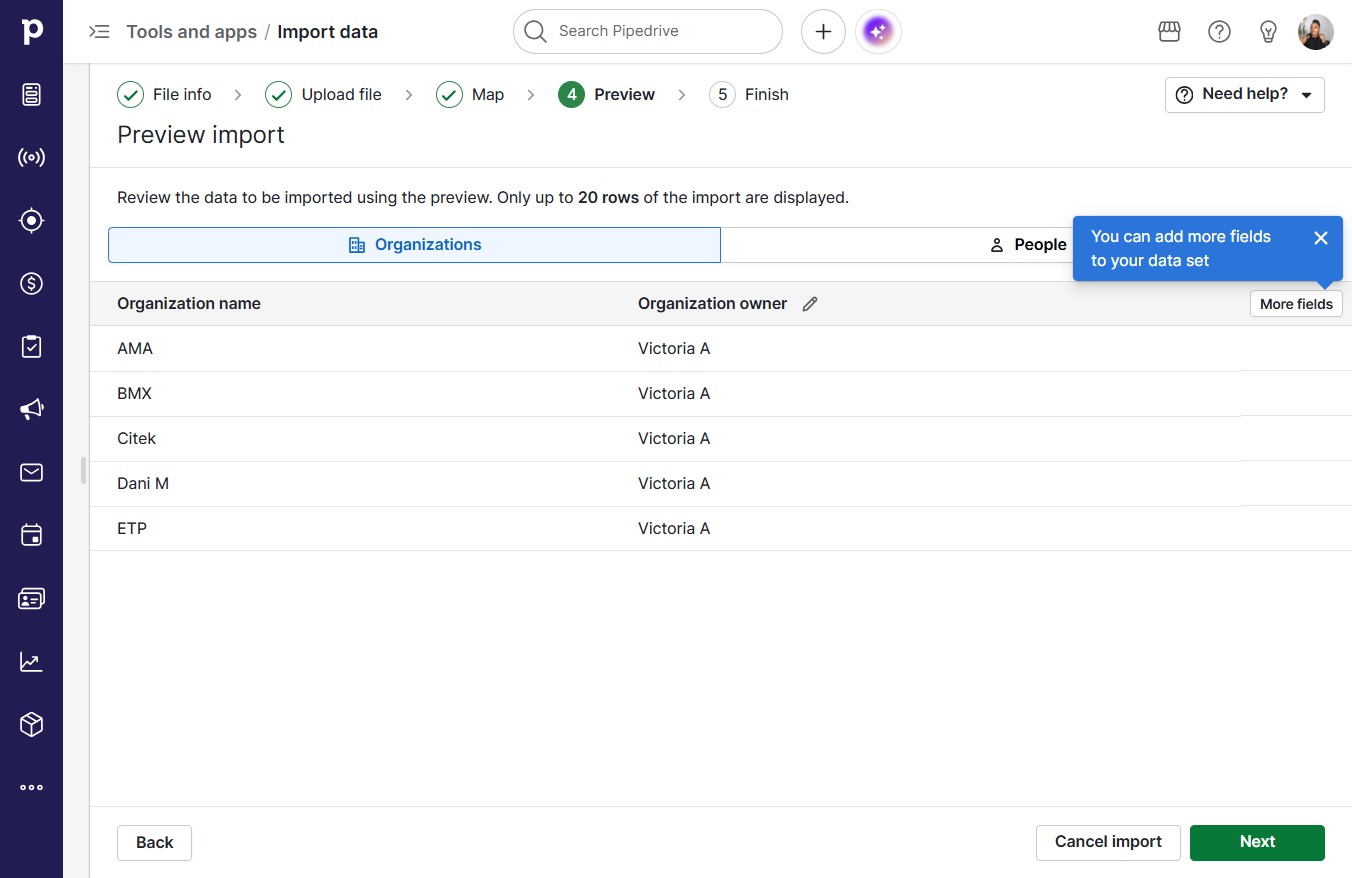
  14. Click Next

    Click Next
    Loading screenshot…
    100%
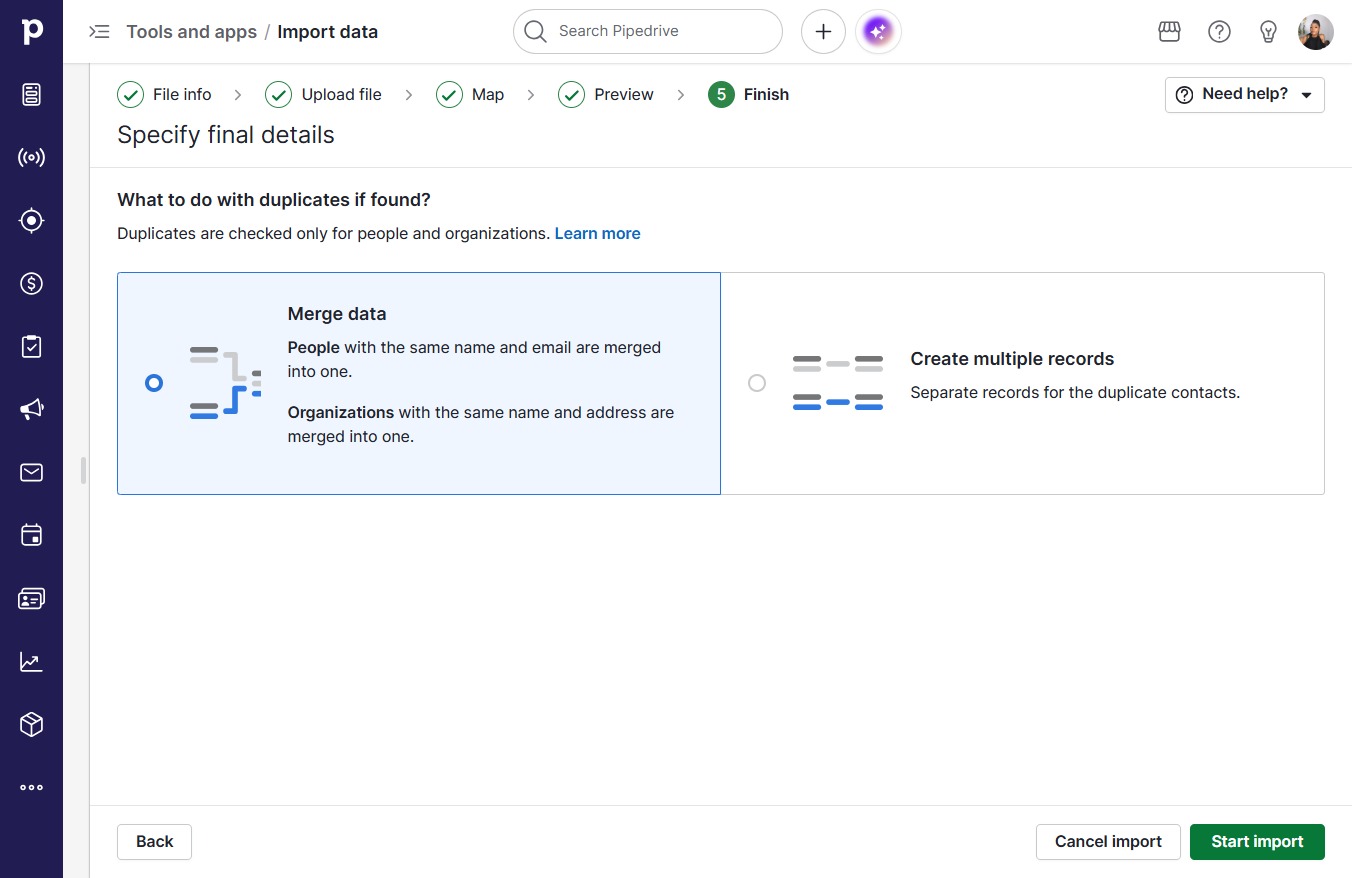
  15. Click Start import

    Click Start import
    Loading screenshot…
    100%
  16. Press =

  17. Click on "Click here."

    Click on "Click here."
    Loading screenshot…
    100%