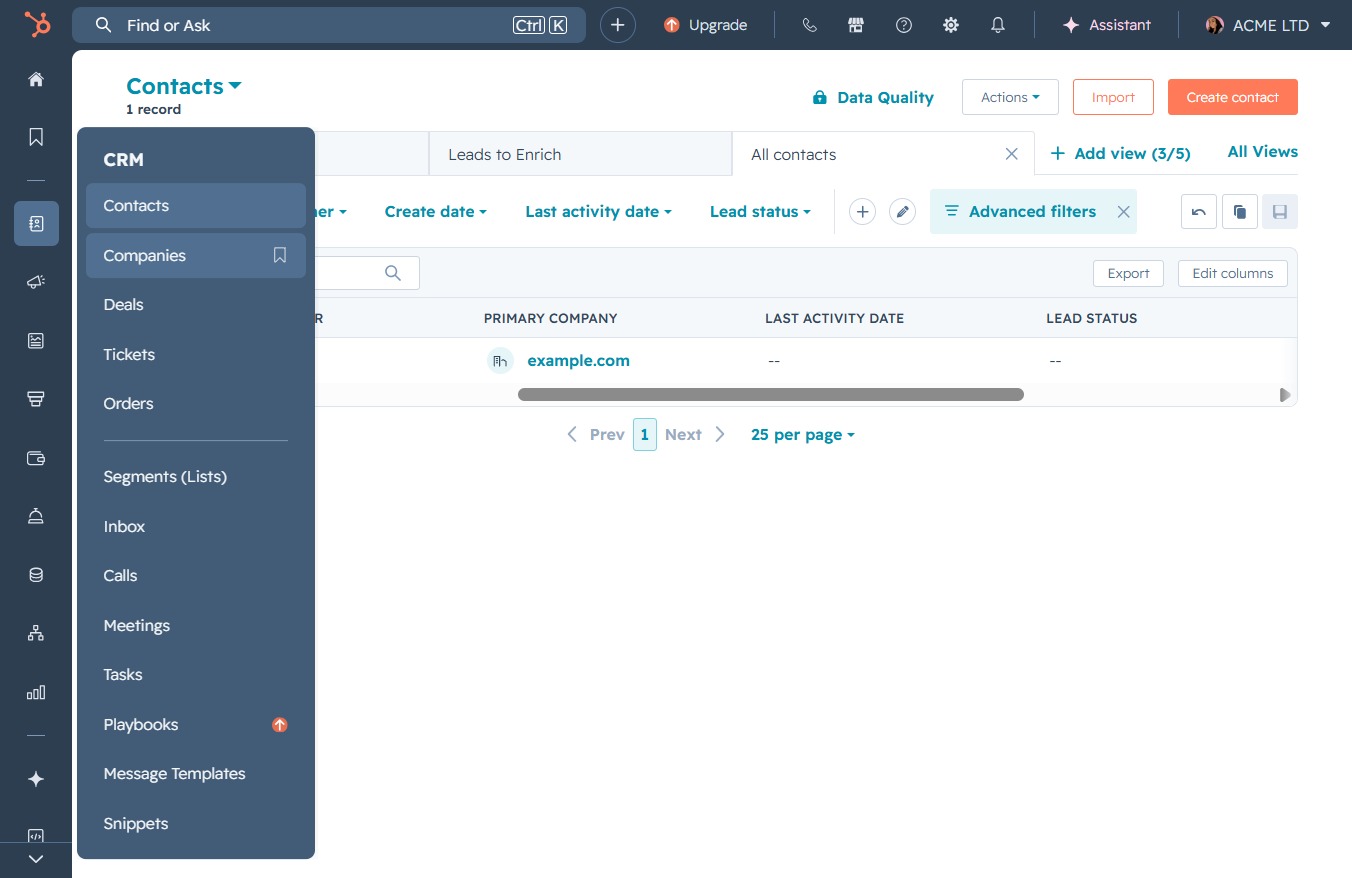
Click the Companies option
This action opens the Companies section where you can manage and view information related to the companies in your CRM.
Loading screenshot…
100%
Import company data into HubSpot by uploading a CSV file, mapping your data to contact properties, and ensuring legal bases are set for effective data integration and management.
 viktoria
Import company data into HubSpot by uploading a CSV file, mapping your data to contact properties, and ensuring legal bases are set for effective data integration and management.
This action opens the Companies section where you can manage and view information related to the companies in your CRM.
Clicking the Import button allows you to upload new company data into the system, facilitating data integration and management.

This action allows you to upload a file directly into your CRM, initiating a one-time import of your contacts or relevant data.

This action allows you to create and update new contacts while replacing any errored values in your import. Select this option to proceed with importing contacts into HubSpot.
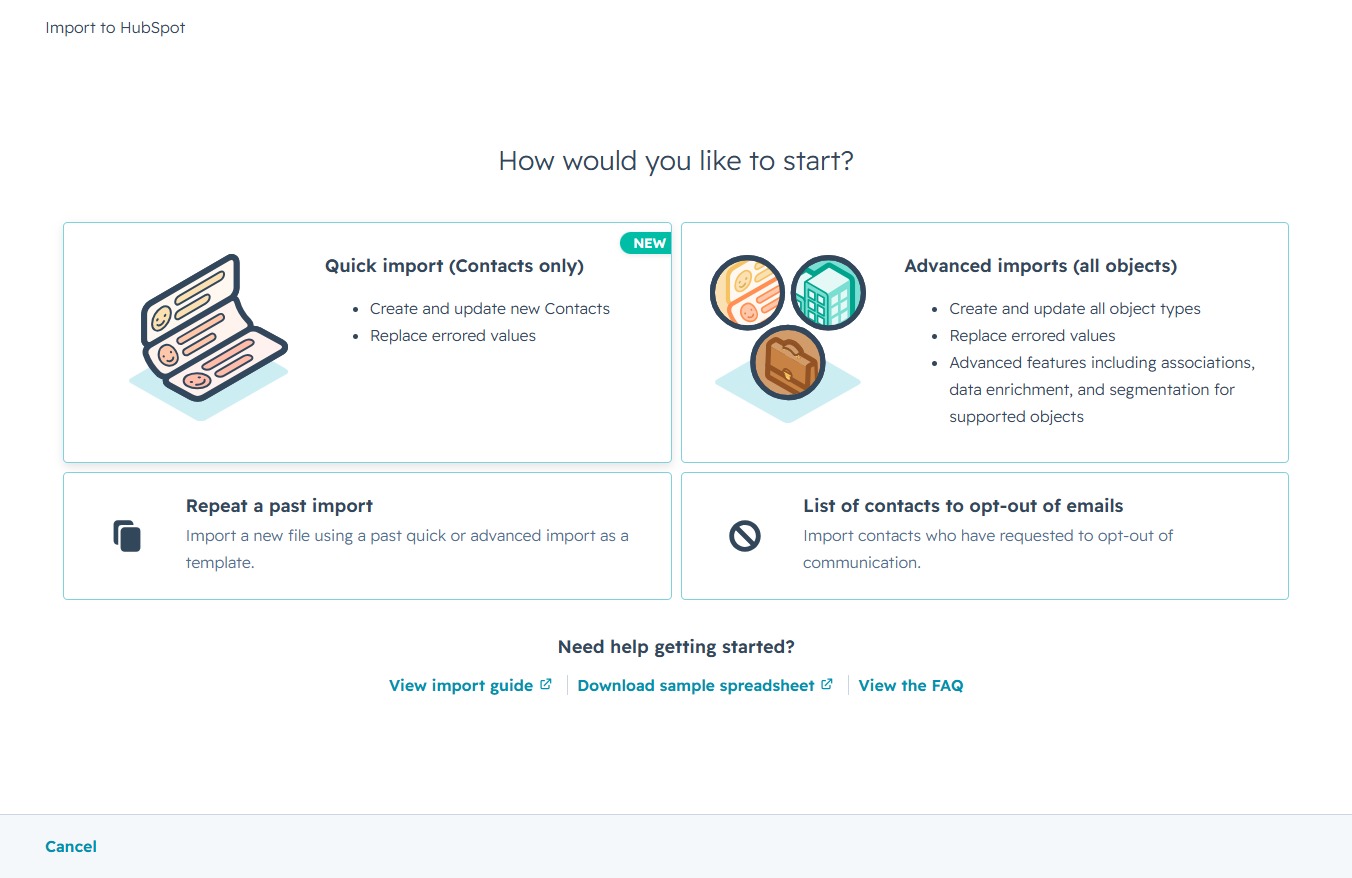
This action allows you to select a file from your device to upload your contacts. Ensure the file meets the required format to avoid any import issues.

After clicking this button, you will proceed to the next step in the contact upload process, allowing you to continue setting up and importing your contacts into HubSpot.

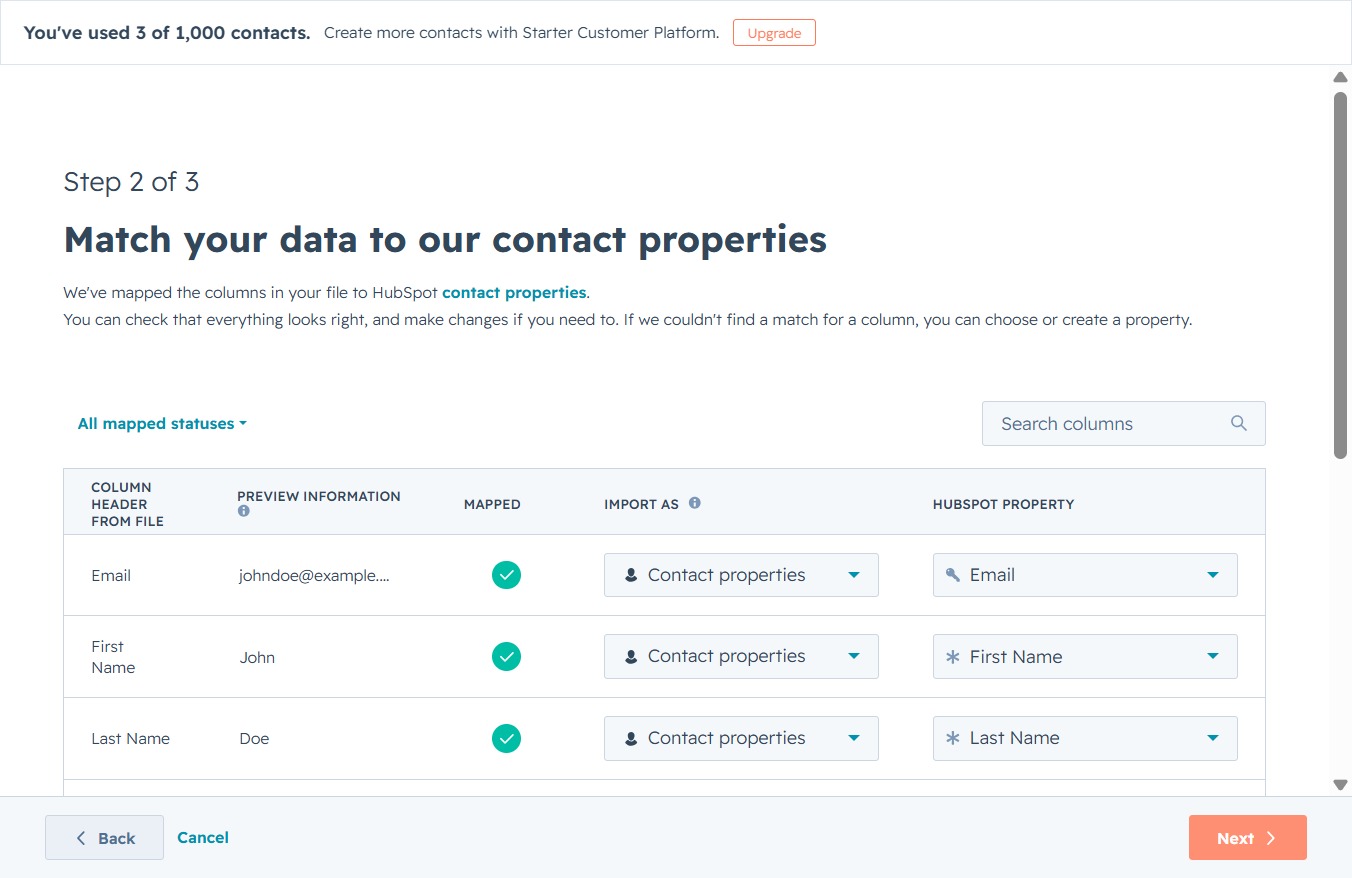
Proceed to the next step of matching your data to contact properties in HubSpot. This action confirms your current mappings and prepares to continue the import process.
Clicking the Search button will initiate a search for your specified import file or setting in the HubSpot platform, allowing you to quickly locate related information.

Selecting 'Legitimate interest - Lead' sets the legal basis for processing the contact's data during the import process in HubSpot.
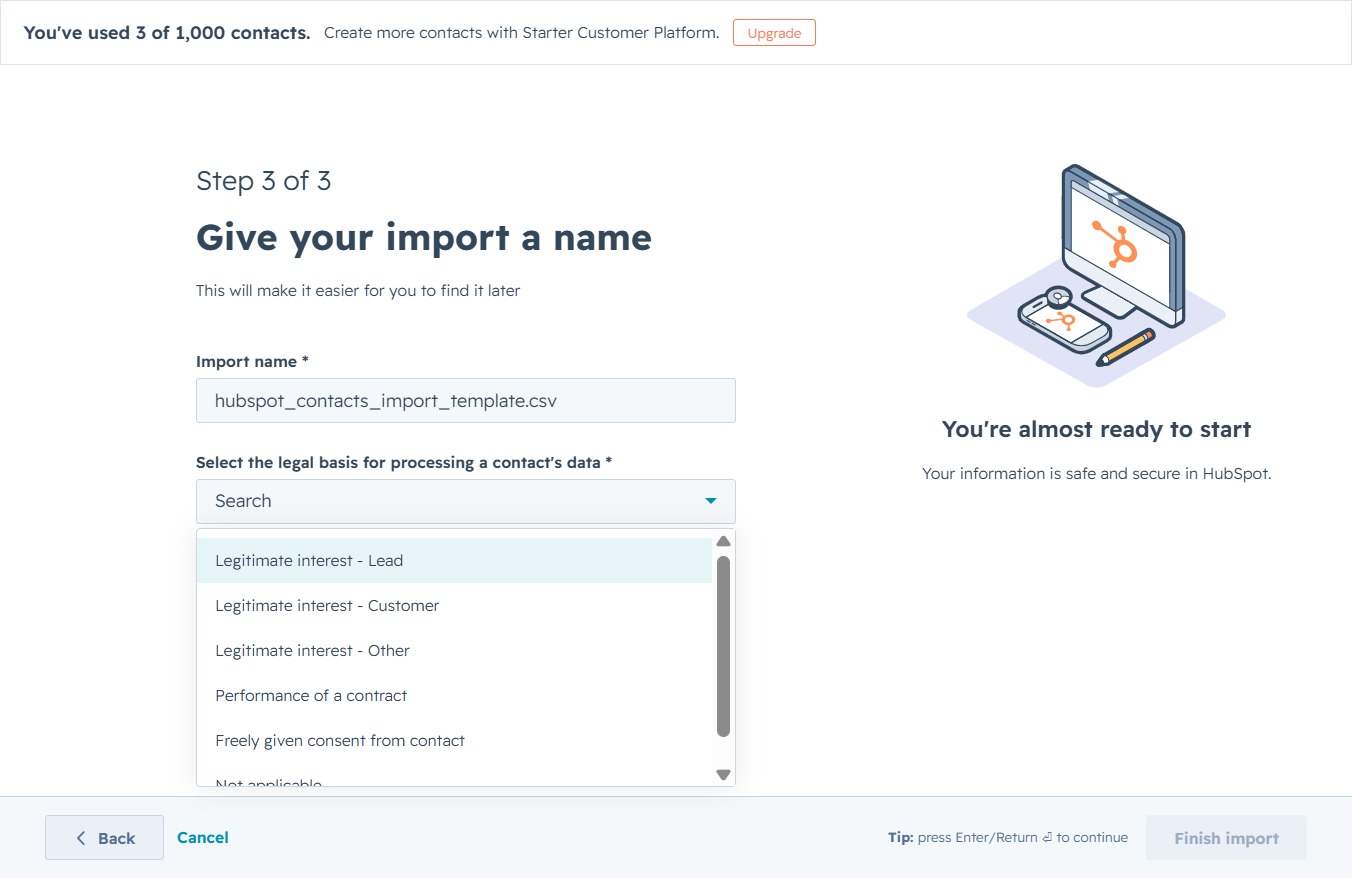
This action completes the contact import process in HubSpot, allowing your uploaded data to be processed and integrated into your account.
