Shared guide

How to generate quotes and proposals

This how-to guide walks you through the process of generating quotes and proposals, detailing each step from navigating your pipeline to creating and saving an invoice.

victoriaworkflowsvictoriaworkflows
·14 steps·52 views·Published

This how-to guide walks you through the process of generating quotes and proposals, detailing each step from navigating your pipeline to creating and saving an invoice. Follow the instructions to efficiently manage your proposals and ensure accurate documentation of your project details.

Step-by-step Guide14 steps
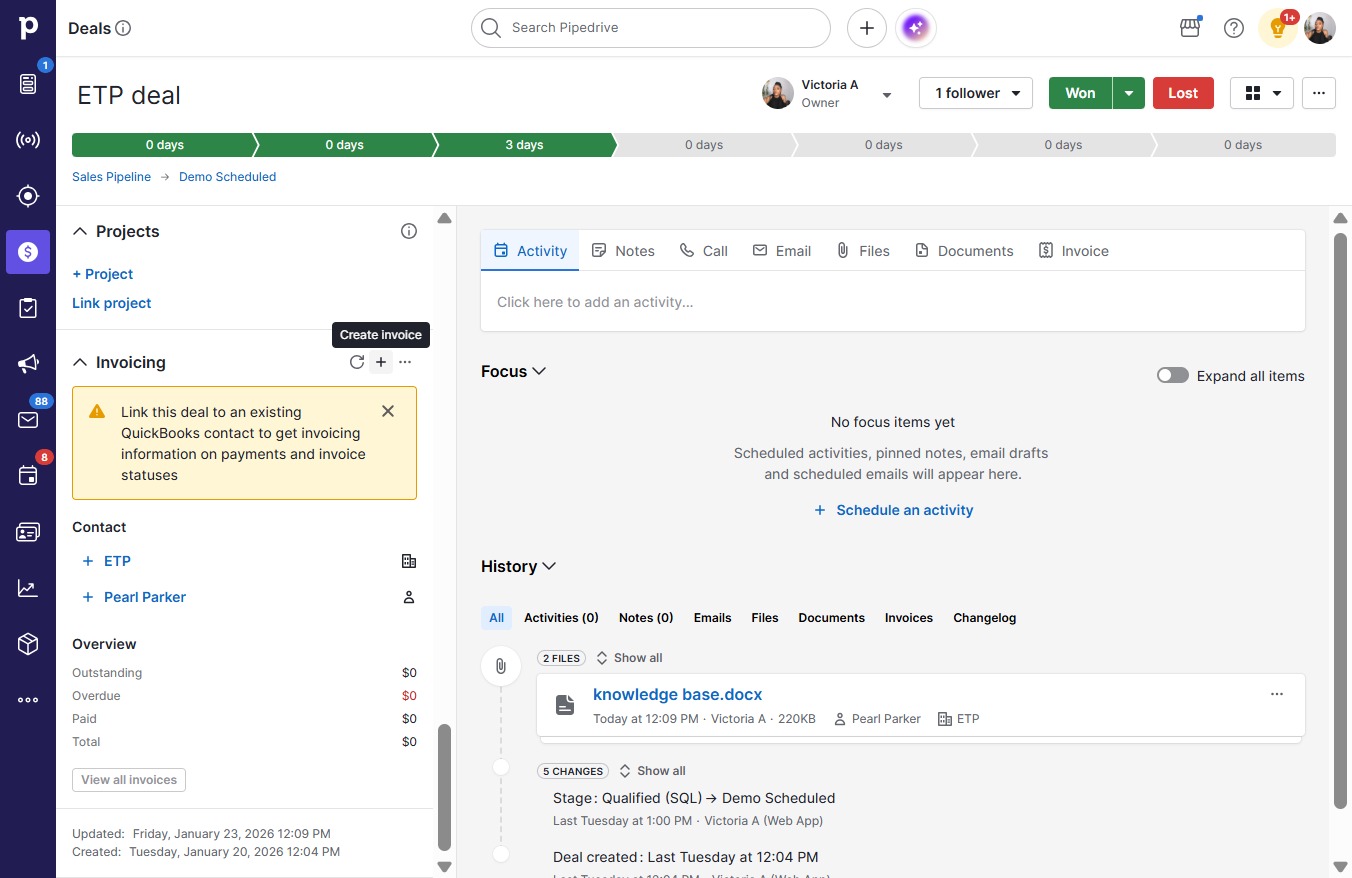
  1. Click ETP, Pearl Parker
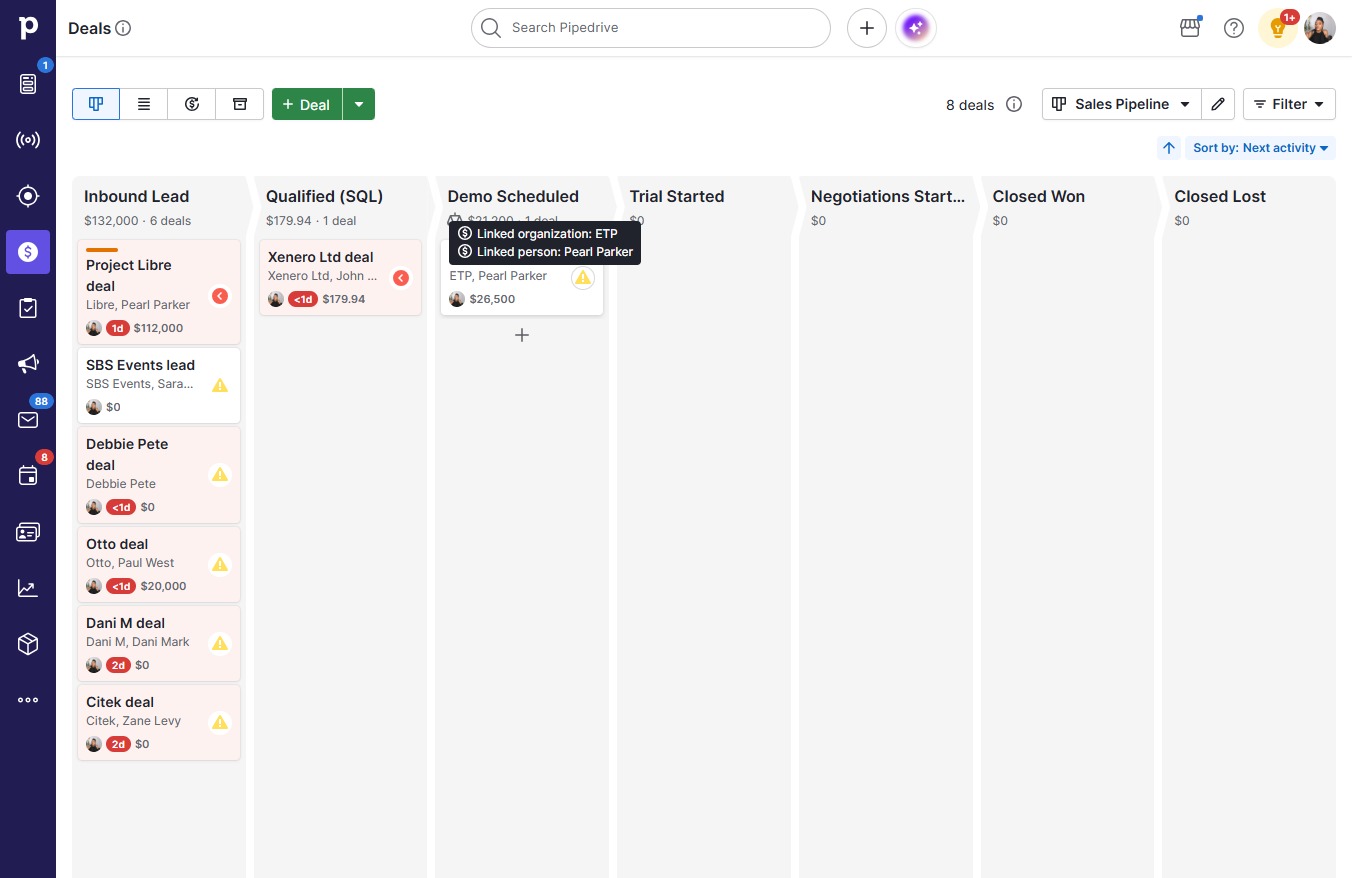
    Click ETP, Pearl Parker
    Loading screenshot…
    100%
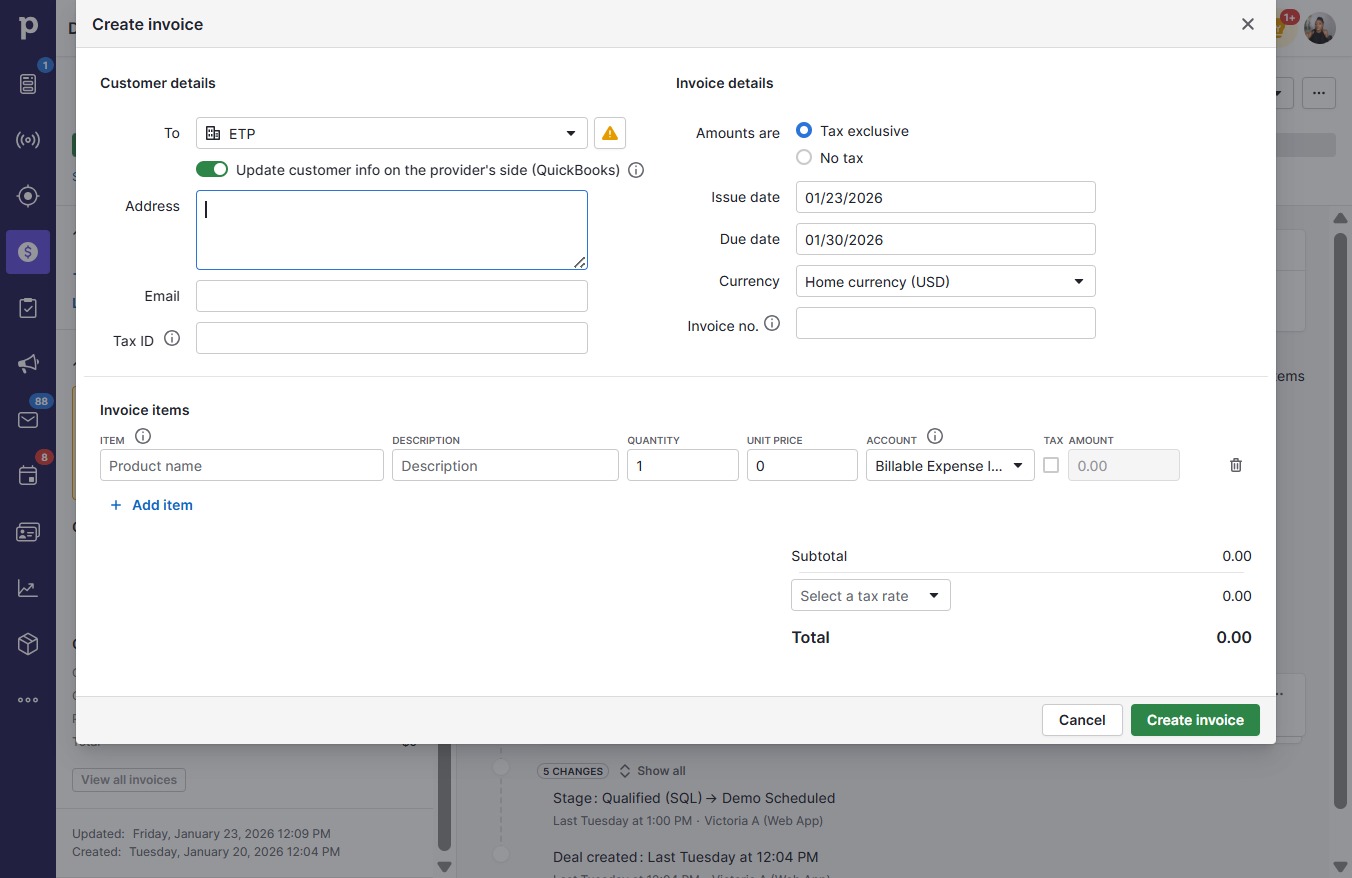
  2. Click on "Click here."

    Click on "Click here."
    Loading screenshot…
    100%
  3. Click on "Click here."

    Click on "Click here."
    Loading screenshot…
    100%
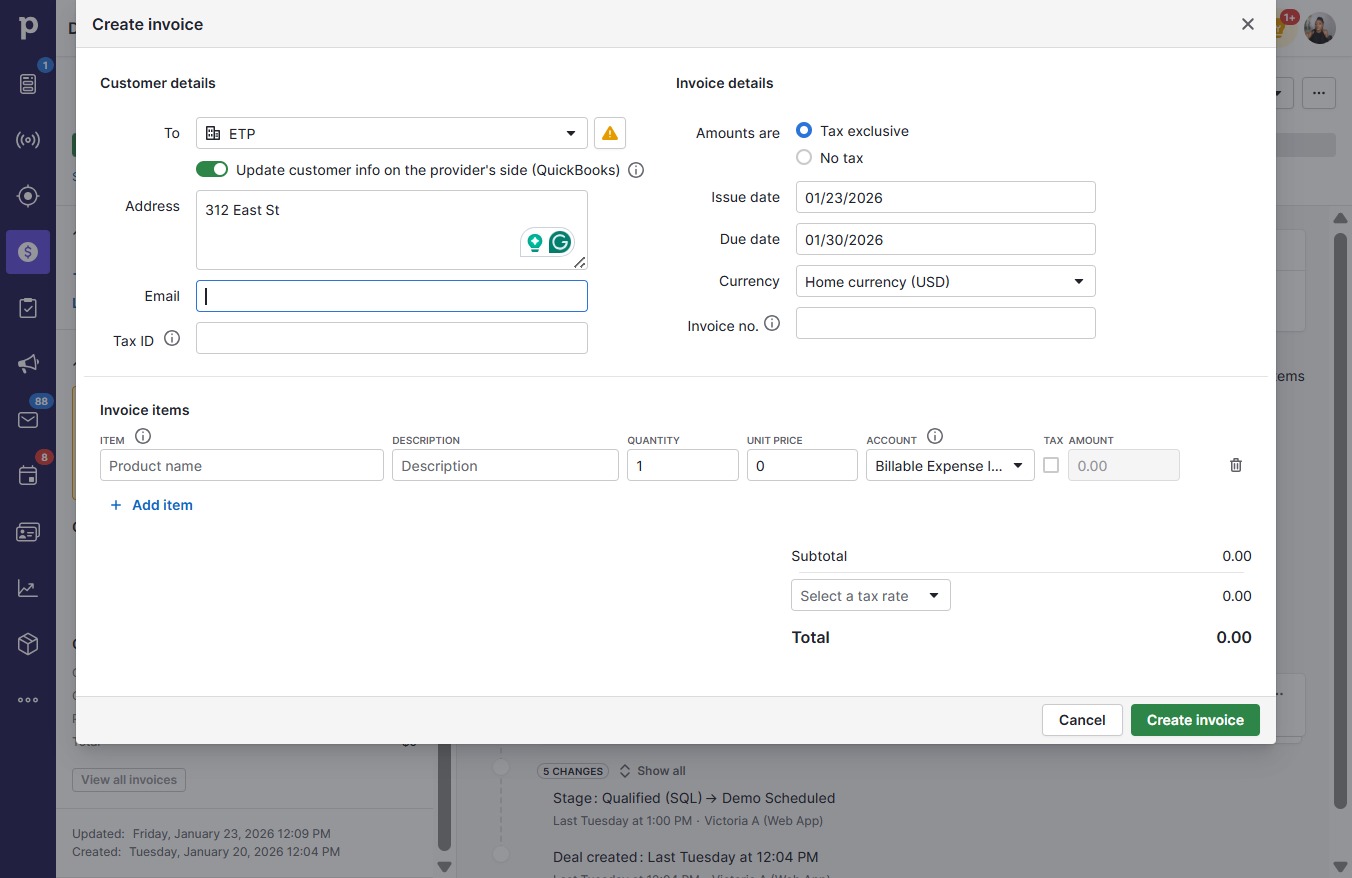
  4. Type "312 East St" in Address

  5. Click on "Click here."

    Click on "Click here."
    Loading screenshot…
    100%
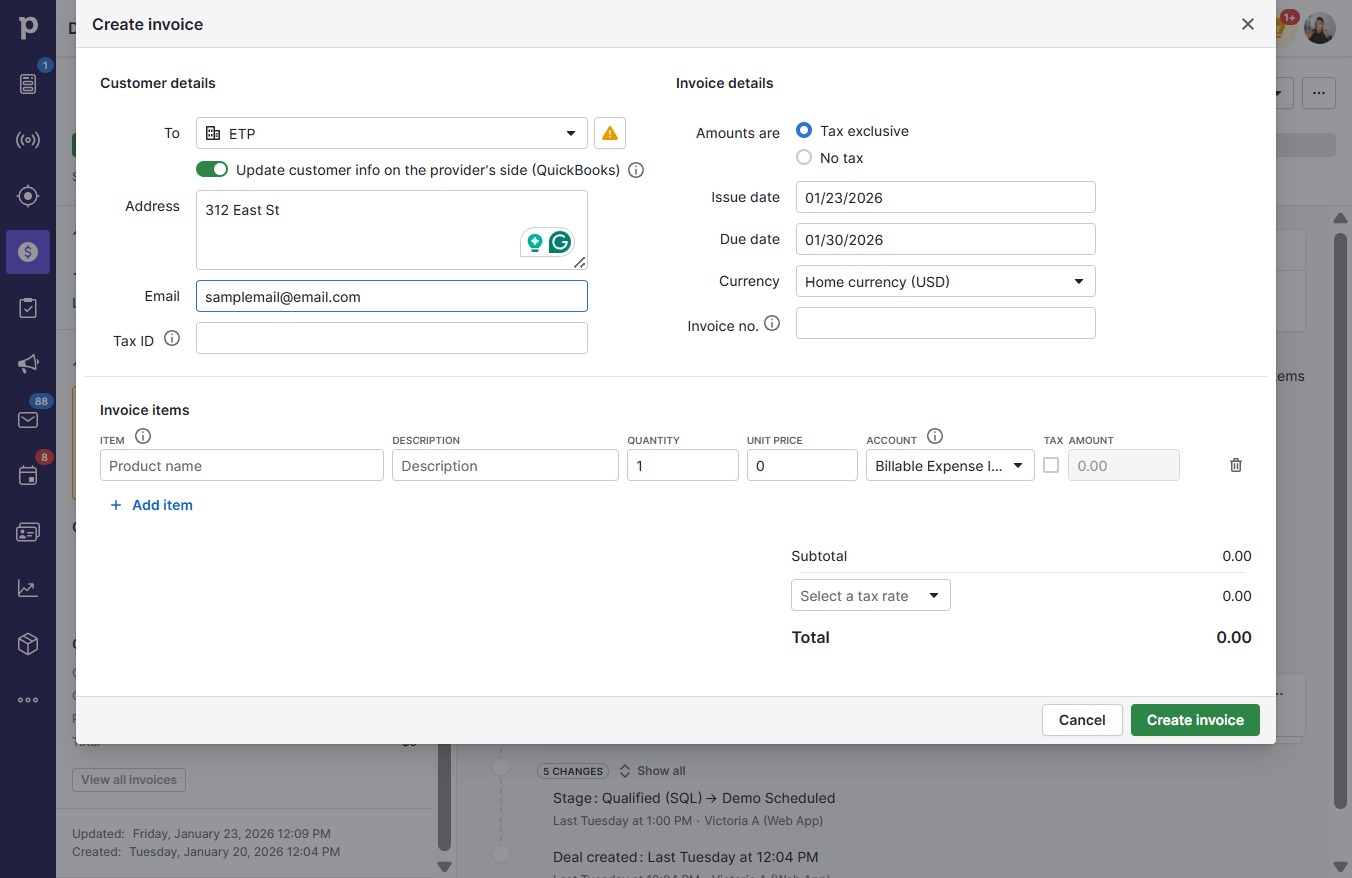
  6. Type "samplemail@email.com" in Email

  7. Click on "Click here."

    Click on "Click here."
    Loading screenshot…
    100%
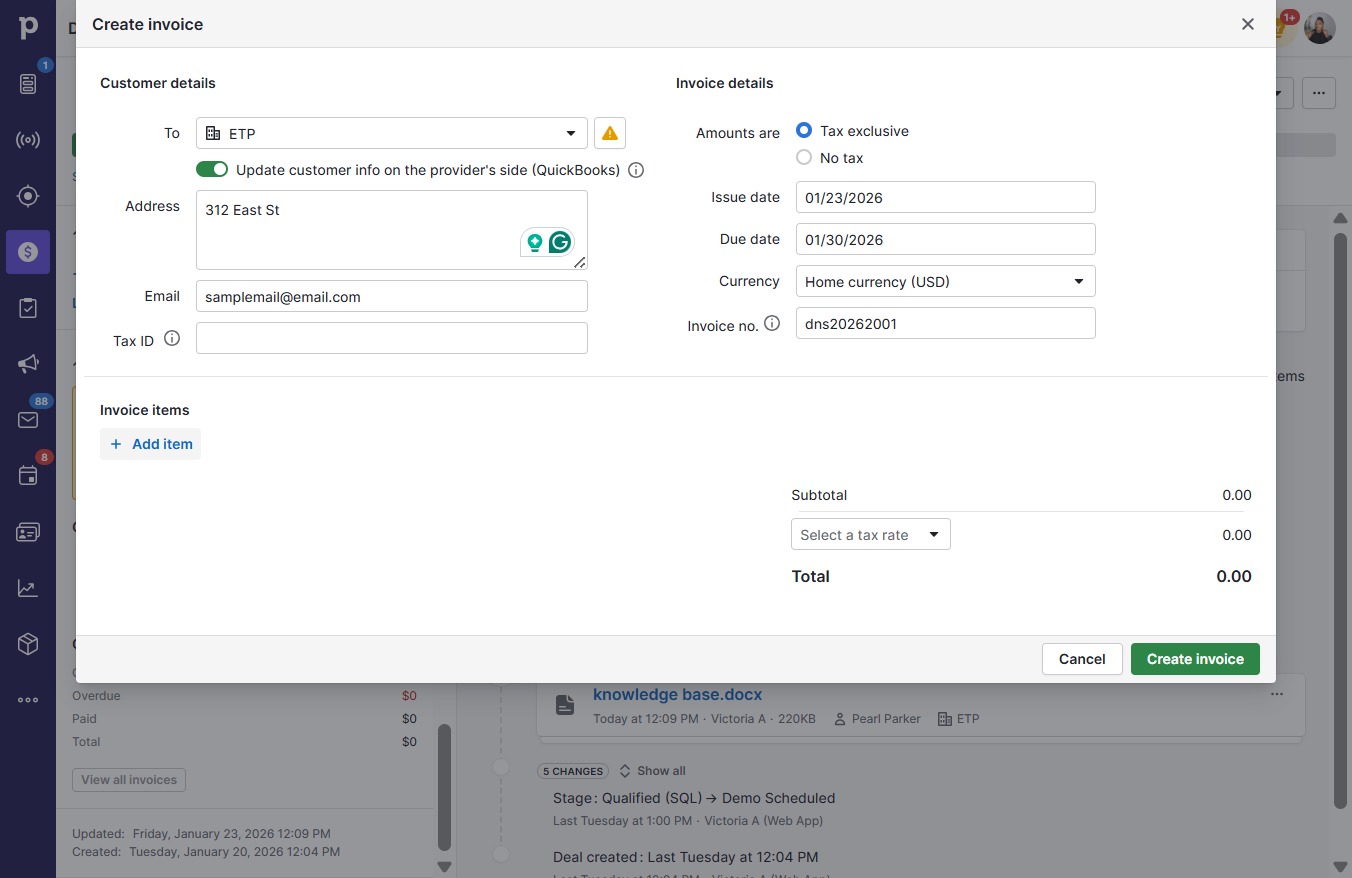
  8. Type "dns20262001" in Invoice no.

  9. Click Add item

    Click Add item
    Loading screenshot…
    100%
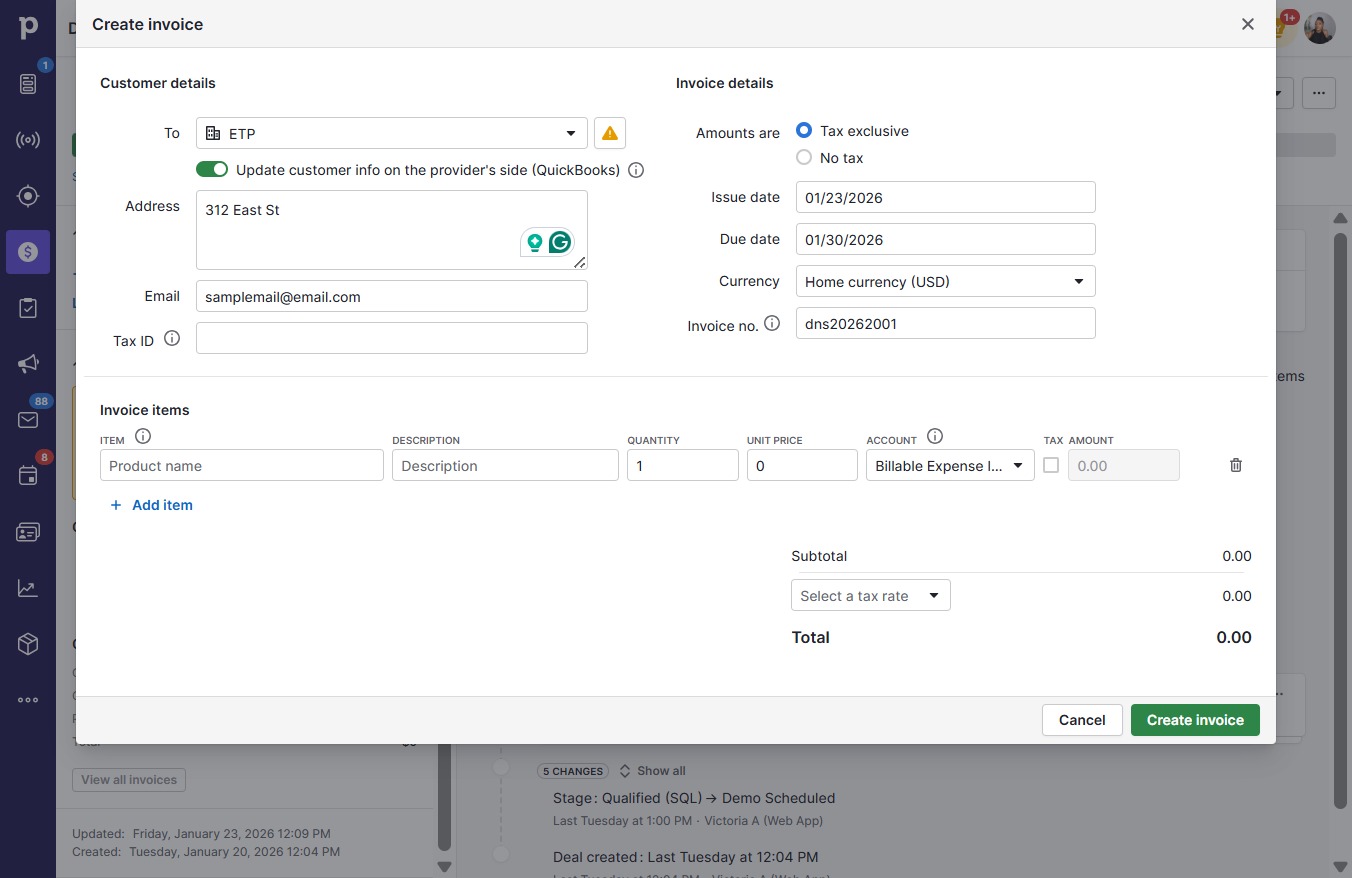
  10. Click on "Click here."

    Click on "Click here."
    Loading screenshot…
    100%
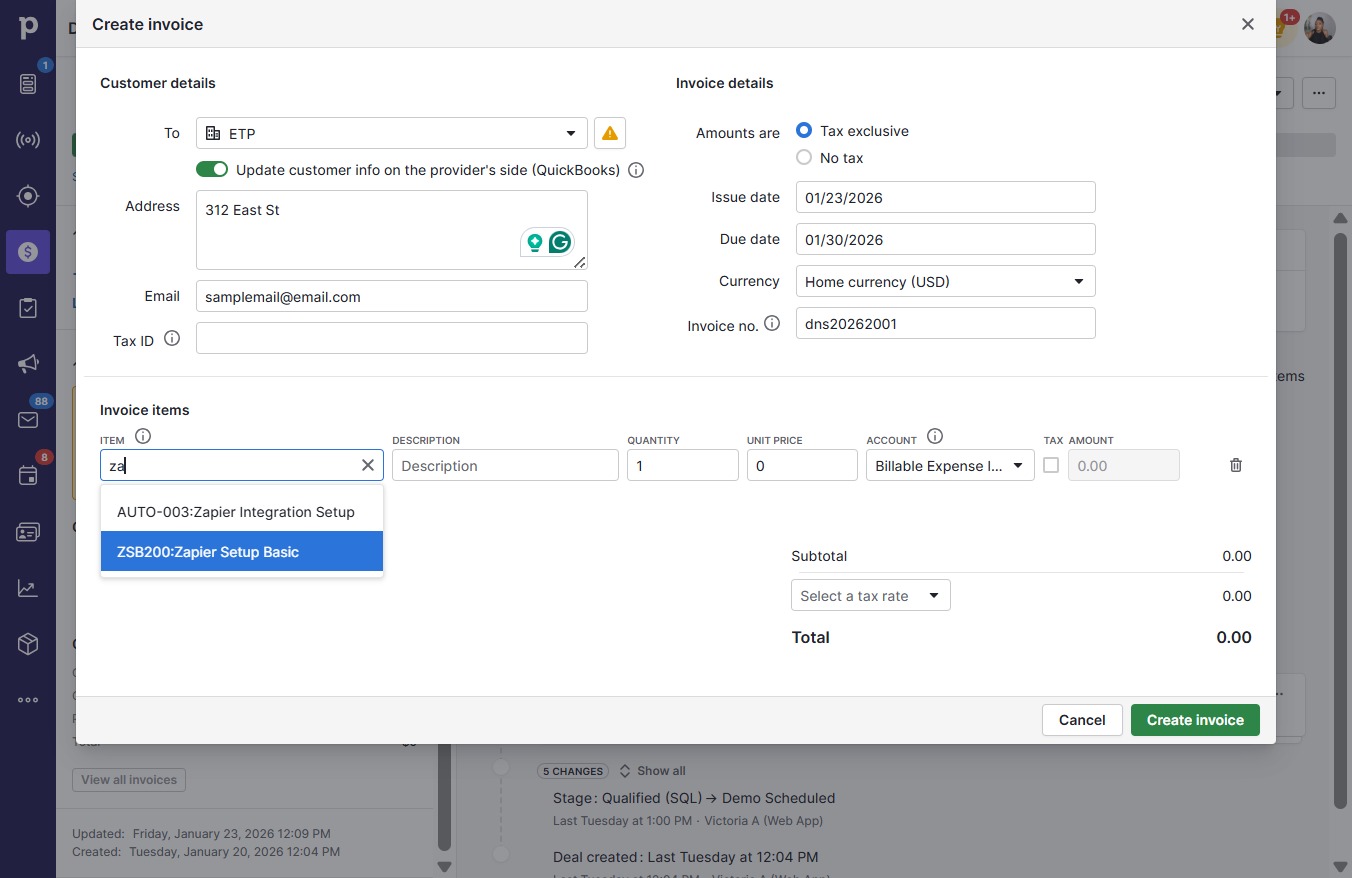
  11. Click ZSB200:Zapier Setup Basic

    Click ZSB200:Zapier Setup Basic
    Loading screenshot…
    100%
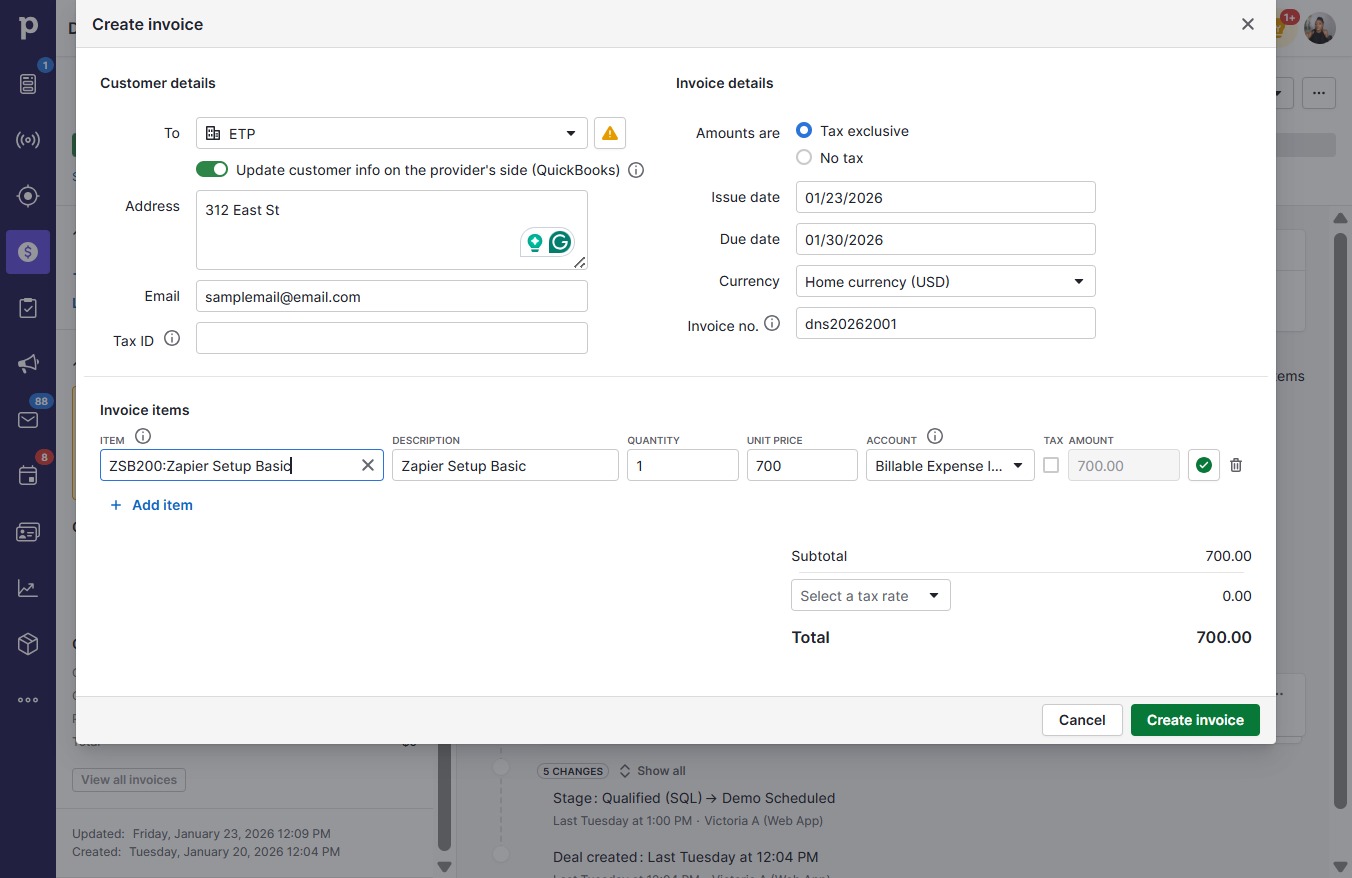
  12. Type "ZSB200:Zapier Setup Basic" in Product name

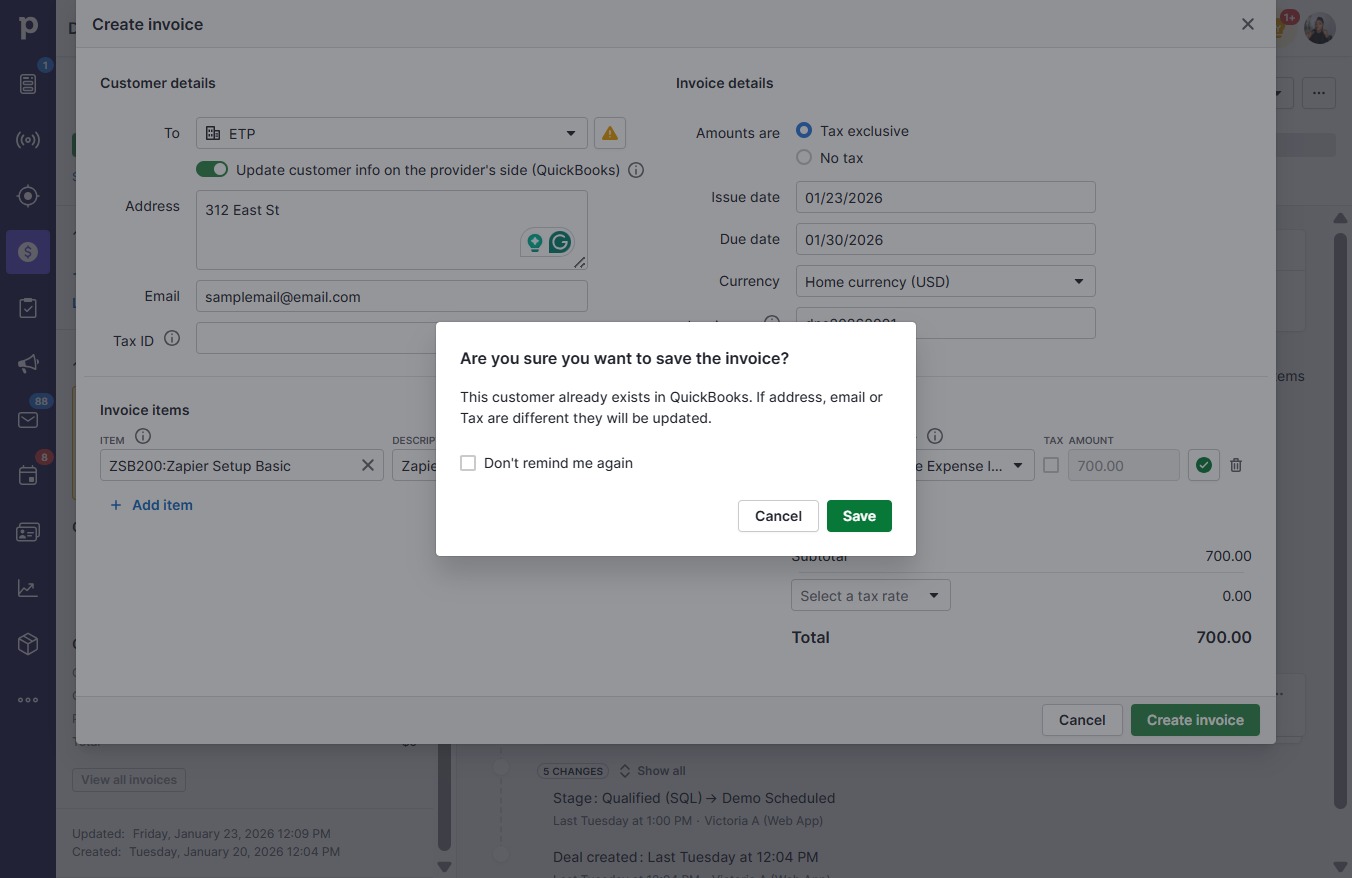
  13. Click Create invoice

    Click Create invoice
    Loading screenshot…
    100%
  14. Click Save

    Click Save
    Loading screenshot…
    100%