Geteilte Anleitung

How to fix email sync issues

In this how-to guide, learn the straightforward steps to resolve email sync issues by adjusting your personal preferences and resetting the sync settings.

victoriaworkflowsvictoriaworkflows
·6 Schritte·132 Aufrufe·Veröffentlicht

In this how-to guide, learn the straightforward steps to resolve email sync issues by adjusting your personal preferences and resetting the sync settings. Follow along to ensure your emails are up-to-date and accessible without hassle.

Step-by-step Guide6 Schritte
  1. Click on "Click here."

    Click on "Click here."
    Loading screenshot…
    100%
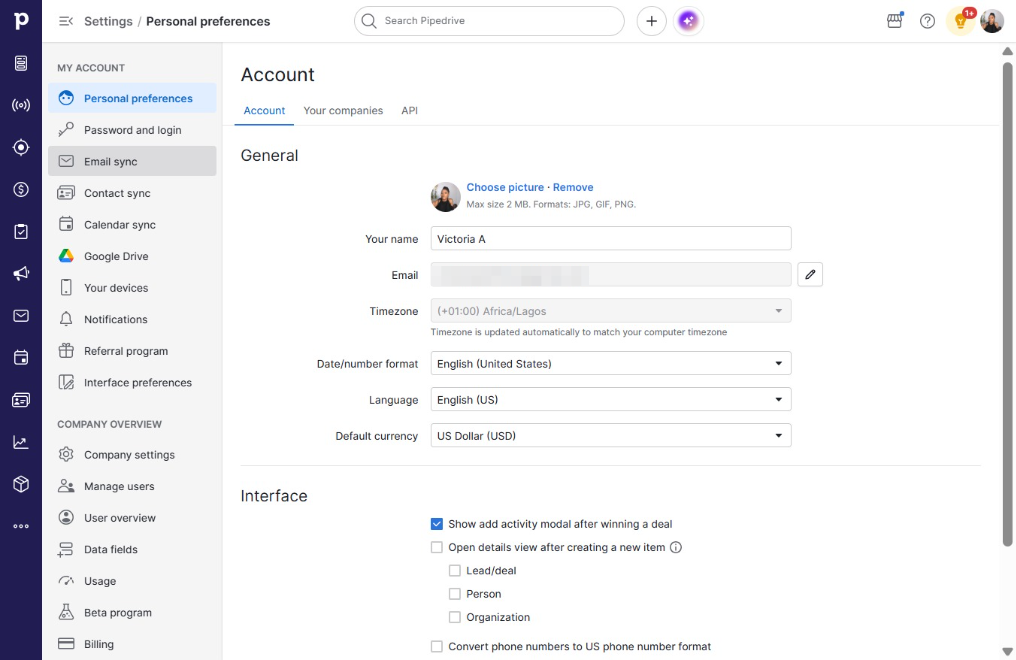
  2. Click Personal preferences

    Click Personal preferences
    Loading screenshot…
    100%
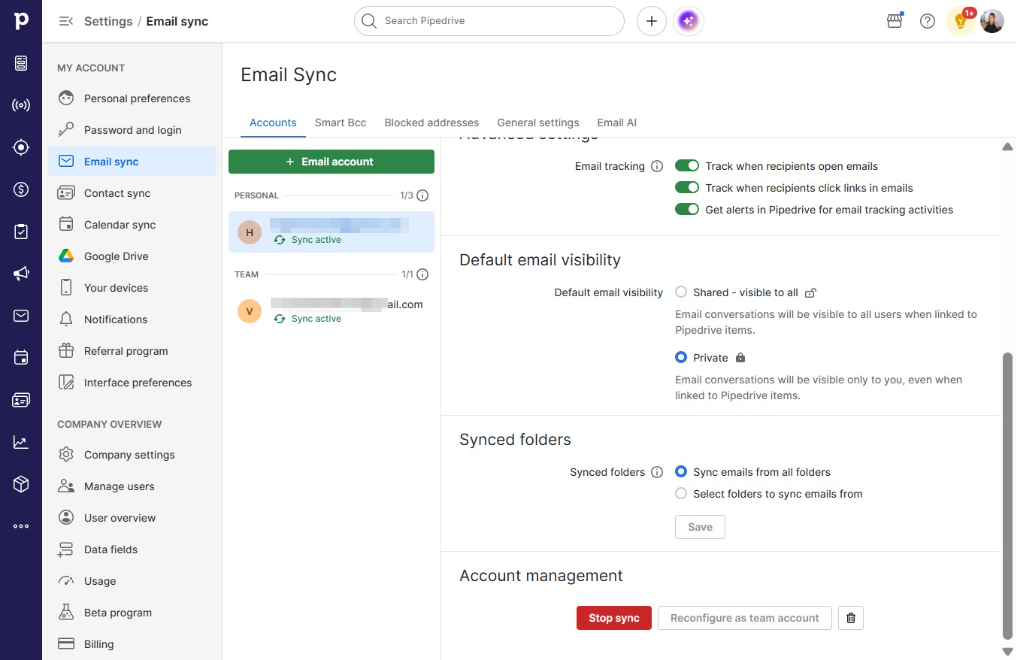
  3. Click Email sync

    Click Email sync
    Loading screenshot…
    100%
  4. Click Stop sync

    Click Stop sync
    Loading screenshot…
    100%
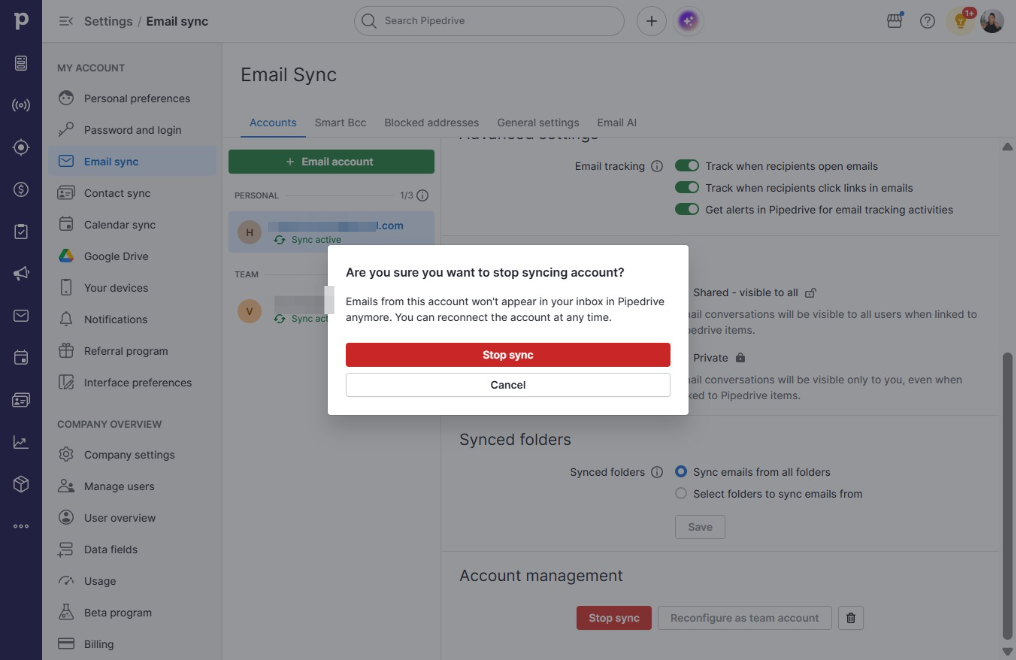
  5. Click Stop sync

    Click Stop sync
    Loading screenshot…
    100%
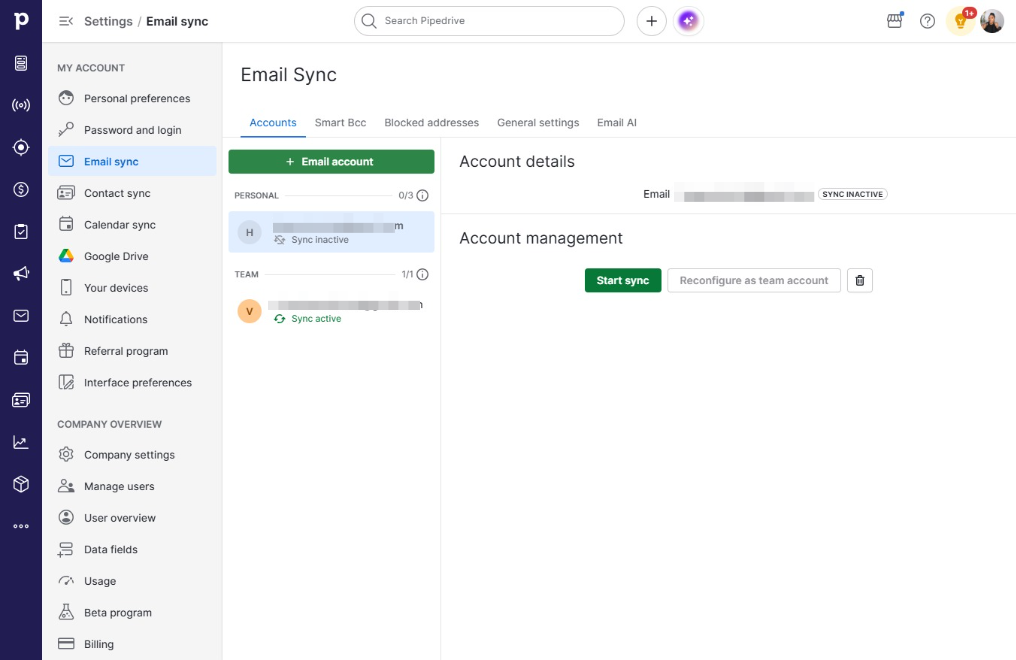
  6. Click Start sync

    Click Start sync
    Loading screenshot…
    100%