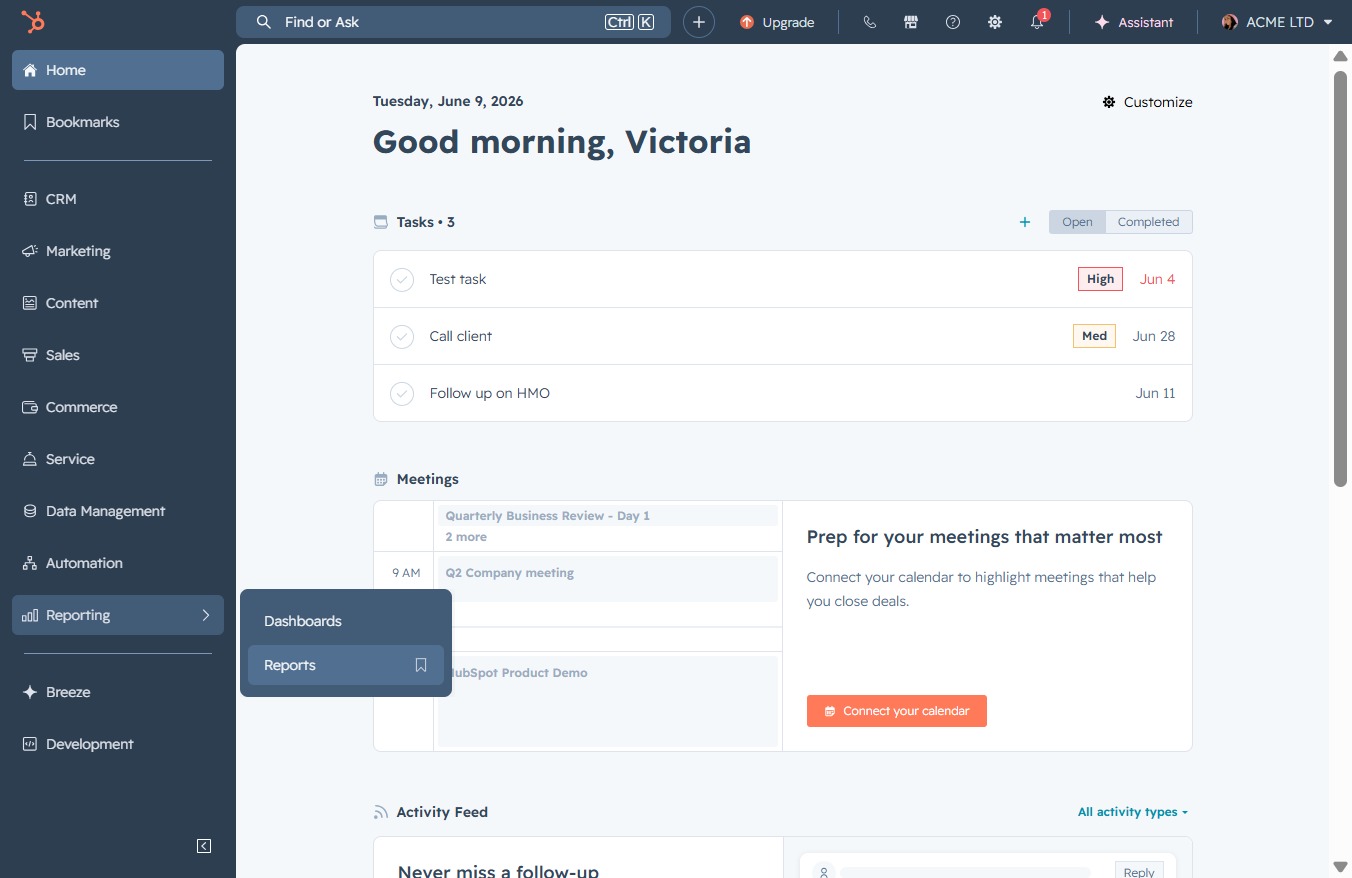
Click the Reporting section
This will navigate you to the reporting area where you can view and analyze various performance metrics and statistics.

Loading screenshot…
100%
Sort your reports by assigned owner in the reporting section for better analysis, and access user settings and information through the owner's profile for personalized management.
 viktoria
Sort your reports by assigned owner in the reporting section for better analysis, and access user settings and information through the owner's profile for personalized management.
This will navigate you to the reporting area where you can view and analyze various performance metrics and statistics.
Clicking the Reports link will navigate you to the reporting section where you can view and analyze data insights tailored to your account's activity.
Clicking the Owner column header will sort your reports by the assigned owner, helping you quickly locate reports based on individual responsibility.

Clicking on Victoria Adamu's profile allows you to access settings and information associated with the user account, including preferences and notifications.
