Click the Expand sidebar button
Expanding the sidebar reveals additional navigation options and features, allowing you to access more tools and resources within Confluence.

Loading screenshot…
100%
In this how-to guide, you'll learn the step-by-step process to export a space in Confluence, from navigating through the sidebar to selecting export options.
 viktoria
In this how-to guide, you'll learn the step-by-step process to export a space in Confluence, from navigating through the sidebar to selecting export options. Follow along to easily save your content in PDF format for efficient sharing and distribution.
Expanding the sidebar reveals additional navigation options and features, allowing you to access more tools and resources within Confluence.
This action opens a comprehensive list of all available spaces where you can manage projects and collaborate with team members.
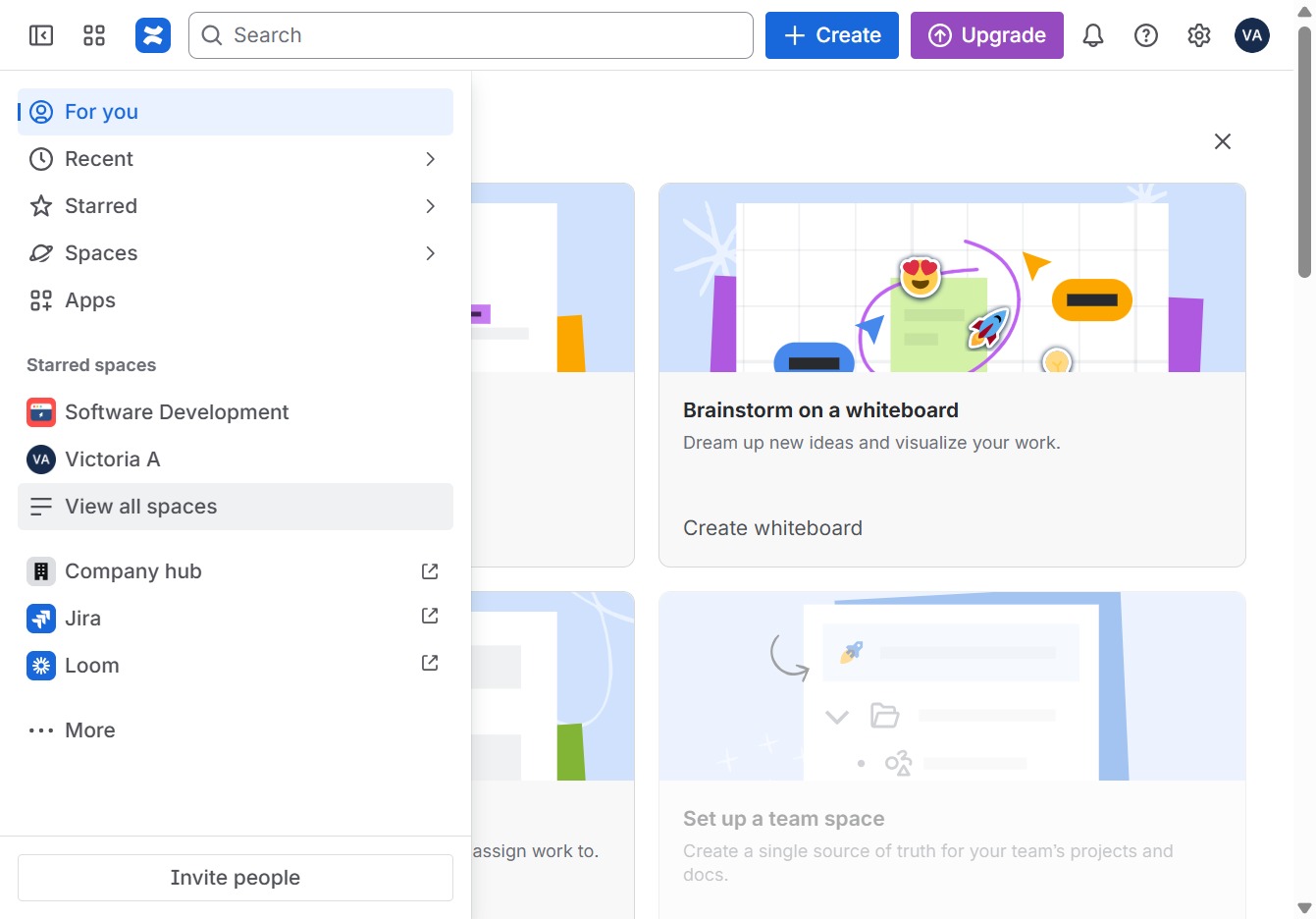
This action will navigate you to the Knowledgebase area, where you can access articles, resources, and help documents related to your project.

Clicking this button reveals additional options related to the current context, allowing you to manage or configure features within the Knowledgebase.

This action initiates the export process for the content within your Knowledgebase. You will be prompted with options to select the format and details for the export.
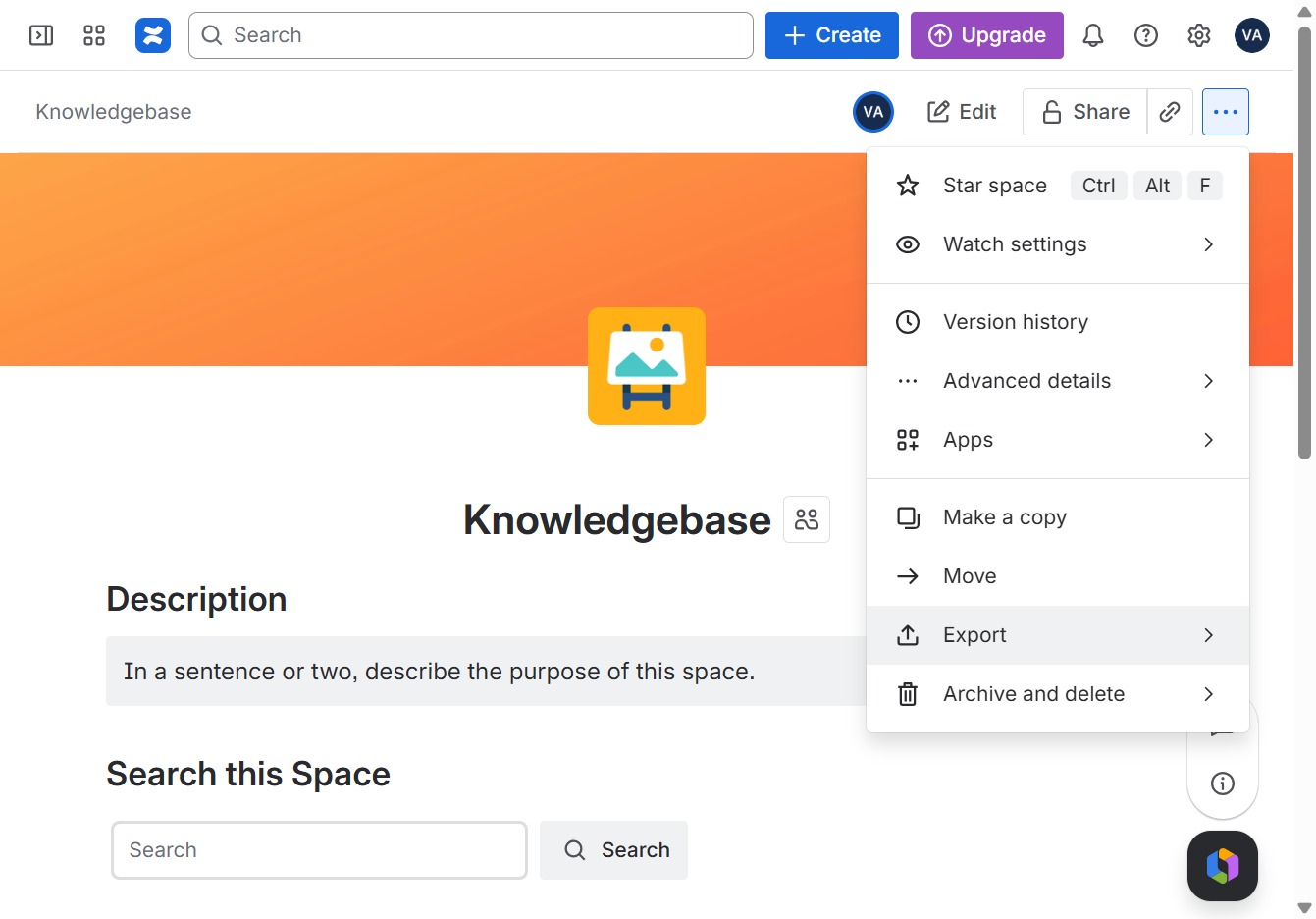
This action will initiate the process to save your document in PDF format, allowing for easier sharing and distribution.
