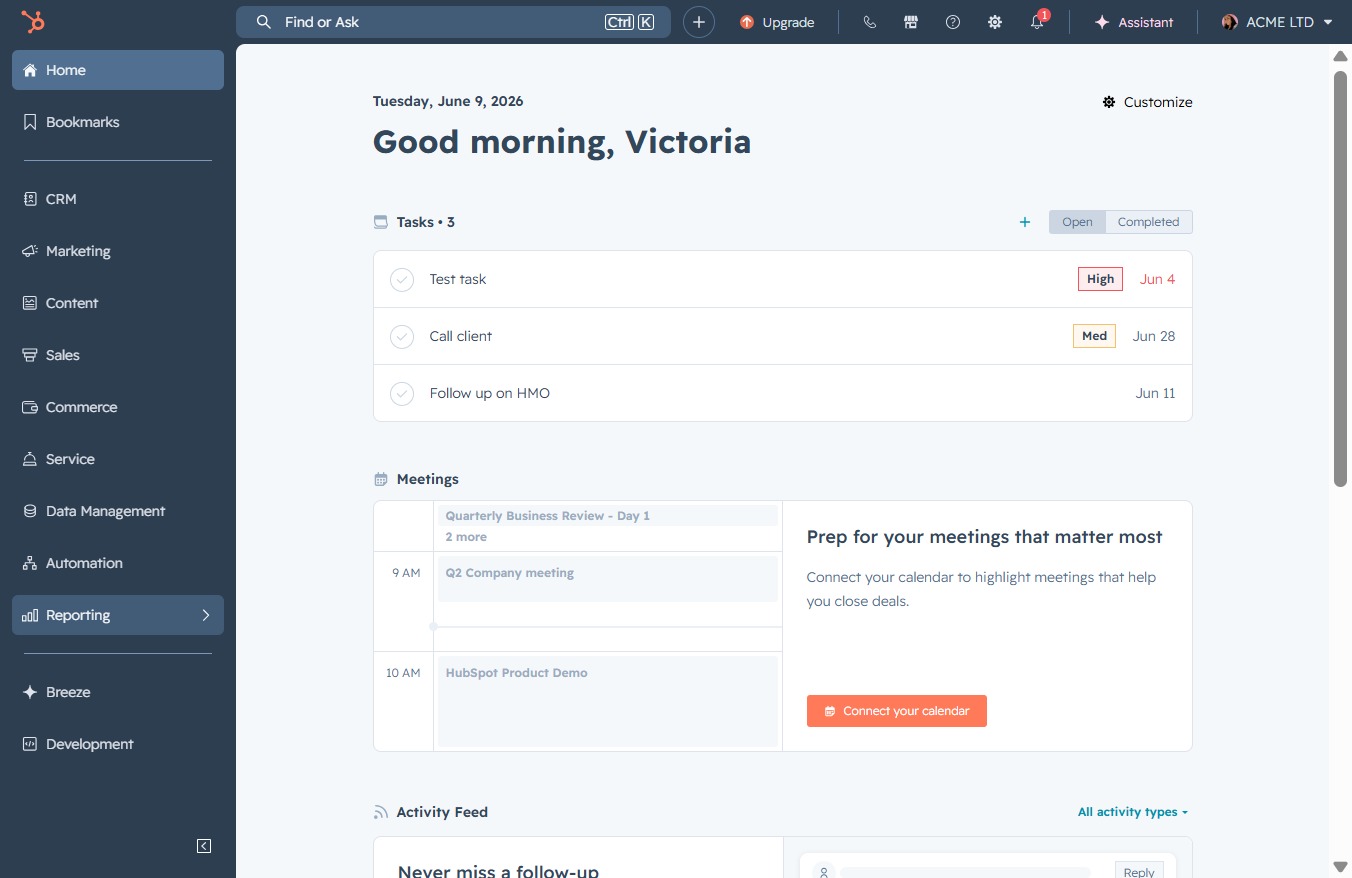
Click the Reporting link
This will navigate you to the Reporting section, where you can view and manage various reports relevant to your tasks and meetings.
Loading screenshot…
100%
Export detailed report data to CSV from the Reporting section for advanced analysis or sharing, ensuring your insights are easily accessible in the desired format.
 viktoria
Export detailed report data to CSV from the Reporting section for advanced analysis or sharing, ensuring your insights are easily accessible in the desired format.
This will navigate you to the Reporting section, where you can view and manage various reports relevant to your tasks and meetings.
After clicking the Reports link, you will be directed to the reporting section where you can view and analyze different reports related to your account.

Clicking the 'Actions' button opens a menu where you can select various operations related to your reports, such as editing or deleting them.

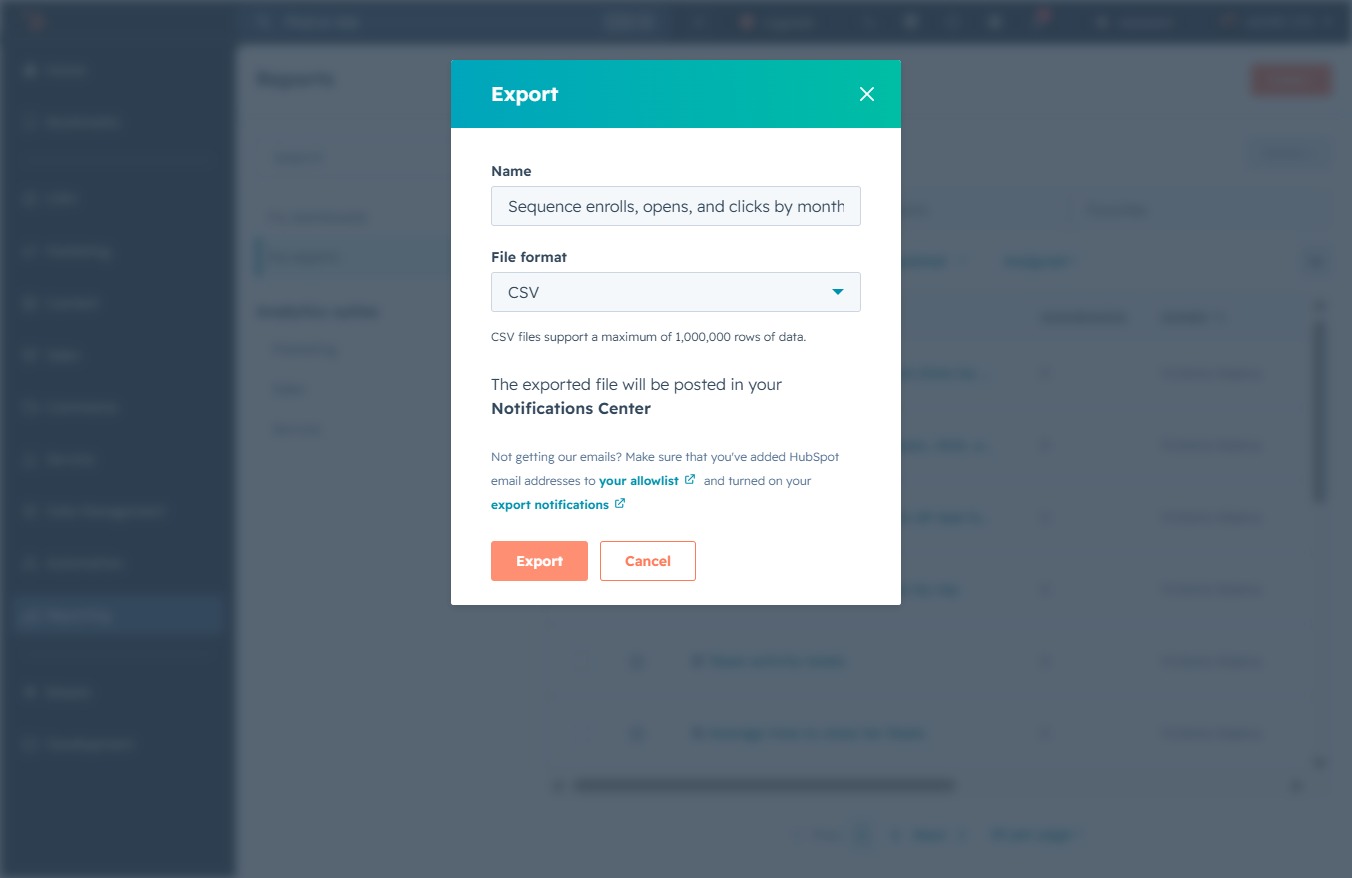
This action allows you to export the detailed, unsummarized data from the selected report, which can be useful for further analysis or sharing purposes.

This initiates the export process for your selected data, which will be saved in the specified format and posted to your Notification Center.