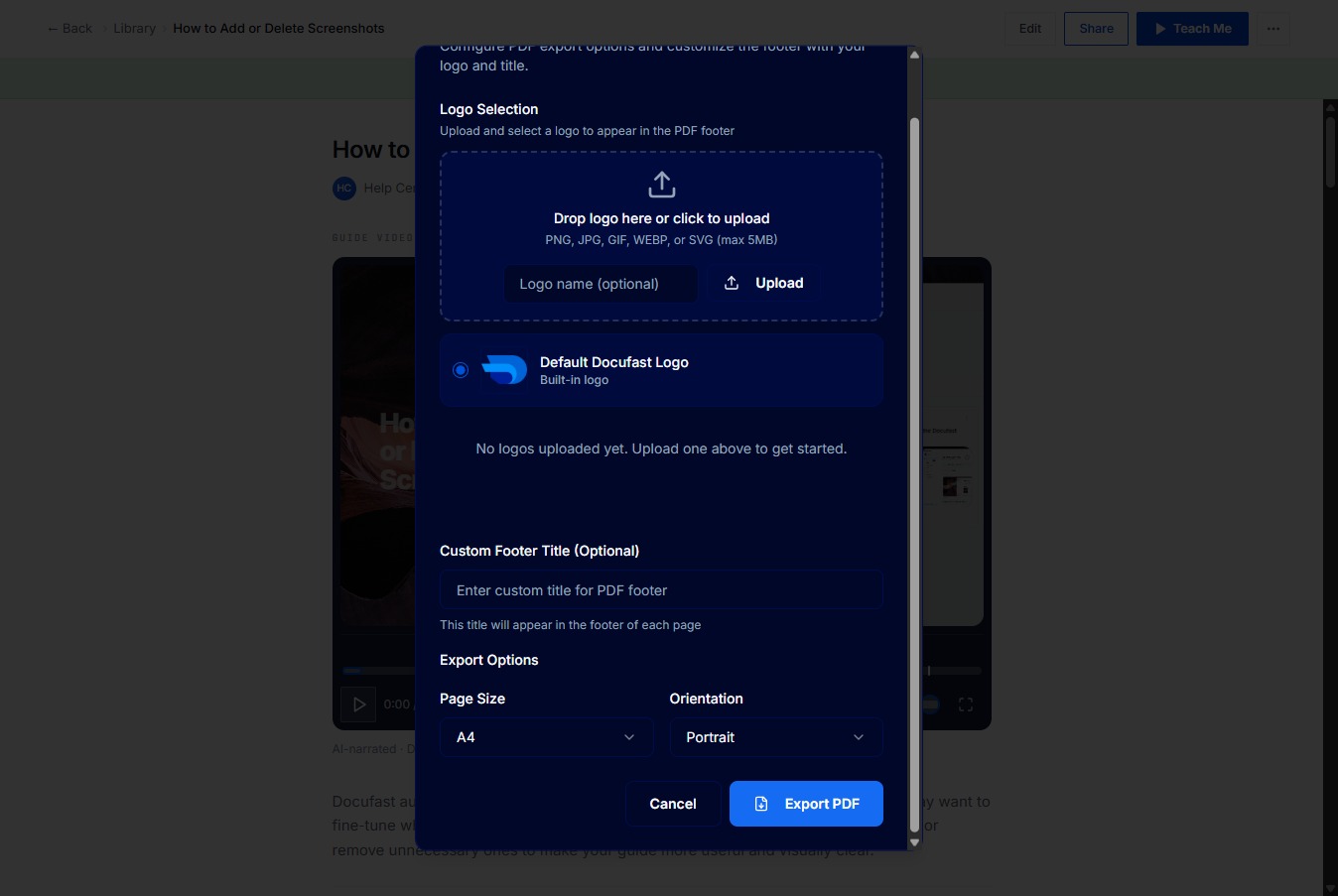
Click Library
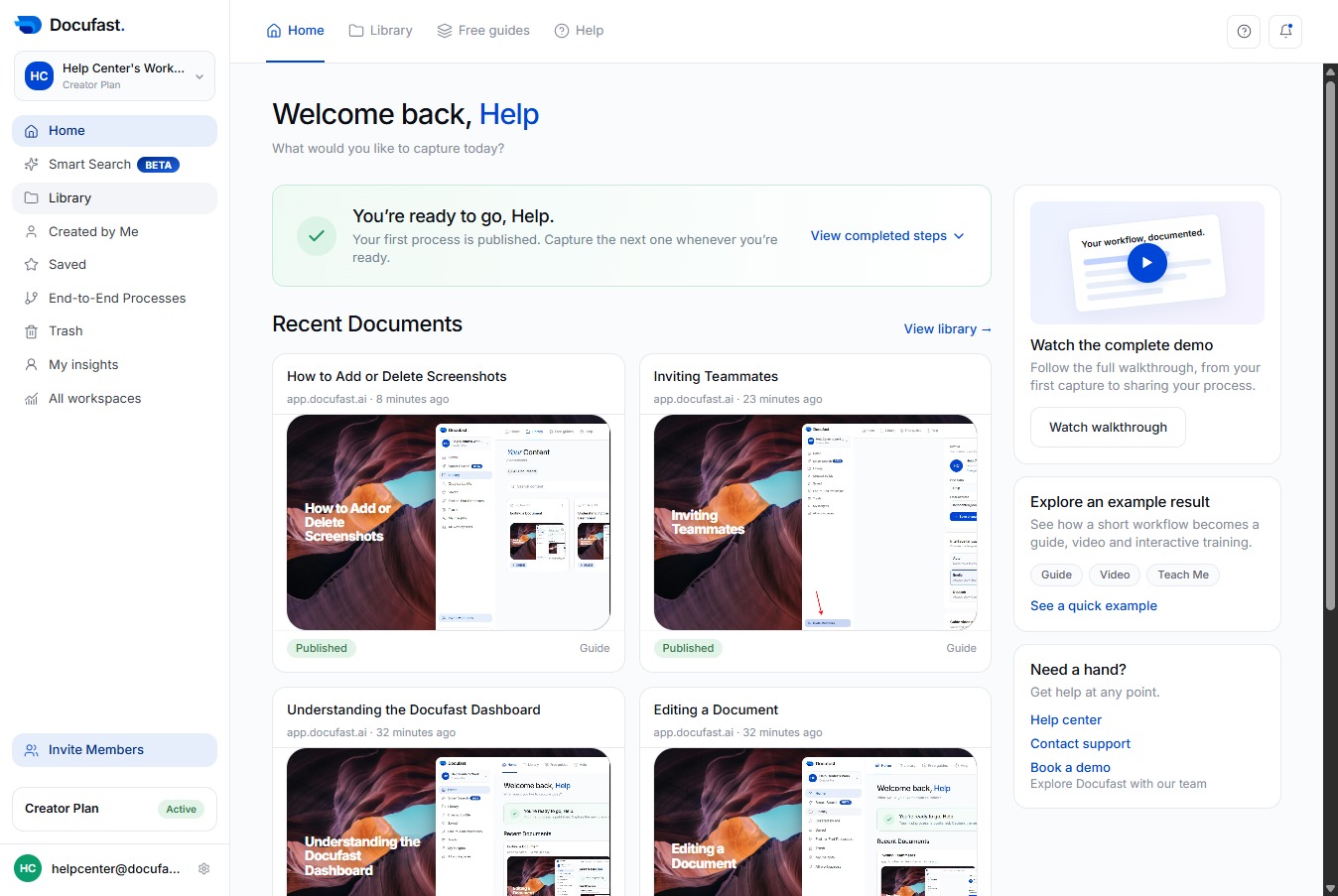
Go to Library on the left-hand side of your dashboard
Loading screenshot…
100%
Docufast makes it easy to export your documents as PDFs, giving you a portable and shareable version of your workflow guides.
Docufast makes it easy to export your documents as PDFs, giving you a portable and shareable version of your workflow guides. This is useful when you need to send documentation to stakeholders, share guides outside Docufast, or keep records for training and compliance purposes. Exported PDFs preserve your steps, instructions, and screenshots in a clean, readable format.
Go to Library on the left-hand side of your dashboard
Select the recorded workflow you want to edit.
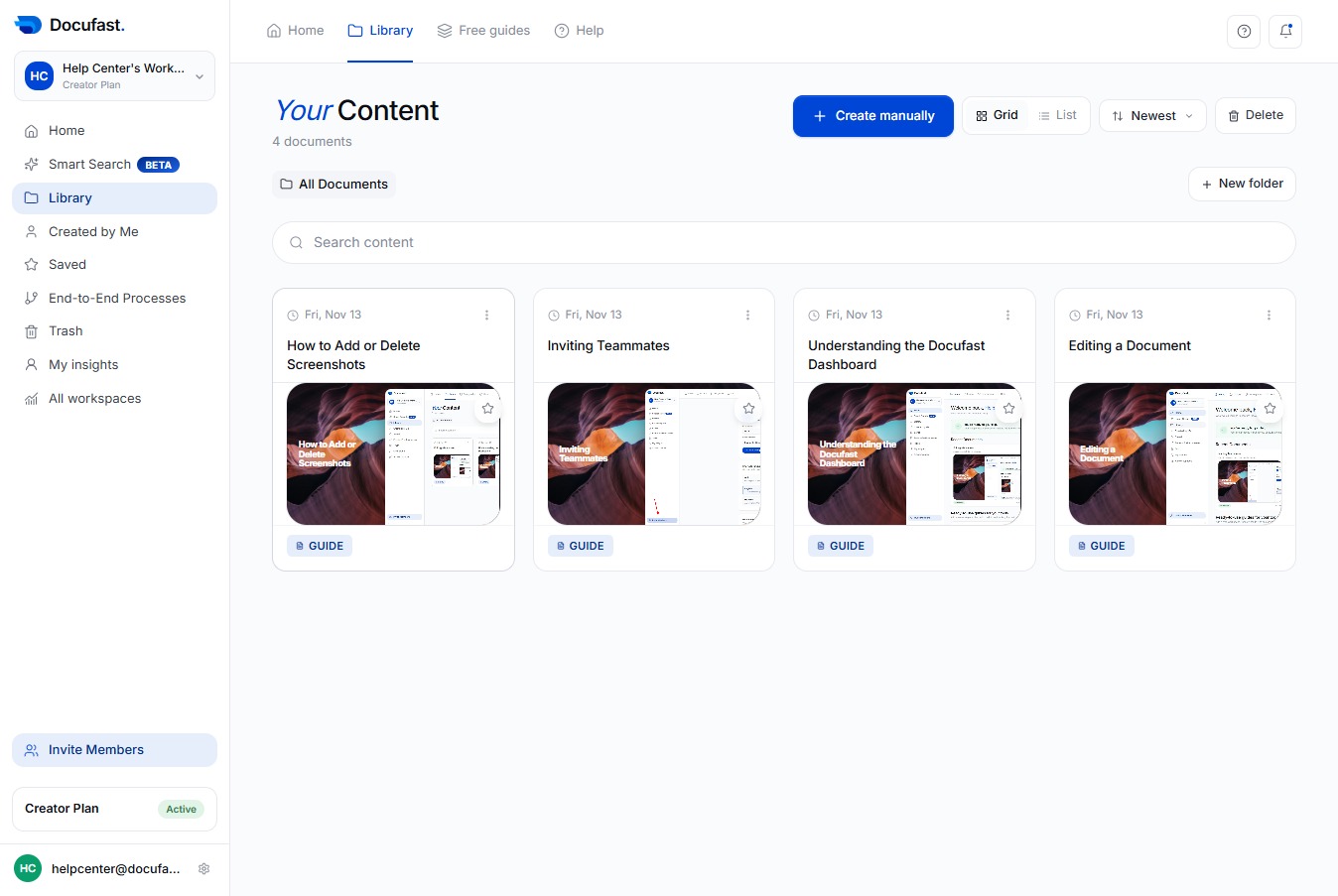
Click Share to open the sharing options for this screenshot guide.
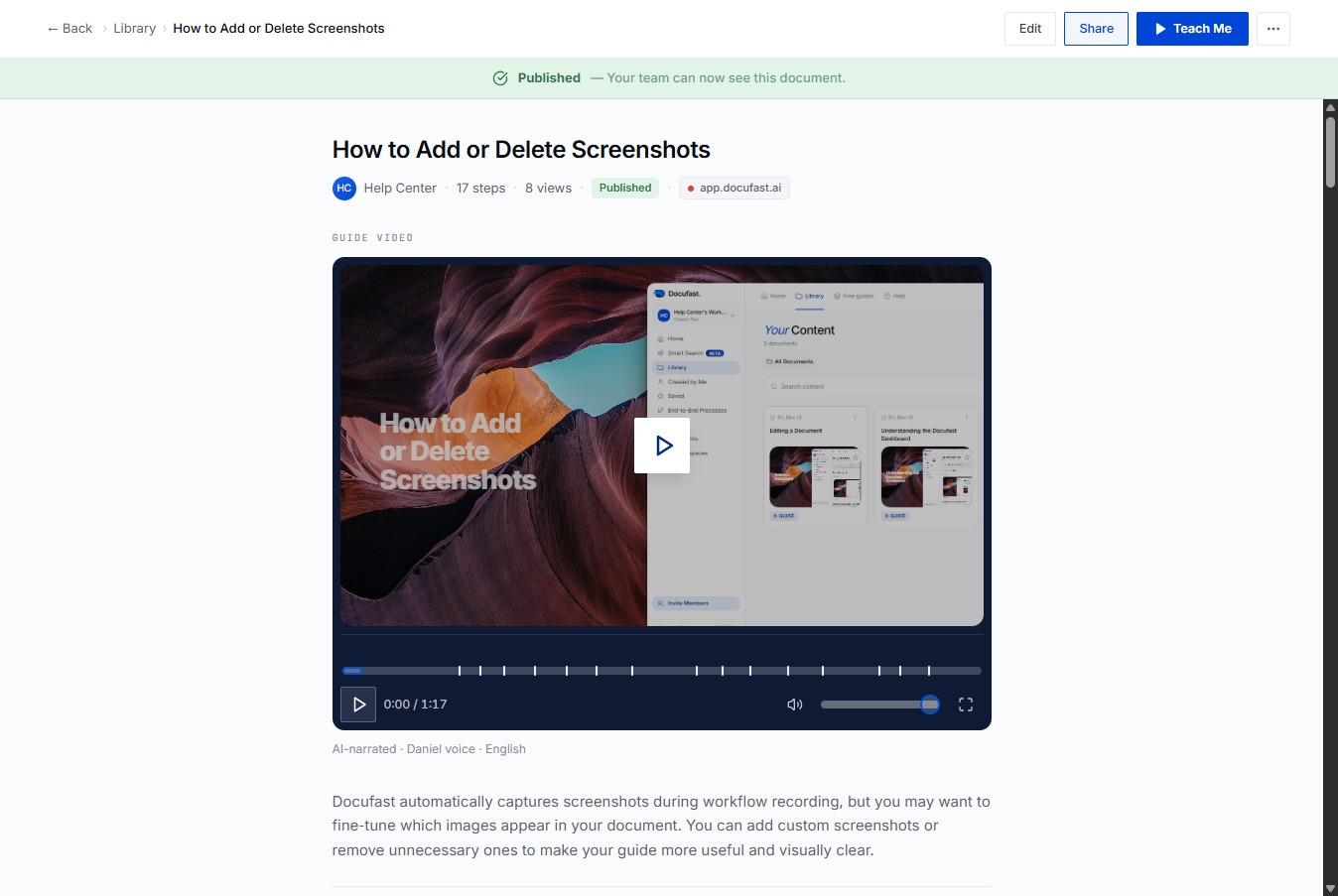
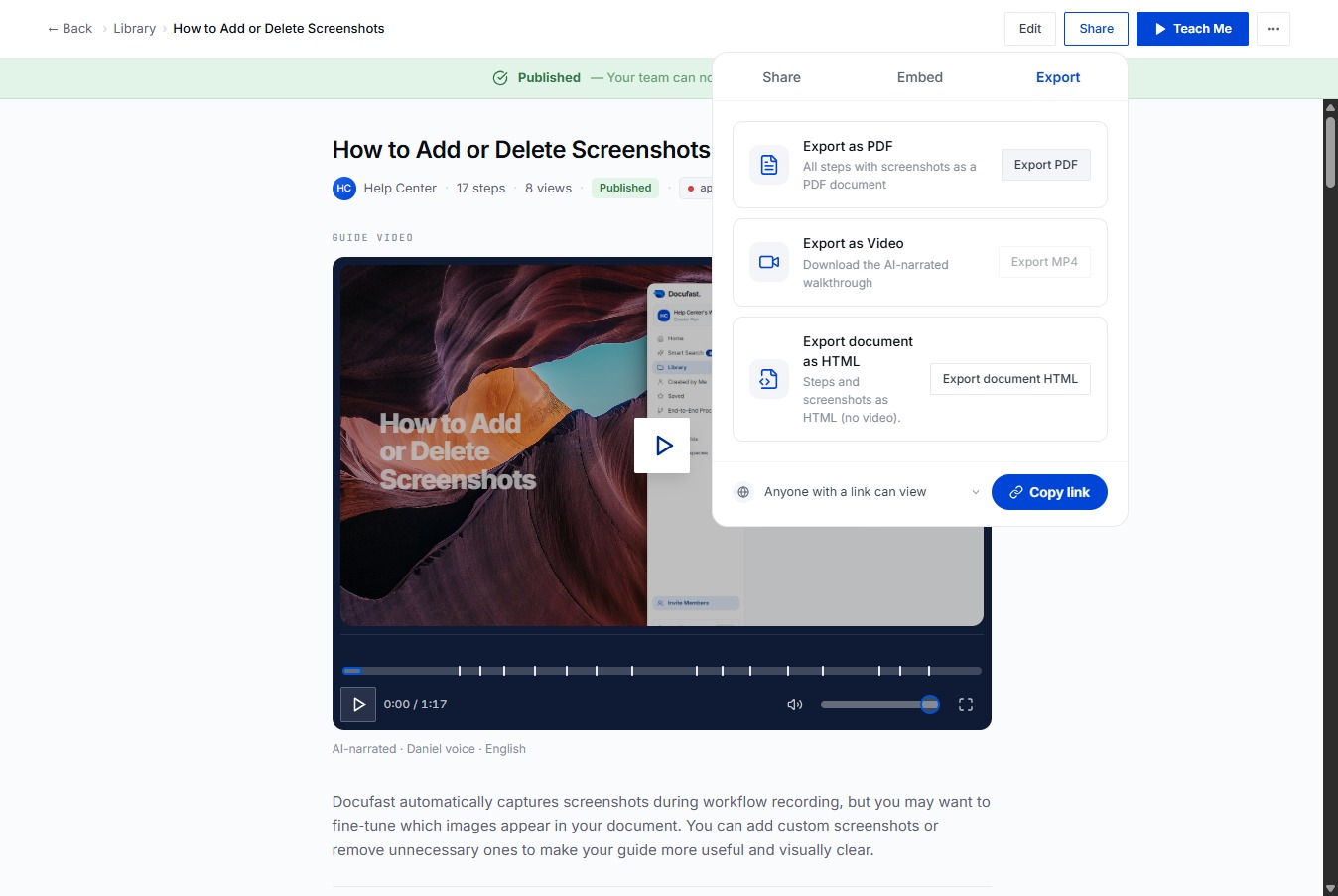
Export your screenshot guide to save or share it as a document.
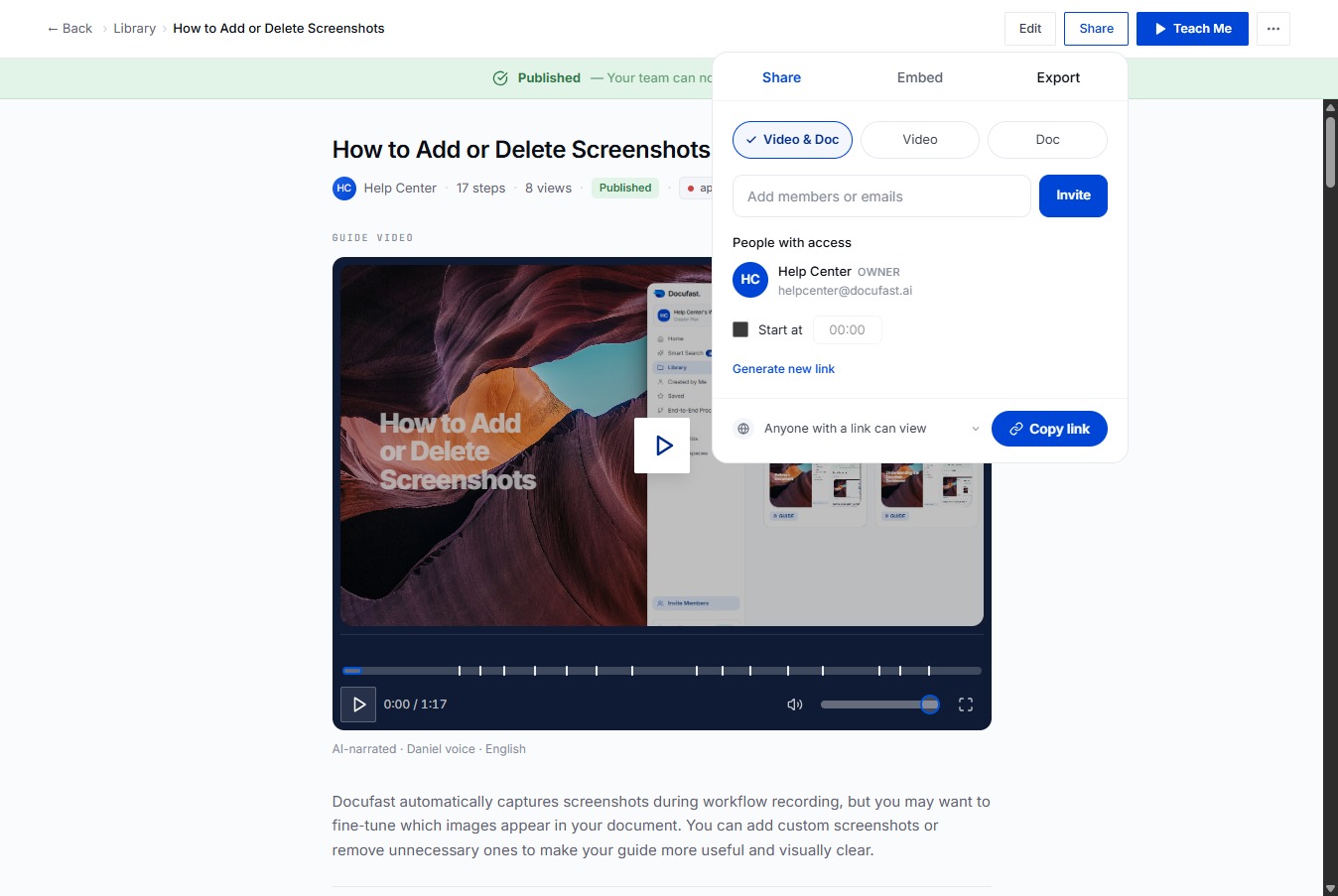
Select Export PDF to download your document as a PDF file.
Choose the built-in Docufast logo to include in your PDF footer.
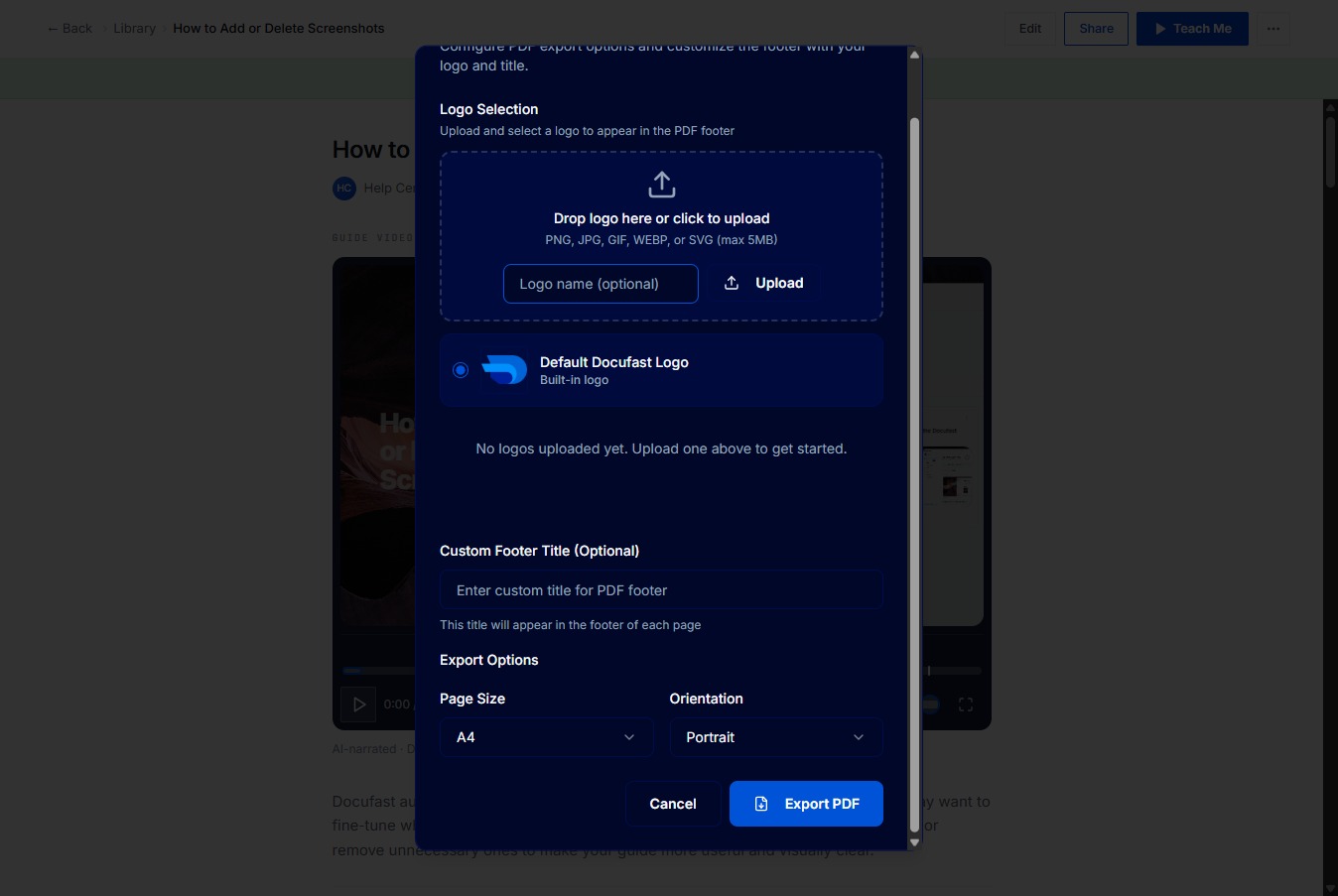
Click Export PDF to save your document with the selected logo and footer settings.