Click the Forms menu option
This action will open the Forms section where you can manage and create various forms related to your marketing activities.

Loading screenshot…
100%
Use HubSpot to generate an embed code for your form, allowing seamless integration on your website for collecting responses and managing sharing settings.
 viktoria
Use HubSpot to generate an embed code for your form, allowing seamless integration on your website for collecting responses and managing sharing settings.
This action will open the Forms section where you can manage and create various forms related to your marketing activities.
Clicking the Actions button reveals a dropdown menu with options to manage your forms, such as editing, deleting, or viewing submissions.
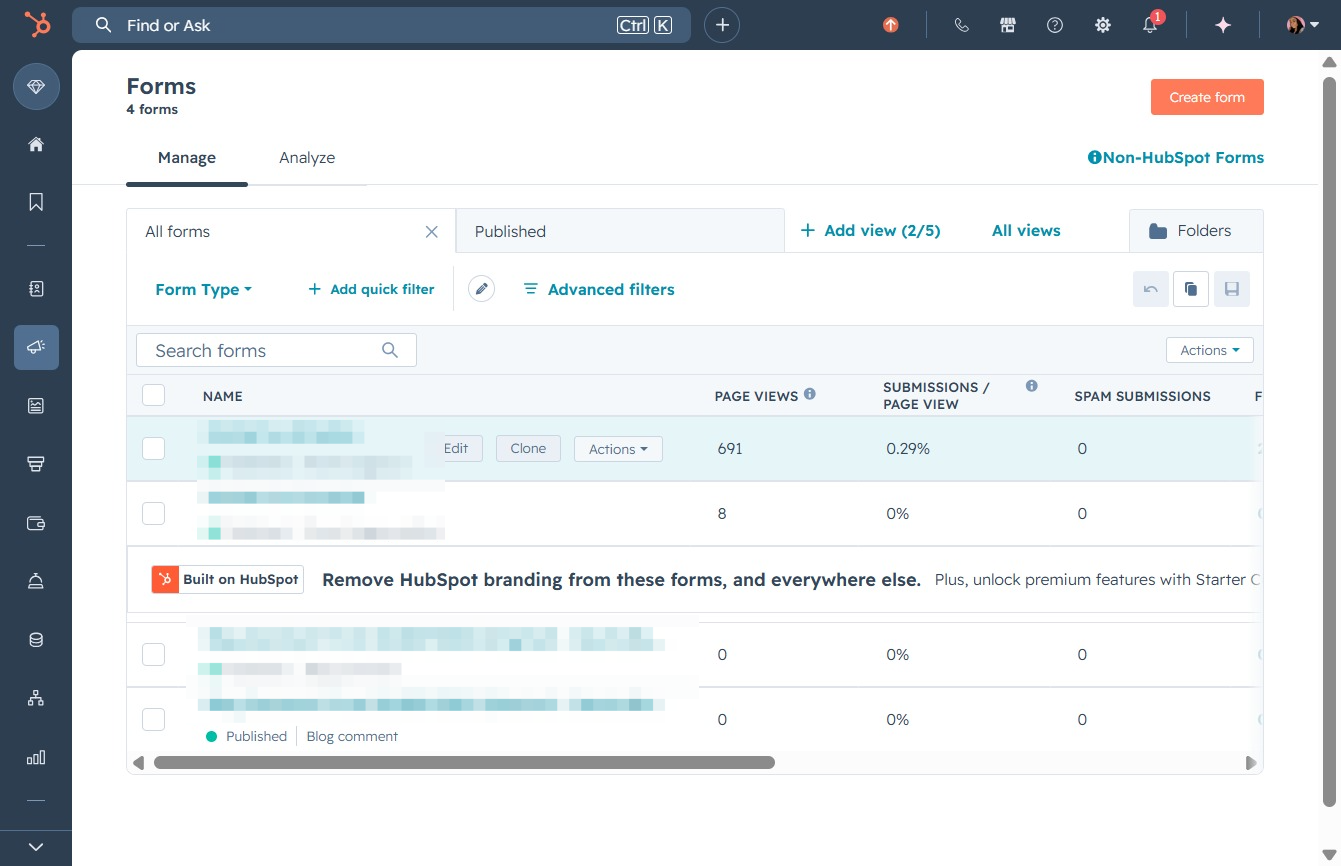
Selecting the Share option will open sharing settings for your forms, allowing you to manage how and with whom the selected form can be shared.

Select the Embed code option to access the HTML code for your form, which you can use to embed it on your website. This allows users to quickly share or integrate the form for responses.
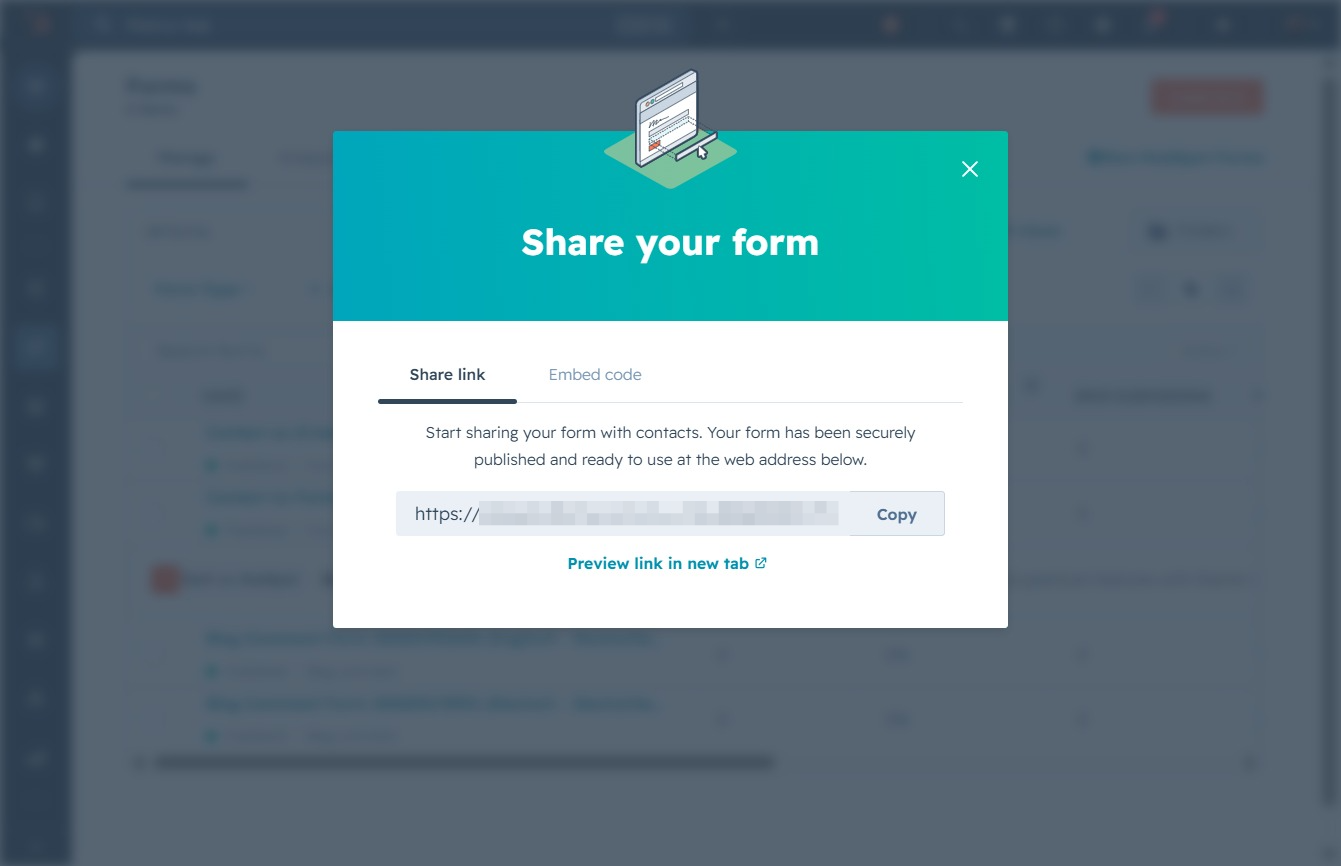
By clicking the Copy button, you will save the embed code to your clipboard, allowing you to easily paste it into the HTML of your website.
