Click the CRM section
This will navigate you to the CRM interface, where you can manage customer relationships and access relevant tasks, meetings, and insights.

Loading screenshot…
100%
Customize the Onboarding Email template in the CRM by editing the greeting and subject line to enhance communication for new users and ensure a warm introduction.
 viktoria
Customize the Onboarding Email template in the CRM by editing the greeting and subject line to enhance communication for new users and ensure a warm introduction.
This will navigate you to the CRM interface, where you can manage customer relationships and access relevant tasks, meetings, and insights.
This will open the Message Templates section, allowing you to create and manage your pre-defined message formats for better communication.

This action allows you to access and edit the Onboarding Email template to customize your messaging for new users.
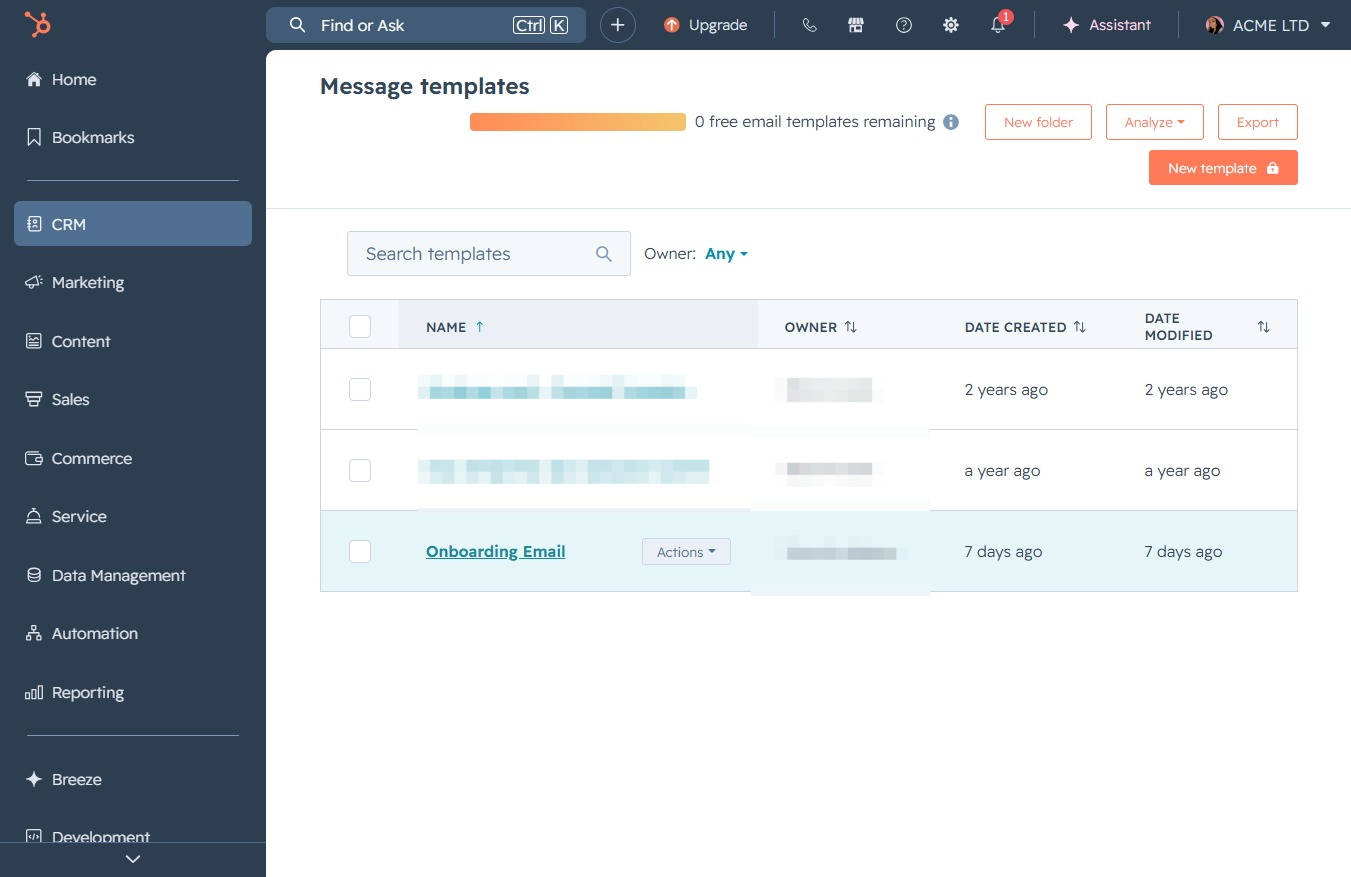
Clicking the 'Welcome!' text allows you to customize your greeting in the email template. This action will enable you to personalize the subject line for your recipients.
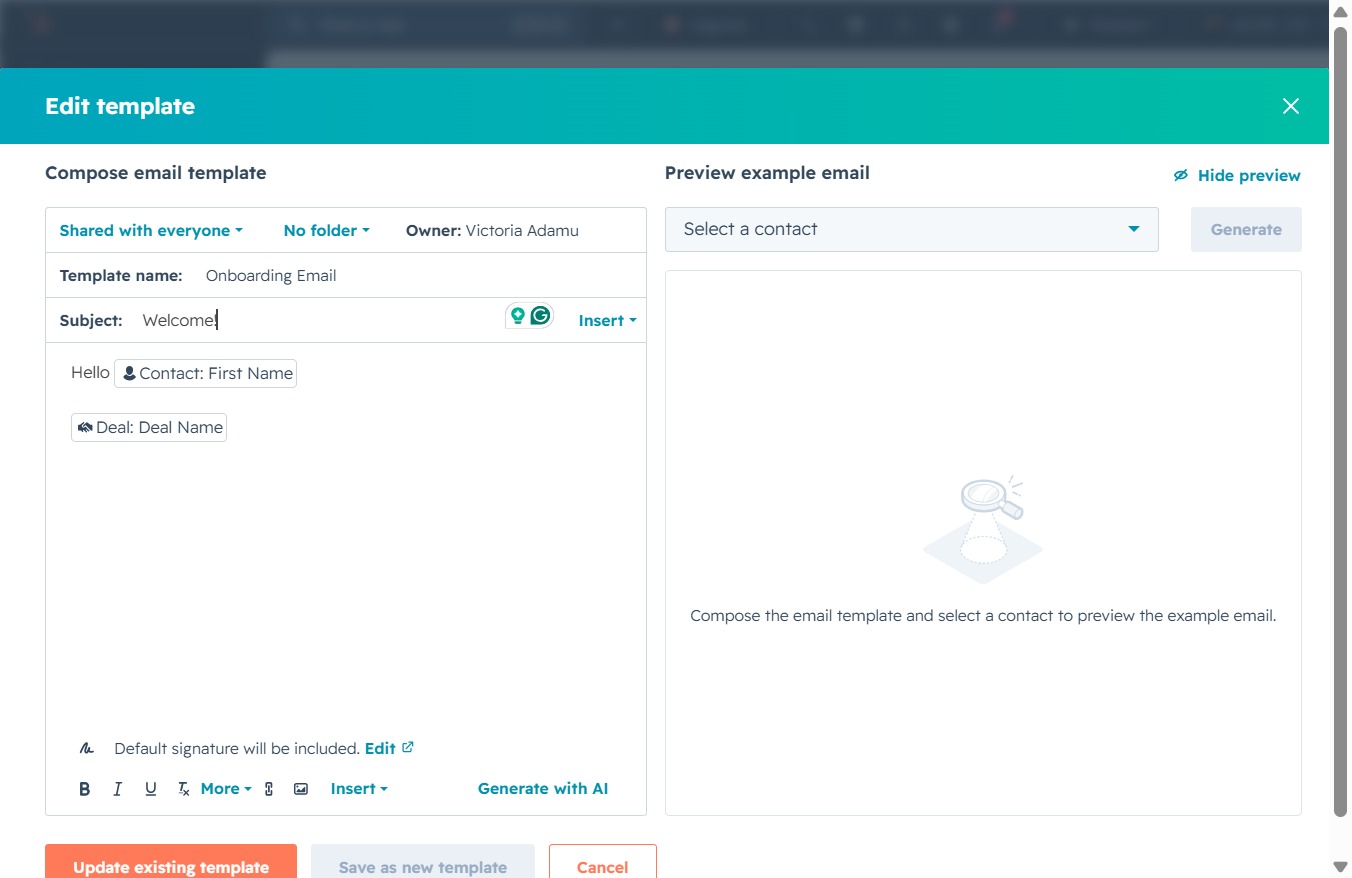
This action saves changes made to the email template you're currently editing. After clicking, the template will be updated with the latest modifications.
