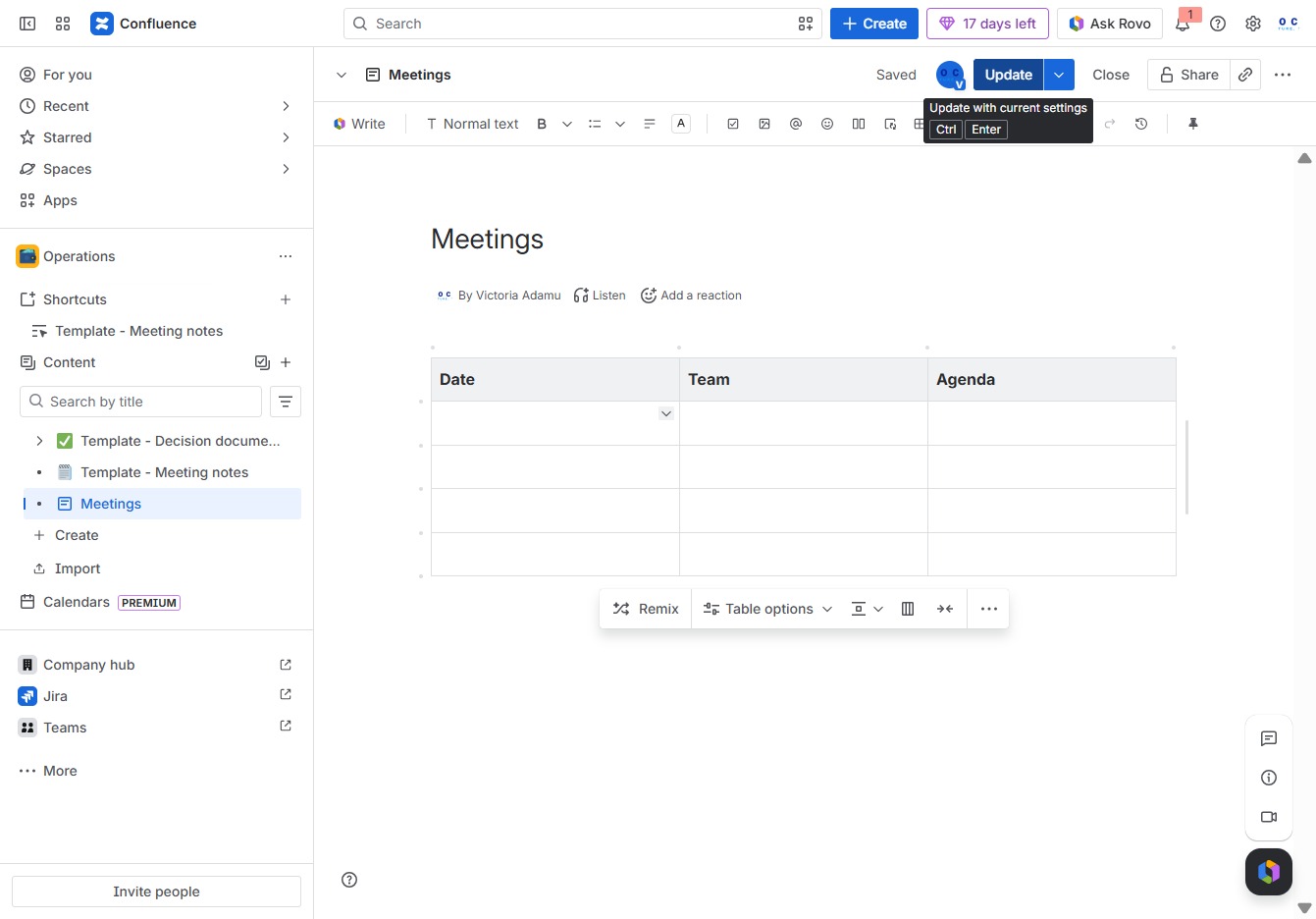
Click the Operations section
This will navigate you to the Operations area where you can manage and view various operations-related tasks and documents.

Loading screenshot…
100%
In this how-to guide, you'll learn the step-by-step process for editing pages within the Operations space of Confluence, including how to manage meetings, add reactions, and save…
 viktoria
In this how-to guide, you'll learn the step-by-step process for editing pages within the Operations space of Confluence, including how to manage meetings, add reactions, and save your modifications. Enhance your collaboration and streamline your workflow by mastering page edits effectively.
This will navigate you to the Operations area where you can manage and view various operations-related tasks and documents.
This action opens a dropdown menu with additional options related to managing meetings within the current workspace. From here, you can access settings or features specific to meeting management.
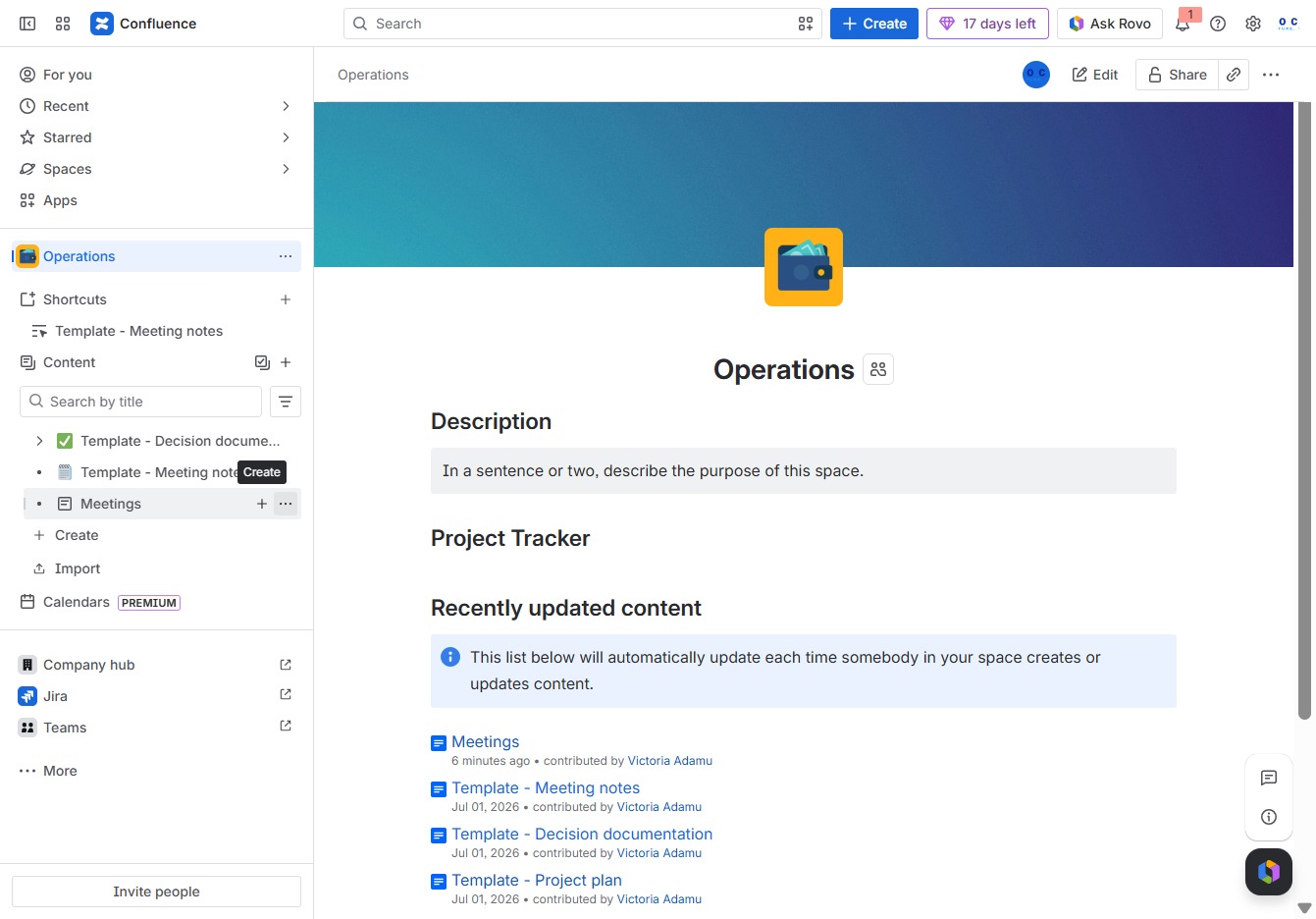
This action allows you to modify the content of the selected page within the 'Operations' space in Confluence.

This action opens a menu allowing you to select and add an emoji reaction to the meeting notes. The emoji will be displayed alongside your comments, enhancing communication within the meeting context.
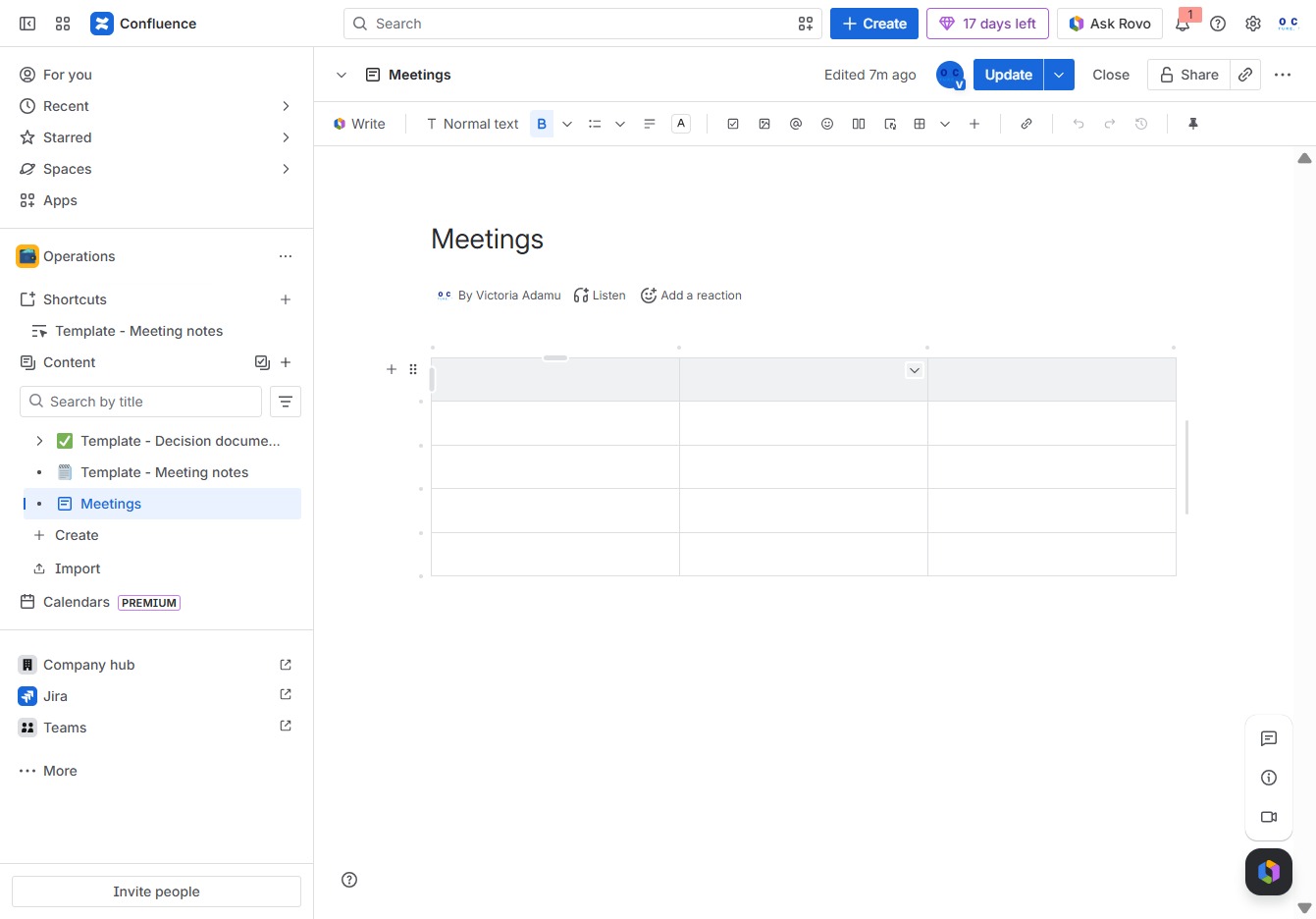
Clicking this icon allows you to express a reaction to the current meeting notes in Confluence, enhancing collaboration within the document.
This will expand the Meetings section where you can manage meeting details and access related options.

Clicking this button allows you to add a reaction to the current meeting notes, enhancing engagement and feedback during discussions.
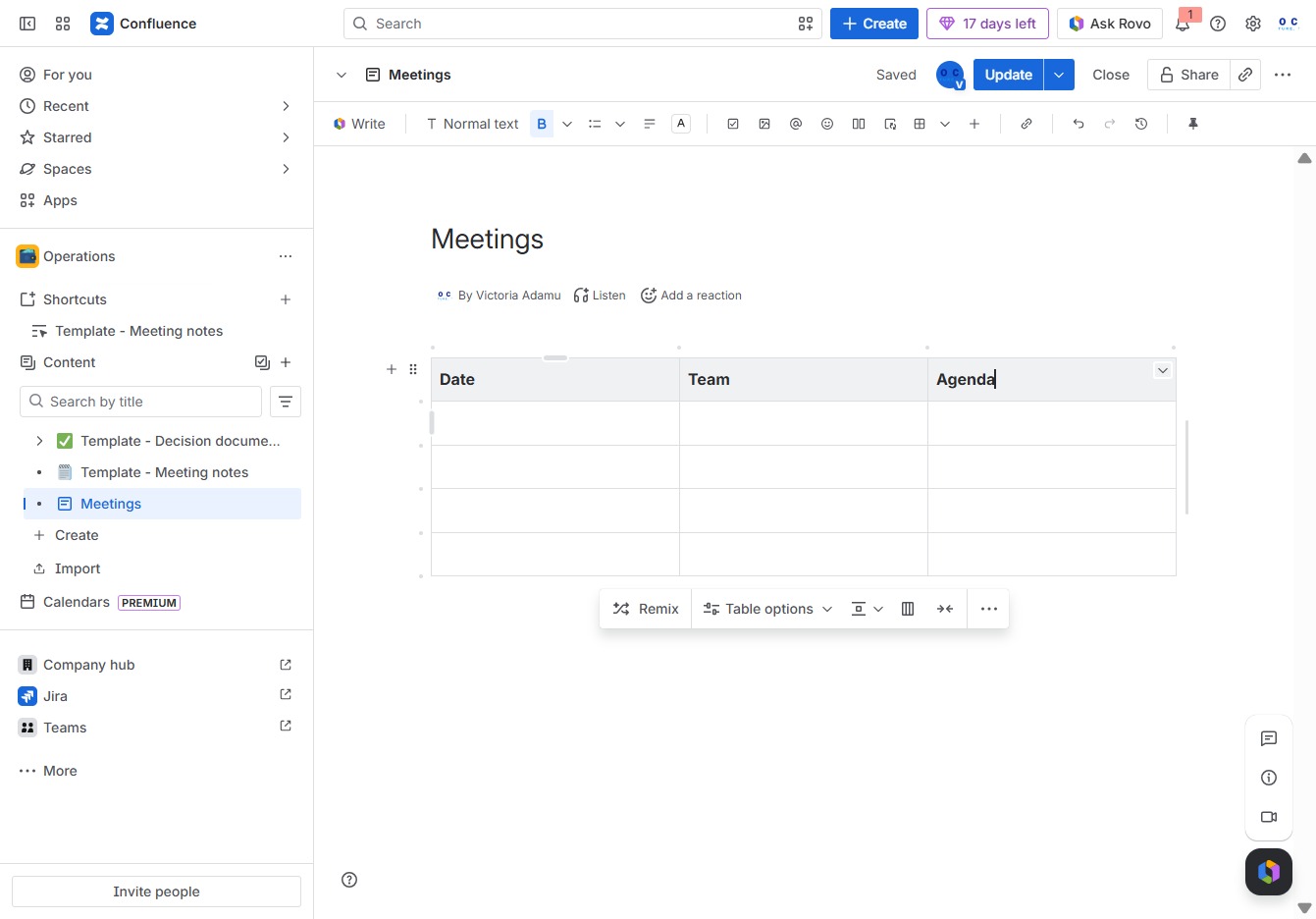
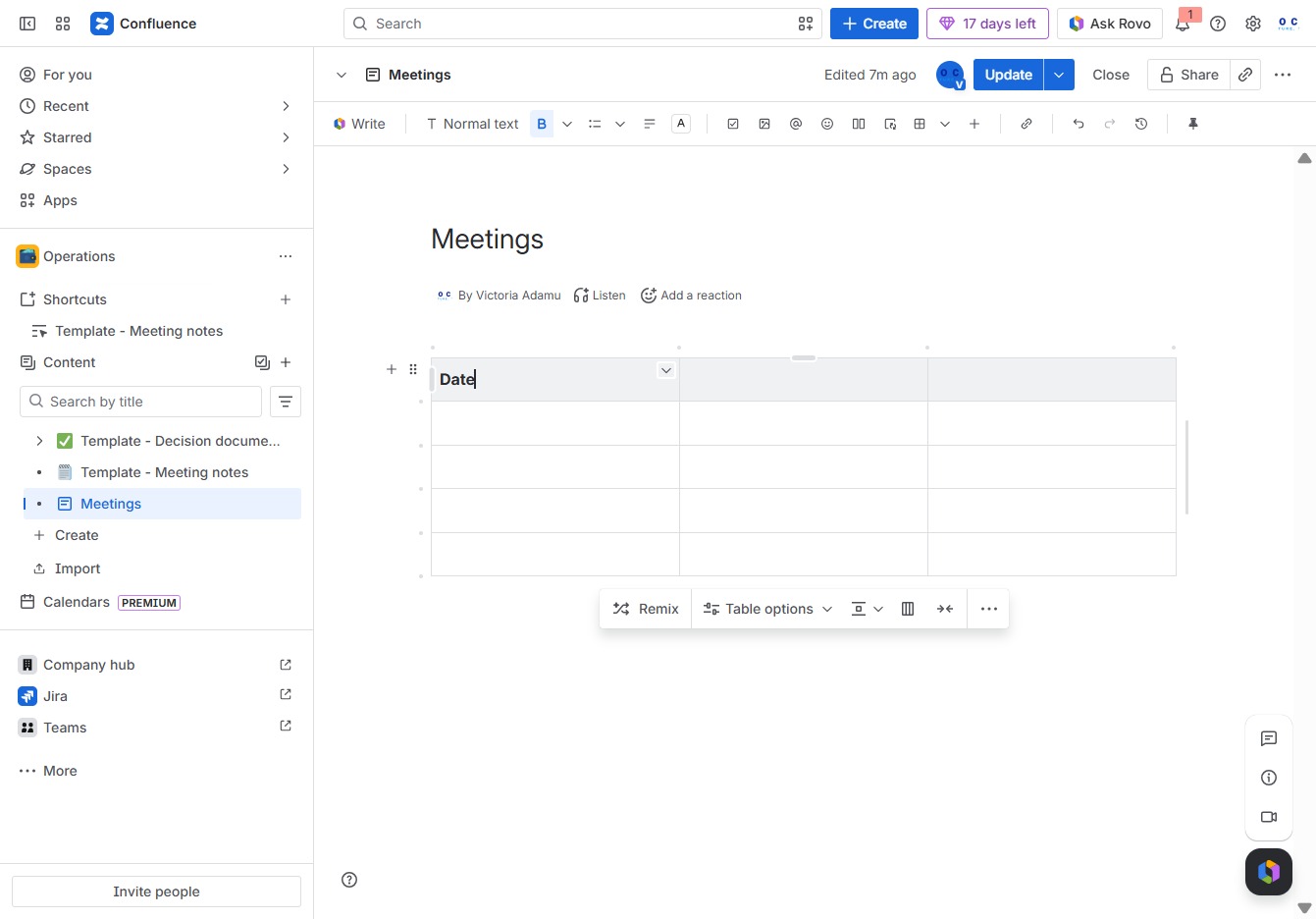
In the Ak editor textarea, type 'DateTeamAgenda' to create a reference for your meeting notes. This input will be used to populate relevant fields within the Meetings template.
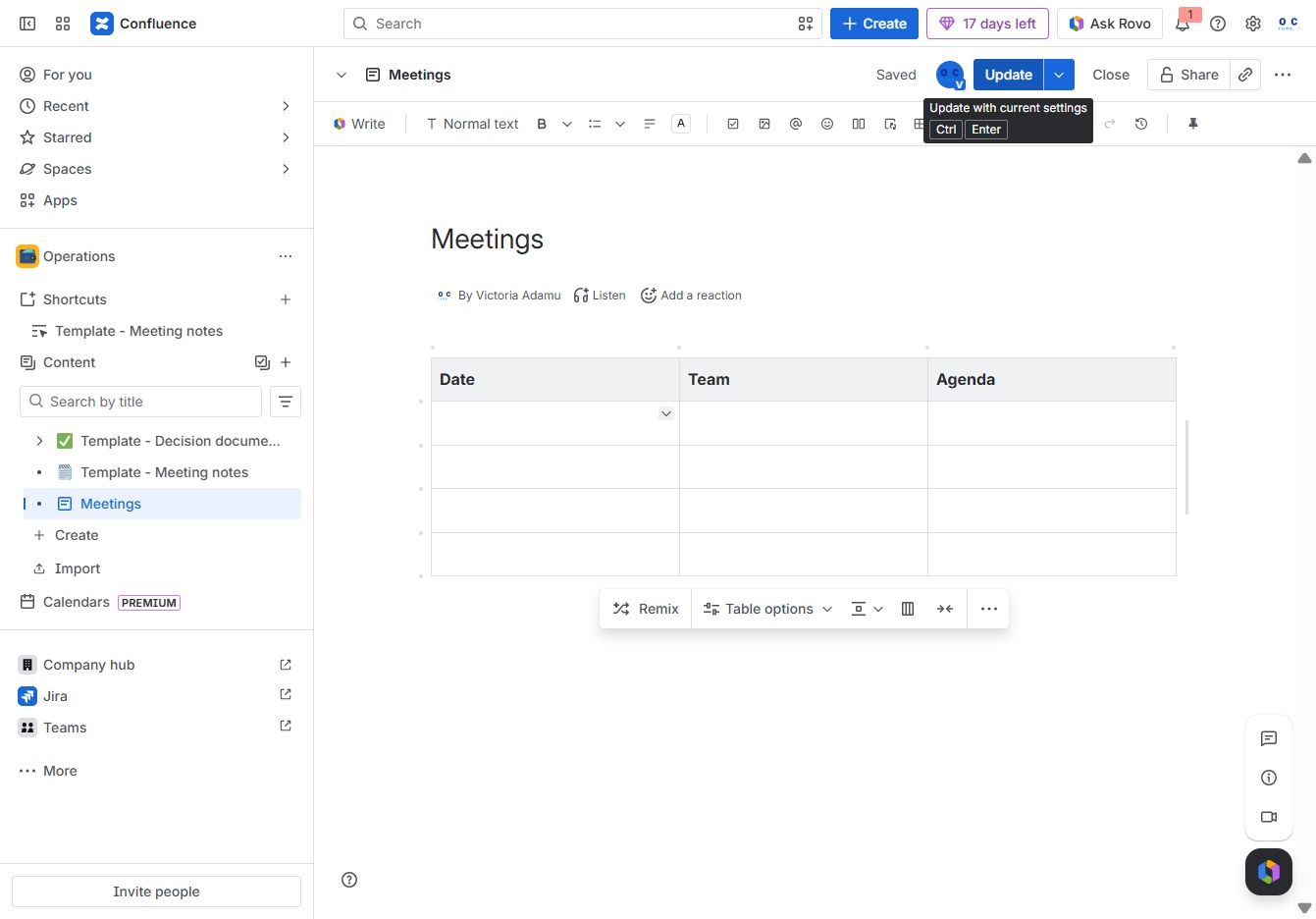
Clicking the Update button saves the changes you made to the Meetings document. This ensures that your current settings and edits are stored within the Confluence workspace.