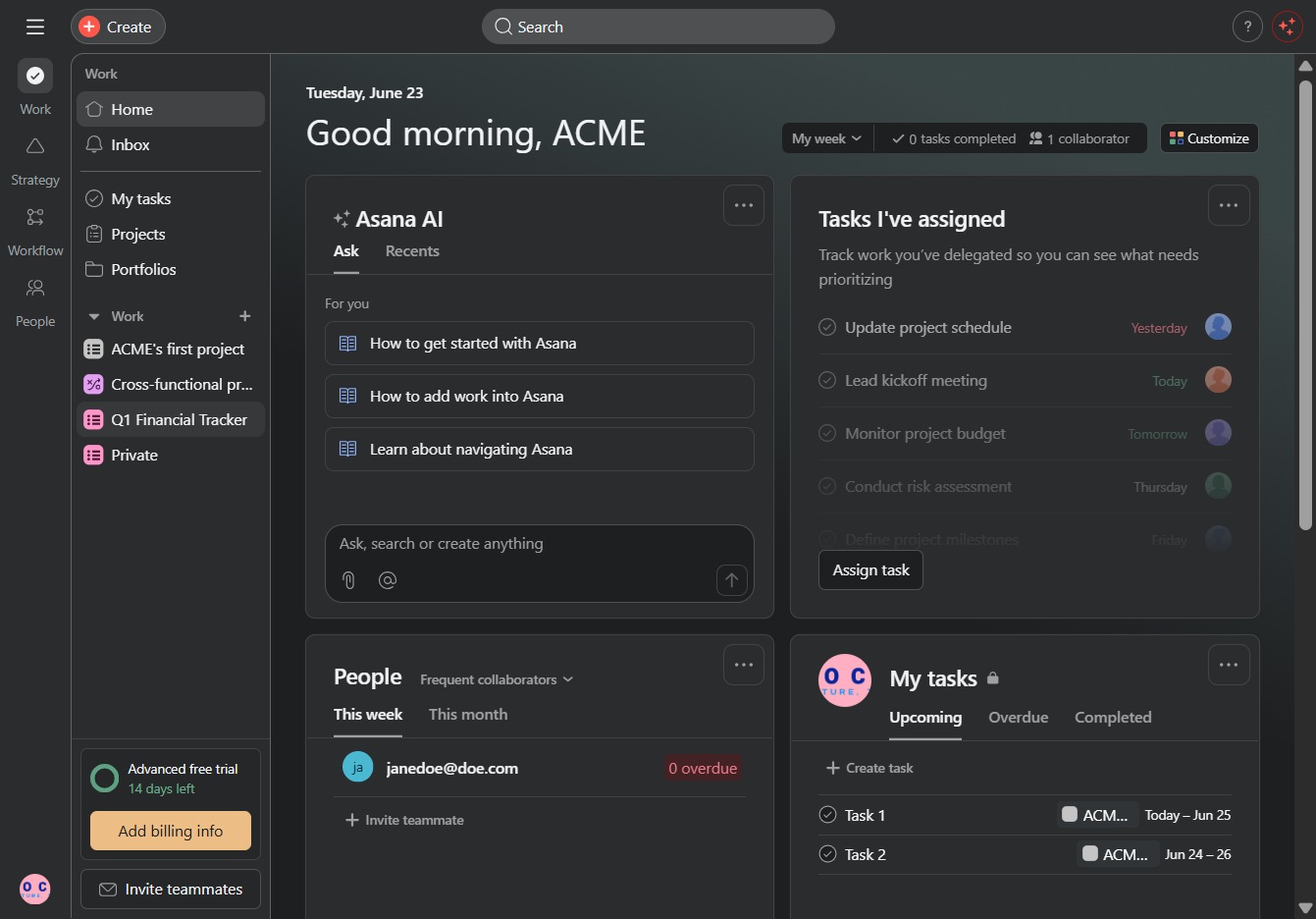
Click the Q1 Financial Tracker
This will open the Q1 Financial Tracker section, where you can view and manage your financial data for the first quarter.
Loading screenshot…
100%
In this how-to guide, you will learn the step-by-step process to duplicate your project within the Q1 Financial Tracker.
 viktoria
In this how-to guide, you will learn the step-by-step process to duplicate your project within the Q1 Financial Tracker. The tutorial covers navigating to the correct sections, creating a new task, and finalizing the duplication with customizable settings to efficiently manage your financial projects.
This will open the Q1 Financial Tracker section, where you can view and manage your financial data for the first quarter.
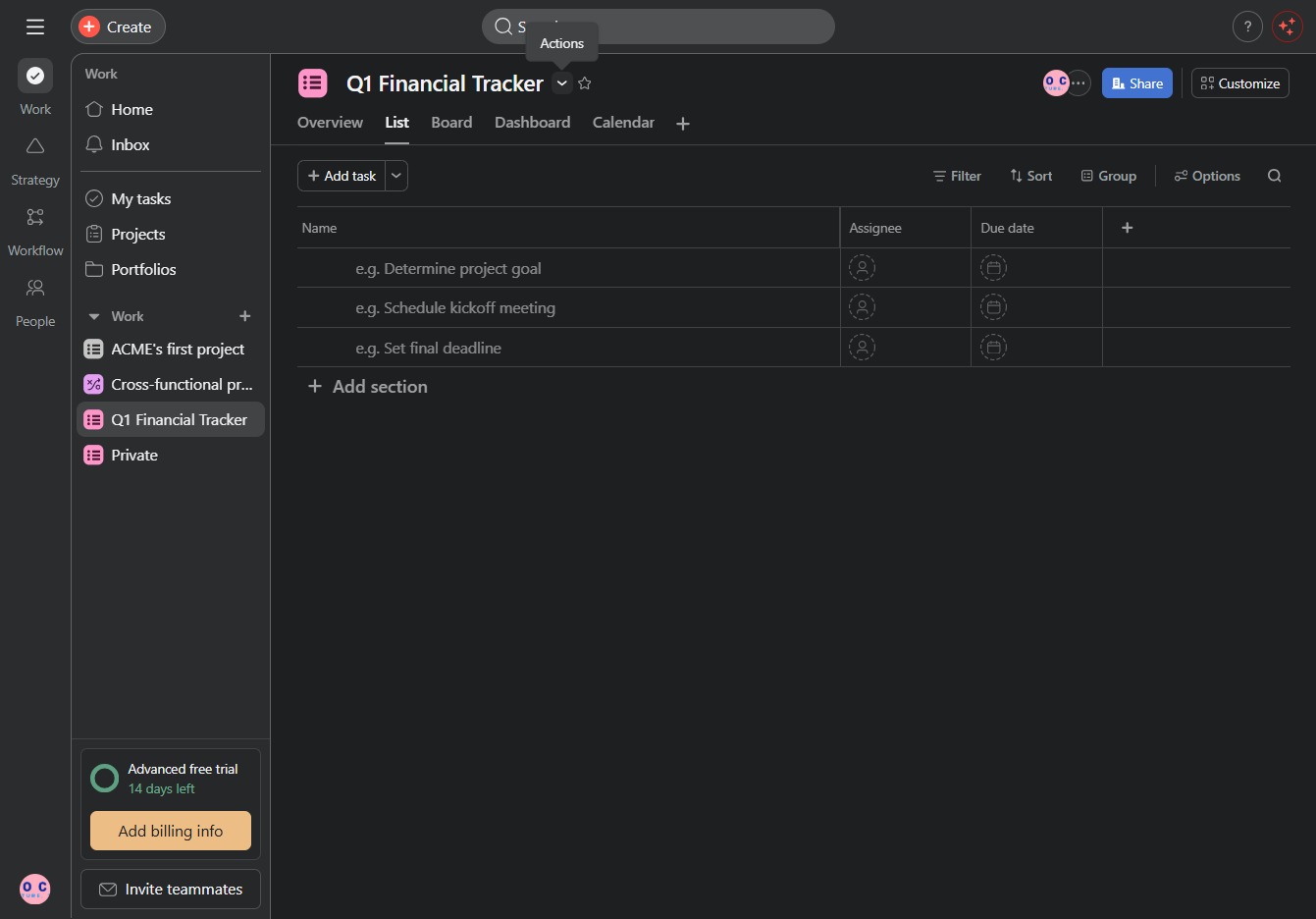
Clicking this button allows you to create a new task within the Q1 Financial Tracker. You can enter task details such as the name, assignee, and due date.
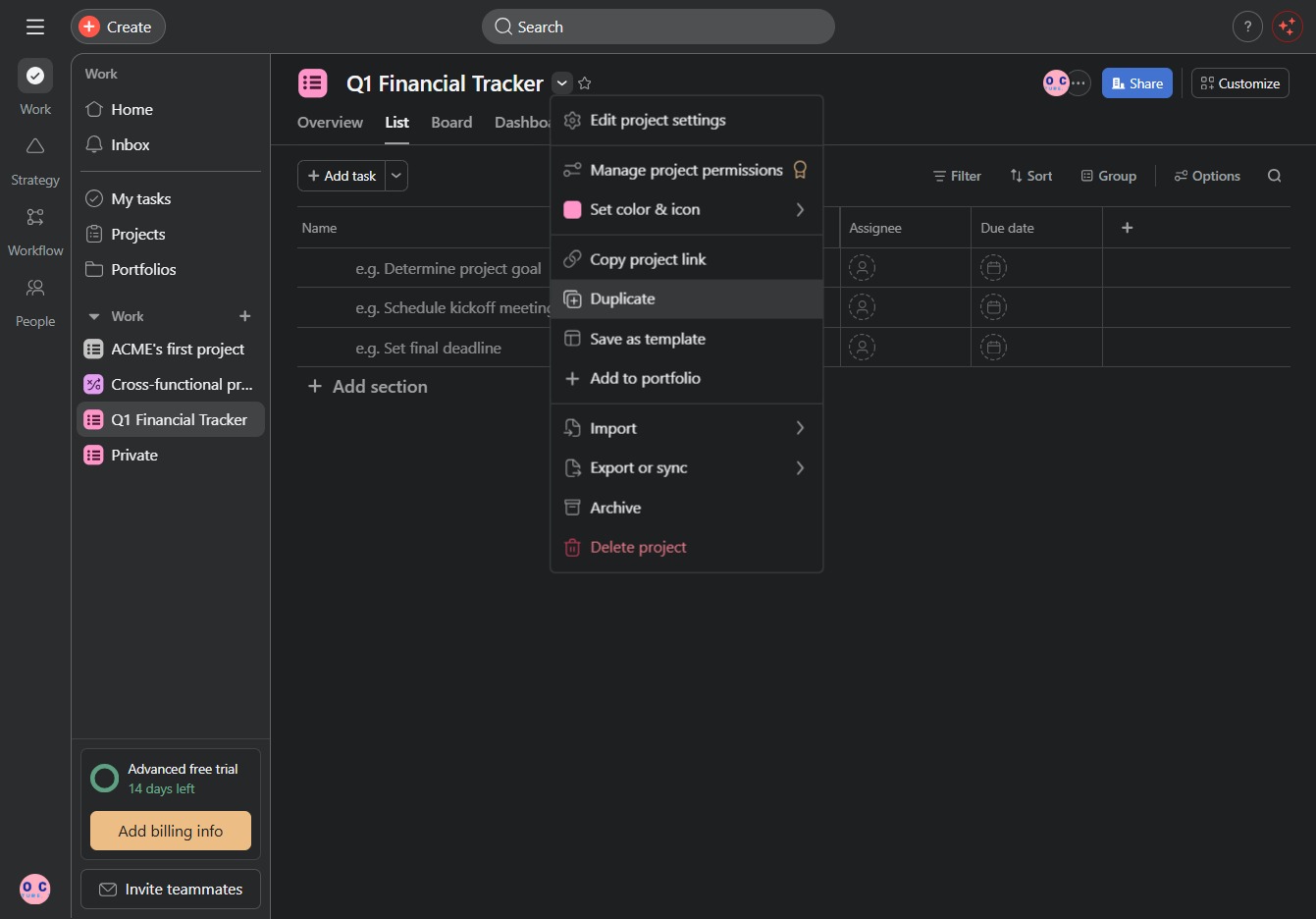
Selecting the Duplicate option will create a copy of the current project, allowing you to modify or adjust it without affecting the original.
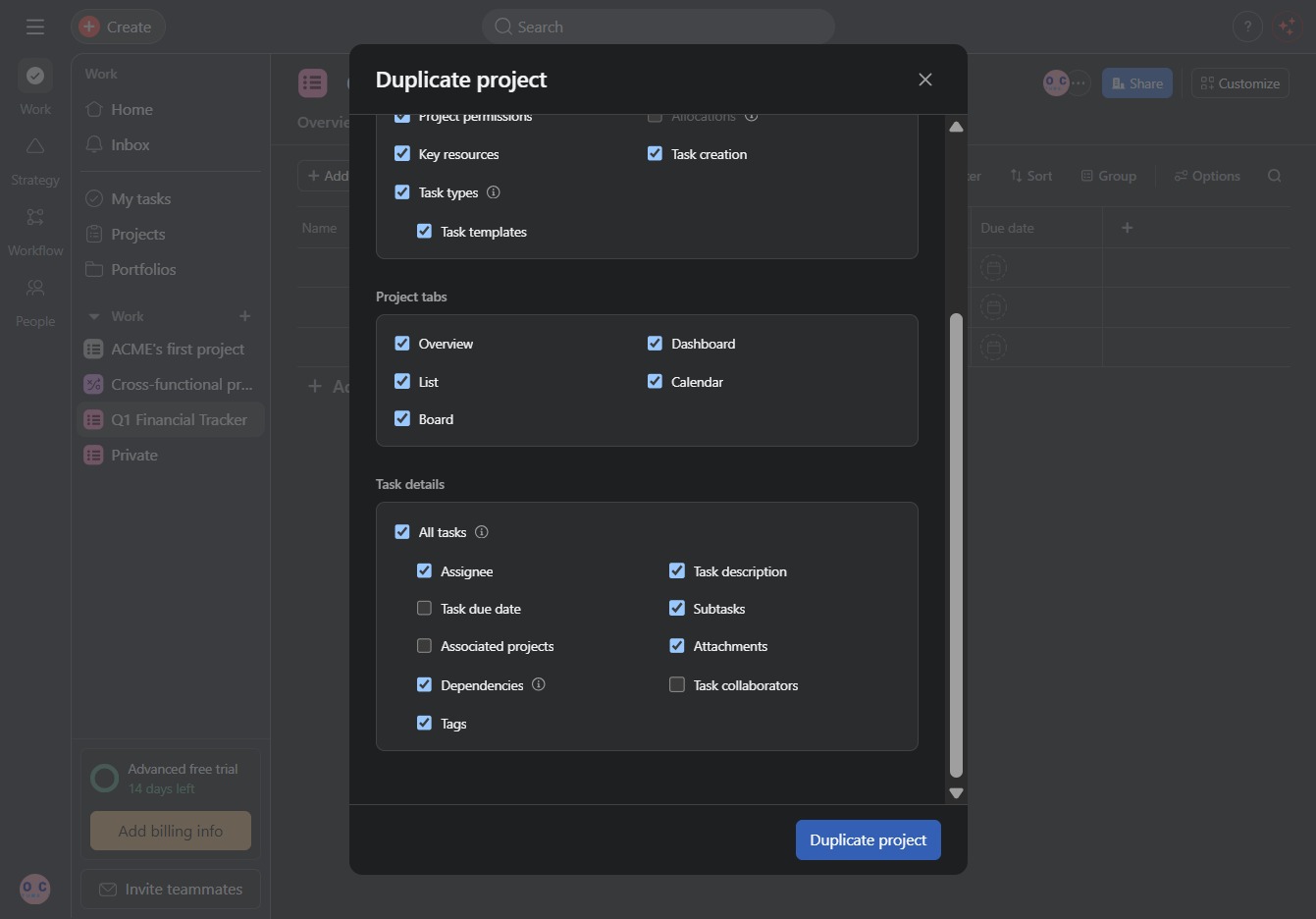
This will create a copy of the current project with all specified details and settings. Ensure the project name and relevant options are correctly filled in before proceeding.
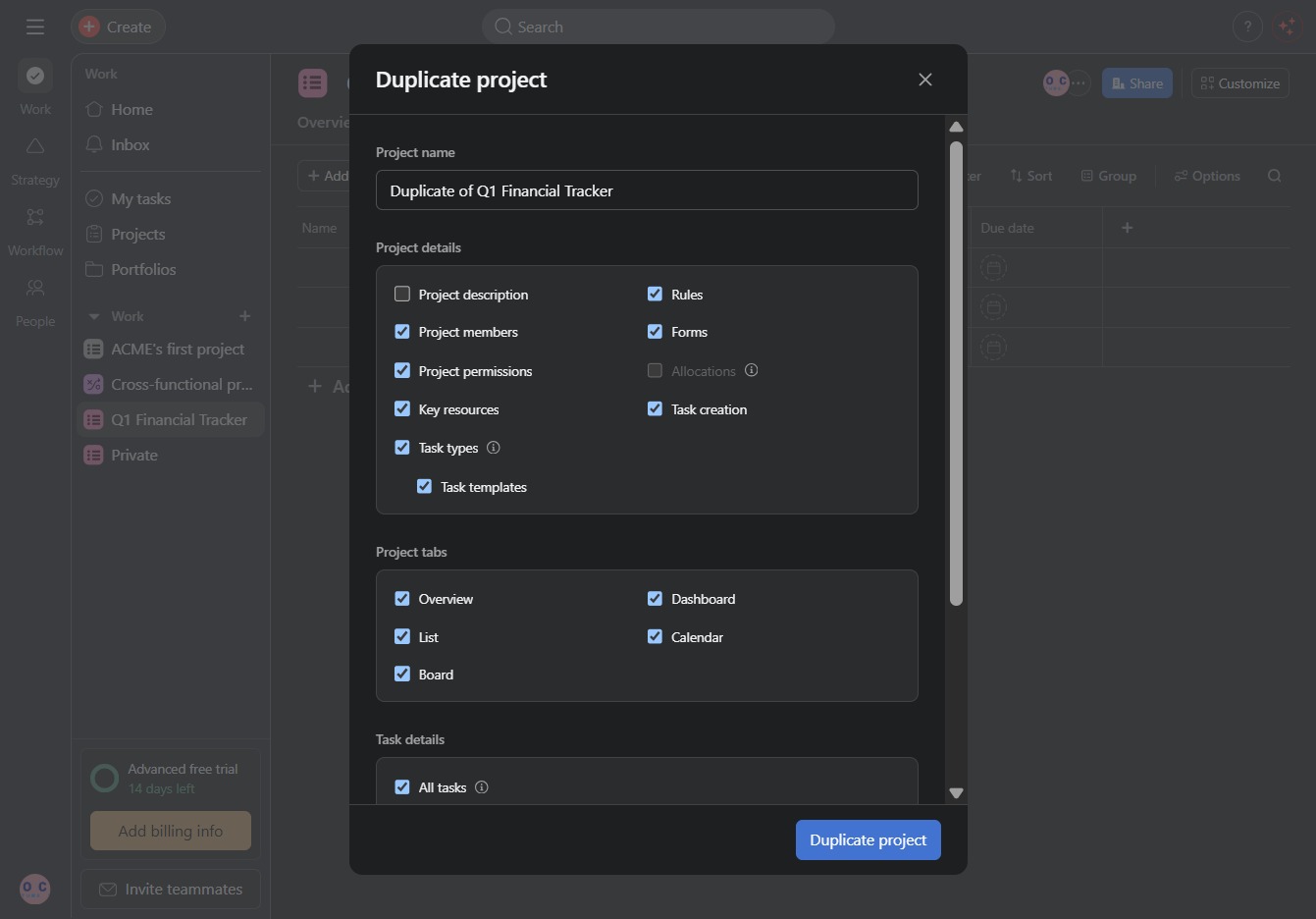
This action will initiate the process of duplicating the current project, allowing you to create a copy with the selected settings and parameters.
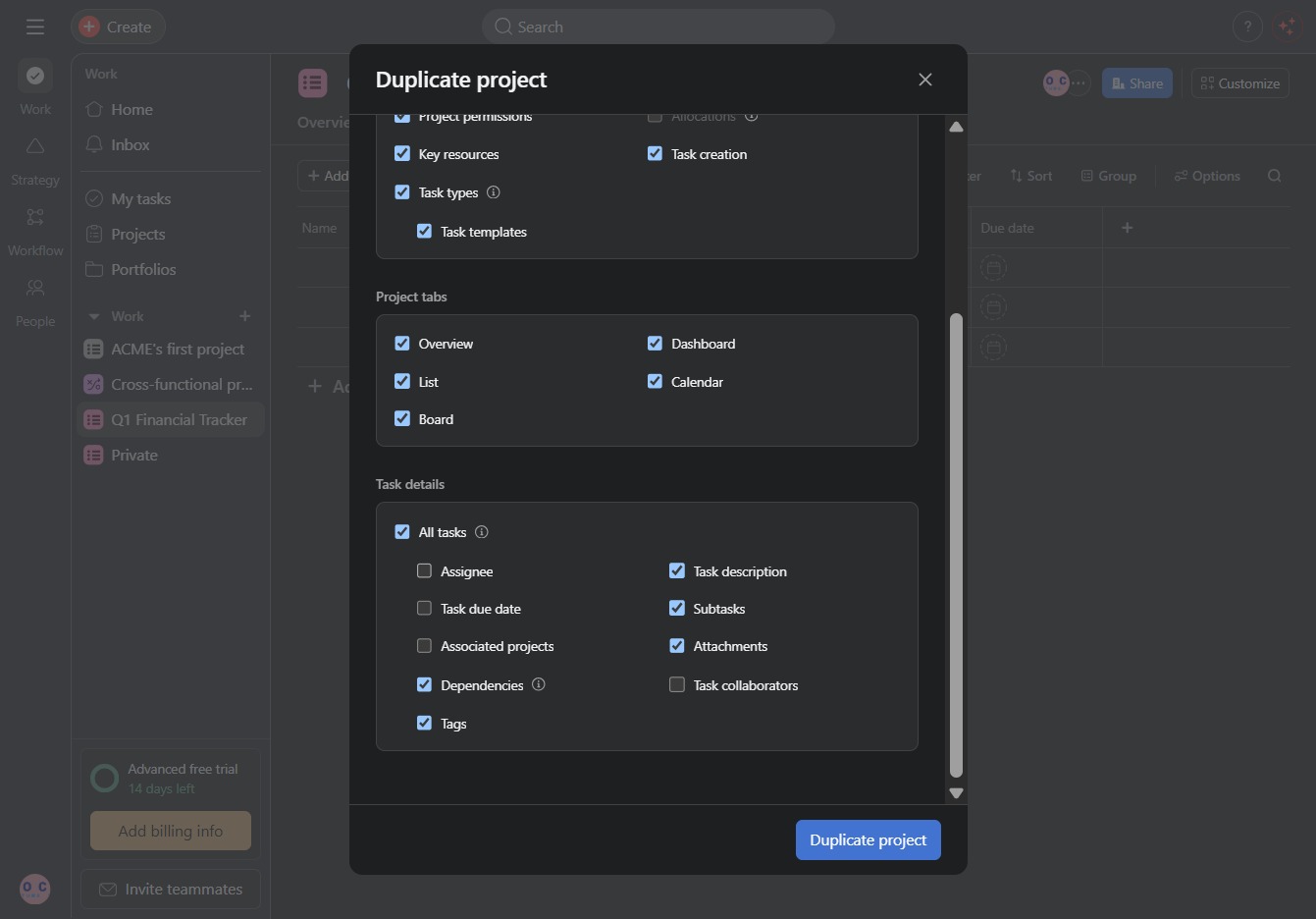
This action initiates the process of creating a copy of the current project, allowing you to customize various project settings and details in the following dialog.