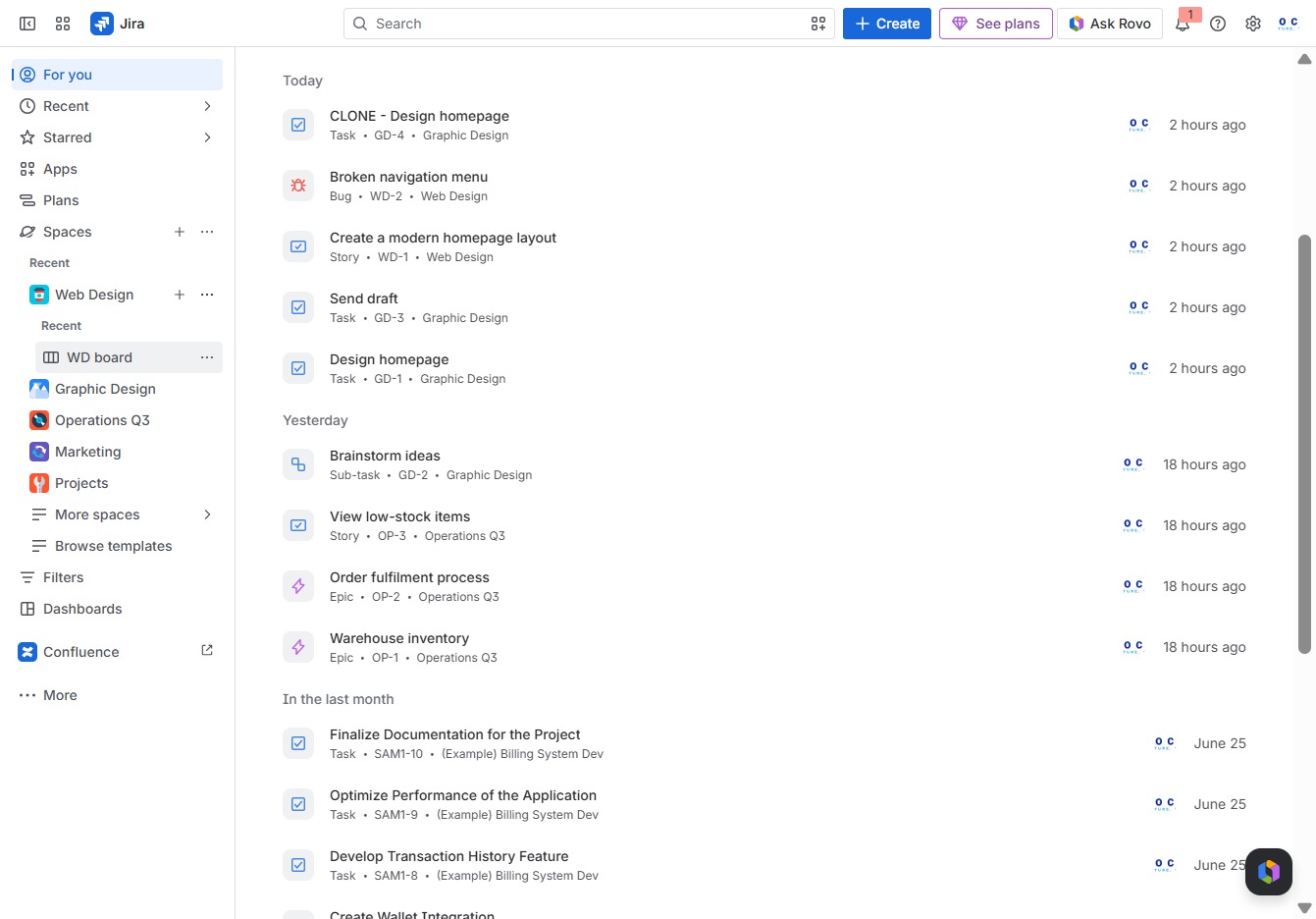
Click the WD board
This action opens the Work Design board, allowing you to view and manage your project tasks and updates.
Loading screenshot…
100%
In this how-to guide, you'll learn the step-by-step process to permanently delete an issue from your Work Design board in Jira, including accessing your project tasks, navigating…
 viktoria
In this how-to guide, you'll learn the step-by-step process to permanently delete an issue from your Work Design board in Jira, including accessing your project tasks, navigating the necessary menus, and confirming deletion of the selected work item along with its comments and attachments. Follow these instructions carefully to enhance your project management experience by keeping your backlog org
This action opens the Work Design board, allowing you to view and manage your project tasks and updates.
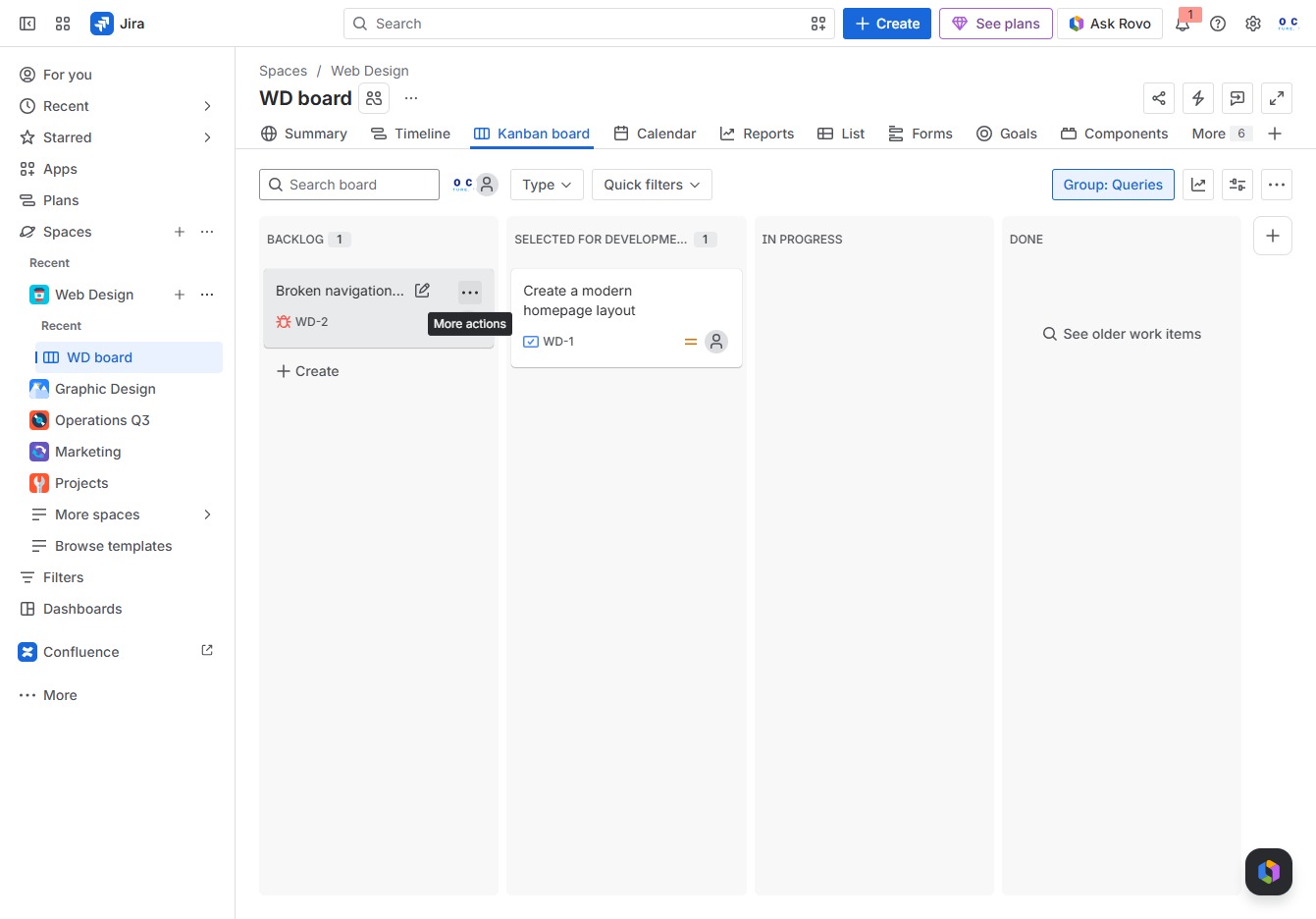
This action opens a menu with additional options for managing the 'Broken navigation menu' task in your workflow. You can choose from various actions relevant to the task, enhancing your project management experience.
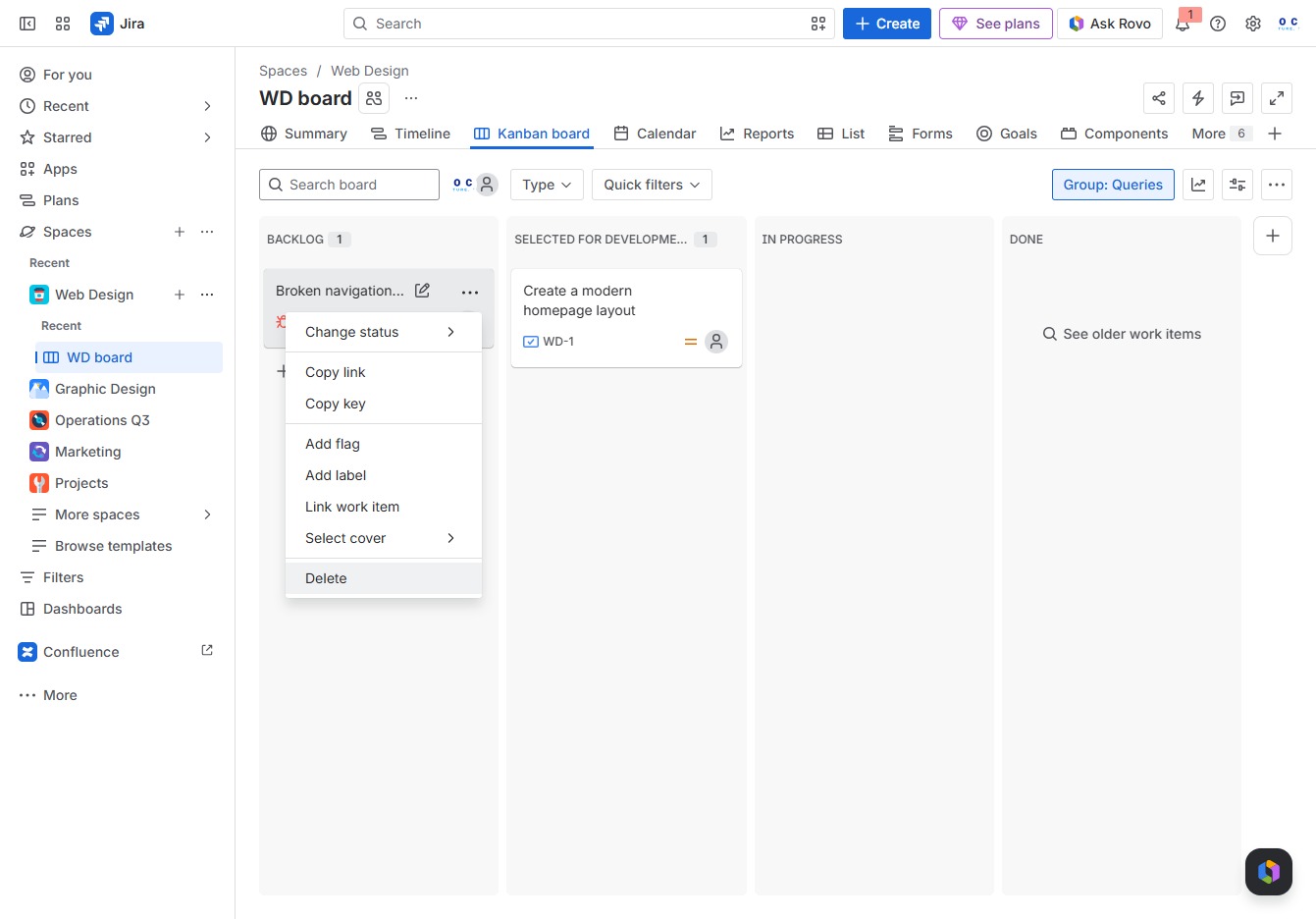
This action will remove the selected item from the board, permanently deleting it from the backlog.
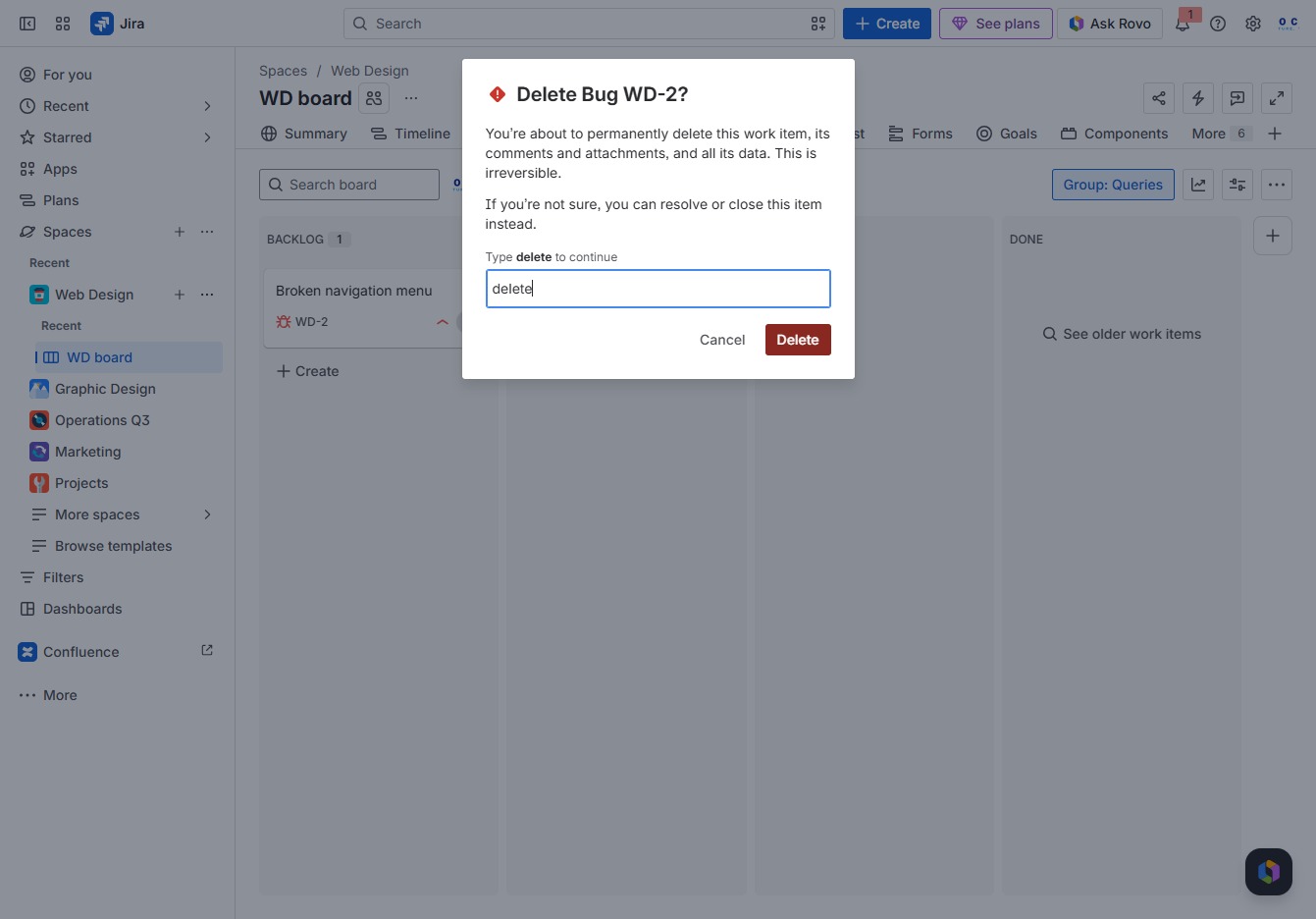
This action will permanently delete the selected work item, along with all its associated comments and attachments. Ensure you enter your confirmation before proceeding.
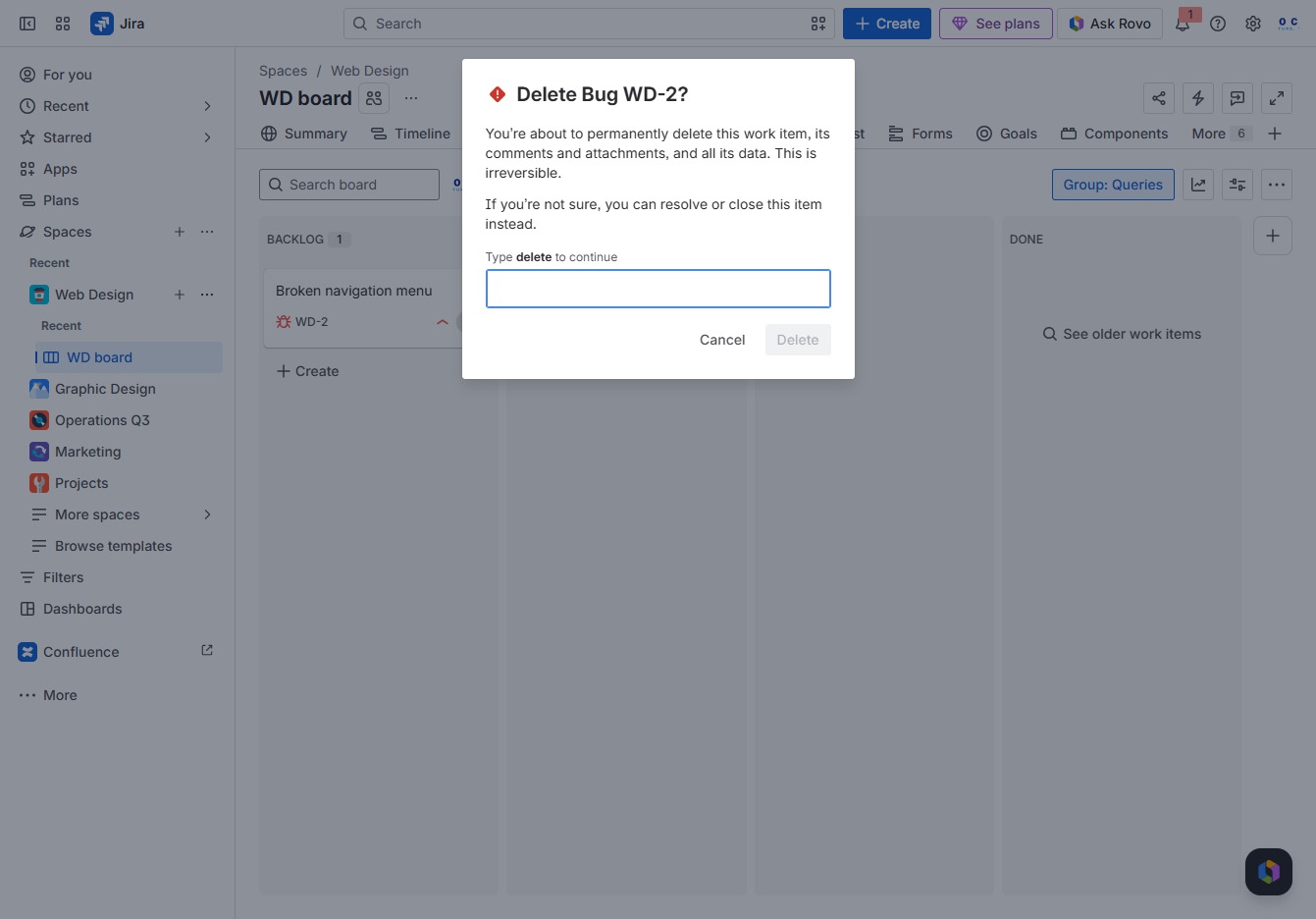
To proceed with deleting the work item, type 'delete' in the confirmation field. This confirms your intention to permanently remove the item along with its associated comments and attachments.
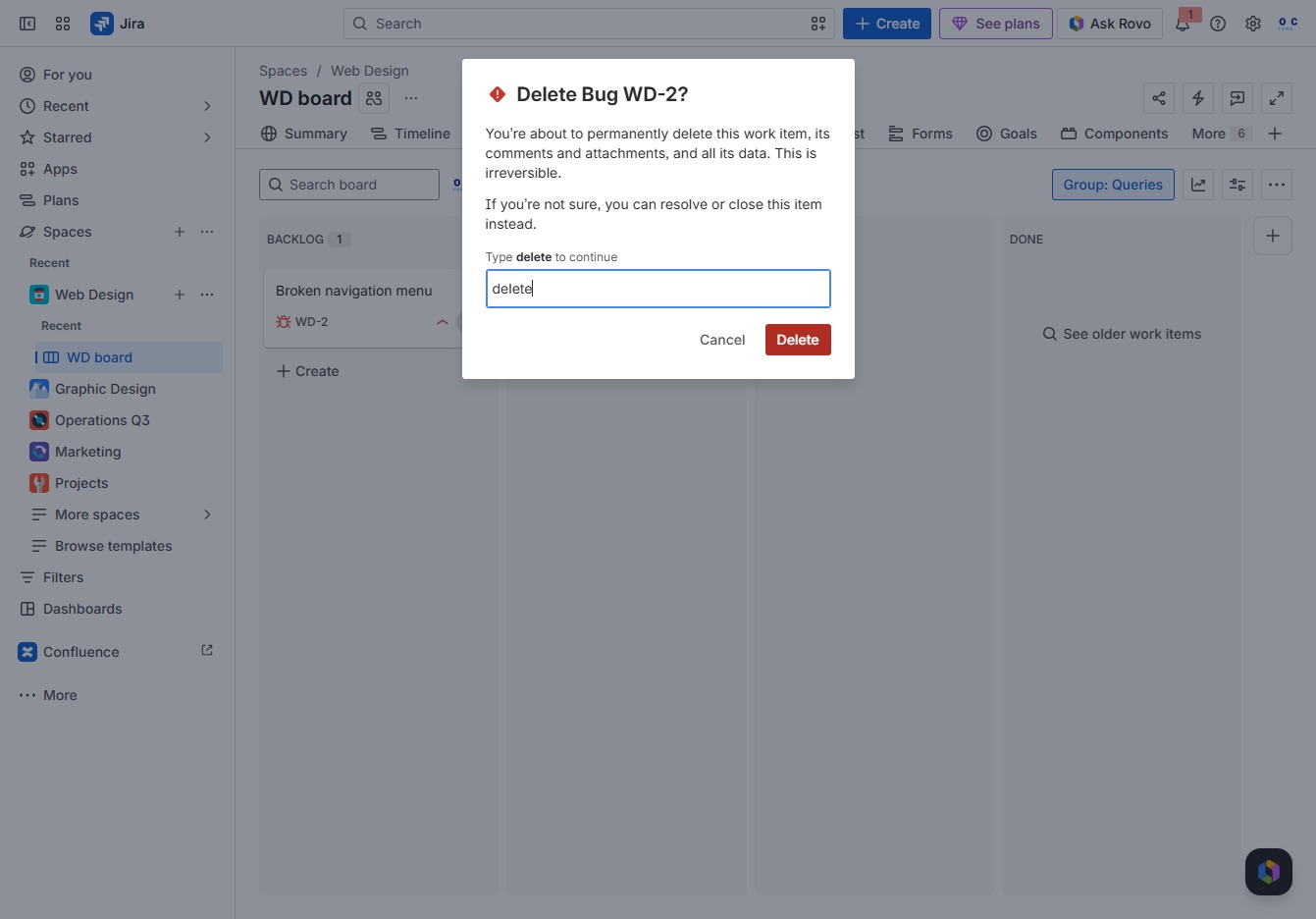
Confirm the permanent deletion of the selected work item, including all its comments and attachments. Once confirmed, this action cannot be undone.