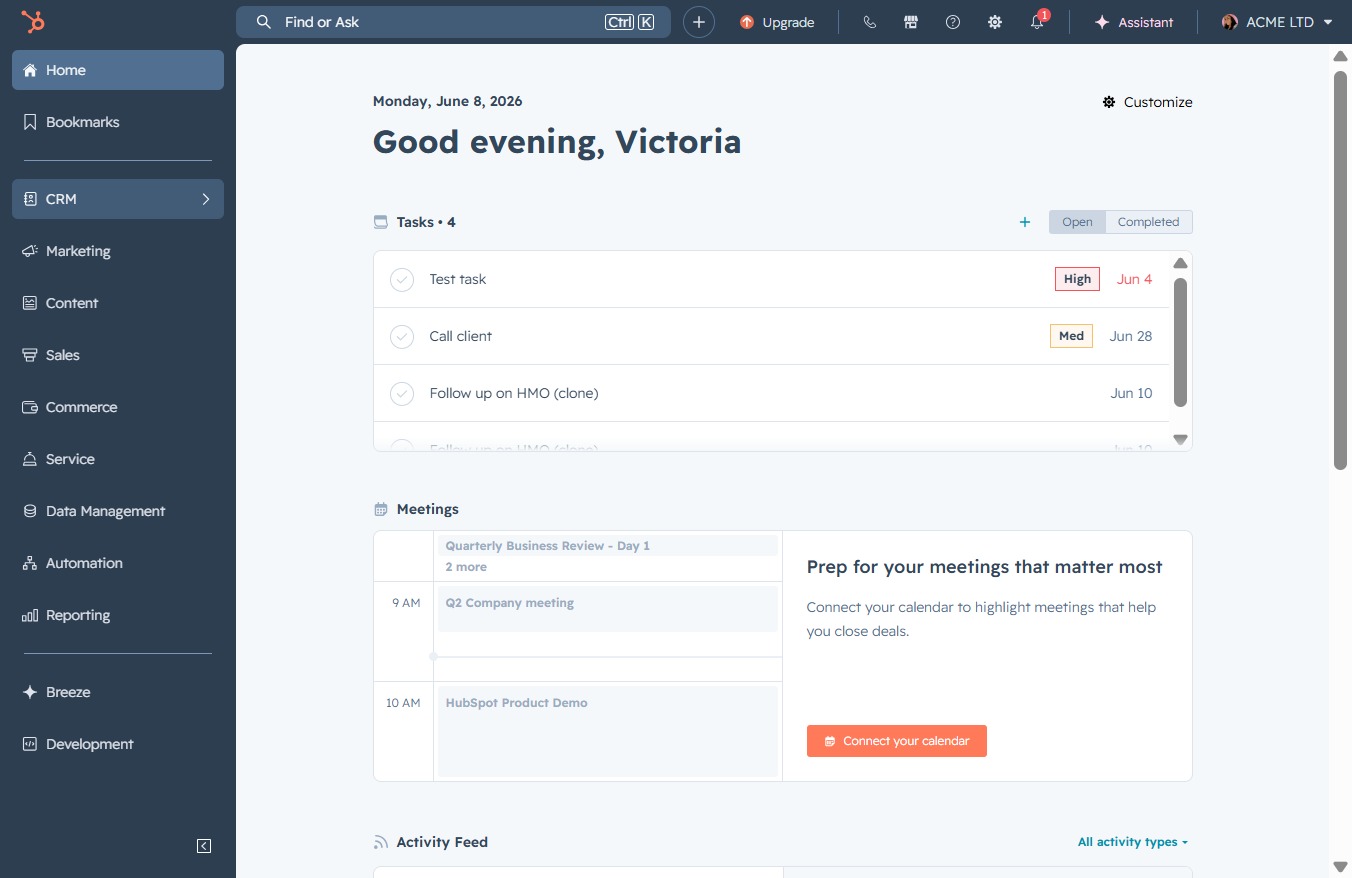
Click the CRM icon
Selecting the CRM icon will open the customer relationship management section, allowing you to manage leads, contacts, and interactions effectively.
Loading screenshot…
100%
Remove a task in your CRM by navigating to the task management interface, selecting the correct task, and confirming deletion to ensure it’s no longer associated with any records.
 viktoria
Remove a task in your CRM by navigating to the task management interface, selecting the correct task, and confirming deletion to ensure it’s no longer associated with any records.
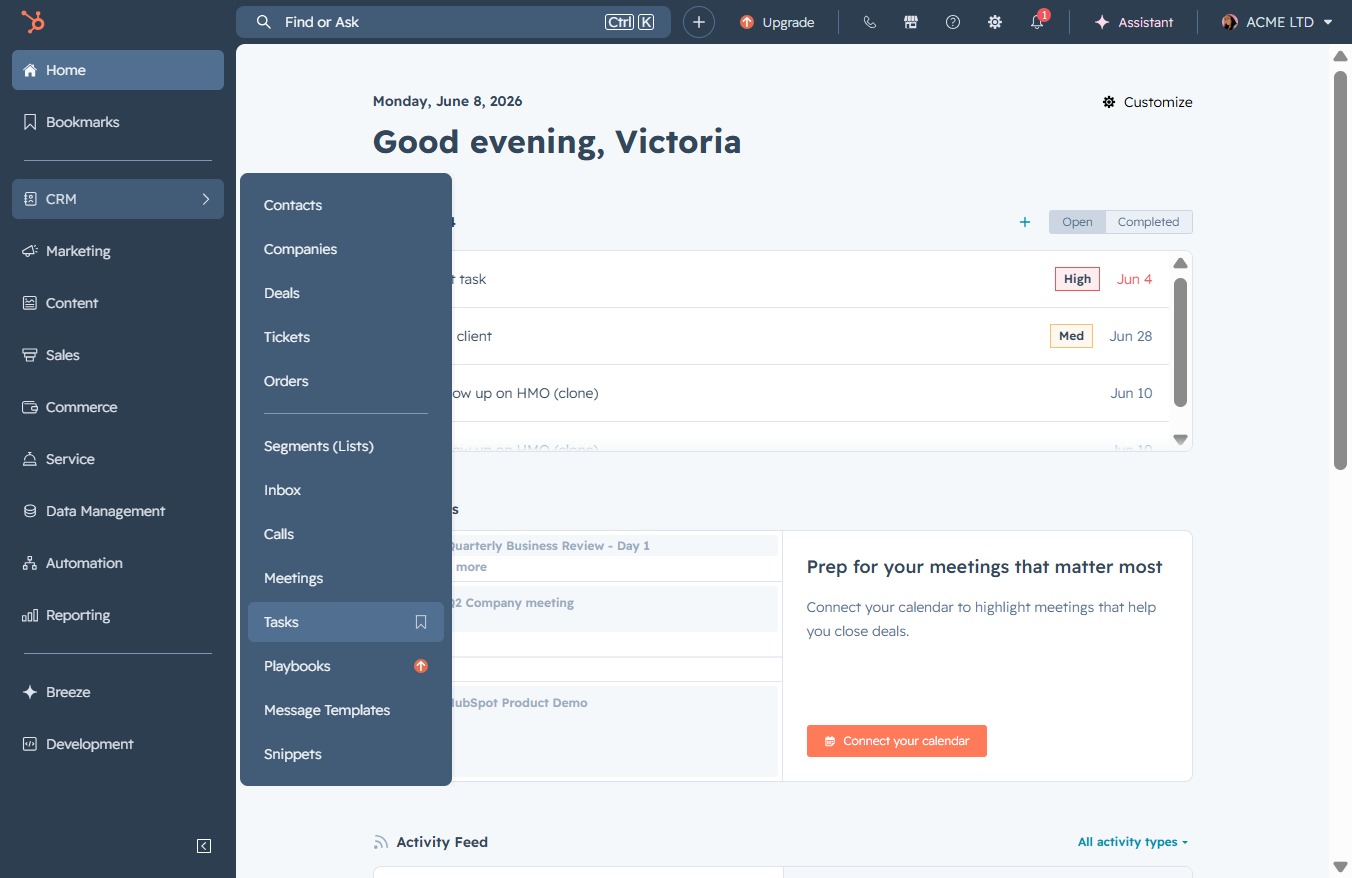
Selecting the CRM icon will open the customer relationship management section, allowing you to manage leads, contacts, and interactions effectively.
This will take you to the Tasks section, where you can view and manage your tasks for better organization and tracking.
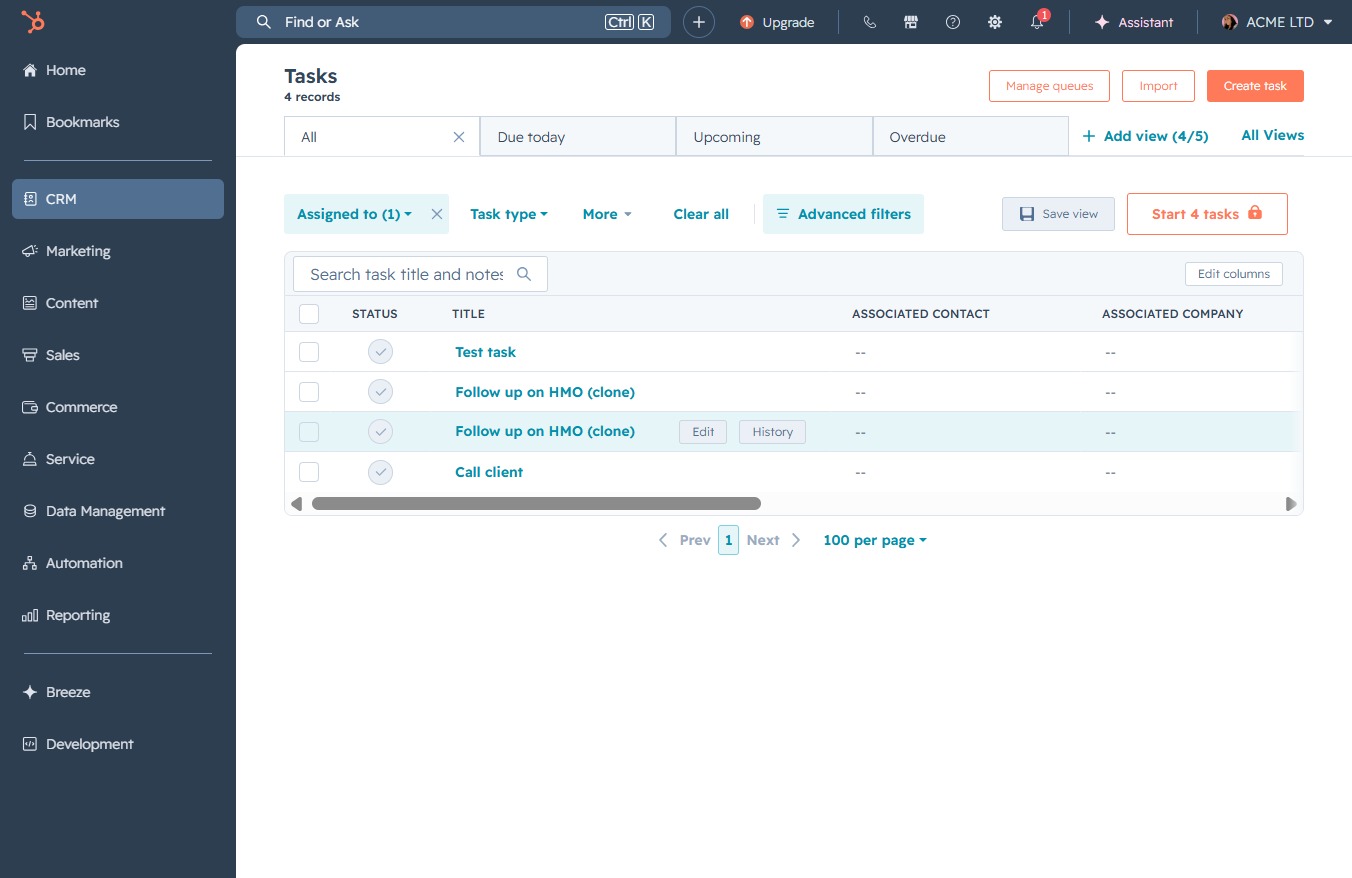
This action opens the task management interface, allowing you to view, edit, or delete existing tasks in your CRM.
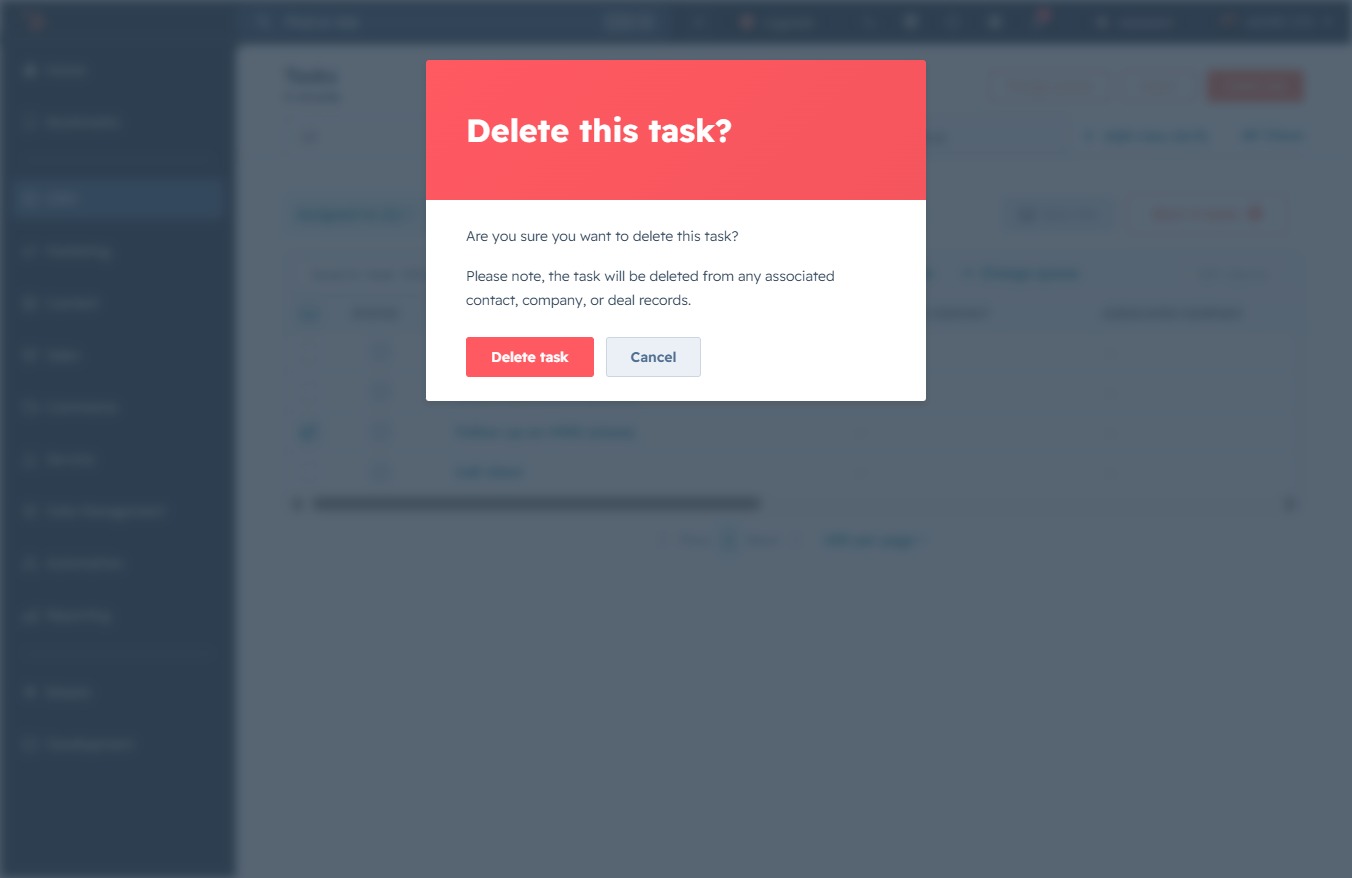
This action will remove the selected task from your list. Ensure that you have selected the correct task before confirming deletion.
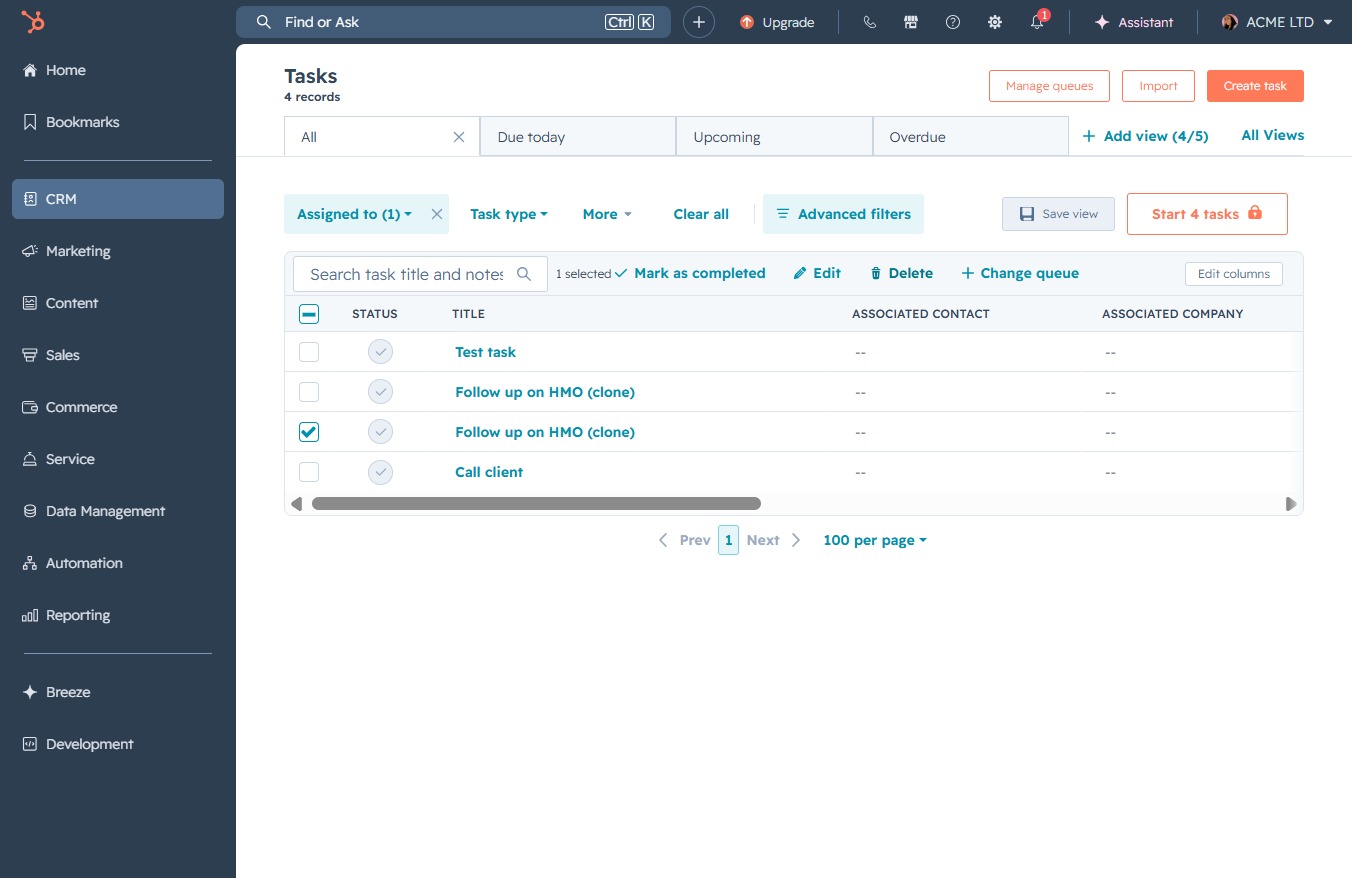
Confirm the deletion of the selected task. This action will remove the task from any associated contacts, companies, or deal records.