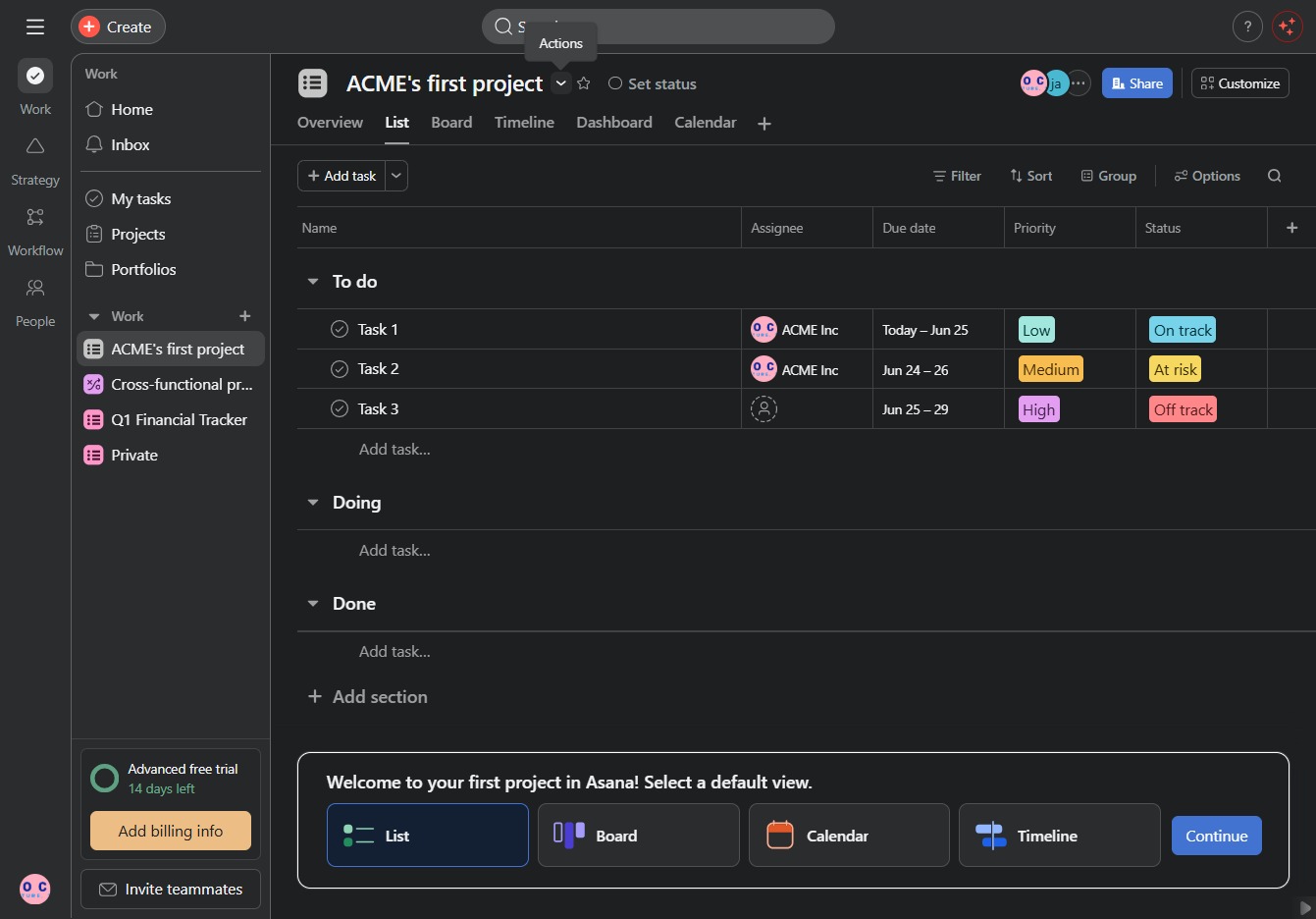
Click ACME's first project
This will open the detailed view of ACME's first project, where you can manage tasks, assign team members, and track progress.
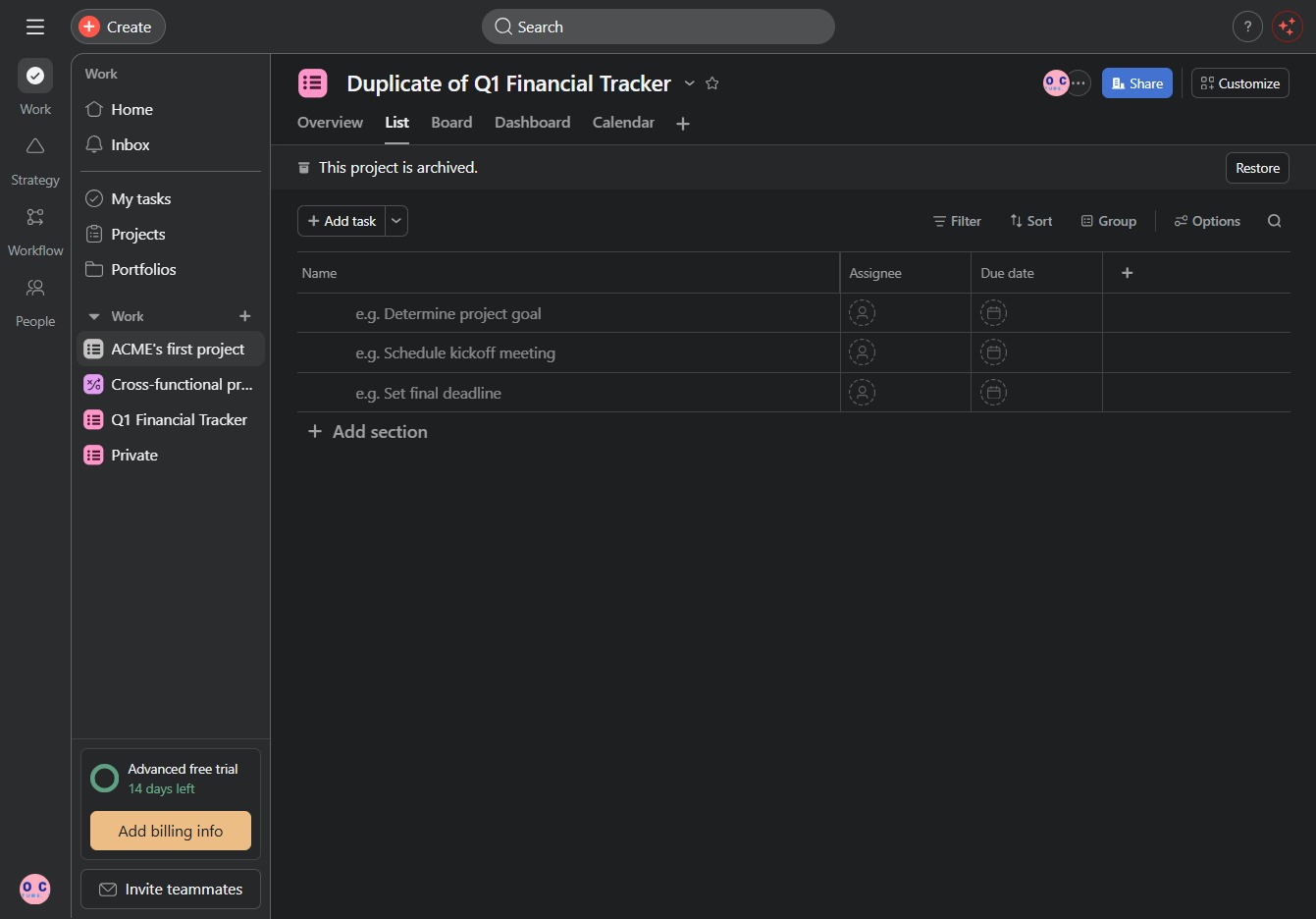
Loading screenshot…
100%
In this how-to guide, you will learn the step-by-step process for permanently deleting a project in Asana, including navigating to the correct project views and understanding the…
 viktoria
In this how-to guide, you will learn the step-by-step process for permanently deleting a project in Asana, including navigating to the correct project views and understanding the implications of this action. Ensure you have all important information backed up before proceeding, as this process cannot be undone.
This will open the detailed view of ACME's first project, where you can manage tasks, assign team members, and track progress.
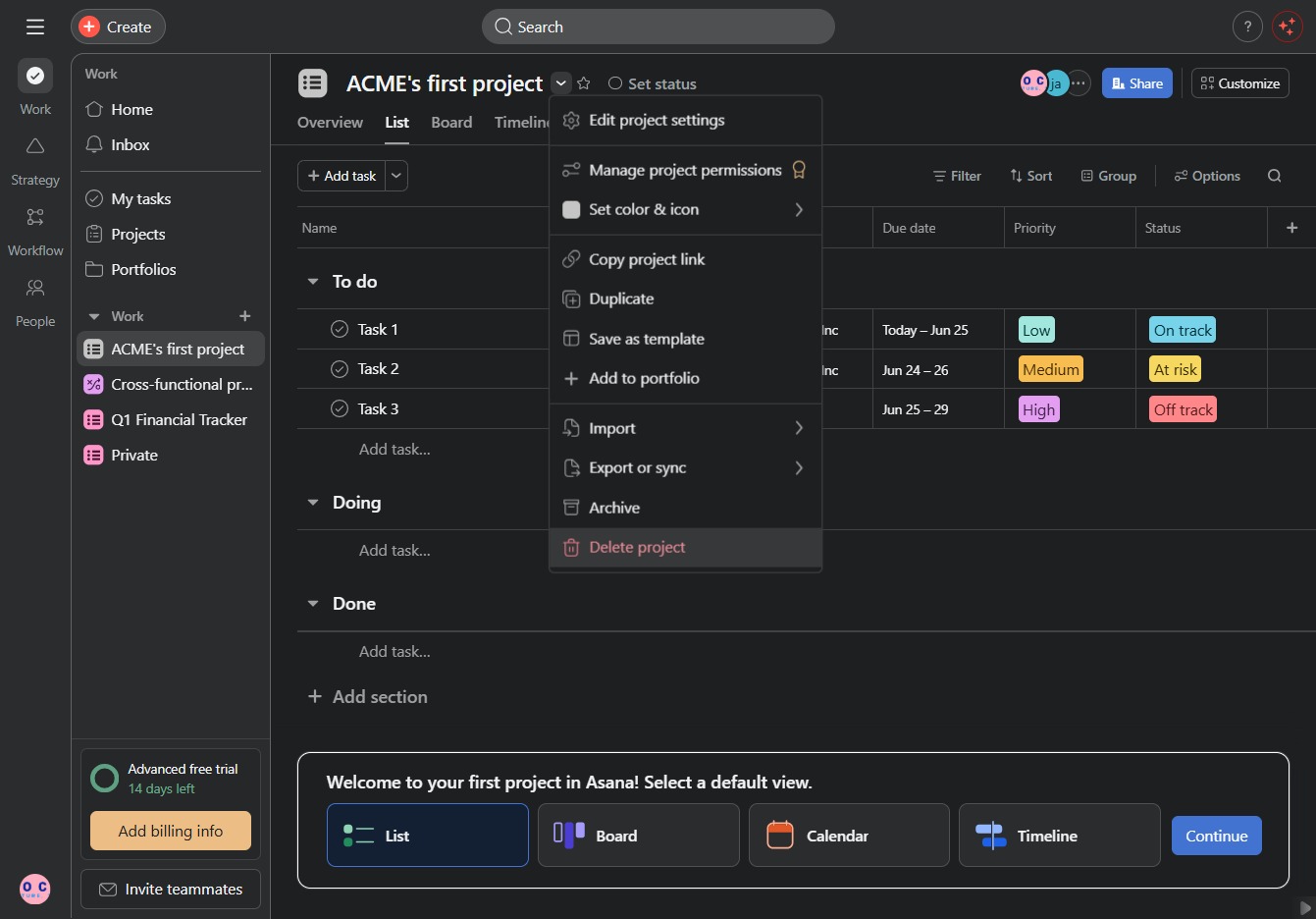
This action initiates a prompt or functionality related to your current task in the Asana interface.
This action will permanently remove the selected project from your Asana workspace. Ensure you have backed up any important information as this cannot be undone.
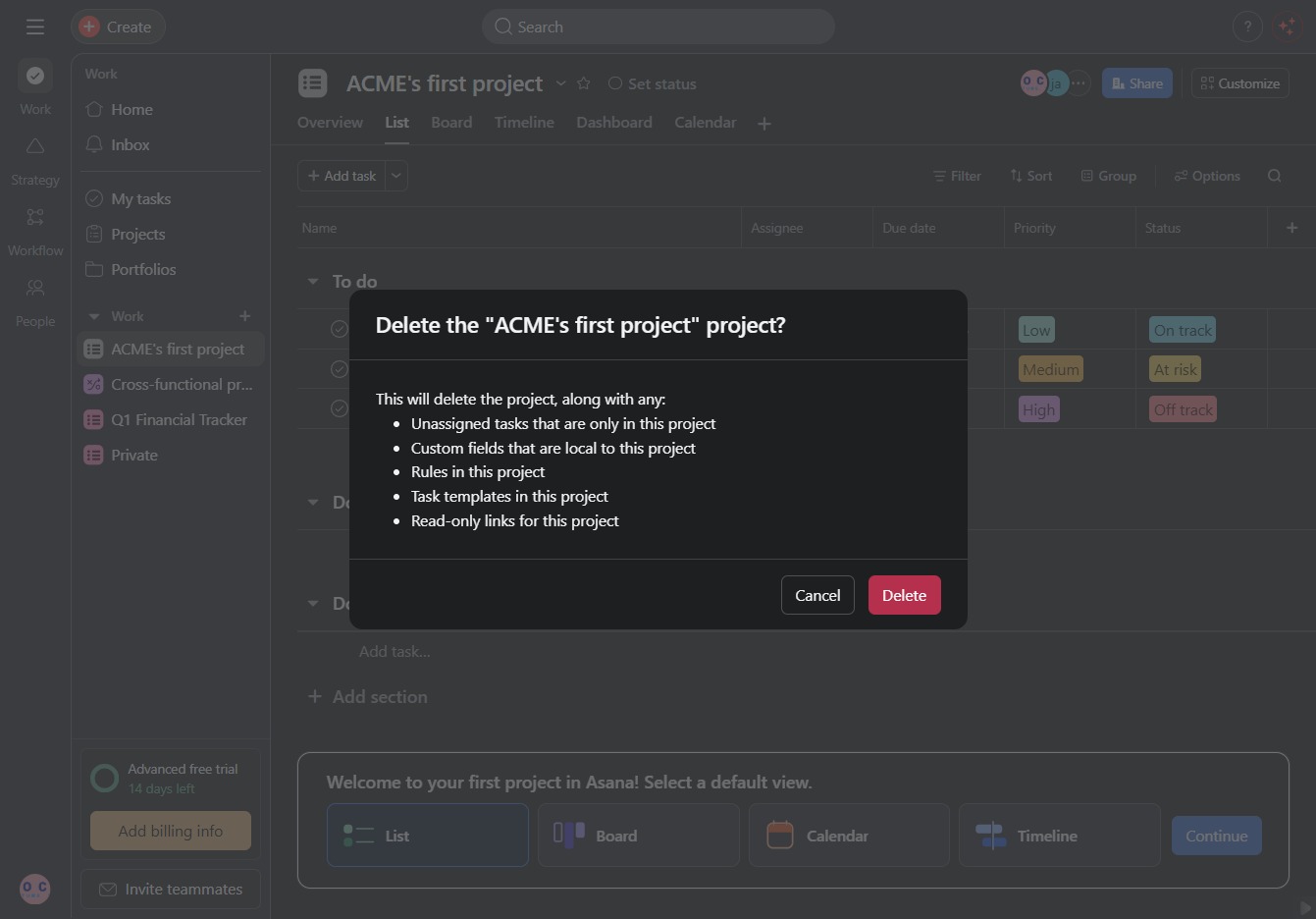
This action will permanently remove the selected project along with its associated tasks, fields, rules, templates, and links.