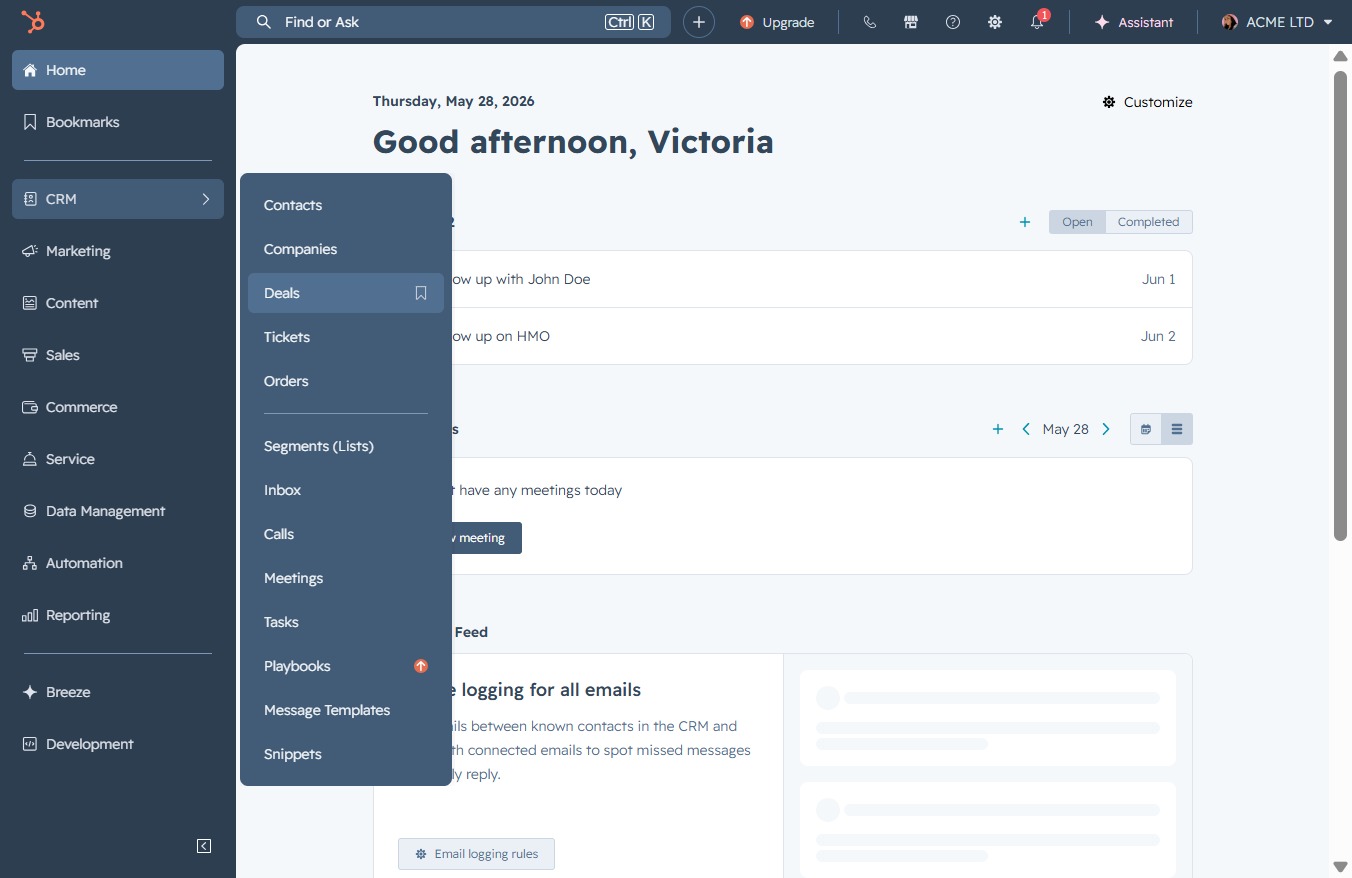
Click the CRM icon
This will direct you to the CRM module, allowing you to manage customer relationships and access relevant features such as tasks and activities.

Loading screenshot…
100%
Permanently delete a deal in the CRM by accessing the Deals section, reviewing the deal details, and confirming the deletion with an accurate record count.
 viktoria
Permanently delete a deal in the CRM by accessing the Deals section, reviewing the deal details, and confirming the deletion with an accurate record count.
This will direct you to the CRM module, allowing you to manage customer relationships and access relevant features such as tasks and activities.
Access the Deals section to view and manage current deals and sales opportunities in your CRM.
Clicking this link will open a detailed preview of the selected deal, allowing you to review its information and status.

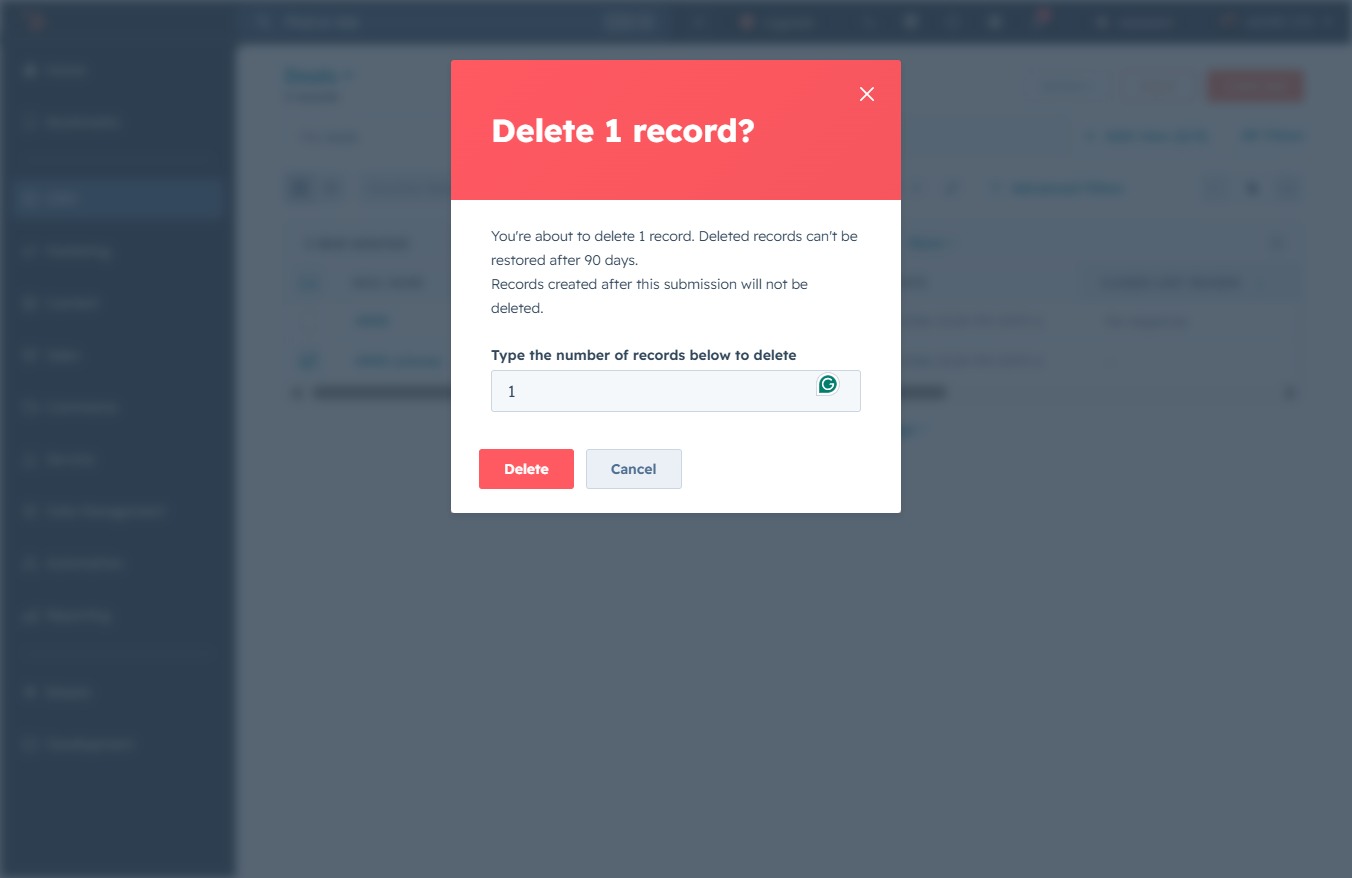
Clicking the Delete button will permanently remove the selected deal from your Deals list. Ensure that you no longer need the deal before confirming this action.

Input the number of records you wish to delete in the provided text area. This action confirms your intent to delete and sets the specific quantity of records to be permanently removed.
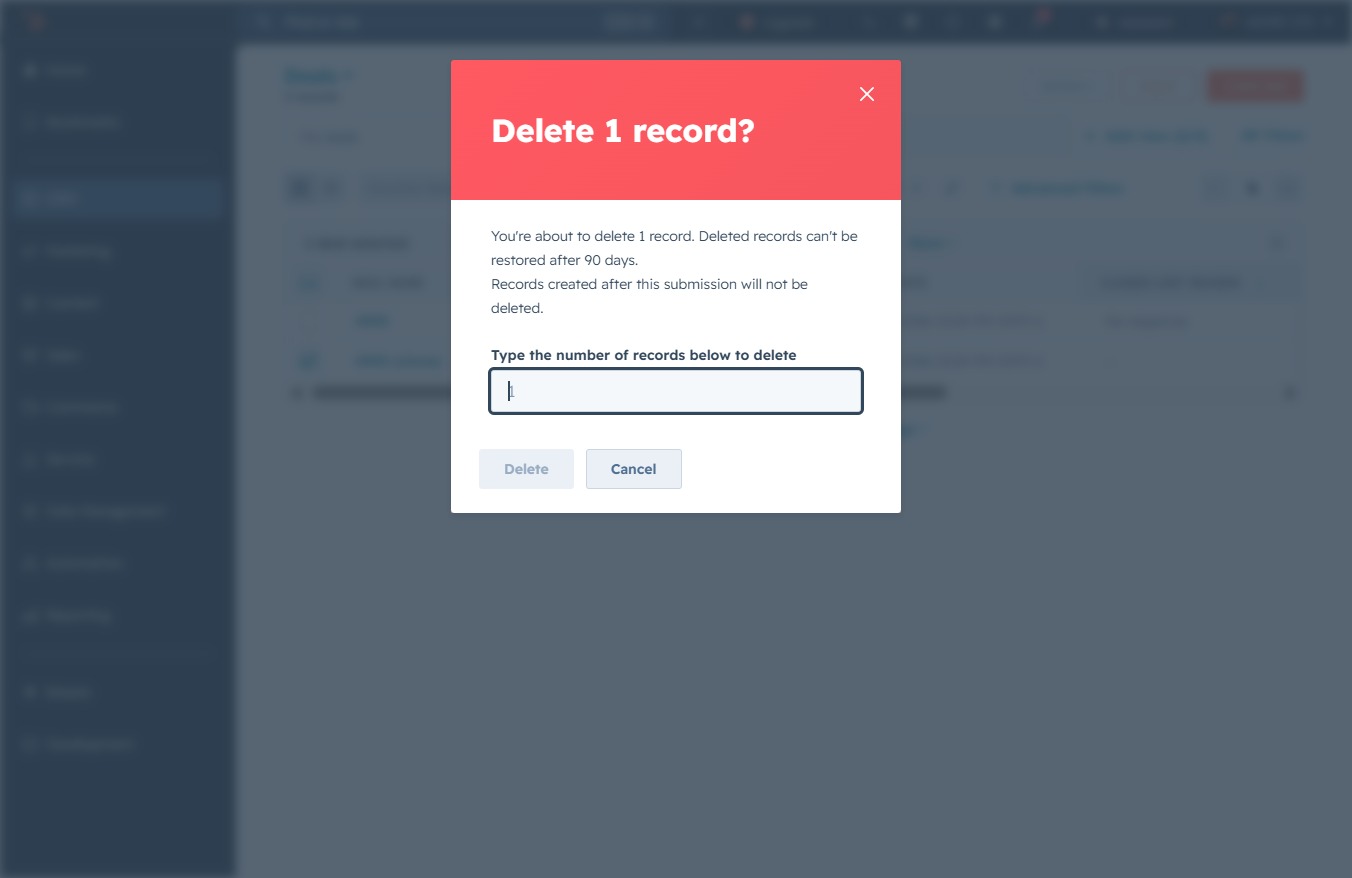
Enter '1' in the designated field to specify the number of records you wish to delete. After entering the number, confirm the deletion by clicking the 'Delete' button.
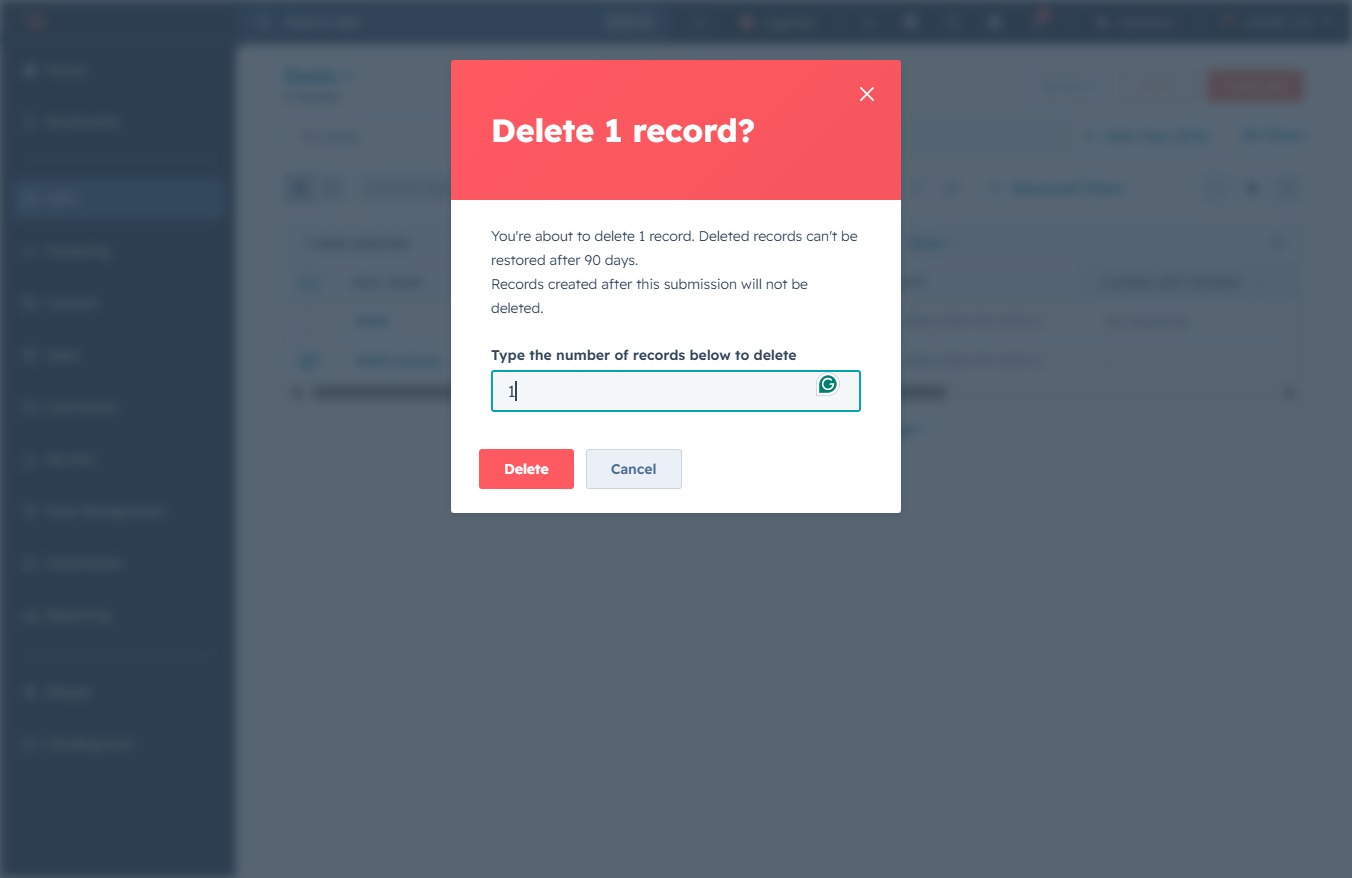
Confirm the deletion of the selected record by clicking the Delete button. Ensure you've entered the correct number of records to remove, as this action cannot be undone.