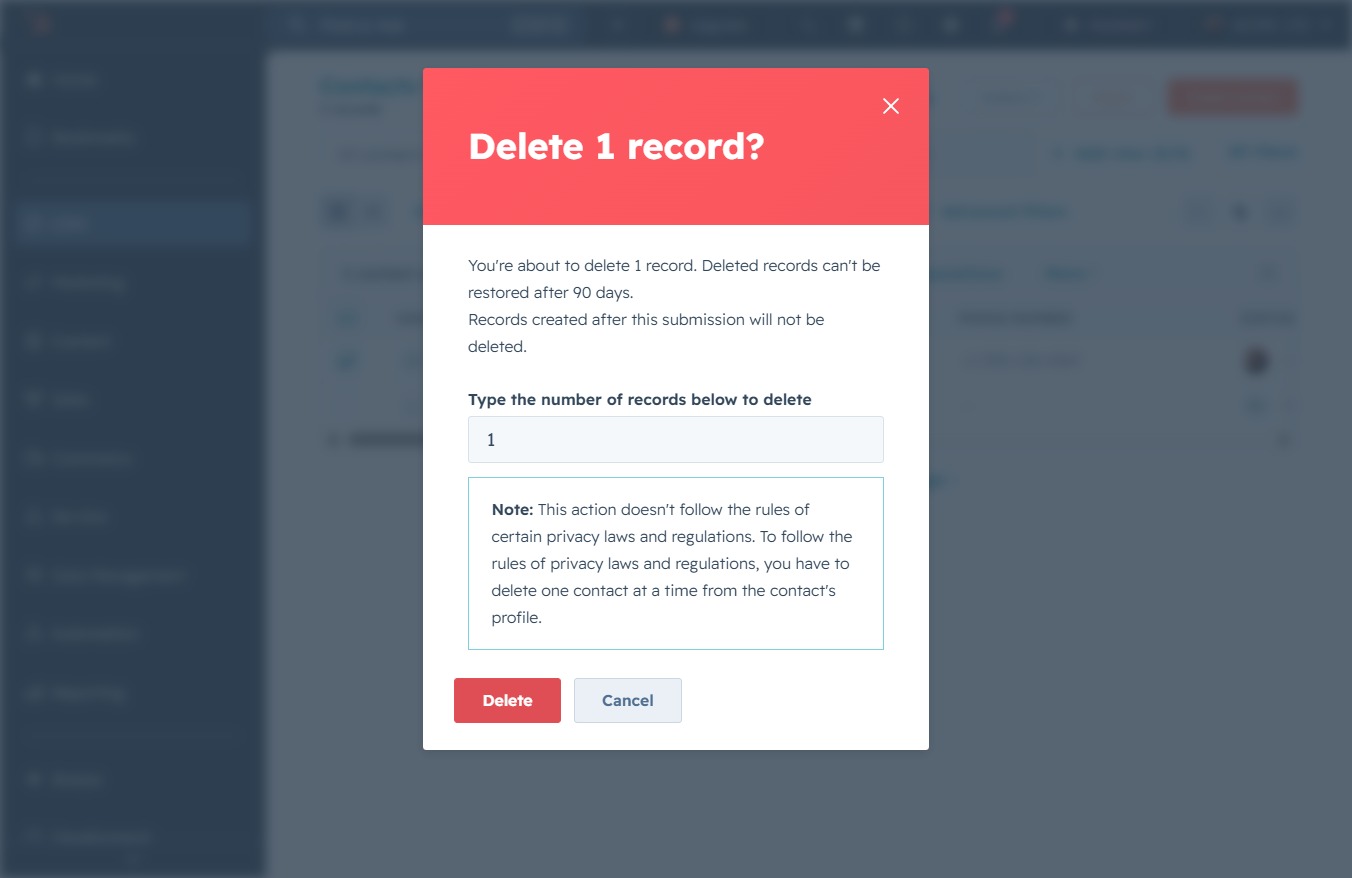
Click the CRM icon
Clicking the CRM icon will navigate you to the Customer Relationship Management section, where you can manage customer data and interactions.
Loading screenshot…
100%
Delete unwanted contacts from the CRM by navigating to the Contacts section and confirming the deletion of specified records, while adhering to privacy regulations.
 viktoria
Delete unwanted contacts from the CRM by navigating to the Contacts section and confirming the deletion of specified records, while adhering to privacy regulations.
Clicking the CRM icon will navigate you to the Customer Relationship Management section, where you can manage customer data and interactions.
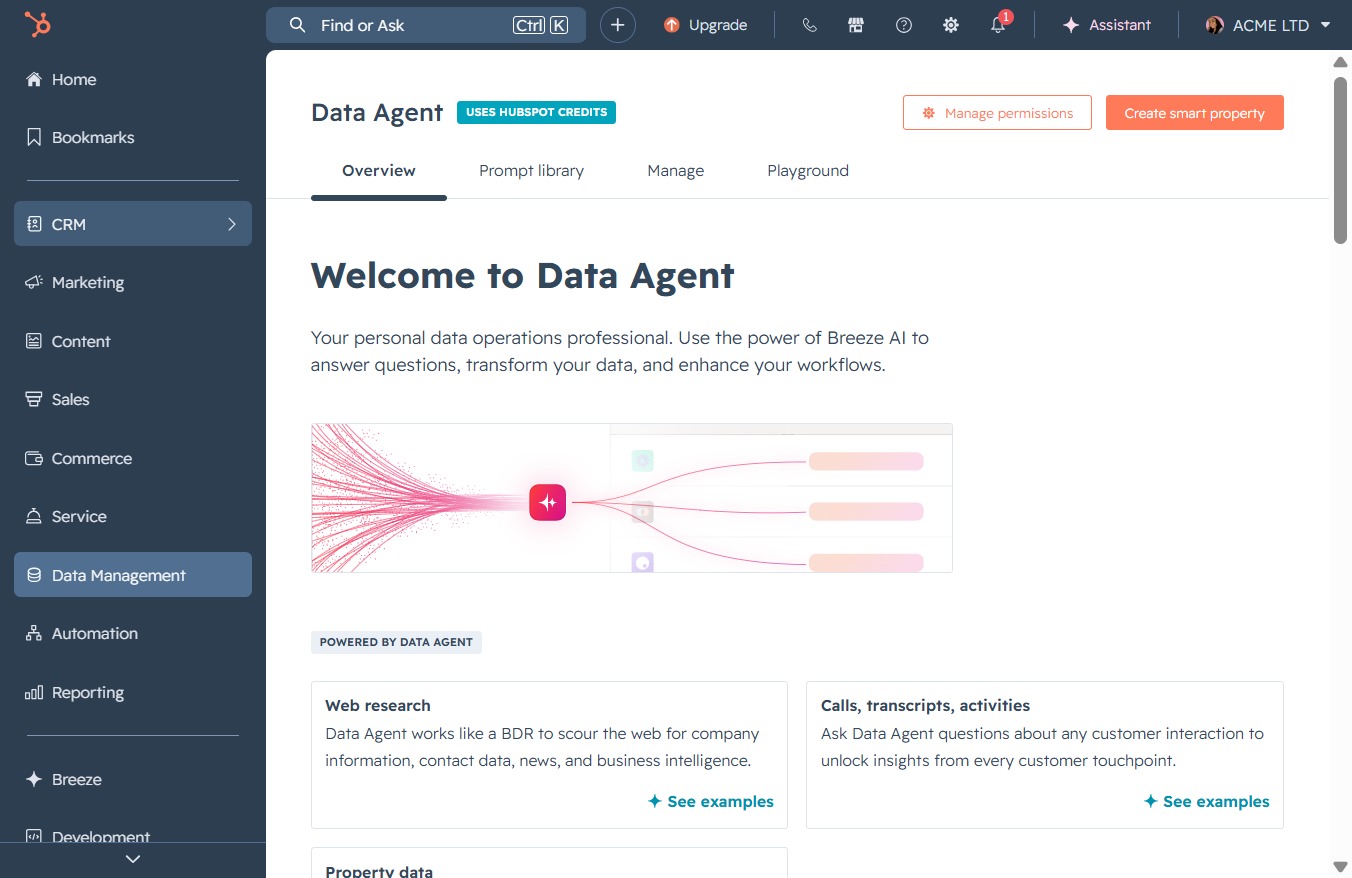
This action opens the Contacts section within the Data Management area, allowing you to manage and view customer information.

Clicking this link will perform the associated action or navigate you to the relevant section of the CRM for managing your contacts.

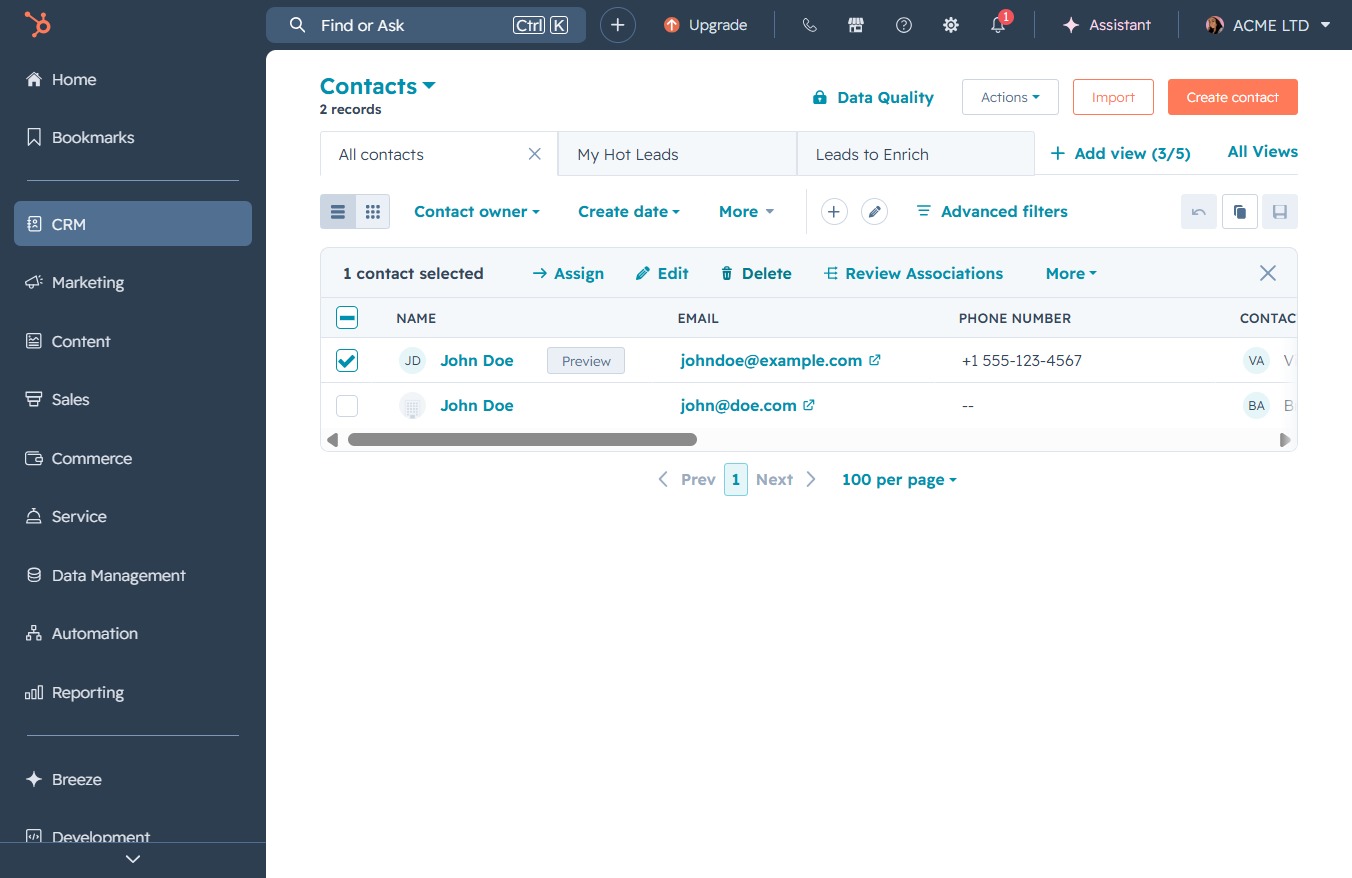
Clicking the Delete button will remove the selected contact from your CRM. Confirm the action if prompted to complete the deletion process.
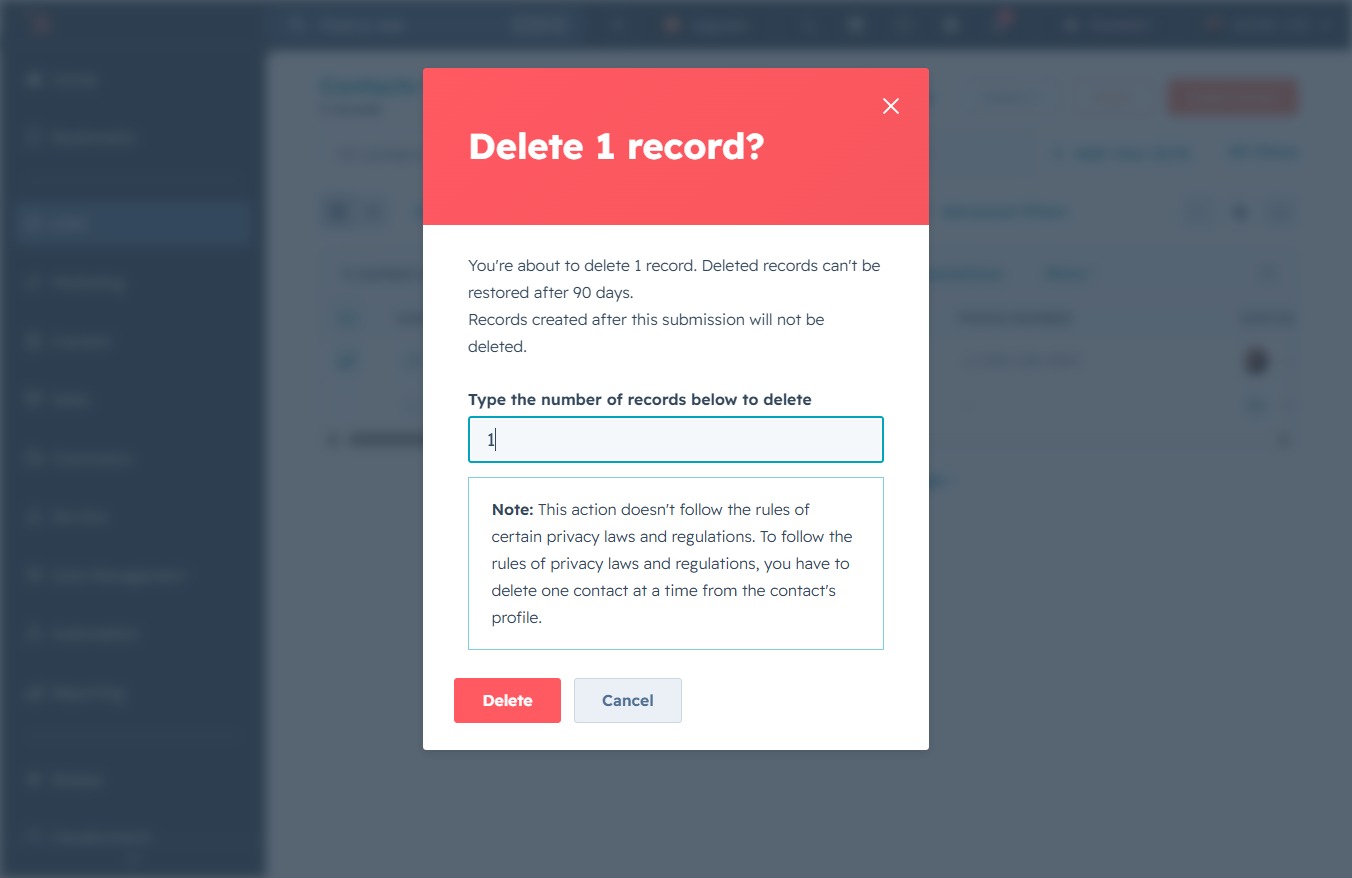
Type the number of records you wish to delete in the provided text area. This input is necessary to confirm the deletion request.

Enter the number of records you wish to delete in the provided textarea. This action will permanently remove the specified records, and they cannot be restored after 90 days.
This action will remove the selected record permanently. Make sure to review the note regarding privacy laws and regulations before proceeding.