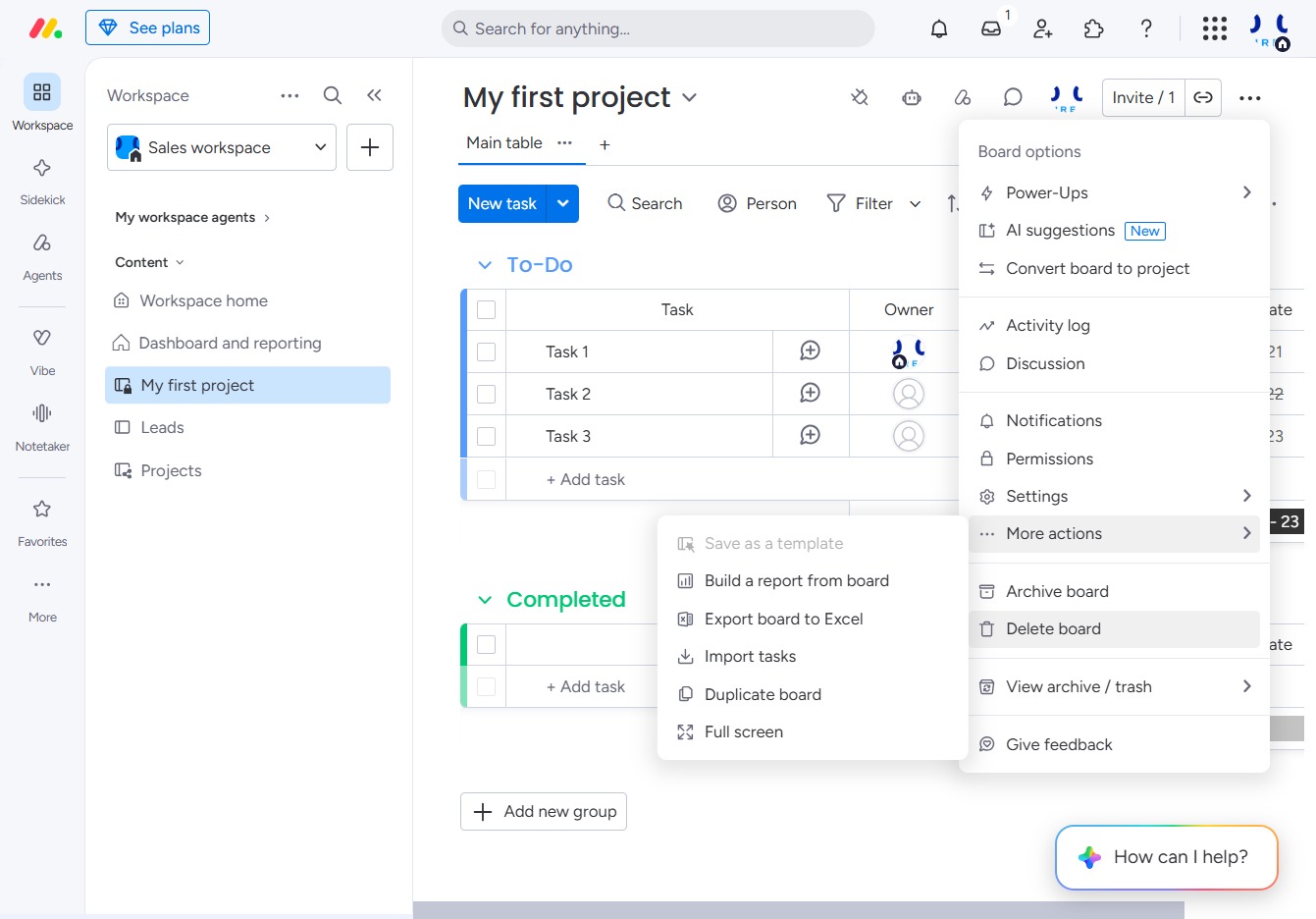
Click 'My first project'
This will open the detailed view of your project, allowing you to manage tasks, track progress, and access project-specific functionalities.
Loading screenshot…
100%
In this guide, you'll learn the step-by-step process to delete a project board, including how to access project settings and ensure you've backed up important information before…
 viktoria
In this guide, you'll learn the step-by-step process to delete a project board, including how to access project settings and ensure you've backed up important information before permanently removing it. Follow these instructions to effectively manage your workspace and tasks.
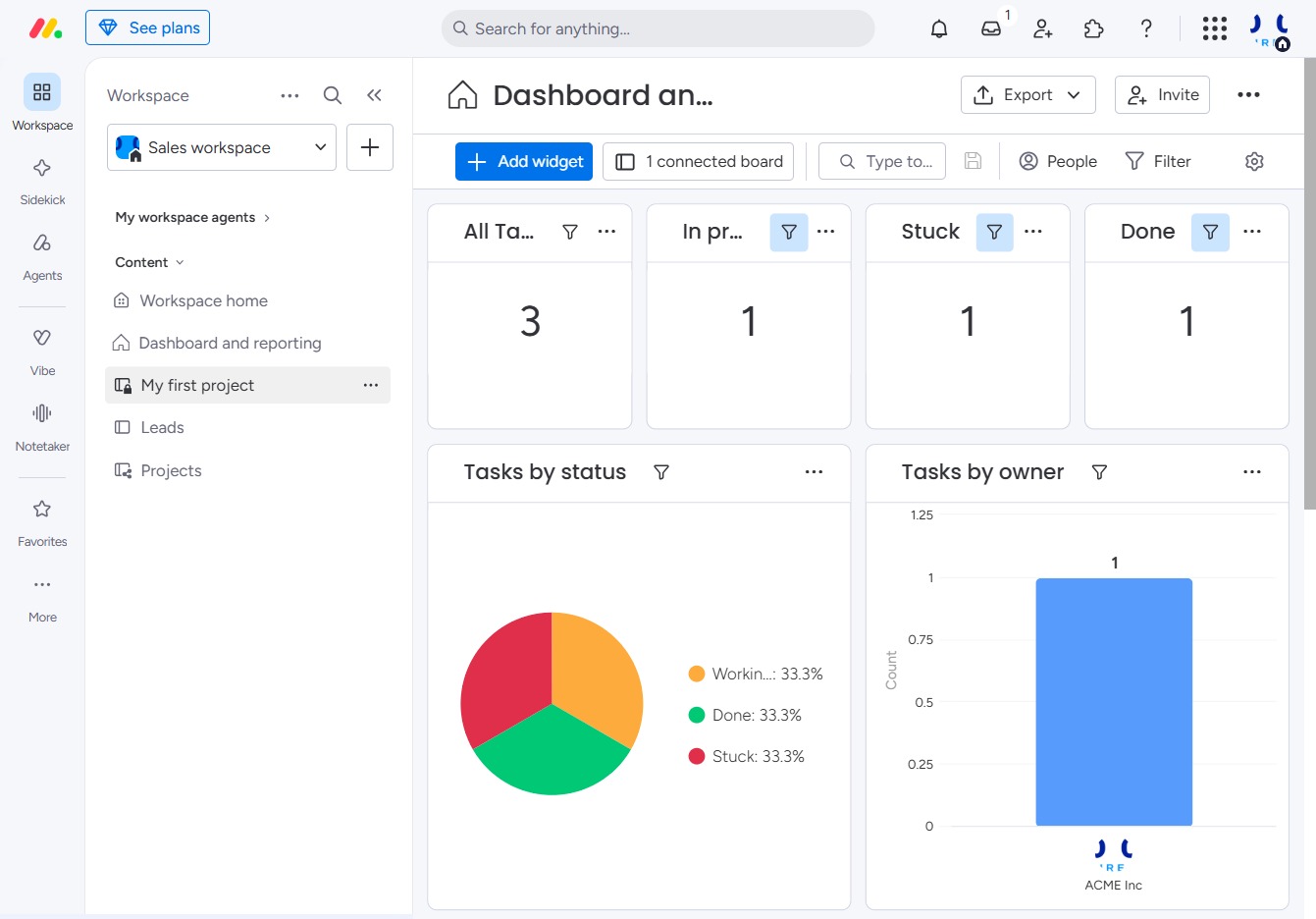
This will open the detailed view of your project, allowing you to manage tasks, track progress, and access project-specific functionalities.
Clicking here opens a menu with additional settings or features related to your project, allowing you to customize your workspace or manage tasks effectively.

This action will permanently remove the selected board and all its associated tasks. Ensure you've backed up any necessary information before proceeding.