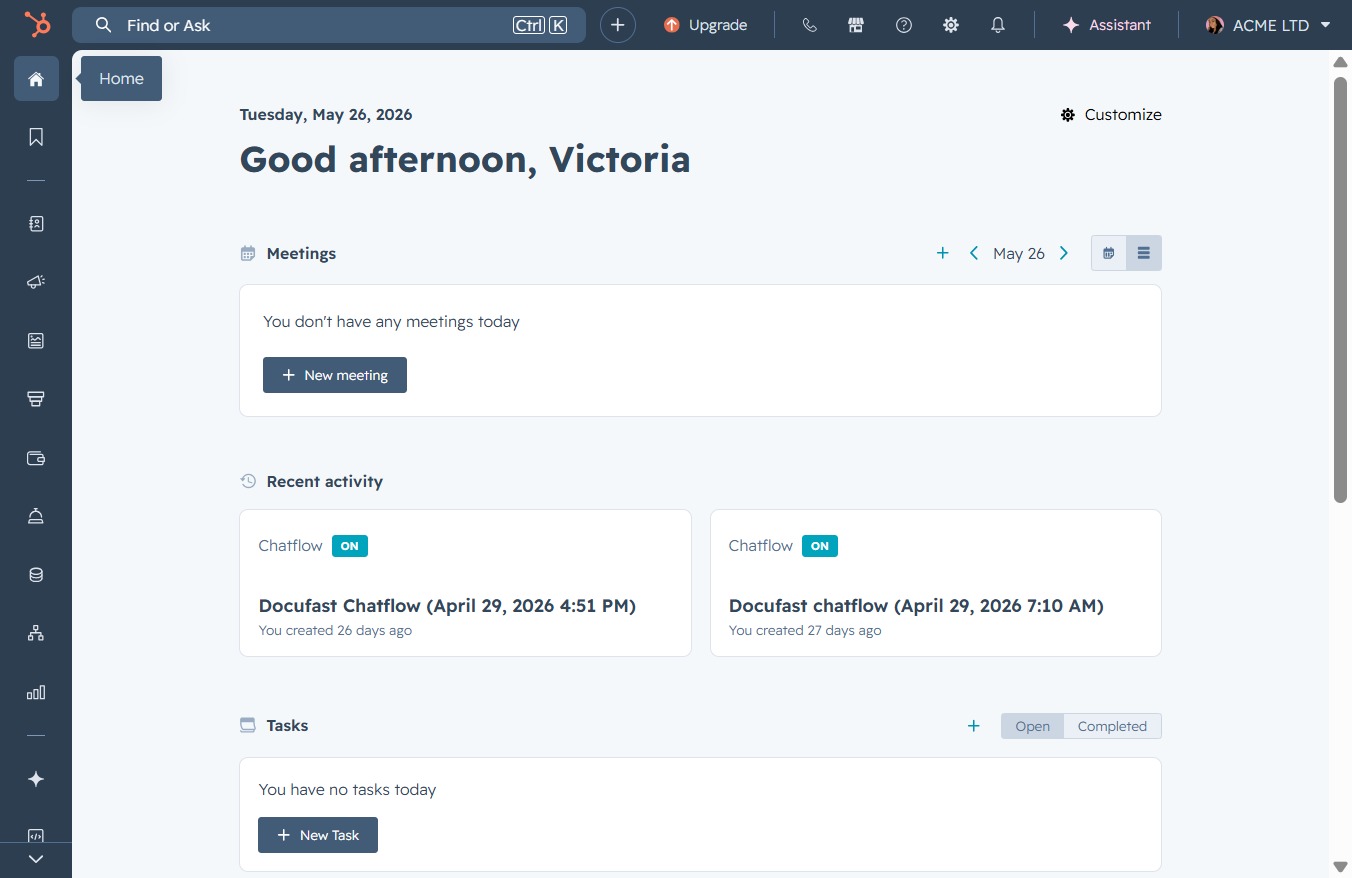
Click the New Meeting button
This action allows you to schedule a new meeting and prompt the relevant scheduling options in your calendar.
Loading screenshot…
100%
Tailor your HubSpot dashboard layout by customizing widget settings, managing tasks, and saving your preferences to ensure a personalized and efficient workspace.
 viktoria
Tailor your HubSpot dashboard layout by customizing widget settings, managing tasks, and saving your preferences to ensure a personalized and efficient workspace.
This action allows you to schedule a new meeting and prompt the relevant scheduling options in your calendar.
Clicking the Customize button allows you to tailor your dashboard settings and preferences to better suit your needs.
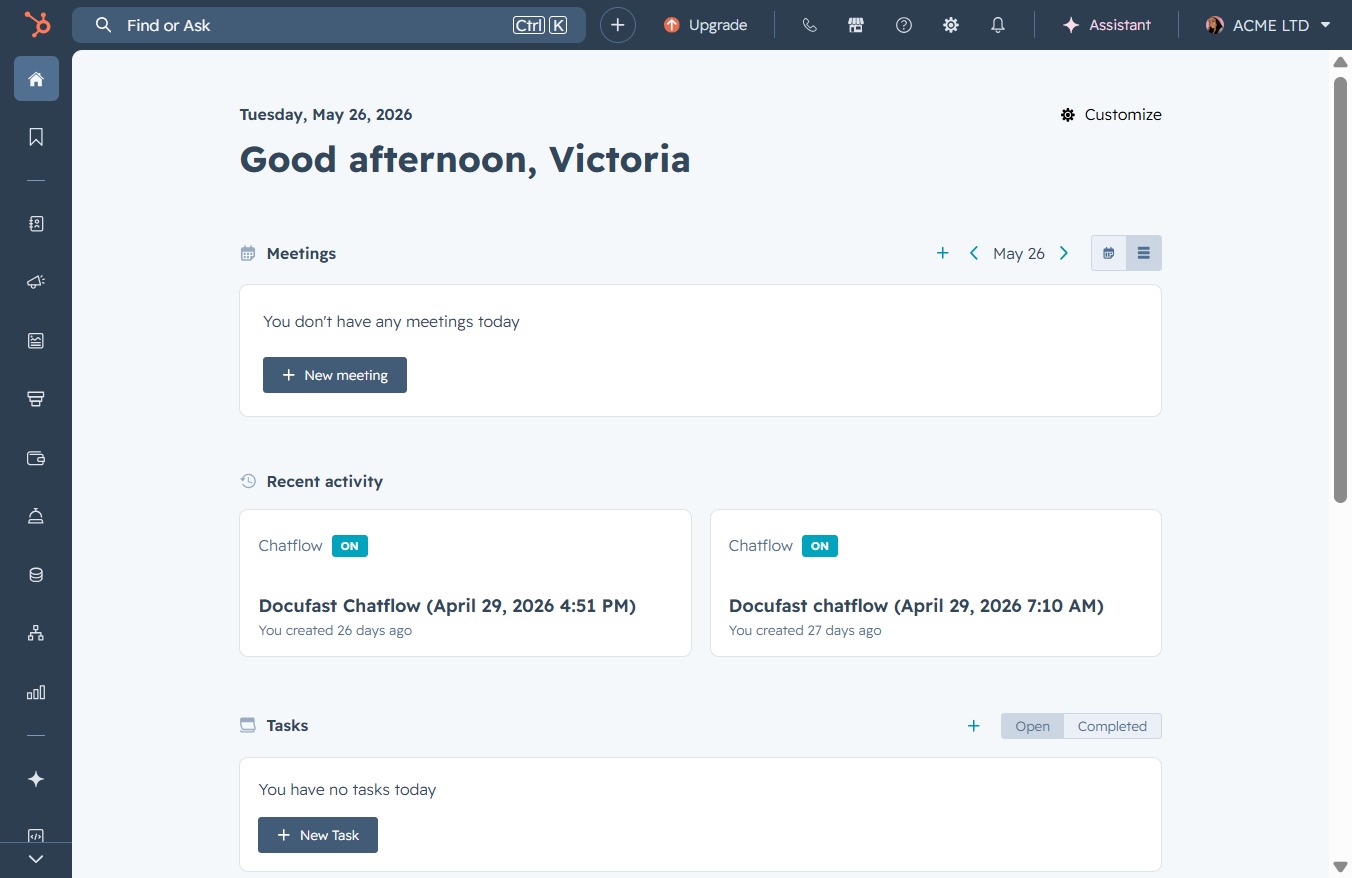
This action opens the Tasks panel, allowing you to view and manage your tasks, create new tasks, and track any pending items.

This will highlight any items that require your immediate focus or action, ensuring you stay on top of important tasks.
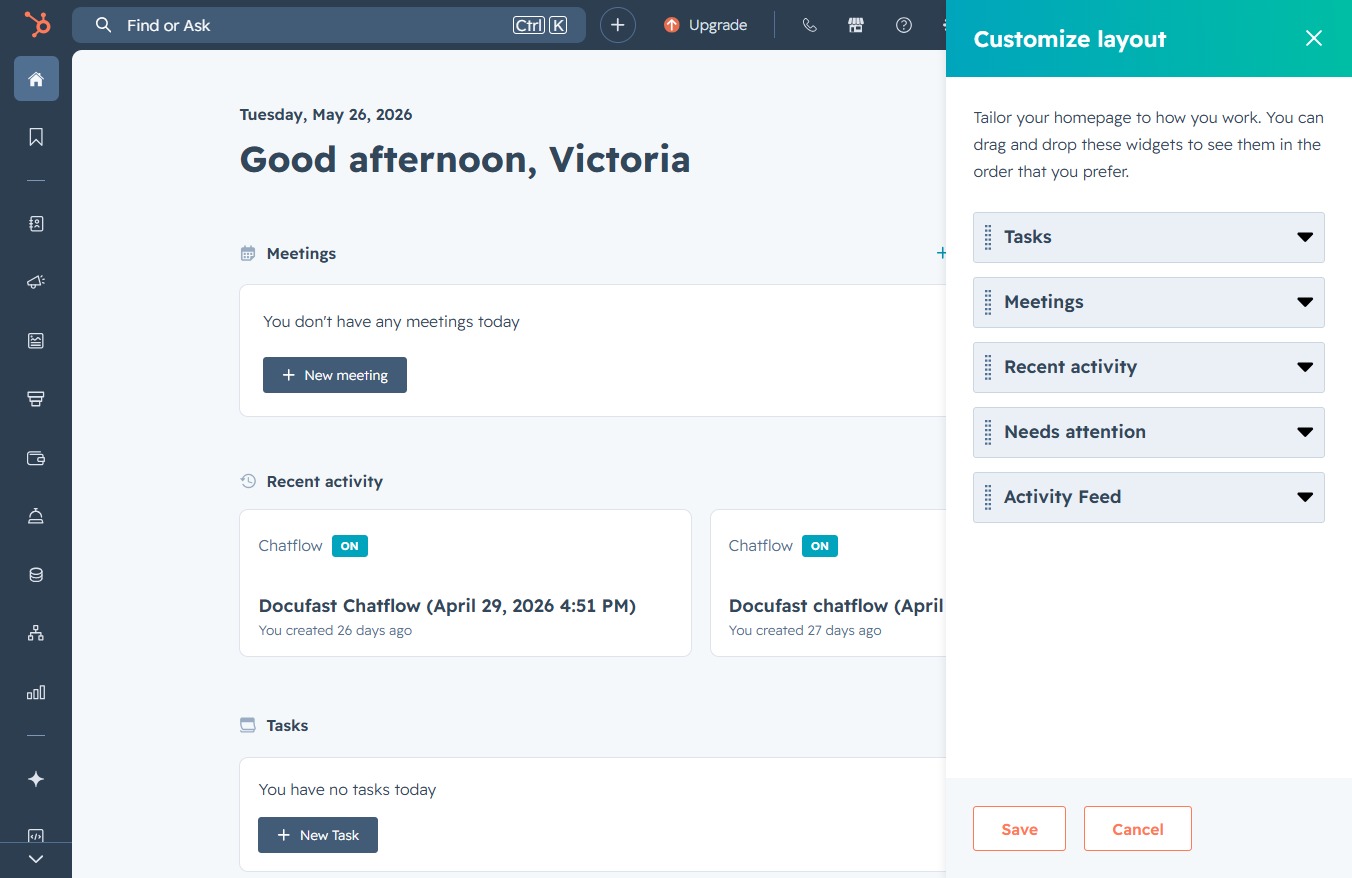
This action will display items that require your immediate attention, allowing you to address pending tasks or alerts.

Clicking the Save button will store your current layout preferences for the dashboard, ensuring that your selected widgets display in the chosen order.
