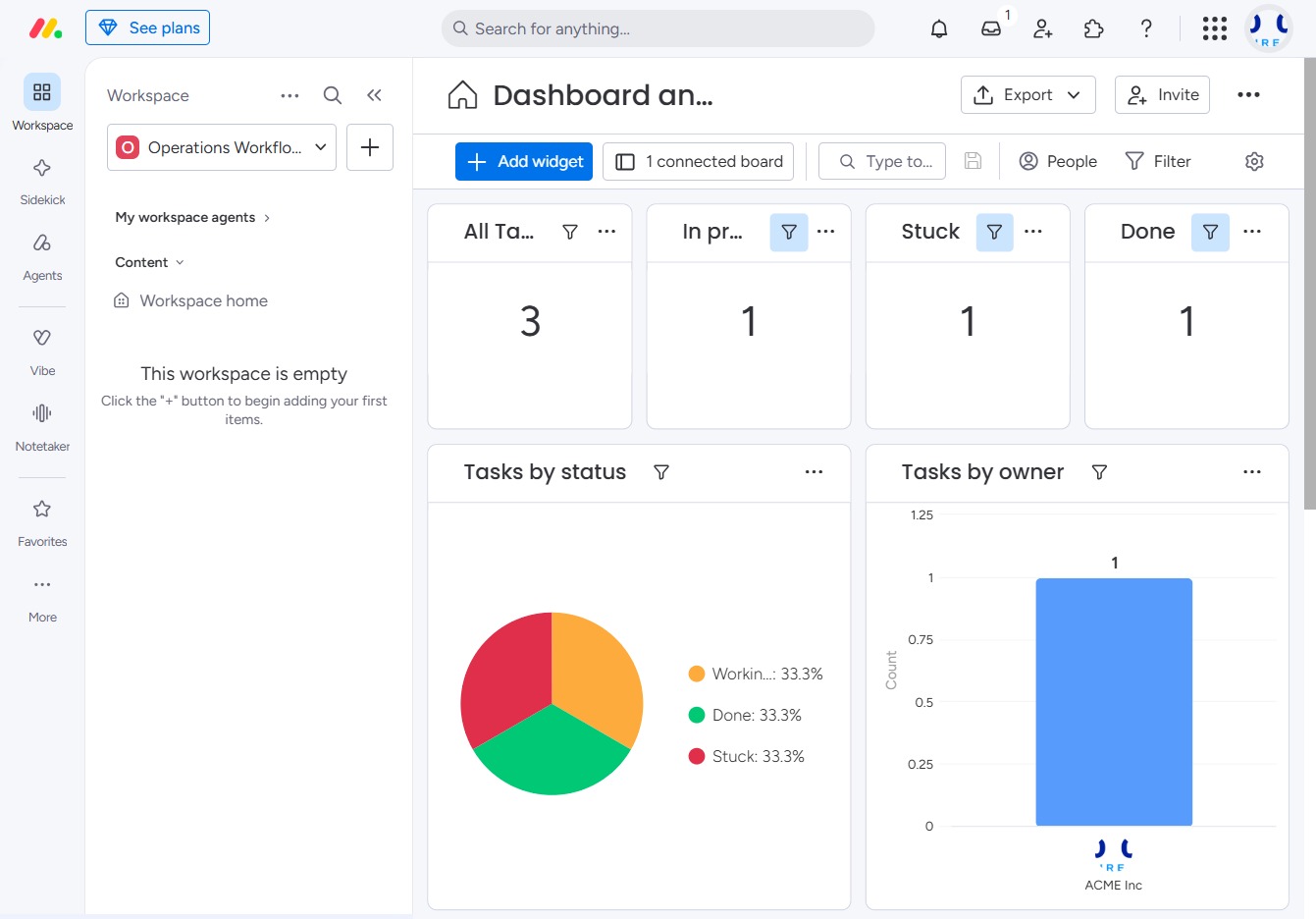
Click the ACME Inc logo
Clicking the ACME Inc logo will redirect you to your organization's main dashboard, allowing you to access all associated tasks and projects.
Loading screenshot…
100%
In this how-to guide, you'll learn how to easily customize your personal preferences on the ACME Inc platform.
 viktoria
In this how-to guide, you'll learn how to easily customize your personal preferences on the ACME Inc platform. From updating your profile and managing working status to adjusting availability and notification settings, this step-by-step tutorial ensures your preferences reflect your current work situation, enhancing your communication with colleagues.
Clicking the ACME Inc logo will redirect you to your organization's main dashboard, allowing you to access all associated tasks and projects.
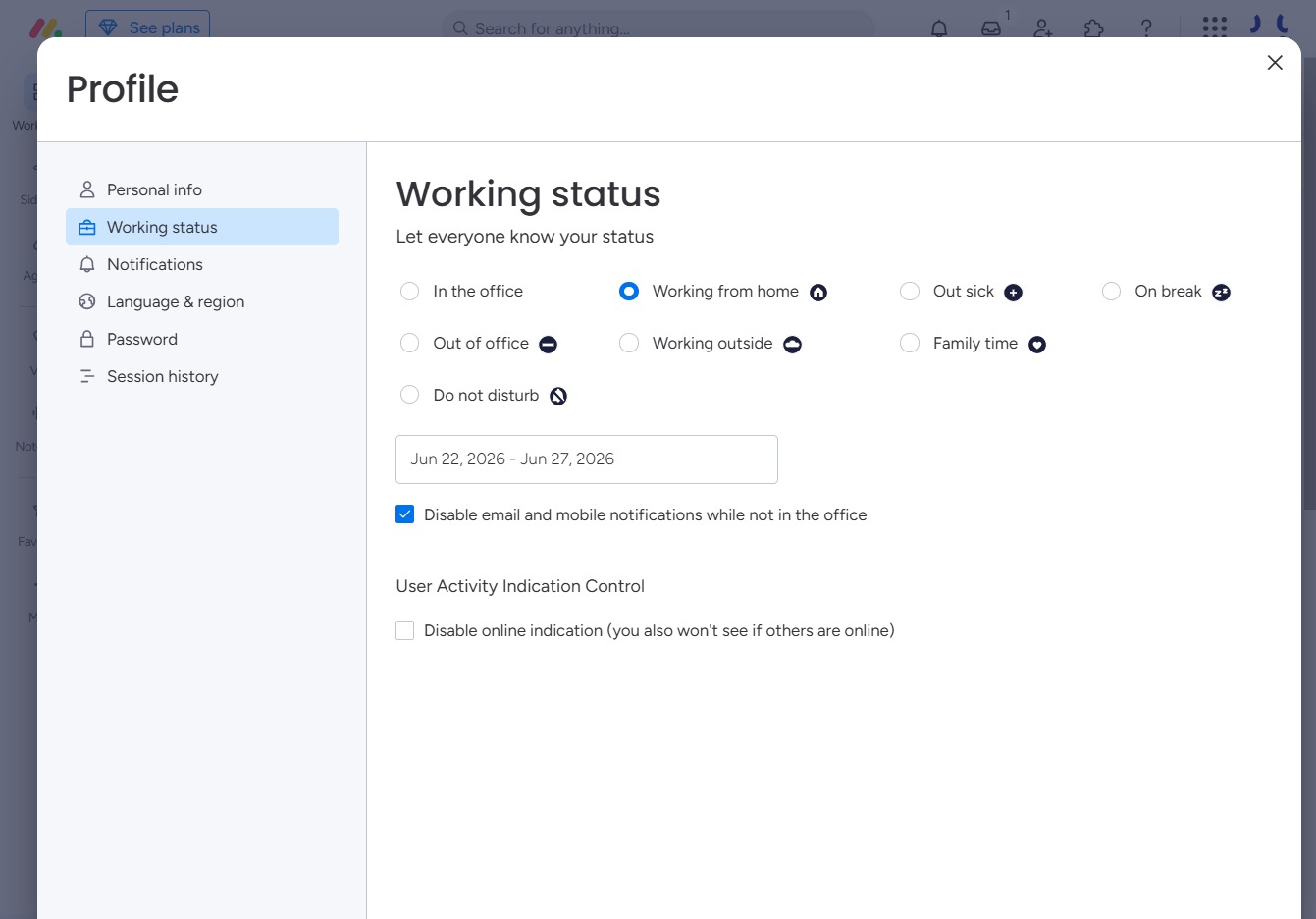
This will open your profile settings where you can update personal information, manage preferences, and access account details.
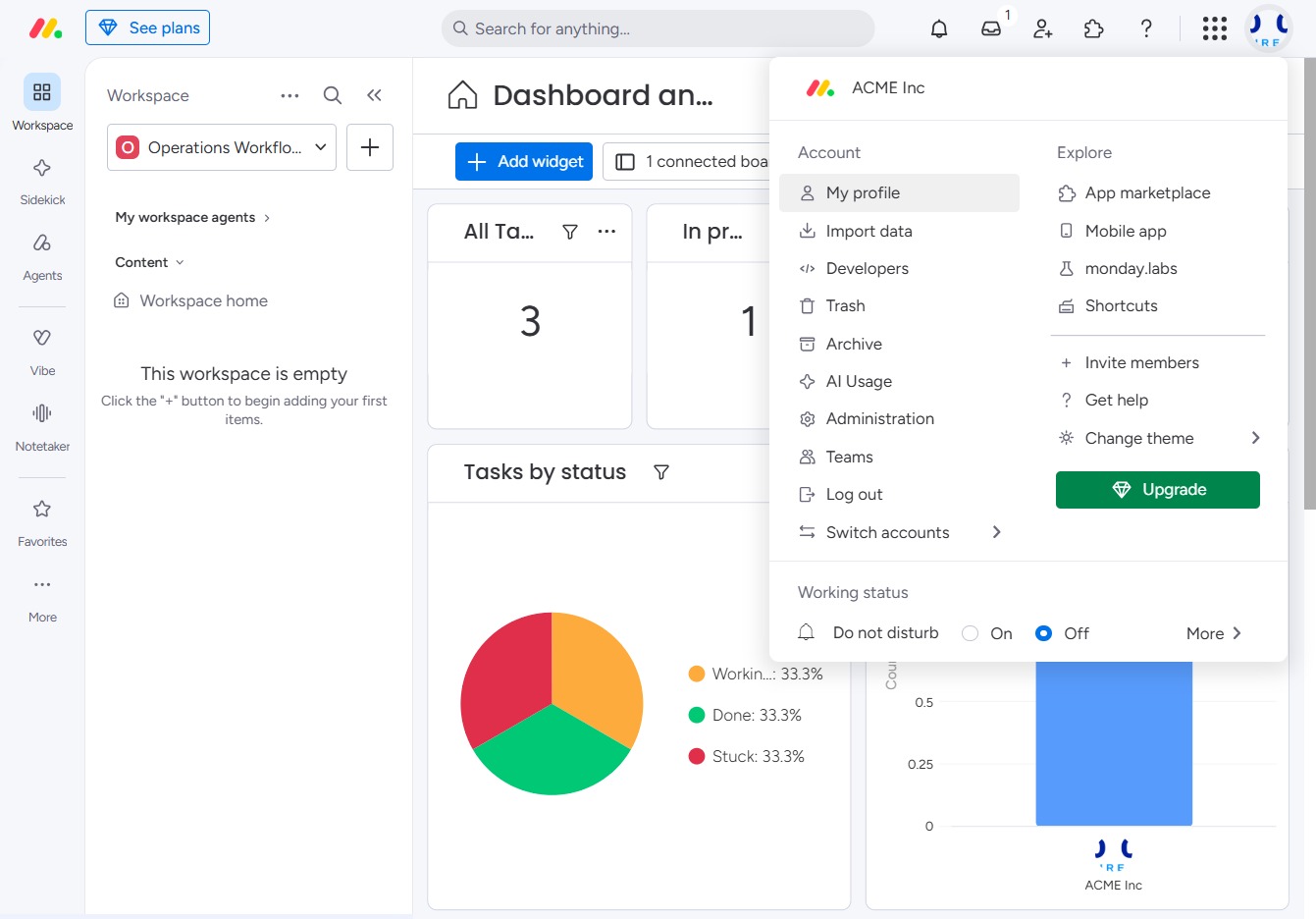
This section allows you to view and modify your current working status details. You can update your availability and work schedules specific to your profile.

Select the 'Working from home' status to inform your colleagues of your current work location. This will update your profile to indicate that you are working remotely.
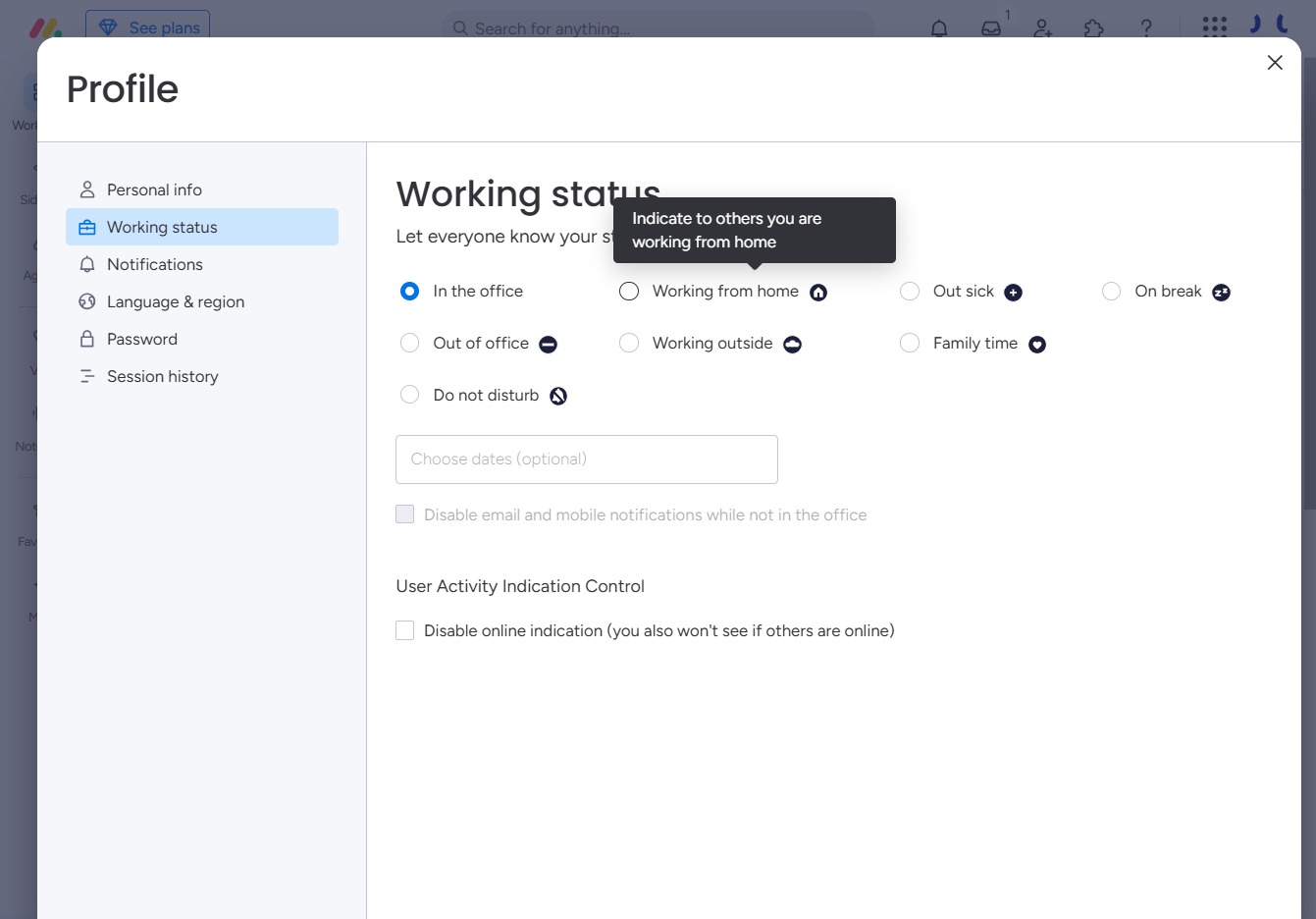
Clicking this button allows you to select specific dates related to your working status, providing additional context for your availability.

Selecting the 27th date will set your availability for that day in your working status. This update helps inform your colleagues about your availability.
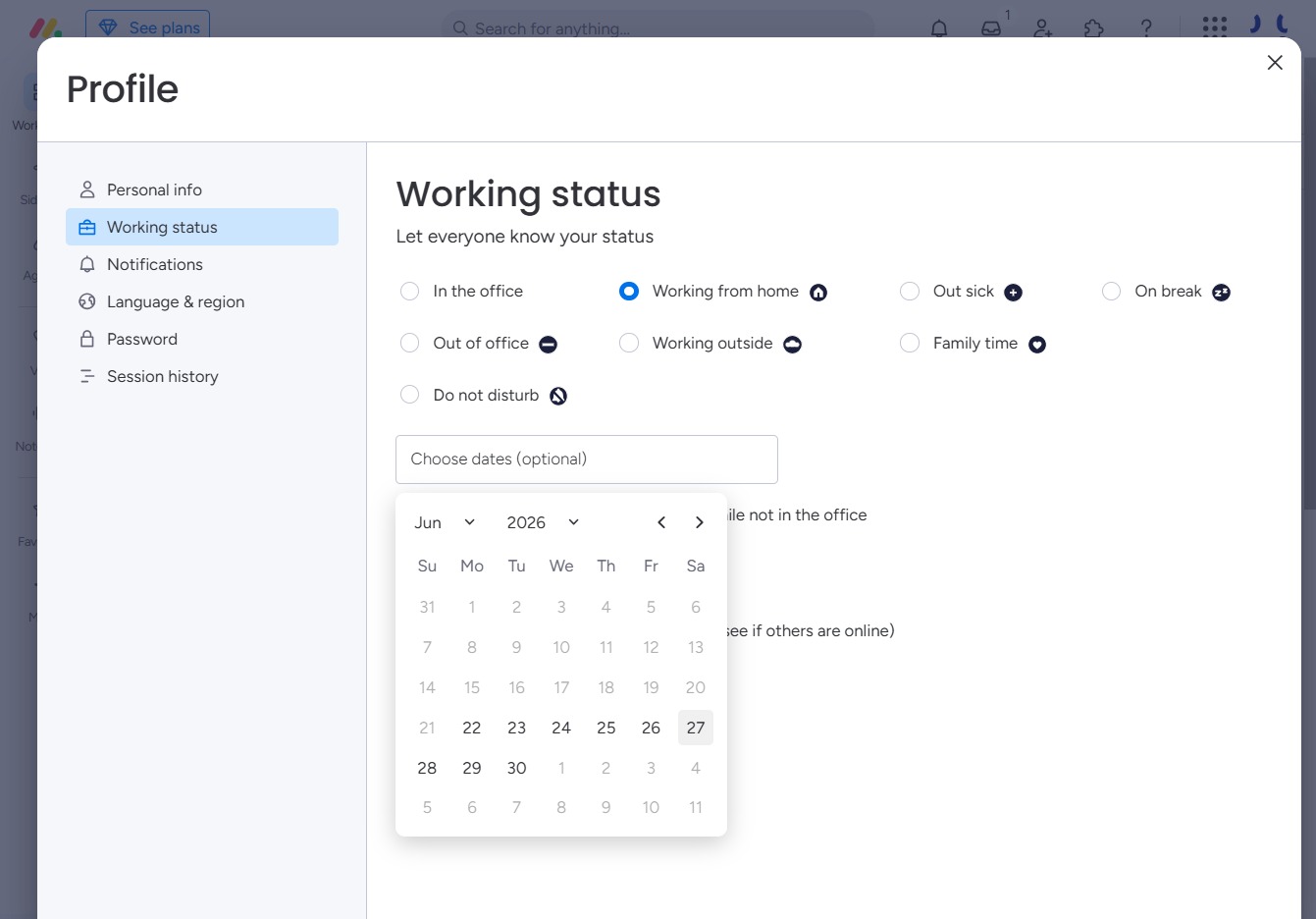
Selecting the 22nd date will set your availability for that day in your working status. This update helps inform your colleagues about your availability.

Select this option to turn off email and mobile notifications while you are not in the office, ensuring you are not disturbed during your time away.

This will prevent others from seeing your online status, as well as your own visibility into whether others are online.