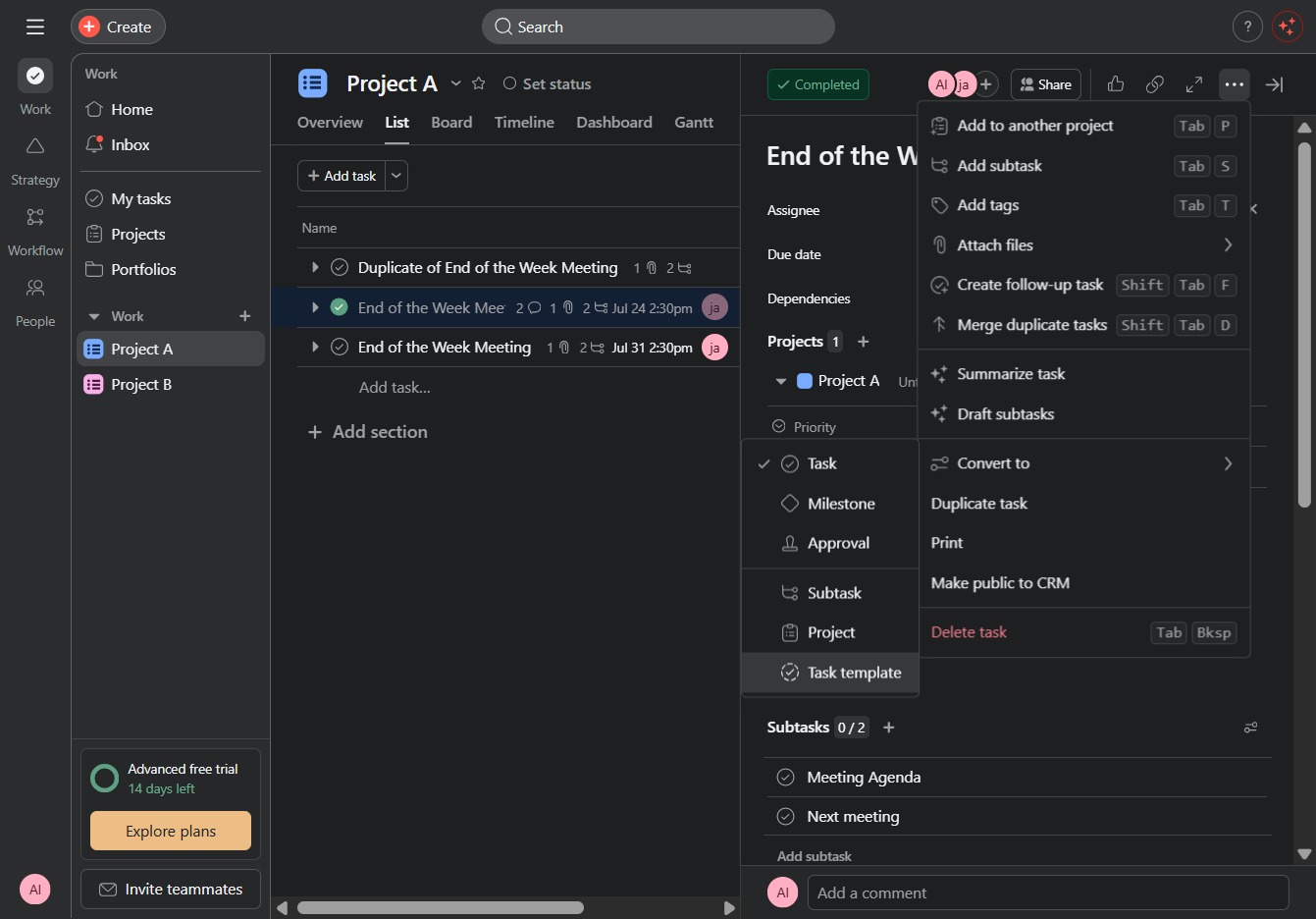
Click the Project A link
This will navigate you to the detailed view of Project A, allowing you to manage tasks and collaborate on the project.
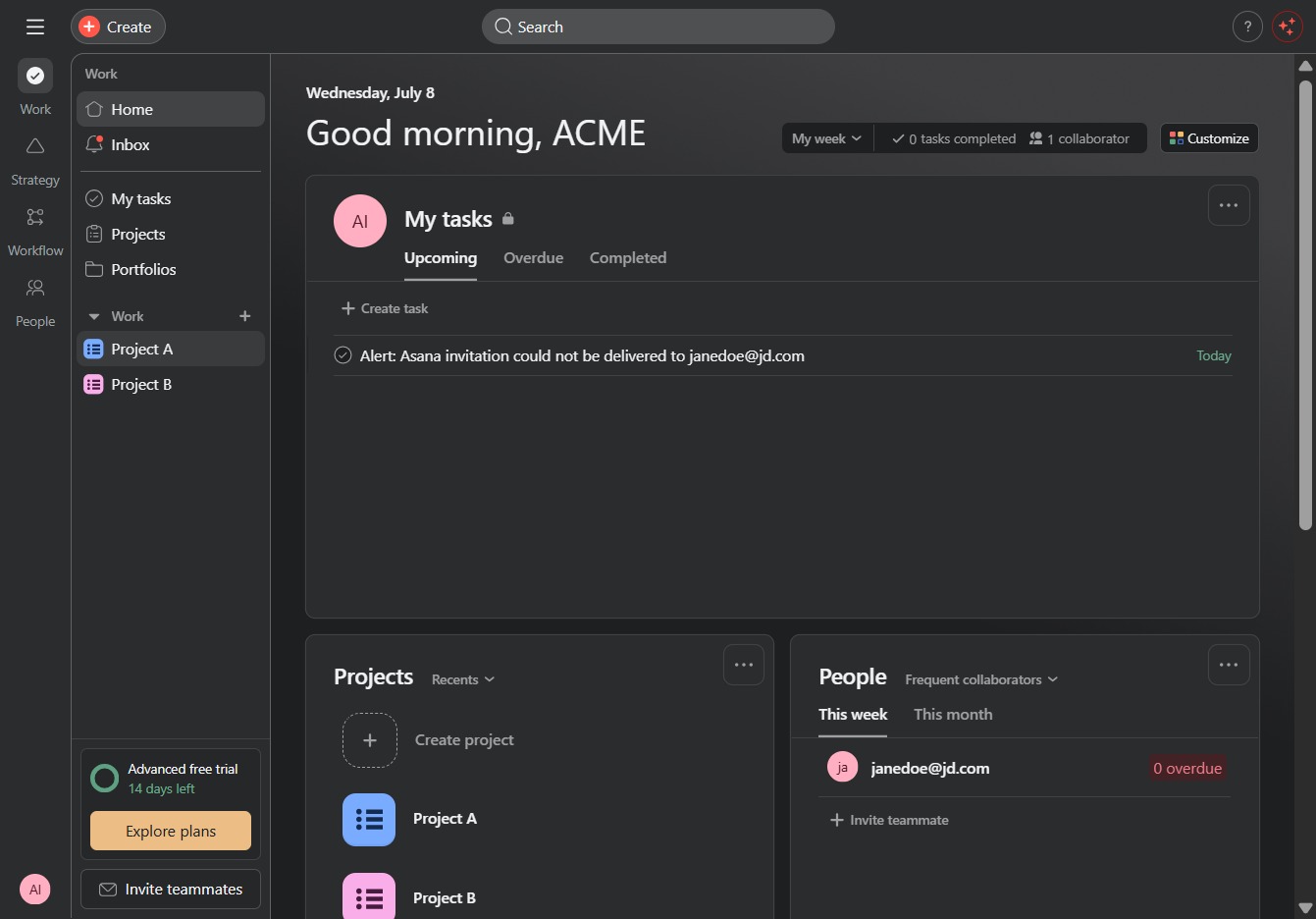
Loading screenshot…
100%
In this how-to guide, you'll learn how to create task templates to streamline your project management process.
 viktoria
In this how-to guide, you'll learn how to create task templates to streamline your project management process. Follow along as we walk you through managing tasks, viewing details, and applying predefined task sets for efficient organization and tracking.
This will navigate you to the detailed view of Project A, allowing you to manage tasks and collaborate on the project.
Clicking the 'Click here' link will open a new section or dialog related to the task details, allowing you to view or modify pertinent information.
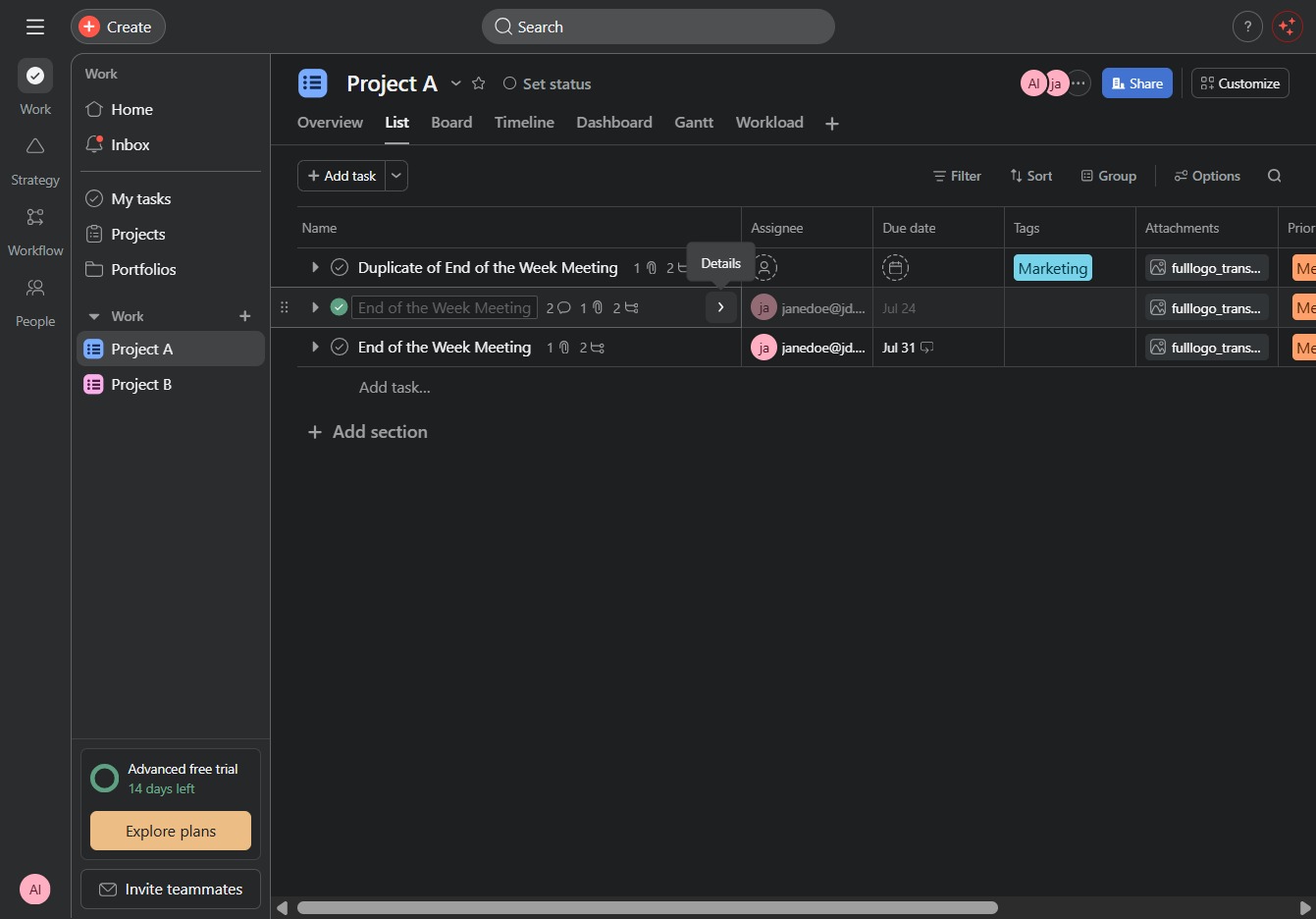
Clicking this section will reveal additional details about the 'End of the Week Meeting', including assignee information, dependencies, and subtasks.
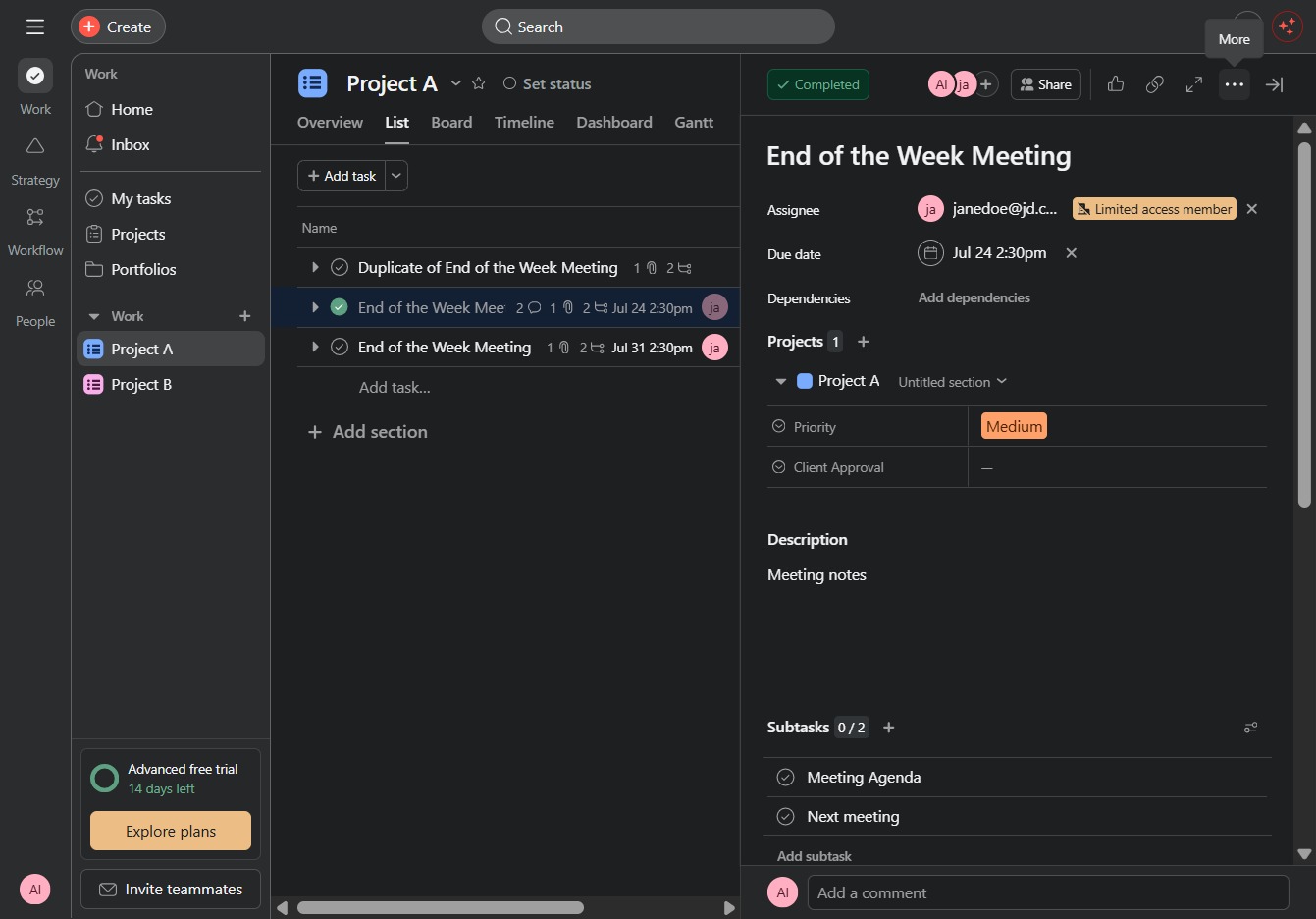
This action allows you to convert the selected task into a different format or element within the project management tool, facilitating better organization and tracking.
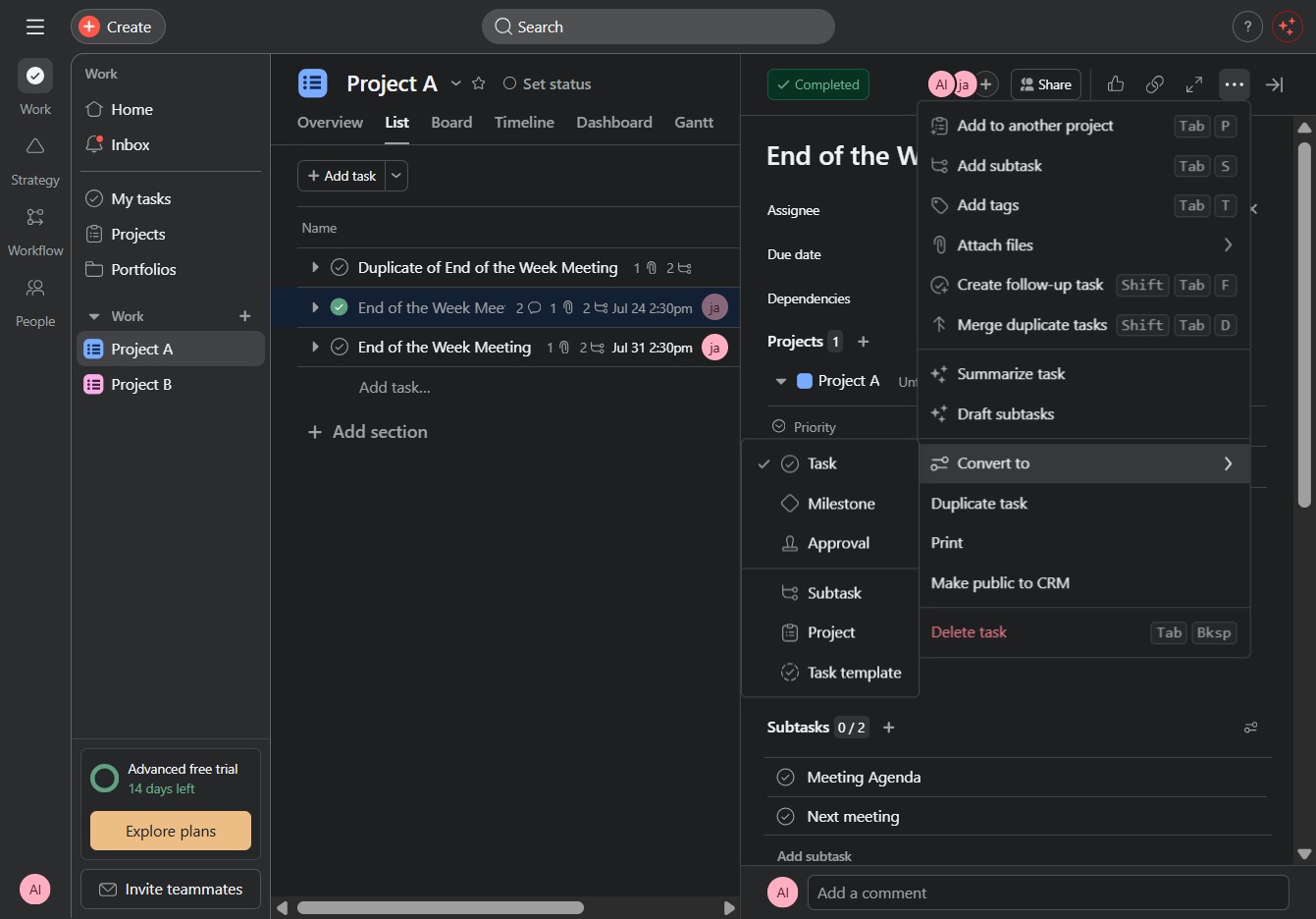
Selecting the 'Task template' allows you to apply a predefined set of tasks to streamline your project management. This can help save time by reusing common tasks for similar projects.