Click the Projects link
This will navigate you to the Projects section, where you can view, manage, and create new projects related to your tasks and collaborations.

Loading screenshot…
100%
In this how-to guide, you'll learn to create and manage task dependencies within a project workspace.
 viktoria
In this how-to guide, you'll learn to create and manage task dependencies within a project workspace. Follow the steps to navigate through your project, input new tasks, and link them to ensure an efficient workflow.
This will navigate you to the Projects section, where you can view, manage, and create new projects related to your tasks and collaborations.
Selecting 'Project A' will display detailed information and options related to this specific project, including member lists and available templates.

This action allows you to input details for a new task within the 'Project A' workspace. You'll be able to set the task name, assign due dates, and manage other related settings.

Clicking here allows you to create a new task within the 'End of the Week Meeting' section, enabling you to organize related tasks efficiently.

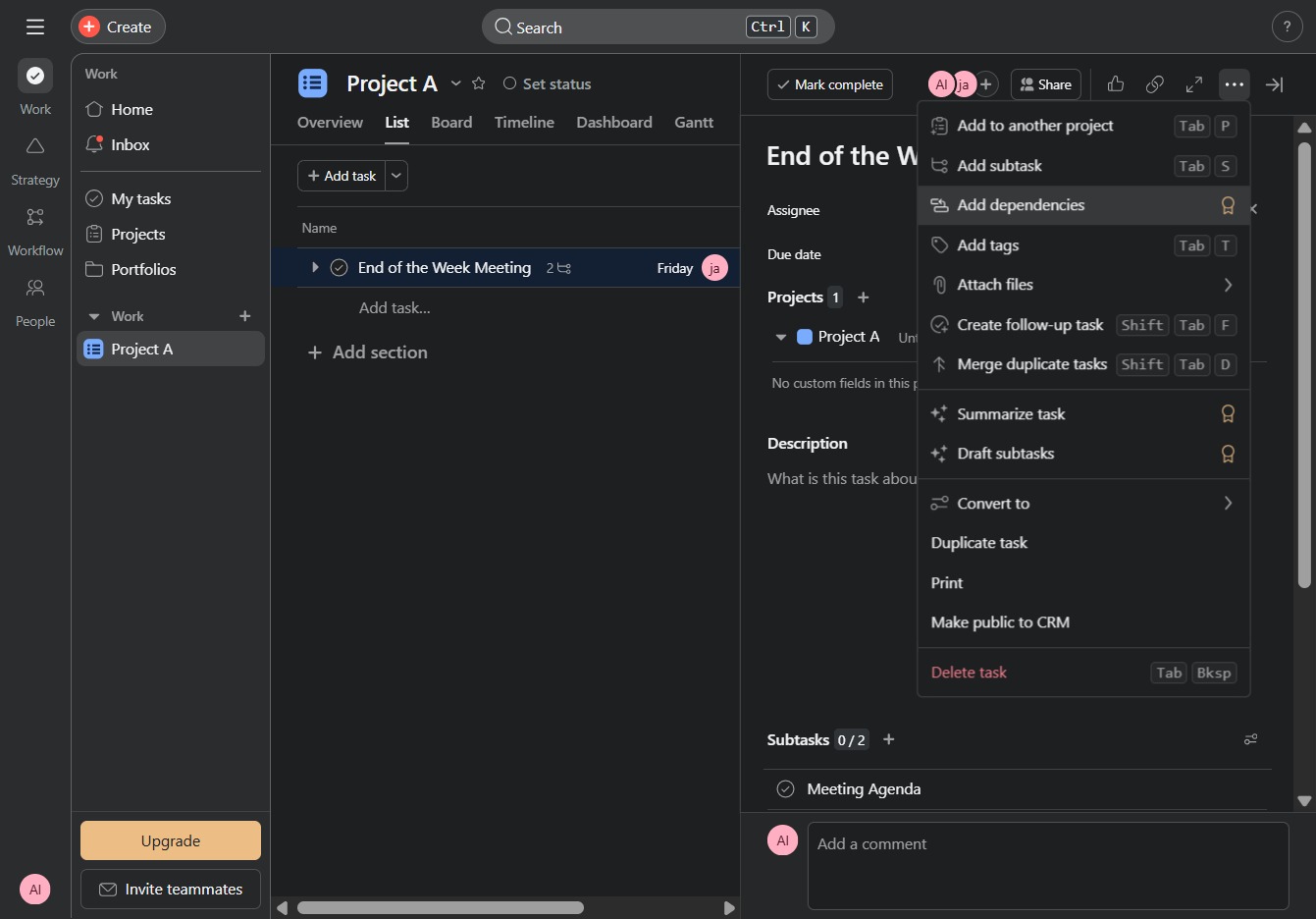
Clicking 'Add dependencies' allows you to link this task with other related tasks, establishing a relationship between them to manage workflow more effectively.