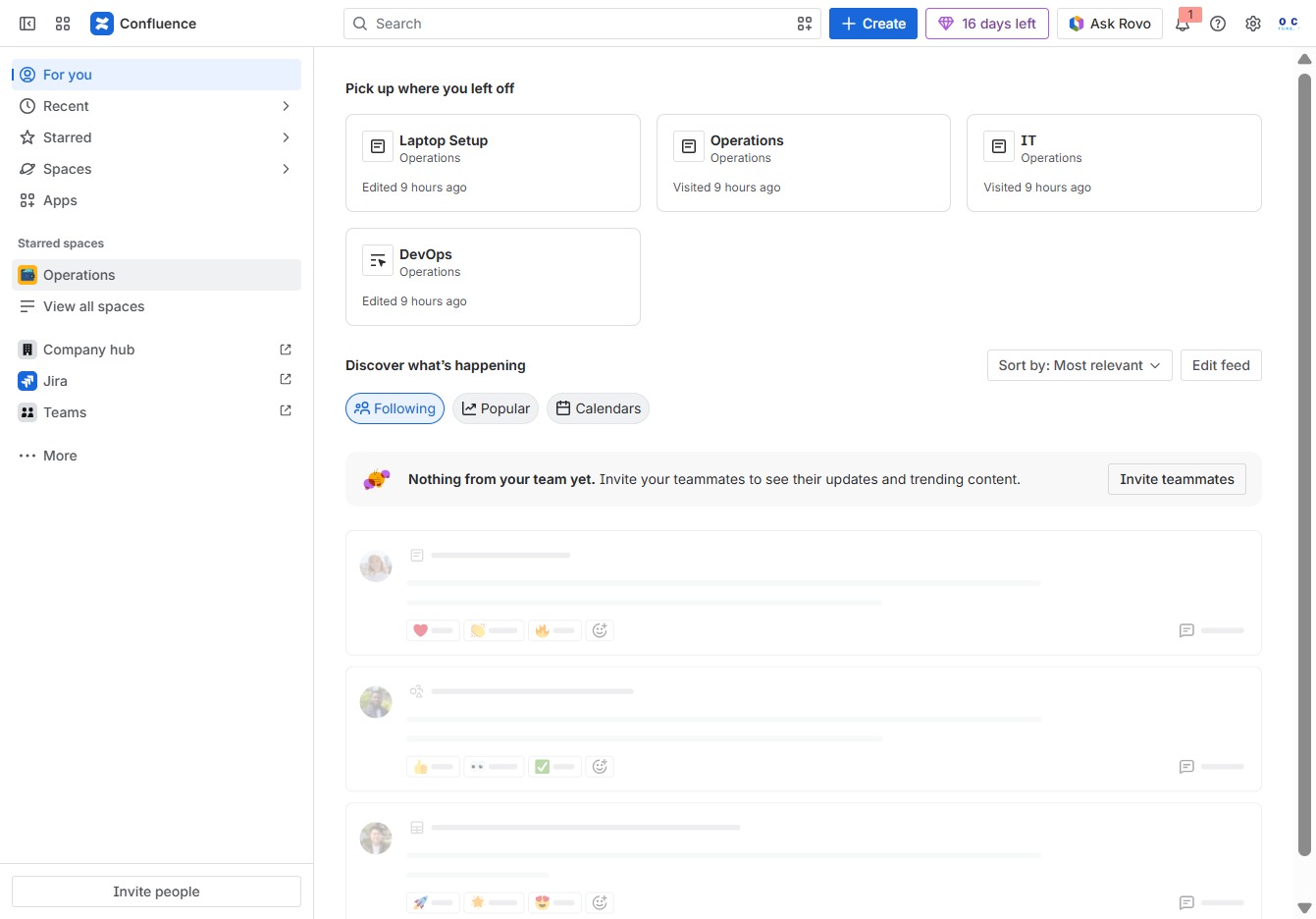
Click the Operations section
This action will open the Operations area, displaying relevant documents and content for you to review or edit.
Loading screenshot…
100%
This how-to guide walks you through the process of creating tables in Confluence, from accessing the Operations area to adding and saving your newly structured data.
 viktoria
This how-to guide walks you through the process of creating tables in Confluence, from accessing the Operations area to adding and saving your newly structured data. Follow the steps to effectively organize your documents and enhance your content management.
This action will open the Operations area, displaying relevant documents and content for you to review or edit.
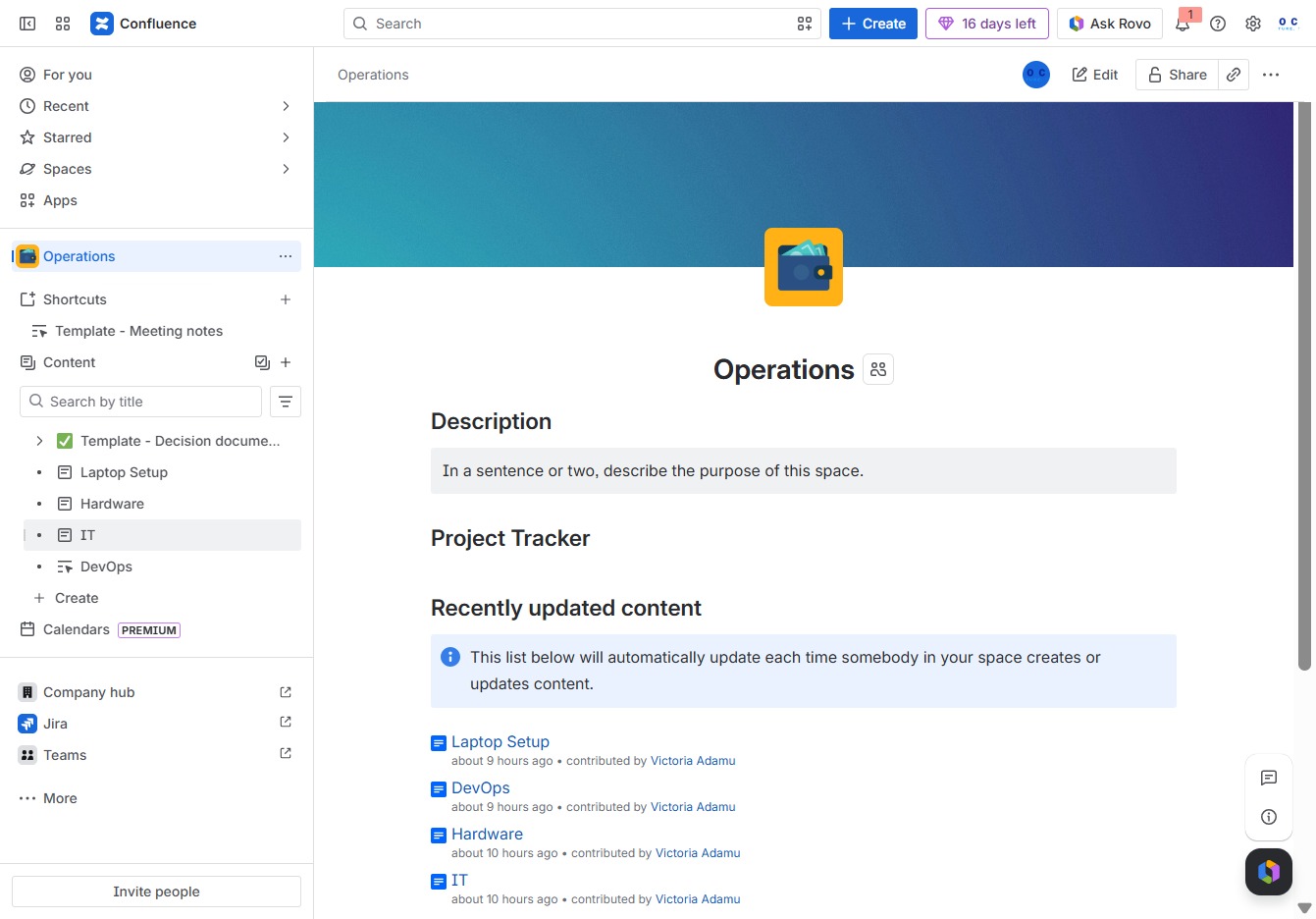
This action will open a menu allowing you to create additional content associated with the IT section, enabling you to organize and manage related documents effectively.
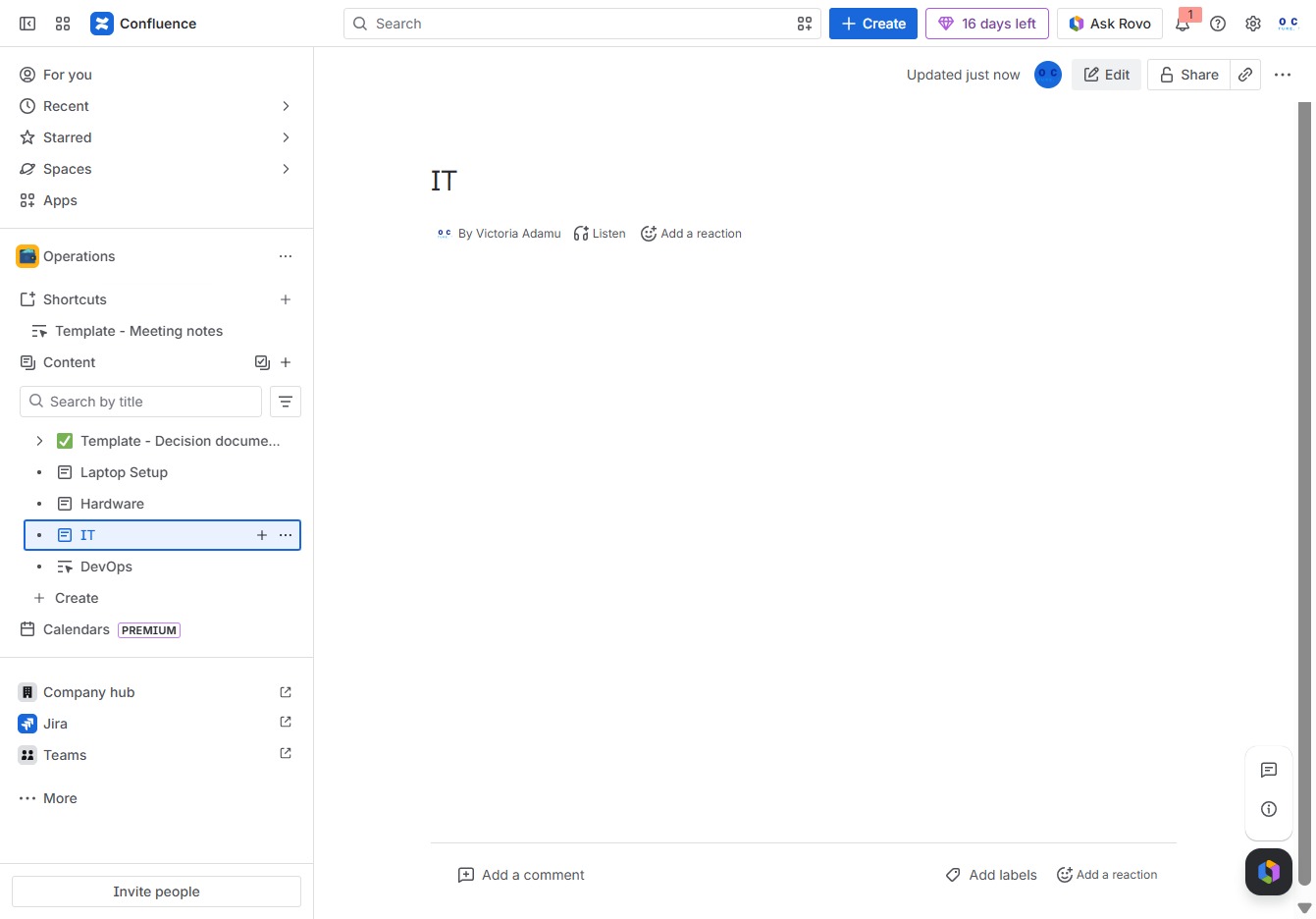
This action allows you to modify the content of the current page. After clicking, the editing interface will open, enabling you to make changes and updates.
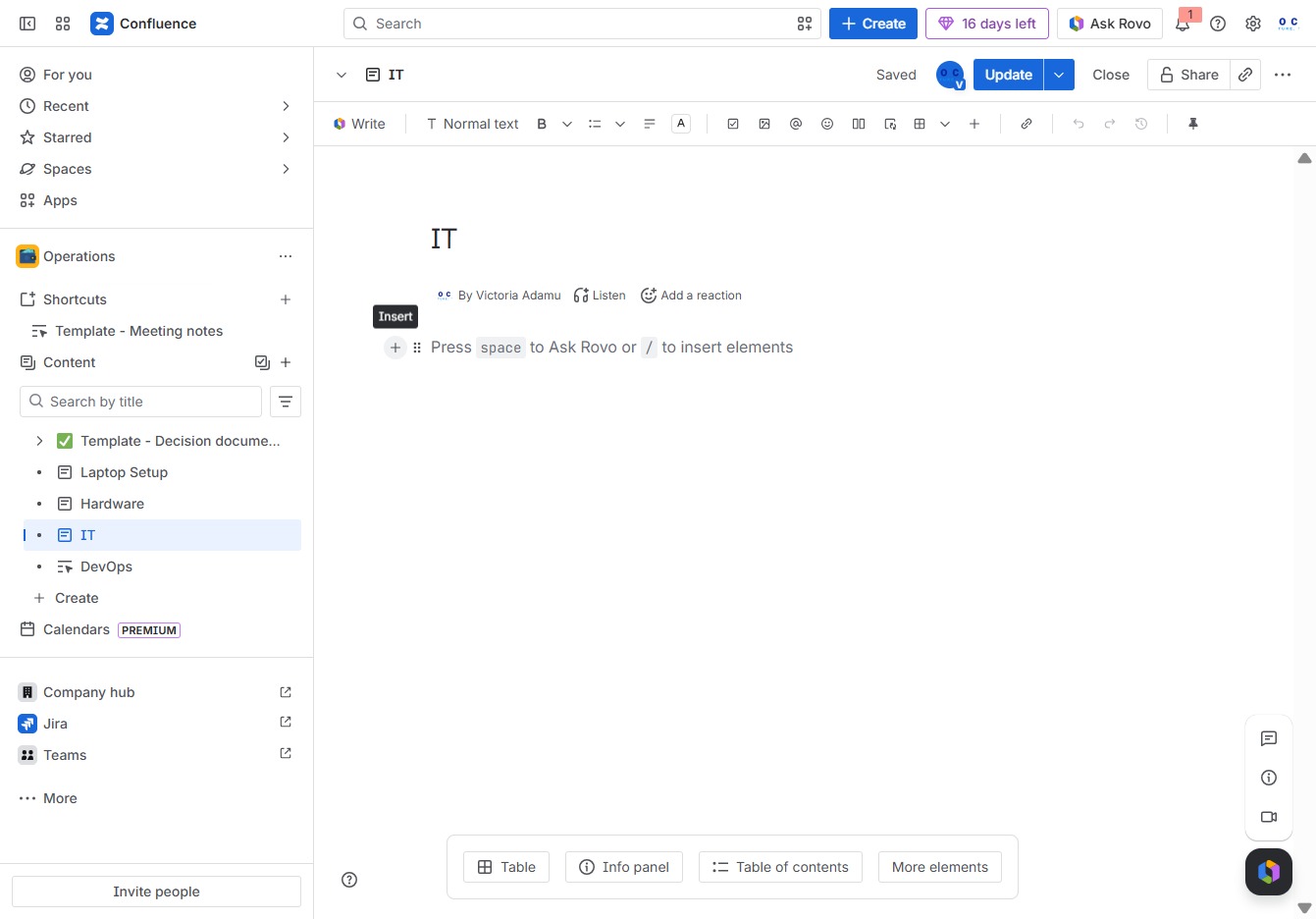
Clicking the 'Add' button will allow you to insert new elements or content into your document in Confluence.
This action will open a dialog to create and insert a table into your document, allowing for structured data organization.
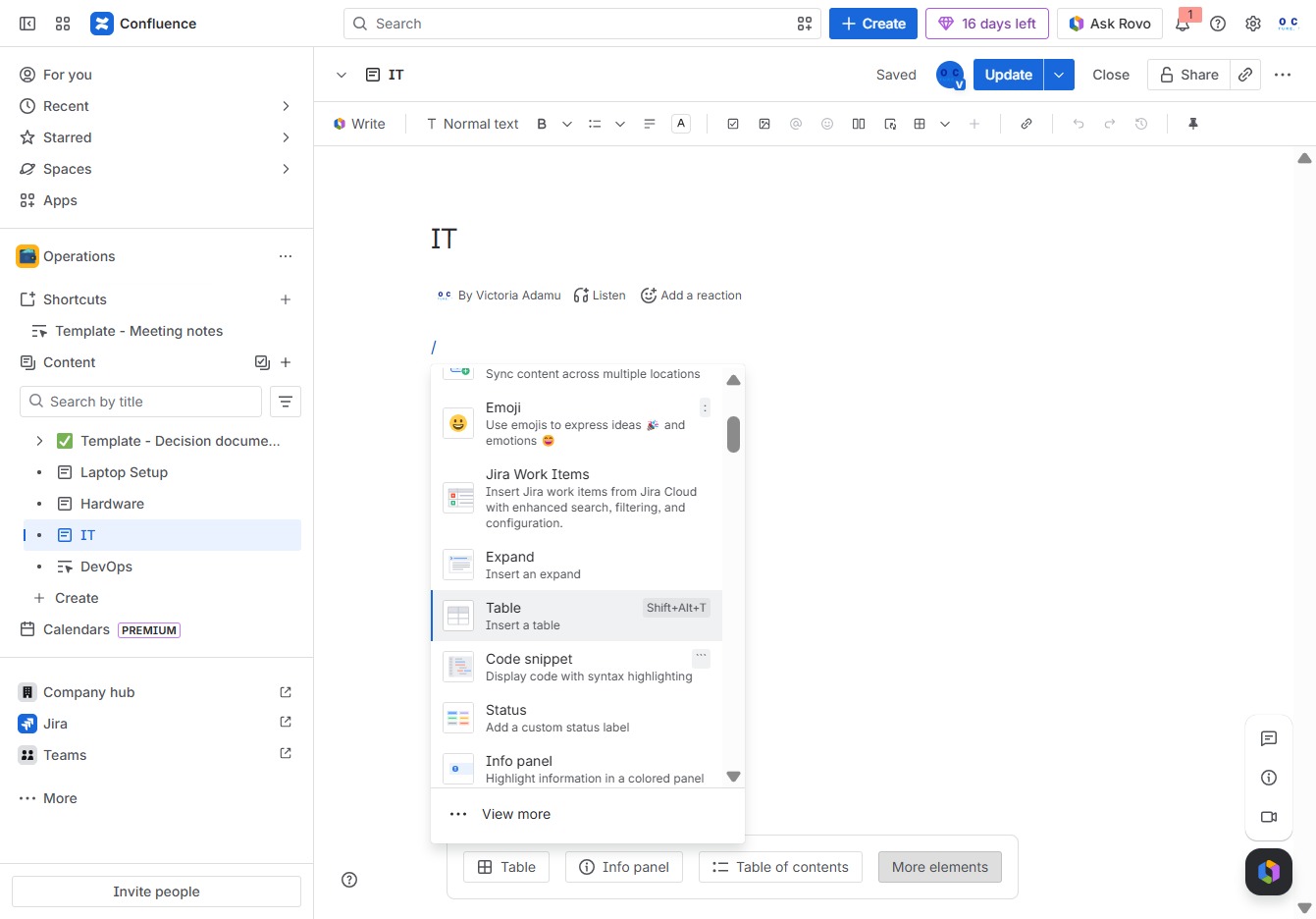
This action will insert a 4 by 2 grid into your document, allowing you to organize elements as needed.

This action saves your changes to the current page in Confluence, ensuring that any edits made are preserved and available for other users to view.
