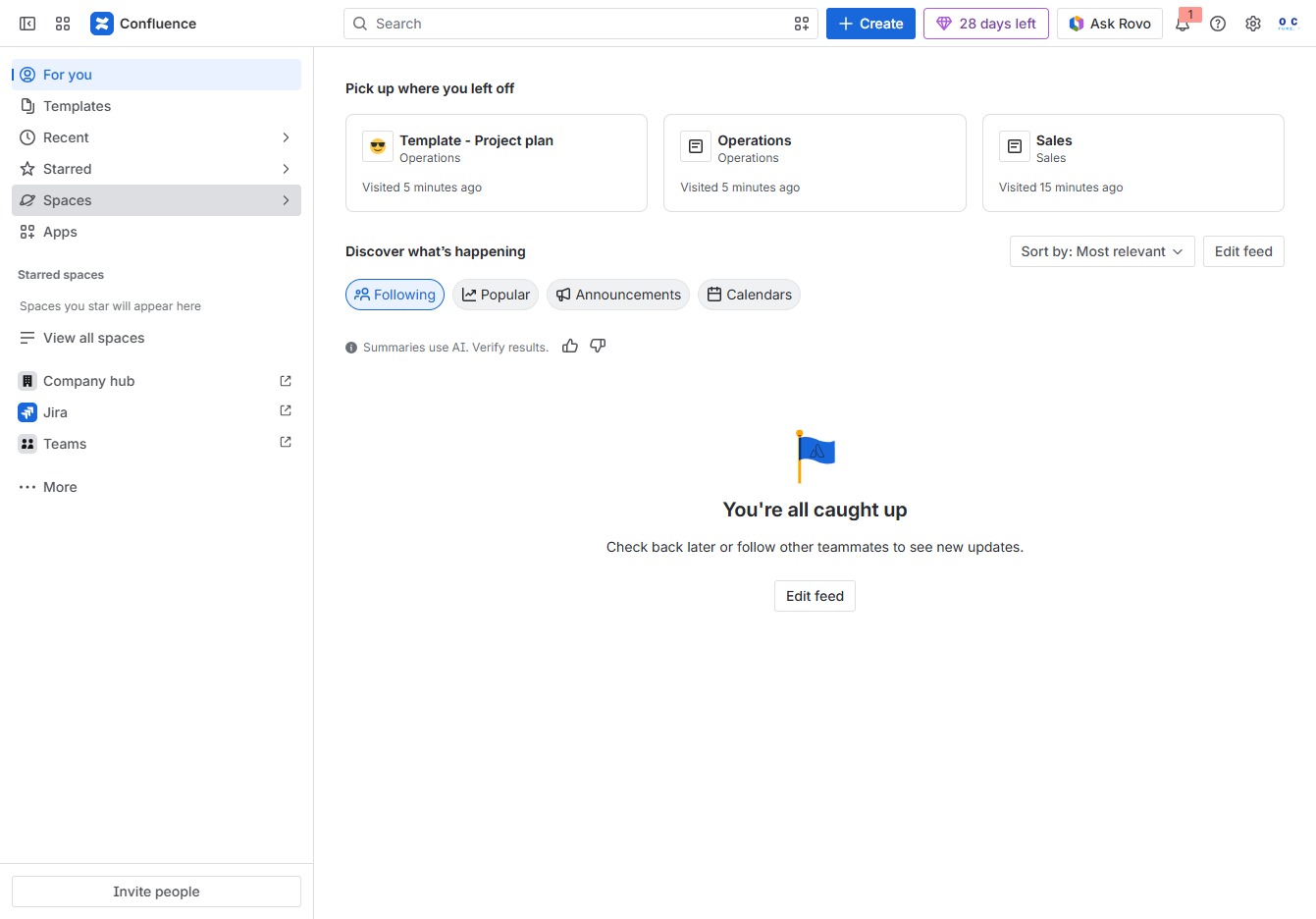
Click the Spaces section
This action opens the Spaces overview, where you can manage and access different collaborative areas within your Confluence workspace.
Loading screenshot…
100%
Learn how to create space shortcuts in Confluence for easy access to your most important collaborative areas.
 viktoria
Learn how to create space shortcuts in Confluence for easy access to your most important collaborative areas. Follow these simple steps to navigate, manage your content, and customize your shortcuts for more efficient teamwork.
This action opens the Spaces overview, where you can manage and access different collaborative areas within your Confluence workspace.
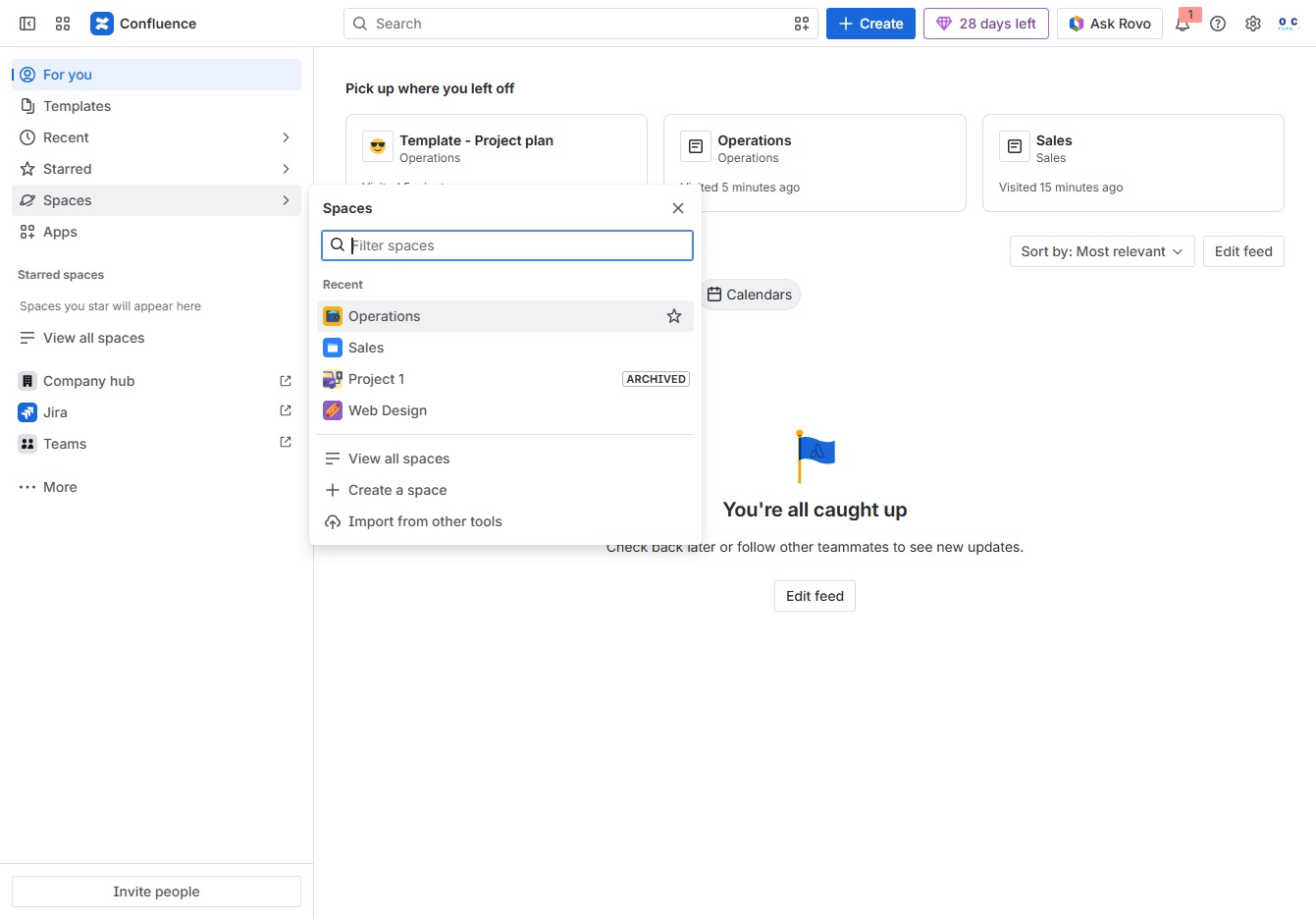
Selecting the Operations section will display relevant pages and content associated with that area of your Confluence space, allowing you to manage tasks and collaborate effectively.
This will display additional options related to the Meeting notes template, allowing you to manage or customize it further.

This action saves the current space or page to your shortcuts for quicker access later. You can find your saved shortcuts in the designated shortcuts menu.
