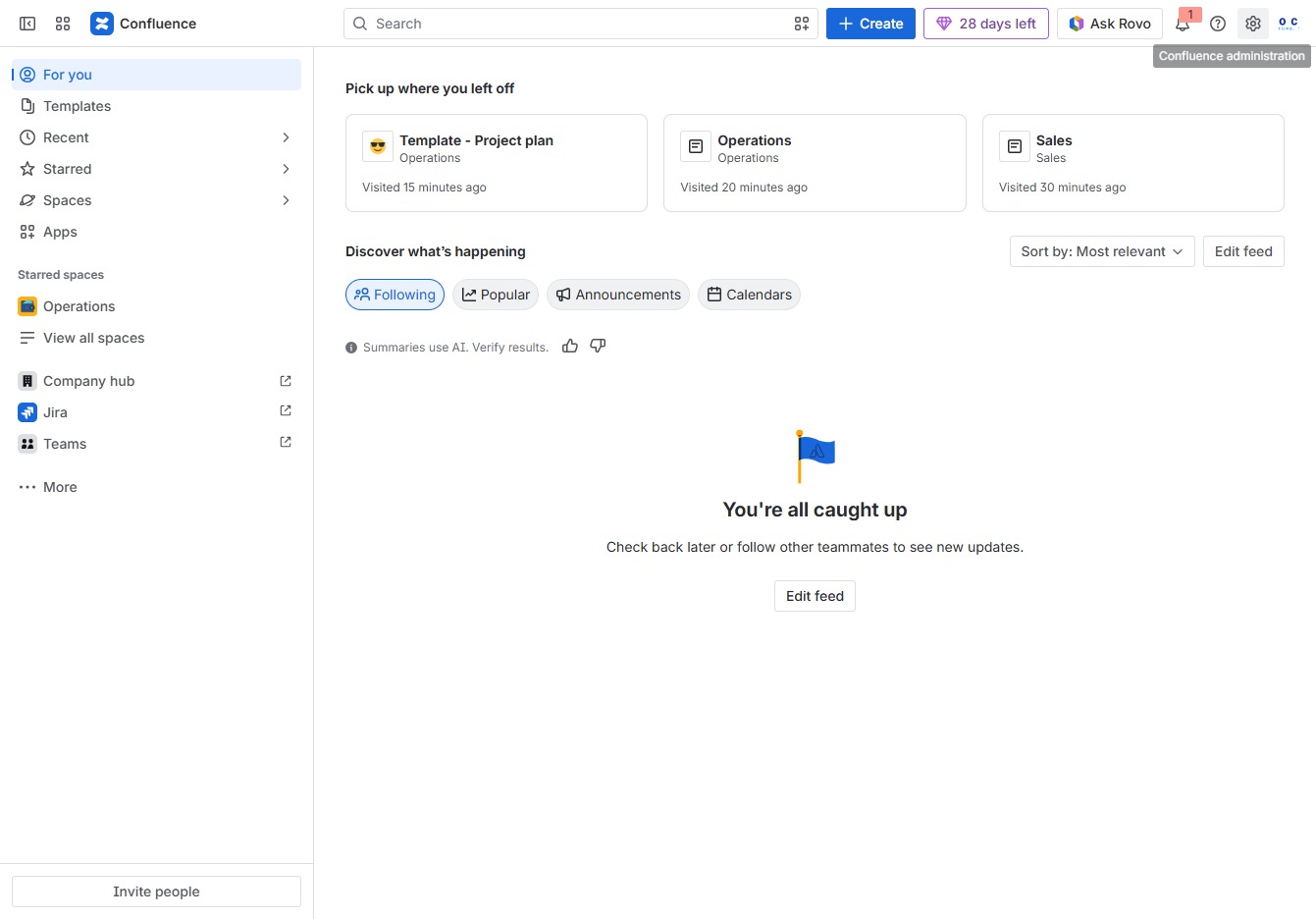
Click the Confluence administration button
This action will open the Confluence administration panel, where you can configure global settings, manage user permissions, and adjust site functionalities.
Loading screenshot…
100%
In this how-to guide, you'll learn how to create and organize space categories in Confluence, ensuring efficient navigation and content classification.
 viktoria
In this how-to guide, you'll learn how to create and organize space categories in Confluence, ensuring efficient navigation and content classification. The steps cover everything from accessing the administration panel to managing specific space settings and adding new categories for better content organization.
This action will open the Confluence administration panel, where you can configure global settings, manage user permissions, and adjust site functionalities.
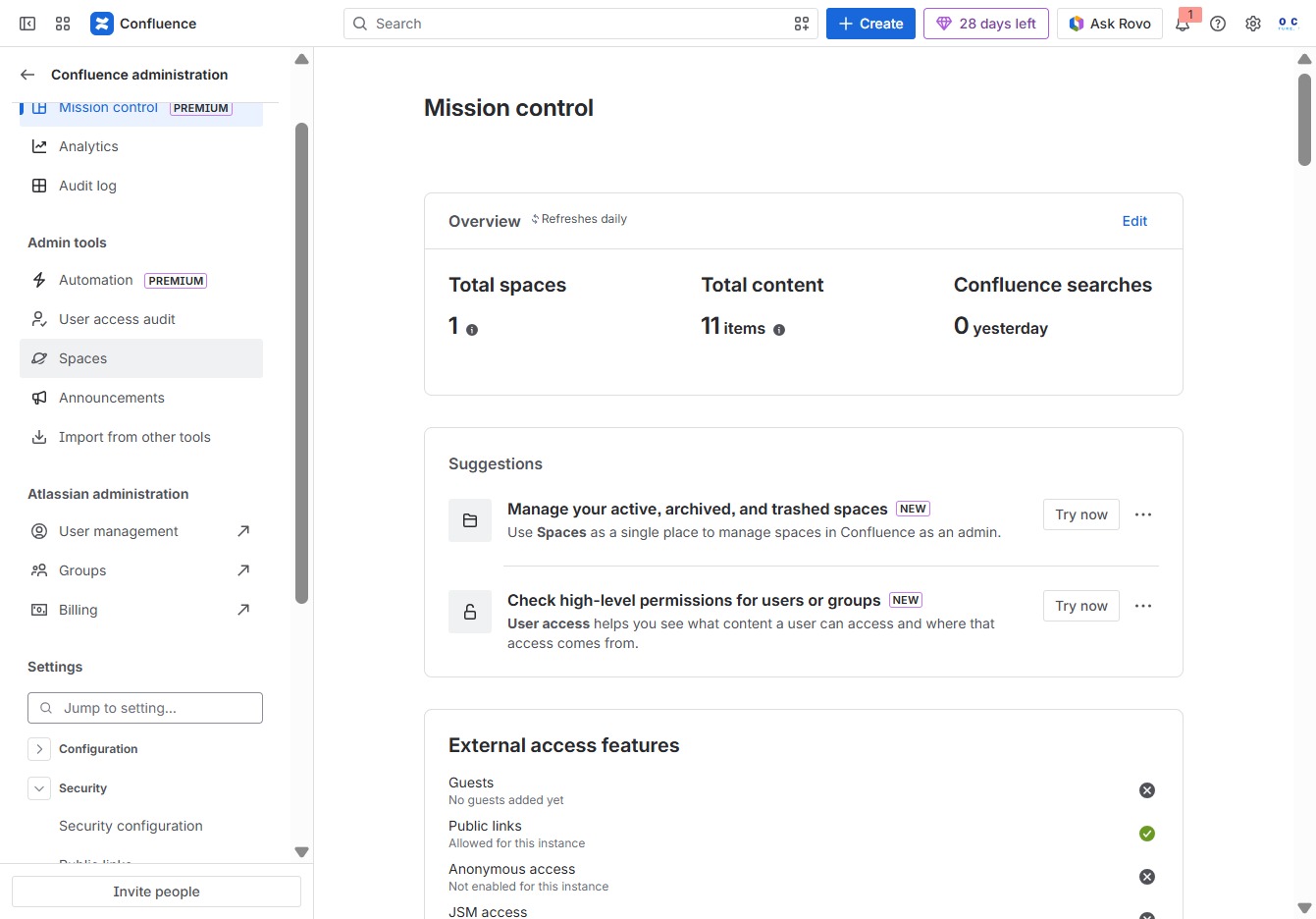
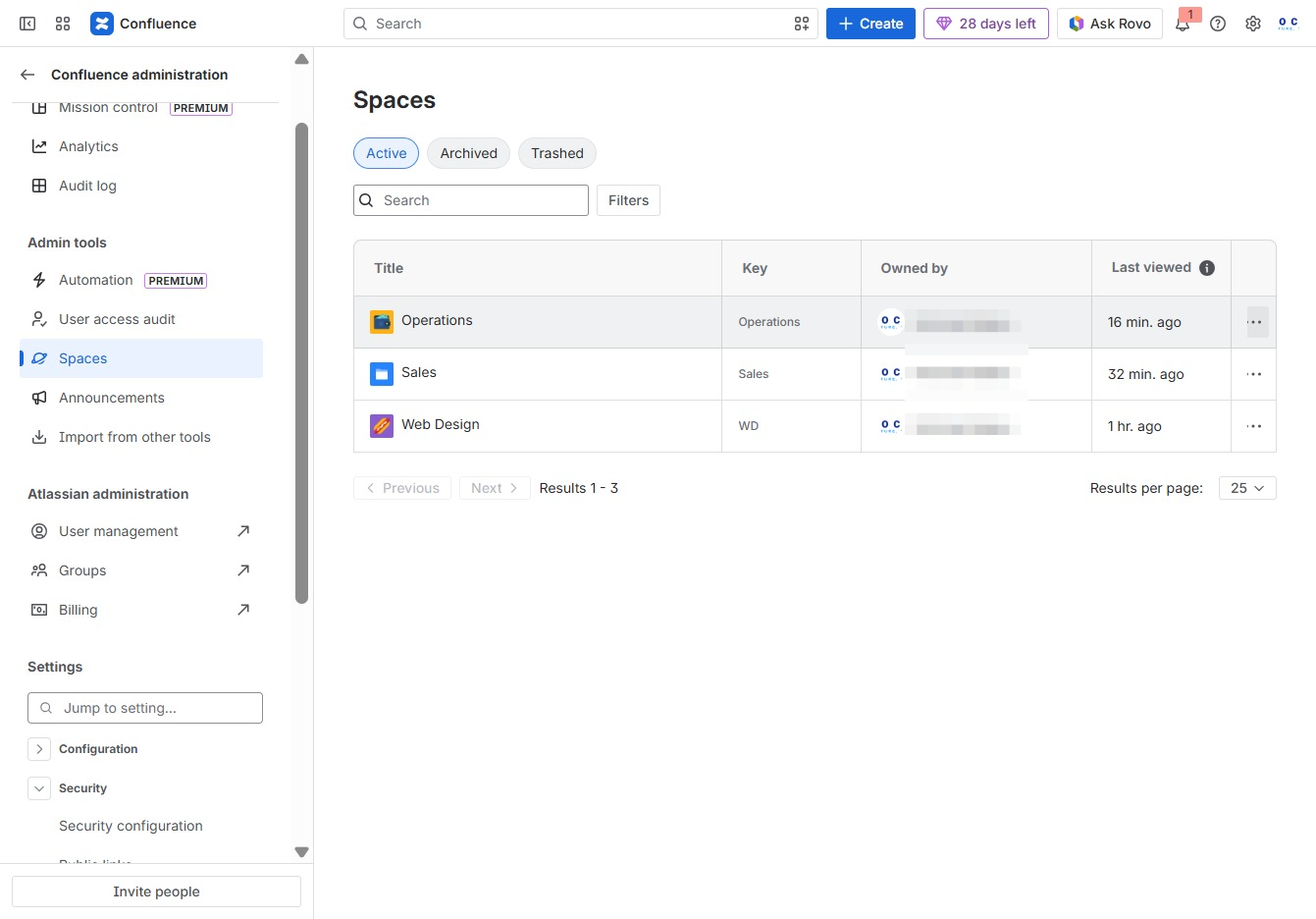
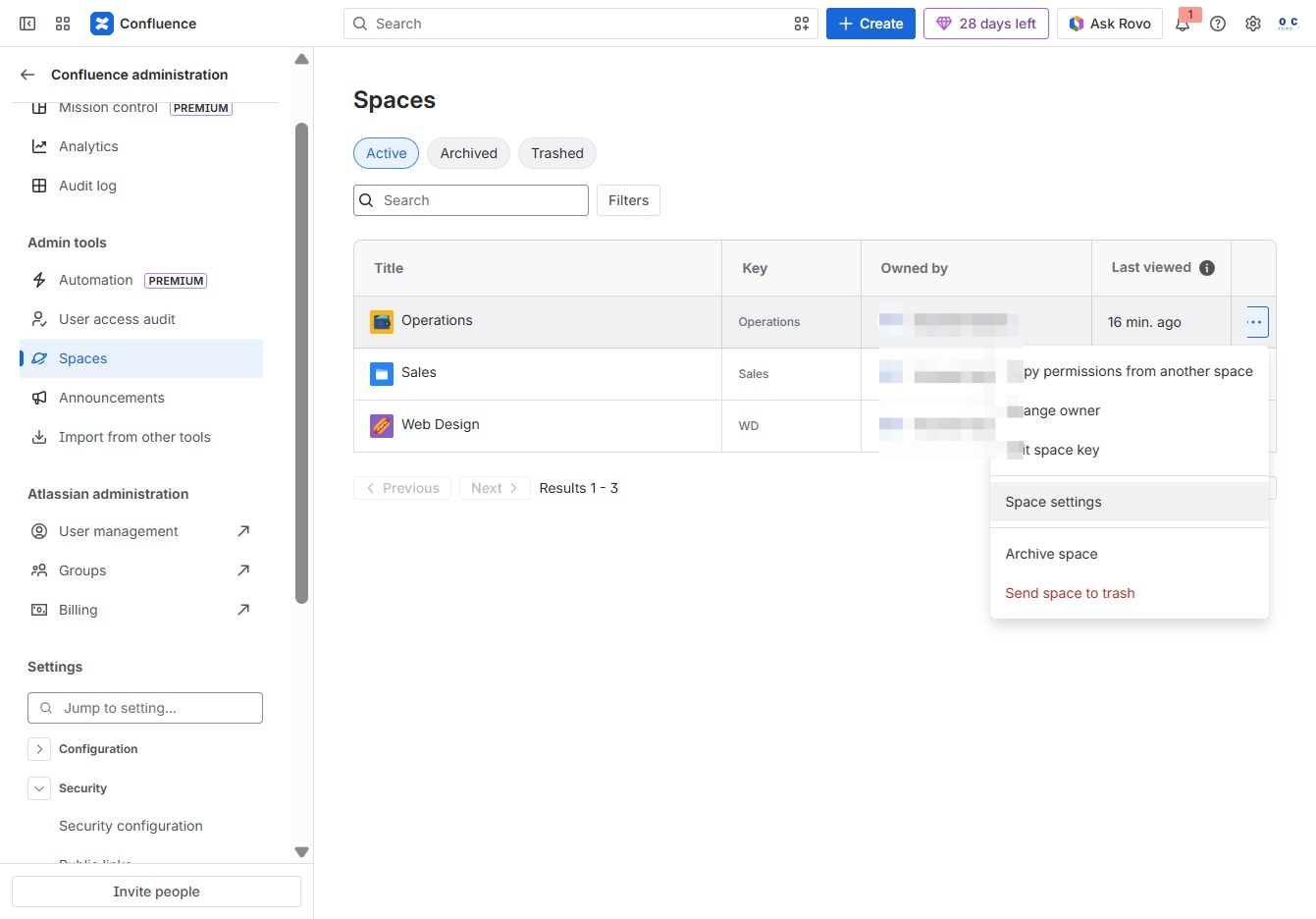
This action navigates you to the Spaces management section, where you can view and organize your active, archived, and trashed spaces in Confluence.
This action opens a contextual menu with shortcuts for quick management tasks related to the selected spaces in your Confluence environment.
Selecting 'Space settings' opens the configuration options for the chosen space, allowing you to manage its permissions, details, and features.
This will take you to the Space Details section where you can manage specific settings and information related to your space.
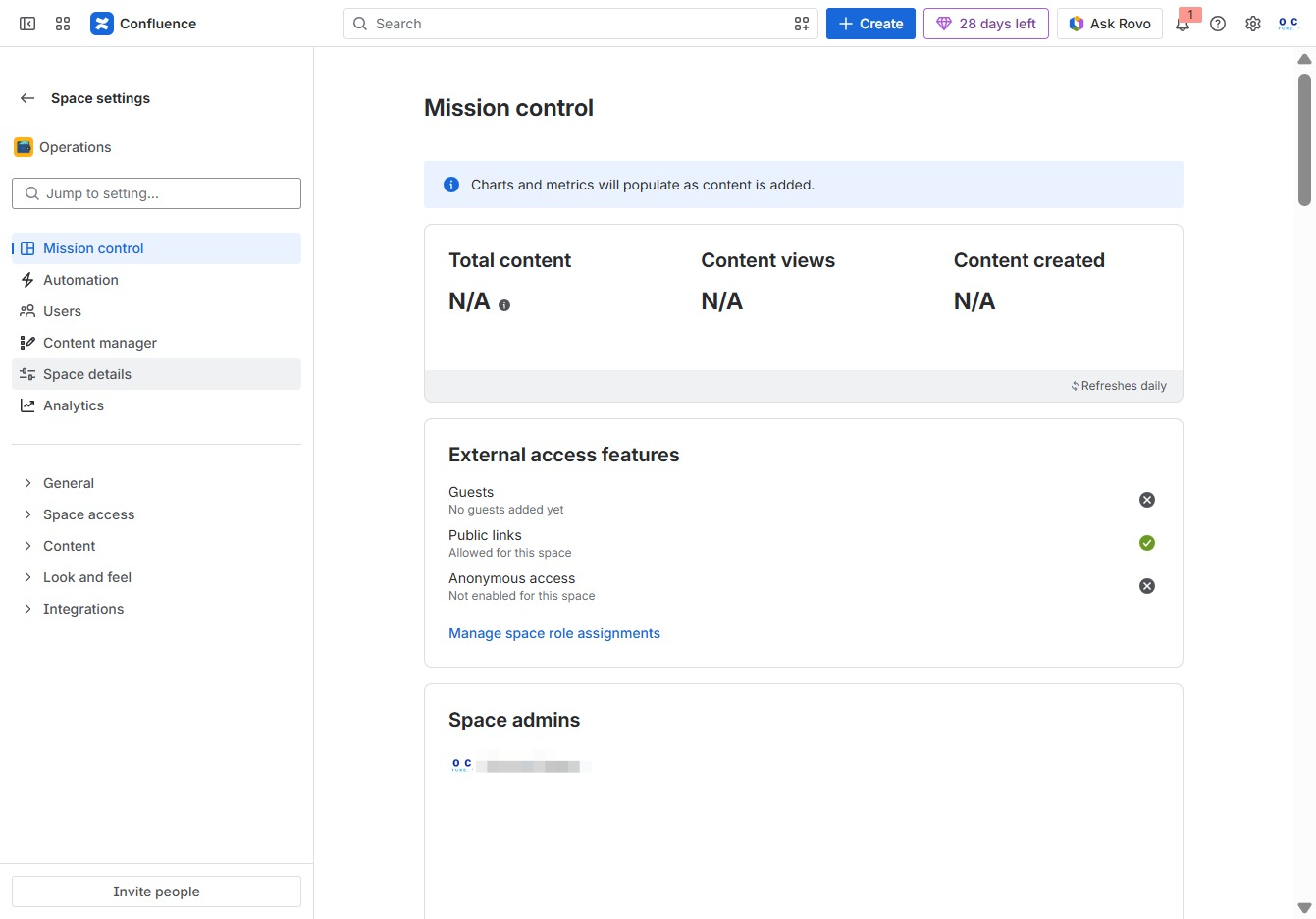
This action expands additional options and settings related to the space details, allowing you to configure further aspects of the 'Operations' space.

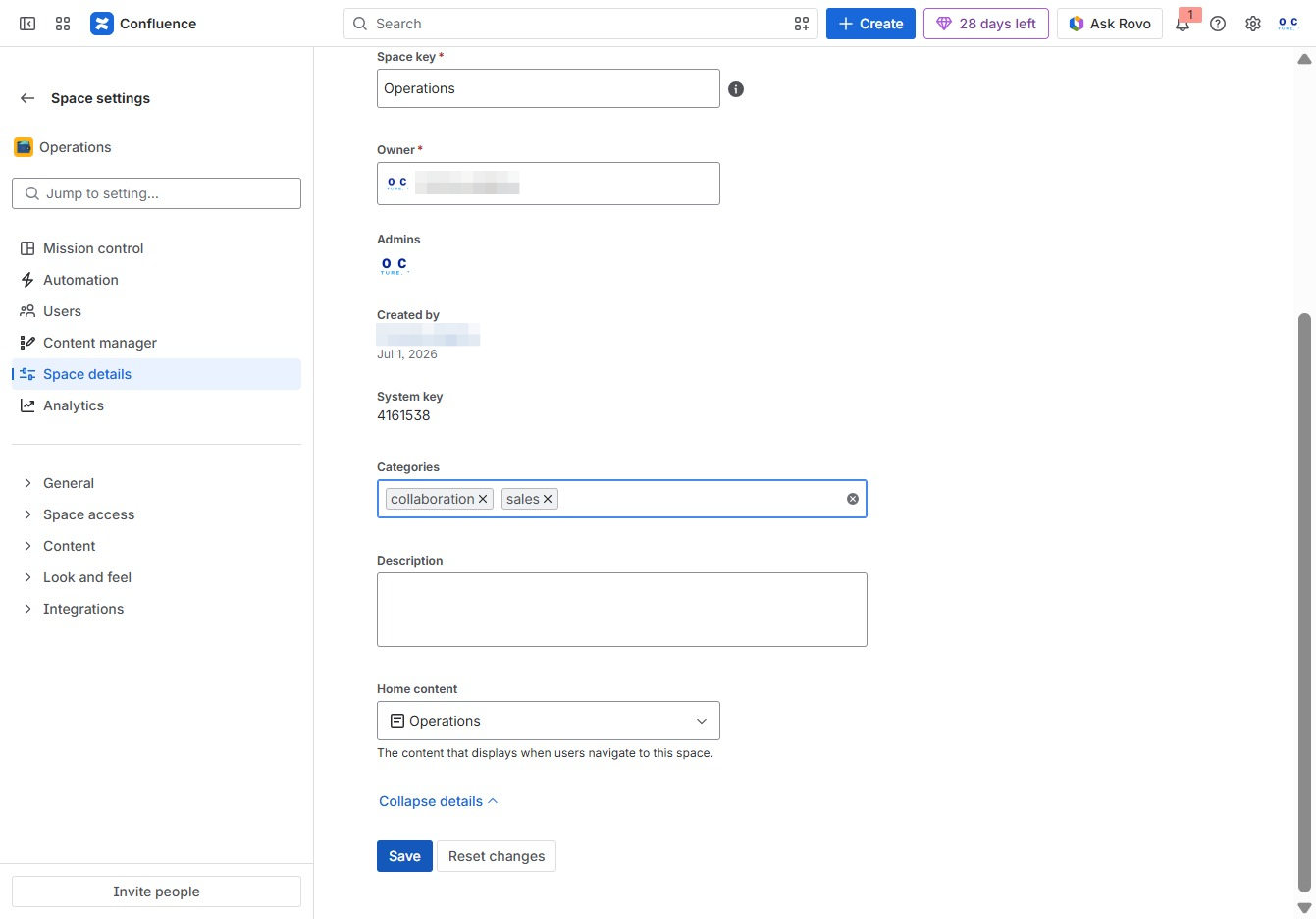
This action allows you to add a new category to the existing list. Ensure you provide a relevant name for the category to organize your space efficiently.

Enter the appropriate category for your space settings to help organize and classify the content. This will ensure that users can easily navigate to relevant spaces.

This action selects the 'Sales' category from the available options, allowing you to filter or manage items related to sales within the Operations space.
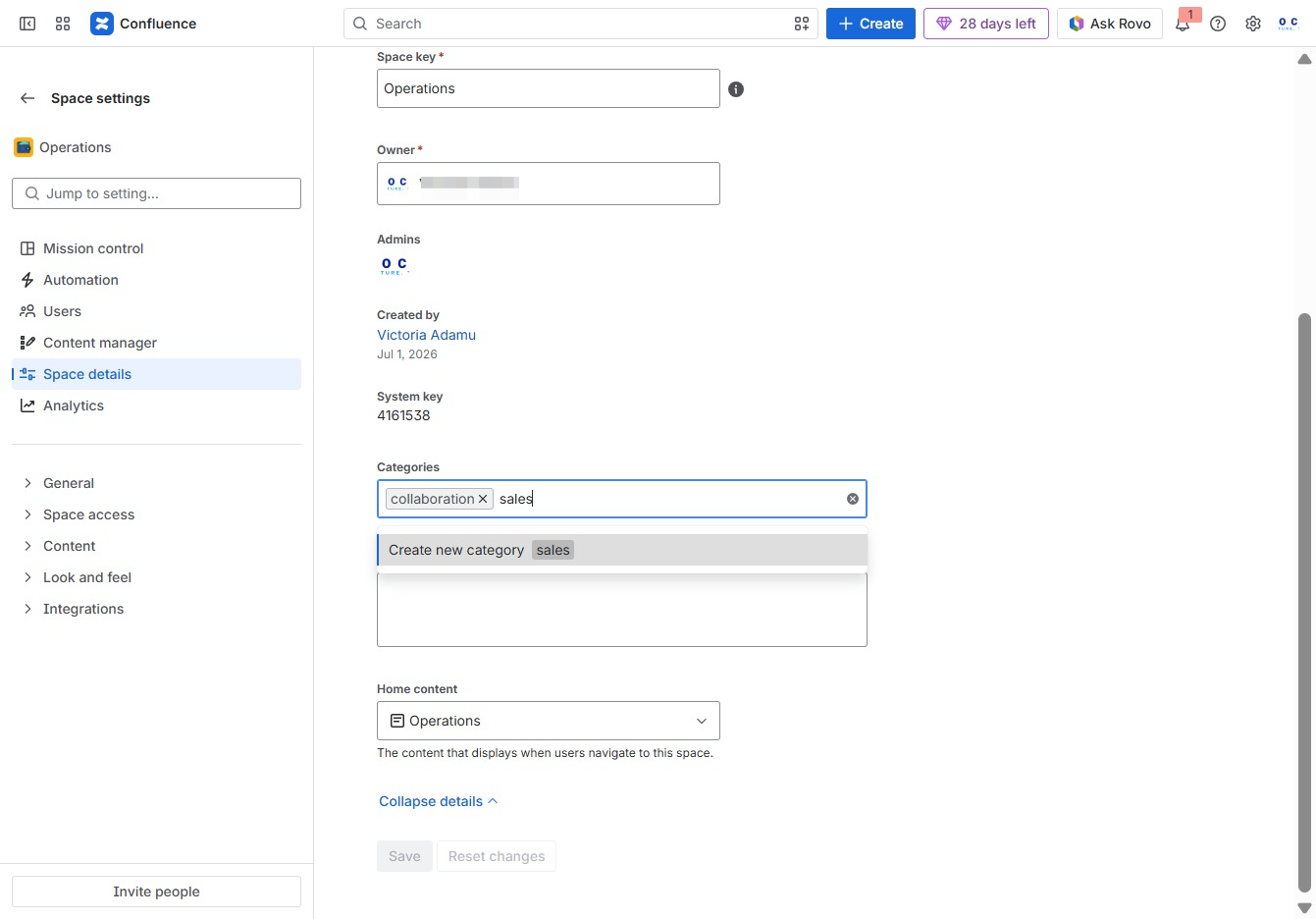
Clicking the Save button will store the changes made to the space settings, including any updates to categories and descriptions.