In this guide, you'll learn how to create requirement documents in Confluence.
viktoria
·10 steps·37 views·Published
In this guide, you'll learn how to create requirement documents in Confluence. We’ll walk you through accessing templates, filtering for relevant options, and finalizing your document to ensure it's ready for collaboration with your team.
Step-by-step Guide10 steps
1
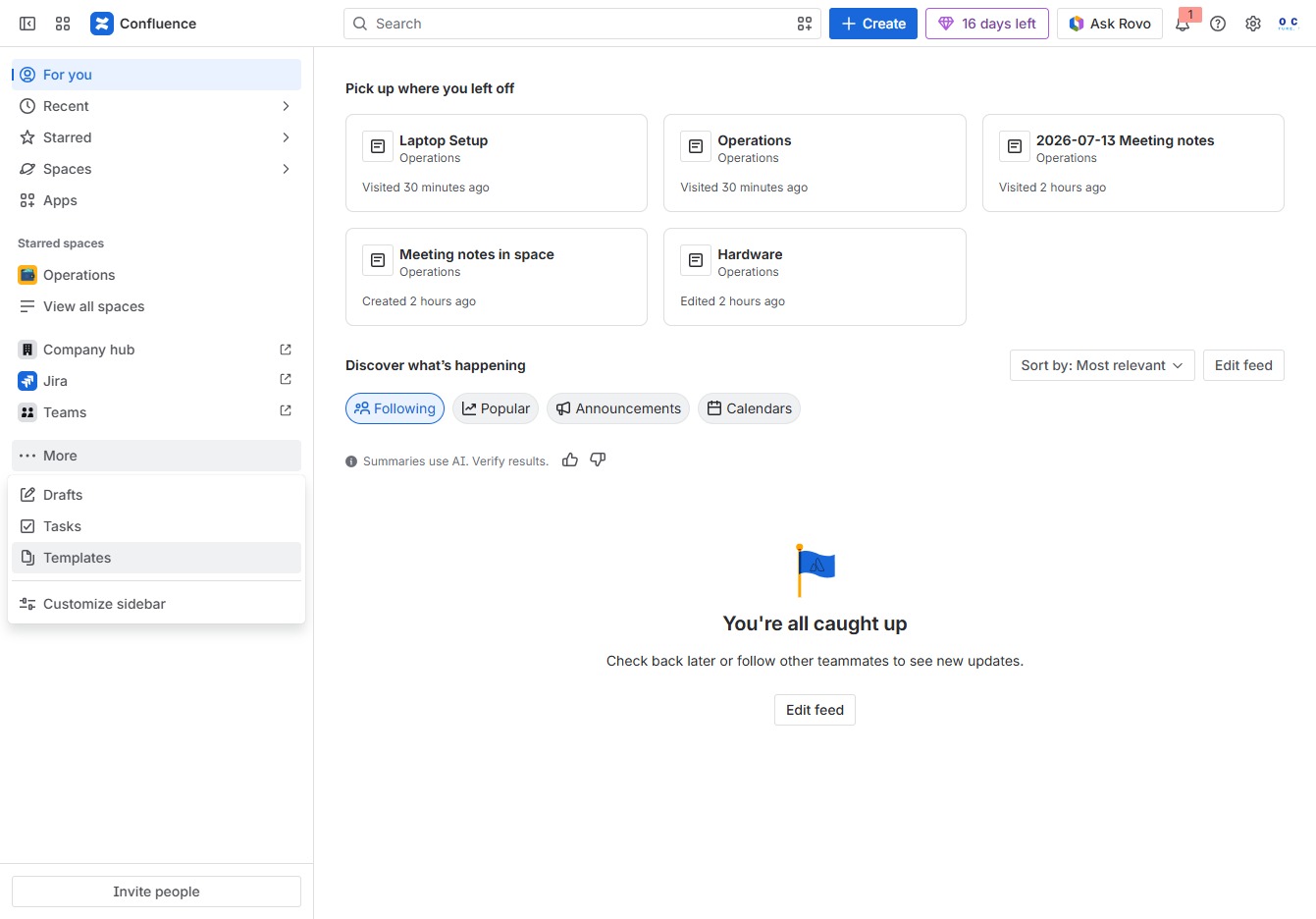
Click the More button
Clicking the 'More' button will expand additional options or features related to your current context in Confluence. This allows you to access further settings and tools that may not be immediately visible.
Loading screenshot…
100%
2
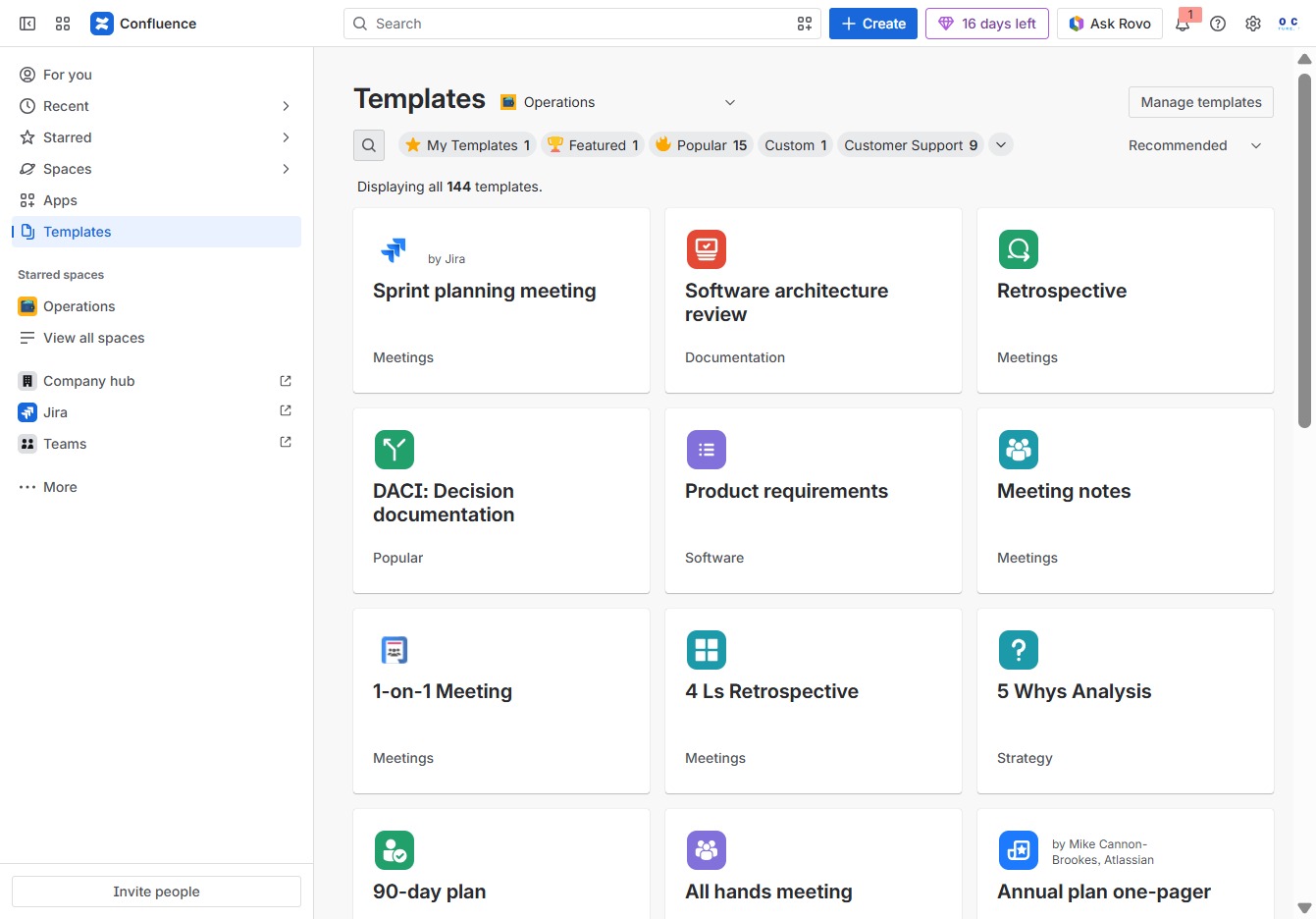
Click the Templates section
This will open the Templates area where you can create and manage various document templates for your projects.
Loading screenshot…
100%
3
Click the Open search bar
This action will activate the search functionality, allowing you to enter keywords to find specific templates or information within the Confluence platform.
Loading screenshot…
100%
4
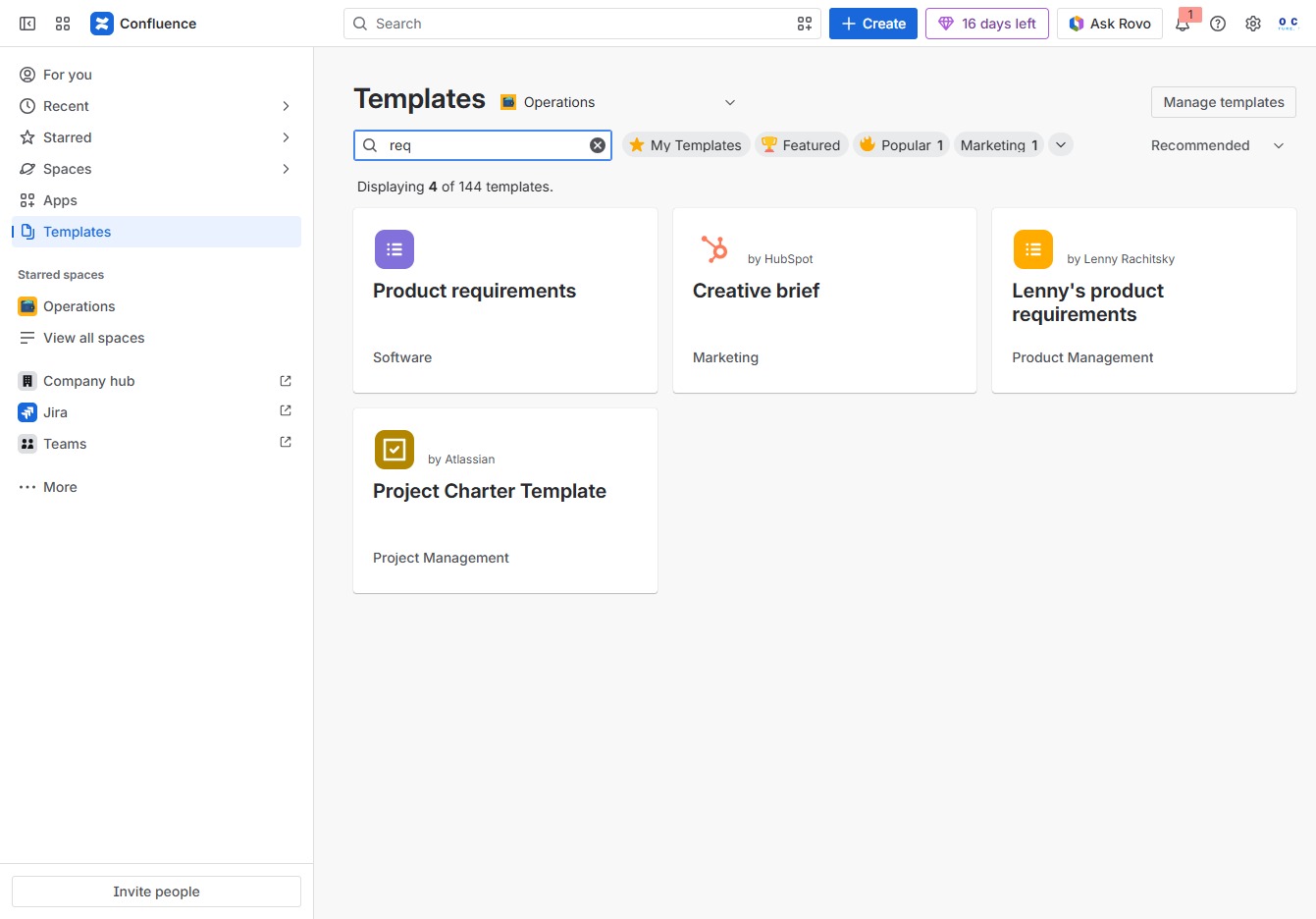
Type 'req' in the Search Field
Enter 'req' in the Search author, category, topic field to filter and display relevant templates related to product requirements.
Loading screenshot…
100%
5
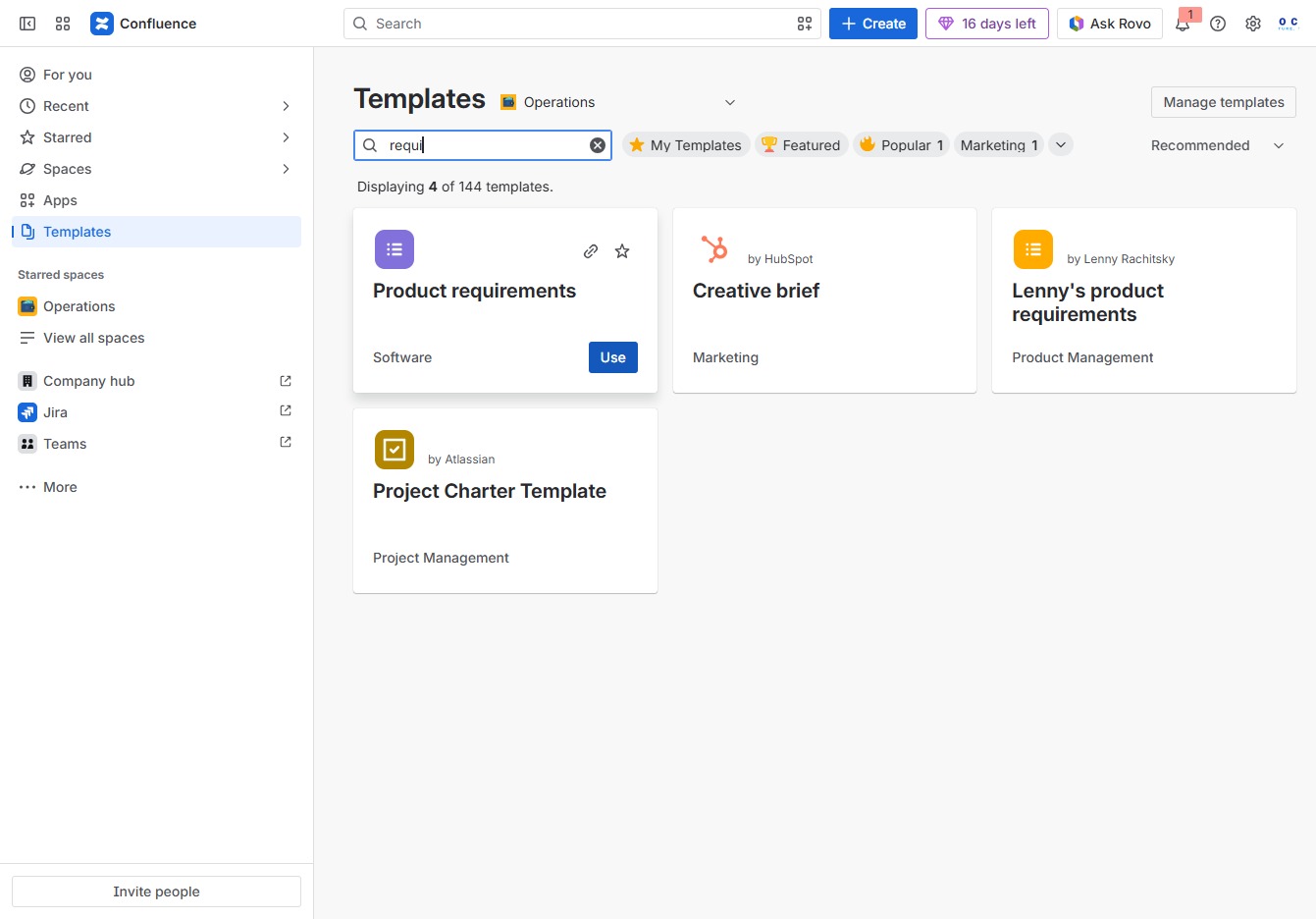
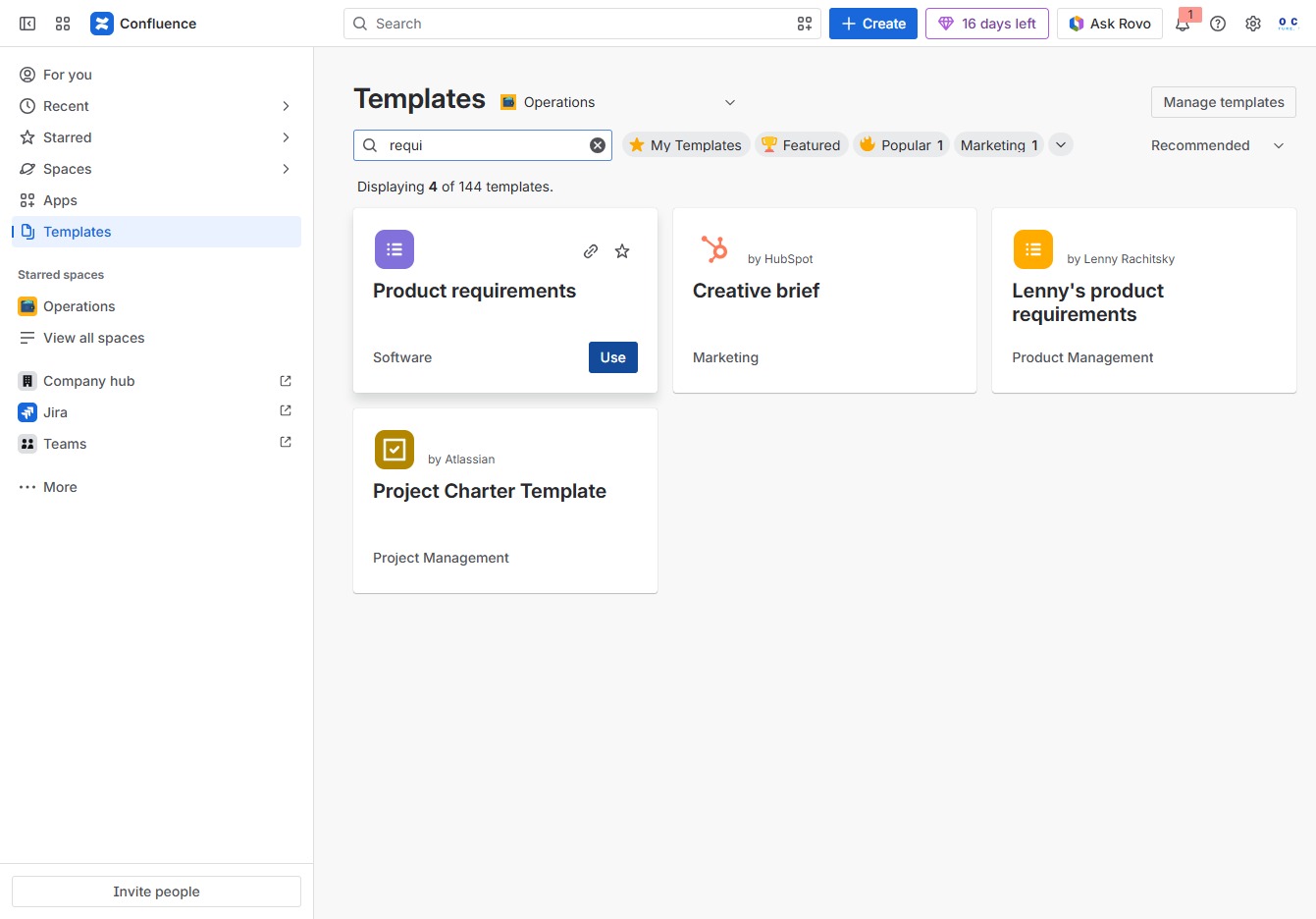
Type 'requi' in the Search field
Begin typing 'requi' in the Search author, category, topic field to filter template results. This will help you quickly locate templates related to product requirements and other relevant topics.
Loading screenshot…
100%
6
Click the Use button for Product requirements
By clicking the Use button, you will initiate the creation process for the Product requirements template, allowing you to customize and fill in the necessary details for your project.
Loading screenshot…
100%
7
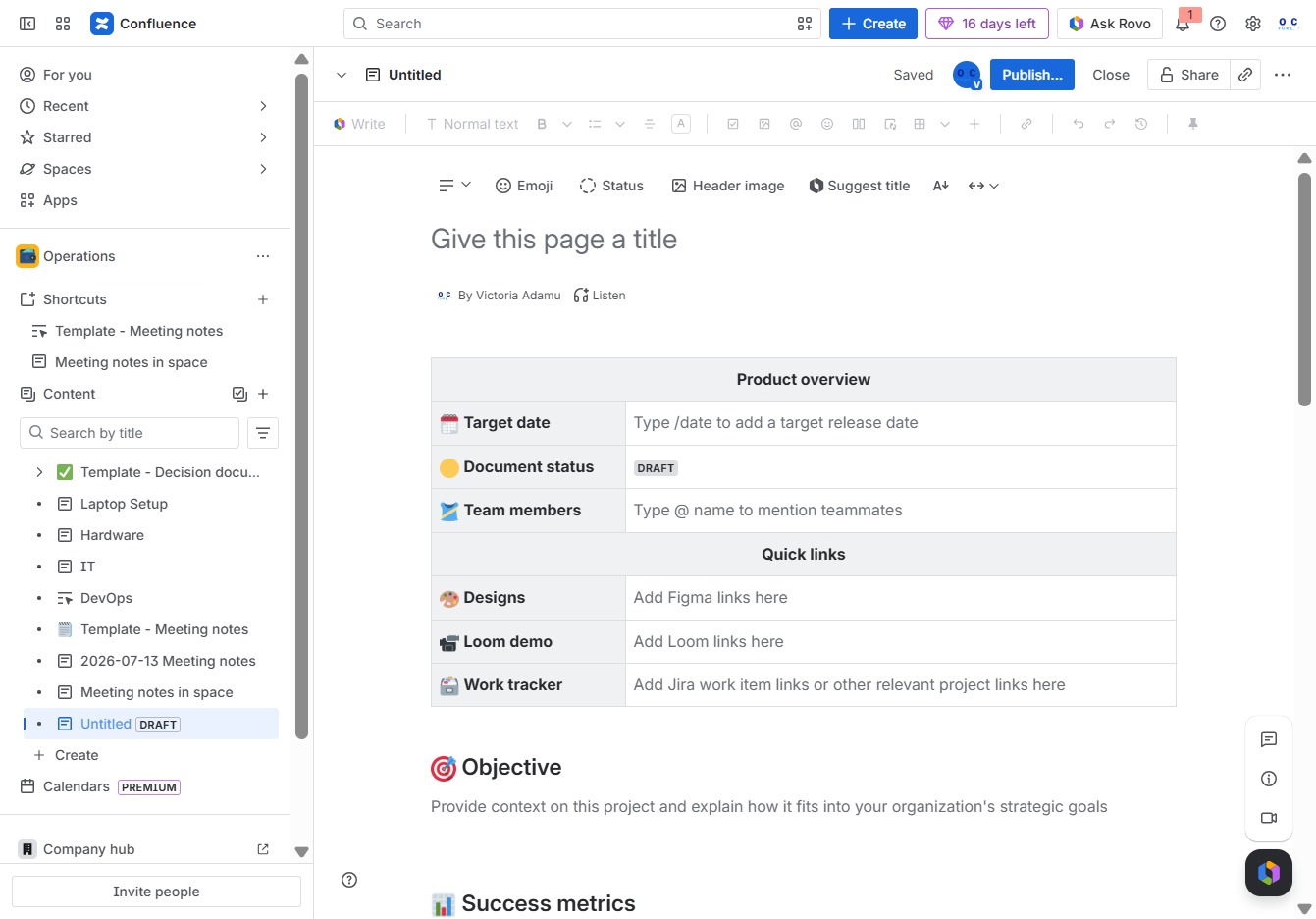
Click in the Title field
Enter a title for your page to identify its content effectively. This title will help your team find and understand the purpose of the page at a glance.
Loading screenshot…
100%
8
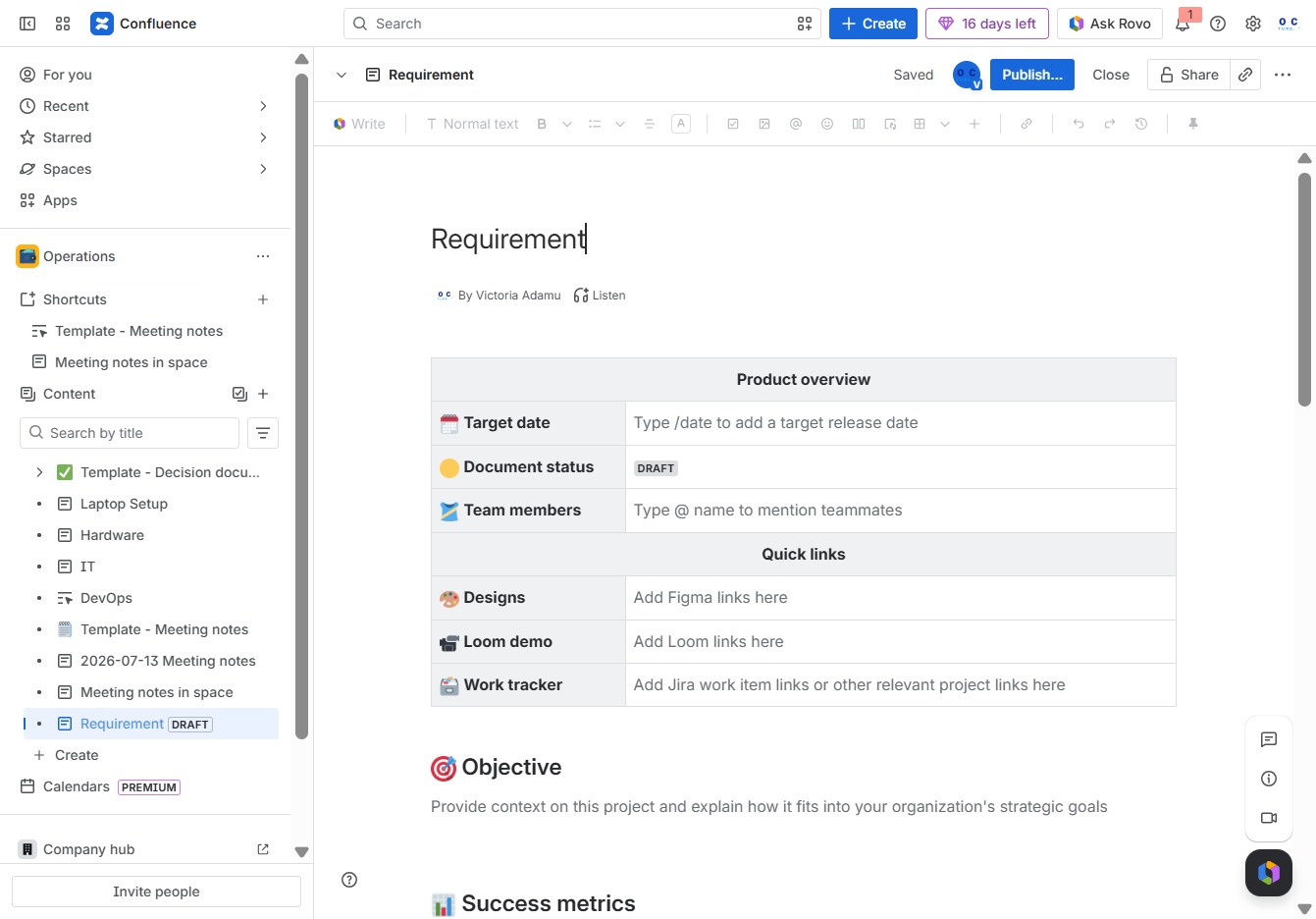
Type 'Requirement' in the title field
Enter 'Requirement' in the 'Give this page a title' field to define the title of the page you are creating in Confluence.
Loading screenshot…
100%
9
Click the Publish... button
Clicking this button will finalize your changes and make the requirement document visible to others in your organization.
Loading screenshot…
100%
10
Click the Publish button
Clicking the Publish button will make your current page visible to users, allowing them to view and edit its content based on the access permissions set.