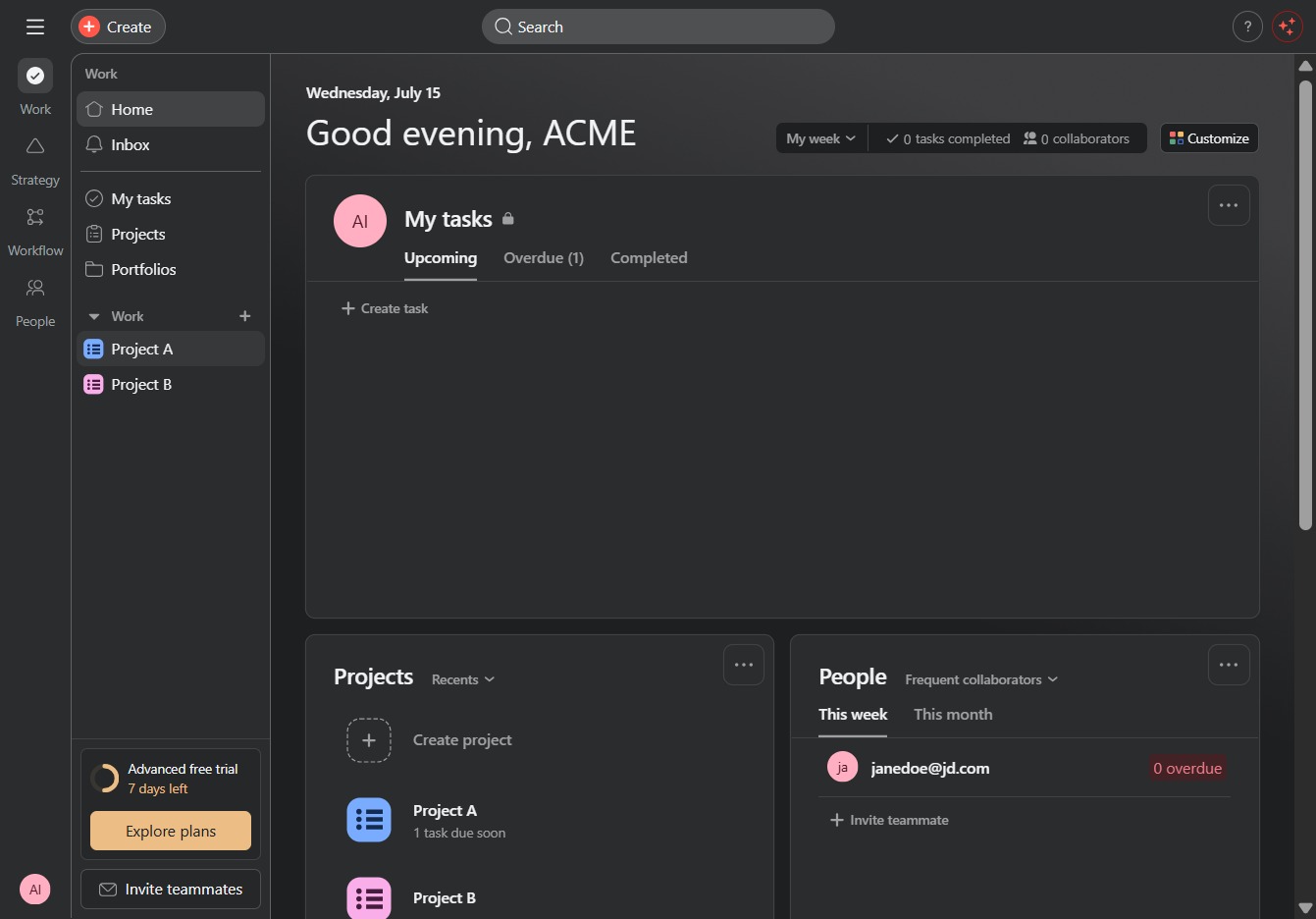
Click Project A
Clicking on 'Project A' will open the detailed view of the project, allowing you to access tasks, discussions, and relevant files associated with it.
Loading screenshot…
100%
In this guide, you'll learn how to create project milestones effectively by navigating through your project management platform.
 viktoria
In this guide, you'll learn how to create project milestones effectively by navigating through your project management platform. Follow step-by-step instructions to categorize tasks, manage deadlines, and enhance your workflow to ensure that your project's key points are tracked efficiently.
Clicking on 'Project A' will open the detailed view of the project, allowing you to access tasks, discussions, and relevant files associated with it.
Clicking 'More actions' allows you to access additional options for managing tasks and projects, enhancing your workflow capabilities.
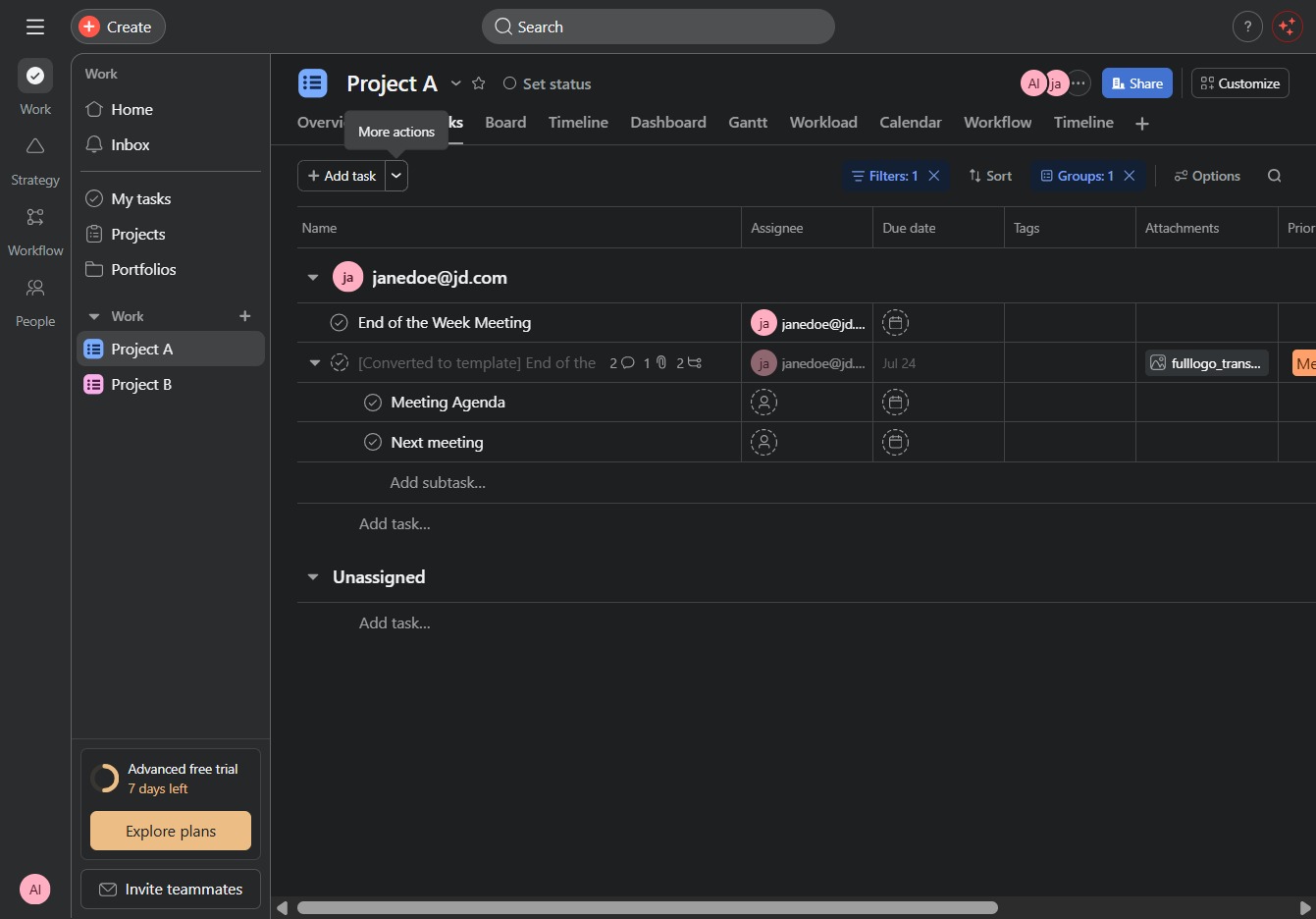
Selecting 'Milestone' from the dropdown menu will allow you to categorize the task as a milestone within the project, helping to track significant points or deadlines.

This will display all tasks associated with the project, allowing you to manage assignments and deadlines effectively. You can add new tasks or edit existing ones within this section.
