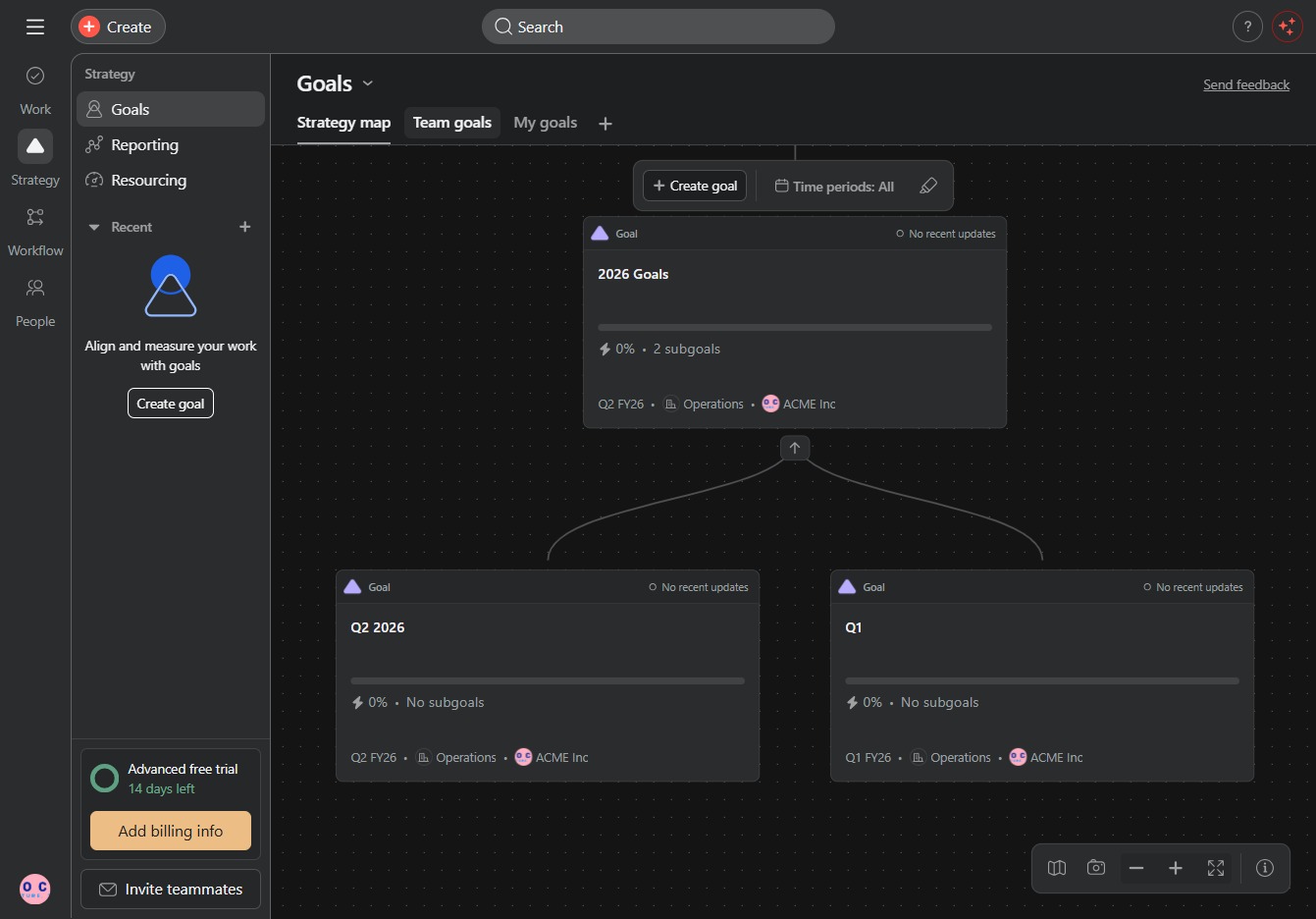
Click the Strategy section
By clicking the Strategy section, you will access the strategic planning tools and features relevant to your projects, allowing you to set goals and monitor progress effectively.

Loading screenshot…
100%
Learn how to effectively create project goals by accessing strategic planning tools and defining clear objectives.
 viktoria
Learn how to effectively create project goals by accessing strategic planning tools and defining clear objectives. This guide walks you through setting main goals and subgoals for improved organization and progress tracking, ensuring your projects stay on target for success.
By clicking the Strategy section, you will access the strategic planning tools and features relevant to your projects, allowing you to set goals and monitor progress effectively.
Clicking the input field allows you to type in the title of your goal for the strategy map. Make sure to provide a clear and descriptive title that reflects your objective.
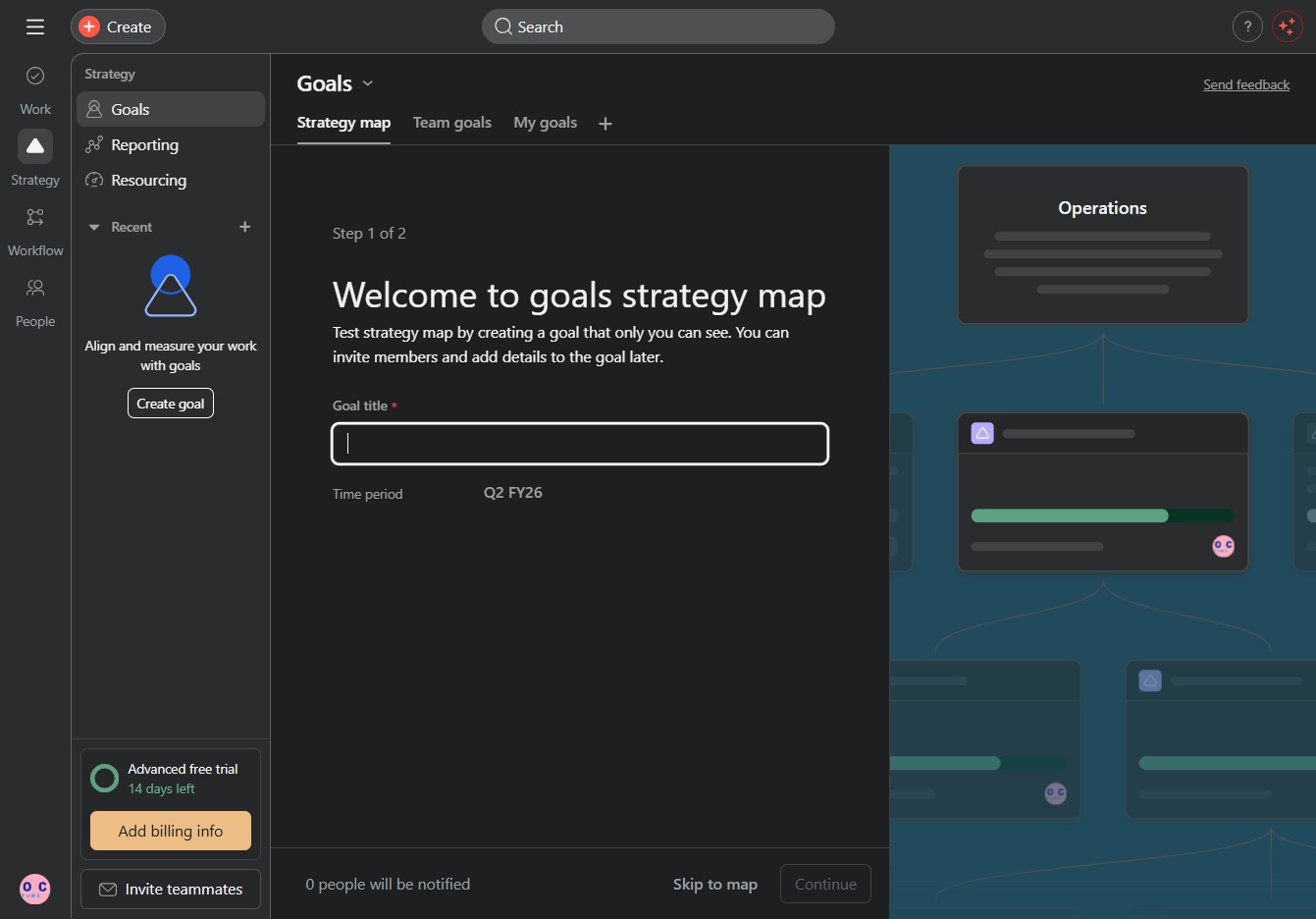
Enter the text '2026 Goals' in the goal title field to define your objective for this planning phase. This will help you outline your strategic targets for the upcoming period.
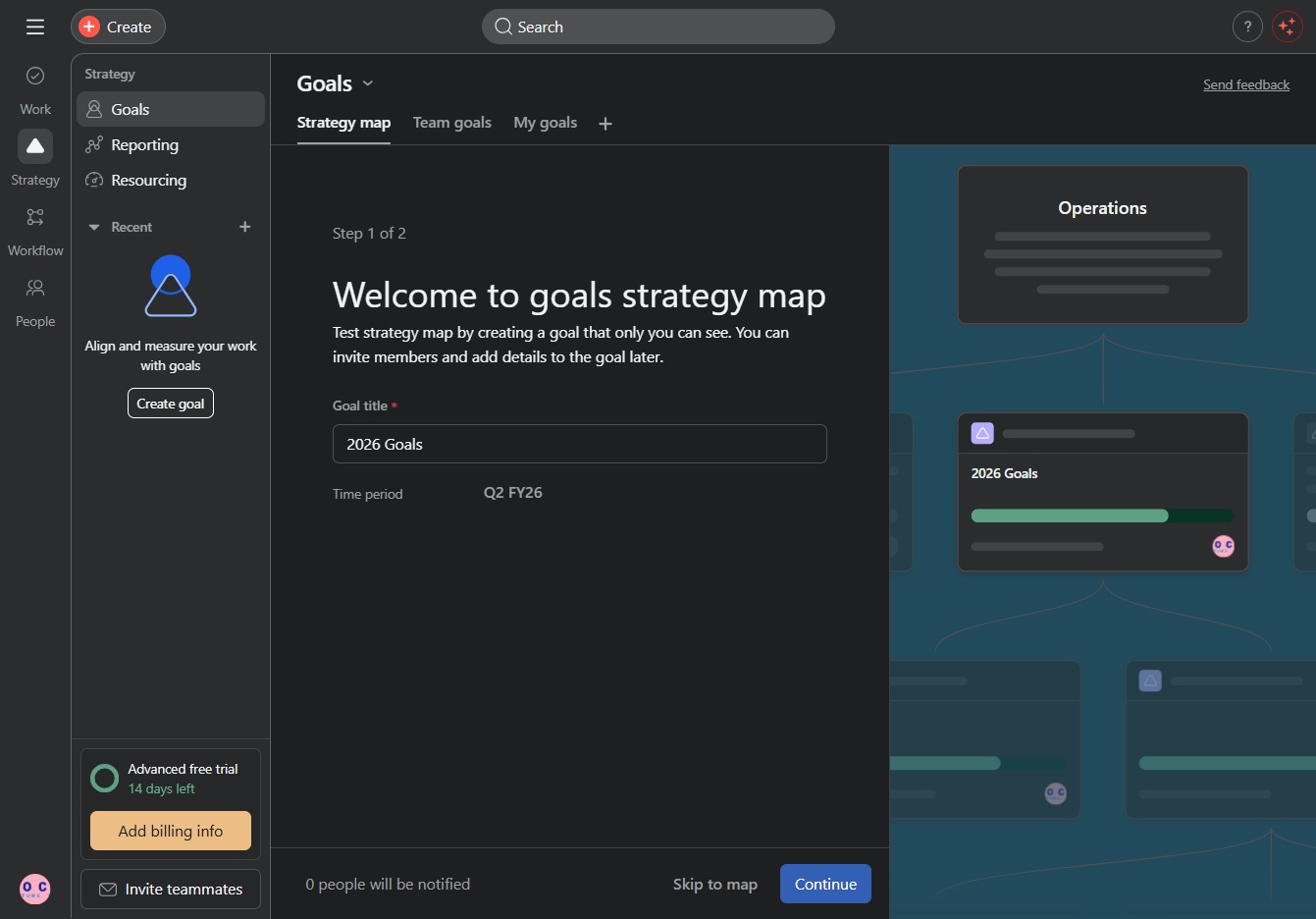
Confirm your inputs to proceed to the next step in the goals strategy map creation process.
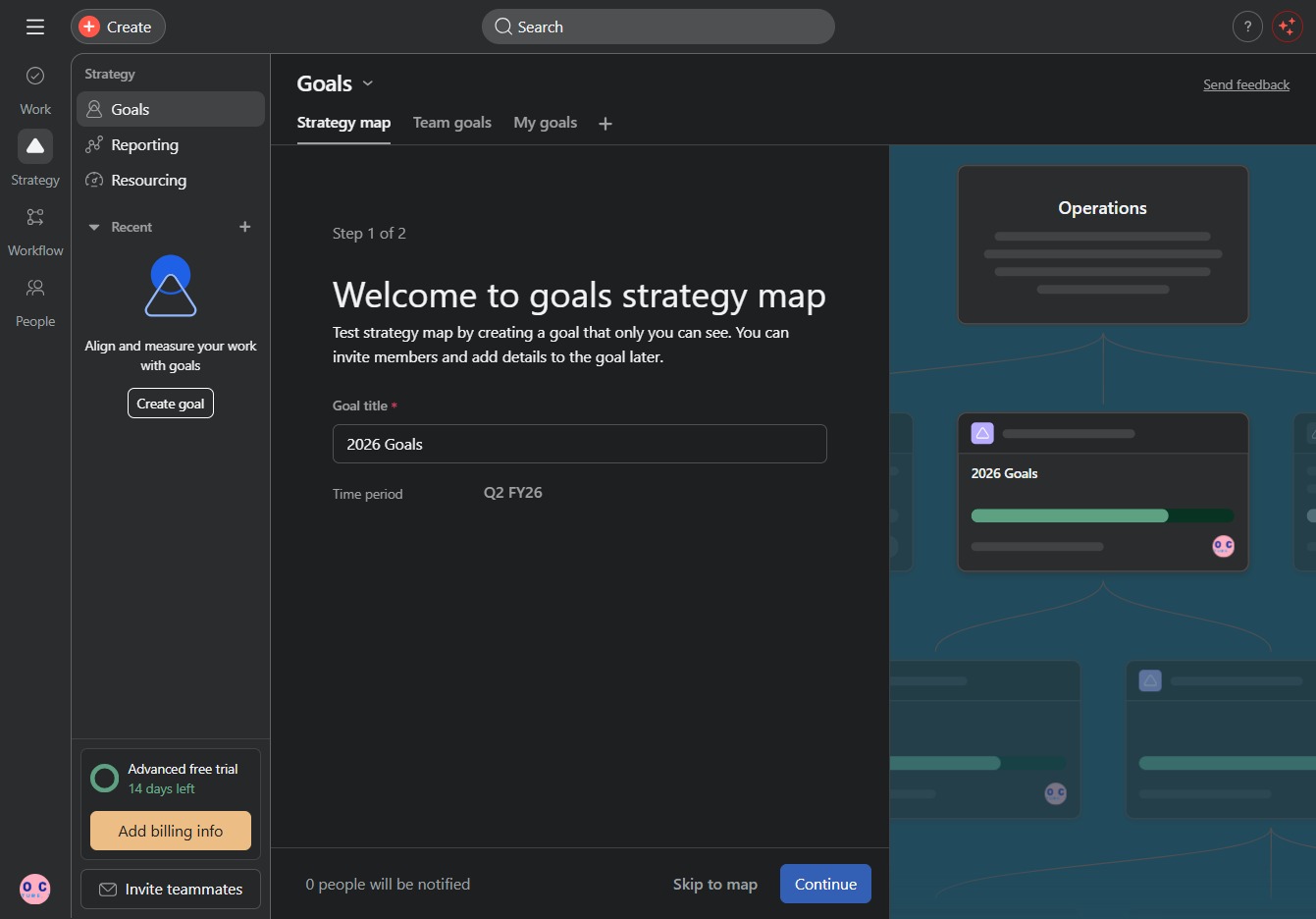
This input field allows you to specify the title of your goal, which will help in organizing and tracking your subgoals more effectively.
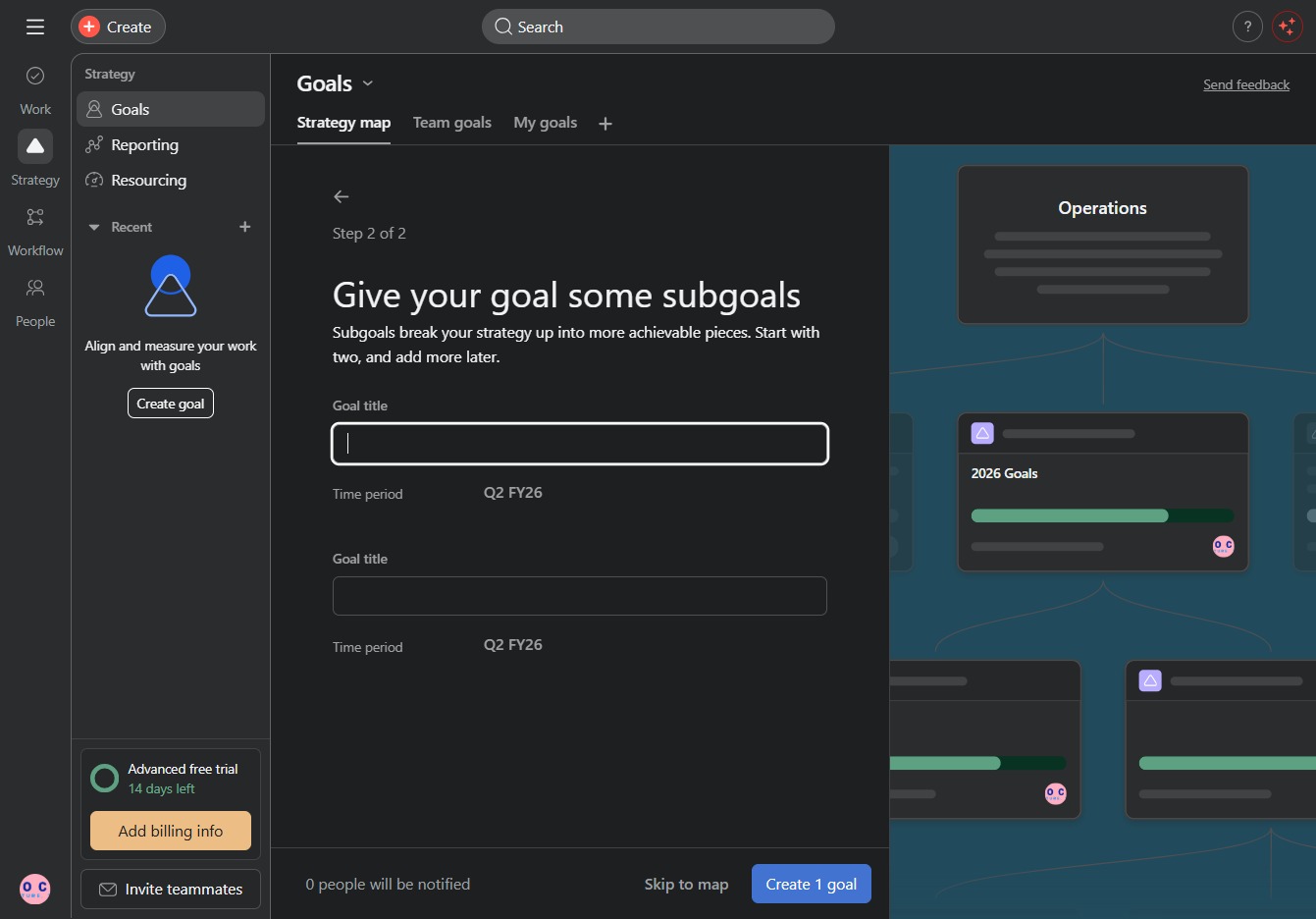
Enter 'Q1' in the designated field for the goal title. This will set the initial subgoal for tracking your project's progress in the goals section.
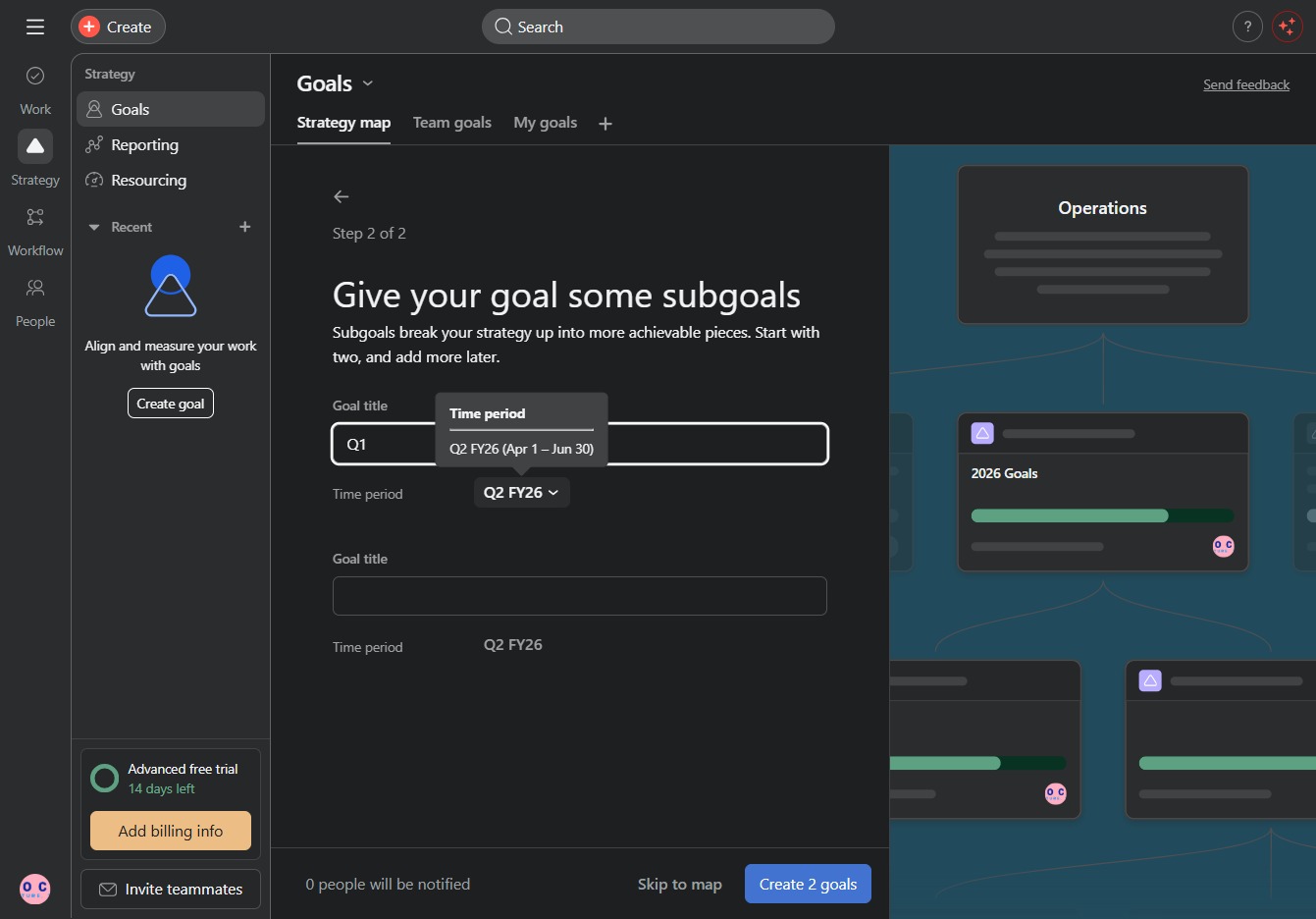
Selecting the Q2 FY26 dropdown allows you to choose a time period for your subgoal, helping to define the timeframe for achieving set objectives.
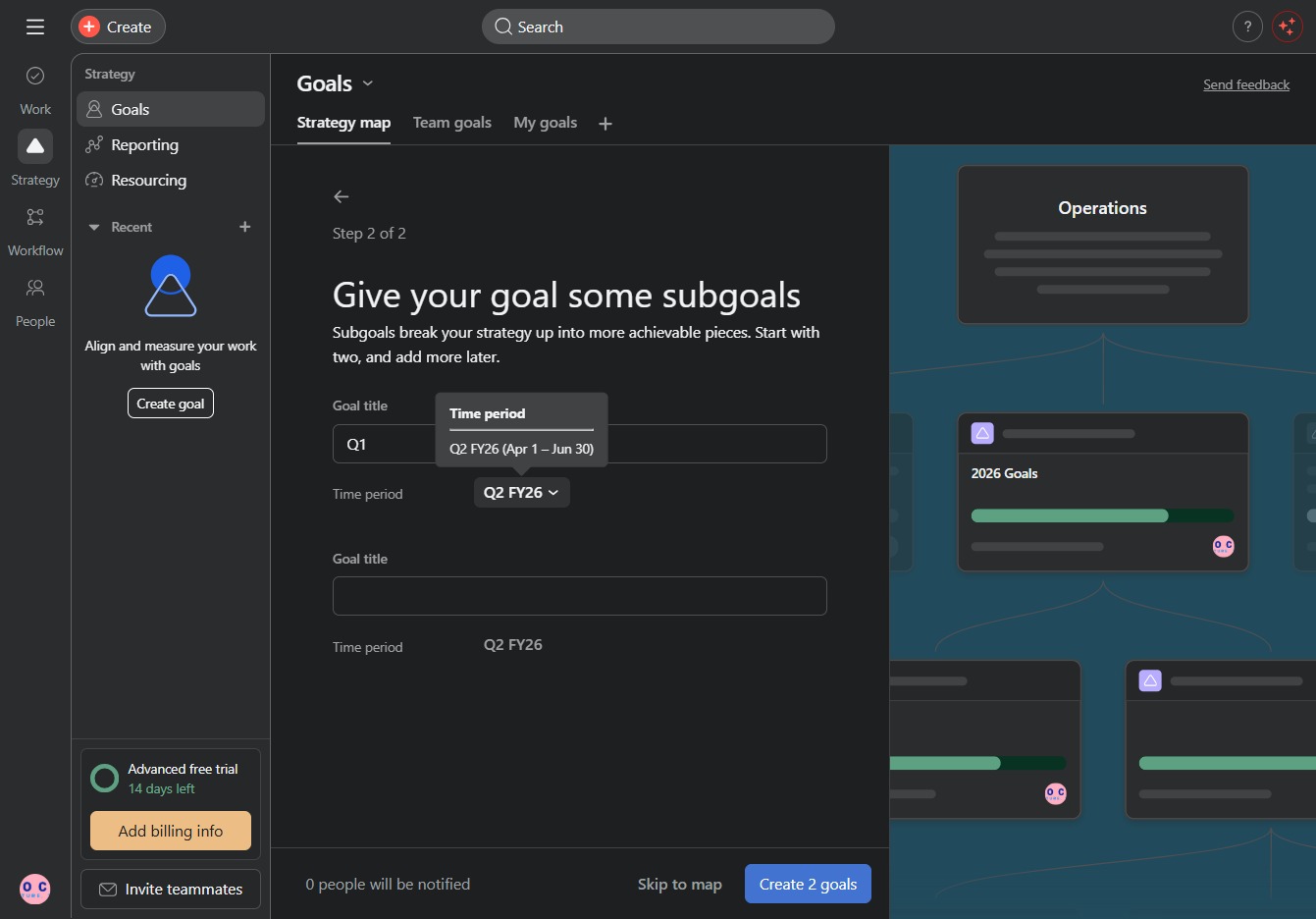
Selecting the 'Q1' subgoal will add it to your main goal, allowing you to break down your strategy into more manageable tasks. This helps in organizing your goals efficiently for the given time period.
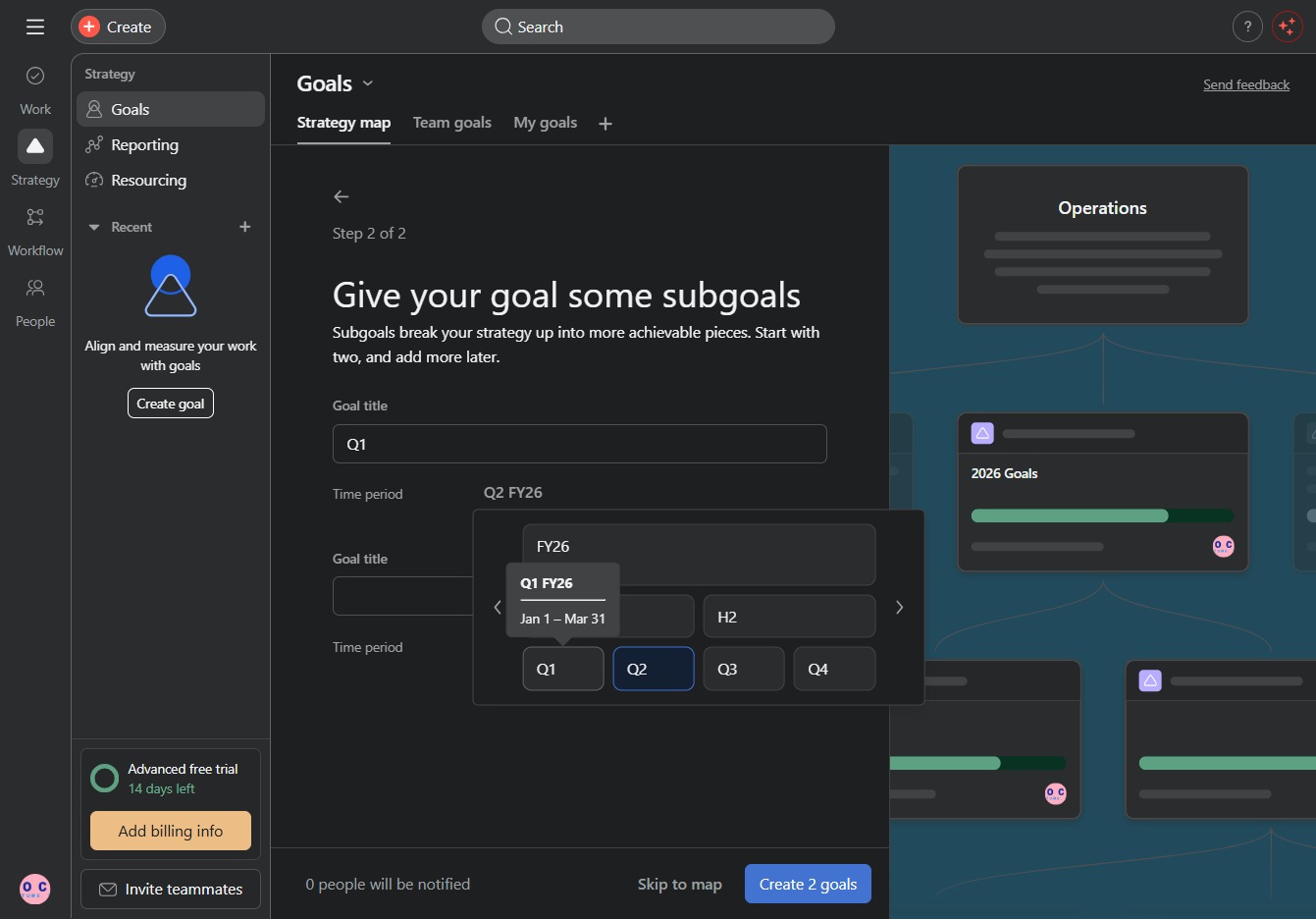
By clicking this link, you will initiate the process to define and create subgoals for your primary goal within the Goals section. This helps in breaking down your strategy into more manageable tasks.
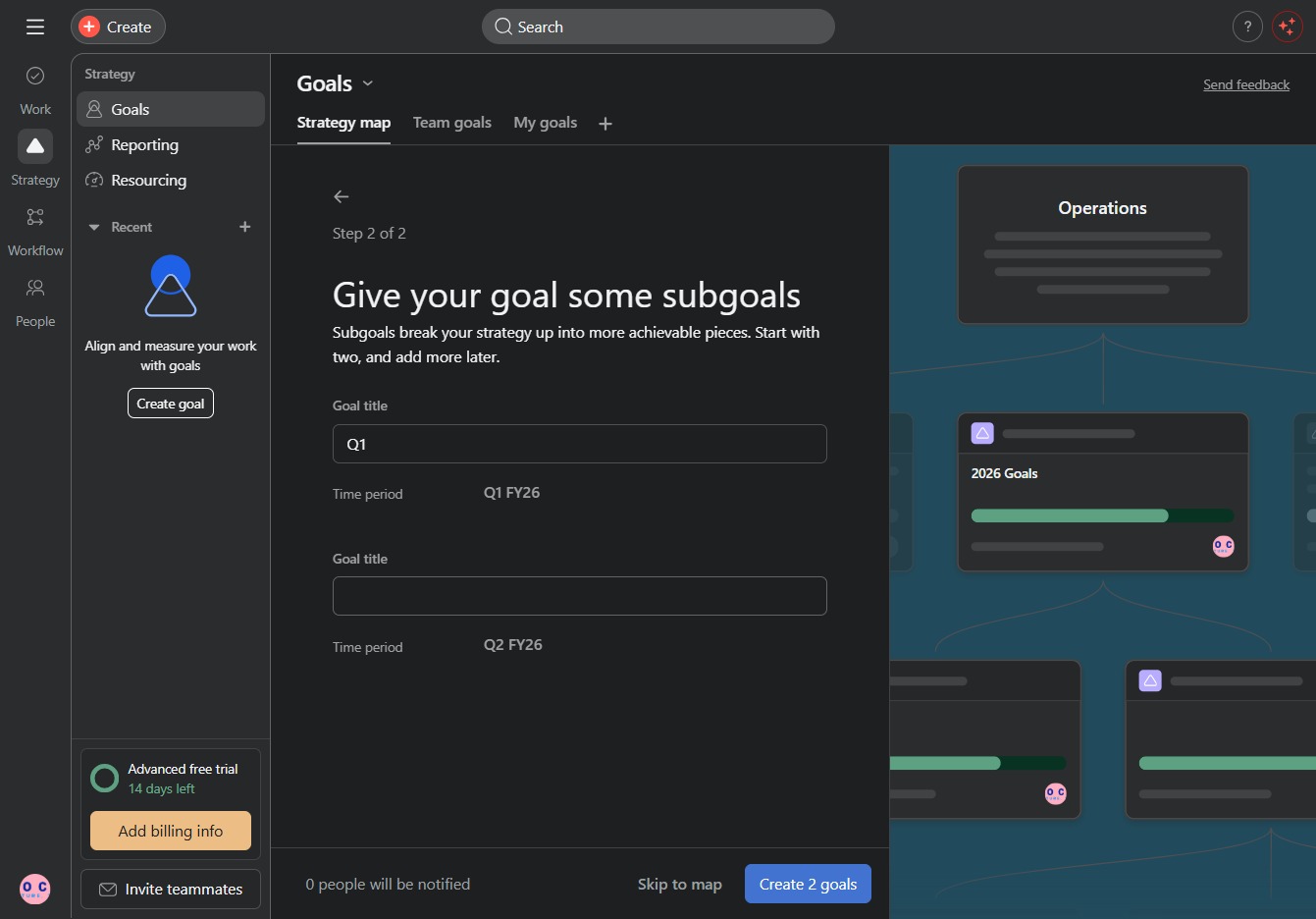
In the subgoal field, enter "Q2 2026" to define a specific target timeframe for your goal. This will help structure your strategy into manageable segments.
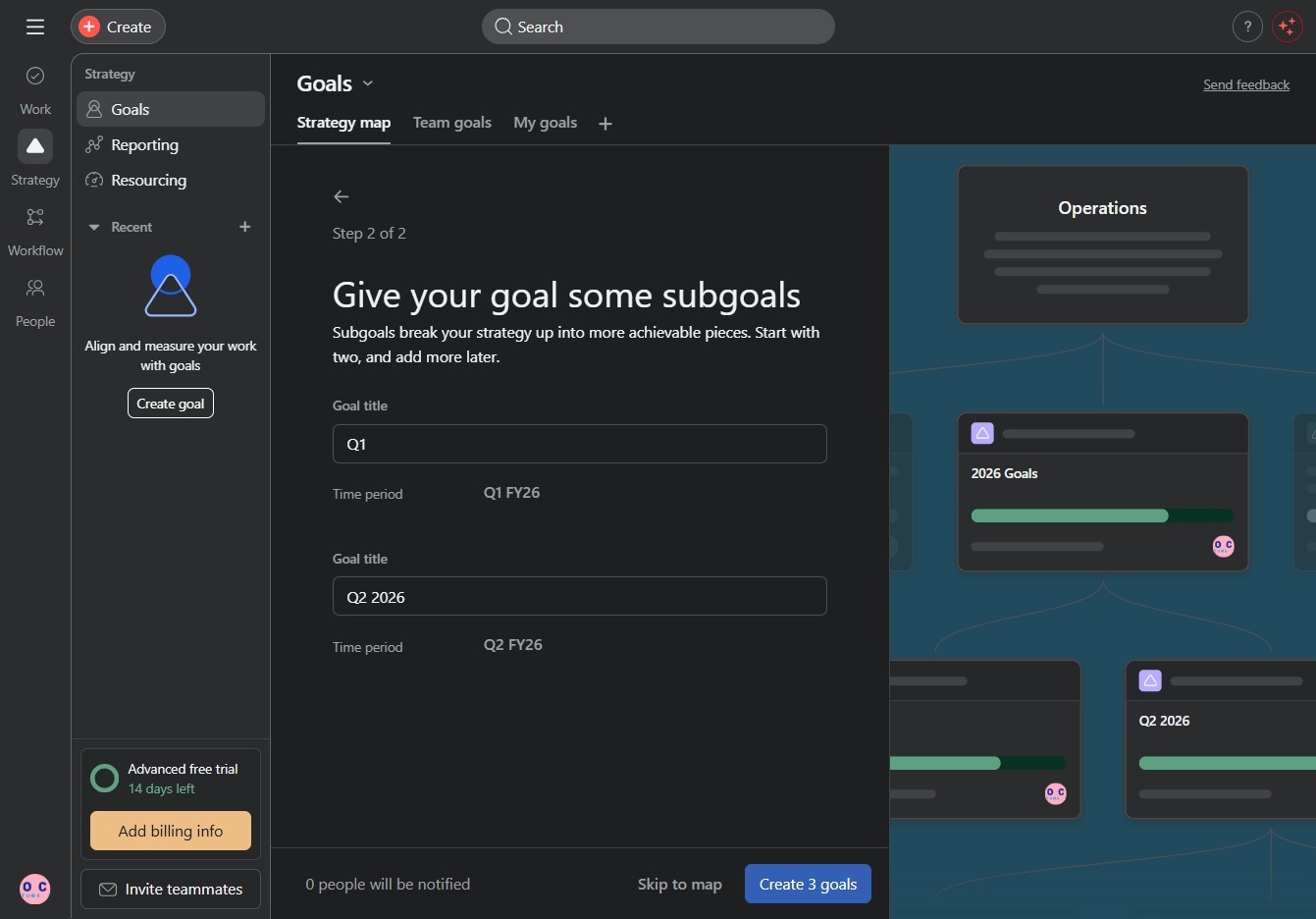
This action will finalize and create your three specified goals, allowing you to organize your objectives for better tracking and management.
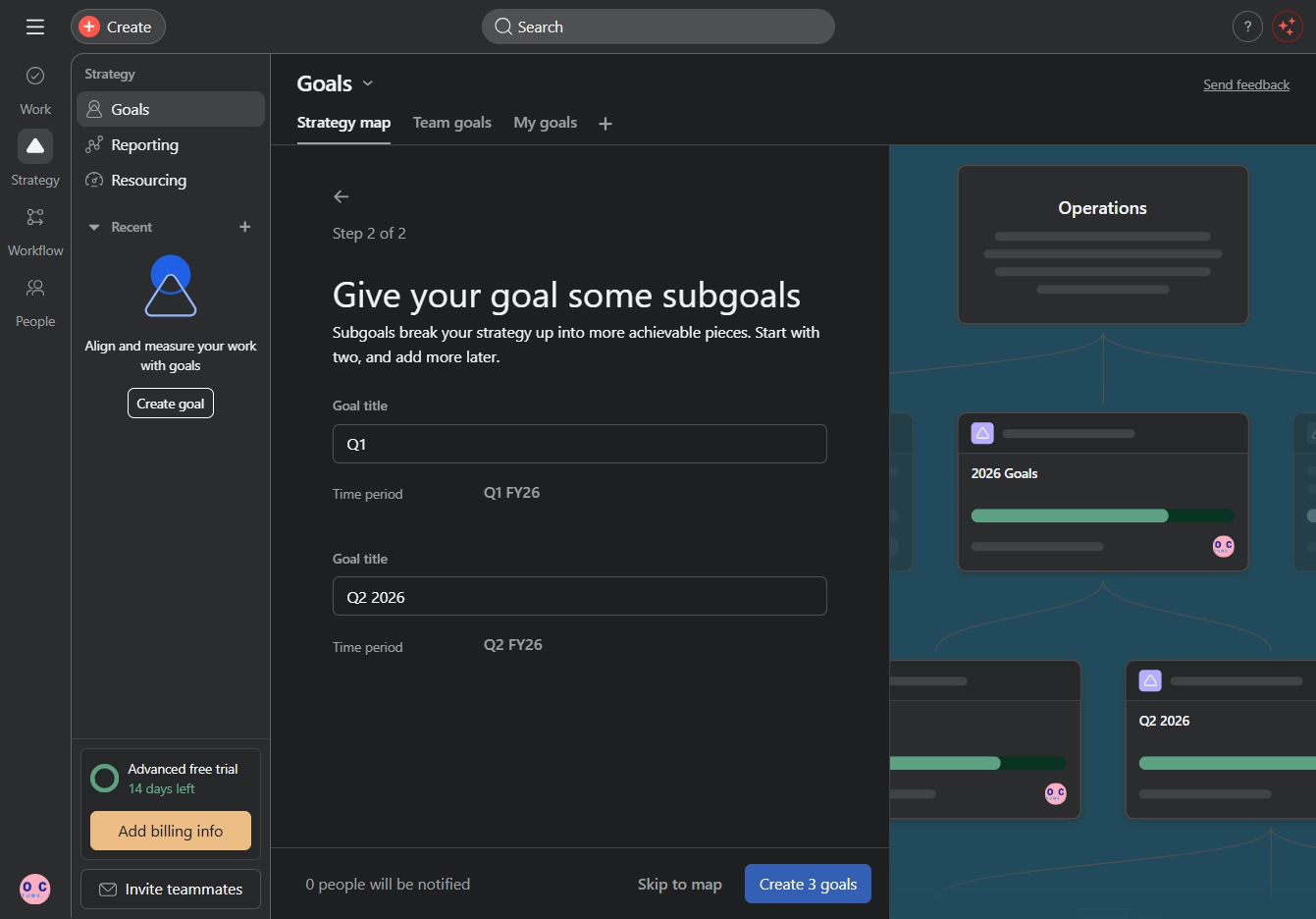
This action will navigate you to the Team goals area, where you can view and manage your team's specific goals and their progress.