Geteilte Anleitung

How to create product variations

Learn how to create product variations by following our step-by-step guide, which walks you through navigating to your product settings, setting up email marketing, and adding…

victoriaworkflowsvictoriaworkflows
·9 Schritte·127 Aufrufe·Veröffentlicht

Learn how to create product variations by following our step-by-step guide, which walks you through navigating to your product settings, setting up email marketing, and adding variations, including pricing details. Streamline your product offerings and enhance your marketing strategy effectively.

Step-by-step Guide9 Schritte
  1. Click on "Click here."
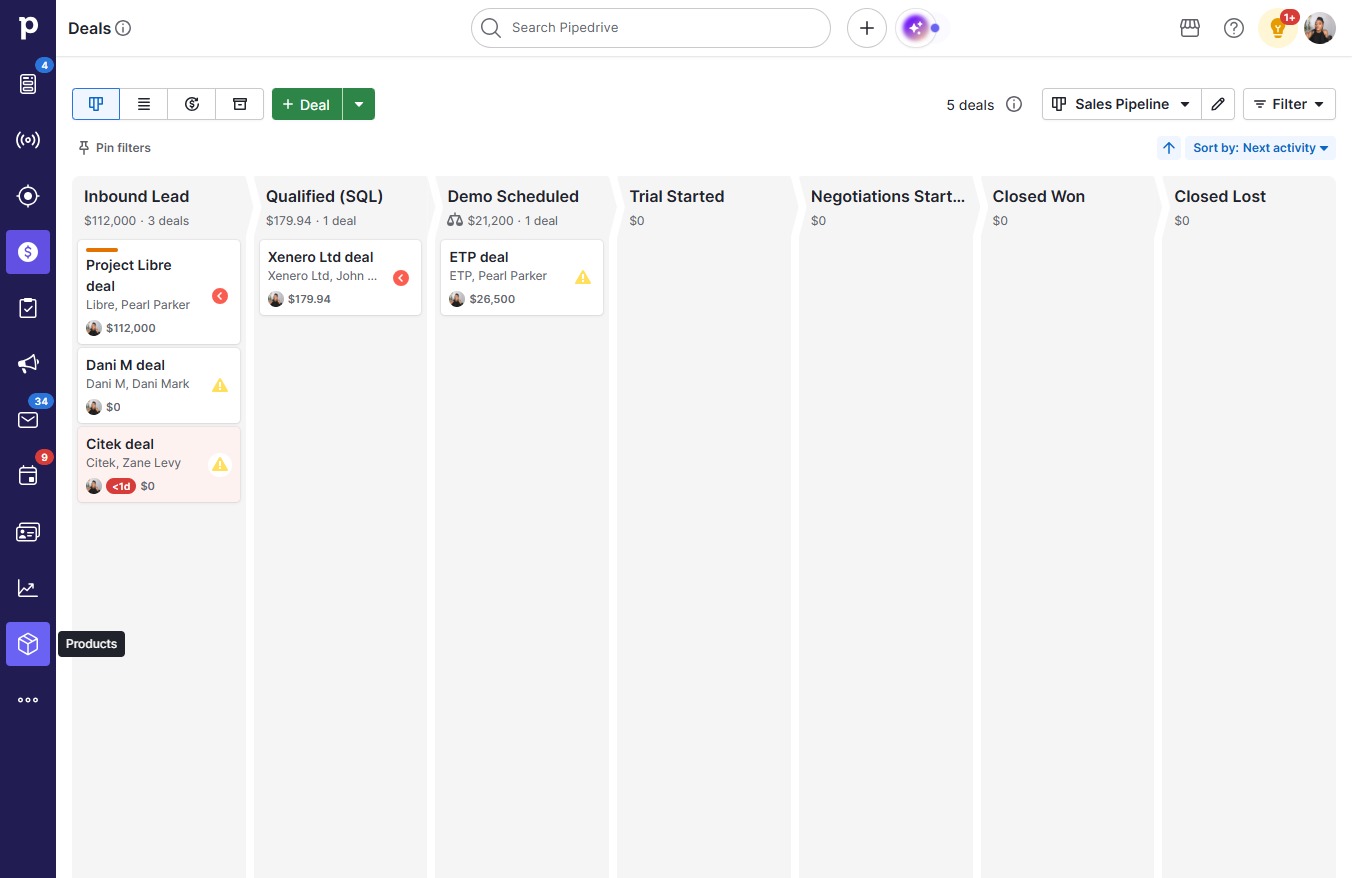
    Click on "Click here."
    Loading screenshot…
    100%
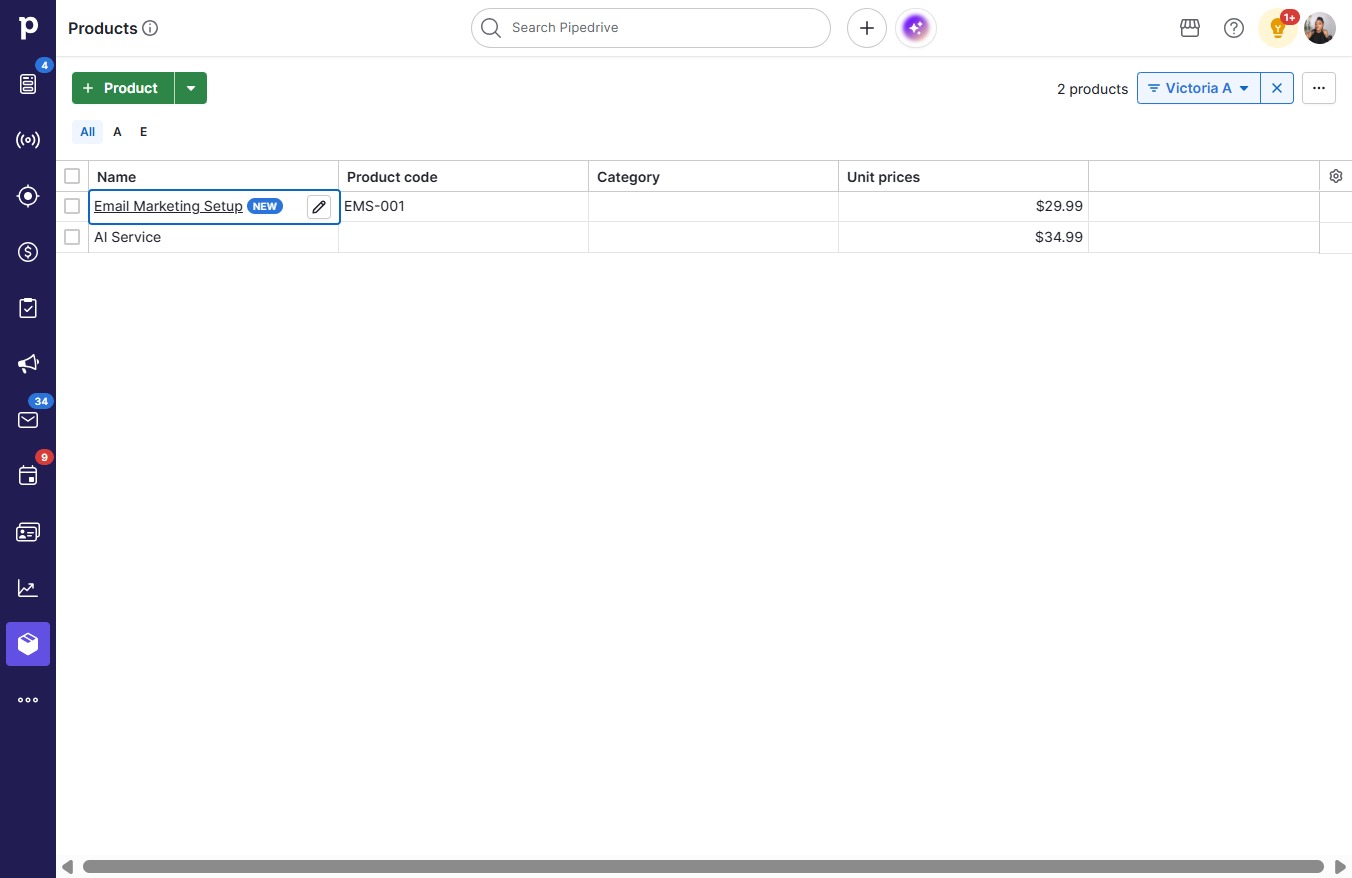
  2. Click Email Marketing Setup

    Click Email Marketing Setup
    Loading screenshot…
    100%
  3. Click Variations

    Click Variations
    Loading screenshot…
    100%
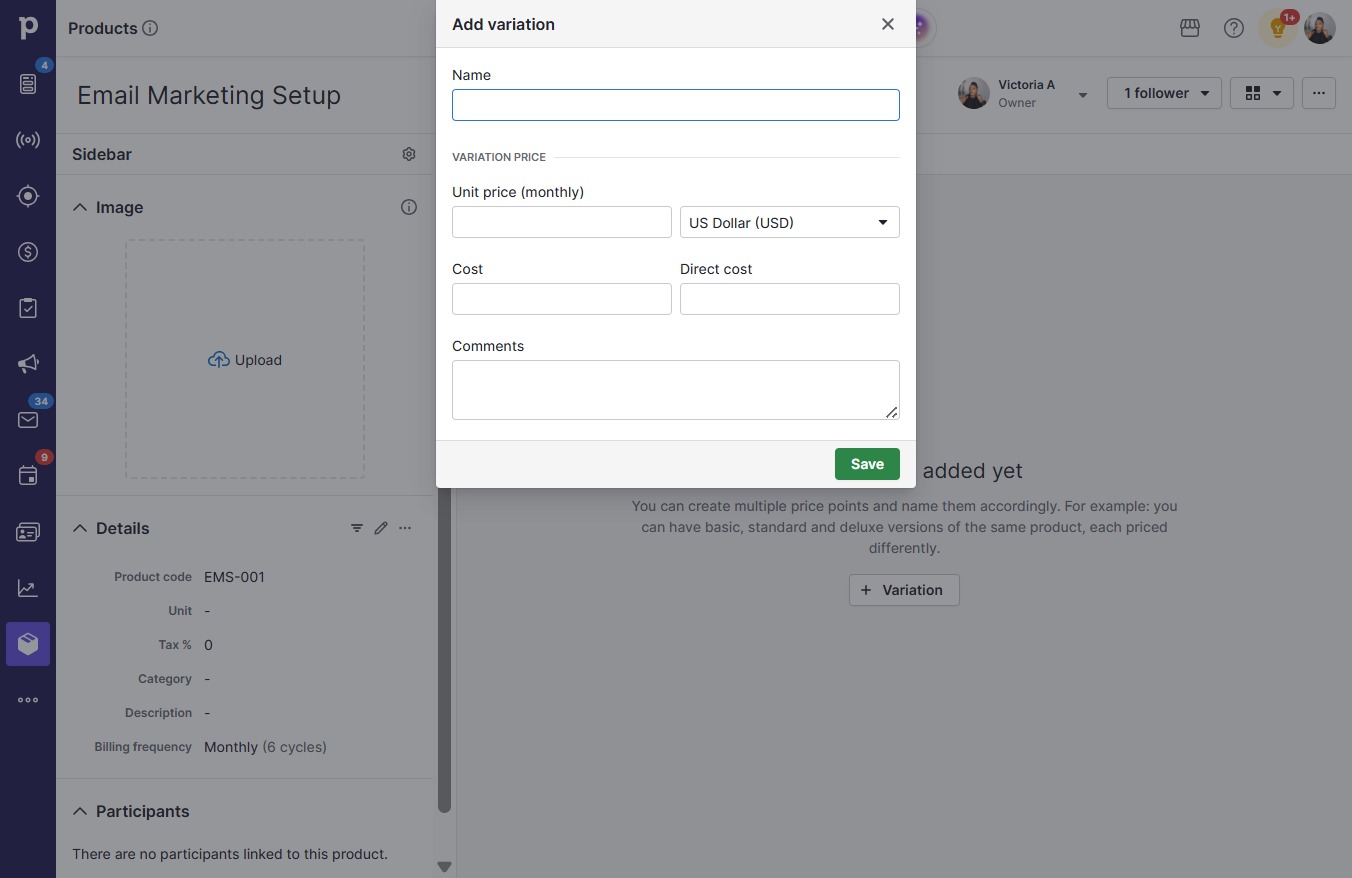
  4. Click Variation

    Click Variation
    Loading screenshot…
    100%
  5. Click on "Click here."

    Click on "Click here."
    Loading screenshot…
    100%
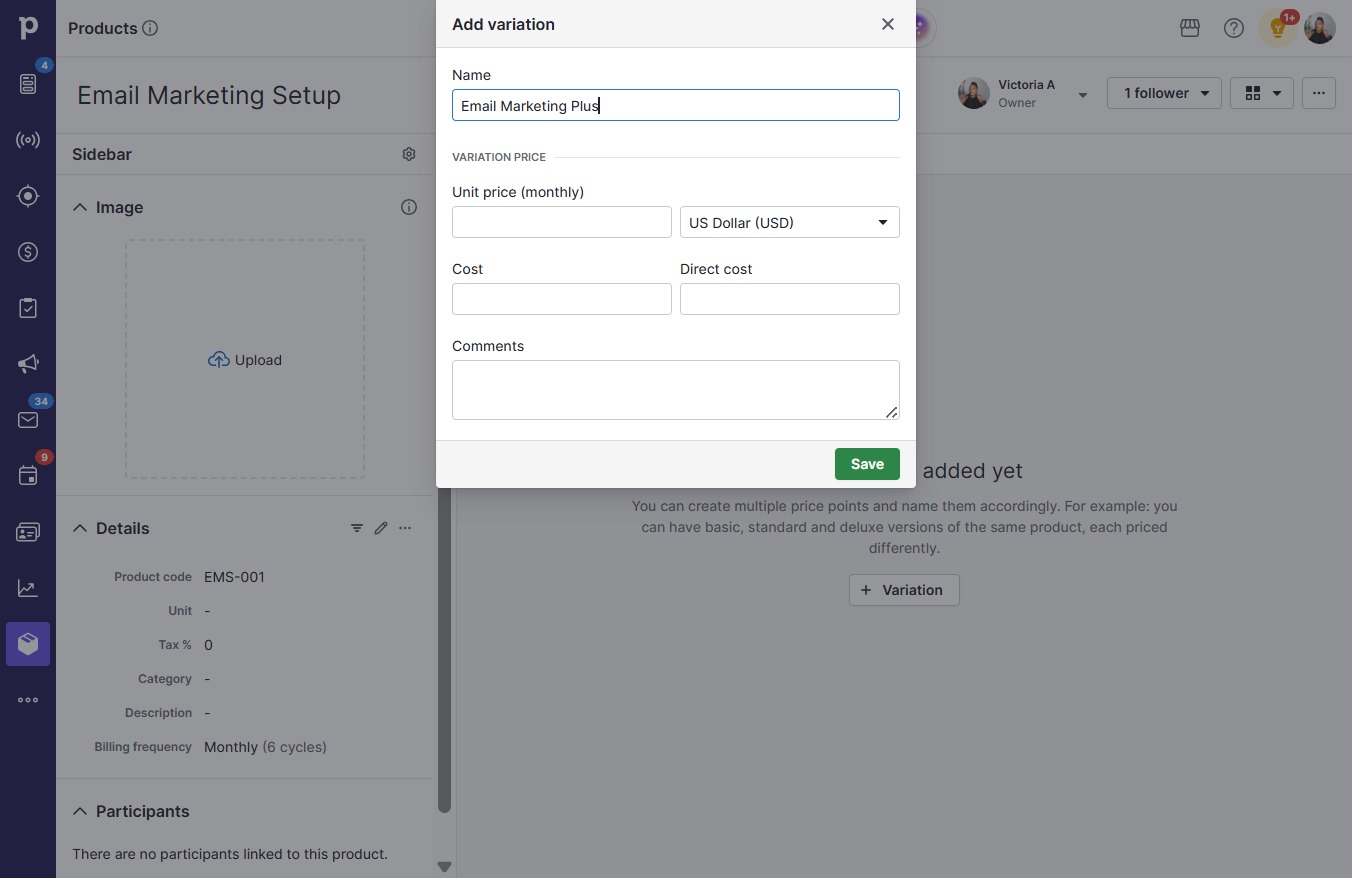
  6. Type "Email Marketing Plus"

  7. Click on "Click here."

    Click on "Click here."
    Loading screenshot…
    100%
  8. Type "49.99" in Unit price (monthly)

  9. Click Save

    Click Save
    Loading screenshot…
    100%