Shared guide

How to create posts in channels

Learn how to create engaging posts in channels with our step-by-step guide.

victoriaworkflowsvictoriaworkflows
·9 steps·39 views·Published

Learn how to create engaging posts in channels with our step-by-step guide. From accessing Daily Updates to adding subjects and emojis, this video will walk you through the entire process to ensure your posts are clear and visually appealing.

Step-by-step Guide9 steps
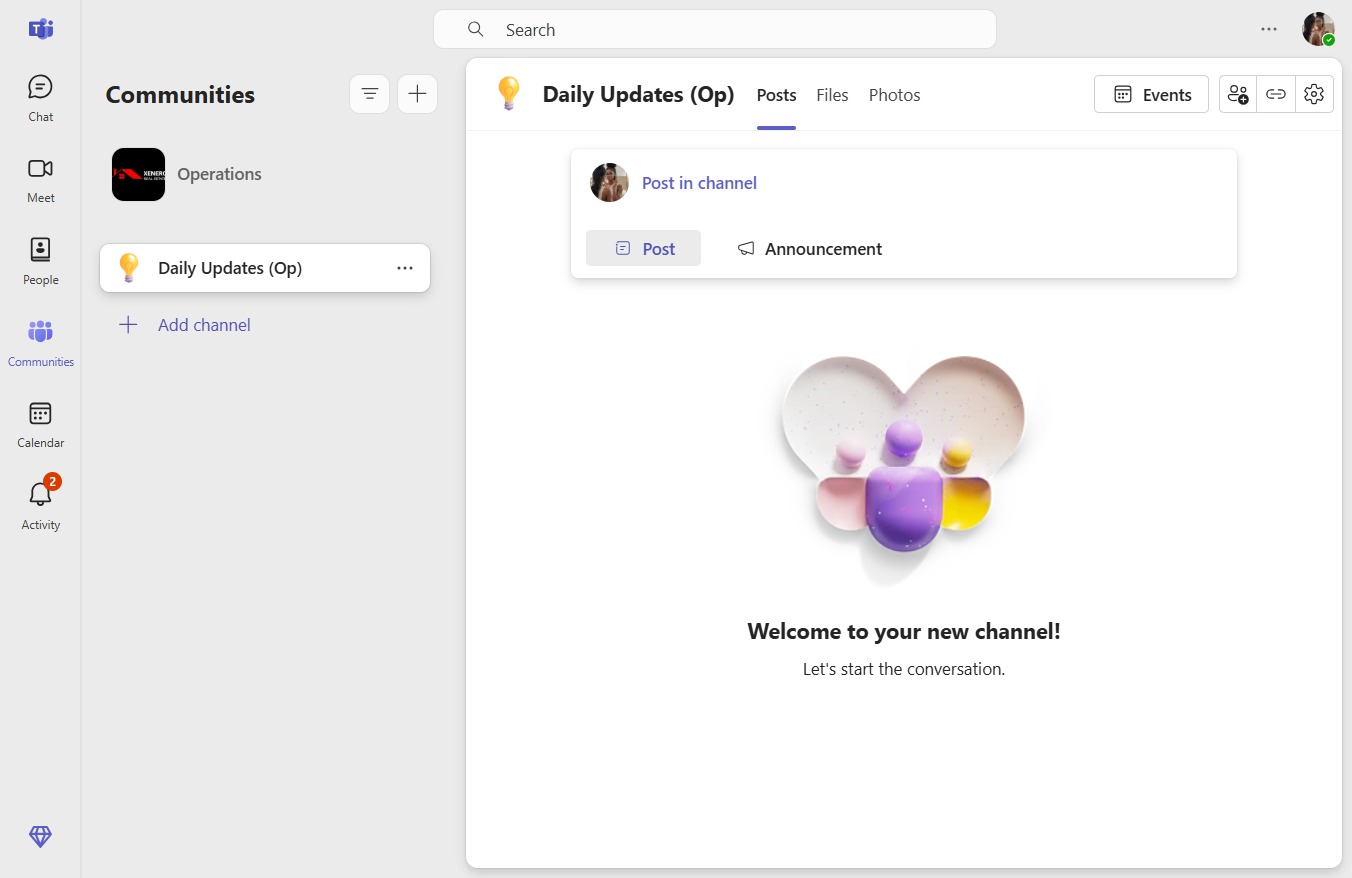
  1. Click Daily Updates (Op)
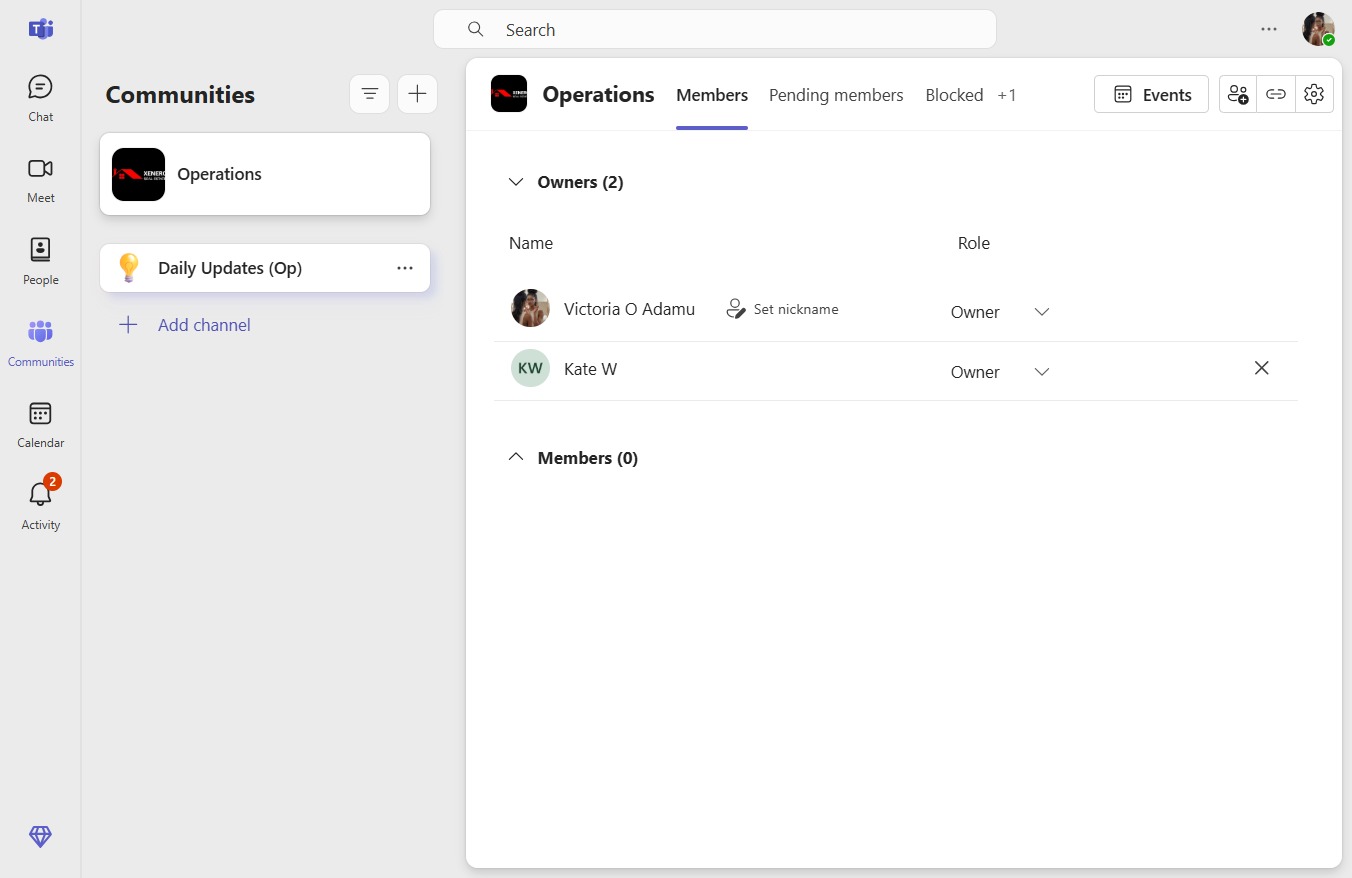
    Click Daily Updates (Op)
    Loading screenshot…
    100%
  2. Click Post in channel

    Click Post in channel
    Loading screenshot…
    100%
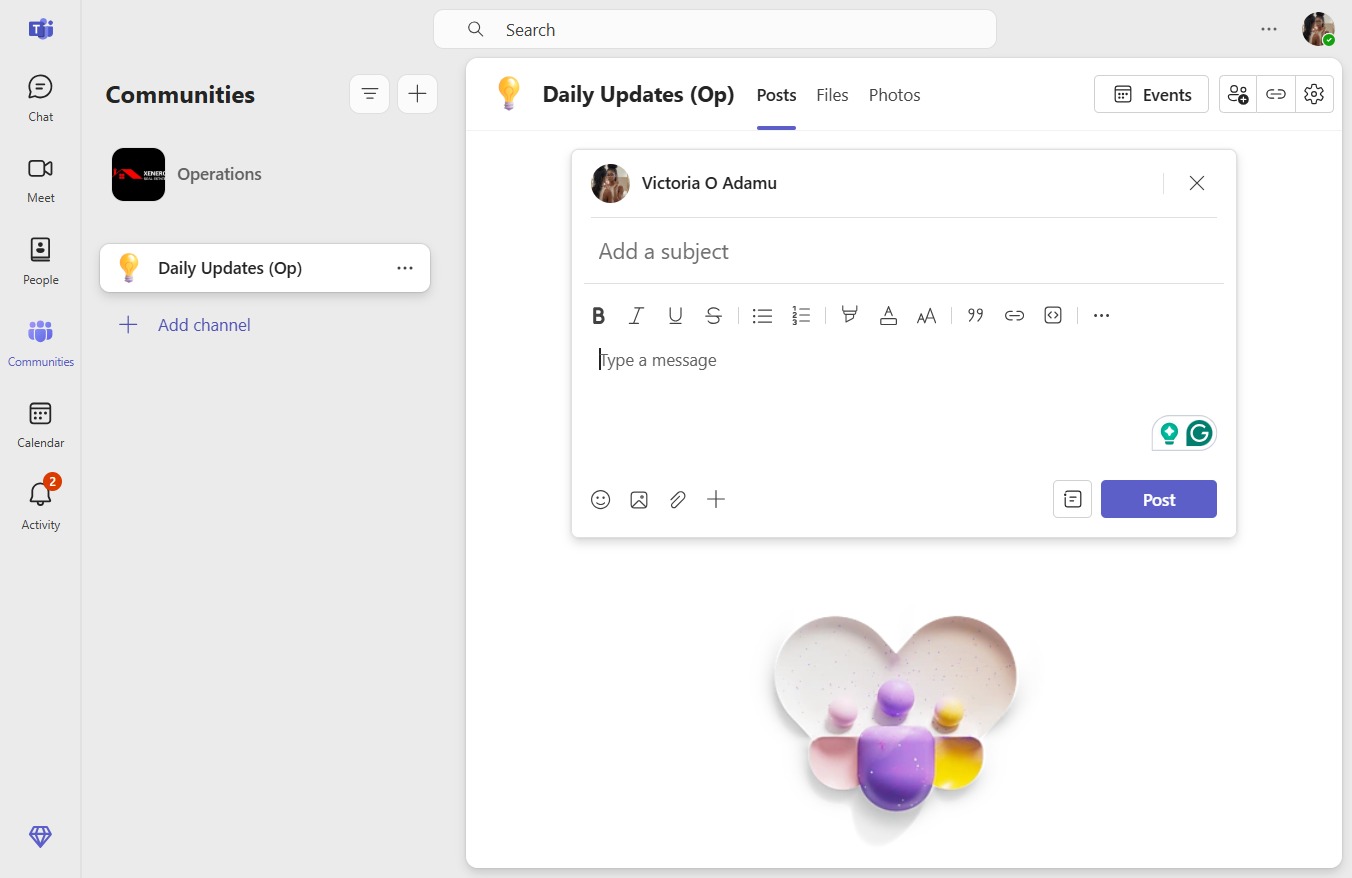
  3. Click Add a subject

    Click Add a subject
    Loading screenshot…
    100%
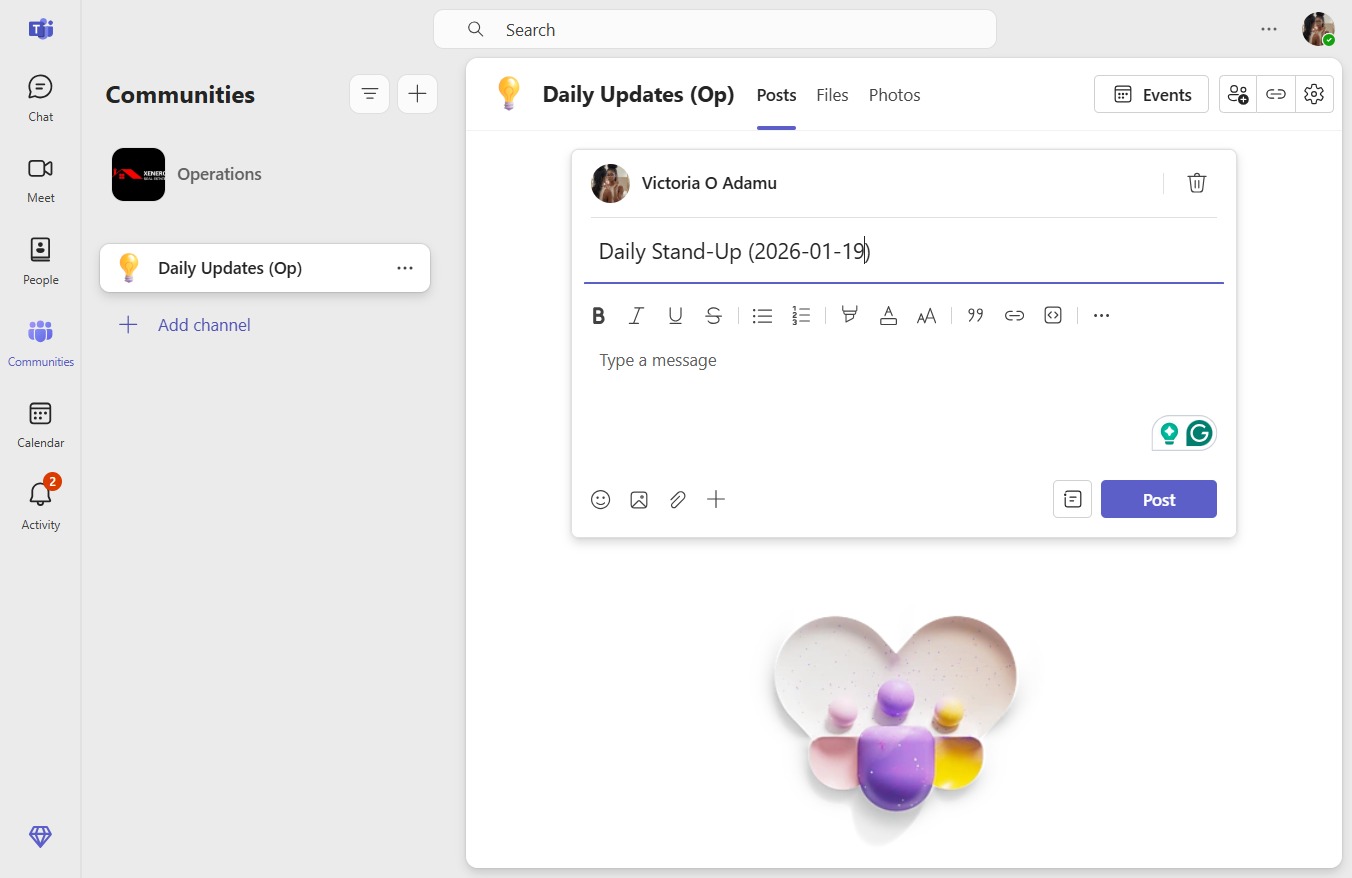
  4. Type "Daily Stand-Up (2026-01-19)" in Add a subject

  5. Click on "Click here."

    Click on "Click here."
    Loading screenshot…
    100%
  6. Click on "Click here."

    Click on "Click here."
    Loading screenshot…
    100%
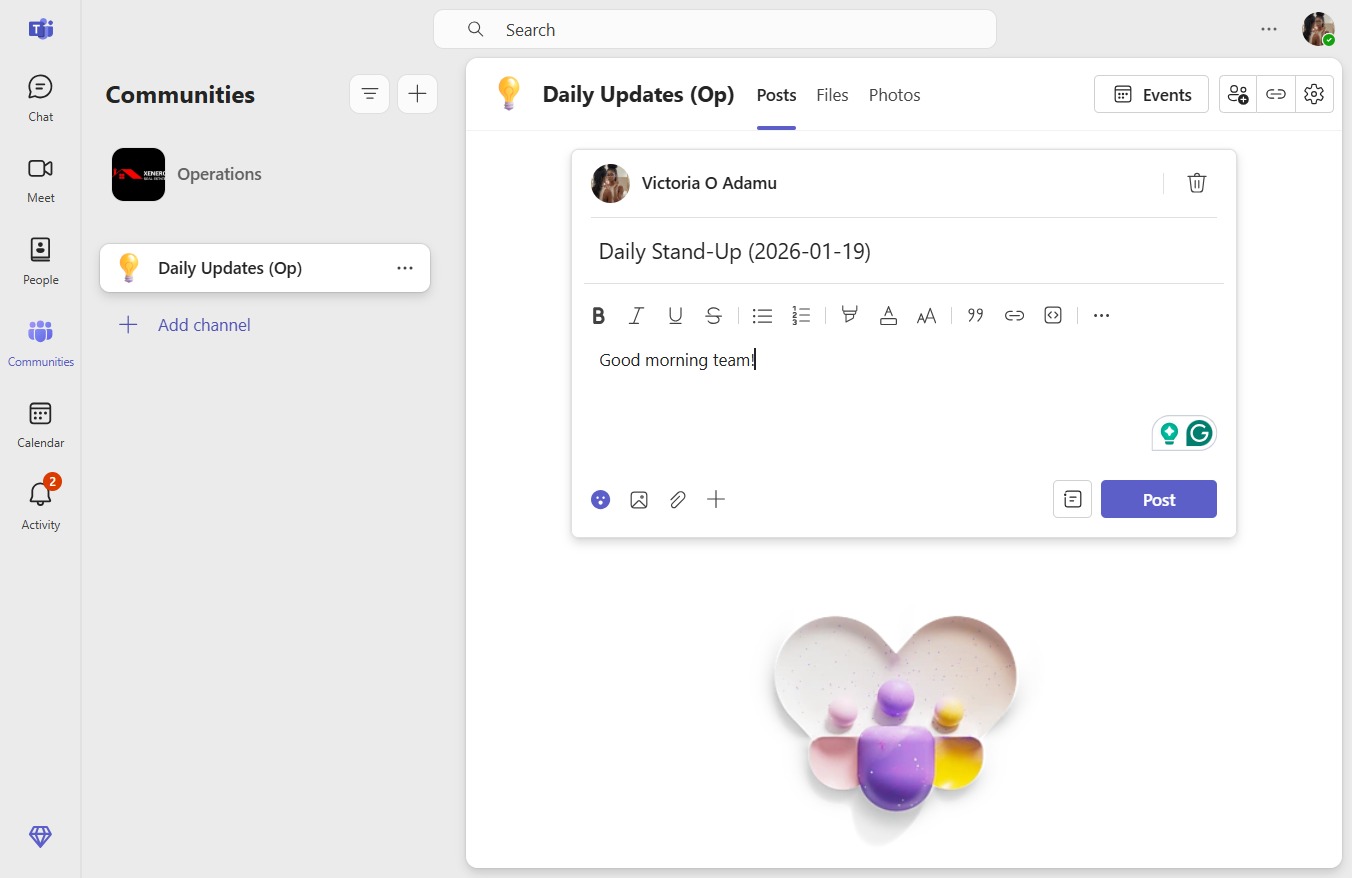
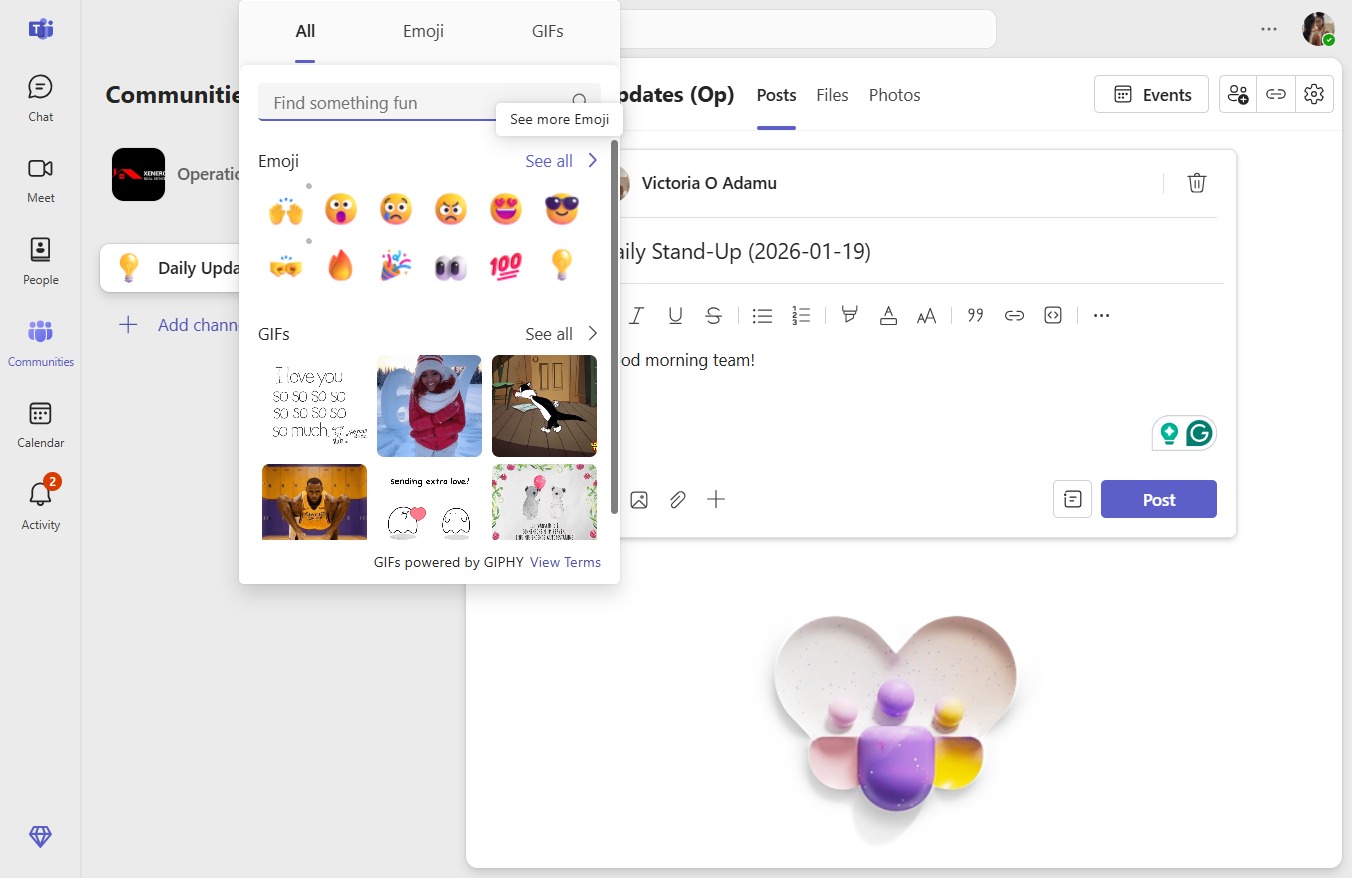
  7. Click See more Emoji

    Click See more Emoji
    Loading screenshot…
    100%
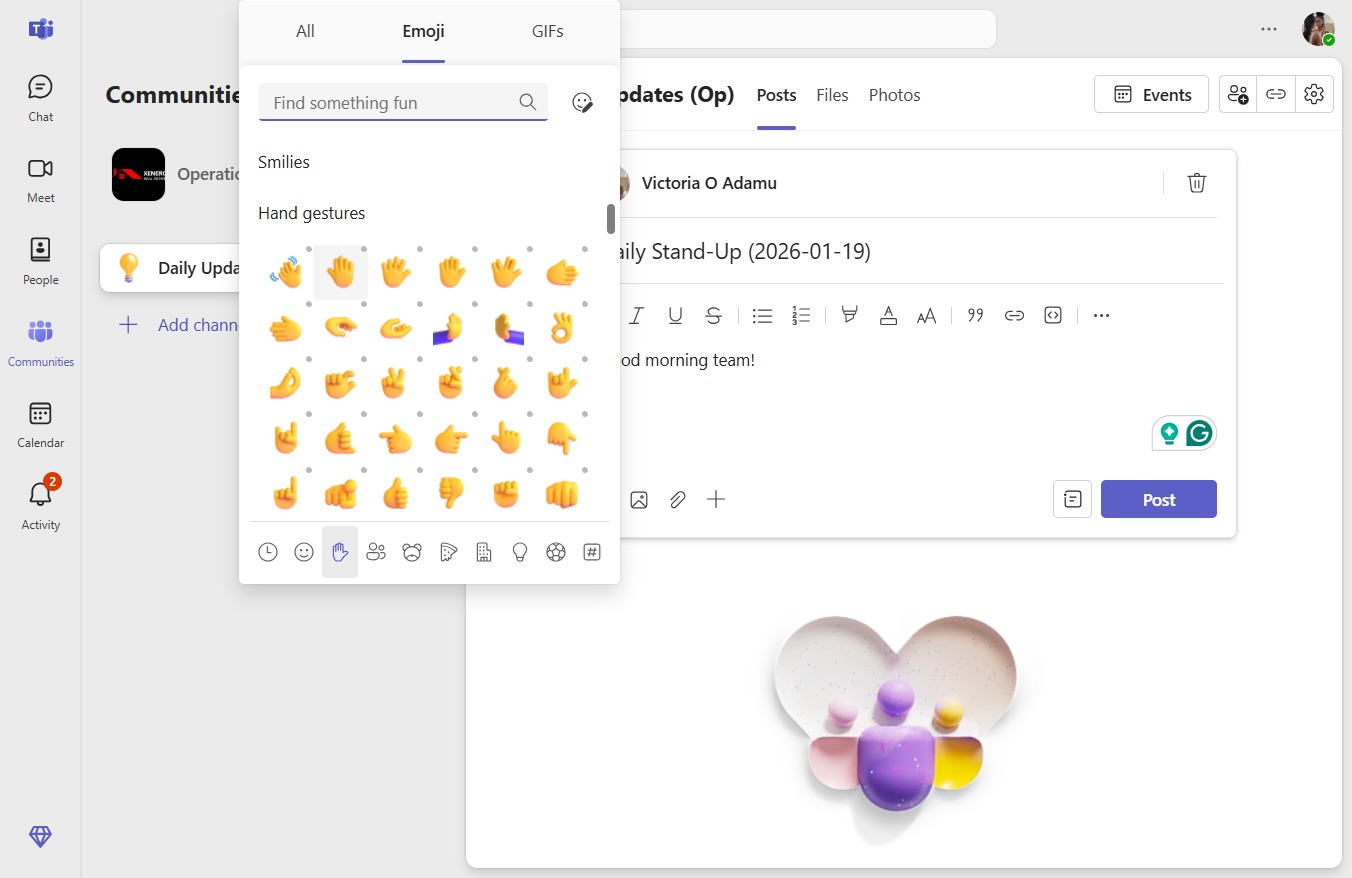
  8. Click on "Click here."

    Click on "Click here."
    Loading screenshot…
    100%
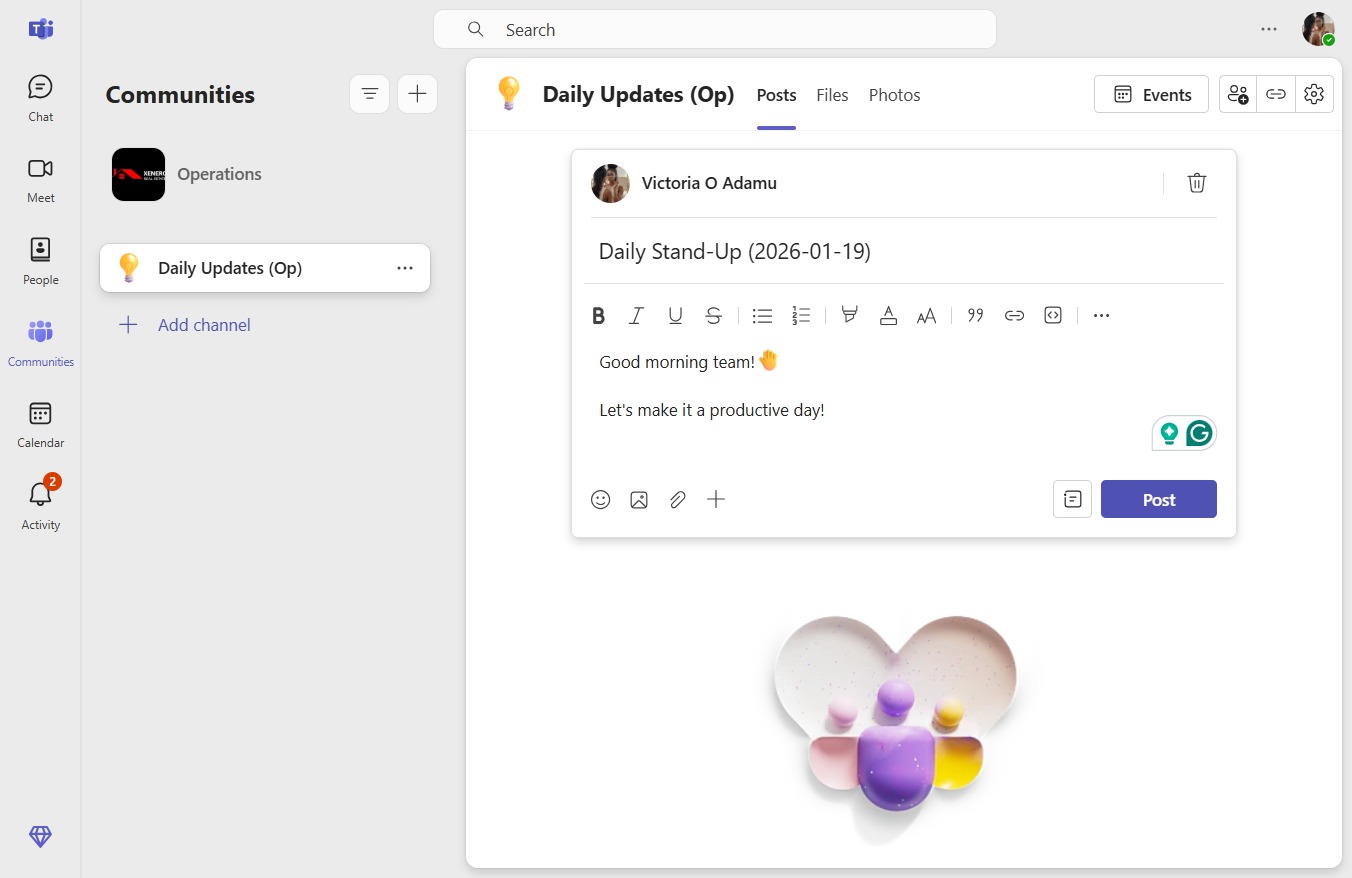
  9. Click Post

    Click Post
    Loading screenshot…
    100%