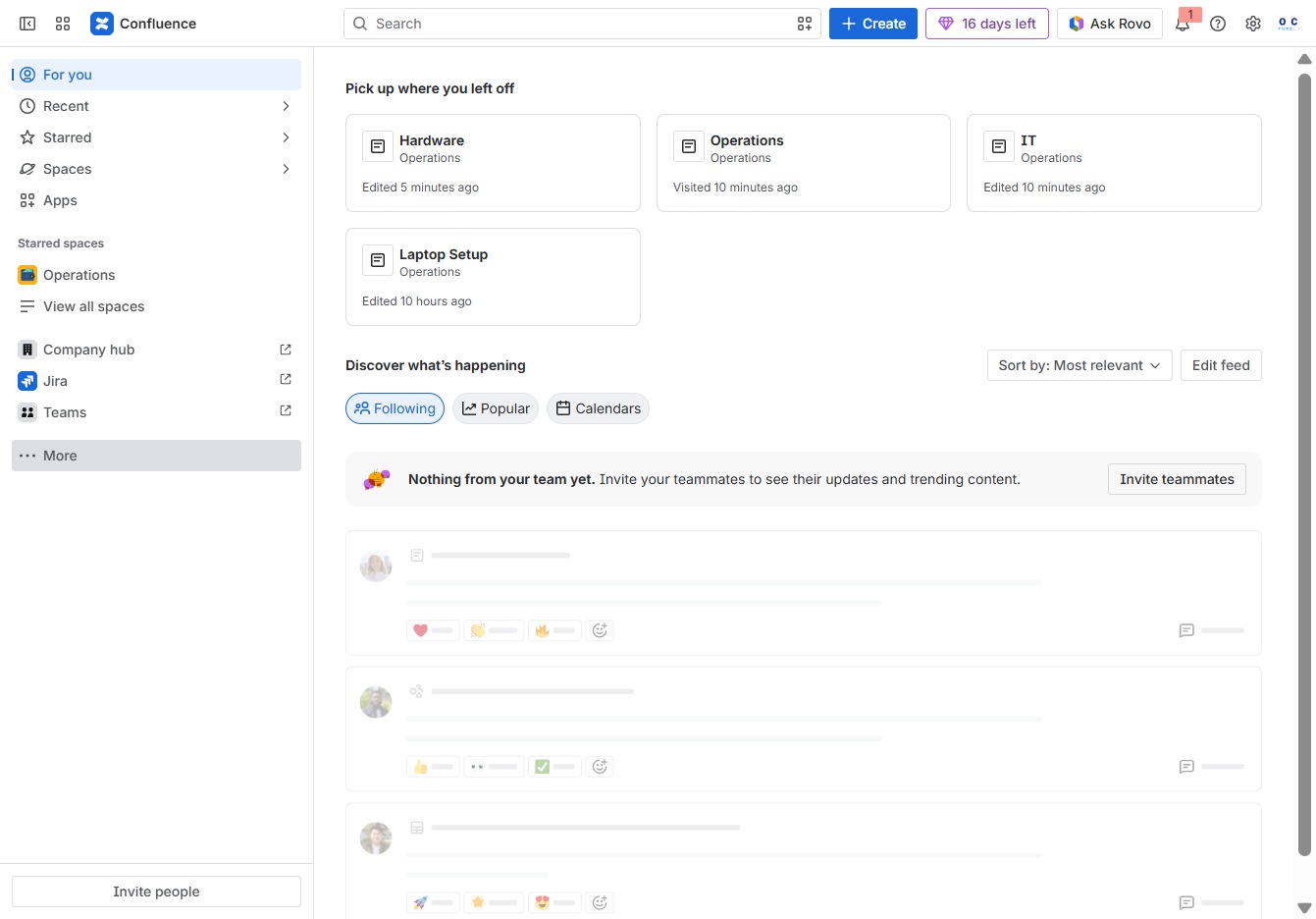
Click the More button
Clicking the 'More' button will reveal additional options or content related to the current view in Confluence, allowing you to access further functionalities or settings.
Loading screenshot…
100%
This guide shows you how to create effective meeting notes in Confluence by navigating through template options and using search filters to find the right format.
 viktoria
This guide shows you how to create effective meeting notes in Confluence by navigating through template options and using search filters to find the right format. Follow the steps to draft, save, and publish your meeting notes, ensuring they are accessible to your team.
Clicking the 'More' button will reveal additional options or content related to the current view in Confluence, allowing you to access further functionalities or settings.
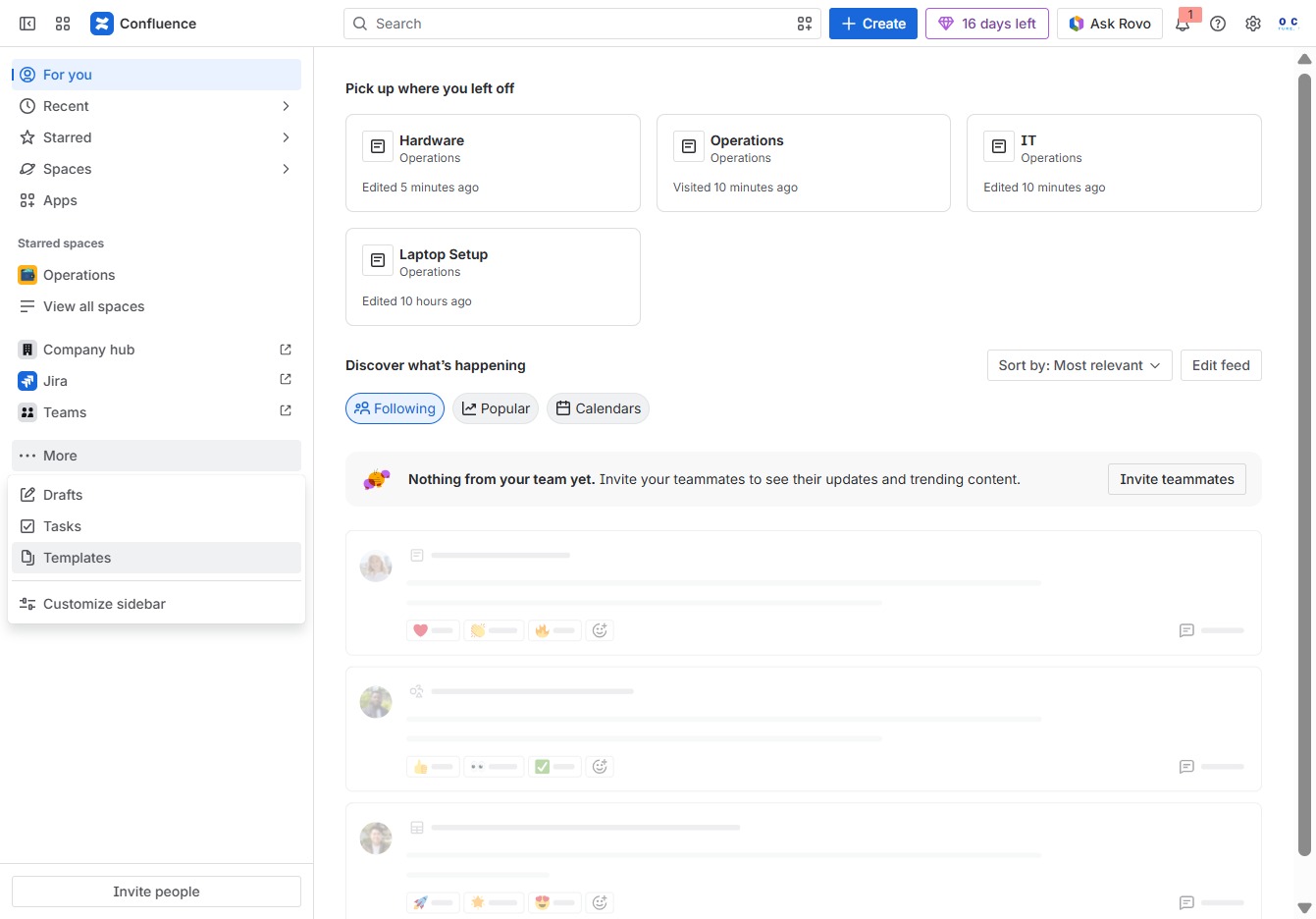
Selecting the 'Templates' option will display a list of available templates that you can use to create new pages or documents in Confluence.
This action opens a search interface where you can type keywords to find specific templates or materials within the Confluence space. The search results will display matching items based on your input.

Enter 'MEETING' into the search field to filter and display relevant meeting templates. This will help in quickly locating specific templates related to meetings.
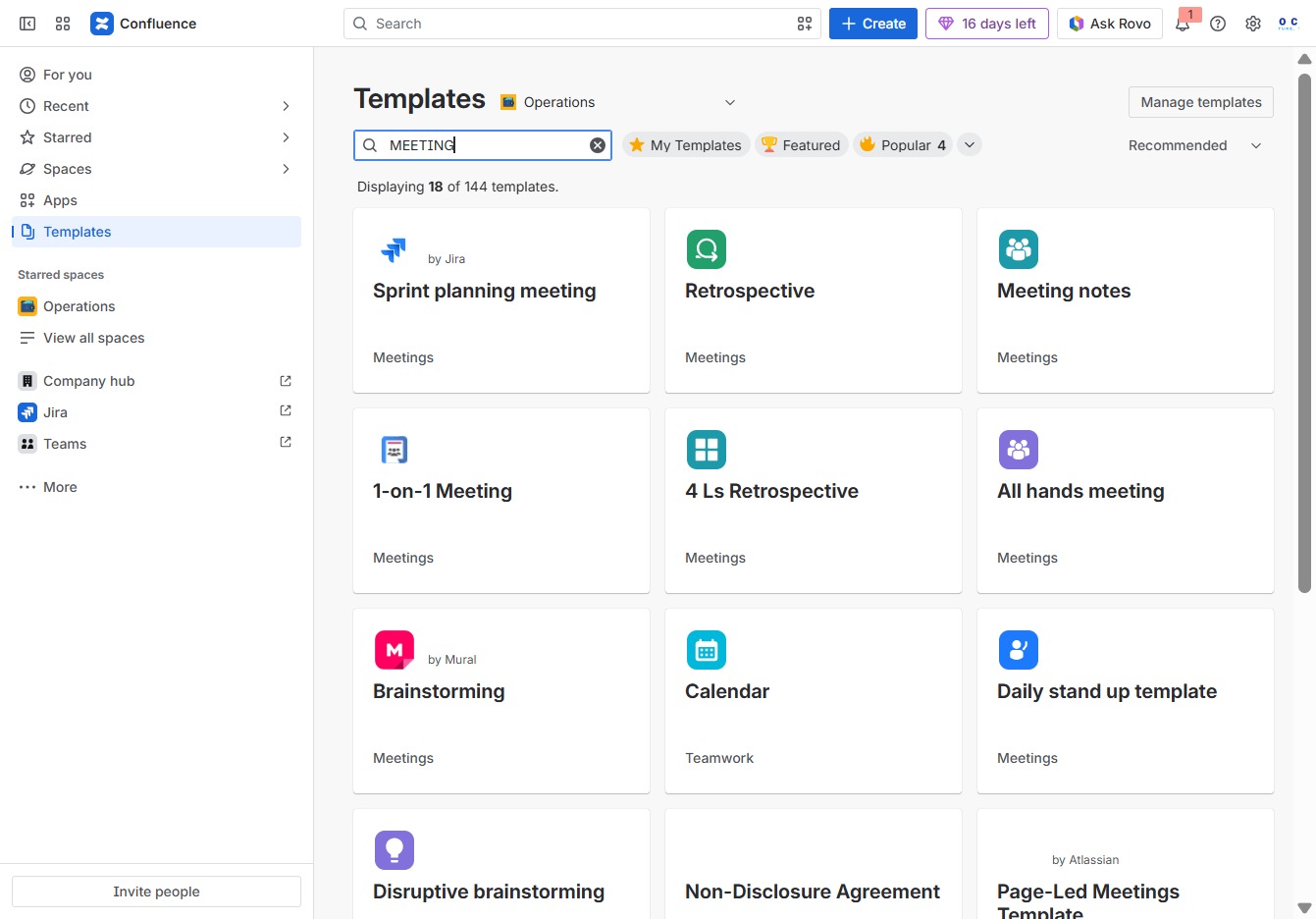
Enter 'MEETING N' in the search field to filter templates based on the specified meeting type. This will help you quickly locate relevant templates within the Operations category.
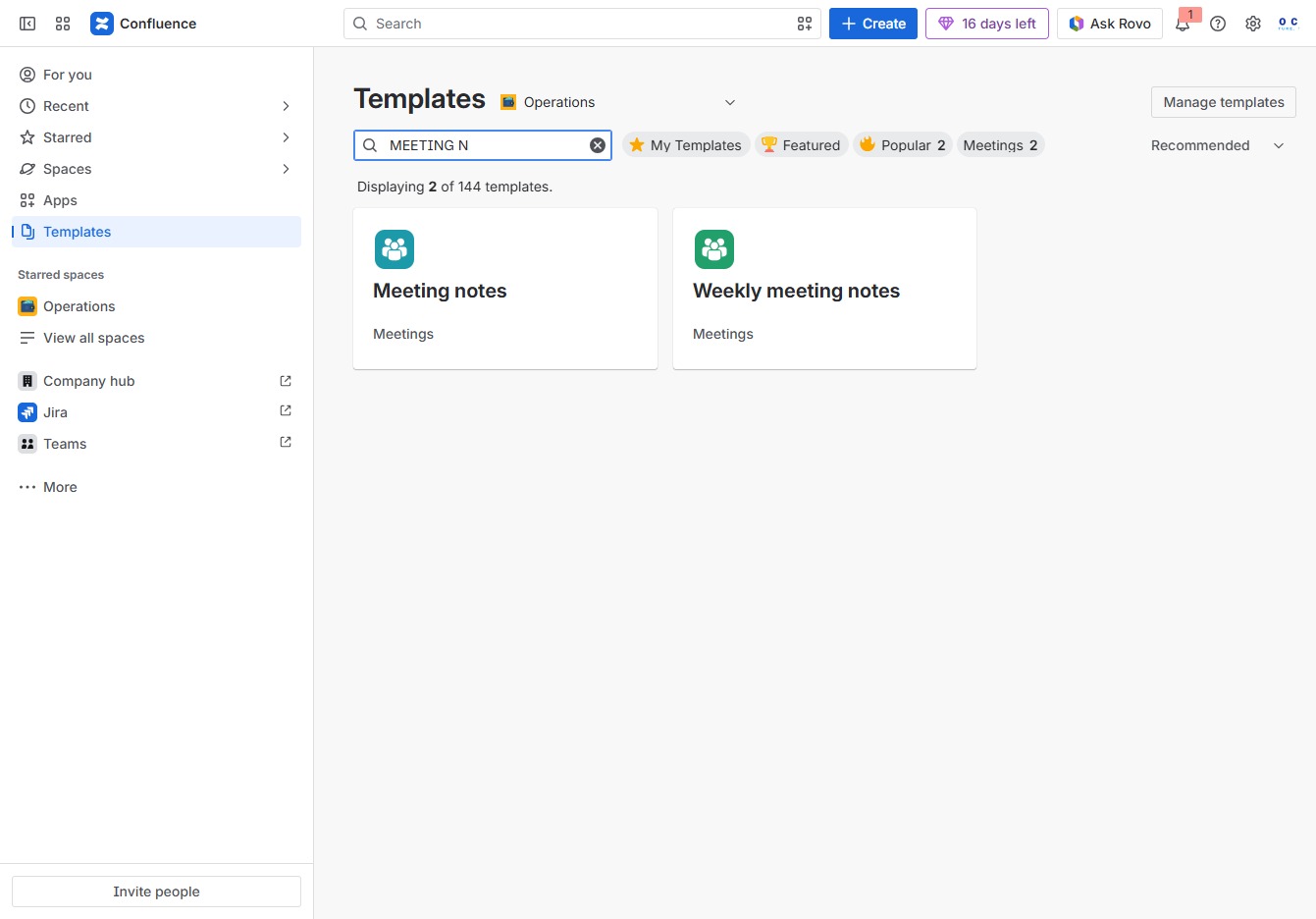
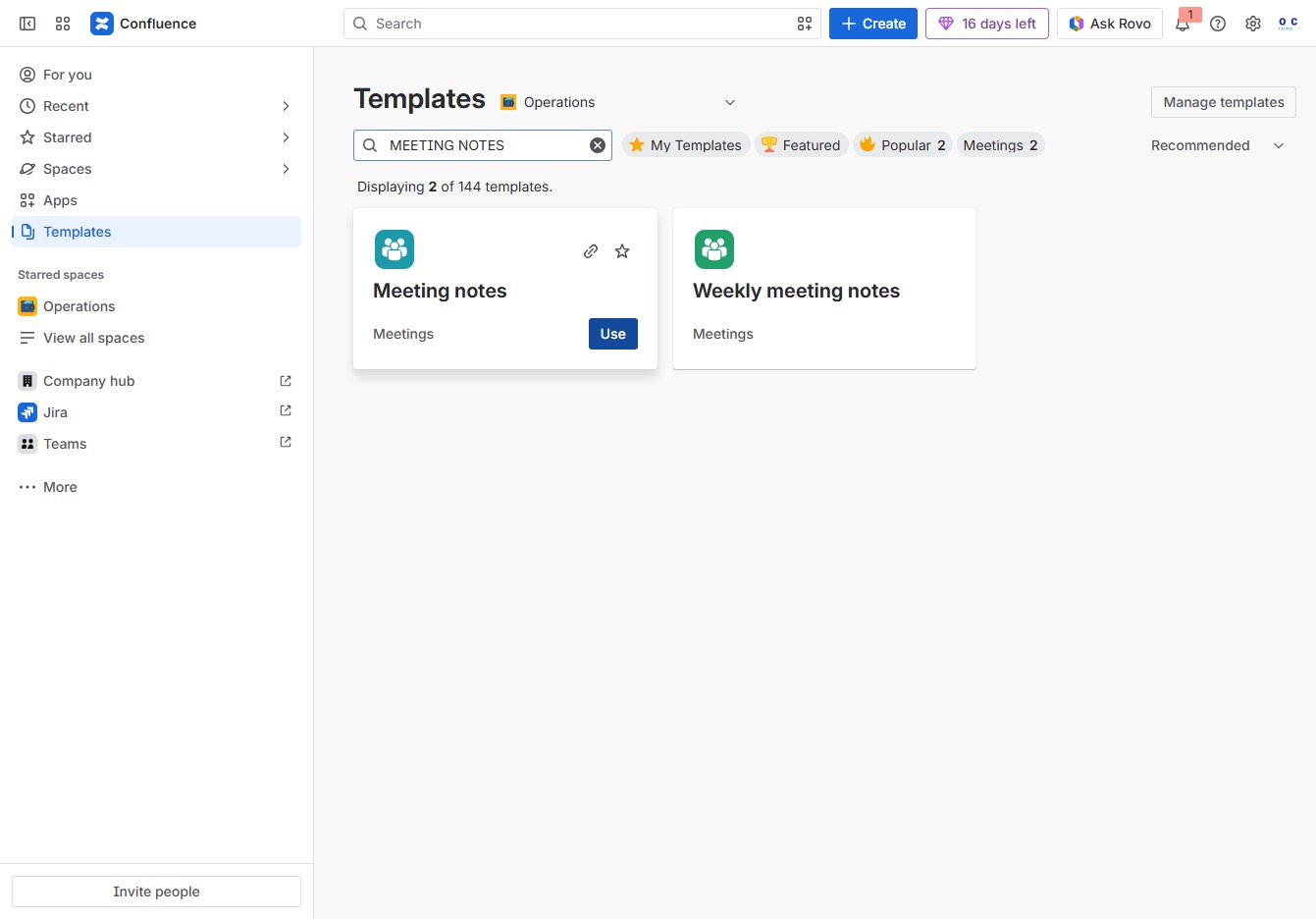
Enter 'MEETING NOTES' in the Search author, category, topic field to filter and locate relevant templates for meeting notes.

This action will open the Meeting notes template, allowing you to create a new document based on it.
This action will save and publish your meeting notes, making them accessible to relevant team members who will be notified of the changes.
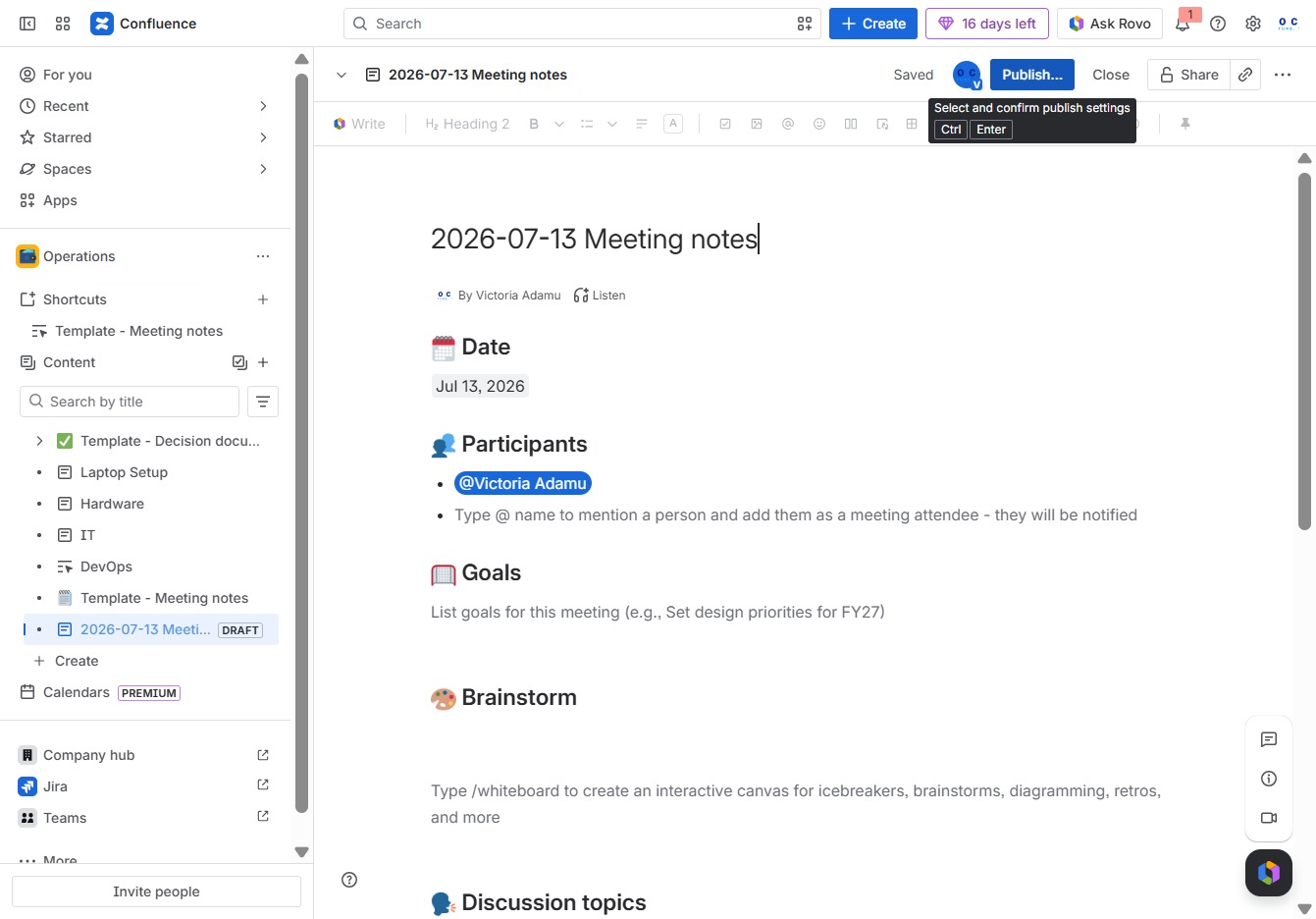
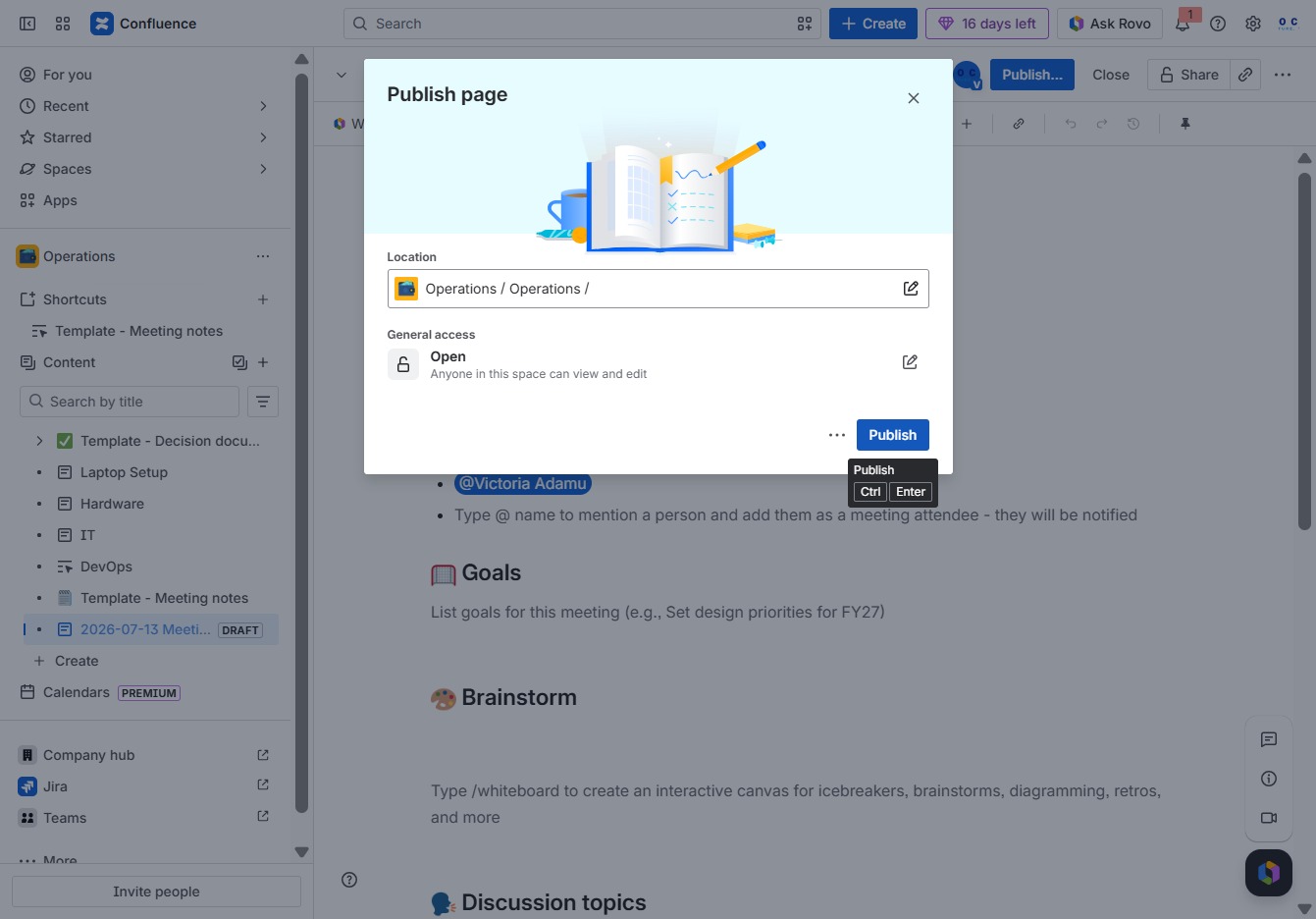
This action will publish the current page, making it accessible to users with the specified permissions. Ensure that all required information is filled in correctly before publishing.