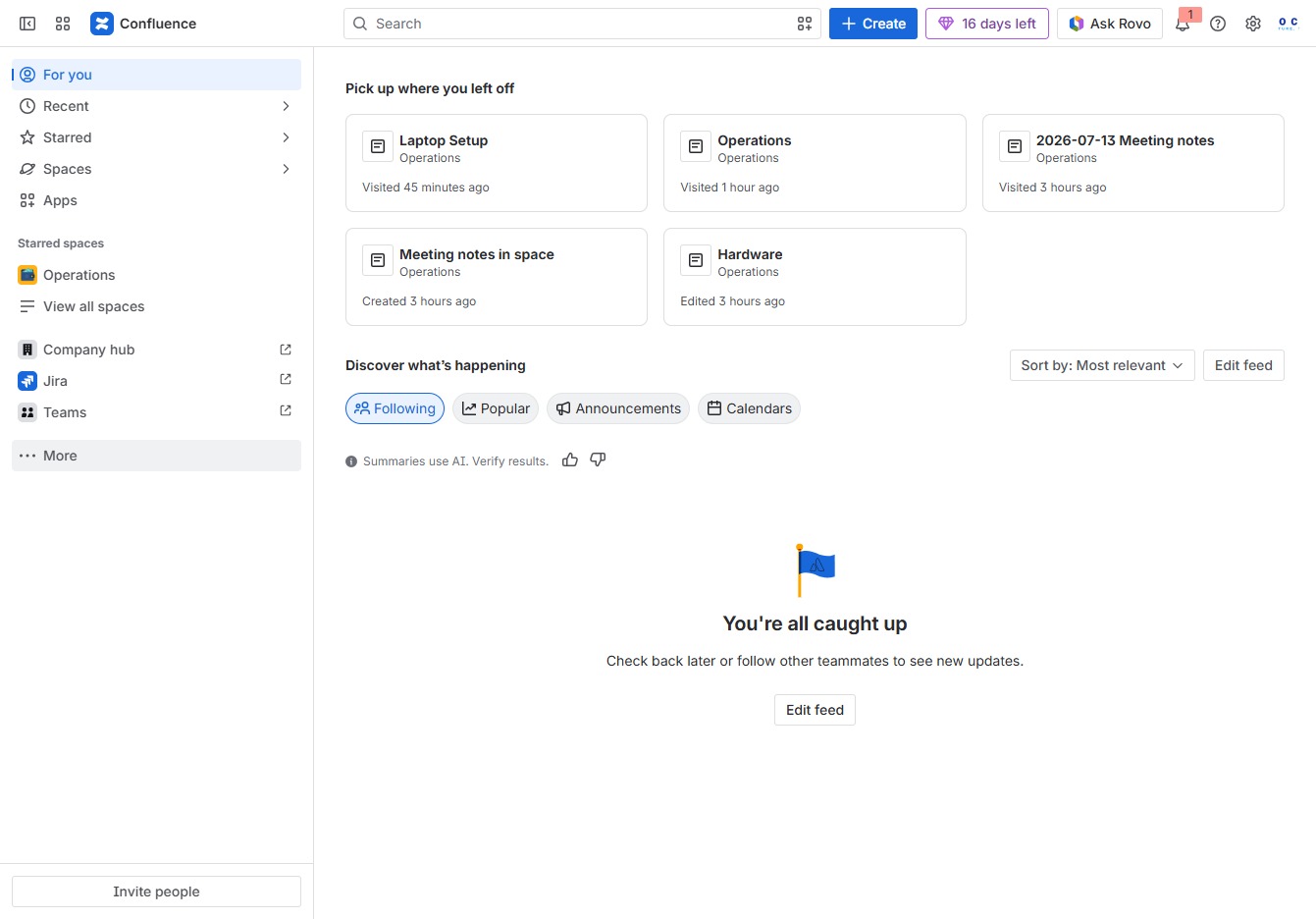
Click the More option
Selecting the 'More' option will expand additional features or settings available in the Confluence interface, providing access to further functionalities.
Loading screenshot…
100%
This how-to guide walks you through the steps to create knowledge base articles in Confluence, from selecting templates and filtering options to finalizing your document with a…
 viktoria
This how-to guide walks you through the steps to create knowledge base articles in Confluence, from selecting templates and filtering options to finalizing your document with a title and publishing it for others to access. Discover how to effectively utilize Confluence’s features to streamline your documentation process.
Selecting the 'More' option will expand additional features or settings available in the Confluence interface, providing access to further functionalities.
This action opens the Templates section, where you can view and manage various templates available for use in your projects.

This action opens the search bar, allowing you to quickly find templates, pages, or spaces within Confluence.

This action will filter the list of templates based on your input, allowing you to quickly find relevant templates related to 'kno'.
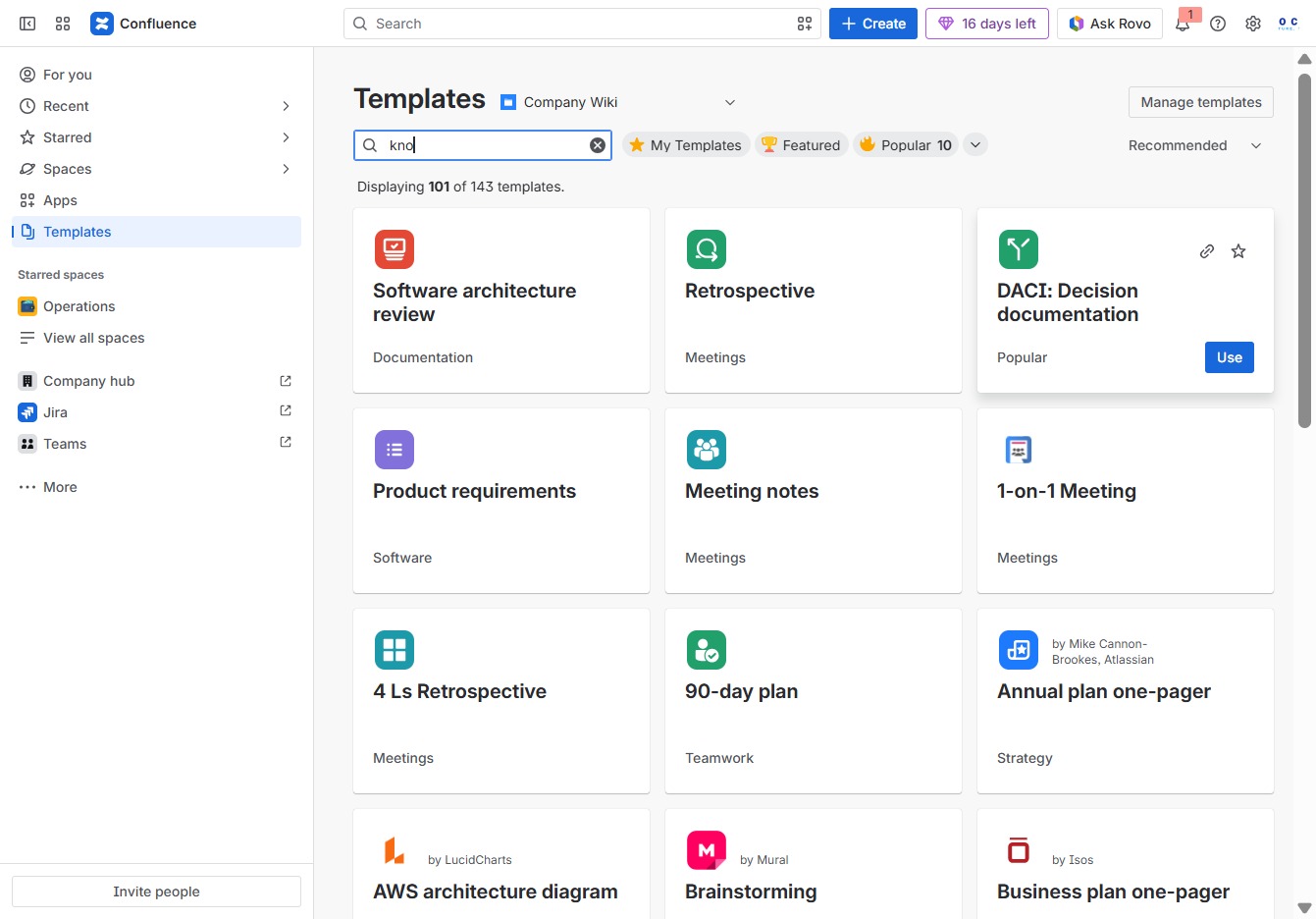
Enter 'know' in the Search author, category, topic field to filter and find relevant templates within the Confluence platform.

Clicking the 'Use' button will enable you to create a new page using the selected template in Confluence, allowing you to start documenting right away.

Enter the title for your page, which will help identify its content. This title will be displayed at the top of the document and in the page list for easy reference.
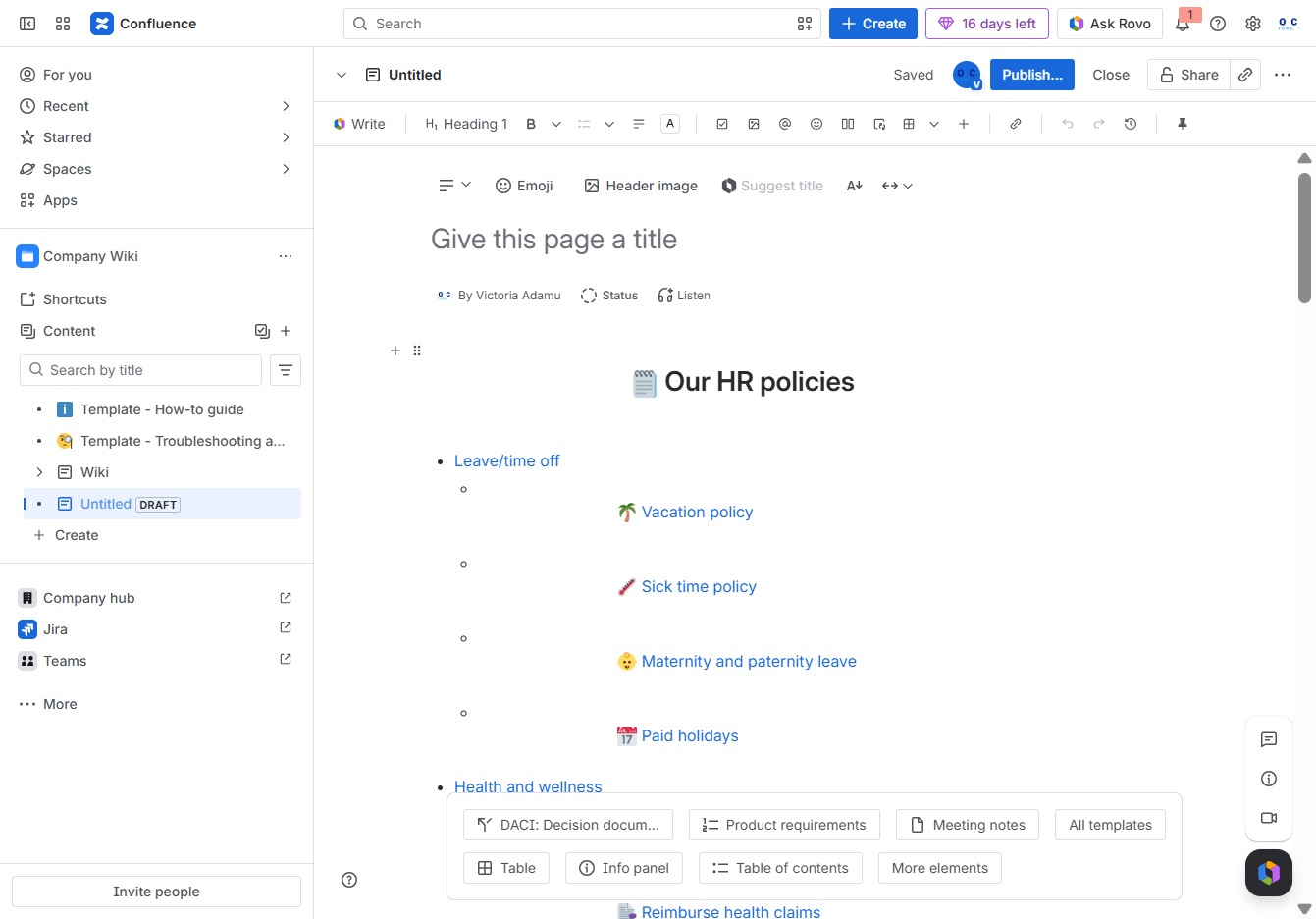
In the 'Give this page a title' section, enter 'Knowledge base' to designate the title of the page you're creating. This title will be used for navigation and identification in your Confluence space.
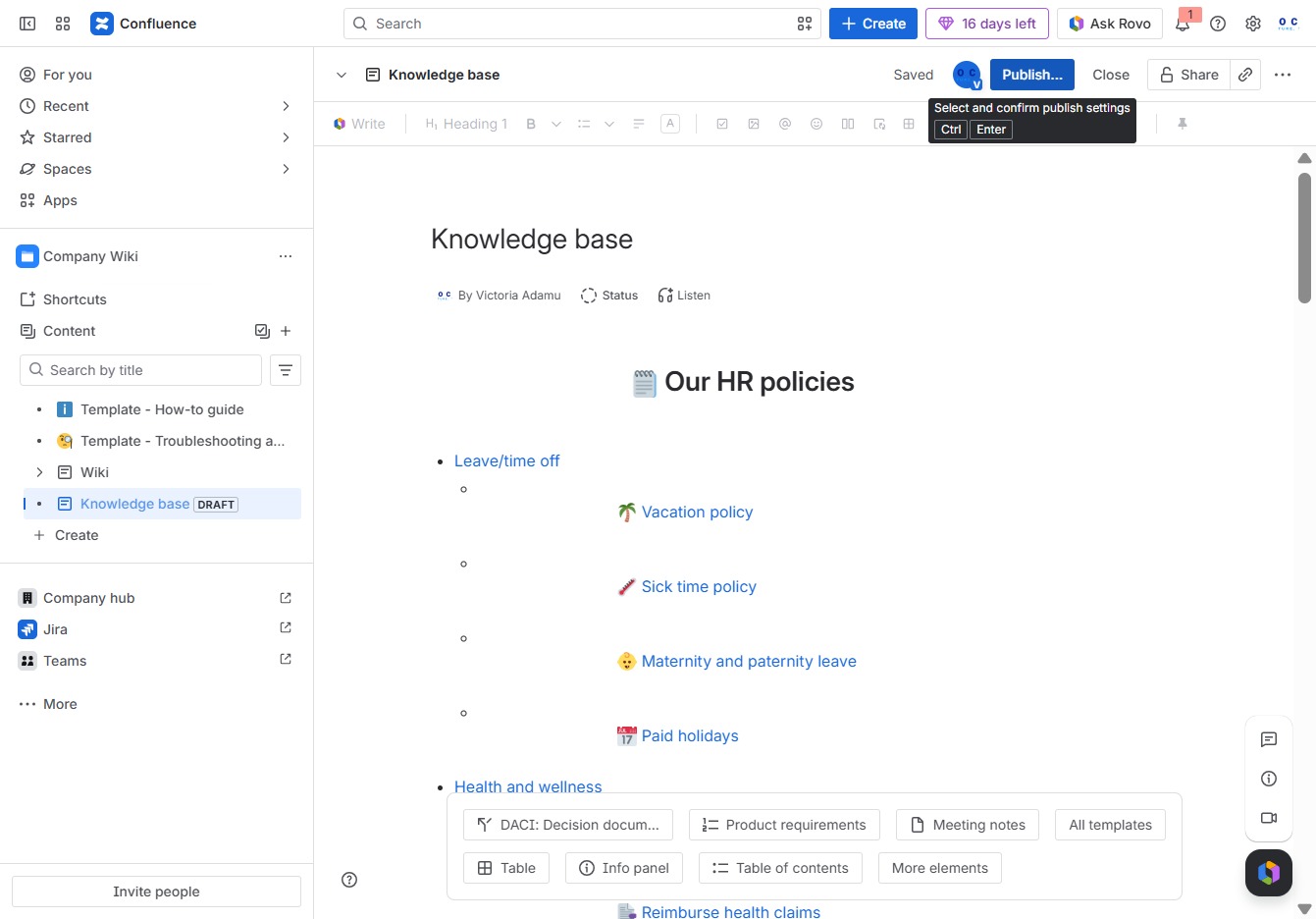
Clicking the Publish button will finalize the document and make it available for others to view in the Knowledge base.

Clicking the Publish button will finalize your edits and make the page visible to users in the specified location and with the defined access settings.
