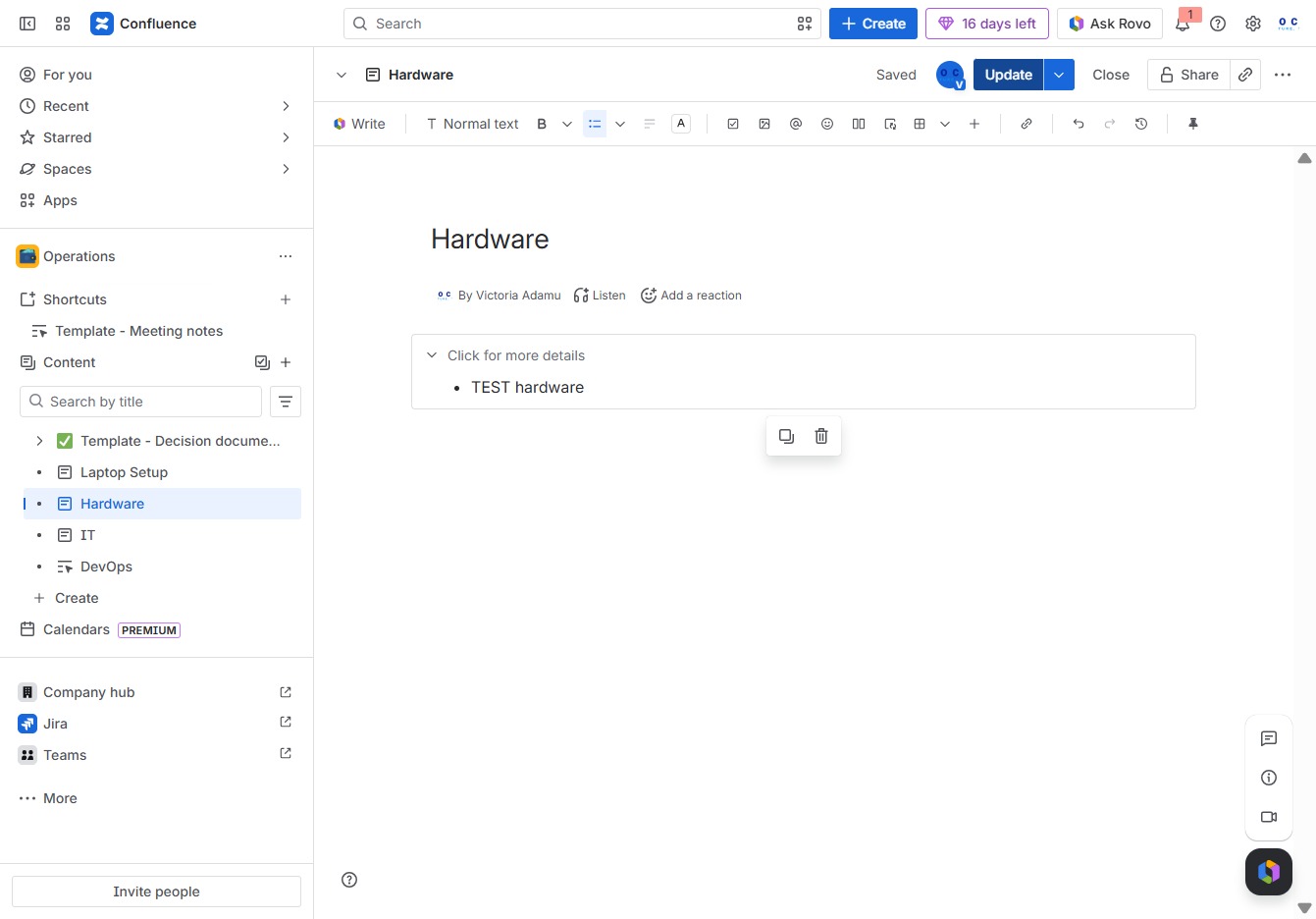
Click the Operations section
This will take you to the Operations area where you can view and manage ongoing tasks and updates related to operational activities.
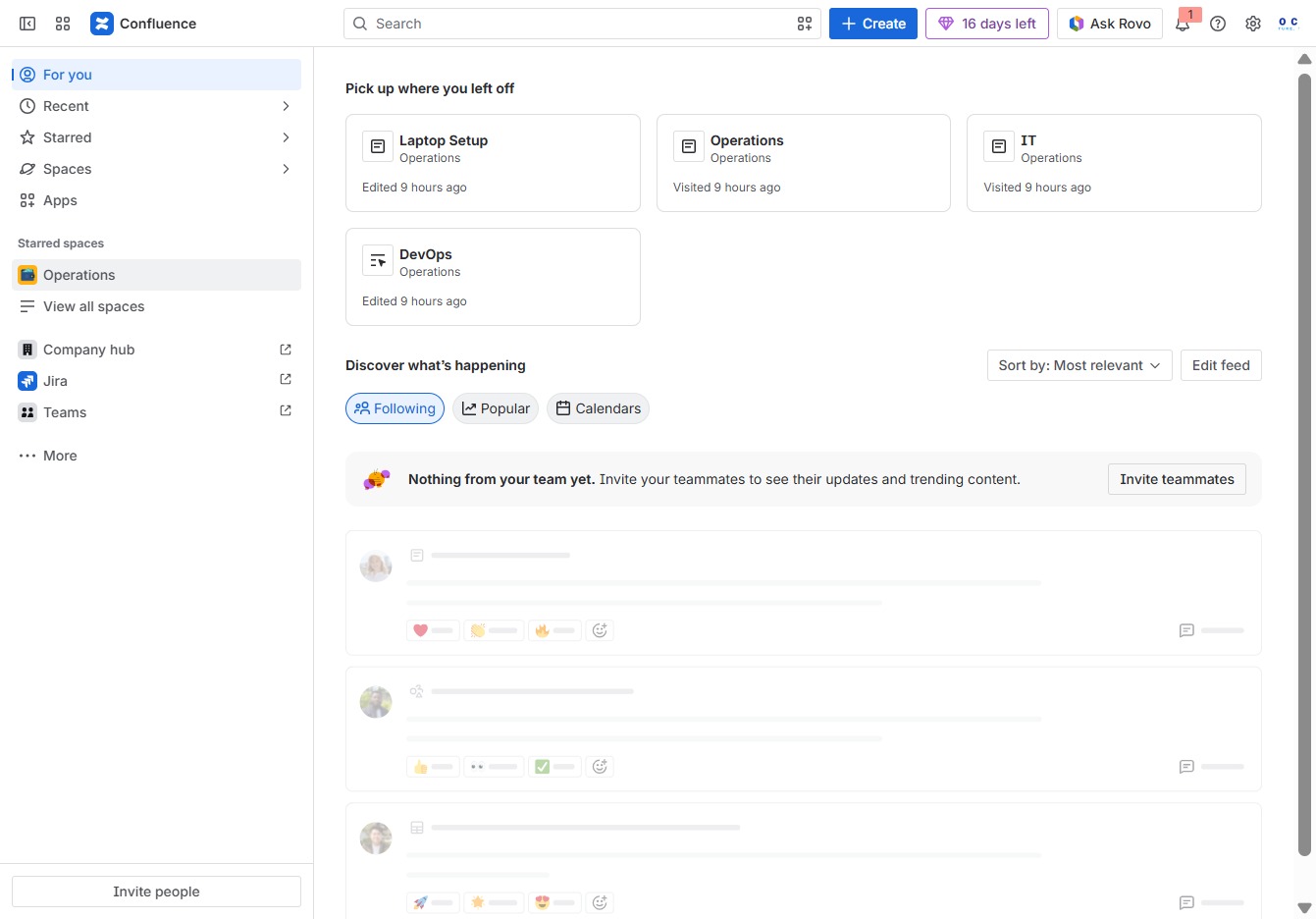
Loading screenshot…
100%
This how-to guide walks you through creating expandable sections within the 'Hardware' page on your Operations wiki.
 viktoria
This how-to guide walks you through creating expandable sections within the 'Hardware' page on your Operations wiki. You'll learn to manage existing content, insert new elements, and effectively organize information to enhance user navigation and engagement.
This will take you to the Operations area where you can view and manage ongoing tasks and updates related to operational activities.
This action opens additional options related to the Hardware section, allowing users to create child content or manage existing items.
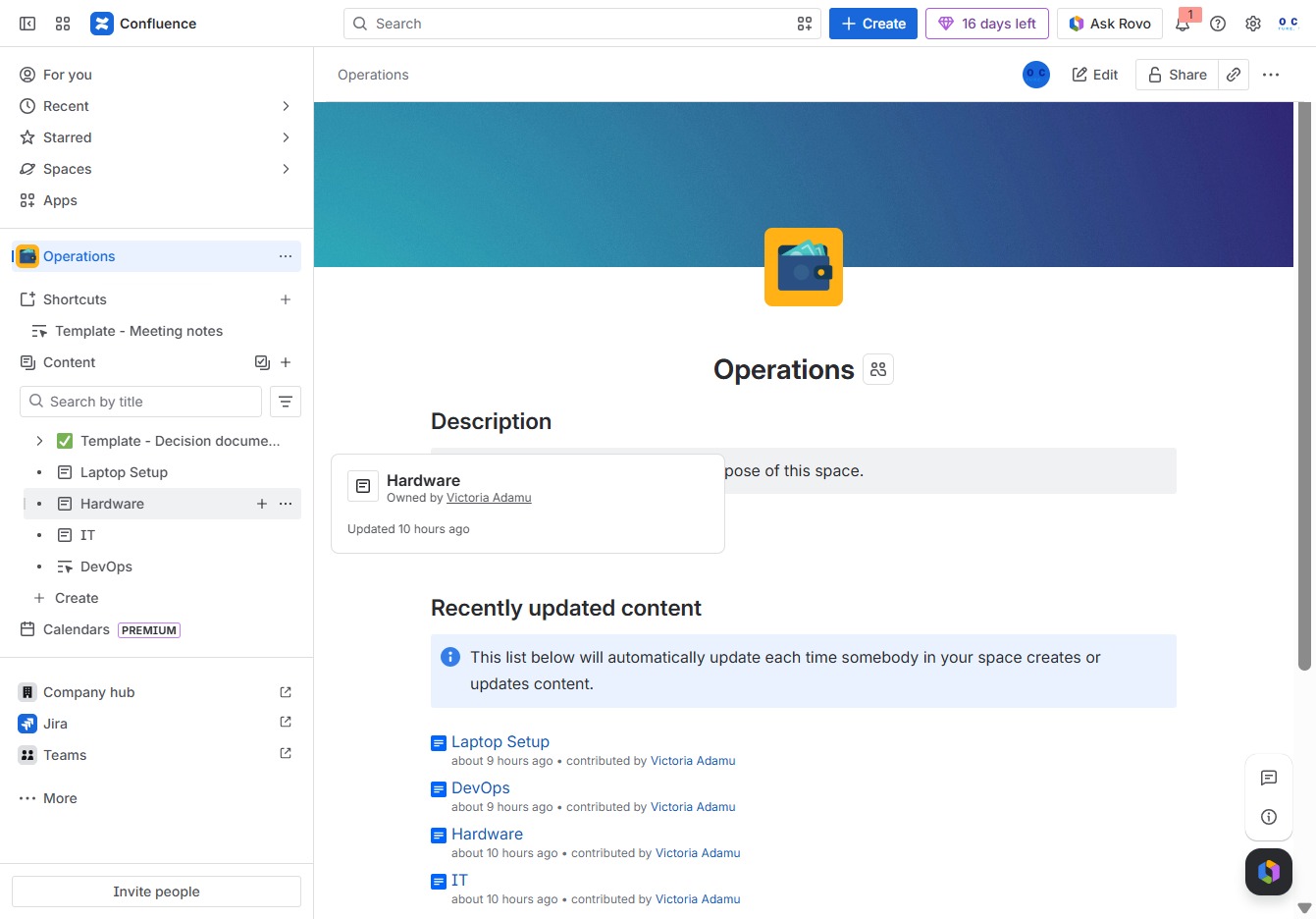
This action allows you to modify the current content of the 'Hardware' page. Once you click 'Edit', you can make changes to the text and layouts as needed.
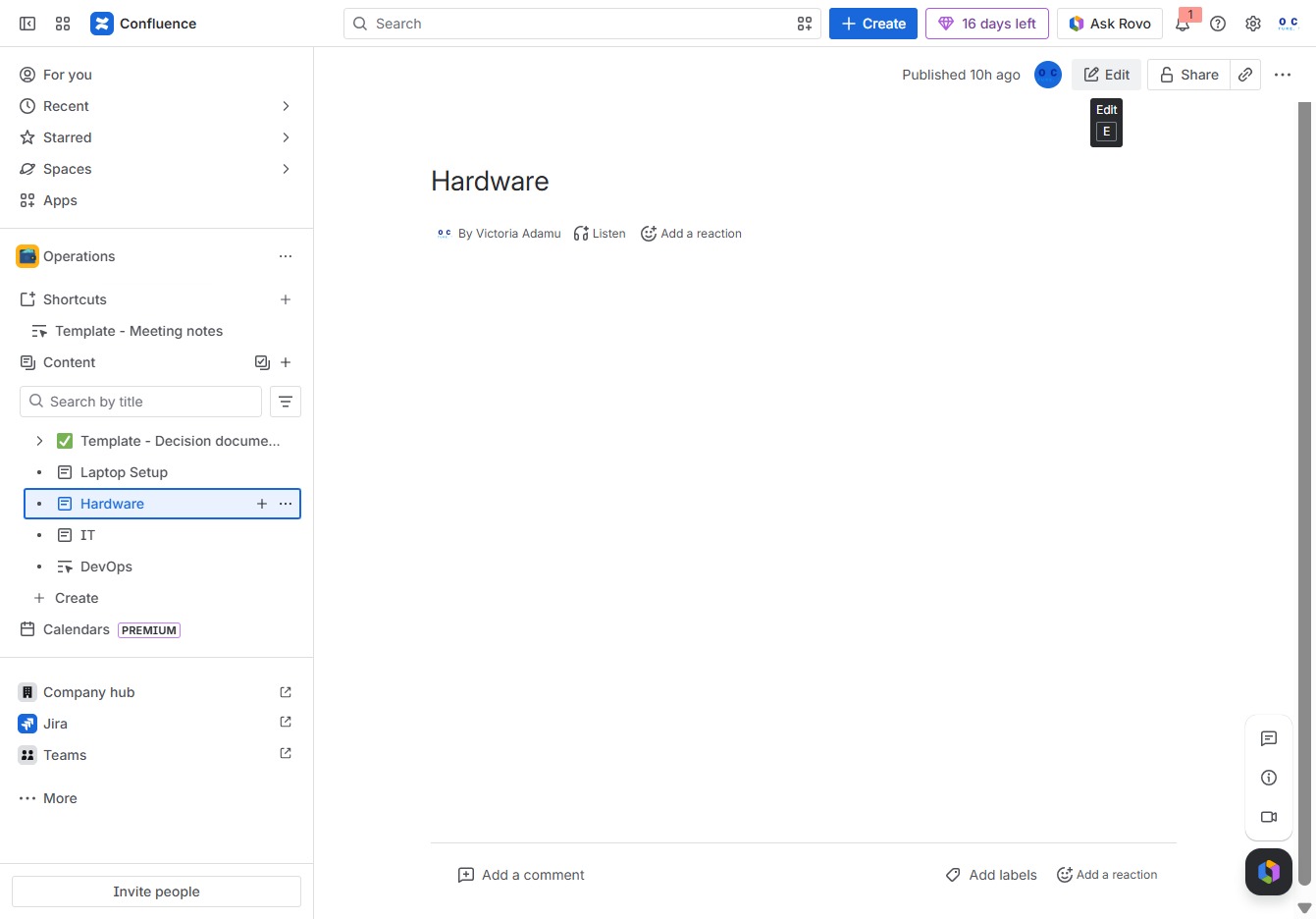
Clicking the 'Add' button allows you to insert new elements into your document, enhancing the content of the 'Hardware' section.
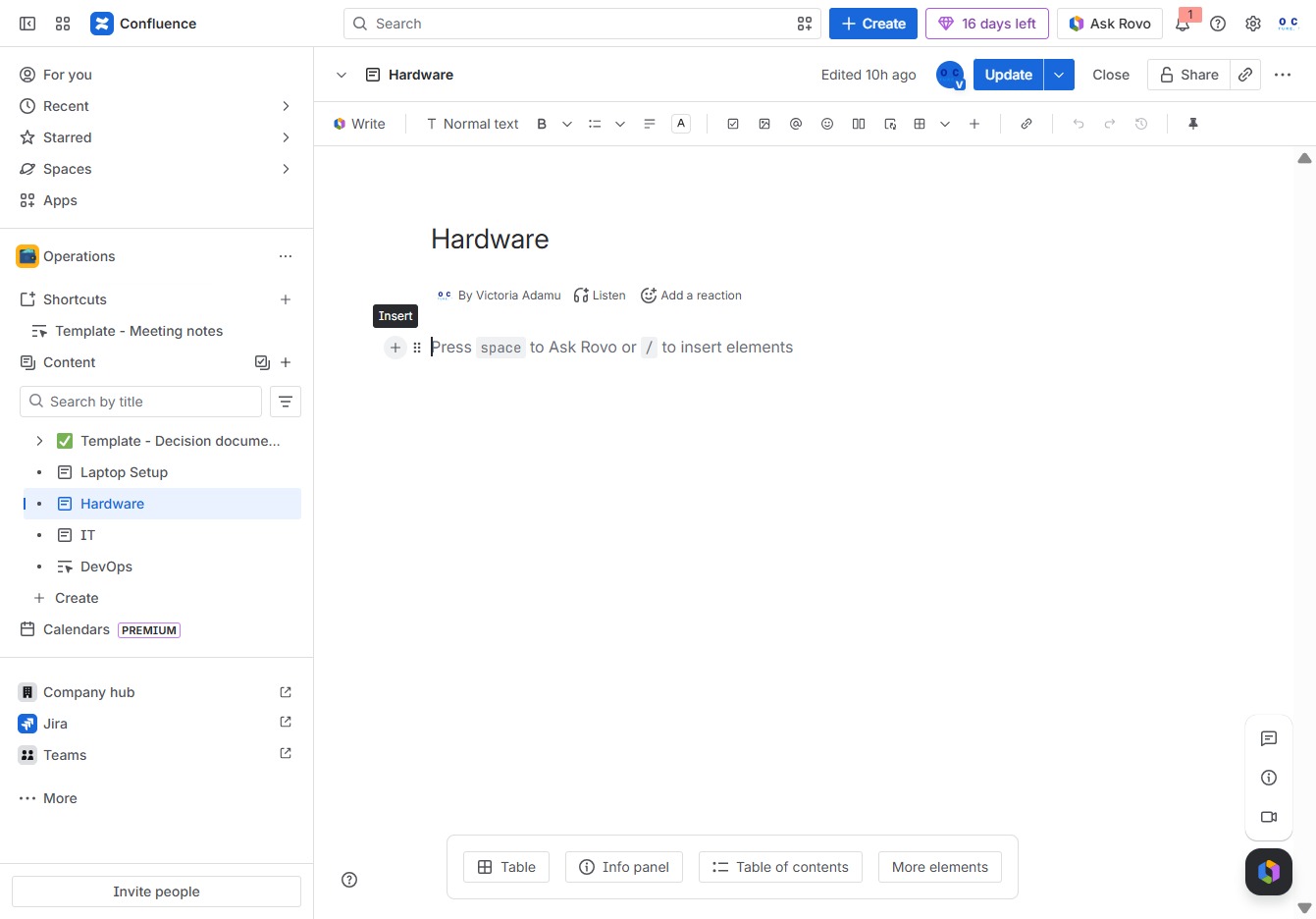
Typing 'expand' in the designated area will reveal additional content or details associated with the 'Hardware' section, making it easier to access further information.
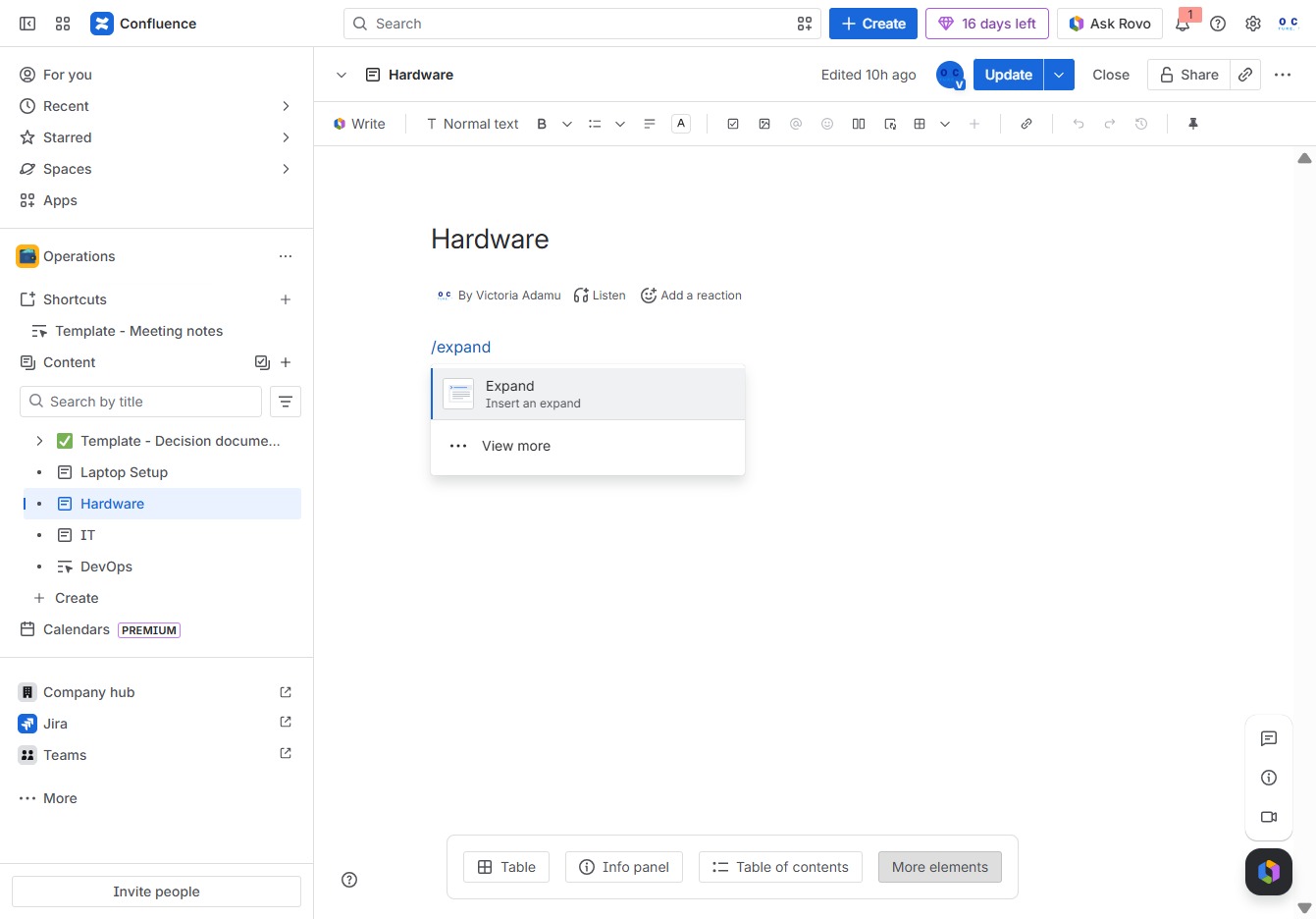
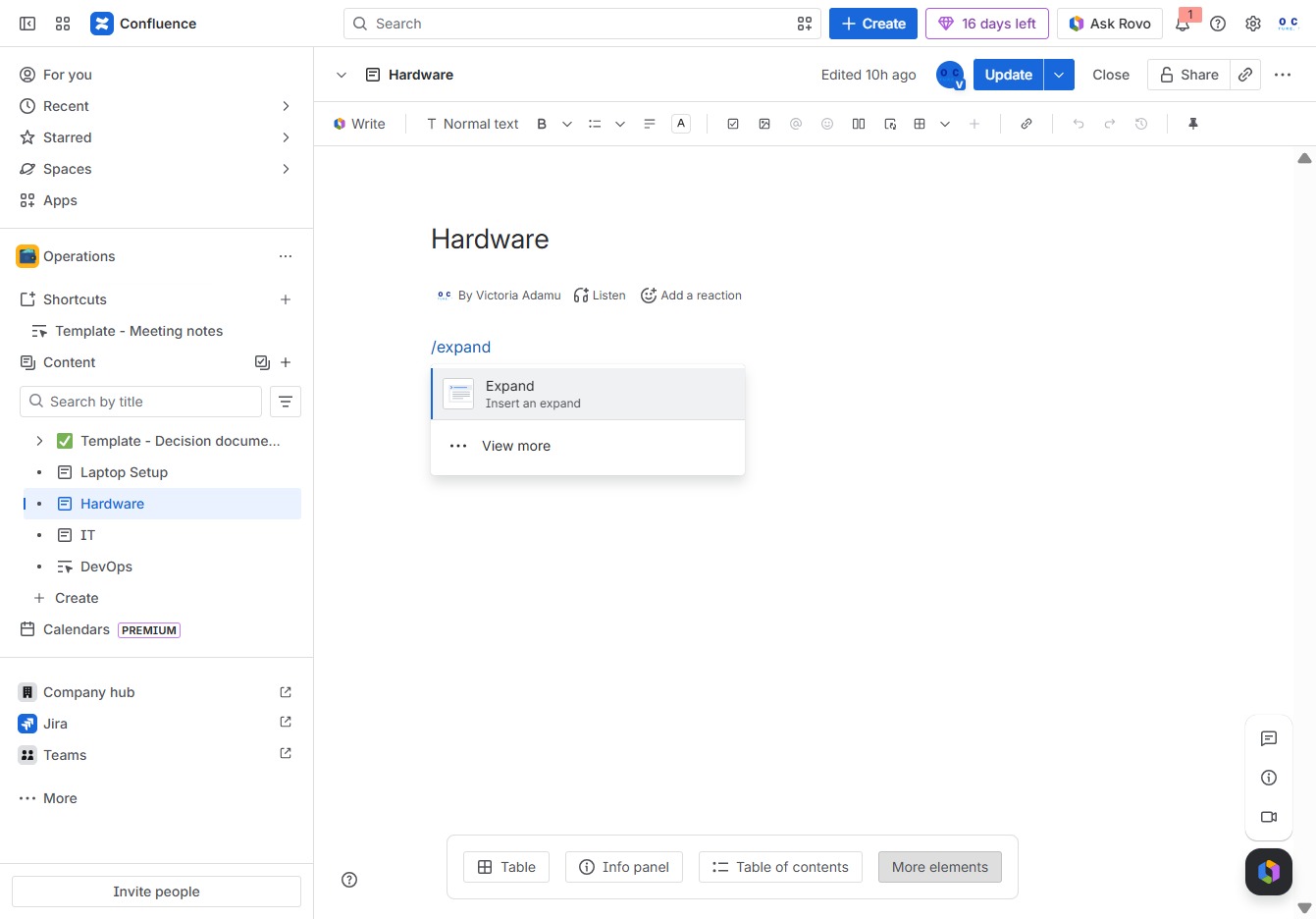
This action will reveal additional content related to the Hardware section, providing more details and context for the materials involved.
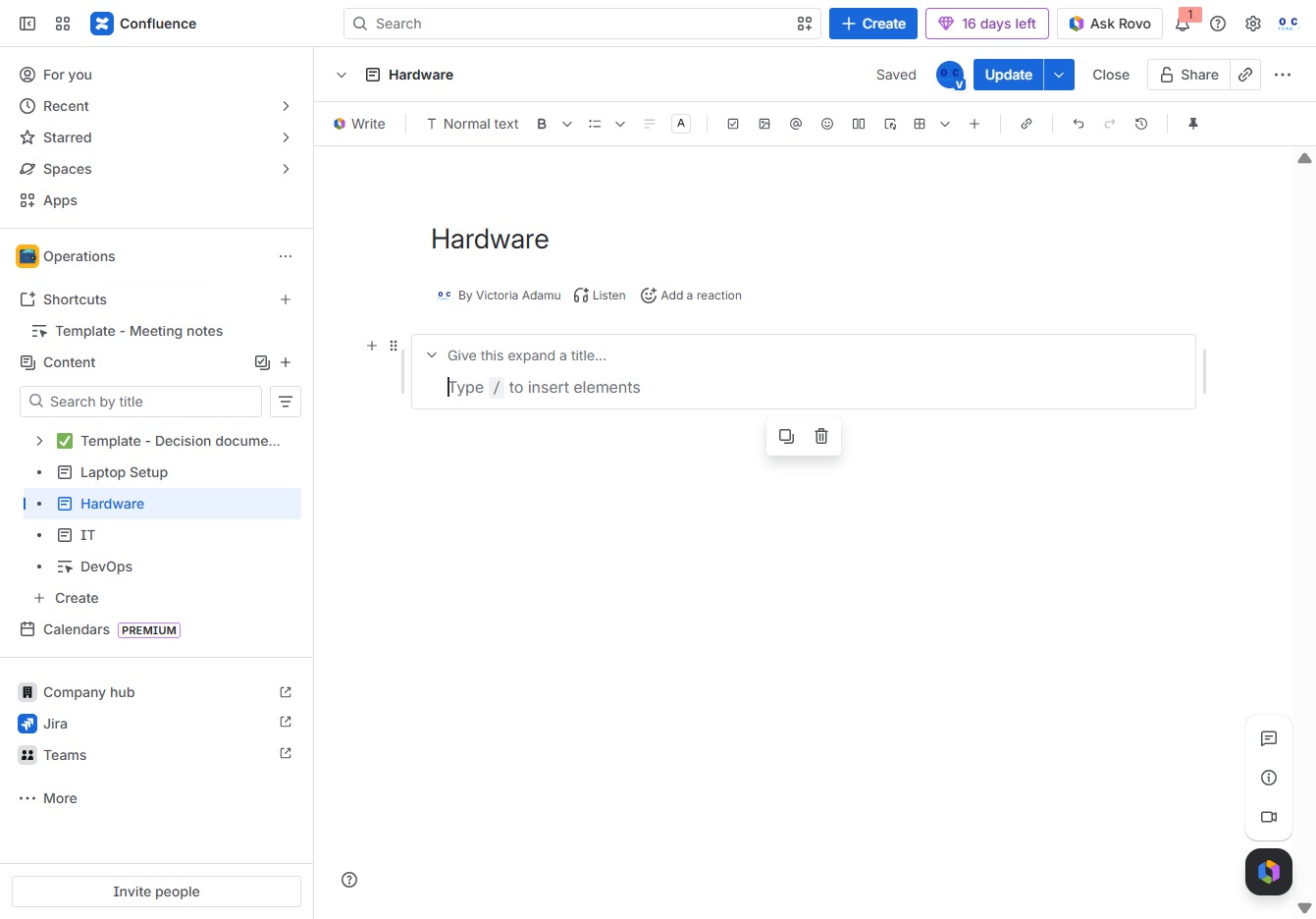
Enter a title for the expand section to provide context for the content that will be displayed. This title will help users understand what information is contained within the expandable area.
Clicking this button allows you to add an emoji reaction to the current content. This feature enhances engagement by enabling quick feedback on the message.
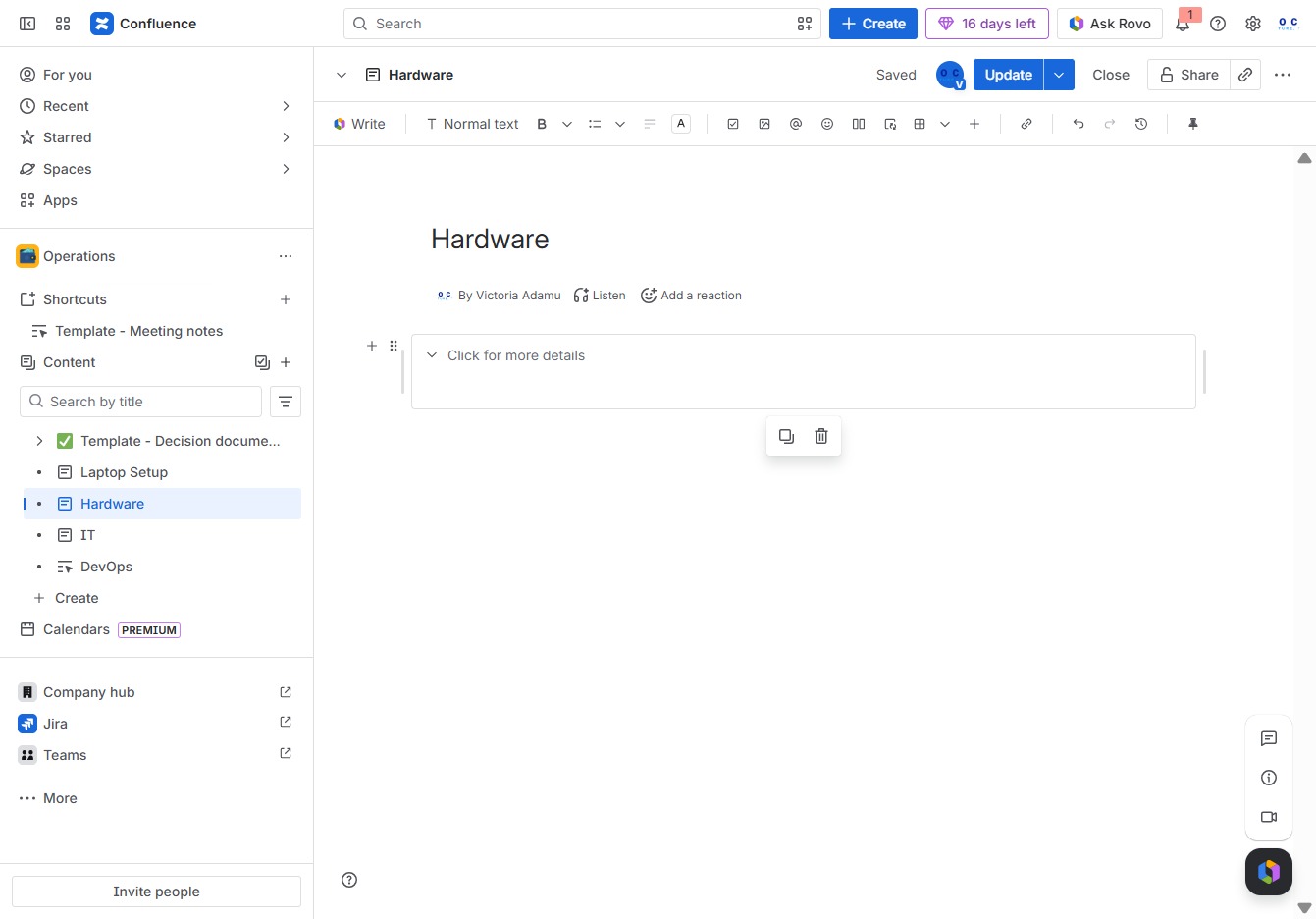
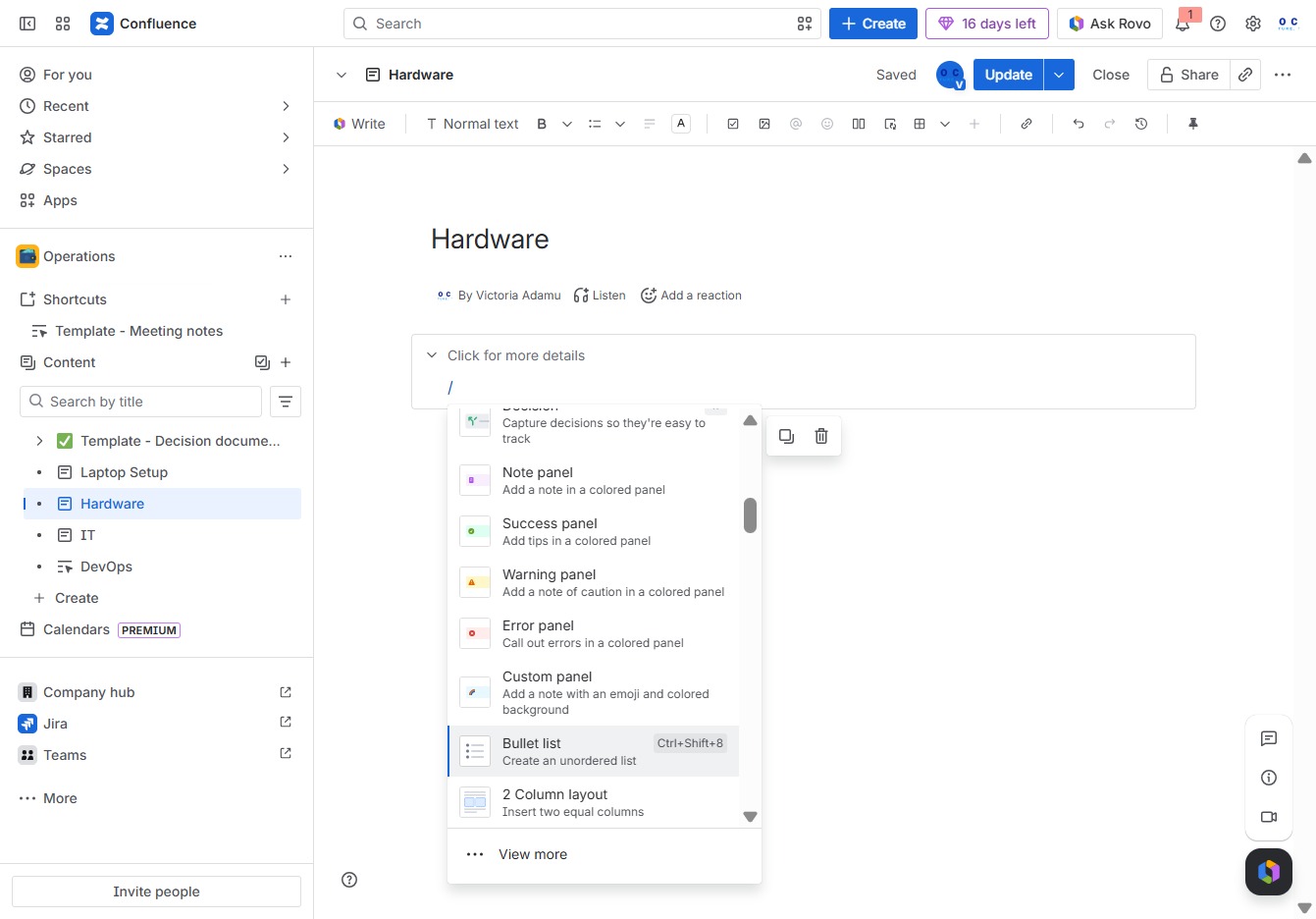
Selecting the Bullet list option creates an unordered list in the document, allowing you to organize information clearly with bullet points.
Input the text 'TEST hardware' into the Ak editor textarea to save it within the Hardware section. This will allow you to update or reference this entry in your documentation.
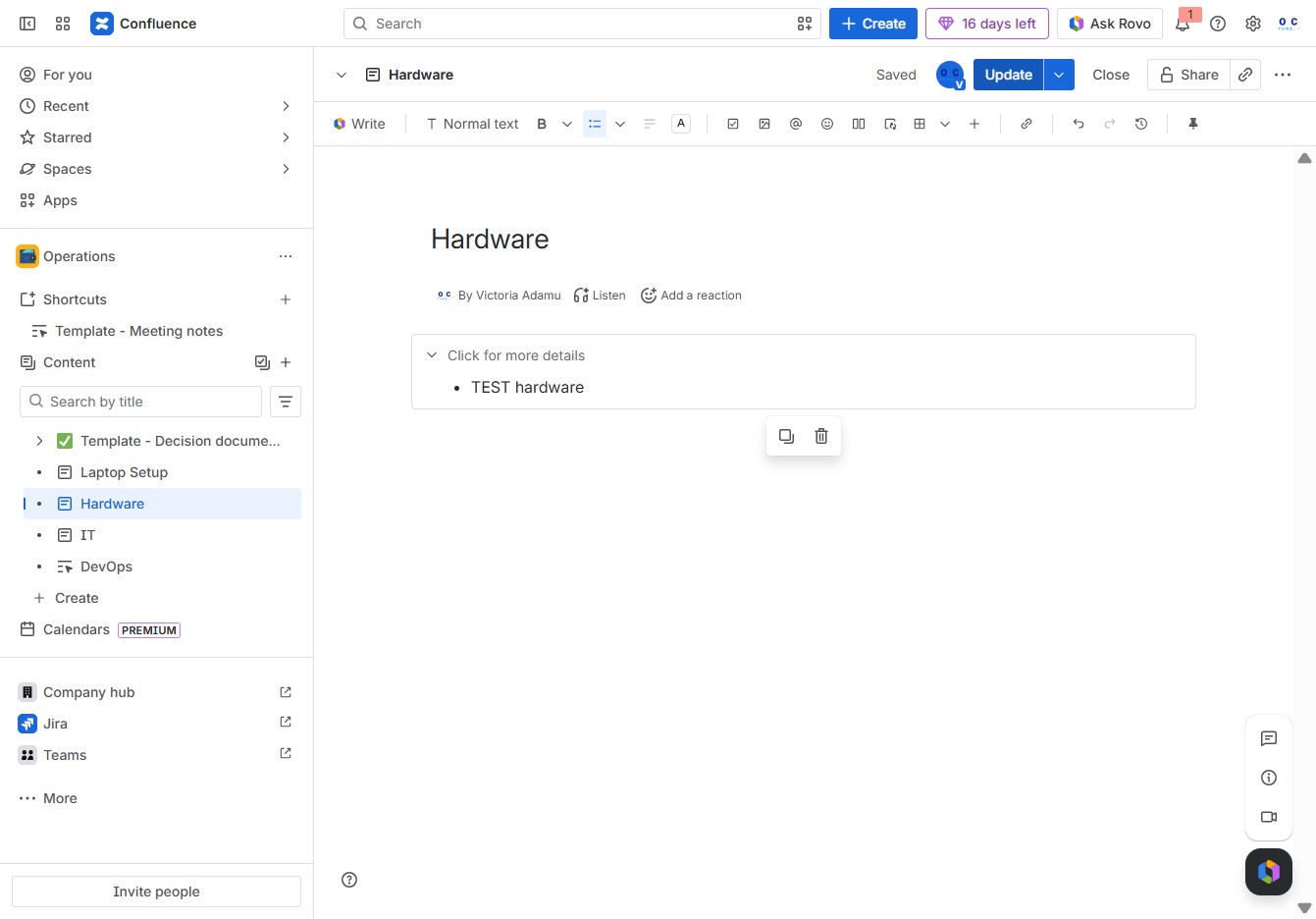
This will save any changes made to the content of the Hardware section. Ensure that all desired modifications are finalized before confirming the update.