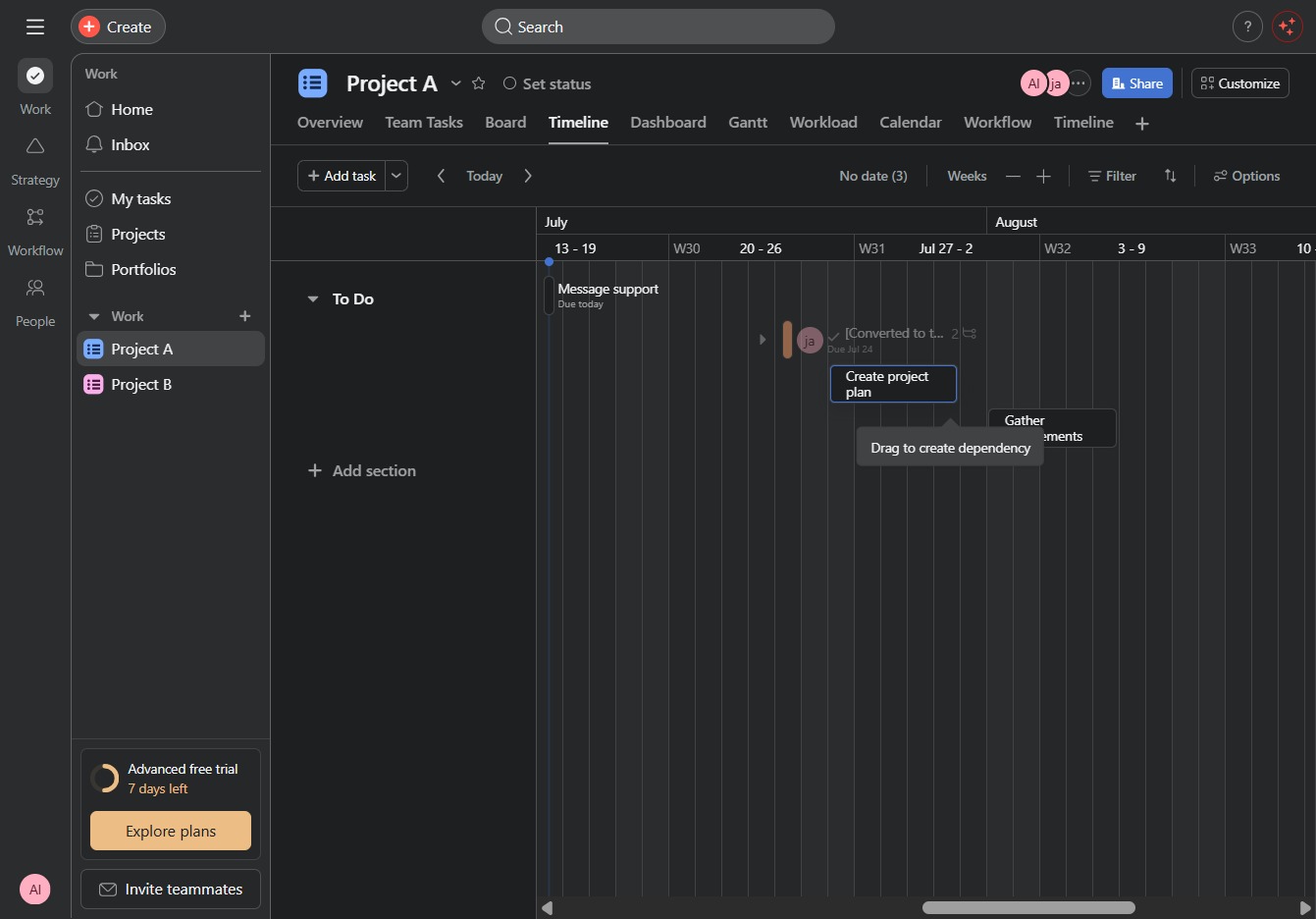
Click Project A
Clicking on 'Project A' will open the project details, allowing you to view tasks, collaborate with teammates, and track project progress.
Loading screenshot…
100%
In this guide, you'll learn how to create task dependencies within your project timeline, from navigating your project details to defining and linking new tasks.
 viktoria
In this guide, you'll learn how to create task dependencies within your project timeline, from navigating your project details to defining and linking new tasks. Follow the steps to effectively outline your project plan and visualize task relationships for improved collaboration and scheduling.
Clicking on 'Project A' will open the project details, allowing you to view tasks, collaborate with teammates, and track project progress.
This action opens the Timeline view for Project A, displaying tasks along a timeline layout for better visualization of project progress and scheduling.
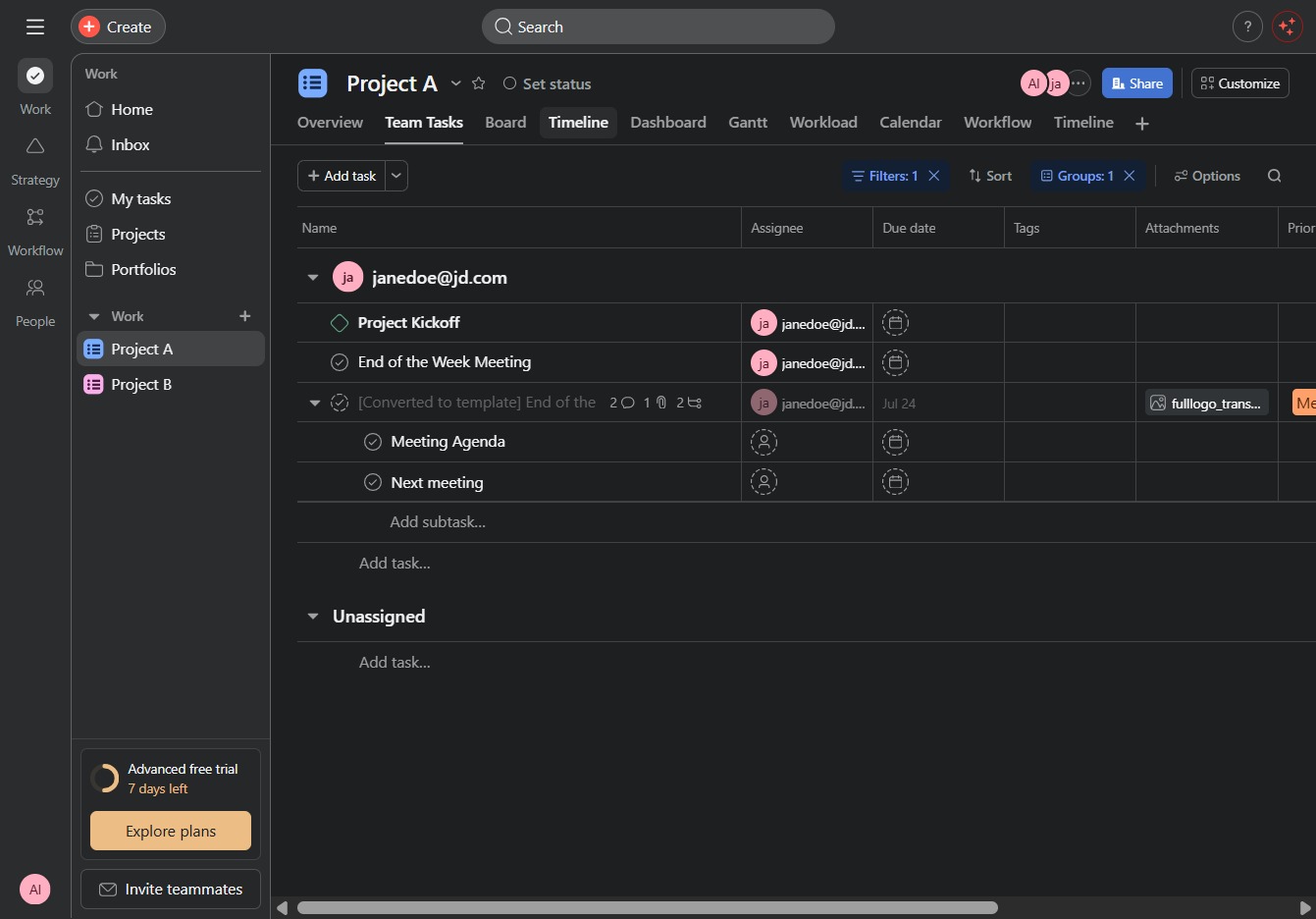
Clicking the Message Support link enables you to communicate directly with support regarding tasks related to the 'End of the Week Meeting' and its associated subtasks.

Enter 'Create project plan' in the 'Write a task name' field to define the new task you wish to create in your project timeline.

By clicking this option, you will initiate the creation of a new project plan, allowing you to outline tasks and deadlines for your project.

Enter 'Gather requirements' in the 'Write a task name' field to specify the task you want to create. This will allow you to outline the requirements necessary for your project.

Clicking this link will initiate the process to add a new task to your project timeline.
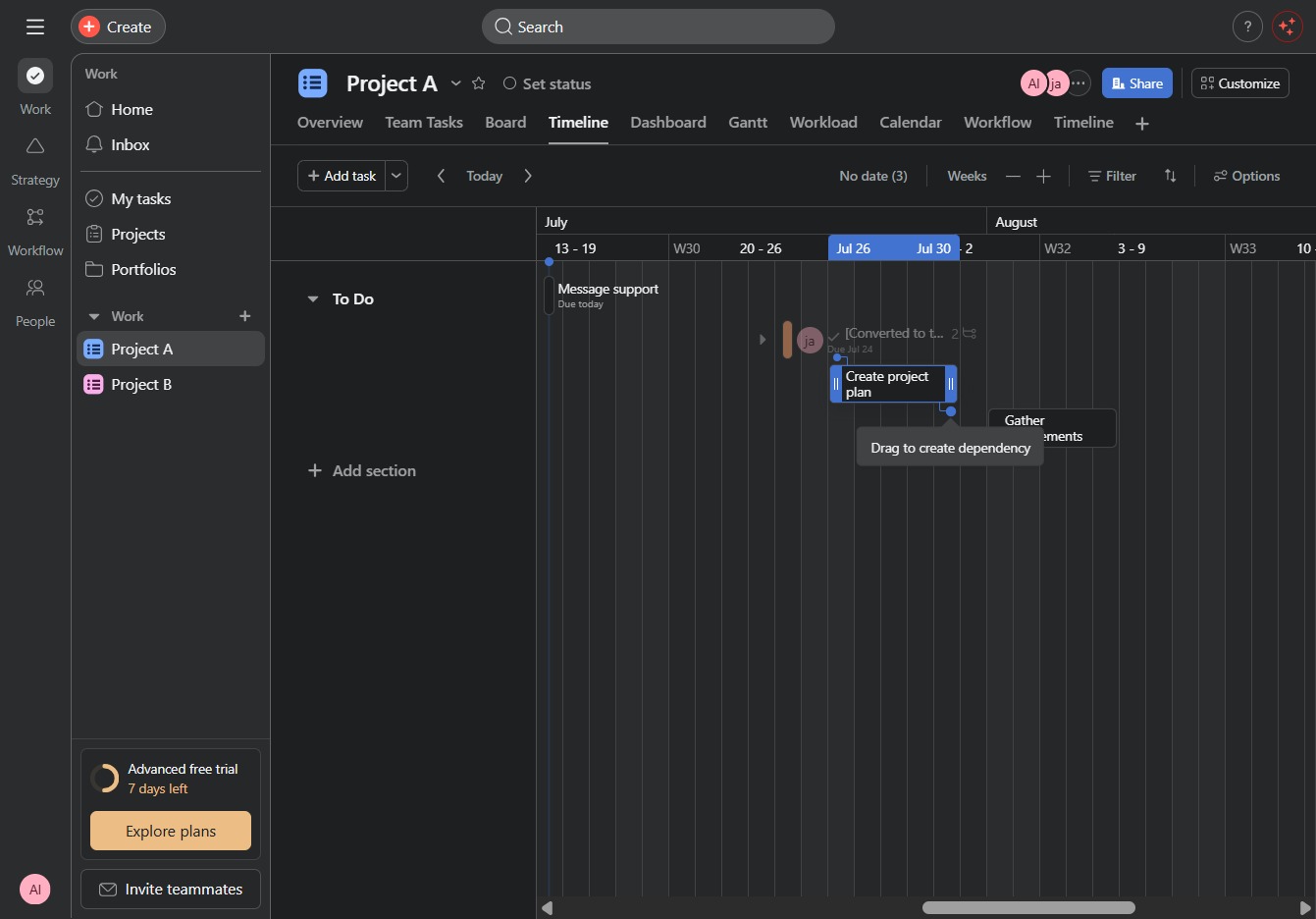
Click and hold the 'Drag to create dependency' area to establish a task dependency in your project timeline. This action will visually link two tasks, demonstrating their relationship and sequence.