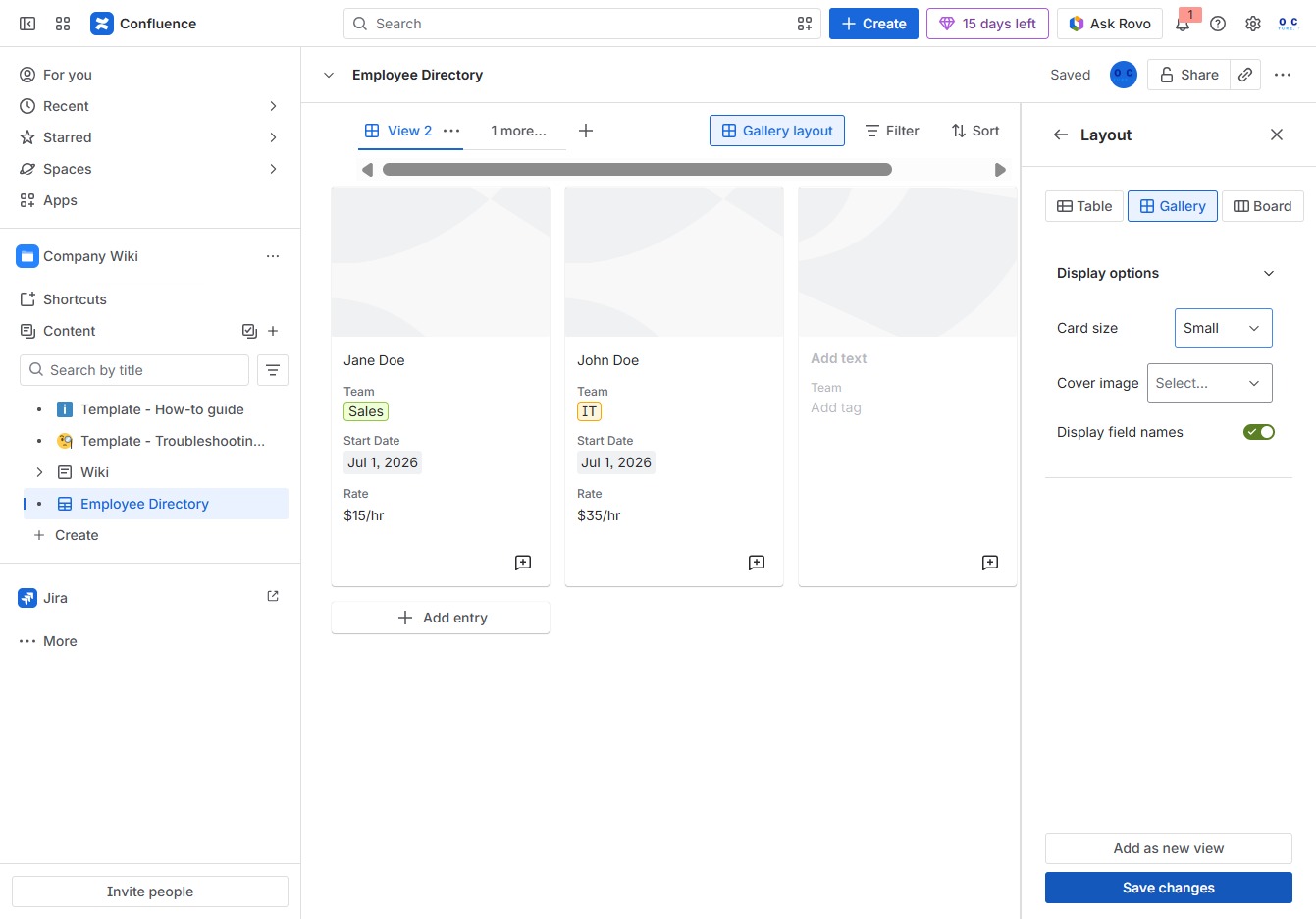
Click the Company Wiki section
By clicking on the Company Wiki section, you will navigate to the central repository of company information, where you can access documents, policies, and updates relevant to your organization.

Loading screenshot…
100%
This how-to guide walks you through the process of creating and customizing database views for your Employee Directory, enabling you to efficiently manage employee profiles and…
 viktoria
This how-to guide walks you through the process of creating and customizing database views for your Employee Directory, enabling you to efficiently manage employee profiles and organize displayed data according to your preferences. Follow the steps to enhance navigation and optimize the layout for easier access to company information.
By clicking on the Company Wiki section, you will navigate to the central repository of company information, where you can access documents, policies, and updates relevant to your organization.
This action opens the Employee Directory section, allowing you to manage and create child content related to employee profiles.
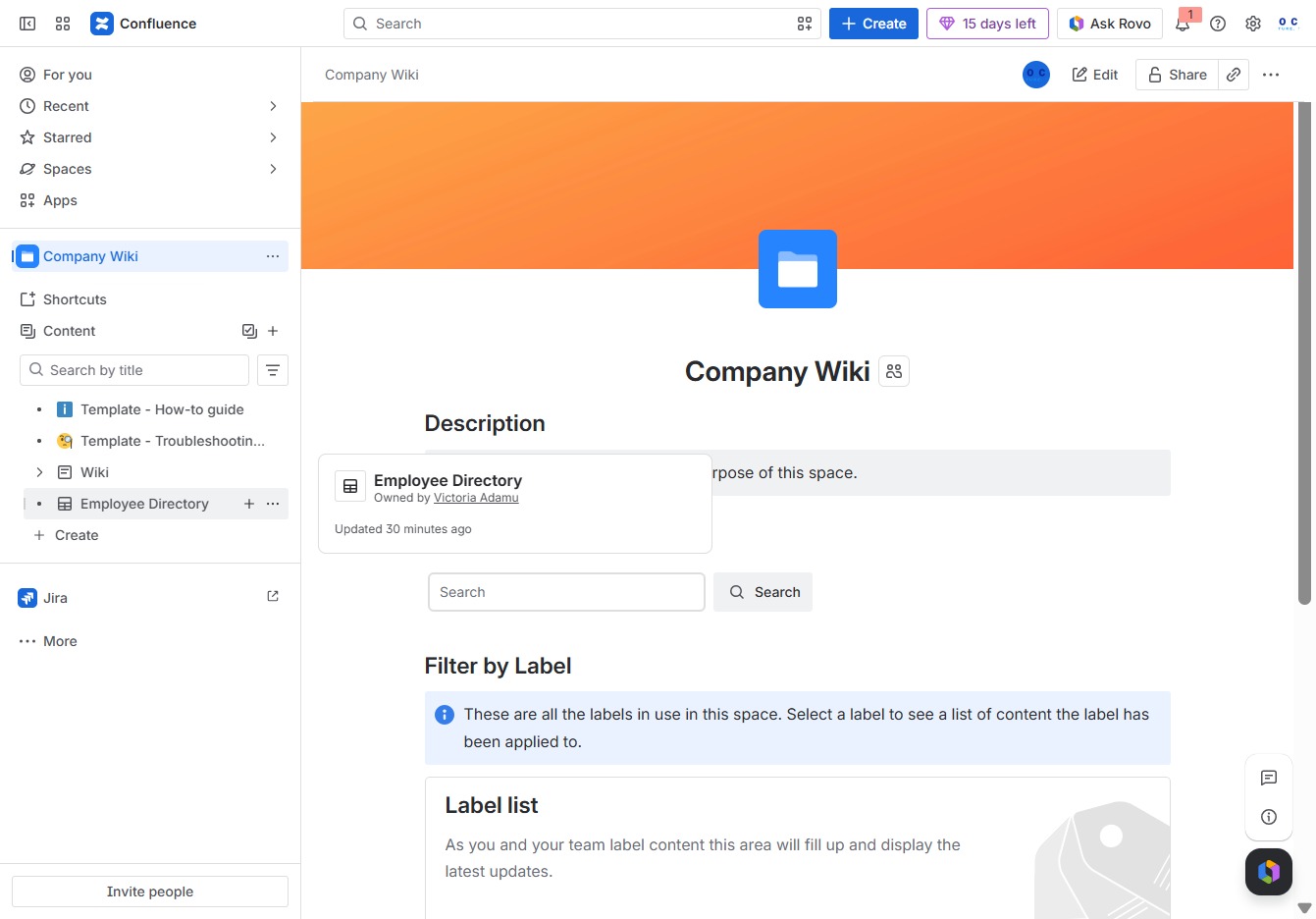
This action allows you to add a new view to the Employee Directory, enabling customization of displayed data according to your preferences.
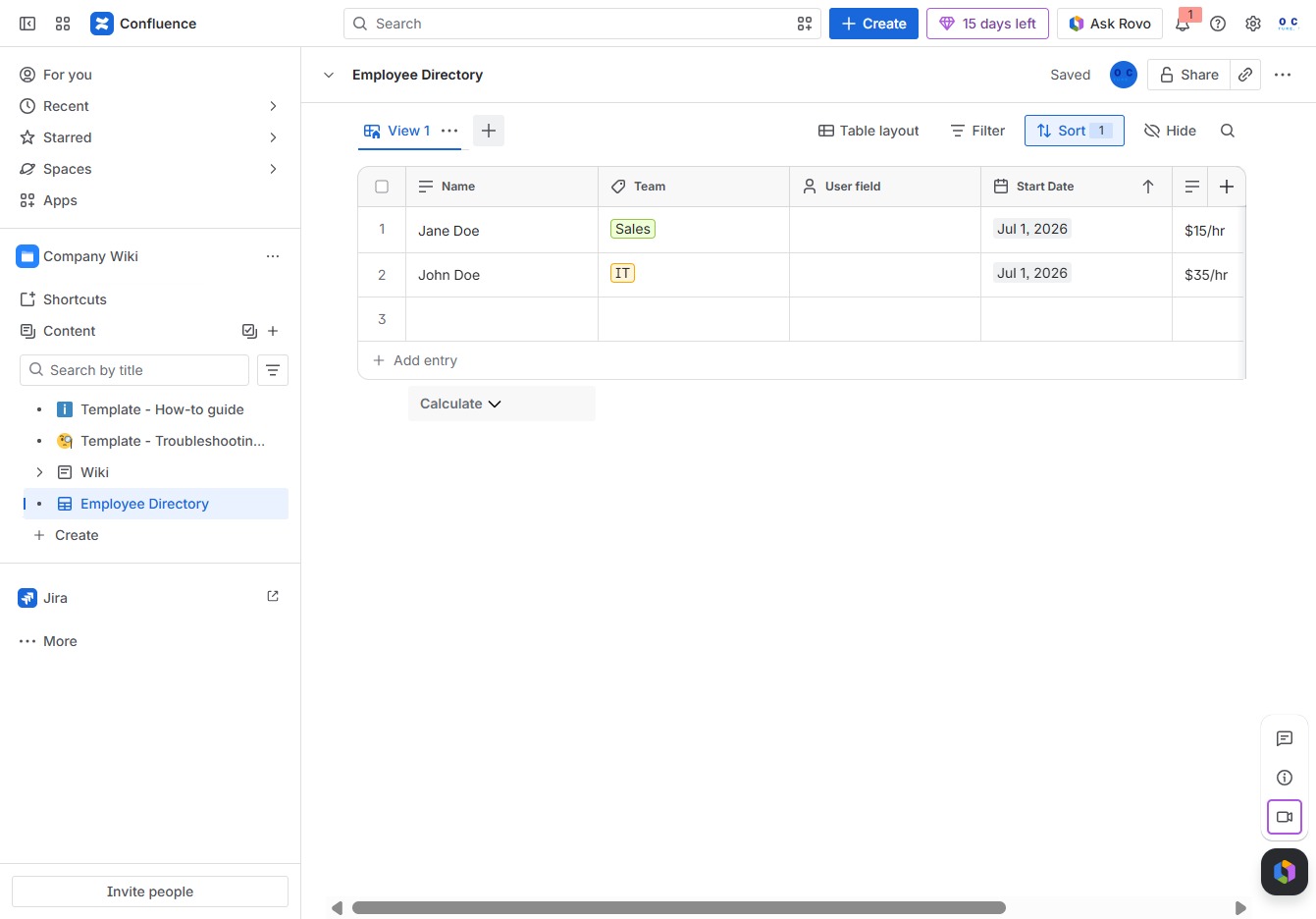
Selecting the Gallery option will display the directory of employees in a visually organized layout, allowing for easier navigation and review of employee information.

By clicking this area, you can initiate the process to add a new employee entry to the directory. This will open a form for entering details such as name, team, and rate.
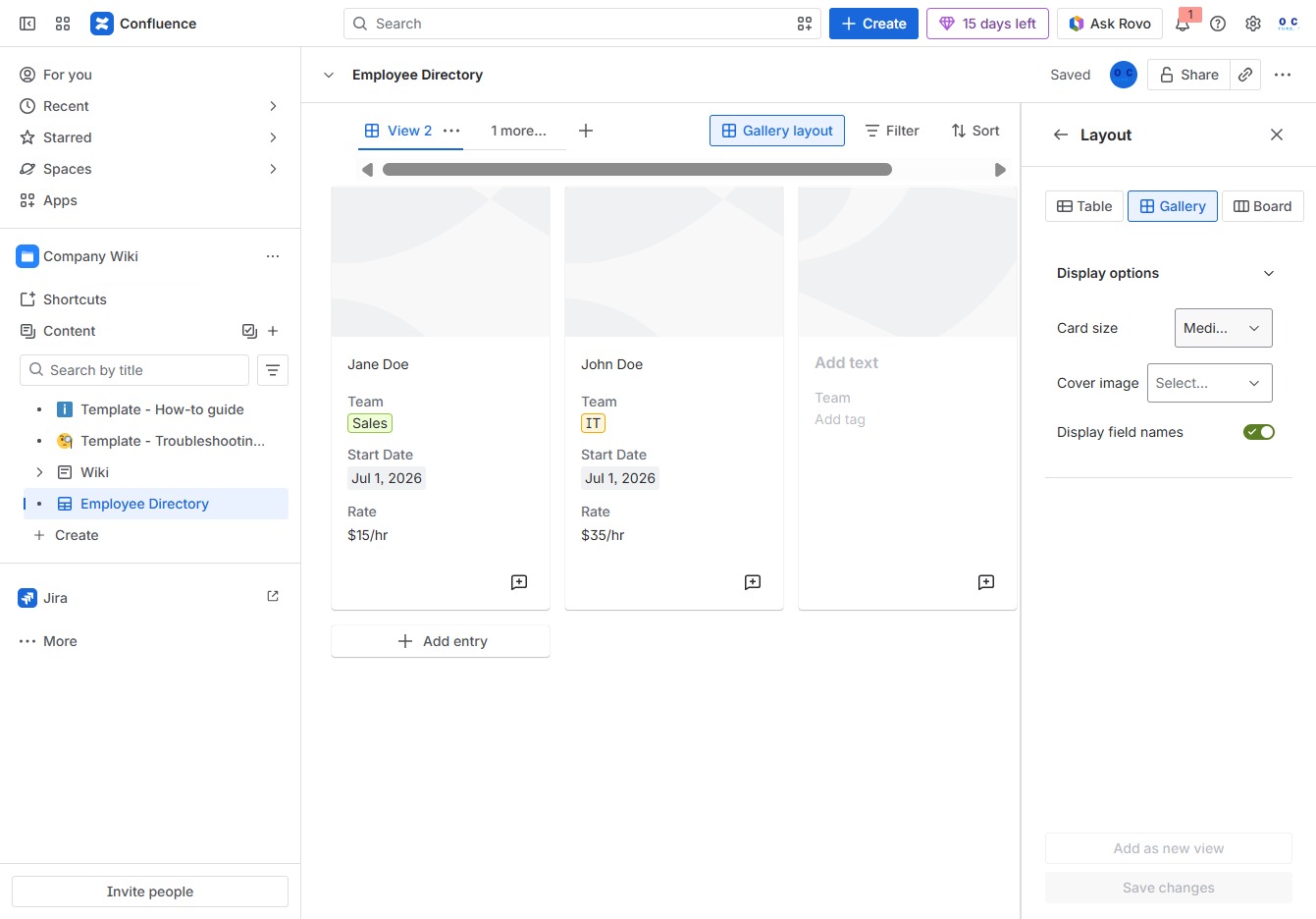
Selecting 'Small' adjusts the display size of employee cards in the Employee Directory, allowing for a more compact view.

By clicking this button, your edits to the Employee Directory layout will be saved, ensuring that the changes you made are applied.