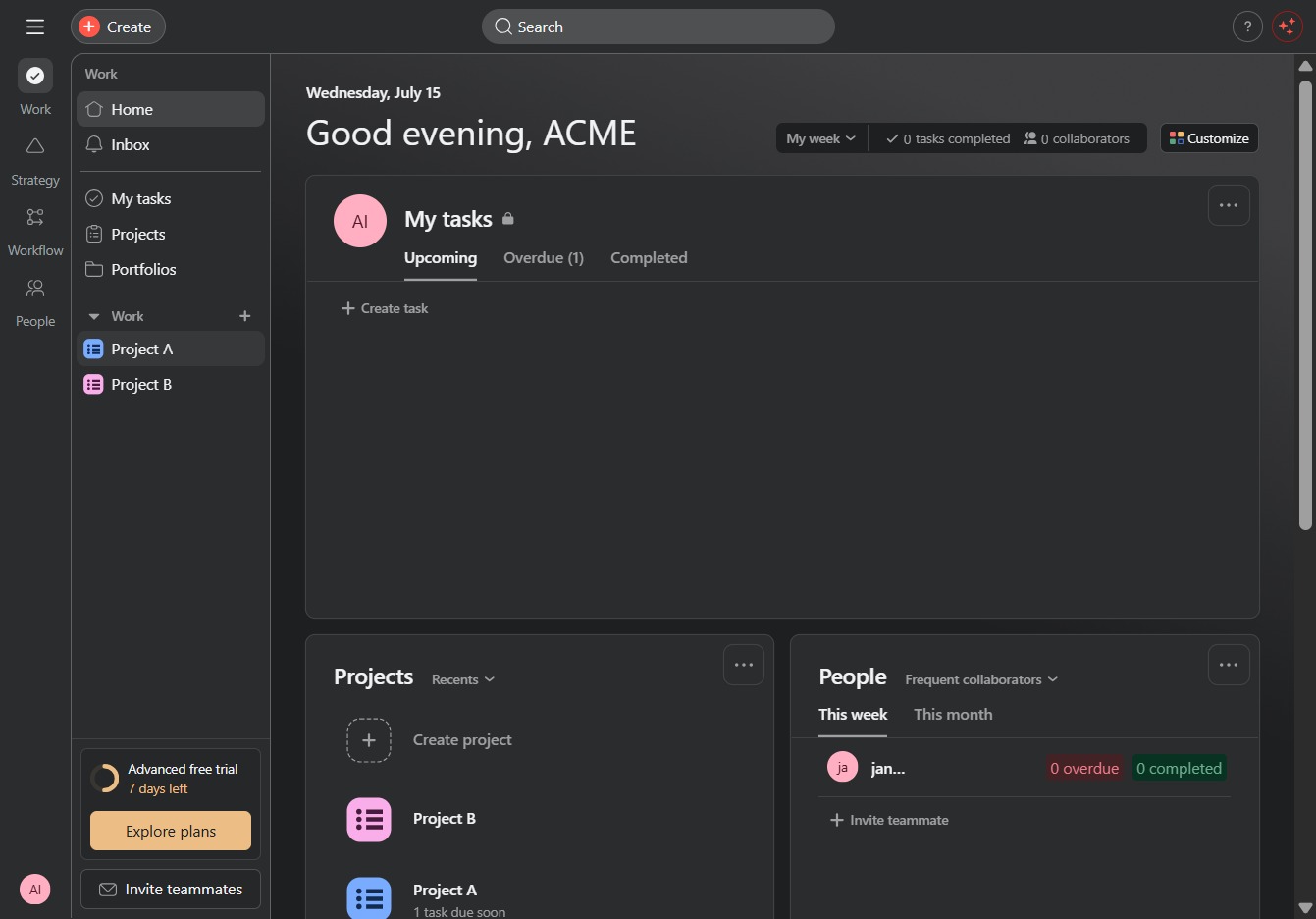
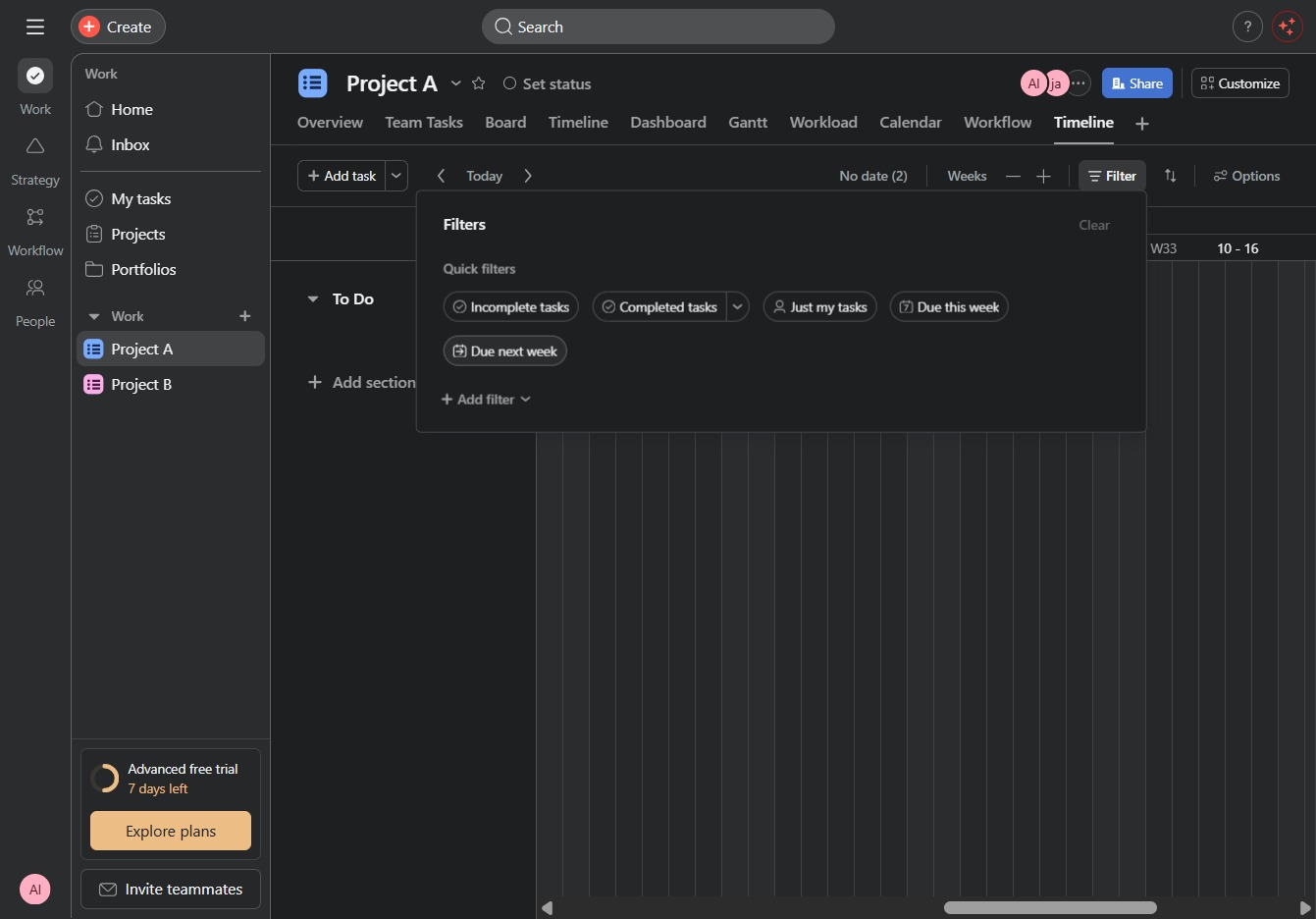
Click Project A
Clicking on 'Project A' opens the detailed view for this project, where you can manage tasks, collaborate with team members, and track progress.
Loading screenshot…
100%
In this how-to guide, you'll learn how to create custom views for your project, enabling you to manage tasks, collaborate effectively, and visualize deadlines.
 viktoria
In this how-to guide, you'll learn how to create custom views for your project, enabling you to manage tasks, collaborate effectively, and visualize deadlines. Follow the step-by-step instructions to set up task filters, navigate different project views, and save your preferred configurations for easy access in the future.
Clicking on 'Project A' opens the detailed view for this project, where you can manage tasks, collaborate with team members, and track progress.
This action will open a dialog for creating a new task within the project, allowing you to input details such as task name, assignment, and due date.
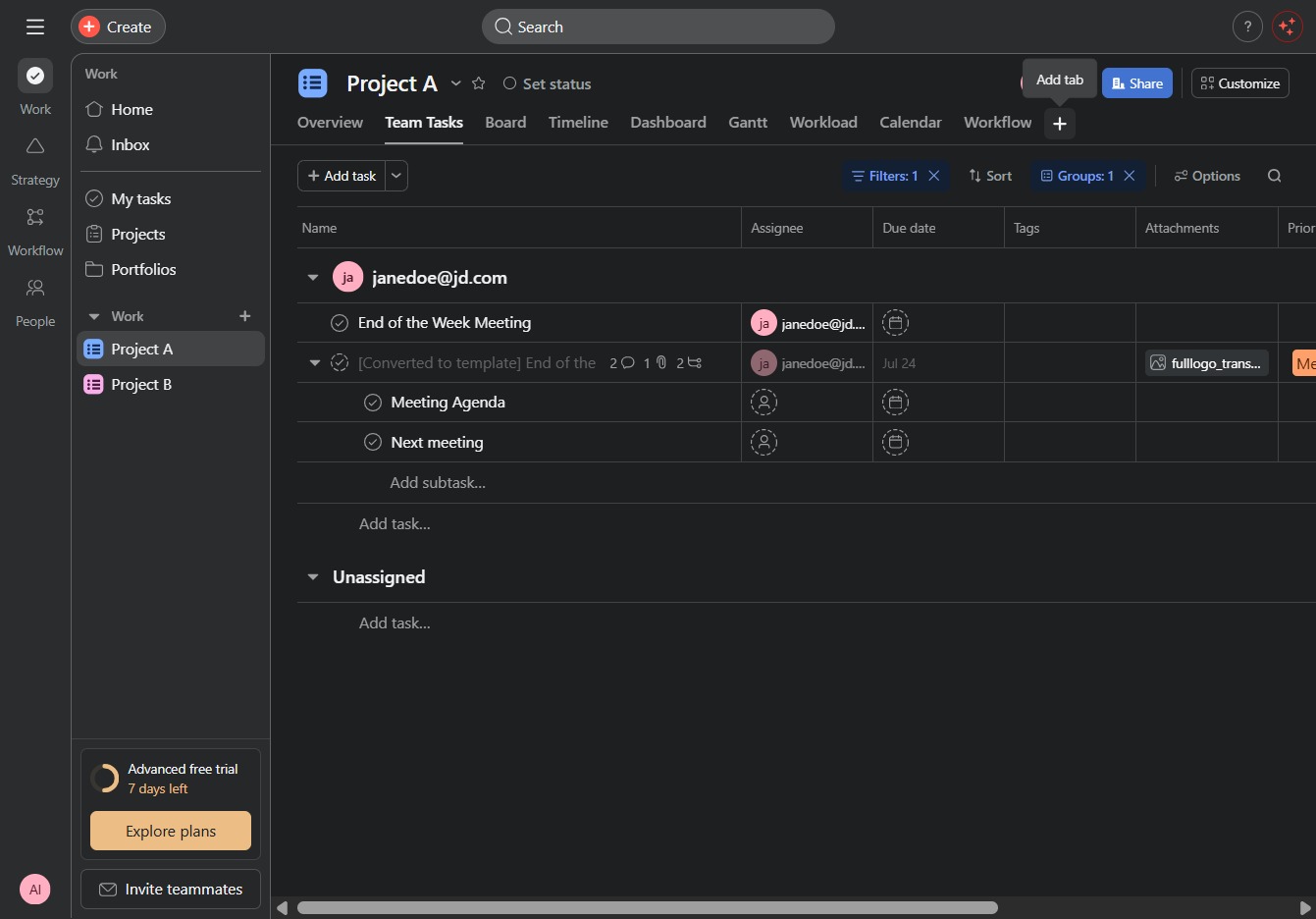
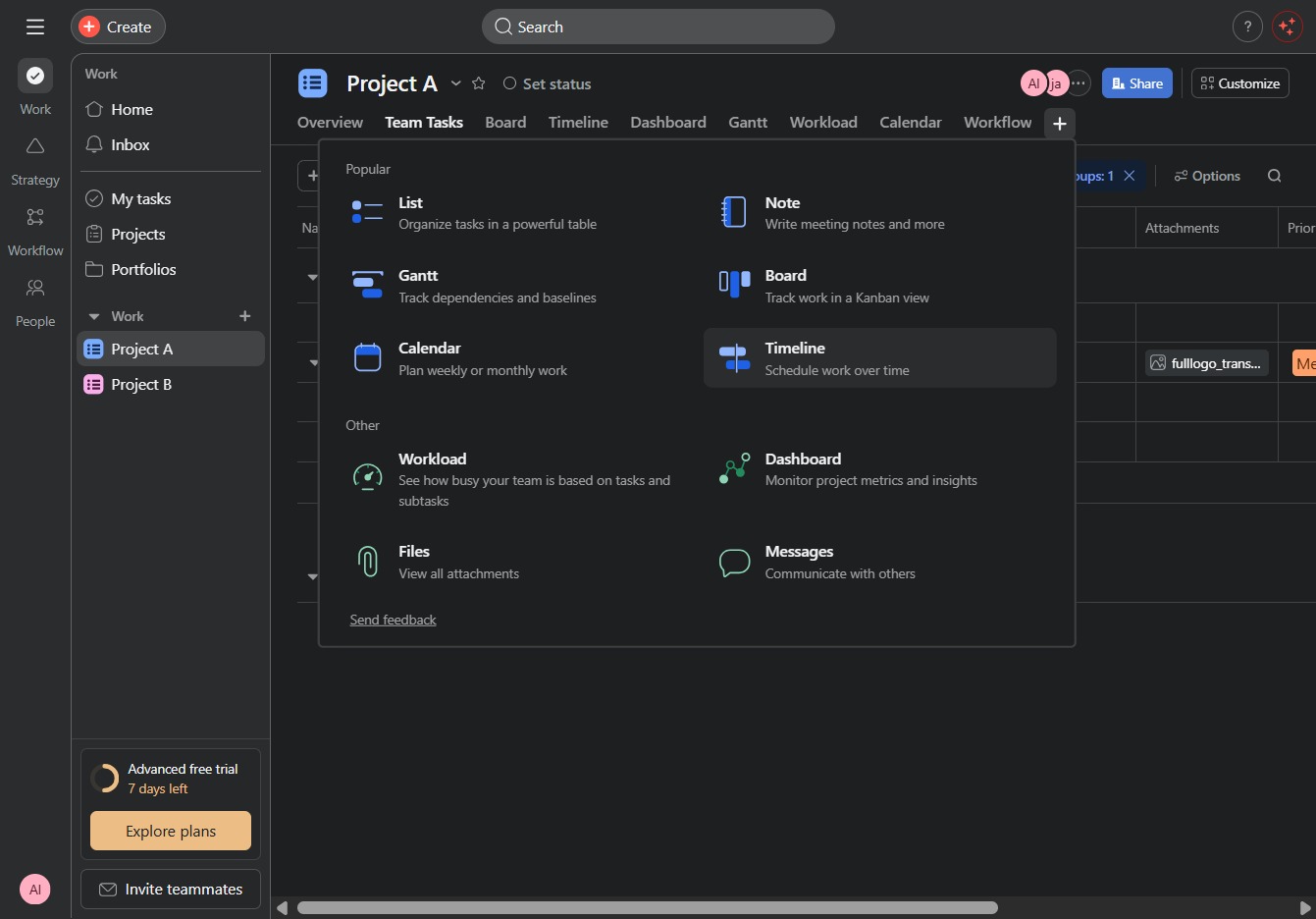
This will open the Timeline view, allowing you to visualize project tasks and their deadlines over time.
Selecting the Filter option allows you to refine the view of tasks within the project, enabling you to focus on specific criteria like status, due dates, or assignees.
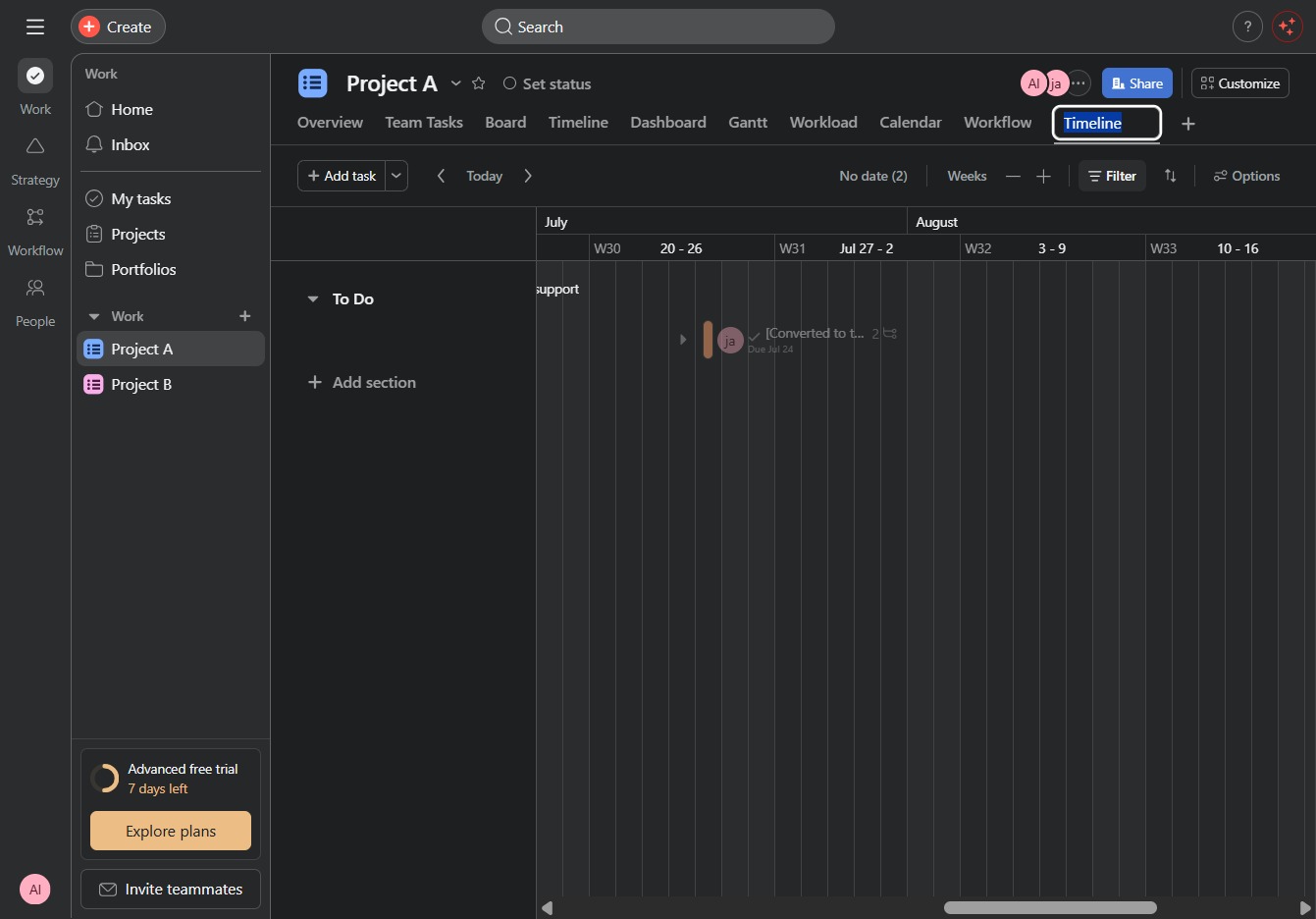
Selecting the 'Due next week' filter will display tasks scheduled for next week in your project timeline. This allows you to focus on upcoming deadlines and task management.
This action will save your current filter settings and view configuration, allowing you to easily access this specific task layout in the future.
