Geteilte Anleitung

How to create custom activity types

In this how-to guide, learn the step-by-step process to create custom activity types in your system.

victoriaworkflowsvictoriaworkflows
·8 Schritte·71 Aufrufe·Veröffentlicht

In this how-to guide, learn the step-by-step process to create custom activity types in your system. Follow the straightforward instructions to set up a new activity type, specifically designed for "Demo Call," and save your changes effortlessly.

Step-by-step Guide8 Schritte
  1. Click on "Click here."
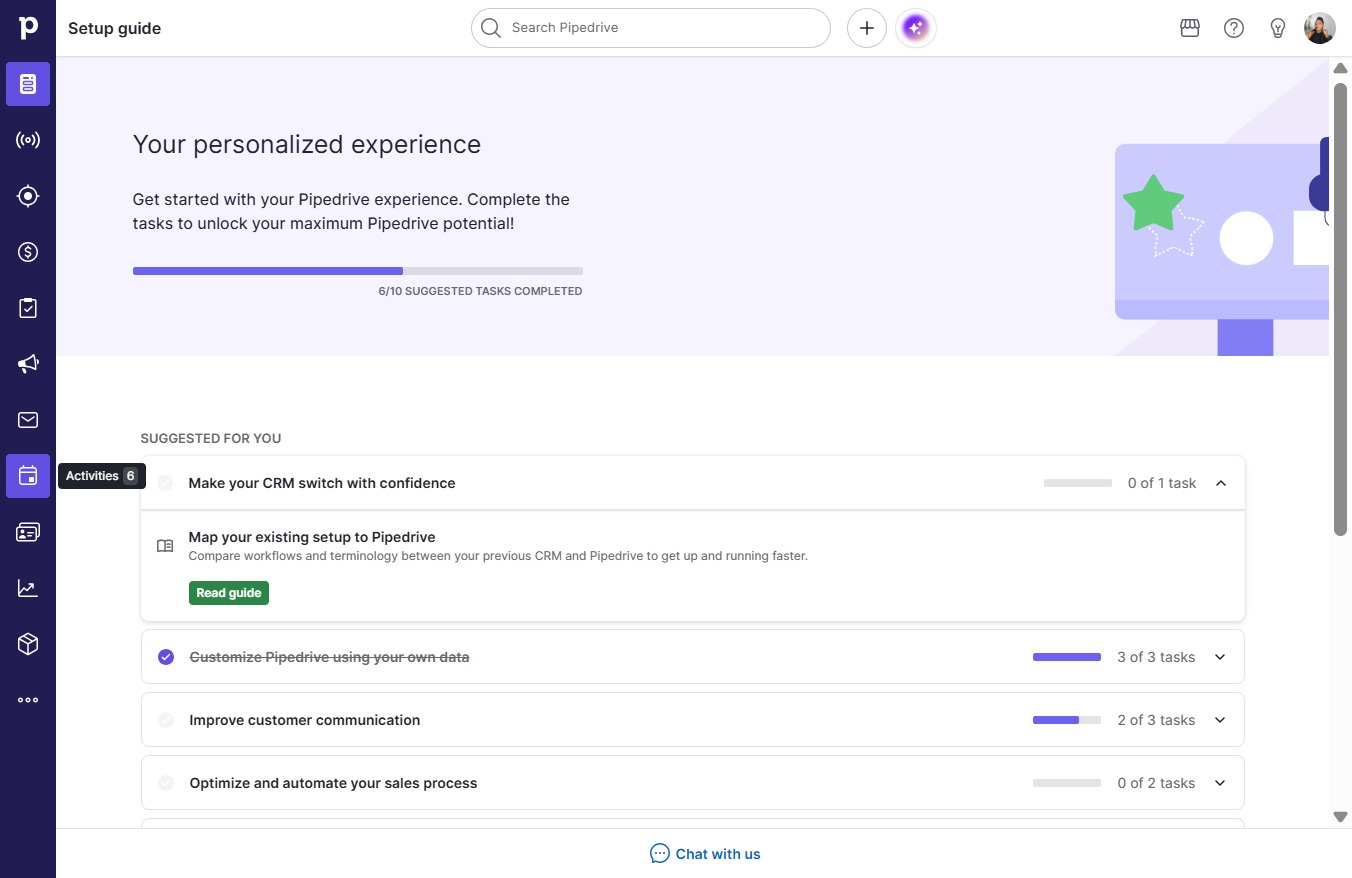
    Click on "Click here."
    Loading screenshot…
    100%
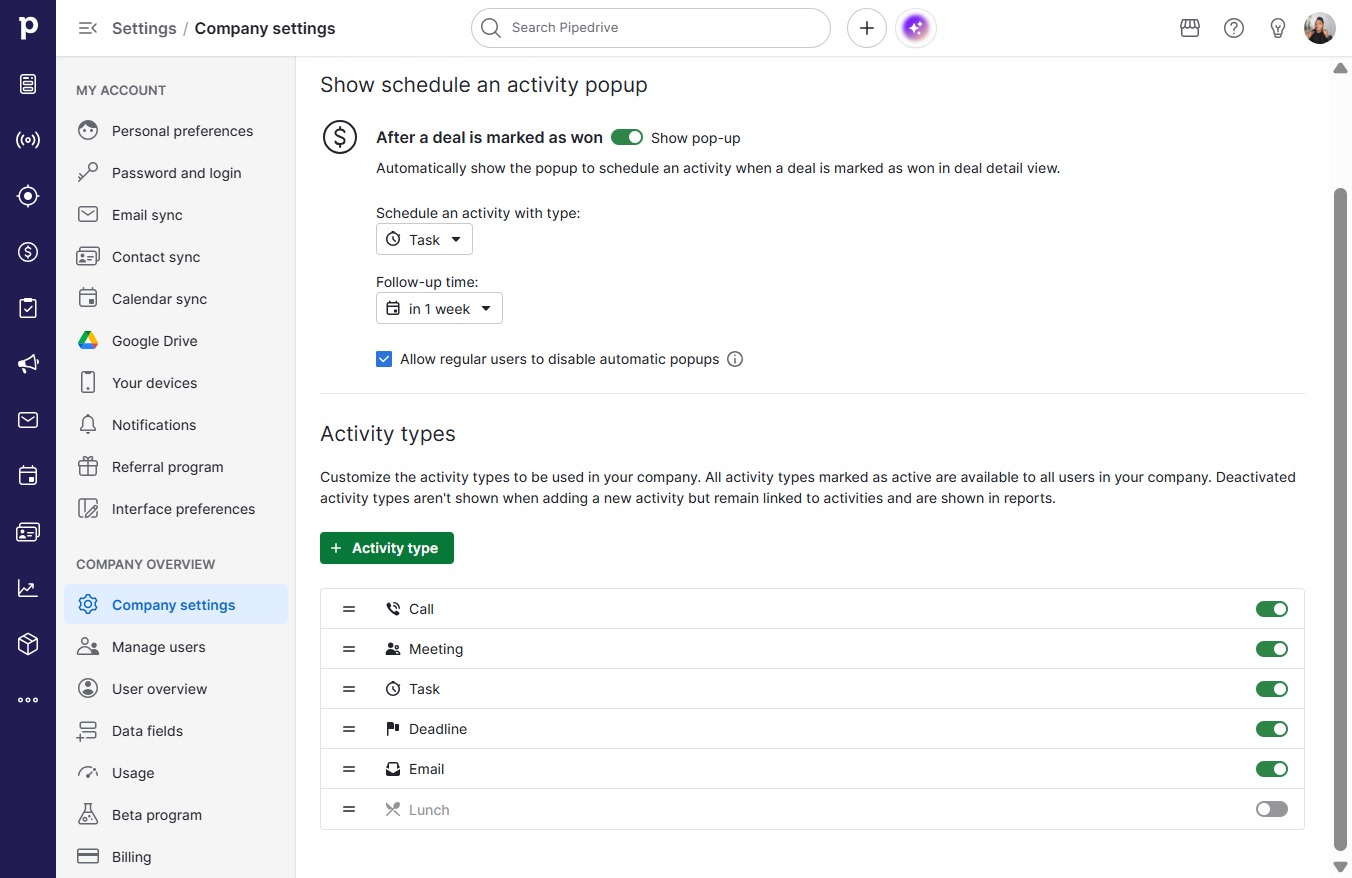
  2. Click Activity

    Click Activity
    Loading screenshot…
    100%
  3. Click on "Click here."

    Click on "Click here."
    Loading screenshot…
    100%
  4. Click Activity type

    Click Activity type
    Loading screenshot…
    100%
  5. Click on "Click here."

    Click on "Click here."
    Loading screenshot…
    100%
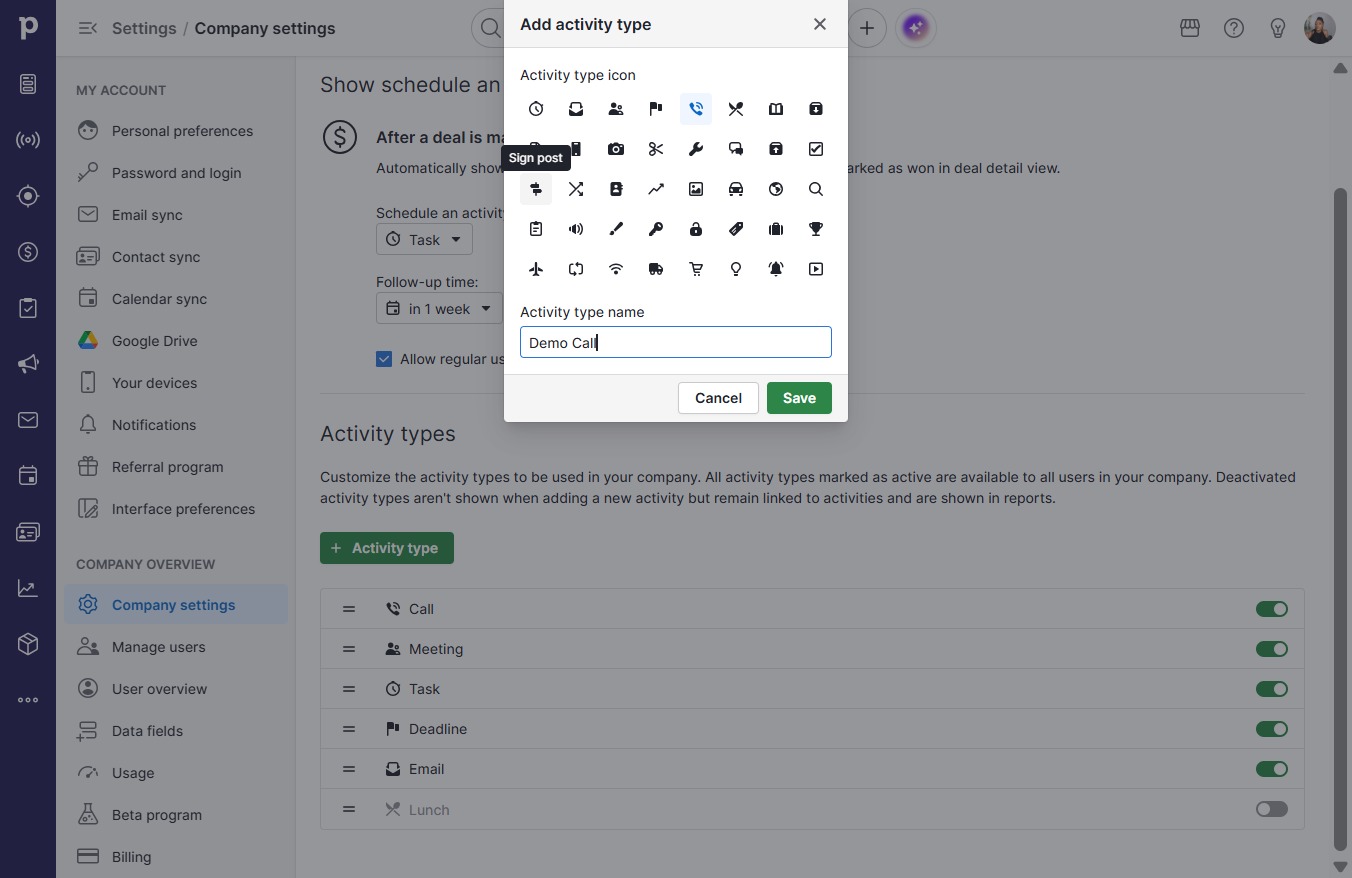
  6. Type "Demo Call"

  7. Click on "Click here."

    Click on "Click here."
    Loading screenshot…
    100%
  8. Click Save

    Click Save
    Loading screenshot…
    100%